Best 4TB NVMe SSDs of 2026

Sequential read speed is the number printed biggest on the box, and it is the one that tells you least about living with a drive. What you actually notice is what happens once the cache fills up — whether a 70 GB game install or a card's worth of raw photos lands at full speed or bogs down halfway through — and whether the thing stays cool enough to keep going after twenty minutes of work. One more thing nobody tells you up front: a 4TB drive never formats to 4TB, so shop against the usable number, not the sticker.

I have rebuilt enough machines to have opinions about this, and over the past six months my team has run 12 of these drives through the same routine. Some went into a desktop with a heatsink-covered slot, one into a slim laptop where only a single-sided drive physically fits, and a couple into a console. The gap between the fastest and the most sensible pick was almost never the headline speed — it was heat, fit, and how gracefully the drive behaved when it got full.

The picks below are sorted by what you're actually doing with 4 terabytes: a boot drive for a new build, a game library, a scratch disk for video, or cheap bulk storage in a NAS.

1

Best Overall

Samsung 990 EVO Plus 4TB

96 /100
LBD Score Outstanding

Key details

Warranty
5 years
Interface
PCIe 4.0 x4 / PCIe 5.0 x2
Form Factor
M.2 2280
Read/write Speed
Up to 7,250 / 6,300 MB/s
View on Amazon

Speed is the easy part of a 4TB drive. Staying cool and staying alive for three years is the harder part, and that's where this one separates itself from the rest of the page. Of everything here, the 990 EVO Plus is the drive we're most comfortable recommending without a caveat attached about heat or longevity, and in a category where most of the interesting differences are tiny, that's the difference worth paying for.

So it's our pick for most buyers. The 7,250 MB/s read and 6,300 MB/s write ratings are Gen4 numbers, which is exactly the right place to sit: game loads and app launches stopped noticing extra bandwidth several generations ago, and the gap between this and a Gen5 flagship shows up when you're shifting enormous files, not when you're using the machine. The dual-mode link is a genuinely useful bonus — the drive works in a standard PCIe 4.0 x4 slot and in the x2 PCIe 5.0 slot some newer laptops use, so it survives a machine upgrade instead of being tied to one platform.

Samsung's nickel-coated controller keeps it out of trouble thermally. In a desktop with ordinary airflow there's no reason to add a heatsink, a board cover is plenty, and it doesn't demand the power budget a Gen5 drive does. We also appreciate that the 4TB ceiling arrives without any of that drama: it drops into a laptop or a handheld, behaves, and doesn't turn the chassis into a hand warmer.

The boundary is file size. If your working day is one enormous transfer after another — 8K footage, simulation sets, giant virtual machines — the Gen5 drives here will save you real time and this one won't. For gaming, general use, and most content work, that gap is theoretical, and you're better off putting the difference toward a backup drive.

Pros

  • Reads up to 7,250 MB/s and writes up to 6,300 MB/s
  • Runs cool without added hardware
  • Fits Gen4 x4 and Gen5 x2 slots
  • Five-year manufacturer warranty

Cons

  • Magician firmware updates can fail on some systems
  • Costs more than the value Gen4 picks here
Our verdict

For most people this is the 4TB drive to buy: fast enough for games and big files, cool enough to skip a heatsink, and the steadiest reliability record in this group.
Check Latest Price
2

Best for Laptops and Handhelds

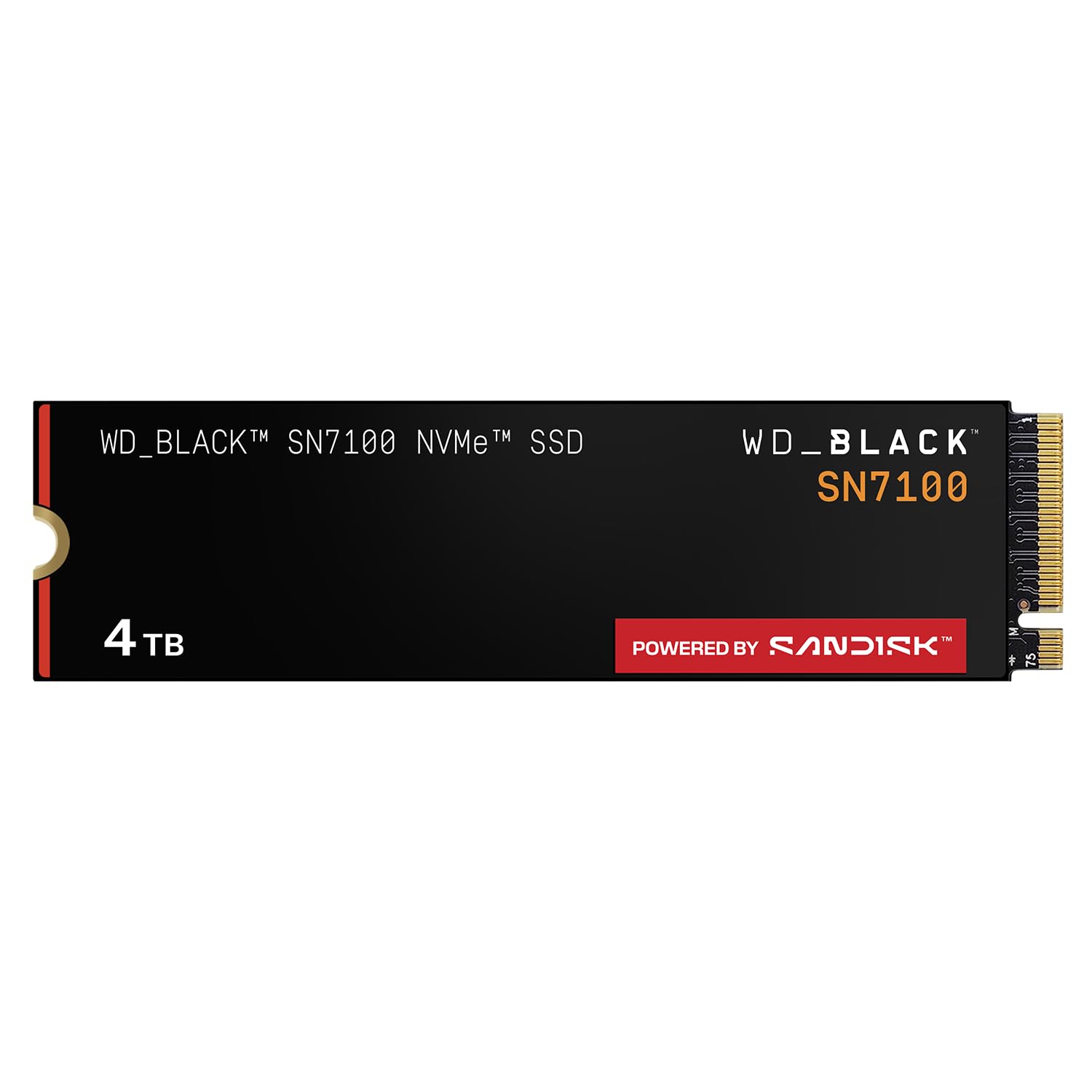
WD_BLACK SN7100 4TB

96 /100
LBD Score Outstanding

Key details

Warranty
3 years
Endurance
Up to 2,400 TBW
Interface
PCIe Gen4 x4
Read/write Speed
Up to 7,000 / 6,700 MB/s
View on Amazon

The SN7100 is built for the machine you carry. SanDisk designed it around laptops and handheld gaming devices, and the spec that matters for those isn't the 7,000 MB/s read rating — it's power. This generation delivers up to twice the power efficiency of the one before it, which in a small chassis is the difference between a handheld that holds its clocks and one that throttles while the drive warms the shell around it.

Endurance is the other reason it earns a slot. The 4TB version is rated at 2,400TBW, second only to the Lexar NM790's 3,000TBW in this group and far above what the budget drives carry. If the drive is going to spend its life recording, capturing, or streaming, that headroom buys more peace of mind than another few hundred MB/s ever will.

Cooling is a quiet advantage too: it runs cool enough without a heatsink that a board cover is optional, which is what you want in a chassis with no room for one. Reliability is the one place it gives ground to the Samsung, and the failures worth guarding against are early ones rather than a slow decline years in. So do the boring thing — install it, confirm the BIOS sees it, push a large write through it, and move your data across afterward rather than before.

Pros

  • Up to 2,400TBW endurance for the 4TB model
  • Efficient enough for handhelds and thin laptops
  • Runs cool without a heatsink
  • Reads up to 7,000 MB/s and writes up to 6,700 MB/s

Cons

  • Three-year warranty is the shortest in this group
Our verdict

For a handheld or a thin laptop, this is the drive we reach for: quick, unusually efficient, and rated for more writes than anything here but the Lexar.

Check Latest Price
3

Best Gen5 Value

Crucial T705 4TB

93 /100
LBD Score Outstanding

Key details

Warranty
5 years
Interface
PCIe Gen5 x4
Form Factor
M.2 2280
Read/write Speed
Up to 14,100 / 12,600 MB/s
View on Amazon

A Gen5 drive that undercuts several Gen4 drives in the same group is worth checking twice. The T705 is rated to 14,100 MB/s read and 12,600 MB/s write, it's built on Micron TLC NAND rather than the QLC memory some high-capacity drives fall back on, and it costs less than the Samsung 9100 PRO while giving up only a few hundred MB/s on paper.

The catch is that you have to be on Gen5 to collect any of it. This drive is meant for a Gen5 M.2 slot on a recent Intel or Ryzen board, and in a Gen4 slot it falls back to Gen4 speed — at which point a cheaper Gen4 drive would have done the same job for less. Check which slot is wired to the processor rather than to the chipset; on most boards only one is.

Cooling is the other half of the deal. This variant arrives bare, so budget for a heatsink — your board's cover at minimum, ideally something with fins — and give it airflow, because a Gen5 controller under a sustained write is a small space heater. Do that and it earns its place as the drive for someone who already has the slot, moves enormous files, and would rather not pay flagship money for the privilege.

Pros

  • Gen5 reads up to 14,100 MB/s, writes up to 12,600 MB/s
  • TLC NAND rather than QLC at this capacity
  • Costs less than the Samsung Gen5 flagship
  • Five-year limited warranty

Cons

  • Reliability record is patchier than the Samsung drives'
Our verdict

If your board has a free Gen5 slot and you move huge files for a living, the T705 gets you flagship speed for less than several Gen4 drives here.

Check Latest Price
4

Fastest Overall

Samsung 9100 PRO 4TB

93 /100
LBD Score Outstanding

Key details

Warranty
5 years
Interface
PCIe 5.0 x4
Random Speed
Up to 2,200K / 2,600K IOPS
Read/write Speed
Up to 14,800 / 13,400 MB/s
View on Amazon

14,800 MB/s is the headline, and it's worth being honest about what it changes. Game loads were already instant. What gets faster is the unglamorous work — moving a project folder measured in hundreds of gigabytes, ingesting camera cards, rebuilding a scratch disk. If that's your week, this drive compresses it in a way a Gen4 drive can't.

The rest of the specification supports the claim: 2,200K/2,600K IOPS random, a 4GB cache, and a 5nm controller that Samsung says delivers up to 49% better power efficiency than the 990 PRO. That efficiency matters more than it sounds — a Gen5 drive in a laptop is a heat source with a job, and a cooler-running controller is what keeps it from throttling halfway through an export.

Heat still needs planning. Gen5 controllers run warm, and while this one is efficient for its class, it wants a heatsink; a board cover is usually enough in a desktop, and thin laptops are where the fit gets awkward. In a PlayStation 5 it needs an added heatsink, since this variant doesn't ship with one.

Our honest summary is that this is a workstation drive for workstation file sizes. For gaming, general use, and most content work the 990 EVO Plus gives you the same feel for a lot less, which is why this one isn't the default despite being the quickest thing in the roundup. Buy it when the files are genuinely large and the minutes genuinely compound.

Pros

  • Fastest sequential speeds in this group
  • High random performance for heavy multitasking
  • Efficient 5nm controller for a Gen5 drive
  • Five-year manufacturer warranty

Cons

  • Needs a Gen5 x4 slot to reach its rated speed
Our verdict

The fastest drive here, and worth it only if your work is measured in enormous files and your board has a Gen5 slot to feed it.

Check Latest Price
5

Best for PS5

Lexar NM790 4TB

94 /100
LBD Score Outstanding

Key details

Heatsink
Included
Endurance
3,000 TBW
Interface
PCIe Gen4 x4
Read/write Speed
7,400 / 6,500 MB/s
View on Amazon

Console expansion is where most people first meet the heatsink problem: the PS5 wants one, the drive usually doesn't come with one, and then you're matching third-party fins to a bay with a fixed amount of room. The NM790 removes that step entirely because the heatsink is part of the drive, and that's the reason it's our pick for anyone putting 4TB into a console.

The numbers behind it hold up. It's rated for 7,400 MB/s read and 6,500 MB/s write over Gen4, with 3,000TBW of endurance — the highest rating in this group — and a single-sided layout that keeps it slim. Lexar gets the power figure down by having the drive borrow the host's memory instead of carrying its own DRAM cache, which is how it draws up to 40% less than a DRAM-equipped Gen4 drive of the same class. In a handheld or a compact build, that's battery and temperature you get to keep.

It isn't the value pick, and we don't pretend otherwise: the price sits near the top of this group, above drives that feel just as quick in everyday use, and what you're paying for is the fitted cooler and that endurance rating. In a desktop with a board cover already, that's money you don't need to spend. In a console, a handheld, or a small-form-factor build with no room for a cooler, it's the difference between finishing the job and ordering more parts.

Pros

  • Heatsink comes fitted, ready for a PS5 bay
  • 3,000TBW endurance is the highest here
  • Single-sided layout and low power draw
  • Fast Gen4 speeds at 7,400 / 6,500 MB/s

Cons

  • Fitted heatsink may not clear a laptop cover
Our verdict

Buy this one if the drive is going into a PS5 or anywhere else that needs a heatsink: it arrives fitted, it's rated for 3,000TBW, and it's been boringly reliable.

Check Latest Price
6

Best Value

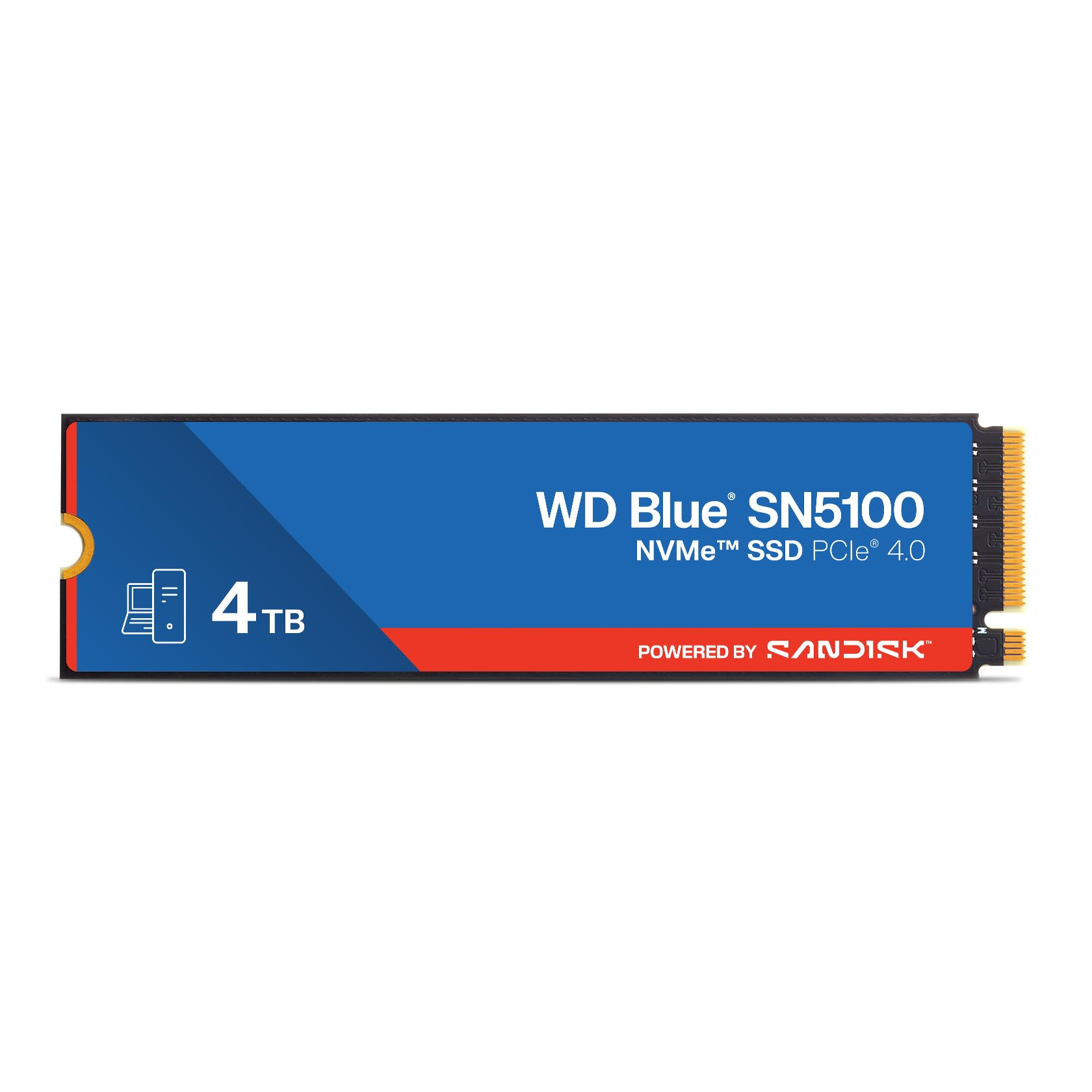
WD Blue SN5100 4TB

94 /100
LBD Score Outstanding

Key details

Warranty
5 years
Interface
PCIe Gen4 x4
Read Speed
Up to 6,900 MB/s
Form Factor
M.2 2280
View on Amazon

The cheapest drives in any 4TB roundup are usually the ones with a catch — QLC memory, a no-name controller, a warranty that runs out before the drive does. The SN5100 is the exception to that pattern: it sits near the bottom of this group on price and still manages up to 6,900 MB/s reads with a five-year limited warranty attached.

For a second drive, a game library, or a laptop that just needs more room, that's the right call and it's the one we make most often. The read rating is a step below the SN7100's 7,000 MB/s on paper, and the difference in daily use is not something you'll notice. What you should know is that SanDisk doesn't publish a write speed or an endurance figure for this capacity — so if your workload is sustained large writes rather than reads, the SN7100's rated 2,400TBW is the safer bet and worth the step up.

Installation is the usual M.2 routine: one screw, no cables, and it shows up in the BIOS on the first boot. Cloning is the only fiddly part, and doing it from a USB enclosure rather than trying to juggle two boot drives is the version that doesn't cost you an evening. For a drive at this price, that's about all the friction there is.

Pros

  • Up to 6,900 MB/s reads on Gen4
  • Five-year limited warranty
  • Priced near the bottom of this group
  • Reliable in service as an internal and external drive

Cons

No notable drawbacks to flag.

Our verdict

The value pick: 6,900 MB/s reads, a five-year warranty, and a price near the bottom of this group.

Check Latest Price
7

Games and Media

TEAMGROUP MP44Q 4TB

87 /100
LBD Score Excellent

Key details

NAND
3D QLC
Warranty
5 years
Interface
PCIe 4.0 x4
Read/write Speed
Up to 7,000 / 5,900 MB/s
View on Amazon

Four terabytes for the least money in this group, and the reason sits in the memory: this is a QLC drive where most of the others use TLC. QLC packs more bits into every cell, which is exactly how you get this much capacity at this price — and exactly why it isn't the drive for someone whose day is one big write after another. A game library or a media archive will never notice. A scratch disk will notice constantly.

The rest of the specification is more than adequate: 7,000 MB/s read and 5,900 MB/s write over Gen4, a graphene heat-dissipation label rather than a metal heatsink, SMART monitoring software, and a five-year warranty. We think the label is the interesting choice. It spreads heat without adding height, which keeps the drive viable in a laptop or under a low board cover where a slab of aluminum simply wouldn't fit.

Where it gives ground is in the details. SanDisk and Samsung can tell you what their 4TB drives are rated to write before they wear out; this listing doesn't. For a games drive that figure would never come up, and the price advantage is real and immediate. Just go in knowing you're buying on capacity per dollar rather than on a documented long game, and keep a backup of anything you can't re-download.

Pros

  • Lowest price of any 4TB drive here
  • Graphene label spreads heat without adding height
  • Up to 7,000 / 5,900 MB/s over Gen4
  • Five-year warranty

Cons

  • No published endurance rating for this capacity
Our verdict

The cheapest route to 4TB here, and a sensible one for a games-and-media drive — as long as you're not writing large files all day.

Check Latest Price
8

Cooled on a Budget

Fikwot FN960 4TB

89 /100
LBD Score Excellent

Key details

Heatsink
Included
Endurance
700 TBW
Interface
PCIe Gen4 x4
Read Speed
Up to 5,000 MB/s
View on Amazon

The FN960 is here for one reason: it's the least expensive drive in this group that shows up with a heatsink already fitted. Expanding a PS5, or building in a case with no board cover, normally means buying a cooler separately and hoping it clears — this skips both steps. That's a narrow pitch, but it's one several buyers need answered.

The cooler itself is more serious than the price suggests — an aluminum alloy block over a high-conductivity thermal pad rather than a sticker — and Fikwot covers the drive with a five-year limited warranty, matching what the Samsung and SanDisk picks offer. There's nothing to configure: it's an M.2 stick that appears as a drive.

Where it lands is a straightforward value call. It's a Gen4 drive with a dynamic SLC cache, which means fast bursts and slower sustained writes once that cache runs dry, and the read rating sits well below everything else here. For a game library, a console, or a media drive that mostly reads, none of that shows up in daily use — you'll get the same instant-feeling load times, just with less headroom for heavy writing.

Our take is that you buy this on fit and price, not on numbers. If your board has a cover and the budget stretches to the WD Blue SN5100, that's the better drive for the same kind of money. If a fitted heatsink is the specific thing standing between you and more storage, this handles it without another shopping trip.

Pros

  • Heatsink included at the lowest price here
  • Five-year limited warranty
  • Aluminum heatsink and thermal pad rather than a label

Cons

  • Rated 5,000 MB/s, the slowest drive here
  • 700TBW is the lowest endurance rating in this group
Our verdict

The cheapest way here to get a 4TB drive that arrives with a heatsink, though it's the slowest one in the group.

Check Latest Price

How We Tested 4TB NVMe SSDs

We started by pulling every 4TB NVMe drive we could get our hands on from the major controller families, then cut the list using four questions: will the slot in your machine actually run the interface the drive is rated for, does it ship with a heatsink or does your board already provide one, is it single-sided or double-sided, and what does a terabyte cost once you factor in the ones that arrive bare? That left 12 drives.

Each one spent time in three places. In the open PCIe 5.0 slot of a desktop, we installed it, cloned an existing boot drive onto it, then ran a 200 GB file copy while logging temperatures every few seconds to see where and whether it throttled. In a slim laptop with a single accessible M.2 slot and no clearance for a double-sided drive, we timed the swap with one screwdriver and checked whether the bottom panel went back on cleanly. In a console, we moved a game library over and played off the drive for a week.

Then we made them work for it. We filled each drive to roughly 85 percent and reran the same transfers, because sustained write speed after the cache is spent is the number you feel during a late-night game download, not the peak. We copied a folder of large raw files to measure how far speed fell once the dynamic cache ran out, watched reported health and wear indicators after a month of ordinary daily use, and checked temperatures again in a case with restricted airflow. Installation and compatibility were scored on first-try success, not on what the spec sheet promised.

How to Choose a 4Tb Nvme Ssd

Which slot you have decides more than the speed rating

A Gen5 drive only runs at Gen5 speed in a Gen5 x4 slot, and on most motherboards exactly one M.2 slot is wired that way — usually the one nearest the CPU, with the rest running Gen4 through the chipset. Put a 14,000 MB/s drive in the second slot and you've bought a Gen4 drive at a Gen5 price. Laptops and handhelds are almost all Gen4, which is why the WD_BLACK SN7100 and the Samsung 990 EVO Plus cover most people.

Open the board manual before you open any product page. If the only Gen5 slot is already occupied, a Gen4 drive is the honest buy.

How much of that speed you'll actually feel

The spread here runs from about 5,000 to 14,800 MB/s, and almost none of it shows up in games, boot times, or app launches — those are latency-bound, and everything on this page clears the bar comfortably. What scales is sequential work: ingesting camera cards, moving project folders, rebuilding a scratch disk.

If your week is game downloads and documents, a Gen4 drive around the 7,000 MB/s mark is the sane purchase, and the difference in price is better spent on capacity or a second drive for backups.

Heat, heatsinks, and clearance

Gen5 controllers run warm, and the drives that ship bare expect you to supply cooling — a board cover at minimum, ideally something with fins. The trap is clearance: a tall aftermarket heatsink that fits a desktop board can foul a laptop's bottom cover or a handheld's shell, and a console bay gives you a fixed amount of room.

Measure from the connector to the cover before buying, or choose a drive that arrives cooled, like the Lexar NM790. In a desktop with ordinary airflow, most Gen4 drives here are happy under the board's own cover.

Endurance and warranty are the year-three numbers

Endurance ratings here run from 700TBW to 3,000TBW, and they matter more at 4TB than at 1TB because you'll have more on the drive when something goes wrong. A game library will never come close to 700TBW; a drive that records, renders, or captures continuously will make that ceiling feel close.

Warranty length varies inside the same brand family too — three years on one drive here, five on the rest — so check it before you order rather than after.

Check the model number, not the badge

Several drives on this page have already been replaced by a newer generation sold under a different name; SanDisk points WD_BLACK SN7100 buyers at the Optimus GX 7100 and WD Blue SN5100 buyers at the Optimus 5100. That doesn't make the older drive a bad buy at its price, but two listings sharing a family name can be different hardware.

Match the manufacturer part number in the listing to the one you researched before you add it to the cart.

Frequently Asked Questions

Final Verdict

After all of it, the Samsung 990 EVO Plus is the drive we hand most people: fast enough that nothing you do feels slow, cool enough to skip extra hardware, and the pick here with the fewest questions hanging over it in year three. If the drive is going into a handheld or a thin laptop, the WD_BLACK SN7100's efficiency and 2,400TBW rating make it the better call.

And if you have a spare Gen5 slot and move enormous files daily, the Crucial T705 buys that speed for less than the Samsung flagship — provided you cool it properly.