Best NVMe SSDs of 2026

The biggest number on an NVMe drive's box is the one you'll almost never see again. That 7,450 MB/s figure — or 14,700 on the newest drives — is a burst, measured on an empty drive under ideal conditions. It says nothing about what happens four minutes into a 60GB folder copy, when the cache runs dry and a drive falls off a cliff.

What a good NVMe buys you is quieter than a benchmark: Windows and games open before your hand leaves the mouse, and big file moves finish instead of stalling. I've run my own machines off M.2 drives since they were a novelty, and my team and I have spent six months with 12 of them — boot drives, laptop upgrades, and a lot of game storage.

Two things trip up first-time buyers. A Gen 5 drive runs hot and needs the right slot to show any advantage — in a Gen 4 slot it just costs more. And a drive with a small cache stops behaving like its benchmark once it's half full. Below are the ones that held up on both counts.

1

Best Overall

Samsung 990 PRO 2TB

95 /100
LBD Score Outstanding

Key details

Capacity
2 TB
Warranty
5 years
Interface
PCIe 4.0 x4
Read/write Speed
7450/6900 MB/s
View on Amazon

The PCIe 4.0 interface runs out of road just under 8 GB/s, and the 990 PRO's 7450/6900 MB/s sits close enough to that ceiling that we treat it as the reference point for every other Gen4 drive here. Combined with 2TB, that's a drive you can put Windows, a game library, and a working project folder on without rearranging anything later.

Heat is the first thing we check on a fast drive. Under a long write this one warms up quickly, which is normal for the class and a non-issue in a desktop with any case airflow at all. In a thin laptop, or a mini-PC with the drive buried under the graphics card, plan on a heatsink — either the board's own plate or a slim aftermarket one.

The honest caveat is reliability. A drive that stops being recognized inside a year is a possibility with any fast SSD, this one included, and a five-year warranty only helps if you register the drive and keep a backup of anything you can't lose. Samsung's Magician software handles firmware and health monitoring, and it's the first thing we install on a new build.

Where it gives ground is price. The 9100 PRO asks similar money for double the sequential speed, and if you have a PCIe 5.0 slot that trade is worth taking. If you don't — which covers most laptops and plenty of desktops — that speed is theoretical, and this is the better-balanced of the two.

Pros

  • 7450/6900 MB/s is near the PCIe 4.0 ceiling
  • 2TB holds an OS, a library, and a scratch folder
  • Five-year manufacturer warranty

Cons

  • Premium price against the rest of the Gen4 field
Our verdict

What we tell most people to buy: near the top of PCIe 4.0, 2TB of room, and a five-year warranty.

Check Latest Price
2

Fastest (PCIe 5.0)

Samsung 9100 PRO 2TB

93 /100
LBD Score Outstanding

Key details

Capacity
2 TB
Warranty
5 years
Interface
PCIe 5.0 x4
Read/write Speed
14700/13400 MB/s
View on Amazon

Roughly double the sequential speed of anything else on this page is the headline: 14,700 MB/s reads, 13,400 MB/s writes, and random performance to match. That only happens on a PCIe 5.0 x4 slot, which rules out most laptops and a fair share of desktops, so the first thing to read is your board's spec sheet rather than the drive's.

For the person who can use it — a Gen5 desktop, a workstation chewing through multi-gigabyte project files, a pipeline where minutes compound — we think it justifies its place at the top of the range. The 5nm controller is measurably more efficient than the 990 PRO's, and the 2GB LPDDR4x cache keeps heavy parallel jobs from stuttering. For everyone else the extra speed is a number on a box.

Heat is the other half of Gen5. This listing is the bare drive, and Samsung's own PS5 compatibility note assumes you add a heatsink. In a desktop with a board heatsink and real airflow that's an easy afternoon; in a cramped build it's the difference between peak speed and throttled speed, which is worth knowing before the drive arrives.

Pros

  • 14700/13400 MB/s
  • 2GB LPDDR4x cache for heavy parallel work
  • More efficient controller than the 990 PRO

Cons

  • Premium price only a PCIe 5.0 platform can justify
Our verdict

It's the drive we recommend to anyone building on PCIe 5.0 — nothing else here comes close on sequential speed.

Check Latest Price
3

Best Value Gen4

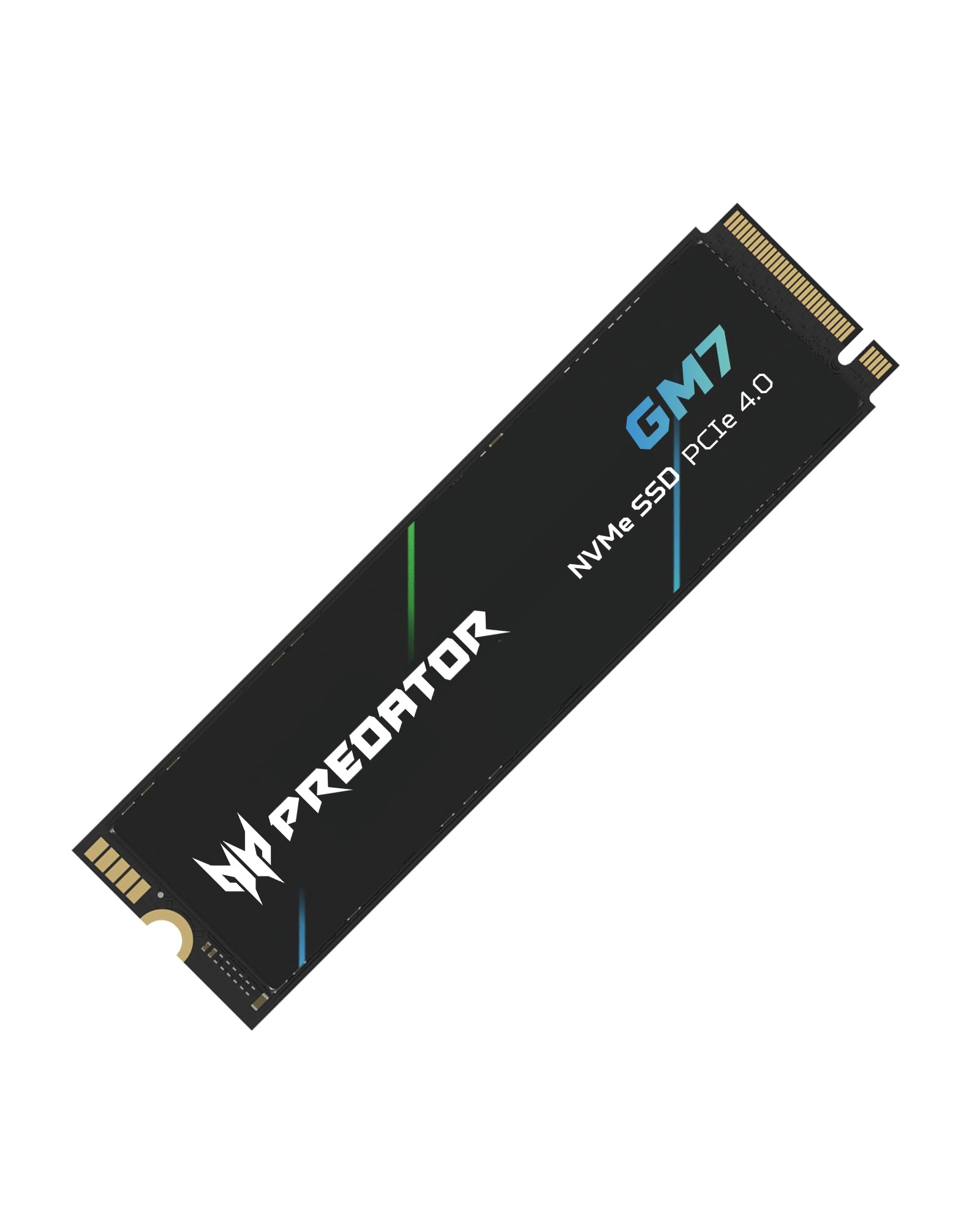
Acer Predator GM7 1TB

92 /100
LBD Score Outstanding

Key details

Capacity
1 TB
Warranty
5 years
Interface
PCIe 4.0 x4
Read/write Speed
7400/6500 MB/s
View on Amazon

A 1TB Gen4 drive at 7400/6500 MB/s that costs less than several slower drives in this guide — that's the whole pitch, and it's why the GM7 is what we point to for a first build or a laptop refresh. Nothing about it feels like a compromise until you push a very large file at it.

It's DRAM-less, borrowing a slice of system memory through HMB instead of carrying its own cache chip, and it leans on an SLC cache for burst writes. That's how Acer gets to this price. For Windows, apps, and game installs — read-heavy work — we never found the arrangement wanting, and the thermal throttling and power management keep it from cooking inside a laptop.

The five-year warranty is the same length Samsung and SanDisk offer, and Biwin's management software covers firmware and health, so nothing about the support story is cut-rate. If your board has a Gen4 slot and you want one fast terabyte without flagship money, this is the one to put in the basket.

Pros

  • 7400/6500 MB/s for less than slower drives here
  • Runs cool enough for a laptop
  • Five-year warranty at a midrange price

Cons

  • Write speed drops once the SLC cache fills
Our verdict

Our value pick for a Gen4 build: flagship-adjacent speed at a price that undercuts several slower drives.

Check Latest Price
4

Best for Large Files

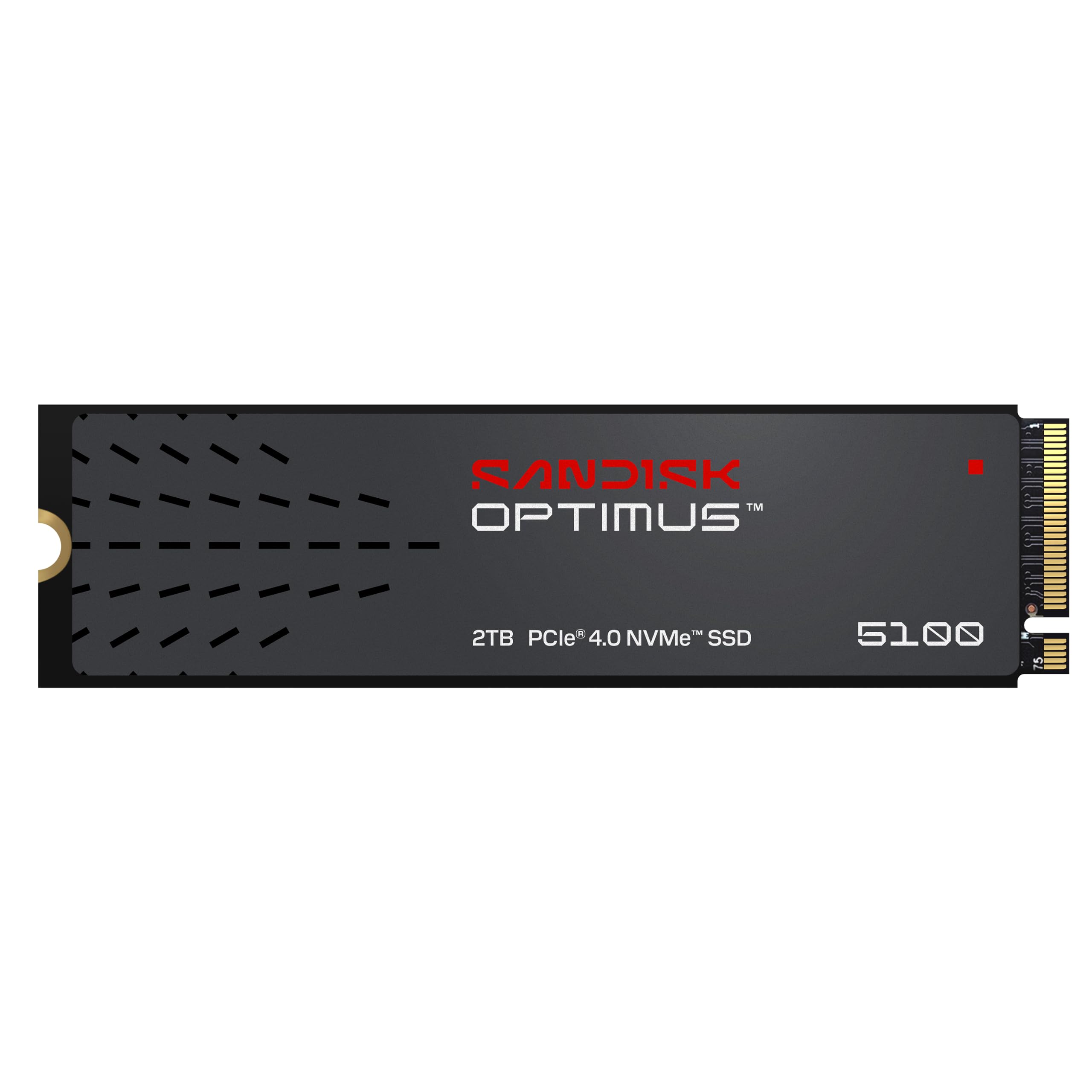
SanDisk Optimus 5100 2TB

90 /100
LBD Score Outstanding

Key details

Capacity
2 TB
Warranty
5 years
Interface
PCIe 4.0 x4
Read/write Speed
7100/6700 MB/s
View on Amazon

Video editors and photographers buy storage by the terabyte, and the drive that matters is the one that doesn't fall over halfway through a huge transfer. The Optimus 5100 reads at 7100 MB/s and writes at 6700 MB/s, and SanDisk builds it on its own flash with a power-efficient controller aimed at laptops as much as towers.

The 2TB version is the sweet spot in a family that runs from 500GB to 4TB, and endurance scales with it — SanDisk quotes up to 1,200 TBW at the top of the range, so the smaller drives sit below that figure. The five-year limited warranty is standard for this class, and the Dashboard app handles firmware and health checks.

What we paid attention to is how little it asks of you. The controller is designed for low power, there's no exotic cooling requirement, and nothing about the install differs from any other M.2 stick. That unglamorous quality is what you want from the drive your work lives on.

Against the 990 PRO it gives up a little sequential speed and keeps a real price advantage, which is the right trade when the drive is a work tool rather than a toy. It's the pick here for anyone whose storage has to carry a project folder and a backup at once without either one being the compromise.

Pros

  • 7100/6700 MB/s with a power-efficient controller
  • 2TB on the same flash SanDisk builds elsewhere
  • Five-year limited warranty

Cons

  • A step behind the 990 PRO on paper
Our verdict

The drive we trust for a working machine that has to hold a project, a backup, and the OS at the same time.

Check Latest Price
5

Best Budget Gen4

Kingston NV3 1TB

95 /100
LBD Score Outstanding

Key details

Capacity
1 TB
Interface
PCIe 4.0 x4
Read/write Speed
6000/4000 MB/s
Included Software
Acronis cloning
View on Amazon

The NV3's 4,000 MB/s write rating is the lowest of the Gen4 drives here, and it's the first thing to be straight about: this is a drive built to a price. What it has is 6,000 MB/s of read speed, which is the half of the specification you actually feel when Windows loads and games launch.

That makes it our budget Gen4 pick, because the money goes where it gets used. It runs cool, it installs like any other M.2 stick, and it's backward compatible with Gen3 slots, so it's a sensible buy for a machine that was never going to saturate it. If you routinely write large files to the drive, the 4,000 MB/s ceiling is the number to weigh.

Kingston bundles Acronis cloning software, which saves an evening and a fiddly third-party tool when you're moving an existing Windows install across. The wrinkle is Mac compatibility, which is inconsistent enough that a MacBook owner should confirm the slot and the drive before committing.

Pros

  • 6,000 MB/s reads at a budget price
  • Runs cool under load
  • Acronis cloning software included

Cons

  • Mac compatibility is inconsistent
Our verdict

We recommend it for the machine that needs fast reads more than fast writes, and a budget that reflects it.

Check Latest Price
6

Best Cheap 2TB

WD Green SN350 2TB

95 /100
LBD Score Outstanding

Key details

Capacity
2 TB
Warranty
3 years
Interface
PCIe 3.0 x4
Read Speed
3200 MB/s
View on Amazon

Not every slot needs 7,000 MB/s. The SN350 is a Gen3 drive at 3,200 MB/s, which makes it the wrong buy for a new Gen4 build and a very good one for an older laptop, a second M.2 slot that only holds a game library, or a mini-PC that shipped with a hard drive.

It's QLC flash, which trades write endurance for cost per gigabyte. Read that as a workload note rather than a warning: it's fine as a boot and library drive, and it's the wrong tool for video scratch work or anything writing continuously. The three-year warranty is shorter than the five years most of this group carries, and it fits the price.

Cool running is the other point in its favor. There's no heatsink to fit, no throttling drama in a thin chassis, and it slips into a slot with almost no clearance above it. For a laptop you're reviving rather than a desktop you're showing off, that's the right set of priorities.

Two terabytes is the reason to buy it, and a big drive at Gen3 speed beats a small one at Gen4 speed once the games stop fitting. If you do have a Gen4 slot and the budget for it, the Acer Predator GM7 is the faster purchase for the same job, and we'd point a new build there first.

Pros

  • 2TB for less than any other two-terabyte drive here
  • Runs cool with no heatsink needed
  • Fits older laptops and second M.2 slots

Cons

  • Gen3 speed caps it below the Gen4 drives
  • QLC flash with a three-year warranty
Our verdict

Capacity beats speed in an older machine, and this is the cheapest two terabytes we cover.

Check Latest Price
7

PS5 Upgrades

SIX X7400 1TB

90 /100
LBD Score Outstanding

Key details

Capacity
1 TB
Heatsink
Included
Interface
PCIe 4.0 x4
Read Speed
7350 MB/s
View on Amazon

Most drives in this group arrive as a bare stick and you buy the heatsink separately. The X7400 comes with one, plus a screwdriver kit and a quick start guide — small things that matter at nine in the evening when the only screw you have is the wrong length.

The drive itself is a 1TB Gen4 part quoted at 7350 MB/s reads, which puts it in the same conversation as the Acer and the Samsung on paper. The heatsink is the piece to inspect: it's a thin plate, and how it fastens matters in a vertical mount, where the plate carries the drive's weight rather than resting on it.

For a PS5 or a desktop where cooling would otherwise be an extra purchase, the bundle is the reason to pick this one, and the five-year warranty covers the drive itself. On a PS5 Slim, check the fit before you commit — that's the build where heatsink height and drive thickness get tight, and it's the one caveat we'd flag to a console owner.

Pros

  • Heatsink and screwdriver kit in the box
  • 7350 MB/s Gen4 read speed
  • Five-year limited warranty

Cons

  • Heatsink fastens awkwardly in a vertical mount
Our verdict

We like it for the bundle as much as the drive: a heatsink and toolkit in the box, at a Gen4 price.

Check Latest Price
8

Tight Budgets

Patriot P320 512GB

88 /100
LBD Score Excellent

Key details

Capacity
512 GB
Warranty
No warranty listed
Interface
PCIe 3.0 x4
Read/write Speed
3000/2200 MB/s
View on Amazon

Three thousand megabytes per second and 512GB for the least money in this guide. The P320 is Gen3, NVMe 1.3, and about as plain as an SSD gets — no heatsink, no software bundle, and no claims about Gen4 headroom it can't deliver.

Where it earns a place is the machine nobody wants to spend money on: an office desktop on its last legs, a Linux box, a spare build for the kids. Cloning an old hard drive onto it is the difference between a computer you avoid and one you use, and that jump is far bigger than the one from this drive to a Gen4 model.

The catch sits on the listing itself: the warranty field reads no warranty, which is worth knowing before you trust a drive with anything. For a throwaway build, or a machine whose files live in the cloud, that's an acceptable trade. For anything you care about, spend a little more and take the WD Green SN350 instead.

Pros

  • The lowest price in this guide
  • 3000/2200 MB/s is plenty for an older machine
  • Straightforward install in a standard M.2 slot

Cons

  • No warranty listed
  • Gen3 speed and only 512GB of space
Our verdict

Our pick for a machine you're keeping alive rather than upgrading, provided nothing on it is irreplaceable.

Check Latest Price

How We Tested These NVMe Drives

We started with a list of roughly 40 drives and cut anything that wasn't a standard M.2 2280 stick — no odd lengths, no adapters. From there we filtered by PCIe generation, capacity, whether a heatsink came in the box, and price per usable terabyte, which left 12 drives. Each one spent six months in a working machine: my desktop as a boot drive, a couple of laptops as single-drive upgrades, and one living almost entirely off game installs.

Installation got graded first, because a drive that fights you is a bad drive for most people. I cloned the same 1TB Windows install onto each one and timed it end to end, noted whether the drive appeared in the BIOS on the first boot, and whether the bundled cloning software actually worked or just pointed at a download page. Then came the sustained writes: a 65GB game folder copied onto each drive while we watched where the transfer rate fell off, plus boot times to the login screen and level loads in the same three games.

Thermals and capacity were where the cheaper drives separated. We ran a 100GB continuous write and logged the temperature every 30 seconds to see which drives throttled and by how much, then repeated it in a thin laptop with no airflow to find out what a sticker-thin heat spreader really does. Every drive was also filled to 80 percent and retested, because a small cache stops helping once the drive is crowded, and we formatted each one fresh to see how much of the advertised capacity survived. Six months of daily use covered the rest: drives that dropped out after sleep, SMART warnings, speeds in a Gen 3 slot versus a Gen 5 slot, and whether the extra money bought anything I could actually feel.

How to Choose an Nvme Ssd

Match the drive to the slot first

A PCIe 5.0 drive in a Gen4 slot runs at Gen4 speed, and a Gen4 drive in a Gen3 slot runs at Gen3 speed. Nothing breaks and nothing warns you — you simply pay for performance you never see. Pull the board or laptop spec sheet and find the generation of the M.2 slot you plan to fill.

The trap on older machines is the SATA-only M.2 slot: same connector, no NVMe support, no drive on this page will work in it. On a Gen3 slot the WD Green SN350 makes more sense than anything faster; on Gen5, the Samsung 9100 PRO is the only drive here that uses the bandwidth.

What the sequential number actually tells you

Every drive here leads with a peak sequential read, and it's the number least connected to how the machine feels. Loading Windows, launching apps, and opening a game are short, read-heavy bursts, which is why a DRAM-less drive such as the Acer Predator GM7 still feels quick in daily use.

Sustained writes are where the hierarchy shows itself. Drives without their own DRAM, and drives with a small SLC cache, drop speed once that cache fills. If you move large folders for a living, buy on sustained behaviour and capacity; if you mostly load things, buy on reads.

Capacity, endurance, and what you actually need

Capacity and endurance travel together. Bigger drives in a family usually carry higher TBW ratings and more spare blocks to absorb wear, so a 2TB drive under the same workload outlasts its 1TB sibling. For Windows plus a game library, 1TB is a workable floor and 2TB is comfortable; below 512GB you're managing space rather than using the machine.

The counter-trap is buying capacity you won't fill. If the drive only ever holds an OS and a browser, the money is better spent on a longer warranty and a better controller than on empty terabytes.

Heat, heatsinks, and where the drive lives

Gen4 drives warm up under sustained writes and Gen5 drives warm up more. A tower with any airflow handles it, and most current boards ship with an M.2 heatsink already fitted. Thin laptops and mini-PCs are the tight cases — check the clearance above the slot before adding a tall plate, because one that fouls the bottom panel is worse than none.

A PlayStation 5 install requires a heatsink, so budget for one: the 990 PRO and 9100 PRO listings here are bare drives, while the SIX X7400 includes its own.

Warranty, software, and the migration

Five years is the norm in this group and three years is the floor, with the Patriot P320 listing no warranty at all. Register the drive the day it arrives; a warranty you can't tie to a purchase date is a conversation rather than a replacement.

On software, the Kingston NV3 includes Acronis cloning, Samsung ships Magician, and SanDisk and WD offer Dashboard for firmware and health. The rest assume a clean install or a third-party clone, so set aside an evening if you're moving an existing Windows setup across.

Frequently Asked Questions

Final Verdict

The Samsung 990 PRO 2TB is the recommendation we're most confident in: near the top of PCIe 4.0, 2TB of room, a five-year warranty, and enough speed that you stop thinking about the drive entirely. If your board has a PCIe 5.0 slot and you move very large files for a living, the 9100 PRO is faster and the only drive here that uses the slot.

If you're reviving an older laptop rather than building new, put the money into capacity instead and take the WD Green SN350 — two terabytes at Gen3 speed beats one terabyte at Gen4 speed once the games stop fitting.