Best 55-Inch TVs of 2026

Every television looks spectacular under showroom lights. Bring one home, hang it across from a window, and half of them become a mirror by mid-afternoon. What I care about is what a screen does with a Sunday football game, with lamp glare during a dark scene, with an action movie at volume and no soundbar in sight.

Seven 55-inch TVs have cycled through my living room over the past eight months — long enough to stop noticing the demo footage and start noticing the remote, the menus, and whether the Wi-Fi holds from the far corner of the house. Setup and picture quality drew the most praise, but brightness, sound, and value are what separated them. A set that handles reflections and holds its brightness off-angle beats one with a bigger number on the box.

Some of these suit a bright family room, some a dark den and a movie habit, some just a sensible budget. All of them held up where a TV actually gets judged — sunny afternoon and 11 p.m. with the lights off.

1

Best Overall

Samsung QN90F 55" Neo QLED

89 /100
LBD Score Excellent

Key details

Panel
Neo QLED Mini LED
HDMI Inputs
4
Refresh Rate
165 Hz
Dimensions With Stand
48.3 W x 30.2 H x 9.3 D in
View on Amazon

Most living rooms are brighter than a television wants them to be. The QN90F is the set here that handles that best: a Mini LED backlight behind a glare-free screen, so the picture stays legible with a window behind you and two lamps on. We ran it through bright afternoon sport and dark, letterboxed film at night, and it never once made us get up to close the blinds.

That combination is why it's our top pick. Brightness is easy to sell and easy to overdo; brightness with control of reflections is what makes a TV usable from morning to midnight. Shadows keep their detail instead of crushing to black, and the anti-glare finish stops a window from flattening the image into a pale rectangle. Detail holds up when you're sitting off to one side of the sofa, which is more than we can say for the OLED here.

For a household with a console it's also the most capable set in the group: four HDMI inputs, variable refresh rate, and motion handling up to 165Hz, so a PS5, a soundbar and a streaming stick don't have to fight over ports. The 60-watt, 4.2.2-channel speakers with Dolby Atmos are the most speaker here, and good enough that a soundbar becomes a want rather than a need.

The catch is the interface. Tizen takes more clicks than it should to change a picture setting, and the compact remote is an acquired taste. Neither is a dealbreaker; both are the price of the picture.

Pros

  • Glare-free screen that holds up in daylight
  • Four HDMI inputs with VRR up to 165Hz
  • 60 W, 4.2.2 Dolby Atmos built-in sound
  • Deep blacks without OLED burn-in worry

Cons

  • Interface and compact remote take getting used to
  • 45.4 lb means a two-person wall mount
Our verdict

We think this is the best all-rounder in the group: a glare-resistant picture that works in daylight, four HDMI inputs and real gaming features. Buy it for a bright family room.
Check Latest Price
2

Best for Your Wall

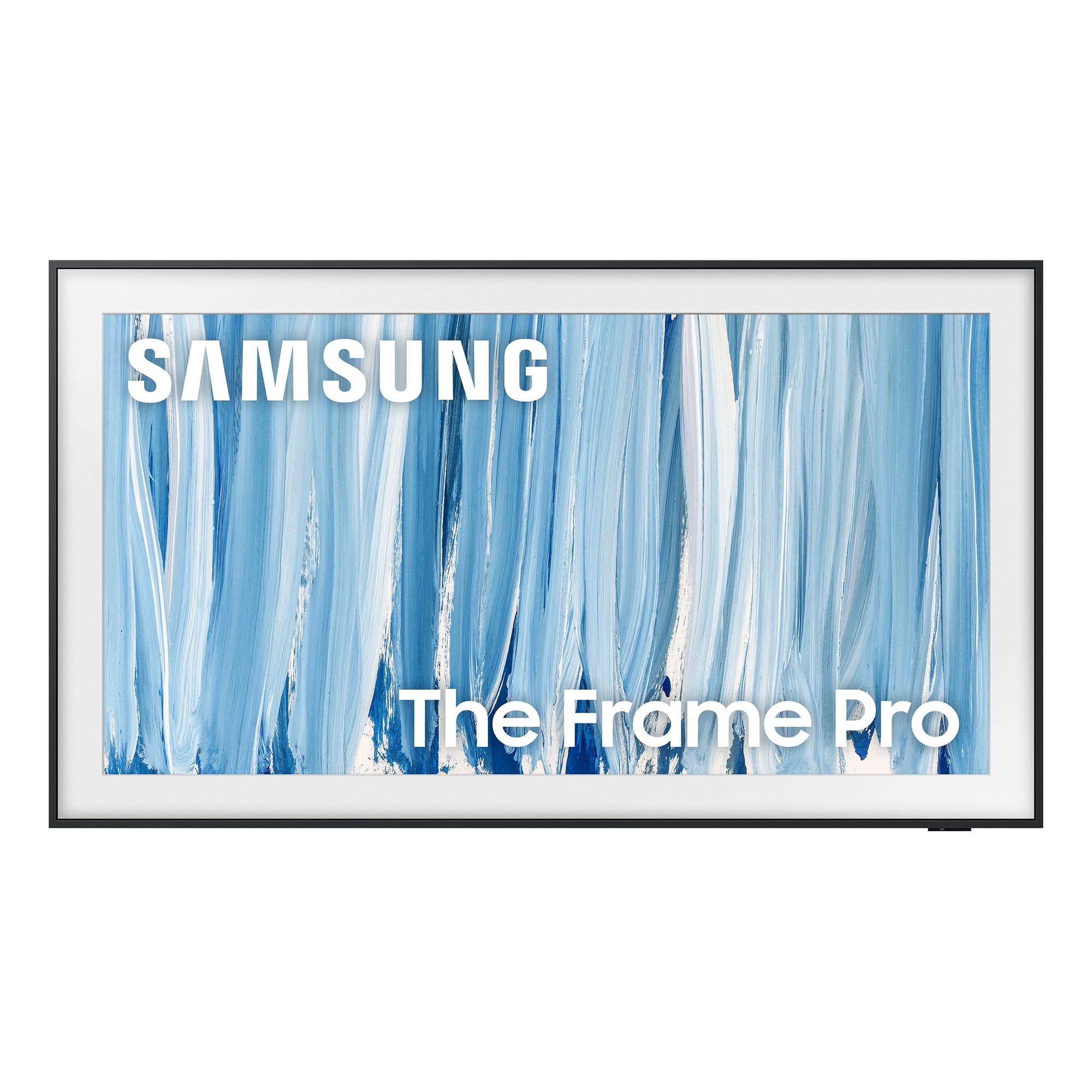
Samsung The Frame Pro 55"

86 /100
LBD Score Excellent

Key details

Panel
Mini LED QLED
Wall Mount
Slim Fit included
HDMI Inputs
5
Peak Brightness
1,500 nits
View on Amazon

A television that hangs flush to the wall and shows a painting when it's off changes a room in a way no spec sheet captures. The Frame Pro ships with its Slim Fit wall mount in the box, and the wireless One Connect box carries every input to the panel over a single link — no cable channel to chase into the drywall, no shelf of boxes under the screen, and no reason for a guest to guess it's a TV at all.

We like what sits behind the trick. The mini LED backlight and matte, glare-free screen give it 1,500 nits of peak brightness, the highest figure on this page, so a sunny room doesn't force the curtains closed the way a glossy OLED does. There are five HDMI inputs, one more than anything else in the group, and the color work is Pantone-validated, which matters more than usual when the picture is supposed to be a landscape rather than a face.

The honest caveat is what you're paying for. This is a design-led set at a premium price, with 120Hz motion rather than gaming-first features, and if the screen lives in a darkened den there are better pictures here for the same money — the Sony BRAVIA 6 OLED, in particular. But if the television goes on a living room wall where people sit and talk, nothing else in this group disappears the way this one does.

Pros

  • Slim Fit wall mount included in the box
  • Wireless One Connect keeps the wall clean
  • 1,500-nit glare-free Mini LED picture
  • Five HDMI inputs, the most here

Cons

  • Premium price for the picture alone
Our verdict

We recommend it when the TV is furniture as much as electronics: flush mount included, no cable clutter, 1,500 nits. You're paying for the look, not the spec sheet.

Check Latest Price
3

Best OLED

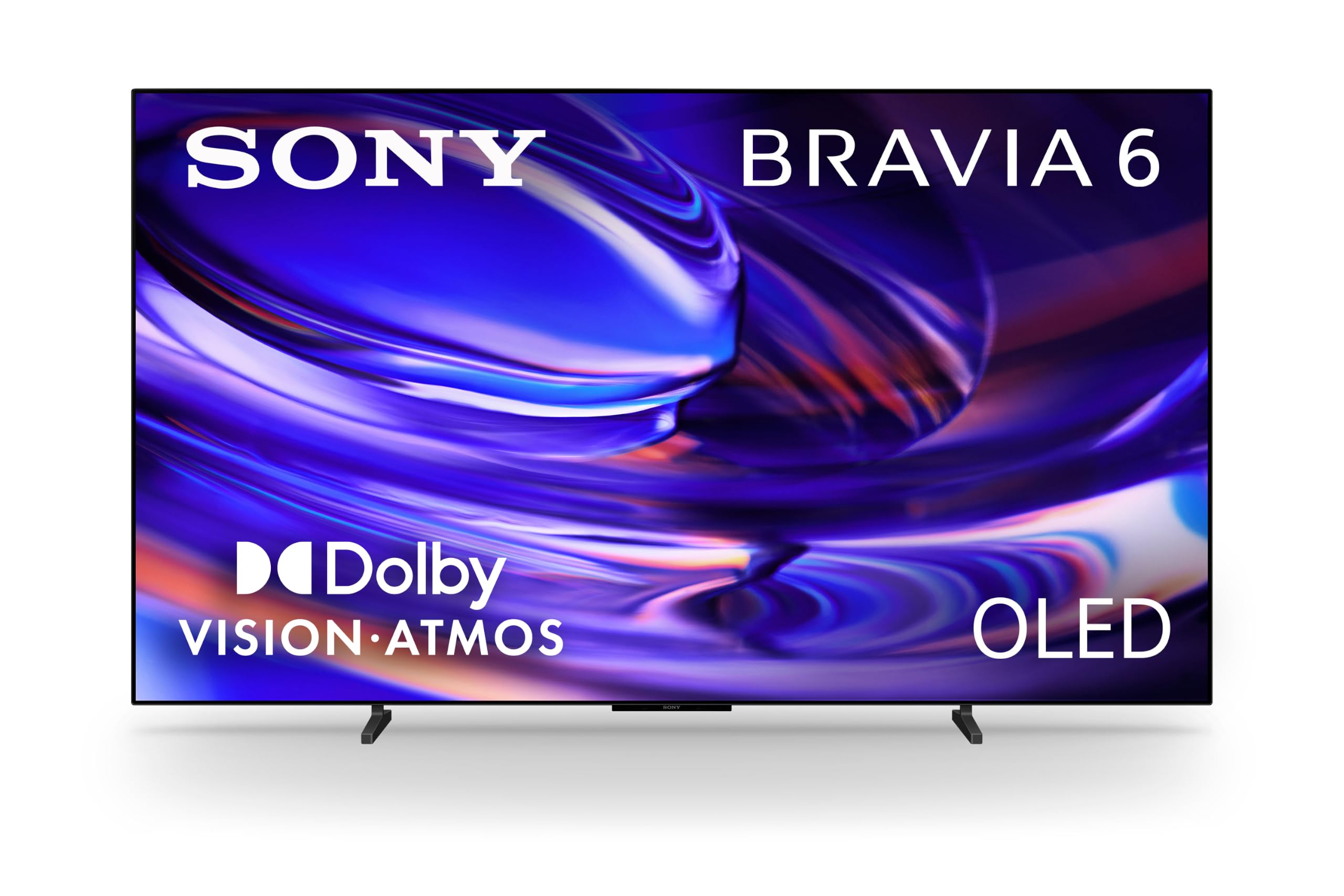
Sony BRAVIA 6 OLED 55"

80 /100
LBD Score Excellent

Key details

Panel
OLED
HDMI Inputs
4 (HDMI 2.1)
HDR Formats
Dolby Vision, HDR10, HLG
Refresh Rate
120 Hz
View on Amazon

OLED's party trick is that every pixel makes its own light, so black is genuinely black. This 55-inch panel has more than 8 million of them, and in a dim room the effect still startles: letterbox bars vanish into the frame, and a night scene keeps its detail instead of fading into gray. It's the difference between watching a film and watching a photograph of one.

Sony's version also gets the formats the Samsung sets leave out — Dolby Vision alongside HDR10 and HLG, plus Dolby Atmos and DTS:X — and four HDMI 2.1 ports at 120Hz, enough for a PS5, an Xbox and a soundbar at the same time. Google TV with Gemini is the friendlier half of the software story: you can ask for a film in plain English rather than hunting through rows of tiles, and the picture modes are unusually good before you touch anything.

The panel is glossy, and that's the decision. Opposite a big window you'll see the room in the screen during dark scenes; the QN90F and The Frame Pro handle that far better. In a den, a basement, or any room where you pull the blinds at night, we prefer this picture to everything else in the group — contrast this clean does more for a movie than another hundred nits.

Two practical notes. At 30 pounds it's the easiest premium set here to hang, and the 300 x 200 VESA pattern is a common bracket size. It also costs less than our top pick, which makes it the sensible entry point if you've been OLED-curious and have a room that suits one.

Pros

  • OLED black levels with Dolby Vision and DTS:X
  • Four HDMI 2.1 ports at 120Hz
  • 30 pounds, easy to wall-mount

Cons

  • 20 W speakers sound thin on films
Our verdict

For a room where you can control the light, this is the picture we reach for: true black, Dolby Vision, four HDMI 2.1 ports. Keep it out of the sun.

Check Latest Price
4

Best Value

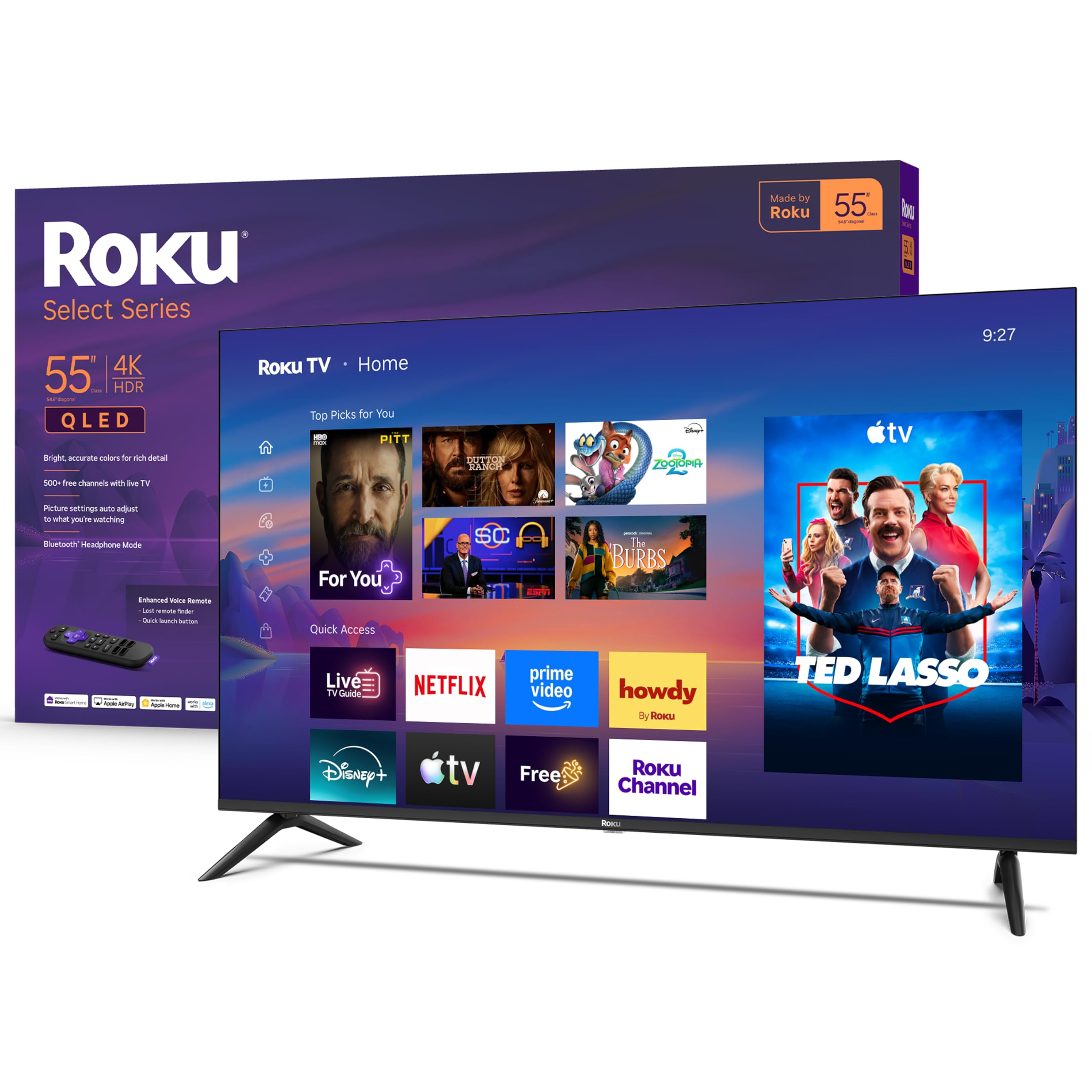
Roku Select Series 55" QLED

88 /100
LBD Score Excellent

Key details

Panel
QLED
Brightness
250 nits
HDMI Inputs
4
Refresh Rate
60 Hz
View on Amazon

Unboxing to watching is a shorter trip on this set than on anything else here. Roku OS loads into a clean home screen, the remote is a short list of buttons that do exactly what they say, and the TV is running in about the time it takes to make coffee. Watching someone set up their first smart TV is usually an exercise in patience; this one was over before we'd finished tidying the box.

The hardware behind it is a QLED panel with HDR10, HDR10+ and HLG support, four HDMI inputs, and a 60Hz refresh. Colors are well judged and the image is clean, with none of the smearing cheap panels show in fast pans. The 250-nit brightness figure is where the good news stops.

That number is the honest limit. With daylight landing on the screen the Roku looks flat beside the QN90F or The Frame Pro, and HDR highlights don't have the punch of a mini LED set. There's no motion processing either, so it's a fine sports and drama TV and not the one for a PS5. In a bedroom or a small apartment where the lights go down in the evening, none of that costs you anything — which is why this is the set we recommend first when the budget is the deciding factor. Bluetooth headphone mode is the cherry on top for late-night viewing.

Pros

  • Easiest setup and cleanest interface here
  • QLED color with four HDMI inputs
  • Bluetooth headphone mode for late nights

Cons

  • 250-nit panel washes out in daylight
  • 60 Hz with no motion processing
Our verdict

We hand this to anyone who wants a good 55-inch picture without paying for brightness they don't need. The best value in the group, especially for a bedroom.

Check Latest Price
5

Best for PS5

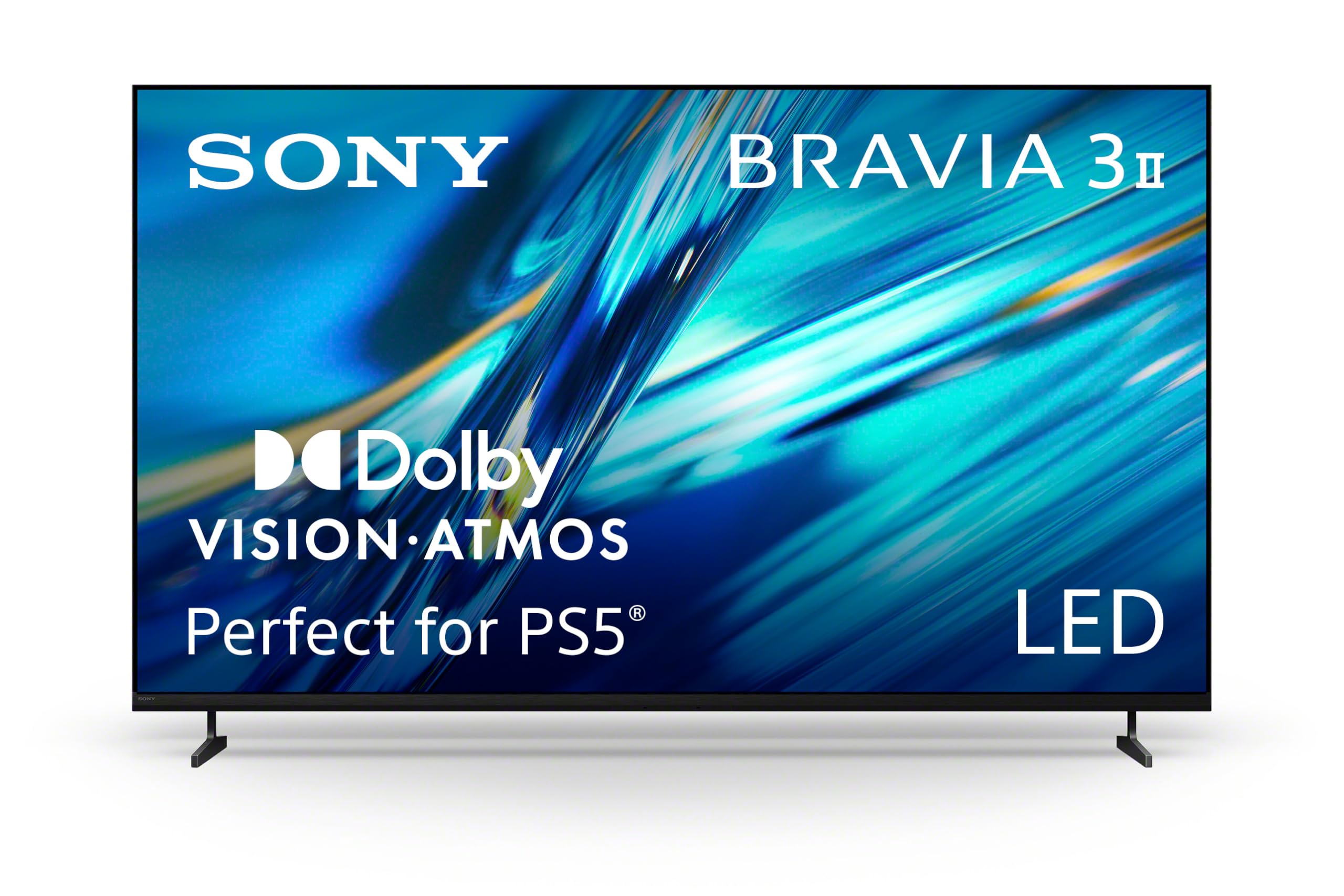
Sony BRAVIA 3 II 55"

78 /100
LBD Score Very Good

Key details

Panel
Direct-lit LED
HDMI Inputs
4 (HDMI 2.1)
HDR Formats
Dolby Vision, HDR10, HLG
Refresh Rate
120 Hz
View on Amazon

If a PlayStation 5 is the main thing plugged into your TV, start here. Sony builds in Auto HDR Tone Mapping and Auto Genre Picture Mode, which the console recognizes and switches on its own — no menu dive before a game, no forgotten setting the next time you watch a film. It's the sort of feature that sells no televisions in a showroom and gets used every single evening.

Around that sits a genuinely useful package: a 120Hz panel with Motionflow XR, four HDMI 2.1 ports, Dolby Vision and Dolby Atmos, and Sony's XR processor, whose AI upscaling does a decent job of making 1080p sport look like something. Contrast is where it settles back into the pack. This is a direct-lit LED, and a dark scene shows a little gray where the OLED and the Neo QLED stay black — a trade we stopped noticing with the lights on and never quite forgot during a thriller.

Assembly is straightforward, and five 4K film credits come in the box. Set it up the day it arrives and confirm it powers on while the return window is open; some sets arrive dead, which is a shipping-and-panel lottery rather than something you can shop around. Google TV with Gemini works the same here as on the BRAVIA 6, so the interface will feel familiar if your house already runs on Google.

Pros

  • PS5 auto tone mapping and genre mode
  • 120Hz with four HDMI 2.1 inputs
  • Dolby Vision and Atmos at midrange money

Cons

  • Contrast trails the OLED and Neo QLED picks
Our verdict

Our pick for a PS5 household: 120Hz, four HDMI 2.1 ports and Sony's console auto-modes, with contrast that trails the flagships and a price that doesn't.

Check Latest Price
6

Best Budget

Insignia F50 55" Fire TV

88 /100
LBD Score Excellent

Key details

HDR Format
HDR10
Resolution
4K UHD (2160p)
Smart Platform
Fire TV
View on Amazon

The F50 is the least expensive way onto this page, and it doesn't ask much in return: a 55-inch 4K panel with HDR10, Fire TV built in, and an Alexa voice remote. For a spare room, a dorm, a garage or a first apartment, that's most of what anyone actually uses a television for.

We rate it for the second of those three. Fire TV here is the same interface as Amazon's streaming sticks, so apps, live channels, watchlists and voice search behave the way they do everywhere else, and if your house already runs on Alexa there's one less ecosystem to learn. The smart-home dashboard — camera feeds, lights, thermostat — is a better trick on a big screen than it sounds, and it's the kind of thing budget sets usually skip.

This is a set built to a price, and we think it's built to the right one: nothing here is pretending to be a flagship, and the money went where a second-room TV needs it. Buy it for a room where the picture only has to be good and the budget has to be small, and it will do exactly what you asked of it.

Pros

  • Cheapest route to a 55-inch 4K picture
  • Fire TV and Alexa voice remote built in
  • Smart-home dashboard on the big screen

Cons

  • The plainest picture hardware in this group
Our verdict

We point budget buyers here first: a 55-inch 4K picture, Fire TV and an Alexa remote for the least money on this list. Ideal for a second room.

Check Latest Price
7

Tight Budgets

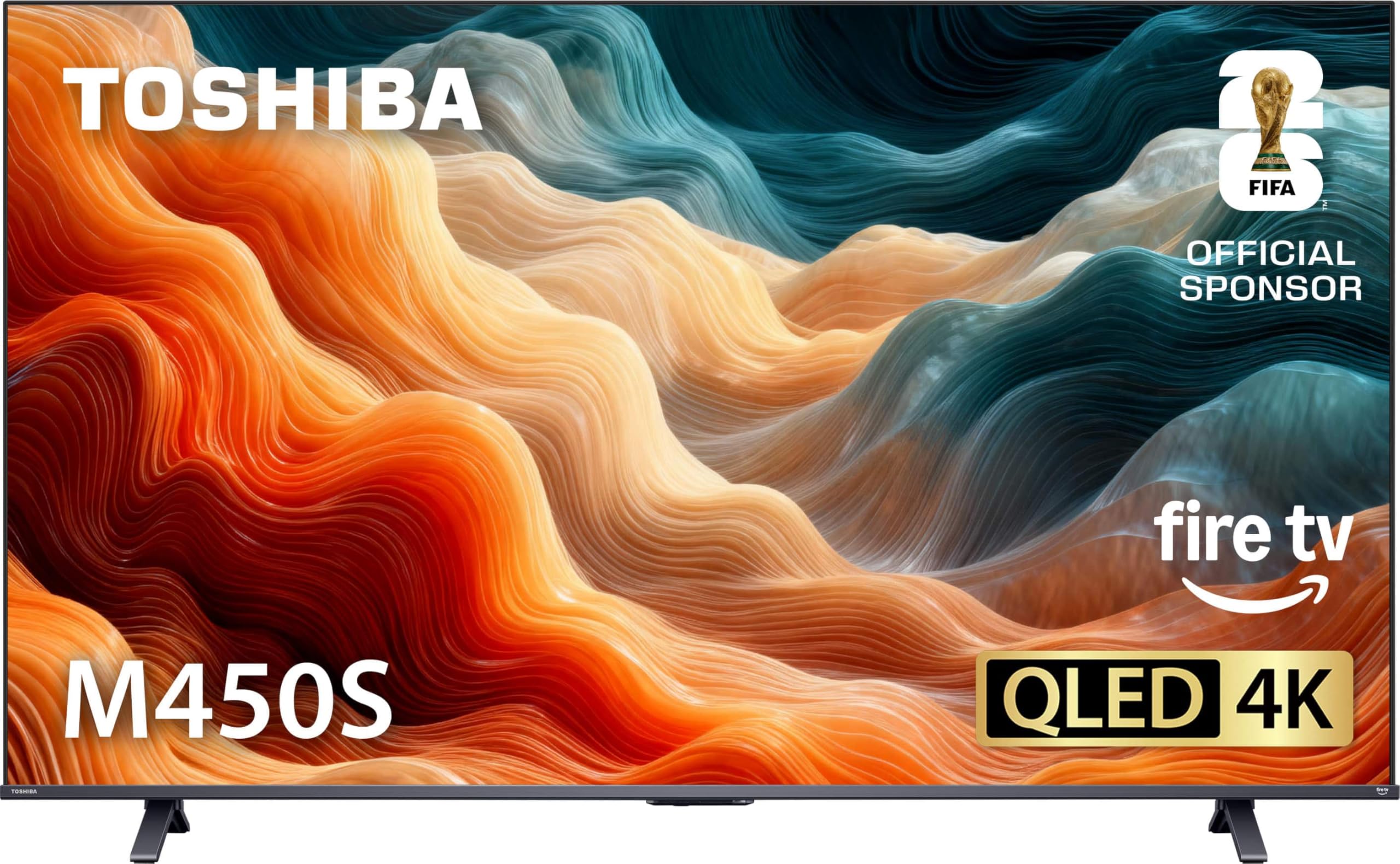
Toshiba M450 55" QLED

82 /100
LBD Score Excellent

Key details

Panel
QLED
HDMI Inputs
3
Refresh Rate
60 Hz
Smart Platform
Fire TV
View on Amazon

The M450 gets the picture right and the software less so. QLED color, clean 4K detail and Fire TV for well under what the big brands ask — the trade is real, and it helps to know which half of the experience is the compromise before you order.

On picture, the REGZA-tuned QLED panel does what the label promises: vivid color, bright whites, and a sharp 4K image that holds up with sport and streaming drama. Sound is the weaker half of the hardware — the REGZA Power Audio speakers are fine for news and thin for a film, so plan on a soundbar if this becomes the main screen.

The software is the part to go in with your eyes open. Wireless is the weak spot: Bluetooth pairing can be finicky, and Wi-Fi that drops mid-stream is the sort of thing that sends you shopping for a streaming stick. There are three HDMI inputs, one fewer than the Roku Select and two fewer than The Frame Pro, which matters if a console, a soundbar and a stick all want a port.

So buy it for picture-per-dollar, in a room where the odd menu hiccup won't ruin an evening. If the TV is going to be the household hub with headphones, a bar and a console attached, pay a little more for the Roku or the Sony. We keep it on the list for a garage or spare room, where a good panel matters more than a polished interface.

Pros

  • QLED color for very little money
  • Sharp 4K picture for sport and streaming
  • Fire TV with Alexa voice remote

Cons

  • Bluetooth and Wi-Fi can be unreliable
  • Only three HDMI inputs
Our verdict

A QLED picture at the bottom of the price ladder; we recommend it for a spare room where the panel matters more than the interface and three HDMI inputs will do.

Check Latest Price

How We Tested Seven 55-Inch TVs Over Eight Months

We started by collecting every 55-inch set from brands we'd recommend to friends, then narrowed by what changes day-to-day life: panel type, which HDR formats a set supports, whether it can do 120Hz for a console, the number of HDMI 2.1 inputs, and whether the screen has any anti-glare treatment at all. We kept a spread, from budget LED to OLED, so the comparison wasn't seven versions of the same TV.

Seven sets came into my house and stayed for eight months. I set each one up alone with a stopwatch running — unboxing, stand assembly, cable routing, logins — noting where I had to dig out a manual. Then came the interface: how many button presses to change picture mode, whether the remote made sense in the dark, whether menus stuttered or apps dragged on the home screen. Every set ran on Wi-Fi from the far corner of the house, with a console and a soundbar swapped through the HDMI ports and Bluetooth headphones paired late at night.

Picture quality got the most hours. On weekend mornings I opened the blinds and let direct sun land on the panel, watching how much of the room showed up in dark scenes, then walked to the kitchen to see how the image held from an angle. At night I ran the same 4K movies and HDR-heavy shows, checking shadow detail and whether highlights blew out. Sports and console games covered motion — smearing on a fast break, input lag with a controller in hand.

Sound was judged on the built-in speakers only, from where I actually sit, listening for clear dialogue and whether loud scenes turned harsh. Reliability is a slow verdict, so all seven stayed plugged in for the full stretch: I logged crashed apps, dropped connections, remotes that needed re-pairing, and settings that quietly reset themselves.

How to Choose a 55-Inch Tv

Match the panel to the light in your room

What separates these sets is how they make black and how much light they can push. OLED pixels switch off individually, so dark scenes are genuinely black, but a glossy OLED panel reflects a bright room back at you. Mini LED sets like the QN90F and The Frame Pro run far brighter through a glare-resistant screen; the trade is a faint halo around bright objects on a black background.

If the TV faces a window, buy brightness and glare control. If you can pull the blinds at night, buy contrast and accept a dimmer daytime picture.

Decide how much gaming hardware you need

Refresh rate and HDMI version decide whether a current console is wasted on the set. A 60Hz panel caps you at 60 frames per second; 120Hz with HDMI 2.1 and variable refresh rate lets a PS5 or Xbox run faster and smoother. Input count matters just as much as speed — a console, a soundbar and a streaming stick will eat three ports, so four is comfortable and three is tight.

If nobody in the house games, don't pay for it. A 60Hz QLED saves real money and looks fine with sport and drama.

Pick the smart platform you'll live with

The operating system is what you touch every day, and the four here behave differently. Roku OS is the simplest and least cluttered; Fire TV leans on Amazon's catalog and ties neatly into Alexa; Tizen and Google TV offer deeper settings menus and more places to get lost.

Choose the one that matches the phones and speakers already in your house. It matters more than another hundred nits, because a picture setting you can find in ten seconds is a picture setting you'll actually change.

Measure the console and the wall first

A 55-inch set is roughly 48 to 49 inches wide, because the number in the name is the diagonal, not the width. Measure the furniture before anything else. Depth matters just as much: the Roku Select's stand needs about 12.7 inches front to back, and a shallow media unit will leave it overhanging.

For a wall install, mark the height before you drill. Eye level at the middle of the screen is the target, which usually puts the center around 40 inches off the floor.

Frequently Asked Questions

Final Verdict

If we're buying one 55-inch TV for a normal living room, it's the Samsung QN90F. It has the best combination of brightness and glare control in this group, enough inputs for a console and a soundbar, and built-in sound you don't have to apologize for. That's why it's the default rather than the compromise.

Change one requirement and the answer changes with it: the Sony BRAVIA 6 OLED if the room can be darkened and you want true black, The Frame Pro if the television is going on a wall you care about, the Sony BRAVIA 3 II if a PS5 is the point, and the Roku Select if the budget decides. Between them those five cover almost every room; the rest of the list exists to narrow a specific need.