Best 50-Inch TVs of 2026

Fifty inches is the size most rooms actually want: big enough for a Sunday-night movie, small enough for a wall that isn't a theater. It's also the size where manufacturers quietly trim — fewer dimming zones, slower panels, speakers that strain above a conversation. Seven 50-inch sets have cycled through my living room over the past eight months, and the gap between a good one and a cheap one shows up in the first dark scene.

Brightness and backlight type matter far more here than the 4K badge, and the best value rarely sat at the lowest price — a screen that shrugs off window glare beats one with an extra app. We also sweated the unglamorous stuff: how long setup took from box to signed-in, whether the remote still made sense after a week, and whether Wi-Fi held up two rooms from the router.

The picks below are the sets that made all of that feel easy. None of them needed a soundbar or a calibration disc to look right on day one.

1

Best Overall

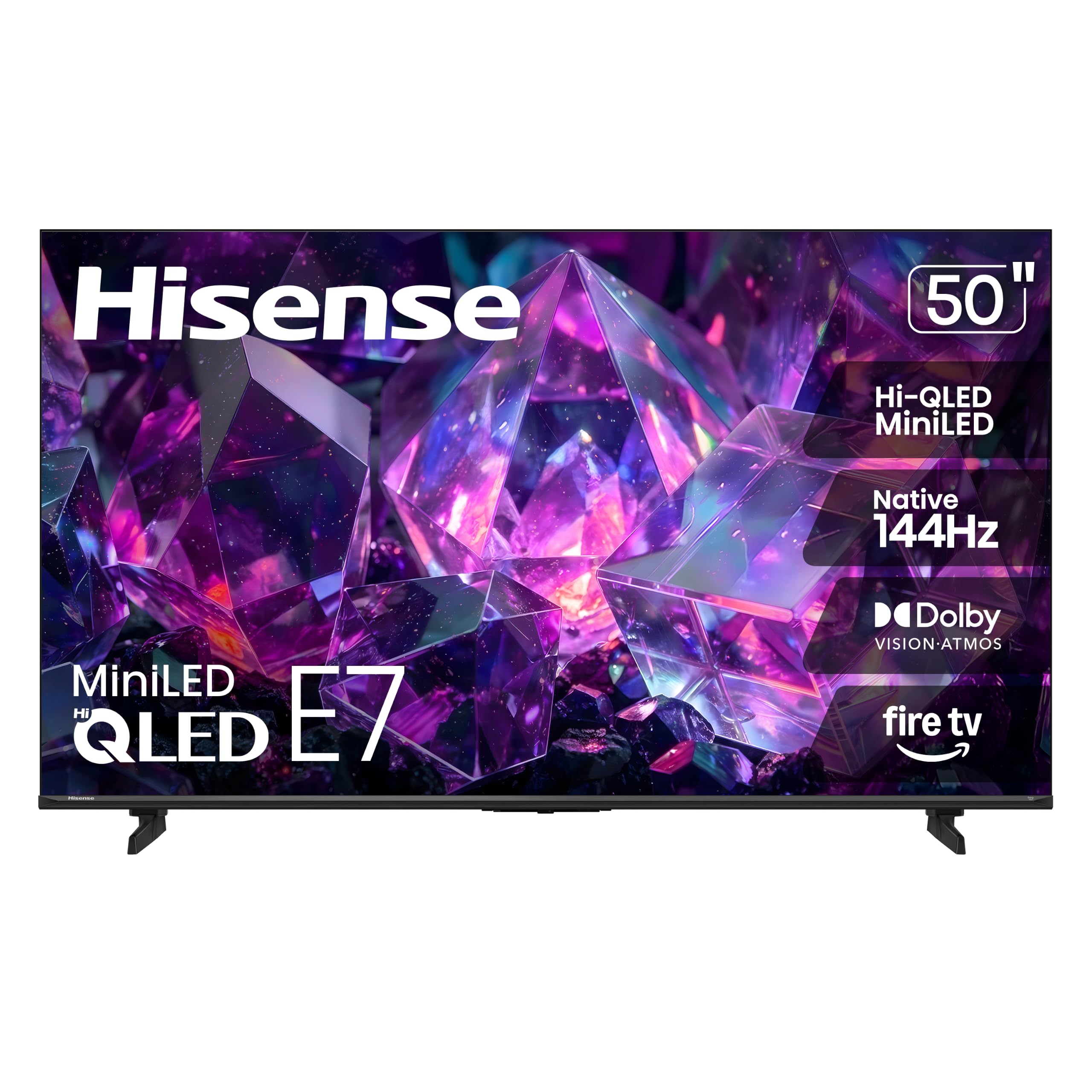
Hisense 50E7SF E7 Cinema Series

84 /100
LBD Score Excellent

Key details

Backlight
Mini-LED, full array local dimming
HDMI Inputs
4
HDR Formats
Dolby Vision, Dolby Vision IQ, HDR 10+, HDR10, HDR10+ Adaptive
Refresh Rate
144 Hz
View on Amazon

Mini-LED backlighting with full-array local dimming is the biggest single jump in picture quality available at this size, and this Hisense is the cheapest way to get it in this group. It adds a native 144Hz panel, Dolby Vision IQ, and four HDMI inputs. No other set here puts that combination together, which is why it takes the top spot.

The local dimming does the visible work. Dark scenes keep their depth instead of lifting into gray, and a bright highlight — a lamp, a scoreboard — stays tight around its edges rather than bleeding across the frame. The 144Hz panel earns its keep on fast material: camera pans in a match and quick turns in a game stay legible. And because Dolby Vision IQ reads the light in the room and adjusts, a set near an uncovered window does not need babysitting between afternoon and evening.

Fire TV is the other thing to weigh. It leads with Amazon content and Alexa, which suits some rooms and grates in others; a Roku or Google household is better served by the E6SR or the Sony. For a living room that does a bit of everything, everyone else can stop reading here.

Pros

  • Mini-LED full-array dimming at a midrange price
  • True 144Hz panel for sport and consoles
  • Dolby Vision IQ plus HDR10+ Adaptive
  • Four HDMI inputs

Cons

  • Wi-Fi 5 only, no Wi-Fi 6 radio
  • Atmos height effects are simulated on a 2.0 array
Our verdict

Mini-LED contrast, a genuine 144Hz panel, and Dolby Vision IQ for midrange money make this the set we recommend to most 50-inch buyers.
Check Latest Price
2

Best Value

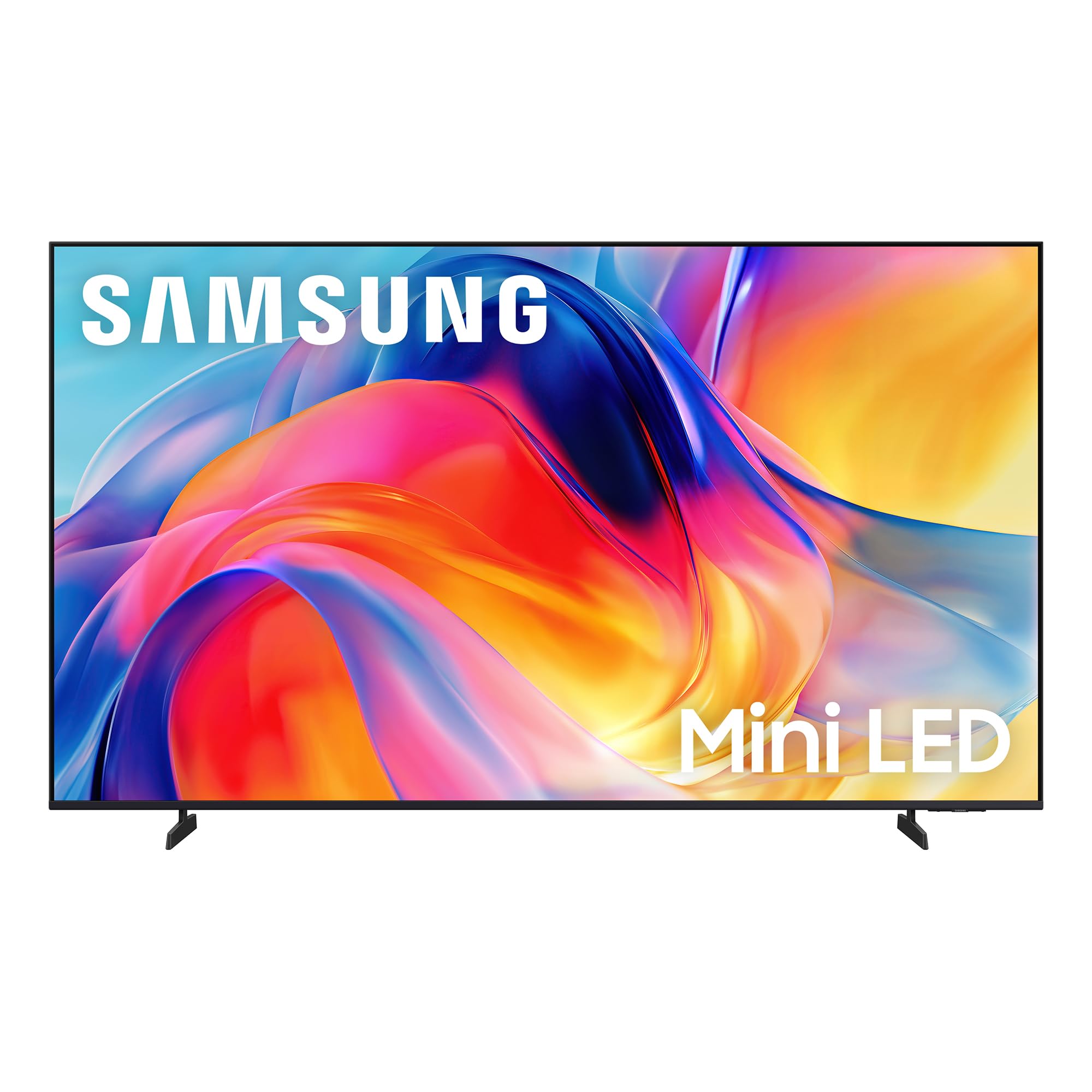
Samsung 50-Inch M70H Mini LED

86 /100
LBD Score Excellent

Key details

Backlight
Mini LED
HDMI Inputs
3
Refresh Rate
60 Hz
Peak Brightness
1,000 nits
View on Amazon

Samsung put the money into the backlight and saved it everywhere else. The M70H is the only mini-LED set here at a budget price, with Samsung's Supreme Mini LED dimming and a claimed 1,000-nit peak, and it weighs 19.2 pounds — light enough that a wall mount is a one-person job right up until the lift.

That trade is the right one for a bright room. The extra brightness buys more day-to-day picture than a faster refresh rate would, and color is the strongest thing about it: reds and greens stay saturated instead of fading toward pastel, and letterbox bars stay black at night. We think of it as a daytime television, which is a compliment in a category where most budget sets give up when the sun comes up.

One spec deserves a closer read. Samsung markets Motion Xcelerator with DLG 120Hz, but the panel itself is 60Hz and the 120Hz figure describes processing. For film and streaming that is invisible; if a console is the point, the Hisense E7SF's true 144Hz panel is the better buy. The 2,700-plus free streaming options on Tizen are also genuinely useful if the set is on all day for background noise.

Pros

  • Mini-LED backlight with a 1,000-nit peak
  • Strong color saturation for the money
  • 19.2 pounds makes wall mounting manageable

Cons

  • HDR10+ only, with no Dolby Vision
  • Pared-back remote makes input switching a menu trip
Our verdict

If your room is bright and your budget is not, this Samsung's mini-LED brightness is the strongest picture for the money in the group.

Check Latest Price
3

Best Budget

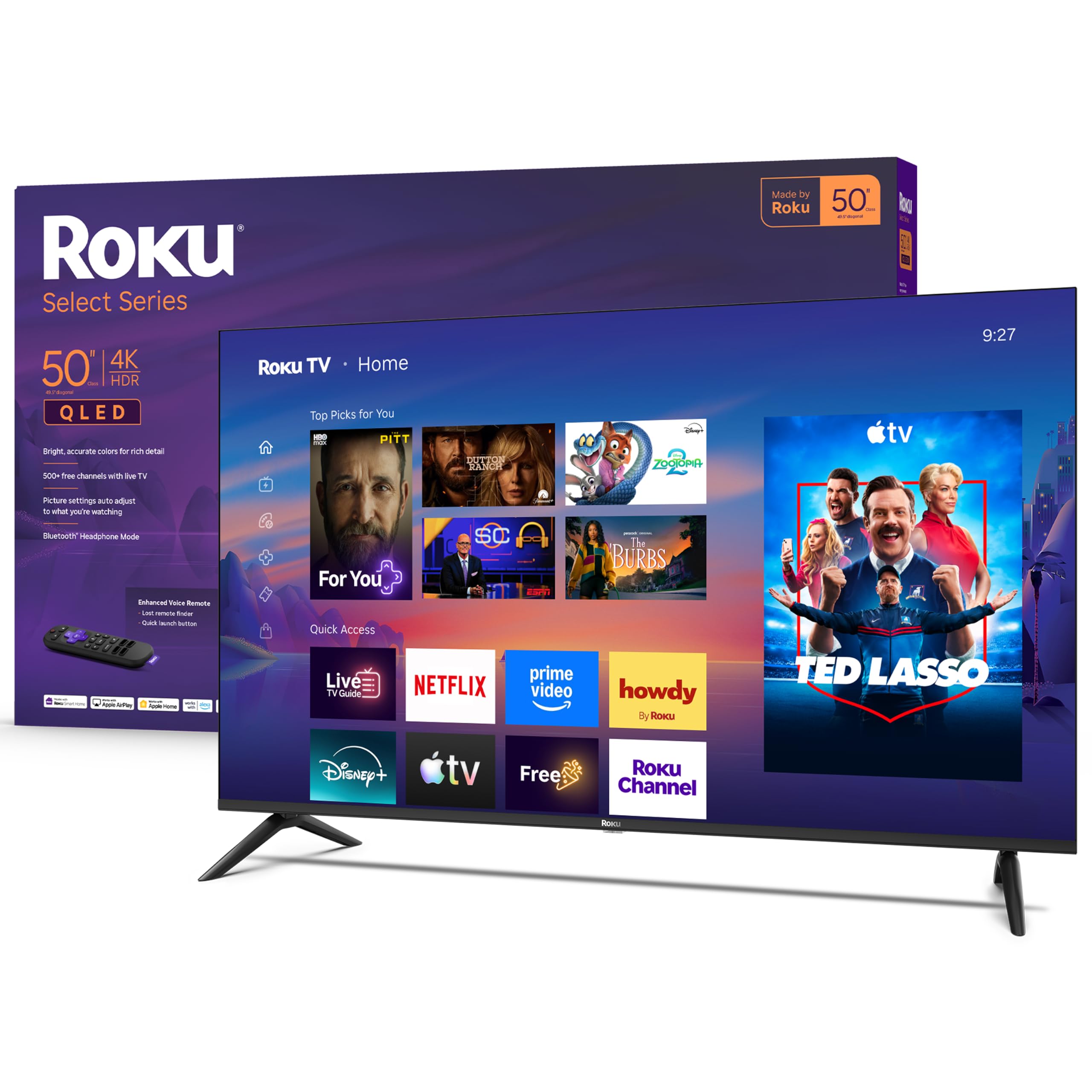
Roku 50-Inch Select Series QLED

88 /100
LBD Score Excellent

Key details

Panel
QLED
HDMI Inputs
4
HDR Formats
HDR10, HDR10+, HLG
Peak Brightness
250 nits
View on Amazon

The first thing we noticed is how little there is to argue with at setup: plug it in, sign into Roku, and the home screen is a plain grid of inputs and apps rather than a wall of promoted shows. If you have ever talked a visiting parent through a smart TV, that simplicity is the feature.

The QLED layer is why this is our budget pick rather than the cheapest set here — color holds up well, and HDR10+ support is unusual at this end of the range. At 250 nits it is a dim panel, though, so it is at its best in a bedroom or den; in a sunlit living room the Samsung M70H will walk all over it. Four HDMI inputs is generous for the money, and Bluetooth headphone mode is the sleeper feature: pair earbuds and the set goes silent while you keep watching.

Buy it as a second-room TV, a first apartment set, or for someone who wants the least complicated interface in this group. Check your wall bracket's pattern first — the 200 x 100 mm spacing is narrower than the 200 x 200 mm most of these use, though 16.8 pounds is easy to hang once the bracket fits.

Pros

  • Simplest smart interface here, quick to set up
  • QLED color at the lowest price here
  • Bluetooth headphone mode for private listening
  • Four HDMI inputs on a budget set

Cons

  • No Dolby Vision, only HDR10 and HDR10+
  • 60Hz panel holds back fast sport and gaming
Our verdict

Buy it for a bedroom or a first apartment: setup takes minutes and Roku's plain interface is the easiest here to hand to someone else.

Check Latest Price
4

Best for Bright Rooms

Samsung 50-Inch QN90F Neo QLED

89 /100
LBD Score Excellent

Key details

Backlight
Mini LED
Refresh Rate
120 Hz
Screen Finish
Matte, glare-free
Peak Brightness
1,000 nits
View on Amazon

Point this Samsung at a window and the reflection stops being the story. The matte, glare-free screen and the mini-LED backlight's roughly 1,000-nit peak are the combination that makes it the best set here for a bright, reflective room, and we noticed it most on dark scenes in daylight, where a glossy panel turns into a mirror.

The rest of the package holds up. A 120Hz panel with four HDMI inputs covers a console properly, the NQ4 AI processor does a convincing job with soft older sources, and the 40-watt 2.2-channel speakers with Dolby Atmos are the first built-in audio in this group we did not immediately want to replace. Object Tracking Sound Lite nudges effects toward where they happen on screen, which makes sport and action films feel more physical than the wattage suggests.

The interface is the smaller compromise: Tizen fills the home row with Samsung's own free channels and sponsored tiles, and Roku's plain grid is easier to hand to someone else. If your room is dark and controlled, the Hisense E7SF gives you most of the contrast for a lot less money; the Samsung earns its keep in daylight.

Pros

  • Matte, glare-free screen for bright rooms
  • 120Hz panel with four HDMI inputs
  • 40-watt 2.2-channel sound with Dolby Atmos

Cons

  • 38.8 pounds with the stand fitted
  • HDR10+ only, no Dolby Vision support
Our verdict

Worth the premium if reflections are your problem — no other set here stays this watchable with daylight pouring in.

Check Latest Price
5

Best for PS5 Owners

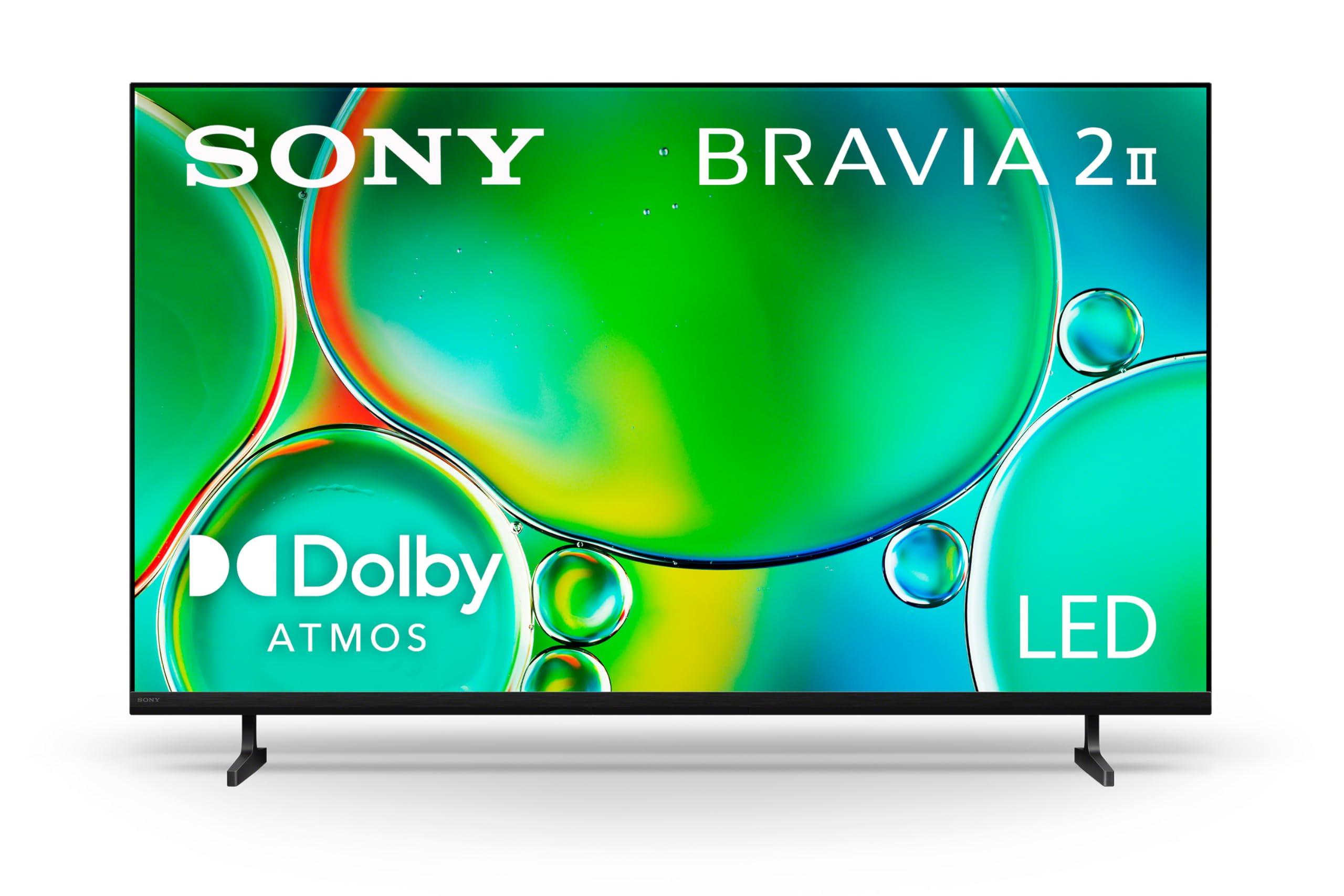
Sony 50-Inch BRAVIA 2 II

83 /100
LBD Score Excellent

Key details

Panel
Direct LED
HDMI Inputs
4
Refresh Rate
60 Hz
Smart Platform
Google TV
View on Amazon

If there is a PlayStation 5 under your television, this is the set built for it. Sony's PlayStation-specific features hand picture settings over to the console so the TV switches modes without you digging through menus, and the 4K Processor X1 with 4K X-Reality PRO does visible work on soft sources — older sitcoms and 1080p sport look cleaner than they have any right to.

The bigger draw for us is Google TV. Apps, casting, and voice search behave the way they do on an Android phone, four HDMI inputs mean the console, a soundbar, and two streaming boxes can all stay plugged in, and AirPlay 2 covers the iPhone in the house. In a household already living in Google's ecosystem, this is the set that fits without a translator.

Set aside ten minutes and a Google account for first setup — the TV asks for one before it feels finished, and that is the step people skip and then resent. At 21.6 pounds on a 200 x 200 mm pattern with a 35-inch base, it is an easy wall mount and it sits securely on a normal console.

Pros

  • PlayStation-specific picture handling built in
  • Google TV with AirPlay 2 and Chromecast
  • Strong upscaling of older, softer content
  • Four HDMI inputs and a 21.6-pound body

Cons

  • 60Hz panel limits high-frame-rate gaming
  • HDR10 and HLG only, no Dolby Vision
Our verdict

The pick for a PS5 owner or a Google TV household that wants the console, the apps, and the casting all in one place.

Check Latest Price
6

Best for Movie Night

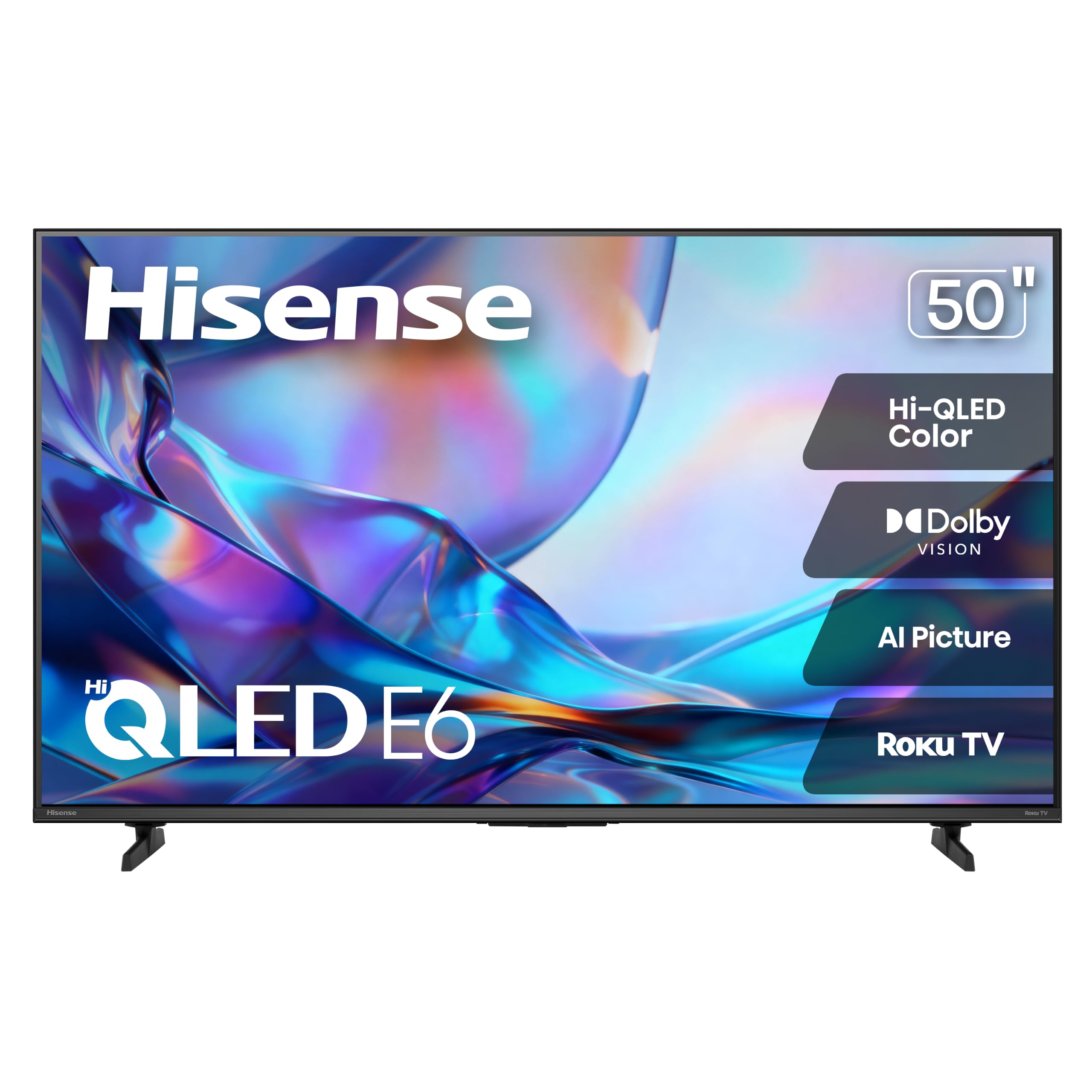
Hisense 50E6SR Hi-QLED

85 /100
LBD Score Excellent

Key details

Panel
Hi-QLED
HDMI Inputs
3
HDR Formats
Dolby Vision, HDR10, HLG
Refresh Rate
60 Hz
View on Amazon

Dolby Vision is the reason to look here. The E6SR carries Dolby Vision alongside HDR10 and HLG on a QLED panel, and it runs Roku's operating system — a pairing the Roku-branded Select Series in this guide does not offer, since that set stops at HDR10 and HDR10+.

What that means in practice: on Dolby Vision titles from the major services, brightness is adjusted scene by scene rather than one tone curve being applied to the whole film, so shadows keep detail that flatter presentations lose. The rest of the set is sensible rather than exciting — 16 watts of DTS Virtual:X, a 19.2-pound body, and a 200 x 400 mm mounting pattern with generous space between the holes, which makes a wall bracket easy to line up.

It is a movie-night set for a room you can dim. The backlight is plain direct-lit rather than mini-LED, which is exactly where the Hisense E7SF's extra money goes, so if you watch a lot of letterboxed films in the dark and want the deepest blacks, save for the step up. If you want Roku's interface, Dolby Vision, and a picture that looks right after ten minutes of tweaking, this is the value pick.

Pros

  • Dolby Vision on a QLED panel at a low price
  • Roku's interface built in
  • 19.2 pounds with an easy-to-align mount pattern

Cons

  • 60Hz refresh rate
  • Three HDMI inputs, one fewer than most here
Our verdict

Dolby Vision and Roku's interface at a modest price make it the movie-night value pick in this group.

Check Latest Price
7

Alexa Households

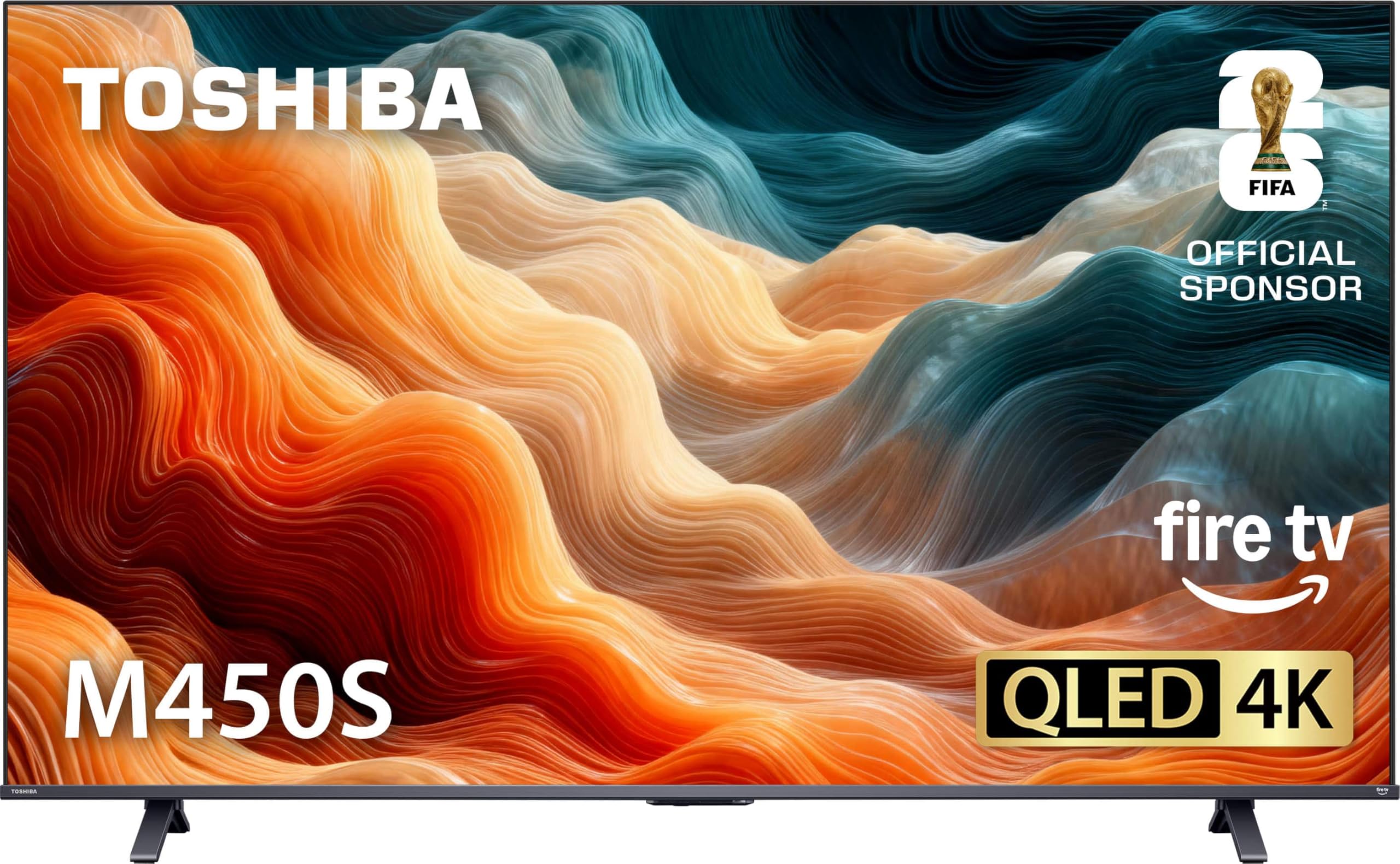
Toshiba 50-Inch M450 QLED

82 /100
LBD Score Excellent

Key details

Panel
QLED
HDMI Inputs
3
Refresh Rate
60 Hz
Smart Platform
Fire TV
View on Amazon

Toshiba's M450 is the middle child here: QLED color and Fire TV built in, without the mini-LED backlight of the Hisense E7SF or the Dolby Vision of the E6SR. What it does have is Toshiba's REGZA picture engine and a 4K panel that, on bright material, looks closer to the pricier sets than its position in this group suggests.

We found the picture bright and clean in use. White skies and snow hold their detail, color is well judged on skin tones, and upscaled cable and streaming content arrives without obvious softness. The frame is thin and the whole set is light enough to lift onto a console alone. Alexa is built in, so voice search works without adding a stick, and AirPlay covers casting from an iPhone.

Sound is the piece that trails the picture. REGZA Power Audio and the dual front speakers are perfectly usable for news and sitcoms, but anything with a score thins out, and Bluetooth pairing can be fussy if you plan on wireless headphones.

Where it fits: you want Fire TV in the television itself, QLED color, and Alexa without a dongle, and you are not chasing 120Hz or Dolby Vision. Against the E6SR it wins on processing and built-in voice control; against the E7SF it gives up mini-LED contrast and the 144Hz panel. It is a good set that happens to sit between two sharper arguments.

Pros

  • QLED color with Toshiba's REGZA processing
  • Fire TV and Alexa without an extra stick
  • Light body that is easy to place

Cons

  • Three HDMI inputs
  • Front feet splay wide for shallow stands
Our verdict

A good QLED Fire TV for someone who wants Alexa built into the set, though the Hisense models make stronger cases on picture.

Check Latest Price

How We Tested Seven 50-Inch TVs

We started by pulling every 50-inch set we could find from the major brands, then cut anything without a quantum-dot or mini-LED backlight, a 120Hz-or-better panel, or some form of HDR. That left seven TVs, which we bought at retail and ran side by side for eight months — long enough for the novelty to wear off.

Picture testing happened on the same wall, at the same distance, with the same four minutes of a dark thriller: once at noon with sun on the screen, once at night. We ran a soccer match to judge motion, fed each set a low-res cable feed to check upscaling, and gamed on all seven with a console to see whether the low-latency mode actually engaged.

Setup was timed from box-open to signed into a streaming account, with a note on every prompt that demanded a phone first. We lived with each remote for weeks, timed app launches, switched between a console and a streaming stick, and once pulled the router mid-show to see how a set handled a Wi-Fi drop. Sound was judged on the built-in speakers alone, at normal volume — dialogue in a quiet scene, then a crowd roar.

We kept a running log of the small failures too: an app that demanded a re-login, a home screen that got slower, an input label that defaulted wrong. Over eight months, those notes ended up weighing as much as the picture did.

How to Choose a 50-Inch Tv

Put the backlight ahead of the resolution

Every set here is 4K, so the badge tells you nothing. What separates them is the backlight. Mini-LED with full-array local dimming — the Hisense E7SF, the Samsung M70H and QN90F — puts many independently controlled light zones behind the picture, which is where depth in dark scenes and clean bright highlights come from. Direct-lit and edge-lit sets light the panel in broader strokes.

In a dim bedroom the gap is subtle. In a living room with a window, it is the first thing you notice, and it is the spec we prioritise over resolution, port count, or the smart platform.

Read the refresh rate and HDR fine print

60Hz is the baseline and it is fine for streaming and broadcast television. A true 120Hz or 144Hz panel — the QN90F and the E7SF — holds fast camera pans and console frames together, and it is the reason to spend more if sport or gaming fills your evenings. Watch the marketing: a 120Hz or 240Hz motion figure on a 60Hz panel describes processing, not the panel, and the Samsung M70H is the example in this group.

On HDR, Dolby Vision covers the format most streaming libraries actually ship, and both Hisense sets here support it. Samsung's models support HDR10+ instead. Check which format your main service uses before you pay for a badge.

Judge the room before the brightness number

Peak brightness figures are measured on a small patch of screen, not across a whole film, so a 1,000-nit set does not run at 1,000 nits through a sunset scene. What matters is the pairing. A bright panel with a matte finish, like the QN90F, stays readable with a window behind you; a 250-nit glossy set like the Roku is happiest in a bedroom.

Decide where the TV will sit relative to the light first. That single answer decides whether brightness is worth paying for or whether you are buying it for the spec sheet.

Pick the platform you can live with

The operating system is what you touch daily. Fire TV leads with Amazon content and Alexa, Roku with a plain grid and almost no promotion, Tizen with Samsung's own free channels, Google TV with search that behaves like an Android phone. None of them is bad; they are different kinds of friction.

A streaming stick can replace the app experience you dislike, but you will still use the set's own menus for inputs and picture settings, so the remote matters as much as the software. If you hand the remote to other people, that is an argument for Roku.

Measure the stand, the bracket, and the sound

A 50-inch class set runs roughly 43.7 to 44.7 inches wide, and the mounting pattern behind it varies more than you would guess: 200 x 100 mm on the Roku, 200 x 400 mm on the Hisense E6SR, 400 x 300 mm on the E7SF. Weights here run from 16.8 to 38.8 pounds, so check your bracket is rated above the set before anything goes on the wall.

On sound, 20 watts across two channels is the norm and the Atmos badge on those sets is simulated height. Dialogue is fine; films and sport want a bar, and the Samsung QN90F's 40-watt 2.2-channel array is the exception.

Frequently Asked Questions

Final Verdict

The Hisense 50E7SF is the set we recommend to most people: mini-LED local dimming, a genuine 144Hz panel, Dolby Vision IQ, and four HDMI inputs, for less than the premium options charge without giving up the technology that makes them good.

If reflections are your main complaint, the Samsung QN90F's matte screen solves a problem nothing else here does. On a tighter budget, the Samsung M70H brings mini-LED brightness for less, as long as a 60Hz panel and a stripped remote do not bother you.