Best 65-Inch TVs of 2026

Every 65-inch TV looks fine in a showroom. The trouble starts at home, the first time a night scene turns muddy gray and the letterbox bars glow. That's a backlight problem — mini-LED sets divide the screen into hundreds of small dimming zones so the dark parts can stay dark, and how carefully that's tuned separates a great set from an average one. My team and I have spent six months living with eight 65-inch mini-LED TVs, and the gap showed up within minutes of pressing play.

Picture quality is what everyone asks about first, and rightly so — color, contrast, and whether motion holds together on a fast football play. But the daily annoyances lived elsewhere: a remote you can't read in the dark, a setup that won't show a picture until you've signed into an account, Wi-Fi that drops mid-movie. Buyers tend to overrate peak brightness and underrate built-in sound, since almost nobody adds a soundbar the same week. The picks below got both the big picture and the small stuff right.

1

Best Overall

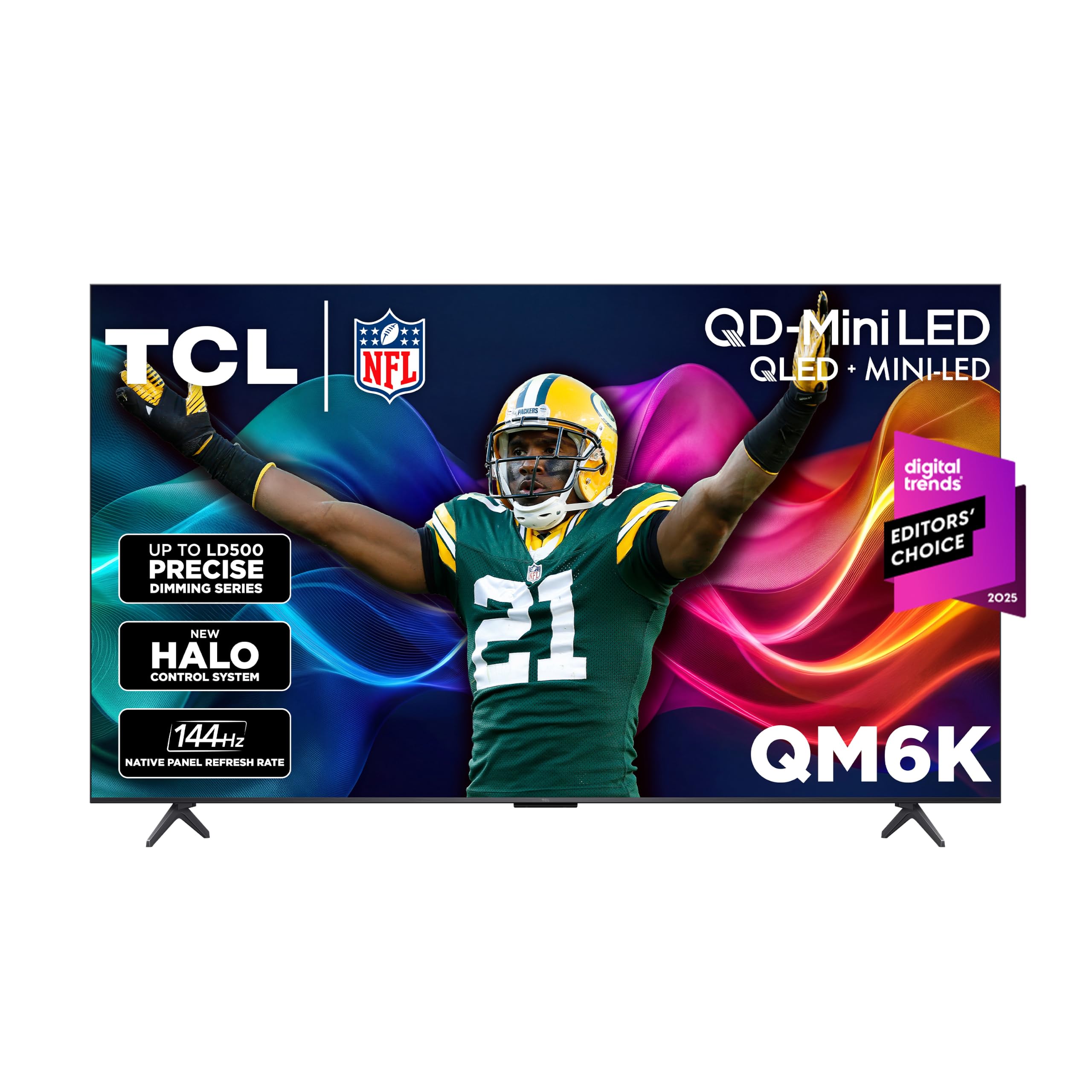
TCL QM6K 65-Inch

86 /100
LBD Score Excellent

Key details

HDR
Dolby Vision, HDR10+, HDR10, HLG
Display
QD-Mini LED
HDMI Inputs
4
Refresh Rate
144Hz
View on Amazon

A native 144Hz panel, a QD-Mini LED backlight with local dimming, four HDMI inputs, and a 2.1 Onkyo speaker system with a real subwoofer — no other set in this group combines all four. That's the whole argument for the QM6K. It's the pick that doesn't ask you to trade movie picture against game performance, and watching it work out where the other sets compromise is what settled it for us.

Brightness is where the money goes. Mini LEDs with local dimming keep a sunlit living room from flattening the image, and the halo control is the part that matters most in a dark room: bright objects don't bleed a gray glow into the black around them. Dolby Vision, HDR10+, HDR10, and HLG cover every streaming library you're likely to use, and because the 144Hz is the panel's native rate rather than a processing trick, a console or a PC gets a genuine high-frame-rate mode to switch into.

Two practical notes before you order. Google TV is the busiest interface among these picks and it can stutter moving between apps; an inexpensive streaming stick in one of the spare HDMI ports sidesteps the whole thing. And the stand sets the panel at a slight backward lean that looks odd on a low console, so wall-mount it or plan for a taller surface.

The ports are the quiet luxury — four HDMI plus two USB means a console, a soundbar, and a streaming box all stay connected without a switcher on the floor. It's the priciest of the five, and the difference buys the motion and the bass.

Pros

  • Native 144Hz with VRR for consoles
  • Mini-LED dimming holds black levels
  • 2.1 Onkyo system with a built-in subwoofer
  • Four HDMI inputs plus two USB

Cons

  • Google TV can lag between apps
  • Stand leans the panel slightly backward
Our verdict

For households that want one set to cover movie night, Sunday football, and a console, this is the most complete 65-inch here.
Check Latest Price
2

Best Value

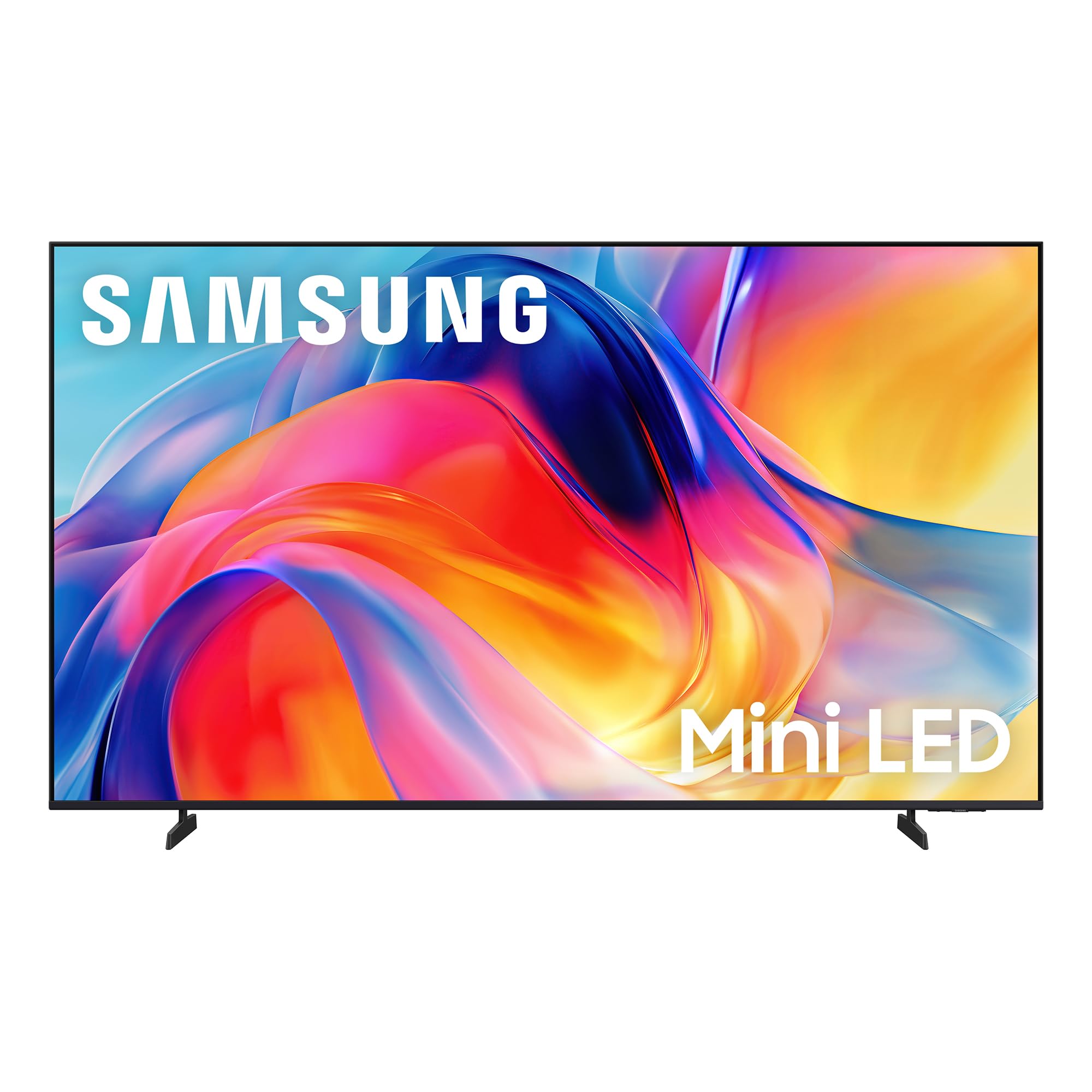
Samsung M70H 65-Inch

86 /100
LBD Score Excellent

Key details

HDR
HDR10+
Backlight
Mini LED
Smart Platform
Tizen
Peak Brightness
1000 nits
View on Amazon

Start with the price: nothing else here puts a mini-LED backlight behind a 65-inch screen for less. The 1,000-nit peak brightness is the specification that changes what you actually see — highlights that survive a room with a window in it, and HDR that reads as HDR rather than a slightly brighter version of standard dynamic range.

The picture is what this set gets right. Blacks go deep, color is saturated without tipping into lurid, and HDR10+ is supported for the services that use it. Tizen is quick and the app selection is the same as everyone else's. What the M70H doesn't have is a true high-refresh panel: the 120Hz in the model name comes from DLG, a mode that trades vertical resolution for speed, and the panel underneath runs at 60Hz. Watch films and broadcast and you'll never know the difference. Buy it to go with a PS5 and you will.

The remote is the other friction point. It's pared down to almost nothing — no input button, no number pad — so moving from a console to a streaming box means a trip back through the home screen, and a cheap universal remote fixes what Samsung left out. For a first 65-inch, a bedroom upgrade, or a house that mostly streams, none of that argues against it.

Pros

  • 1,000-nit mini-LED panel for the least money here
  • Deep blacks and saturated color
  • Fast, uncluttered Tizen interface

Cons

  • Remote has no dedicated input button
  • Built-in sound is thin for a large room
Our verdict

The best value in this group: mini-LED brightness and 1,000-nit highlights for the least money, provided you're not buying for a console.

Check Latest Price
3

Best for Streaming

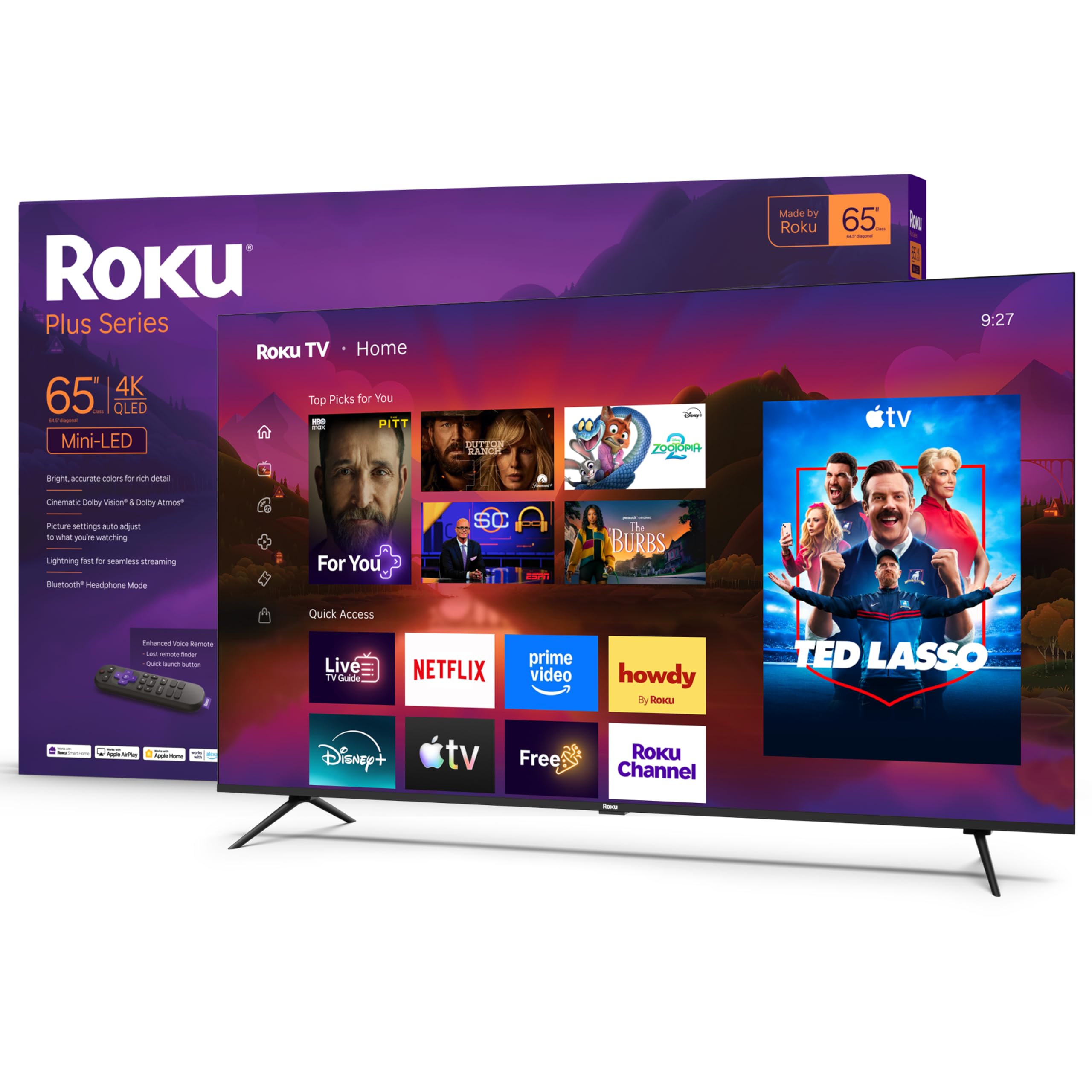
Roku Plus Series 65-Inch

88 /100
LBD Score Excellent

Key details

HDR
Dolby Vision, HDR10+, HLG
Backlight
Mini LED, full array local dimming
HDMI Inputs
4
Refresh Rate
60Hz
View on Amazon

The first hour with the Plus Series is the least eventful of any set here, and that's meant as praise. Roku's setup walks you through a network and one account, the home screen is a grid you can read from the couch, and the remote has actual direction keys and nothing else to learn. Hand it to a guest, a babysitter, or a grandparent and nobody needs a tutorial.

The picture is the reason to pay more than a basic set. Mini-LED backlighting with full-array local dimming and Dolby Vision is a combination the budget picks here can't offer, and the practical result is a frame where the black bars stay black and the stars in a space scene don't sit inside a gray haze. At 50 watts across 4.1 channels with Dolby Atmos, it also has the most powerful built-in audio system in this group, loud enough that a soundbar becomes optional rather than automatic.

One thing to do on delivery day: check that it wakes from standby on the first press. Some of these arrive with a black screen that needs several power cycles before a picture appears, and the earlier you catch that, the less it costs you. Keep the box until you're clear of the return window and it's an inconvenience instead of a loss.

Pros

  • Mini-LED and Dolby Vision at a midrange price
  • 50W Dolby Atmos audio, no soundbar needed
  • Roku OS is the easiest to hand to anyone
  • Four HDMI inputs

Cons

  • 60Hz panel, so no 120Hz gaming mode
Our verdict

The set we hand to a household that mostly streams: Dolby Vision, mini-LED contrast, and the shortest setup of anything here.

Check Latest Price
4

Best for Gaming

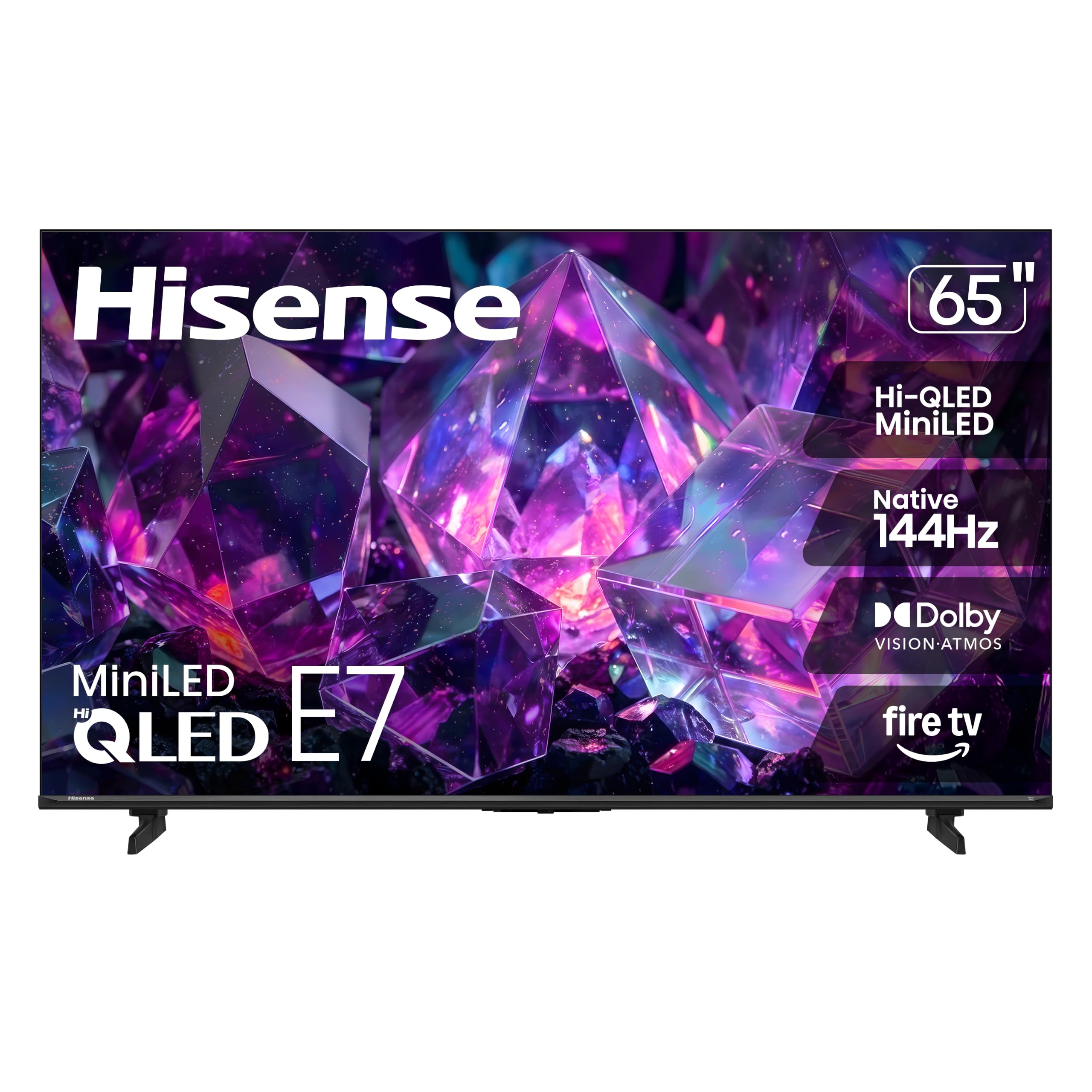
Hisense E7 Series 65-Inch

84 /100
LBD Score Excellent

Key details

HDR
Dolby Vision IQ, HDR10+ Adaptive
Display
Hi-QLED Mini-LED
HDMI Inputs
4
Refresh Rate
144Hz
View on Amazon

Native 144Hz, full-array local dimming behind a mini-LED backlight, Dolby Vision IQ, HDR10+ Adaptive, and four HDMI inputs. Read the E7's spec sheet and it looks like a set from two price tiers up, which is exactly why it's the one we point gamers and sports watchers toward.

What 144Hz buys you is motion that stays readable — a puck you can follow, a pan that doesn't smear — and it only counts if the panel is native, which this one is. The mini-LED dimming keeps the bright parts of a stadium shot bright while the shadows in a night scene stay shadows, and Dolby Vision IQ adjusts the picture to the room instead of making you dig through menus every time the sun moves. Four HDMI inputs mean the console, the soundbar, and a streaming box can all stay plugged in at once.

It's a near-twin of the Toshiba here with one obvious difference: 20 watts of built-in audio rather than 40, so a soundbar belongs in the budget if this goes in a living room. The other thing to plan for is early failure — sets that go wrong tend to go wrong in the first weeks, so keep the box and the receipt until the return window closes and buy somewhere that makes returning easy. Neither caveat touches the case for buying it.

Pros

  • Native 144Hz with four HDMI inputs
  • Full-array dimming keeps contrast high
  • Dolby Vision IQ adjusts to the room

Cons

  • 20W built-in audio is modest for a 65-inch set
Our verdict

The gaming pick: a native 144Hz panel with full-array dimming for midrange money, plus room in the budget for a soundbar.

Check Latest Price
5

Best Sound Out of the Box

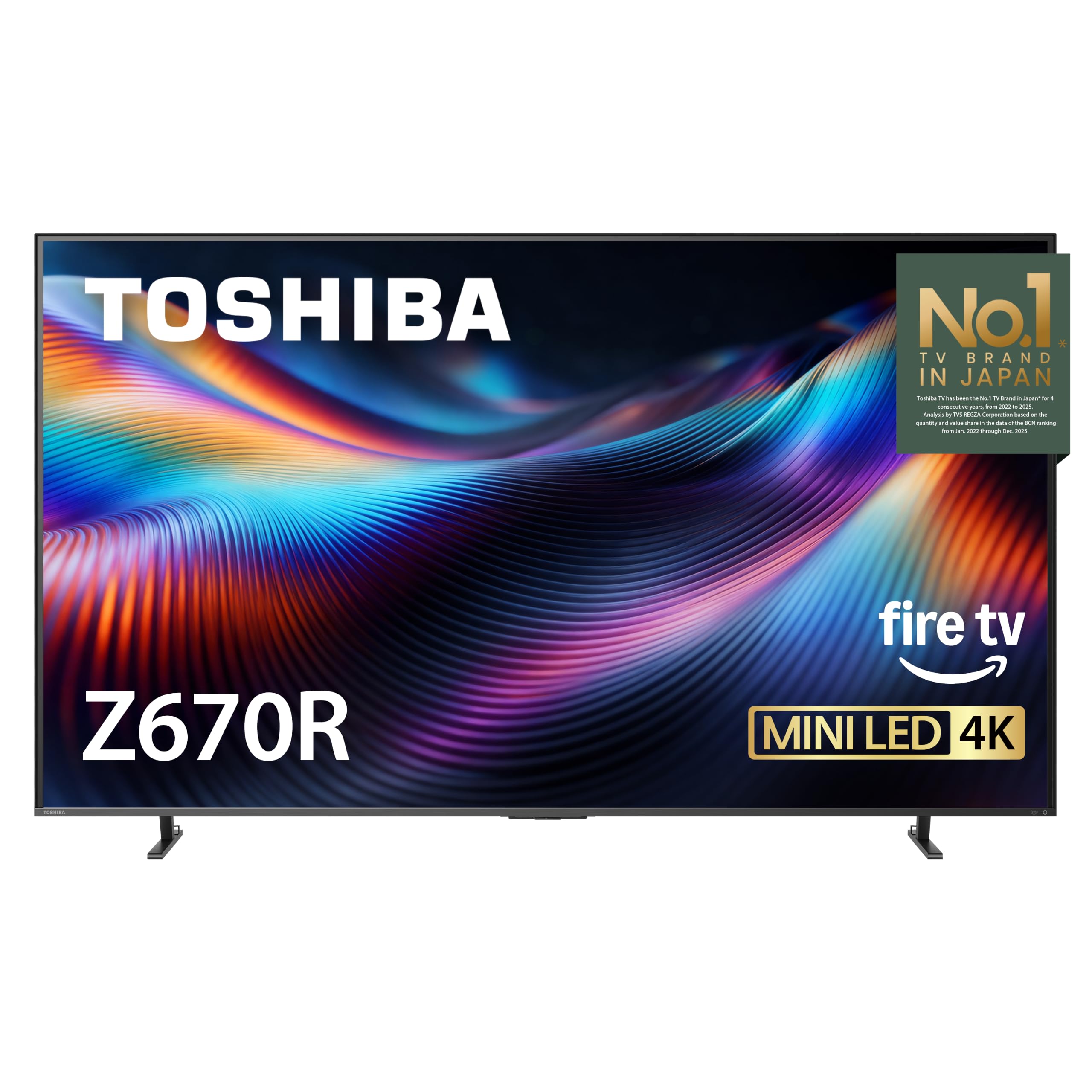
Toshiba Z670R 65-Inch

81 /100
LBD Score Excellent

Key details

Audio
40W, 2.1 with bass woofer
Display
Mini-LED, full array local dimming
Refresh Rate
144Hz
Contrast Ratio
3000:1
View on Amazon

Forty watts across a 2.1 system with a dedicated bass woofer, and unlike the other big-audio set here, this one doesn't make you give up a 144Hz panel to get it. The difference shows up in ordinary viewing: dialogue stays anchored under a music cue, and an explosion has an actual bottom end rather than a suggestion of one. It's the rare case where the speaker spec on the box translates into something you notice in the first five minutes.

The picture doesn't embarrass the audio. Full-array local dimming behind a mini-LED backlight, a stated 3000:1 contrast ratio, Dolby Vision IQ, and HDR10+ Adaptive give it the contrast to make a night scene legible instead of murky, and the 144Hz panel means a console gets its high-frame-rate modes. Toshiba's REGZA engine is the pitch for cleaner upscaling of ordinary broadcast content, which is where inexpensive sets usually fall apart.

Fire TV is the platform, and it's the one place the set feels ordinary — menus can lag and the remote doesn't always respond on the first press. A streaming stick in one of the four HDMI ports is the usual fix. Otherwise this is a television that asks you to notice nothing, which is close to the highest compliment one can earn.

Pros

  • 40W 2.1 system with a dedicated woofer
  • 144Hz panel keeps fast motion sharp
  • 3000:1 contrast with full-array dimming
  • Four HDMI inputs

Cons

  • Heaviest of the five at 44.1 pounds
Our verdict

The one to choose when the TV has to sound good on its own: 40 watts and a bass driver, in a set that keeps a 144Hz panel.

Check Latest Price

How We Tested the 65-Inch TVs

We started with research: every 65-inch mini-LED set we could find, spec sheets side by side, comparing dimming zones, native refresh rate, and which HDR formats each one supported — a set that skipped Dolby Vision got cut early. That narrowed the field to eight, which we then ran for six months in testers' living rooms.

Each set got the same arrival treatment. One person unboxed it, attached the stand, and timed the whole job — cardboard to a streaming home screen — including account sign-in and any firmware updates, since setup is one of the things owners mention most. We noted which remotes had backlit buttons and which buried the input switch three menus deep, and we joined every TV to the same home network to watch for dropped streams and slow app loads.

Picture testing started on a bright Saturday afternoon with the curtains open, checking how much glare washed the screen out and whether highlights still punched through. Then the lights went off: a letterboxed movie and a starfield to see whether blacks stayed black or bloomed, plus a few familiar faces to catch skin tones drifting orange or green. We watched a full football game and a couple of race sequences for judder, played a fast game on the 144Hz sets, and listened at default volume before ever plugging in a soundbar.

Reliability is the slow part. We left sets running for eight-hour stretches, cycled inputs, and checked back over the months for apps that stopped loading or ports that loosened. Value came down to what the TV gave us with nothing added.

How to Choose a 65-Inch Tv

Brightness and backlight type come before resolution

A basic direct-LED panel looks perfectly good in a dim room and goes flat beside a window. Mini-LED with full-array local dimming is what buys back the contrast: the Samsung M70H lists the highest peak brightness in this group at 1,000 nits, and the TCL and Hisense sets use dimming zones to keep dark scenes dark while something bright sits in the frame.

If the TV lands opposite a window or in a room with lamps on all evening, spend the difference on dimming zones and skip the extended warranty. If it's a bedroom you watch after dark, a cheaper panel uses the money better — you'll never see the brightness you paid for.

Refresh rate is a gaming decision, not a picture decision

Sixty hertz is fine for films, broadcast, and streaming, and no motion-processing mode turns it into a gaming panel. What you want to see is a native 120Hz or 144Hz panel plus VRR and ALLM; the TCL, Hisense, and Toshiba here all list 144Hz. We pay close attention to the word native, because marketing names are where this gets slippery.

Samsung's M70H is the cautionary example in this group. Its 120Hz comes from DLG, a mode that halves vertical resolution to double the refresh, and the panel underneath runs at 60Hz. That's a fine set for movies and a poor one for a console, and the spec sheet won't tell you which you're buying unless you read it closely.

Pick the platform you'll actually use

Every platform here carries Netflix, Prime Video, Disney+, and the rest, so the app list won't separate them — the interface will. Roku is the simplest to hand to a guest, Google TV is the most search-driven and the busiest, Fire TV leans on Alexa, and Tizen is quick with the least clutter on screen.

The part that ages badly is the software, not the panel. If the menus get sluggish in year three, a streaming stick in a spare HDMI port is the cheapest reset available and it costs you nothing to plan for.

Count your ports, then check the weight

Three HDMI inputs covers a soundbar, a console, and one spare. Four leaves room for a streaming box too, which is why the TCL, Roku, Hisense, and Toshiba all list four; the Samsung's three is the one place its value story has a gap.

Weight runs from about 31 to 44 pounds across these sets and only matters twice — install day and moving day. Check the bracket pattern before you order it, since these use 200x200, 300x300, 400x300, and 400x400 depending on the model, and measure the stand's depth against the console so the panel doesn't overhang.

Frequently Asked Questions

Final Verdict

Of the five sets we tested, the TCL QM6K is the one we recommend without a qualifier. It's the most expensive here, and it's also the only pick that doesn't make you choose between a movie picture, a fast panel, and speakers worth using — native 144Hz, mini-LED dimming, four HDMI inputs, and a subwoofer behind the screen.

If budget is the binding constraint, the Samsung M70H buys you mini-LED brightness for the least money in this group, as long as you're not buying it for a console. The Roku Plus Series is the easier set to live with if the household mostly streams, and the Toshiba is the one when the television has to carry a room's audio on its own.