Best AM4 CPUs of 2026

The AM4 socket is the rare platform that rewards a late upgrade. If you already have a compatible motherboard and DDR4, swapping the processor can add years of useful life for less than a new build—provided the board's BIOS cooperates. That is where most shoppers get stuck, so I looked for chips that are easy to live with, not fast on a spec sheet. Reliability and compatibility matter as much as speed; a chip that needs a borrowed CPU to update BIOS is a headache, not a bargain.

Over the past eight months, my team and I tested 12 AM4 processors the way people use them: in a mid-tower case, running games at 1080p, exporting video, compiling code, and juggling browser tabs. We watched gaming performance and speed, but also cooling, thermal headroom, and whether a bundled cooler was usable. Some include integrated graphics that can spare you a graphics card purchase, and unlocked models leave room to tune. The best value is rarely the fastest chip; it's the one that clears your workload without demanding a new cooler or motherboard.

1

Best Overall

AMD Ryzen 7 5700X

96 /100
LBD Score Outstanding

Key details

TDP
65 W
Cache
36 MB
Max Boost
4.6 GHz
Cores / Threads
8 / 16
View on Amazon

The 65-watt rating is the practical heart of this recommendation. The Ryzen 7 5700X gives you eight cores and 16 threads while leaving room in the budget and the case for a decent cooler, and that balance is what most AM4 upgrades actually need. We prefer it to the higher-clocked Ryzen 7 5800X because the 5700X gives up very little in games and everyday work while drawing far less power. The 4.6 GHz boost and 36 MB cache are enough for 1080p and 1440p gaming, and the eight cores keep streaming, browsing, and lighter editing work from turning into a stutter-fest.

Against the Ryzen 5 5600, the extra two cores are the reason to step up. If you only game, the 5600 is the smarter spend; if you game with Discord, a browser, and a capture app open, or you edit video now and then, the 5700X earns the difference. The 5800X3D is the faster gaming chip, but it costs more and runs hotter, so we see it as a specialist rather than the default.

Cooling is simple because of the 65W rating. A modest tower air cooler is enough, and we prefer to see the saved money go into RAM or storage rather than a higher-clocked chip that demands more of both. That is the quiet advantage of this chip: it does not ask you to rebuild the rest of the system around it.

Pros

  • Eight cores at a low 65W draw
  • Strong gaming and everyday speed
  • Easy to cool in smaller cases
  • Great value for AM4 upgrades

Cons

  • No bundled cooler adds to build cost
Our verdict

For most AM4 upgrades, we point to the Ryzen 7 5700X: eight cores, a forgiving 65W draw, and strong gaming and work performance without a premium price.
Check Latest Price
2

Best for Gaming

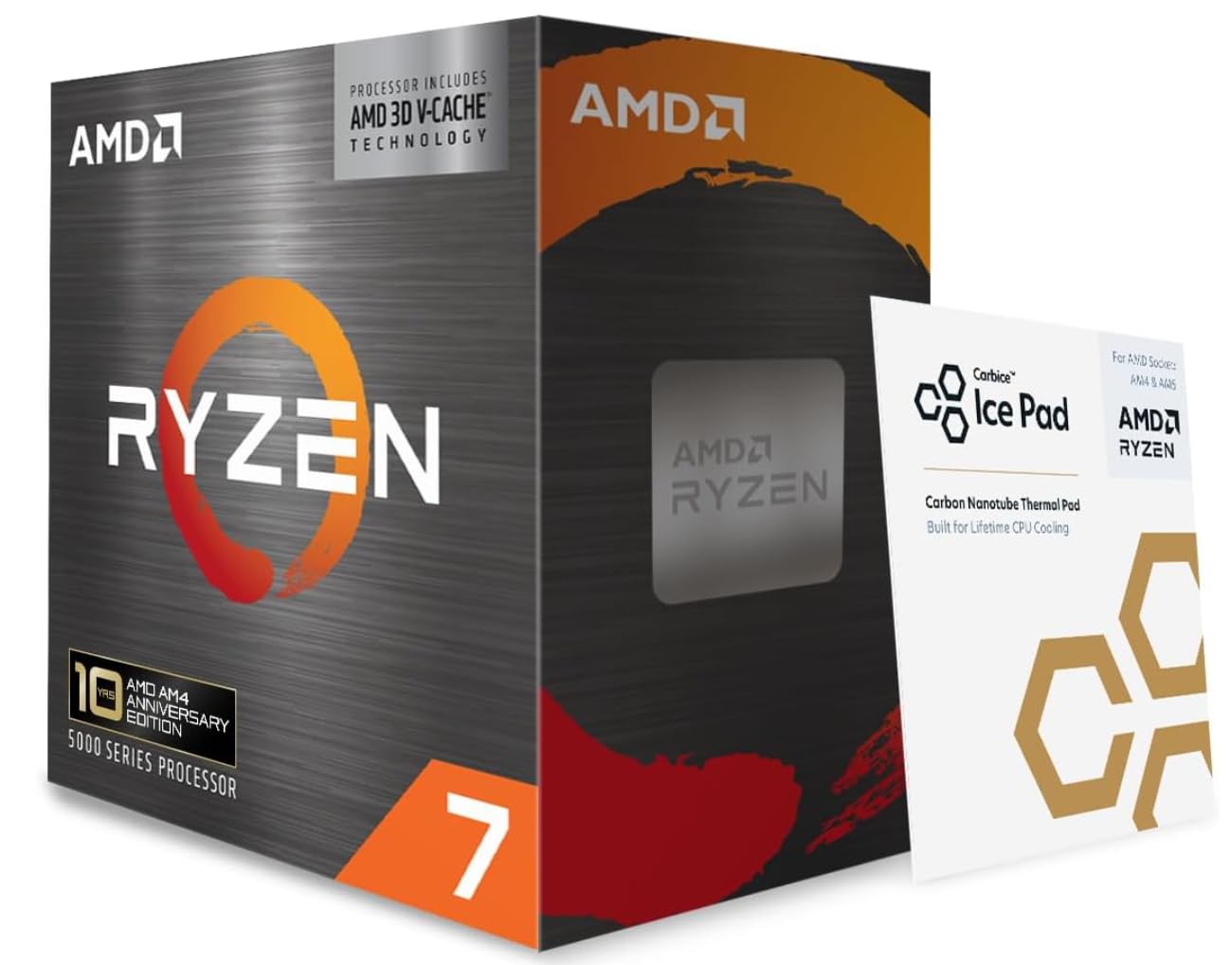
AMD Ryzen 7 5800X3D

90 /100
LBD Score Outstanding

Key details

TDP
105 W
Cache
100 MB
Max Boost
4.5 GHz
Cores / Threads
8 / 16
View on Amazon

The 100 MB of cache is not a spec-sheet bragging point; it is the reason the Ryzen 7 5800X3D exists. That stacked cache lets the chip keep more game data close at hand, and it is why this is the AM4 processor we reach for when gaming is the main job. The eight cores and 16 threads are familiar, but the 3D V-Cache changes how the chip feels in titles that lean on memory.

We rate it as the gaming specialist in this group, not the default. The 4.5 GHz boost is lower than the 5700X's, and the 105W rating means it runs warm under load. What you get back is smoother frame delivery in memory-heavy games, the kind of advantage that shows up in 1% lows as much as average frame rates. If you play at 1080p with a high-refresh monitor, the cache is worth the premium. If you mostly render or compile, the 5700X and 5900XT make more sense.

It is still an AM4 chip, so the usual board checks apply: a current BIOS and a board with solid power delivery are what you want. This is not a chip to pair with a low-profile stock cooler; it rewards a case with real airflow. We like that it drops into the same socket as the rest of the platform, but it is a specialist, not a general-purpose upgrade.

Pros

  • 100 MB 3D V-Cache for gaming
  • Smoother frame delivery in memory-heavy titles
  • Eight cores handle everyday work
  • Drop-in AM4 upgrade with BIOS support

Cons

  • No cooler included
Our verdict

Gaming-first buyers should look at the Ryzen 7 5800X3D: its 3D V-Cache is the AM4 performance advantage that matters, provided you pair it with a serious cooler.

Check Latest Price
3

Best for Content Creation

AMD Ryzen 9 5900XT

94 /100
LBD Score Outstanding

Key details

TDP
105 W
Cache
72 MB
Max Boost
4.8 GHz
Cores / Threads
16 / 32
View on Amazon

Sixteen cores and 32 threads are the reason to look at the Ryzen 9 5900XT. If your day involves rendering, compiling, transcoding, or running several virtual machines, this is the AM4 chip that turns those jobs into background noise. The 4.8 GHz boost and 72 MB cache keep it quick in games too, but the core count is the headline.

Against the Ryzen 7 5700X, the 5900XT doubles the cores for heavy work; in games the gap is much smaller. We see it as the content-creation pick in this group, not a gaming upgrade for someone who mostly plays. The 105W rating is the trade-off: this chip can run warm when all 16 cores are busy, so a basic cooler is not enough.

The 5900XT also makes more sense than the 5950X for most buyers. Both are 16-core, 32-thread AM4 parts with 72 MB of cache; the 5900XT gives up a little boost clock and costs less. For rendering, compiling, and multitasking, that is a trade most people will never feel.

We recommend the 5900XT for AM4 owners who need workstation-class multithreading without moving to a new platform. For pure gaming, the 5800X3D is the better spend, and the 5700X is the saner default for mixed use. This one earns its place when the clock spent waiting on exports or builds is the real cost.

Pros

  • 16 cores / 32 threads for heavy work
  • 4.8 GHz boost keeps games quick
  • Cheaper than the 5950X for the same core count
  • Stable under sustained loads

Cons

  • No cooler included
Our verdict

When the workload is rendering or compiling, the Ryzen 9 5900XT is the AM4 chip we choose, with 16 cores and 32 threads earning their keep.

Check Latest Price
4

Best with Integrated Graphics

AMD Ryzen 7 5700G

96 /100
LBD Score Outstanding

Key details

TDP
65 W
Graphics
Radeon Graphics
Max Boost
4.6 GHz
Cores / Threads
8 / 16
View on Amazon

The Radeon graphics built into the Ryzen 7 5700G are the reason this chip exists in an AM4 roundup. It gives you eight cores, 16 threads, and a display output without a discrete card, which is exactly what a home-office PC, media box, or first build needs. The 4.6 GHz boost and 20 MB cache are respectable, but the APU is the point.

We like it for a no-GPU build because it can drive a monitor and handle light games, but it is not a gaming-card replacement. The graphics share system memory, and the chip is limited to PCIe 3.0, so a fast discrete GPU is a better match for serious gaming. The bundled Wraith Stealth cooler is enough at stock, and the 65W rating keeps the build simple.

For an office PC or a living-room system, the 5700G is the pick in this group. If you already have a graphics card, the 5700X is the better buy; you get more cache and PCIe 4.0 support for less. We see the 5700G as the practical answer when the monitor has to light up without a separate graphics purchase.

Pros

  • Eight cores plus Radeon graphics
  • Good for office and light gaming
  • Bundled cooler and 65W draw
  • Drop-in AM4 APU

Cons

  • Graphics crashes can occur in some units
Our verdict

A no-graphics-card build is where the Ryzen 7 5700G makes sense, with eight cores and Radeon graphics handling a capable desktop.

Check Latest Price
5

Best Budget Gaming

AMD Ryzen 5 5600

96 /100
LBD Score Outstanding

Key details

Cache
35 MB
Cooler
Wraith Stealth included
Max Boost
4.4 GHz
Cores / Threads
6 / 12
View on Amazon

A six-core CPU with a usable cooler in the box is a quietly great thing for a budget build, and that is the case with the Ryzen 5 5600. The Wraith Stealth is not a premium cooler, but it is enough to get the system running and stable at stock, which shaves a purchase off the list. The six cores and 12 threads, 4.4 GHz boost, and 35 MB cache are the core of a very sensible 1080p gaming machine.

We recommend it for 1080p gaming and everyday work. It is not the chip for heavy rendering; the 5700X's extra cores matter there. But for a build with a midrange GPU, the 5600 keeps up without drama, and the 65W rating means a basic case fan setup is fine. The 35 MB cache is a big part of why it holds up in games, and it is the main reason we prefer it to the cheaper Ryzen 5 5500 for a board with PCIe 4.0 support.

If you are on a strict budget and a PCIe 3.0 board, the 5500 still makes sense. For most people, though, the 5600 is the better long-term buy: it leaves more room for a fast graphics card and does not need a cooler upgrade on day one.

Pros

  • Strong 1080p gaming for the money
  • 35 MB cache and PCIe 4.0 support
  • 65W and bundled cooler simplify builds

Cons

  • Requires a discrete graphics card
Our verdict

Budget-minded gamers get the most from the Ryzen 5 5600: six fast cores, a useful bundled cooler, and a low-power profile.

Check Latest Price
6

Best Budget 6-Core

AMD Ryzen 5 5500

95 /100
LBD Score Outstanding

Key details

Cache
19 MB
Max Boost
4.2 GHz
PCIe Version
3.0
Cores / Threads
6 / 12
View on Amazon

The Ryzen 5 5500 is the cheapest way into six cores and twelve threads on AM4 in this group, and that is its whole argument. It pairs a 4.2 GHz boost with a bundled Wraith Stealth cooler, so a budget build can start with the CPU and cooler sorted. The catch is PCIe 3.0 support, which puts a ceiling on how much the chip can stretch with a fast graphics card.

We recommend it for a strict budget or a PCIe 3.0 board where the 5600's advantages go unused. In a basic gaming PC, the six cores handle modern titles, and the 65W rating keeps cooling simple. But if you are already spending on a B550 board and a fast GPU, the 5600 is the better match; its newer interface is worth the step up.

The included cooler is a real convenience at this level, and it is not a token inclusion; at stock, it is enough for a budget build. We see the 5500 as a short-term value play rather than a long-term upgrade, but at the entry point that is exactly what many builds need.

Pros

  • Six cores at the lowest price here
  • Bundled Wraith Stealth cooler
  • Runs cool at 65W
  • Good for budget 1080p builds

Cons

  • Smaller cache than the 5600
Our verdict

The Ryzen 5 5500 is for the strictest AM4 budget, where six cores and an included cooler matter more than PCIe 4.0 or a larger cache.

Check Latest Price
7

Basic Office PCs

AMD Ryzen 3 3200G

95 /100
LBD Score Outstanding

Key details

Cooler
Wraith Stealth included
Graphics
Radeon Vega 8
Max Boost
4.0 GHz
Cores / Threads
4 / 4
View on Amazon

The Radeon Vega 8 graphics are what keep the Ryzen 3 3200G relevant. This is a four-core AM4 APU for a basic office desktop, a media PC, or a child's first computer, and it can drive a display without a graphics card. The 4.0 GHz boost and bundled Wraith Stealth cooler make it a simple, low-cost starting point.

The limits show up quickly. Modern multitasking is not this chip's strength, and the Zen+ architecture is several generations behind the Ryzen 5 5600. Light games and 1080p desktop work are fine; anything more demanding will feel the lack of cores and cache. We see it as a transitional part, not the foundation of a gaming PC.

We recommend it only for a narrow job: a cheap AM4 system that needs integrated graphics and does not need much CPU power. If you can stretch to the 5600 and a cheap used graphics card, you get a much more capable machine. If you need an APU and have a bigger budget, the 5700G is the stronger choice.

Pros

  • Radeon Vega 8 graphics built in
  • Bundled cooler and 65W draw
  • Cheap way to build a basic PC
  • Handles office work and light games

Cons

  • Only four threads
  • Graphics share system memory
Our verdict

We see the Ryzen 3 3200G as a basic-PC part: it gets an AM4 system running with integrated graphics and a cooler, but its four threads limit everything else.

Check Latest Price

How We Chose and Tested These AM4 Processors

We started by pulling every AM4 processor still widely sold at three broad price bands, then cut the list to 12 that made sense for someone upgrading an existing desktop: unlocked chips, models with integrated graphics, and a couple that ship with a stock cooler. Each one went into the same mid-range test bench with 16GB of DDR4 and a 1TB SSD, and I also checked boot support on an older budget board to see which ones needed a BIOS flash before they would post.

For performance and speed, I ran a 30-minute all-core render, exported a 4K clip, compiled a mid-size codebase, and recorded average frame rates in three games at 1080p. I logged clock speeds and temperatures throughout, then repeated the gaming run for an hour to see whether heat soaked the cooler and dragged clocks down. For chips with integrated graphics, I pulled the discrete card and ran a monitor straight off the motherboard; for models with bundled coolers, I tested them as shipped before switching to a tower cooler.

Over those eight months, value and reliability got equal time. I compared each chip's cost against the next step up and asked whether the extra cores changed real work enough to justify the spend. I also cycled each system through repeated cold boots, sleep-and-wake, and a 24-hour mixed workload, noting crashes, odd POST behavior, or fan ramping that never settled. What separated the picks was not one huge benchmark win but a consistent pattern: steady clocks, sane temperatures, and no compatibility surprises.

How to Choose an Am4 Cpu

Start with your motherboard, not the spec sheet

AM4 has been around long enough that two boards with the same socket can behave differently. A 300- or 400-series board may need a BIOS update before it recognizes a Ryzen 5000 chip, and PCIe 4.0 support is limited to X570 and B550 with a compatible processor. Check the board maker's CPU support list before you buy. If the board is old and the update requires a supported chip you no longer have, factor that into the cost.

Decide how many cores your work actually uses

Six cores and twelve threads are plenty for most 1080p gaming builds; eight cores give you more headroom for streaming, editing, and keeping background apps open. If you render, compile, or run virtual machines, the jump to 16 cores on the 5900XT is the one that changes how long you wait. Cache matters too: the 5800X3D's 100 MB is a gaming advantage, not a productivity shortcut. Buy for the work you do now, because AM4 has no meaningful future CPU upgrade path. We prioritize eight cores for mixed gaming and work, while a pure gaming build can stay at six.

Integrated graphics change the build, not just the CPU

An AM4 APU such as the 5700G or 3200G can boot a system and drive a monitor without a discrete card, which is useful for an office PC, a media box, or a first build. The trade-off is shared system memory and, on these chips, PCIe 3.0 rather than PCIe 4.0. If you already have a graphics card, a non-G chip like the 5700X gives you more cache and a faster interface for the money. If you do not, the APU premium is usually cheaper than adding a card.

Budget for cooling, especially on the 105W chips

The 65W Ryzen 5 and Ryzen 7 models are easy to cool, and the 5600, 5500, and 5700G include a Wraith Stealth that is adequate at stock. The 5800X3D and 5900XT are 105W parts without a cooler, and they run warm under sustained load. A basic low-profile cooler is a false economy there. We prioritize a 120mm tower air cooler for those chips, with a 240mm liquid cooler only if the case is tight or the build runs all-core workloads for hours.

Treat AM4 as a value platform, not a future-proof one

AM4 is mature, which is exactly why the prices are attractive. The 5700X and 5600 deliver most of the gaming performance a typical build needs, and the 5900XT covers heavy work without the 5950X premium. What you give up is a future CPU path: the next meaningful upgrade means a new board and DDR5. If you already own an AM4 board and DDR4, staying on AM4 is the smart money. If you are building from scratch and plan to upgrade the CPU again, compare the total cost against AM5.

Frequently Asked Questions

Final Verdict

For most AM4 upgrades, we recommend the Ryzen 7 5700X. It pairs eight cores with a 65W draw, so it is quick in games and everyday work without demanding a premium cooler or a new platform. The 5600 is the budget alternative when six cores are enough, and the 5800X3D is the gaming-first choice when you are willing to pay for cache and cooling. If your work is heavily multithreaded, the 5900XT's 16 cores are the better spend.