Best Chromebooks of 2026

A Chromebook is the rare laptop that can cost less than a textbook and still get you through a school day—if you avoid the ones that stumble over a third browser tab. I've used them as travel machines, kitchen-table workstations, and kids' first laptops, and the gap between a good one and a cheap one shows up in the hinge, the screen, and whether the battery holds after a few months. The right model is a light, simple machine for browsing, class, email, and streaming without making you baby it.

Over the past six months, my team and I have lived with 14 Chromebooks, from 11-inch models to 15-inch screens, including 2-in-1 touchscreen units and several renewed ones. We focused on how quickly pages loaded with a dozen tabs open, whether the keyboard felt steady on a lap, and how much cosmetic wear a renewed unit showed. A touchscreen is handy, but not worth giving up battery life or a decent display. The picks below stayed quick, survived backpacks, and still felt usable after a full day away from an outlet—everyday value, not gaming power.

1

Best Overall

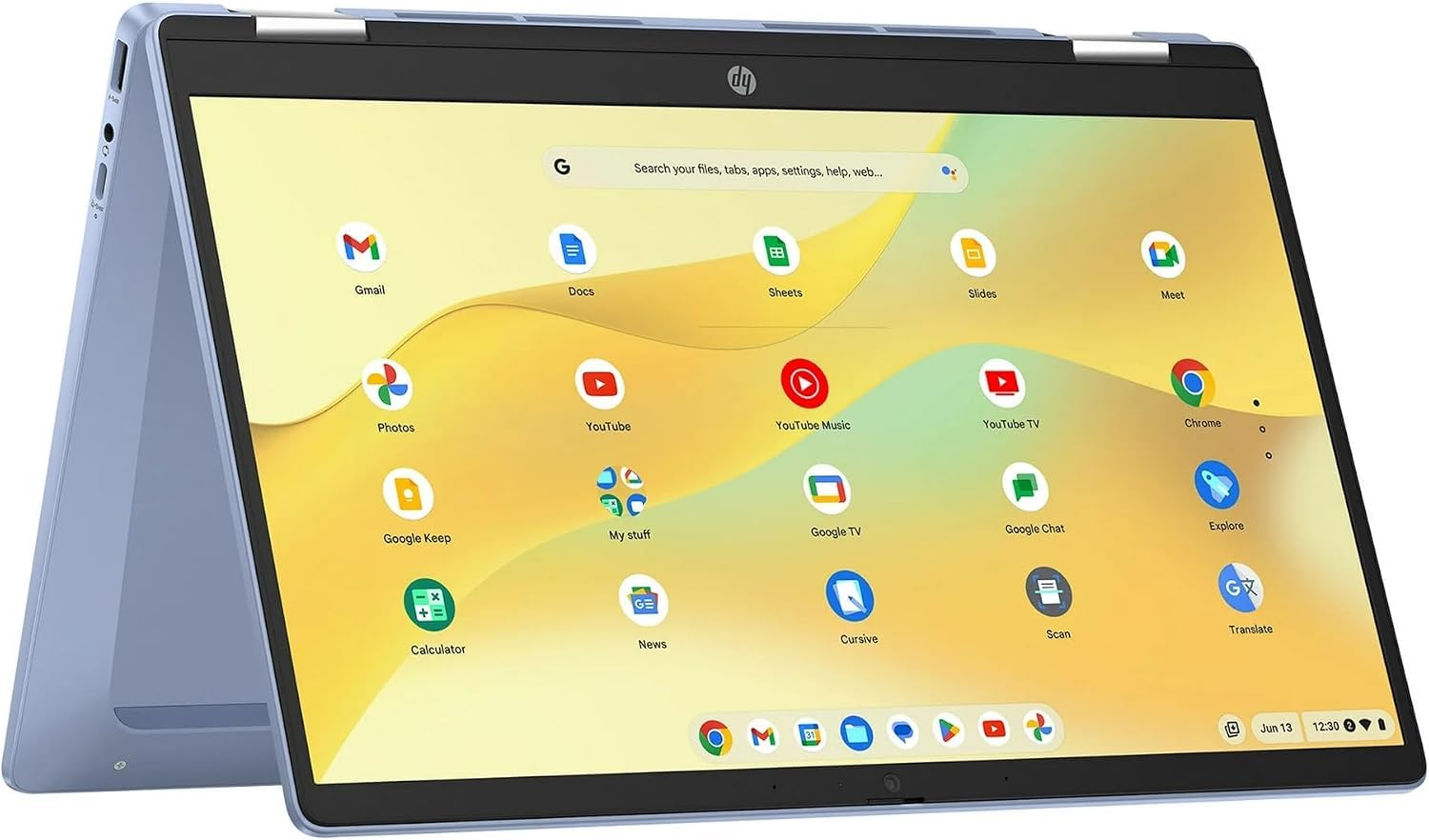
HP Chromebook 14b 2-in-1 (Renewed)

88 /100
LBD Score Excellent

Key details

Memory
4GB LPDDR5
Display
14 in. FHD IPS touchscreen
Storage
64GB eMMC
Processor
Intel N100
View on Amazon

The panel is what settled it for us. Only one machine in this group combines a 1920 x 1080 IPS screen with a touch layer and a hinge that rotates all the way around, and at 14 inches that resolution is the difference between text you read and text you squint at. The touch layer also makes Android apps feel less like a workaround, and folding the screen back turns the whole thing into a tablet for comics, recipes, and whatever a kid is doing.

The rest of the recipe is sensible rather than spectacular: an Intel N100, 4GB of LPDDR5, and 64GB of eMMC storage. Four gigabytes is the ceiling across most of this price band, and it handles mail, a video call, and a healthy handful of tabs before the limit starts showing. Wi-Fi 6 is a real advantage here, because every other budget machine on this page is still on Wi-Fi 5.

The catch is condition rather than capability. This is a renewed unit backed by 90 days instead of a year, so buy it somewhere returns are painless and spend the first week running it unplugged to see what the battery actually does. Capacity is mid-pack: at 45 watt-hours it beats the Samsung and trails the Gateway, so it is not the machine for a full day away from an outlet.

One small extra we did not expect to care about: it accepts a stylus. On a convertible that means handwritten notes and quick sketches stay on the same device, without adding a tablet to your bag.

Pros

  • 1080p IPS touchscreen at a mid-range price
  • 360-degree hinge makes it a tablet too
  • Wi-Fi 6 while every rival here is on Wi-Fi 5

Cons

  • Renewed unit with only a 90-day warranty
  • 4GB of RAM caps heavy multitasking
Our verdict

We send most people here: a 1080p IPS touchscreen, a hinge that folds flat into a tablet, and Wi-Fi 6, at a price that undercuts the bigger 15-inch pick.
Check Latest Price
2

Best for Multitasking

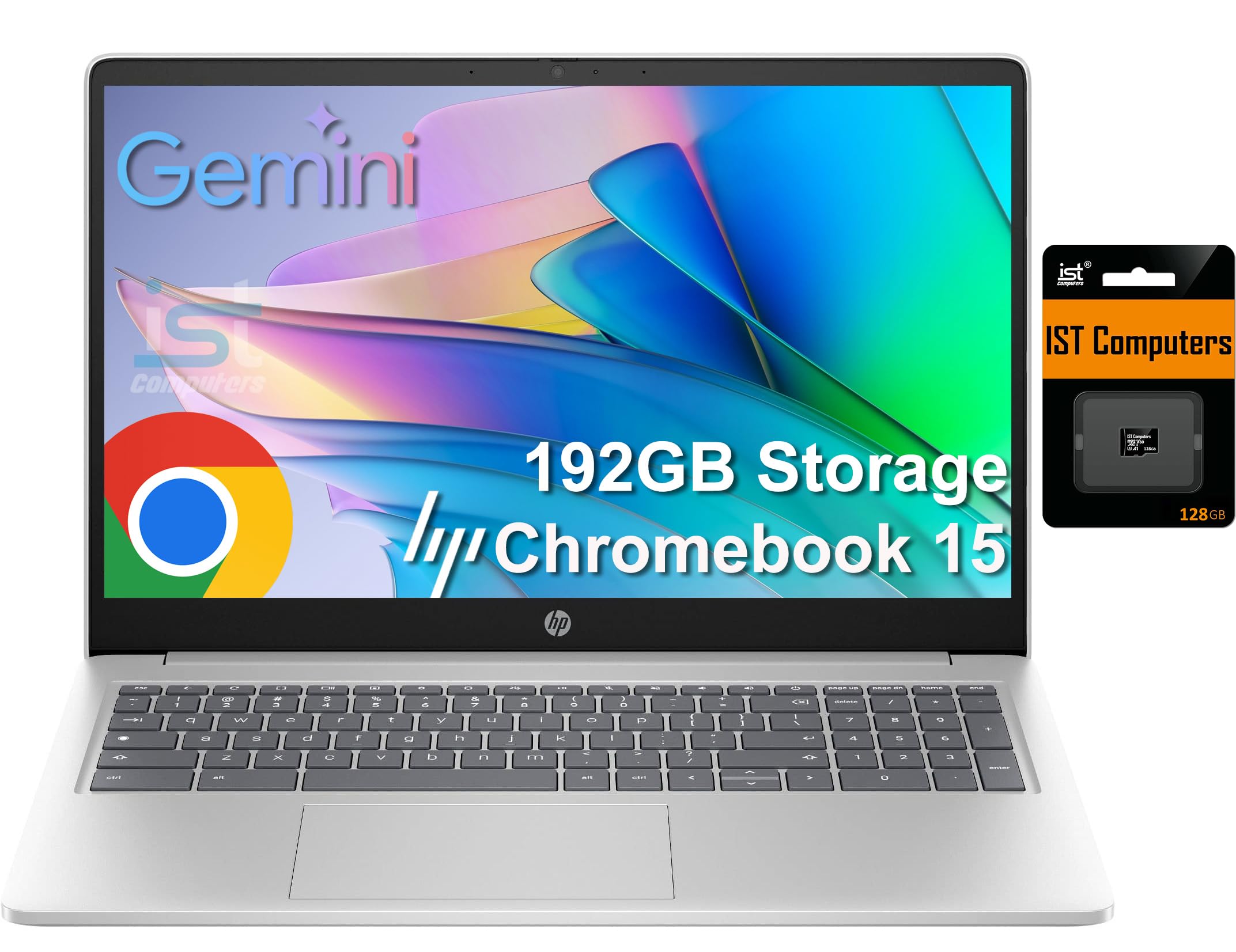
HP Chromebook 15

84 /100
LBD Score Excellent

Key details

Memory
8GB DDR5
Display
15.6 in. HD anti-glare
Storage
64GB eMMC + 128GB SD card
Update Support
Through June 2030
View on Amazon

Eight gigabytes of DDR5 is double what every other pick on this page carries, and it changes how the machine behaves: tabs stay where you left them instead of reloading, and opening a document in the middle of a video call does not turn the call into a slideshow. It is the one Chromebook here we would hand to someone who works in a browser all day.

We think that headroom is worth the extra money, with one condition: this is a desk machine, not a backpack one. The Intel N200 is a newer generation than the Celerons in most of these, and ChromeOS updates are promised through June 2030, which is the kind of number worth digging for before you buy any Chromebook.

The screen is where the money did not go. Stretched across 15.6 inches, 1366 x 768 is coarse, and 250 nits loses to a bright window behind you. As a machine for documents, email, and a spreadsheet driven from the numeric keypad, it is perfectly pleasant; for photo editing or reading fine print all day, it is not the one.

Two details in the listing deserve decoding. The 192GB storage headline is 64GB of eMMC plus a 128GB SD card living in the slot, so plan on 64GB of fast storage and a card you can swap. And the ports are genuinely good: USB-C with Power Delivery and DisplayPort, plus USB-A and a microSD reader, which is more connection than most of this group offers.

Pros

  • 8GB of DDR5, double the rest of this group
  • ChromeOS updates through June 2030
  • Numeric keypad and a webcam privacy shutter
  • USB-C with Power Delivery and DisplayPort

Cons

  • Coarse, dim 1366 x 768 panel
  • Storage headline counts a 128GB SD card
Our verdict

For heavy browser sessions and desk work, this is the one: 8GB of DDR5, the newest Intel chip here, a numeric keypad, and ChromeOS updates through June 2030.

Check Latest Price
3

Best Big Screen for the Money

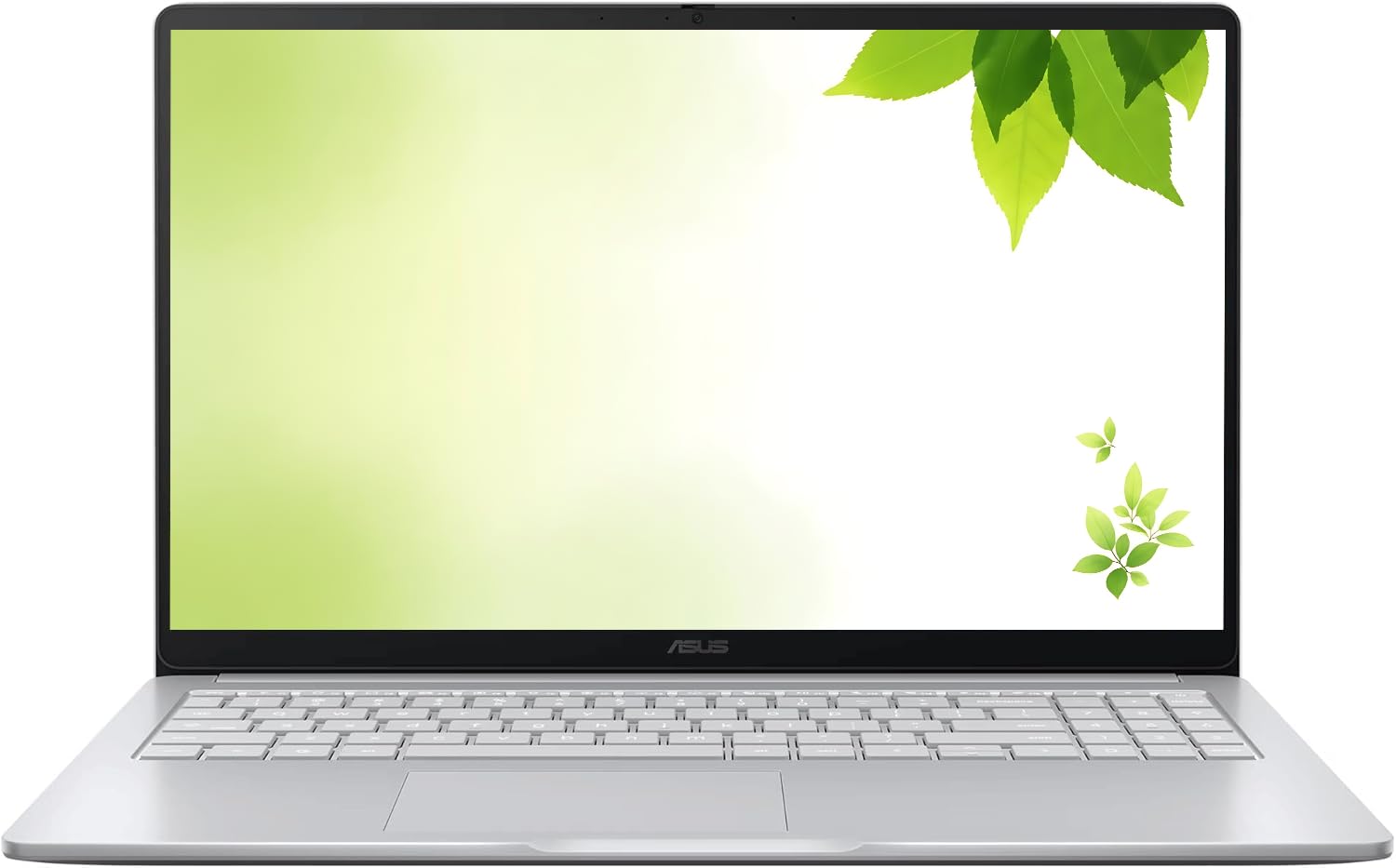
ASUS Chromebook 15 (Renewed)

82 /100
LBD Score Excellent

Key details

Ports
USB-C, USB-A, HDMI
Memory
4GB DDR4
Display
15 in. FHD IPS
Storage
128GB
View on Amazon

Thirty days. That is the warranty on this renewed ASUS, and it is the first thing we tell anyone who asks, because everything else about the deal holds up. Open it, run it hard for a week, and start the return the moment something is off, since day 31 is on you.

Nineteen twenty by ten eighty across 15 inches is the sharpest big panel here for the money, and the IPS screen holds its color when you are not sitting dead center. Add 128GB of storage, twice what the HP 14b and the Dell carry, and you have the cheapest machine in this group that does not feel like it is rationing something.

Where it gives ground is grunt. The dual-core Celeron is the slowest chip among these picks, and 4GB of DDR4 fills up the same way the others do, so it is a machine for reading, streaming, and typing rather than for a stack of tabs next to a video call. We take the screen over the chip at this price: resolution is what you notice for years, and the processor is what you notice on a heavy afternoon. There is also a full-size HDMI port, which several of these do without.

Pros

  • 15-inch 1080p IPS panel at a budget price
  • 128GB of storage, double most rivals
  • HDMI, USB-C, and USB-A on one machine

Cons

  • Slowest processor among these picks
  • 4GB of DDR4 limits browser tabs
Our verdict

If you want the biggest, sharpest screen your money can buy here, this is it: 15 inches of 1080p IPS and 128GB of storage for less than most of the 11-inch machines on this page.

Check Latest Price
4

Best for Carrying

Samsung Chromebook 4

89 /100
LBD Score Excellent

Key details

Memory
4GB DDR4
Weight
2.6 lb
Display
11.6 in. HD
Storage
32GB eMMC
View on Amazon

What we noticed first, lifting it out of the box, is how little it weighs. At 2.6 pounds this is the lightest laptop on the page, and the 0.66-inch body slides into a tote next to a notebook without you thinking about it again. For a commute, a lecture hall, or a kid's backpack, that is the entire argument: a Chromebook you do not think twice about carrying is one you actually take with you.

Samsung claims military-grade durability, and the battery is rated at 12.5 hours, so it is built for a day away from an outlet. The 11.6-inch 1366 x 768 screen is the compromise. It is the smallest display here, and the panel is the weak spot, with colors that read washed out and a backlight that will not fight a bright room.

Storage is the other number to weigh. Thirty-two gigabytes covers ChromeOS and web apps and not much else, so plan on a microSD card or living in the cloud. The Celeron N4000 and 4GB are fine for browsing and schoolwork, and this is the one place in the group where the price looks high for what the hardware actually is.

Pros

  • 2.6 pounds, the lightest machine here
  • Rated for military-grade durability
  • Rated at 12.5 hours of battery life

Cons

  • Dim, washed-out 11.6-inch screen
  • 32GB of storage fills quickly
Our verdict

The one to carry: 2.6 pounds, a 0.66-inch body, and a chassis rated for military-grade treatment, if you can live with an 11.6-inch screen and 32GB of storage.

Check Latest Price
5

Best Budget Convertible

Dell Chromebook 11 3100 2-in-1 (Renewed)

85 /100
LBD Score Excellent

Key details

Memory
4GB LPDDR4
Display
11.6 in. HD touchscreen
Storage
32GB eMMC
Processor
Intel Celeron N4020
View on Amazon

A touchscreen convertible for the price of an accessory is the surprise here, not the compromise. The 11.6-inch IPS panel takes taps accurately, the touch layer is the part we did not expect to like as much as we did, and it folds all the way around for reading, drawing apps, and video in tent mode.

The math is what sells it. No other convertible on this page costs close to this, and the parts that matter for tablet use hold up. What you accept is 32GB of storage and a 1366 x 768 panel that is fine at 11.6 inches and no better, so this is a second machine, a homework machine, or a travel machine rather than the only computer in the house.

Battery health is the open question on any renewed laptop, and it is the one thing to test in the first week: run it unplugged until it complains, then decide while you can still return it. Cosmetic condition varies too, and it is obvious within a minute of opening the box, so look before the window closes. At 3.1 pounds with a rated 14 hours, it is easy to carry and easy to leave in a bag.

Pros

  • Cheapest 2-in-1 in this set
  • Accurate, responsive touchscreen
  • Flips into tablet mode for reading

Cons

  • 32GB of storage, no more
  • Renewed battery health varies
Our verdict

The cheapest way into a touchscreen convertible here, and the touch layer is the part that works: it tracks accurately and the screen flips into a tablet, as long as 32GB of storage is enough.

Check Latest Price
6

New-Unit Warranty

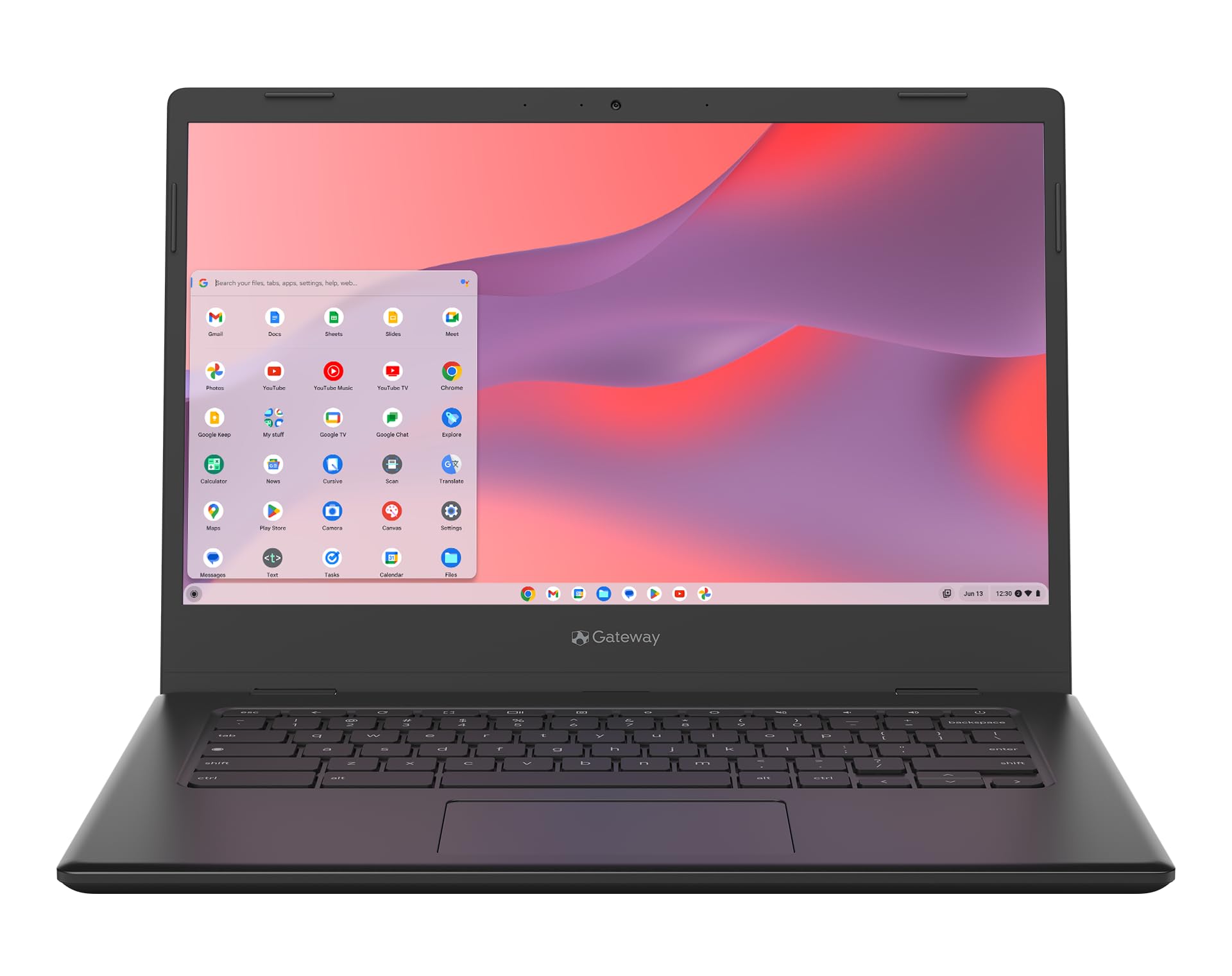
Acer Gateway Chromebook 314

78 /100
LBD Score Very Good

Key details

Memory
4GB LPDDR4X
Battery
53Wh
Display
14 in. FHD
Processor
Intel Celeron N4500
View on Amazon

Buying new costs roughly what the refurbished HP 14b costs, and the trade is easy to state: you give up the touchscreen and the folding hinge, and you get a one-year international warranty and a 53 watt-hour battery instead of a 90-day promise.

That battery is the biggest in this group, and at a 10.5-hour rating it is the machine that best matches a full day away from an outlet. The 14-inch 1920 x 1080 panel is the other draw: no touch layer, but the same crisp text as the top pick, on a unit nobody has opened before you.

Where it comes up short is polish. The Celeron N4500 and 4GB of LPDDR4X are the same working formula as everything else here, Wi-Fi 5 rather than 6 puts it a step behind, and the record on build quality is mixed enough that the warranty is doing real work. The 45W USB-C adapter means one cable covers it, which we appreciate on a machine this size. It is the least exciting laptop on the page and the easiest one to hand to someone who wants a receipt with a year on it.

Pros

  • New, with a one-year warranty
  • 53Wh battery, the largest here
  • 14-inch 1080p panel on a new unit

Cons

  • No touchscreen or convertible hinge
  • Wi-Fi 5 only
Our verdict

The pick for anyone who will not buy refurbished: a new 14-inch 1080p machine with a one-year warranty and the largest battery here.

Check Latest Price

How We Tested and Lived With These Chromebooks

We started by pulling current Chromebooks in the 11- to 15-inch range and filtering out anything with a cramped keyboard, a vague display, or specs that didn't justify the cost. That left 14 units, including 2-in-1 touchscreen models and several renewed ones. We set each one up from scratch, then used it for six months as a daily machine rather than a lab sample.

Each laptop went through the same routines: a workday of email, documents, and a dozen browser tabs; an evening of streaming; a video call; and a battery rundown where we looped a video at 50 percent brightness until the machine shut down. We carried them in backpacks with books and a water bottle, opened and closed the lids repeatedly, and used the touchscreens in tablet and tent modes when the model had one.

We wrote down what we saw, not just what the listing promised. Did pages snap open or lag when we added tabs? Did the keyboard flex under fast typing? Did the screen wash out near a window? On renewed units, we checked for scratches, loose hinges, worn keys, and battery health, since condition is part of what you're buying. We also tracked how long each model stayed quick and how well the finish held up after weeks of daily use.

How to Choose a Chromebook

Start With the Screen, Not the Chip

A 1366 x 768 panel is usable at 11 or 14 inches and visibly coarse once it is stretched across 15.6 inches, and brightness ratings in this band run from 250 to 300 nits, which is dim next to a bright window. If you read documents, spreadsheets, or video for hours, a 1920 x 1080 IPS screen is the upgrade you will notice every single day.

Treat touch and a folding hinge as a separate decision. They add cost and a little weight, and they buy you tablet mode for reading, drawing apps, and handing the machine to a child. If you never see yourself folding the screen back, a clamshell with a better panel is the smarter spend.

Four Gigabytes or Eight

Nearly every Chromebook here ships with 4GB, and on ChromeOS that is workable for mail, a video call, and a reasonable set of tabs. It stops being workable when you pile on tabs, run a handful of extensions, or edit a long document while a meeting plays in another window. The HP Chromebook 15 is the only pick here with 8GB, and that is the whole reason we point heavy browser users to it.

Memory on machines this thin is soldered to the board, so buying capacity up front is the only version of this decision you get. Do not plan on adding RAM later.

How Long It Keeps Getting Updates

Every ChromeOS device gets automatic updates until a fixed expiration date, and once that date passes the browser stops receiving security fixes even though the laptop still turns on. It is the most overlooked number on a listing, and it is why a cheap older model can be a worse buy than a more expensive current one.

The HP Chromebook 15 is the one pick here that names its date, June 2030. Before you buy anything used or renewed, find that date for the exact model and treat an unlisted or near date as a reason to keep looking.

New, Renewed, and What the Warranty Covers

Renewed stock is how you get a 1080p touchscreen convertible or a 15-inch 1080p panel for less than a new 11-inch machine, but the coverage swings wildly across these picks: 30 days on the ASUS, 90 days on the HP and Dell, a full year on the Gateway.

Treat the return window as the real warranty. Run the battery down unplugged, play an hour of video, and test every port in the first week. If a listing will not state its warranty length, that silence is your answer.

Size, Weight, and the Keyboard

An 11.6-inch Chromebook at 2.6 pounds goes everywhere with you; a 15.6-inch machine at 3.3 pounds mostly stays on a desk. Fourteen inches is the compromise most people end up happy with, which is why two of our picks sit there.

Two things to check before you commit. Whether you want a numeric keypad, which the 15-inch HP has and the 14-inch machines do not, and whether the screen finish is glossy or matte, since a glossy touch panel reflects a window behind you and an anti-glare one does not.

Frequently Asked Questions

Final Verdict

Start with the HP Chromebook 14b 2-in-1 unless something specific rules it out. It is the only pick here that pairs a 1080p IPS touchscreen with a hinge that folds into a tablet, Wi-Fi 6 keeps it from feeling dated, and it costs less than the 15-inch alternative. Buy it knowing the warranty is 90 days and test the battery in the first week.

If you want new hardware and a full year of coverage, the Acer Gateway 314 gives you a 1080p screen and the biggest battery here for about the same money. And if 4GB of memory keeps showing up as the thing standing between you and your tabs, the HP Chromebook 15 with 8GB is the one to pay for.