Best Full Motion TV Mounts of 2026

The worst thing a TV mount can do is let you drill six holes in the wall before you find out the screen won't swing toward the couch. Full motion mounts promise swivel, tilt, and extension, but the box can't tell you whether an arm will sag under a heavy panel or whether the back plate lines up with the studs you actually have.

That's the part I care about, so we spent six months hanging 12 full motion mounts in real rooms rather than on a bench. The inch range and weight limit printed on the box are fuzzy numbers; your VESA pattern and stud spacing are what decide whether a mount works in your space at all. After that it's motion — how far the screen reaches, how smooth the swivel stays, and whether it sits flat when you push it back.

The picks below cover everything from a single-stud corner job to a big screen that needs to travel across an open room, and each one held its position week after week instead of creeping south the moment the panel went on.

1

Best Overall

Mounting Dream MD2380

96 /100
LBD Score Outstanding

Key details

Extension
Up to 17 inches
VESA Maximum
400 x 400 mm
Weight Capacity
110 lb
Screen Size Range
32 to 70 inches
View on Amazon

A 110-pound rating, a 400 x 400 mm VESA plate, and six articulating arms is a lot of bracket for a mount sitting at the low end of the midrange, and that gap between what it is rated to do and what it asks for is the reason it is our top pick. It covers 32- to 70-inch TVs and hangs on standard 16-inch studs, which describes most of the walls most people are drilling into.

The install is where it earns the recommendation rather than merely matching it. Hardware arrives in bags labeled by step, there is a paper template for the wall holes, and the TV hangs on a hook-and-latch pair once the plate is up, so nobody is holding a panel in the air while someone else hunts for a bolt. What we appreciated most is the ±3 degrees of leveling built into the bracket: a plate that ends up a degree off gets corrected with a wrench instead of a new set of holes.

Movement is smooth and, more usefully, it holds. The arms swing out to 17 inches and stay where you leave them, and the tilt runs 5 degrees up and 15 down — enough to kill a glare band off a window without tipping the panel so far that the top edge looks wrong from the sofa.

What you give up is headroom. Past 70 inches or 110 pounds this is the wrong bracket, and that is a capacity line rather than a knock on the build. The lifetime warranty is the detail that surprised us at this level; it suggests the company expects the arms to outlast the TV hanging on them.

Pros

  • Six arms spread the load over a 16-inch span
  • Post-install leveling fixes a crooked plate
  • Harness in labeled bags with a drilling template
  • Arms hold position once moved

Cons

  • 400 x 400 mm VESA ceiling rules out some large TVs
  • Heavy enough to want help hanging the TV
Our verdict

The one we recommend to most people: it covers 32- to 70-inch TVs on standard studs and lets you correct a crooked plate without drilling again.

Check Latest Price
2

Best for Big Screens and Long Reach

ECHOGEAR MaxMotion EGLF2

96 /100
LBD Score Outstanding

Key details

Swivel
Up to 130 degrees
Extension
Up to 22 inches
Weight Capacity
125 lb
Screen Size Range
42 to 90 inches
View on Amazon

Twenty-two inches is the number that separates this mount from everything else in the group. That is how far the arms reach out from the wall, and it is what lets a screen clear a deep built-in, swing past a side wall, or angle toward a recliner at the far end of an open room. The swivel figure is 130 degrees, the widest here by a distance.

We think it is worth the premium when the room actually uses that reach, and a waste when it does not. The steel is the heaviest in this group and the frame is built to carry 125 pounds across 42- to 90-inch sets; the mount is UL listed, comes with a five-year warranty, and is backed by a seven-day support line. On a flat wall facing the sofa, none of that extra mass buys you a better picture than the top pick does.

Tilt is the adjustment that gives trouble. The vertical pivot wants a firm hand and a re-tighten before it holds an angle on a heavy panel, and it is the weakest part of the design. Everything else assumes a big TV: plan on two studs and a helper for the lift, and leave room behind the screen when the arms are folded back.

Pros

  • 22-inch reach clears deep furniture
  • 130-degree swivel, the widest here
  • UL listed with a five-year warranty
  • 125-pound capacity for 90-inch sets

Cons

  • Vertical tilt needs retightening to hold an angle
  • The most expensive mount in this group
Our verdict

We think it's worth the premium when your seating runs deep or wide: nothing else here reaches 22 inches or swivels 130 degrees with this much steel behind it.

Check Latest Price
3

Best Value for Large TVs

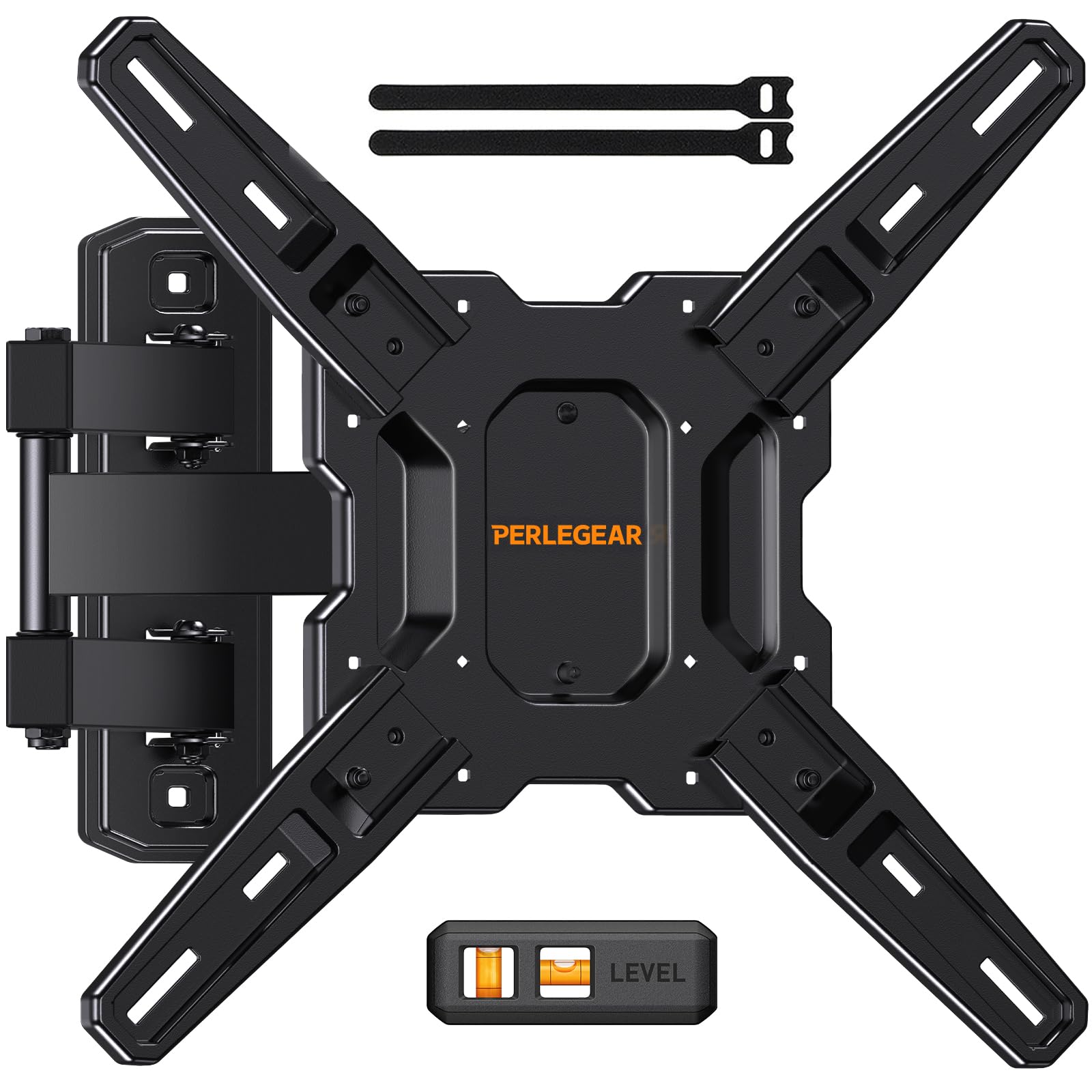
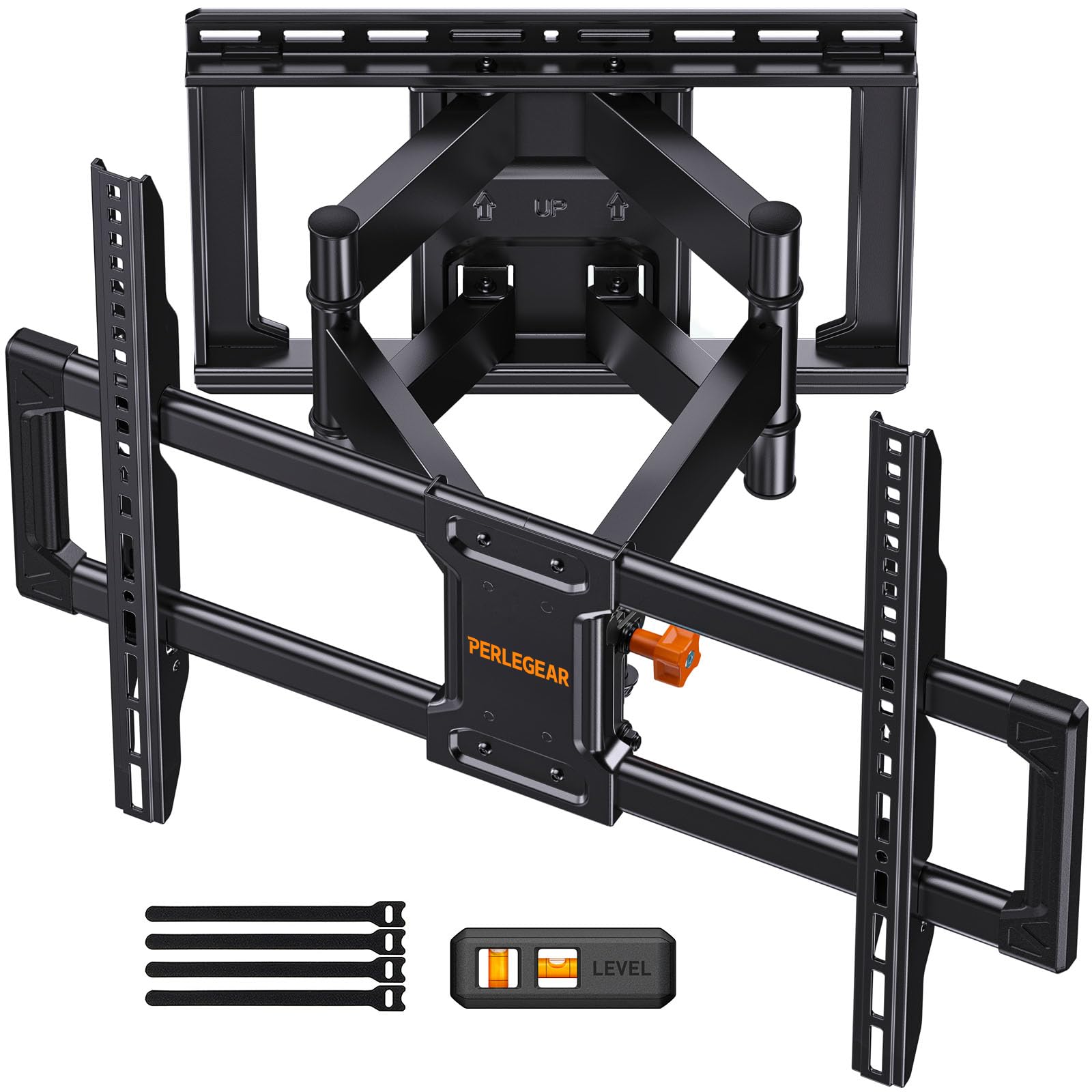
Perlegear PGLF8

95 /100
LBD Score Outstanding

Key details

Swivel
Up to 50 degrees
Stud Spacing
16 inches
VESA Maximum
600 x 400 mm
Weight Capacity
132 lb
View on Amazon

A UL listing on a mount that carries 132 pounds across a 600 x 400 mm VESA plate is the short version of why this one is here. Add a 16-inch stud span, ±50 degrees of swivel, and tilt you adjust without hunting for a wrench, and you have the large-screen bracket we point to when the budget is real. The arms are rated for 60,000 motion cycles, which is the sort of figure that matters on a mount you will swing every day.

Two things are trimmed to reach that position. Swivel stops at 50 degrees, so a screen pushed hard to one side will not come around as far as the ECHOGEAR will, and the warranty runs two years against five or ten on other picks. On a normal wall with the sofa roughly in front, neither limit shows up. In a room where one TV has to serve two seating areas at right angles, both do.

Pros

  • UL listed with a 132-pound capacity
  • Fits 16-inch studs and 600 x 400 mm VESA
  • Tilt adjusts without tools
  • Rated for 60,000 motion cycles

Cons

  • Two-year warranty is the shortest here
  • 50-degree swivel limits off-angle viewing
Our verdict

If the TV is huge and the budget isn't, this is the mount we point to — UL listed, 132 pounds of capacity, and tool-free tilt.

Check Latest Price
4

Best Single-Stud Mount

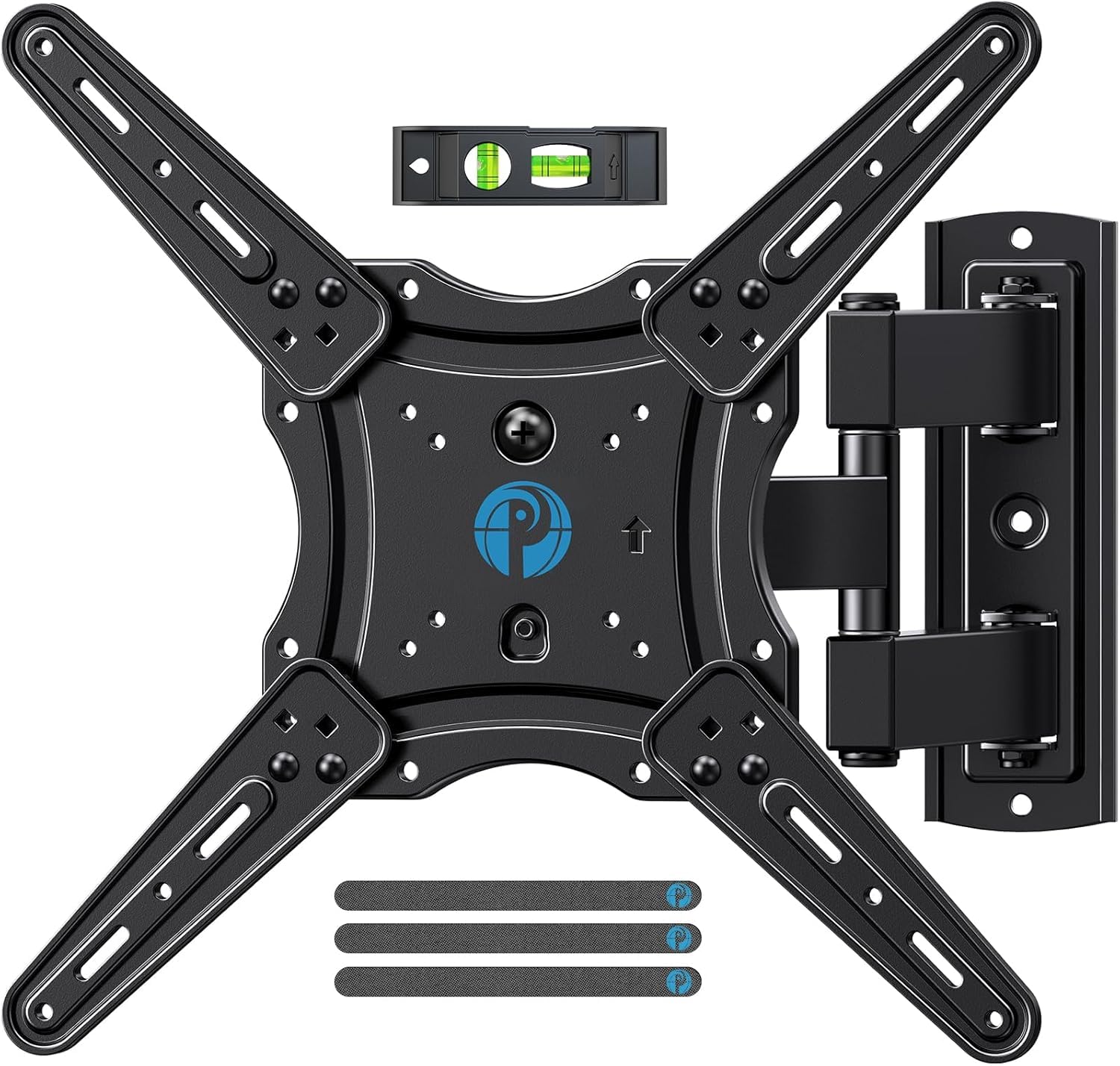
Pipishell PIMF7

95 /100
LBD Score Outstanding

Key details

Extension
Up to 17 inches
Weight Capacity
80 lb
Stud Requirement
Single wood stud
Screen Size Range
26 to 65 inches
View on Amazon

Plenty of walls give you one usable stud and nothing else — the pier between two windows, the chimney breast, the corner where the only flat surface is a foot wide. A dual-arm bracket has nothing to bolt to in those spots. This one needs a single stud, and that single fact is its reason to exist.

It uses that stud well. The plate fits 26- to 65-inch TVs up to 80 pounds, the arms extend 17 inches and fold back to 2.36 inches — the flattest retract of any mount here — and swivel runs ±90 degrees, more than the dual-arm brackets manage. A five-year warranty covers it, and the kit includes a template, a level, and the hardware in labeled bags.

We prefer it to the other single-stud options because of that fold-back, and because the arm tension is set well enough to hold a 55-inch panel at an angle without drifting. It is not effortless to move; a couple of points in the arc need a two-handed pull, and the screen has to be guided rather than shoved. For a mid-size TV on a stingy wall, that is a fair trade.

Pros

  • Single-stud install fits corners and narrow piers
  • Folds to 2.36 inches, flattest here
  • 90-degree swivel on a single fixing
  • Five-year manufacturer warranty

Cons

  • 80-pound capacity keeps it off most 75-inch TVs
Our verdict

Our pick when you can only count on one stud: 90 degrees of swivel, a 2.36-inch fold-back, and a five-year warranty.

Check Latest Price
5

Best Budget Pick

USX Mount XMM006

95 /100
LBD Score Outstanding

Key details

Extension
Up to 16.7 inches
Certification
UL listed
Weight Capacity
77 lb
Screen Size Range
26 to 65 inches
View on Amazon

Five degrees of leveling play after the plate is on the wall is the most of any mount here, and it is the kind of detail that only looks small until your first hole is an inch off and the TV is visibly crooked. Everything about this bracket is pitched at the same buyer: 26- to 65-inch sets up to 77 pounds, a 400 x 400 mm VESA ceiling, and arms that extend 16.7 inches and fold back to 2.81.

We keep coming back to it for bedrooms, offices, and kids' rooms, where the TV is a 43- or 55-inch set and nobody wants to spend big-screen money on the bracket. It is UL listed, which is unusual at this end of the range, swivel runs a full ±90 degrees, and the warranty is ten years. It mounts to wood studs or concrete, and the box includes a bubble level and cable ties.

The instructions are the weak link. The steps are shared across several models and the hardware bags assume you already know which screw your TV takes, so read the whole sheet before drilling and test-fit the TV screws first. The 77-pound ceiling is the other hard line: a 65-inch OLED is fine, and a heavy older 65-inch plasma is not.

Pros

  • UL listed at the low end of the range
  • Full 90-degree swivel both ways
  • Ten-year warranty
  • Five degrees of post-install leveling

Cons

  • 77-pound ceiling caps it at mid-size sets
  • Instructions are generic across several models
Our verdict

We keep coming back to this one for bedrooms and offices — it's the least expensive UL-listed mount here and it still folds to under three inches.

Check Latest Price
6

Best for 12-Inch Stud Spacing

USX Mount XML030-K

95 /100
LBD Score Outstanding

Key details

Swivel
Up to 45 degrees
Stud Spacing
12 or 16 inches
Weight Capacity
120 lb
Screen Size Range
42 to 82 inches
View on Amazon

Twelve-inch stud spacing is the detail most mount listings ignore and most old houses have. This bracket's wall plate spans both 12- and 16-inch centers, and the six arms spread a 120-pound load across that span instead of hanging it all on one fixing — which is the argument for a dual-arm design over a single-stud one whenever the wall allows it.

The rest of the specification is aimed at big screens: 42 to 82 inches, a 600 x 400 mm VESA ceiling, ±45 degrees of swivel, and ±4 degrees of leveling to straighten things after the fact. The arms pull out 15.2 inches and fold back to 2.8, and the hardware comes in labeled bags with a template and a bubble level.

We hand this one to anyone whose studs are not where the mount expects them, with one caveat attached: 15.2 inches is the shortest reach here and 45 degrees the narrowest swivel of the dual-arm group. If the sofa sits roughly in front of the wall, that costs you nothing. If the screen has to swing around a corner or past a partition, pay for reach instead.

Pros

  • Bridges both 12- and 16-inch stud spacing
  • 120-pound capacity for 82-inch TVs
  • Six arms spread load over two studs
  • 600 x 400 mm VESA ceiling

Cons

  • Shortest extension here at 15.2 inches
  • 45-degree swivel is the narrowest of the dual-arm picks
Our verdict

This is the one we hand to anyone with 12-inch stud centers or a TV past 70 inches: 120 pounds of capacity and a plate that bridges both spacings.

Check Latest Price
7

Tool-Free Tilt

Perlegear PGMF3

95 /100
LBD Score Outstanding

Key details

Extension
Up to 17.3 inches
Tilt Adjustment
Tool-free
Weight Capacity
82 lb
Screen Size Range
26 to 65 inches
View on Amazon

Tilt that adjusts without a wrench sounds like a small thing until you have stood on a chair with a socket in your hand trying to kill a glare band. This bracket's tilt mechanism is tool-free, so the angle changes with a push, and the articulating arms move without the wobble that shows up on cheaper hardware.

Underneath that feature it is a conventional single-stud mount: 26- to 65-inch TVs up to 82 pounds, ±90 degrees of swivel, arms that extend 17.3 inches, and a 400 x 400 mm VESA ceiling. The kit includes a bubble level, pre-labeled hardware, and a template, which is what makes the three-step install claim close to true.

The retract figure is the one to think about before ordering. At 3 inches it sits further off the wall than anything else here, so a TV in a narrow room or a shallow alcove will look like it is hovering rather than mounted flush.

Between the two single-stud mounts in this guide, this is the one we take when the tilt will actually move — a screen hung high in a bedroom, a monitor sharing a wall with a desk — and the Pipishell when the screen needs to fold back tight. Both are comfortable with a 55-inch set. Neither is the answer at 75.

Pros

  • Tool-free tilt, no wrench needed
  • 17.3-inch extension on a single stud
  • 90-degree swivel both ways
  • Labeled hardware, level, and template included

Cons

  • Retracts to 3 inches, the least flat here
  • 82-pound capacity limits screen size
Our verdict

We like it best as a second-room mount: tool-free tilt you can change one-handed, 90 degrees of swivel, and a single-stud install.

Check Latest Price
8

Small TVs, Monitors

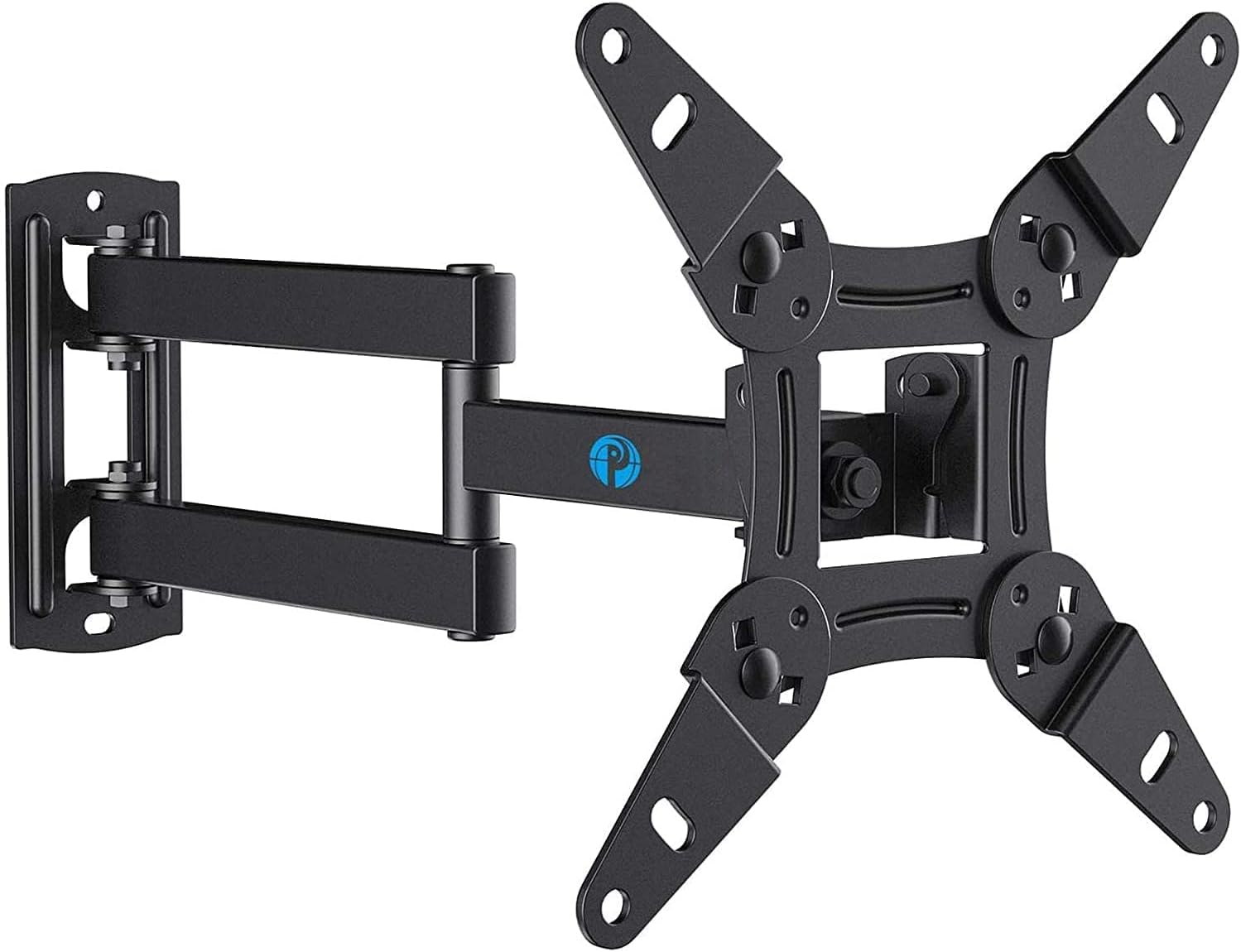
Pipishell PISF1

93 /100
LBD Score Outstanding

Key details

Swivel
Up to 90 degrees
VESA Maximum
200 x 200 mm
Weight Capacity
44 lb
Screen Size Range
13 to 43 inches
View on Amazon

Thirteen to 43 inches covers a category the big brackets ignore: a small bedroom TV, a 27-inch monitor on a wall, an Echo Show 21 that needs to swing toward the kitchen counter. This is a full-motion arm built to that scale, and it is the only mount here rated below 26 inches.

The specifications are proportionate. Forty-four pounds of capacity, a 200 x 200 mm VESA ceiling that takes the small hole patterns, ±90 degrees of swivel, and 9 degrees of up-tilt against 11 down. A five-year warranty backs it, and the hardware bag includes spacers for screens with recessed mounting holes.

Install is one stud and one plate, which is the reason this class of mount exists. That also means the fixing does all the work — the lag bolt into the stud, not a drywall anchor, is what holds the screen — so use a stud finder rather than a guess. With a light panel, one person can finish the whole job in an afternoon.

For a small screen it is the cheapest route to full motion in this group, and the swivel is generous enough to aim a monitor at a standing desk or a bed without touching the wall plate. The one thing to be clear about is scale: this is a small-screen mount and it does not pretend otherwise.

Pros

  • Rated down to 13-inch screens and up to 43
  • 90-degree swivel on a small bracket
  • Spacers included for recessed mounting holes
  • Five-year manufacturer warranty

Cons

  • 44-pound, 43-inch ceiling is a hard stop
Our verdict

For a small TV, a monitor, or an Echo Show, it's the least expensive way we've found here to get full motion on one stud.

Check Latest Price

How We Tested Full Motion TV Mounts

We built the shortlist by pulling every full motion mount with a published VESA range and a weight rating we could verify, then cutting anything that couldn't clear a 55-inch screen, required more than standard 16-inch stud spacing, or cost more than the television it was meant to hold. That left 12 mounts, installed over six months in living rooms, a finished basement, and one awkward bedroom corner where the only stud sat off-center.

Installation happened on Saturday mornings, solo, with a drill and whatever hardware came in the box. We timed each job, noted whether the paper template matched the plate, checked that the lag bolts grabbed solid wood, and counted how much leveling correction was needed once the TV was hanging. A mount that realistically needed two people got marked down.

Then we hung real screens and left them up. Every week we looked for droop in the arms, pressed down on the extended bracket to see how much it flexed, and re-checked tilt tension with a heavier panel, since that's the adjustment that gives out first and lets a screen tip forward on its own.

For range of motion, we measured how far each mount pulled the screen off the wall and swept it through its full swivel arc, noting where a corner install ran out of travel and whether the TV returned flush afterward. Value came down to the plainest question: what the mount did compared with what it cost, and whether the hardware box was complete enough to skip a trip to the hardware store.

How to Choose a Full-Motion Tv Mount

Start with VESA and weight, not screen size

The diagonal range on the box is what the maker is willing to stand behind, not a promise of fit. What actually decides it is the VESA pattern — the four threaded holes on the back of the panel — and the weight of the TV without its stand. A 400 x 400 mm bracket will not accept a set whose holes sit 600 mm apart, and a 77-pound rating is a hard ceiling however big the screen is.

Measure the hole spacing both horizontally and vertically, look up the TV's shipping-without-stand weight, then compare. It takes two minutes with a tape measure and it is the step that prevents the return.

Match the mount to the studs you actually have

A full-motion arm hangs the load out from the wall, so the fixing matters more here than it does on a flat bracket. Dual-arm designs spread the pull across a 16-inch span; single-stud designs go wherever you can find one stud, which is why they suit corners, narrow piers, and chimney breasts. Older houses sometimes run studs on 12-inch centers, and only a plate that spans both will bridge them.

Read the wall-type line before ordering: wood stud, concrete, and brick are the usual options. Drywall on its own is not one, and no bracket in this group is rated to hang a TV from anchors alone.

Work out how much reach the room needs

Extension is measured from the wall to the back of the TV with the arms out. In this group it runs from about 15 to 22 inches, and the difference shows up when a screen has to clear a deep built-in, swing past a side wall, or angle toward a second sofa.

Retracted depth matters just as much: most of these fold back to between 2.4 and 3 inches, which is the difference between a TV that sits close to the wall and one that visibly floats. Buy the reach your room uses and no more — every extra inch of arm is carrying weight further from the studs.

Tilt and swivel solve two different problems

Swivel aims the screen at a seat; tilt fights glare from a window or a screen hung a little high. Swivel figures are optimistic, because the wider the arms swing the more the TV's own width blocks the angle, which is why manufacturers qualify them.

Tilt is the adjustment that gives trouble. The pivot has to hold an angle under the panel's weight, so look for a tension bolt you can reach with a wrench, or a tool-free mechanism. If you set the angle once and leave it, a wide tilt range matters much less than a firm one.

Budget for the install, not just the bracket

Every mount here ships with a drilling template, a bubble level, and hardware in labeled bags, and one person can usually fix the wall plate. The TV is the part that needs help: past about 65 inches it is a two-person lift onto the hooks, and that is a scheduling problem rather than a design flaw.

Check the post-install leveling before you tighten everything down. Those few degrees of built-in rotation are the only correction that does not involve new holes in the wall.

Frequently Asked Questions

Final Verdict

For most living rooms the Mounting Dream MD2380 is the mount to buy. It covers 32- to 70-inch TVs on standard 16-inch studs, and the post-install leveling means a plate that lands a degree off gets corrected with a wrench instead of a fresh set of holes.

Step up to the ECHOGEAR MaxMotion if the seating sits far off to one side or the TV is 85 inches and up — its 22-inch reach and 130-degree swivel are the whole reason to pay more. If the screen is large but the budget is not, the Perlegear PGLF8 carries 132 pounds with a UL listing and asks you to give up swivel range and warranty years, not capacity.