Best Gaming TVs of 2026

Gaming TVs come down to a fork in the road: the ink-black contrast of OLED, or the window-fighting brightness of a mini-LED set. Both look flawless in a showroom loop. Neither tells you how they handle a fast camera whip at 11 p.m., whether faces stay skin-colored under stadium lights, or how many HDMI 2.1 ports your console, PC, and streaming stick fight over.

Six sets have lived in my living room for nine months, 55- and 65-inch models rotated through the same corner. The spec I've learned to distrust is refresh rate: a 144Hz panel is nice, but variable refresh rate that actually engages, a spare 2.1 port, and an anti-glare coating that survives a sunny Saturday matter more. Built-in sound is finally good enough that a soundbar is optional.

What separates the good ones is unglamorous: a TV that still switches inputs without drama after a few firmware updates, a menu you can work one-handed, and money that buys visible improvement rather than a bigger number. Your room's light and your console decide the rest.

1

Best Overall

TCL QM6K 65-Inch

86 /100
LBD Score Excellent

Key details

HDMI Ports
4
Screen Size
65 inches
Gaming Feature
Game Accelerator 288 VRR
Native Refresh Rate
144Hz
View on Amazon

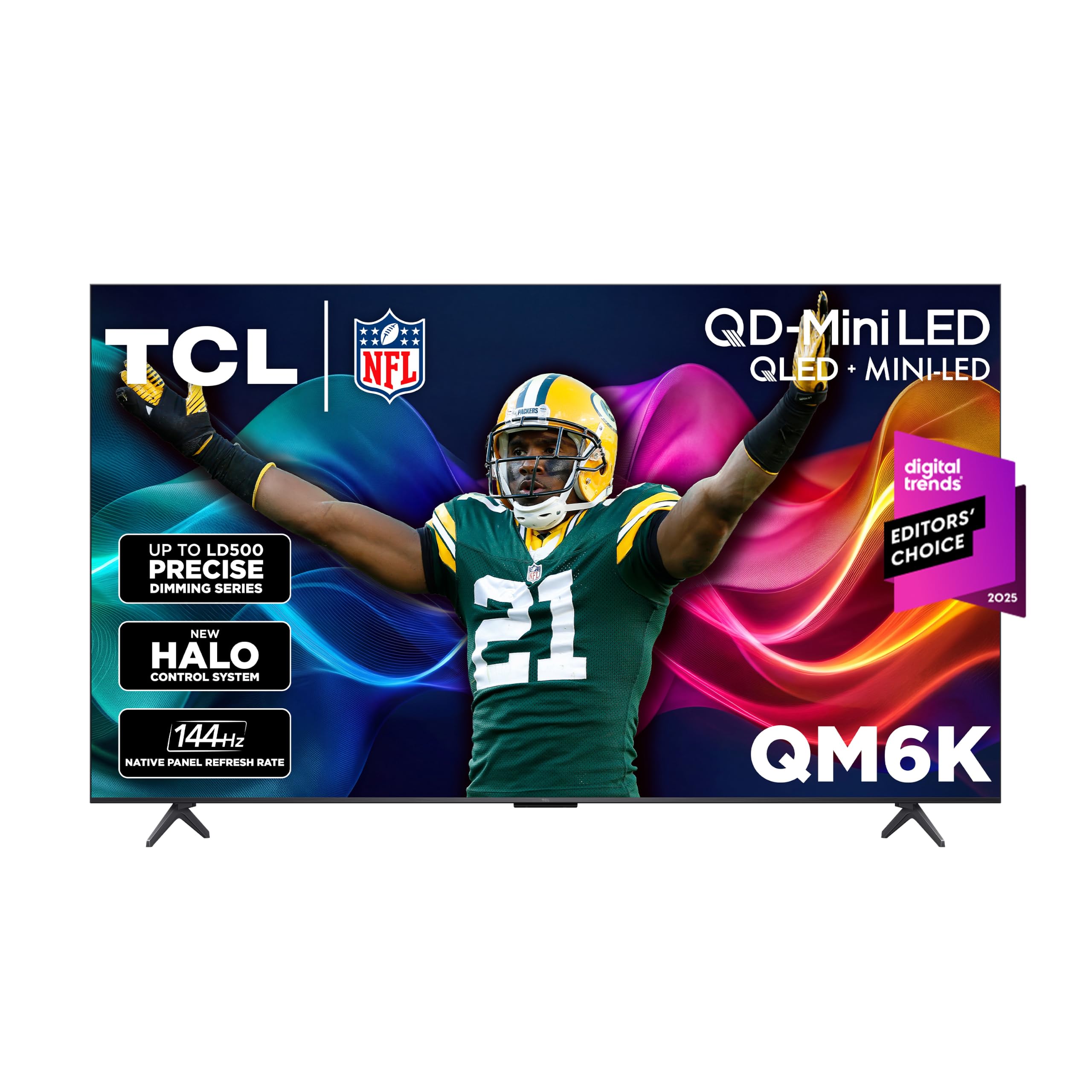
The QM6K is the set we reach for first when someone wants a serious gaming TV without paying OLED money. It combines a native 144Hz panel, Game Accelerator 288 VRR, and four HDMI inputs with a QD-Mini LED picture that holds up in a normally lit room. That combination is why it tops this group: it covers the console and PC basics without asking you to give up contrast or ports.

The 65-inch panel is 56.9 inches wide, so it fits where a large set fits, not just any wall. The four HDMI inputs are the practical win here: they let a PS5, an Xbox, and a soundbar stay connected at once; the fourth port gives you room for a PC or a streaming box. TCL's Game Accelerator and VRR are the features that matter most for fast shooters and racing games, while Dolby Vision and HDR10+ support keep streaming and disc content looking balanced.

Mini-LED is the right call for a multipurpose room. The QM6K can push bright highlights for HDR games and still keep black levels convincing in a dark scene. The glossy screen can pick up a window behind you, so check the room before you commit, and the stand leans back slightly, which is worth knowing if you plan to put a soundbar on the same console.

Pros

  • Native 144Hz with Game Accelerator VRR
  • Four HDMI inputs for consoles and a soundbar
  • QD-Mini LED contrast and bright HDR highlights
  • Strong value against the premium picks

Cons

  • Some units can stop turning on or freeze
Our verdict

We recommend the QM6K as the default gaming TV here because it pairs 144Hz motion and four HDMI inputs with Mini-LED contrast for less than the premium picks.
Check Latest Price
2

Best for Bright Rooms

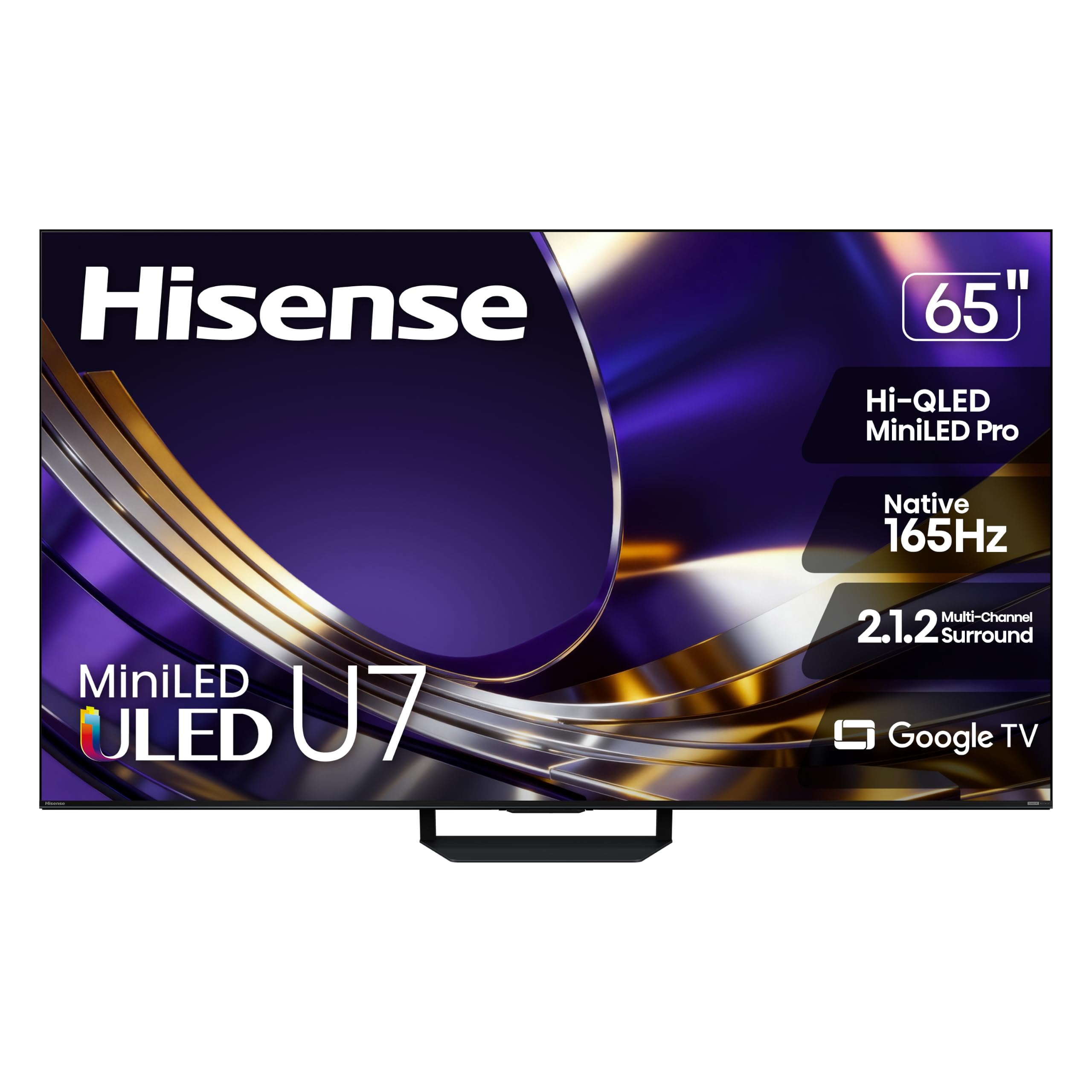
Hisense U7SG 65-Inch

86 /100
LBD Score Excellent

Key details

HDMI Ports
4
Screen Size
65 inches
Peak Brightness
3,000 nits
Native Refresh Rate
165Hz
View on Amazon

A bright room is the reason to pay for the U7SG. The 65-inch Mini-LED panel is rated at 3,000 nits, the highest brightness figure in this group, and the anti-glare layer is designed to keep windows and overhead lights from washing out the picture. We prefer it for a living room with daylight because the extra brightness gives the image room to breathe.

Gaming features are equally complete: a 165Hz native refresh rate, VRR 330, four HDMI inputs, and a 2.1.2-channel 50W speaker system. The 165Hz panel matches the S90H at the top of this group, and the four HDMI ports mean you can leave a PS5, an Xbox, and a soundbar connected without a switcher. The two-year manufacturer warranty is a longer cushion than most of the other picks offer.

The trade-off is price. It costs more than the QM6K for brightness and anti-glare rather than extra console features, so it earns its place in a sunlit room more than a dark one. If your game room has heavy curtains and you play at night, the QM6K is the better value.

Pros

  • 3,000-nit Mini-LED brightness
  • Anti-glare finish for bright rooms
  • 165Hz panel with VRR 330
  • Four HDMI inputs and 50W 2.1 sound

Cons

  • Heavy at 51.6 pounds with stand
Our verdict

We choose the U7SG when the room is bright: its 3,000-nit panel and anti-glare finish keep the picture readable, and the 165Hz panel handles fast console play.

Check Latest Price
3

Best OLED

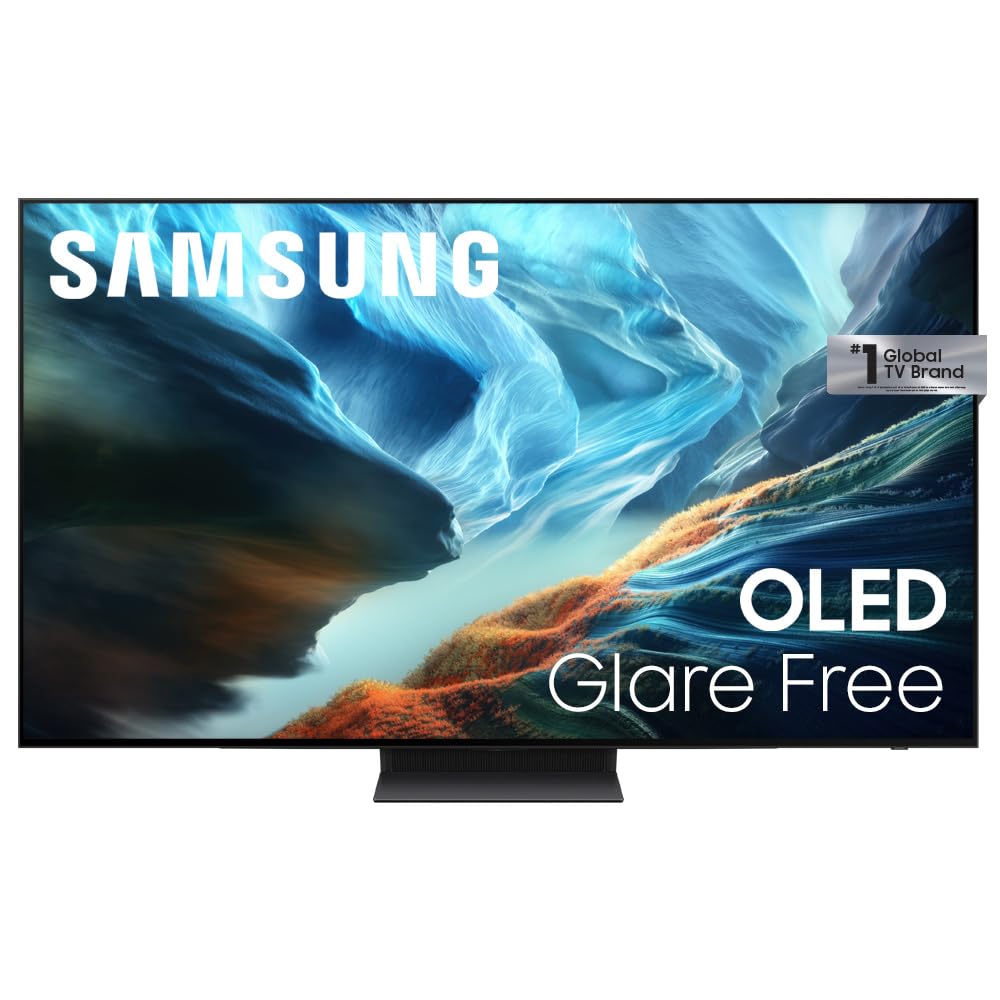
Samsung S90H 65-Inch

85 /100
LBD Score Excellent

Key details

HDMI Ports
4
Panel Type
OLED
Screen Size
65 inches
Native Refresh Rate
165Hz
View on Amazon

OLED is still the panel to beat for black level, and the S90H is the only OLED in this group. Its self-lit pixels switch off completely for dark scenes, while the glare-free finish keeps reflections from turning those blacks gray. It suits a dim room and a single-player game where atmosphere matters as much as frame rate.

The gaming side is not an afterthought. The S90H has a 165Hz refresh rate, four HDMI inputs, and Samsung's Ultimate Gaming Pack, which is aimed at low-latency, tear-free play. The 65-inch screen is 56.9 inches wide, so it fits the same wall space as the other 65-inch picks. If you are coming from an LCD, the first thing you notice is how little the picture blooms around bright objects.

If you want the deepest blacks here, this is the one. The QM6K and U7SG are brighter in a sunlit room, but neither can match the S90H's pixel-level contrast. We prefer it for dark-room gaming; the QM6K is the more versatile set for a mixed-use room.

Pros

  • OLED blacks with a glare-free finish
  • 165Hz motion for fast games
  • Four HDMI inputs
  • 2000-nit OLED HDR brightness

Cons

  • Premium price for OLED contrast
  • Early panel faults can occur
Our verdict

We keep the S90H on our short list for dark-room gamers who want OLED blacks, glare-free viewing, and 165Hz motion, provided the premium price fits.

Check Latest Price
4

Best 55-Inch

Samsung M80H 55-Inch

84 /100
LBD Score Excellent

Key details

HDMI Ports
3
Panel Type
Mini-LED
Motion Rate
144Hz
Screen Size
55 inches
View on Amazon

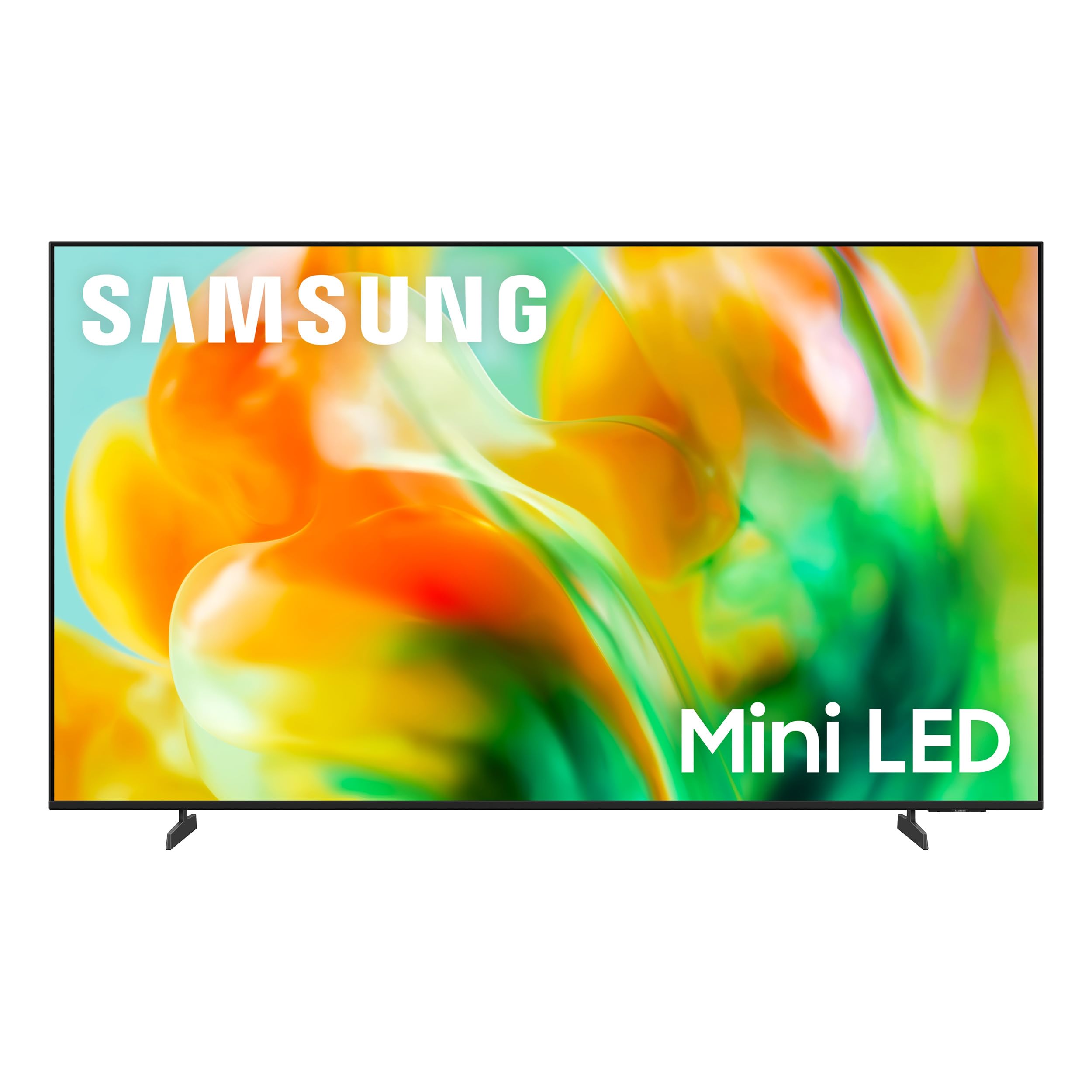
The M80H is the set for a smaller room where a 65-inch panel can dominate the wall. At 55 inches, it still gives you Samsung's 144Hz Motion Xcelerator processing, VRR, and Mini-LED backlighting, which is a rare mix at the compact end of this group. It suits a bedroom, office, or apartment living room where the couch is close.

The catch is connectivity. Samsung gives the M80H three HDMI inputs, not four. A PS5, an Xbox, and a soundbar fill every port, leaving no home for a PC or a streaming stick. If you run two consoles plus a soundbar, plan on a switcher or choose the four-port iFFALCON U85 instead.

The 55-inch panel is 48.2 inches wide with the stand, and the stand base is 32 inches across, so it can sit on a reasonably wide dresser. The picture is the reason to buy: Mini-LED contrast and 144Hz motion in a size that does not take over the room. We keep it as the compact pick for a room where the TV is close and the setup is simple.

Pros

  • Compact 55-inch Mini-LED body
  • 144Hz Motion Xcelerator and VRR
  • Strong picture value for a smaller room

Cons

  • Basic 20W built-in sound
Our verdict

We like the M80H for smaller rooms because it brings 144Hz Motion Xcelerator and VRR to a 55-inch Mini-LED footprint without a flagship price.

Check Latest Price
5

Value Mini-LED

Hisense E7 65-Inch

84 /100
LBD Score Excellent

Key details

HDMI Ports
4
HDR Feature
Dolby Vision IQ
Screen Size
65 inches
Native Refresh Rate
144Hz
View on Amazon

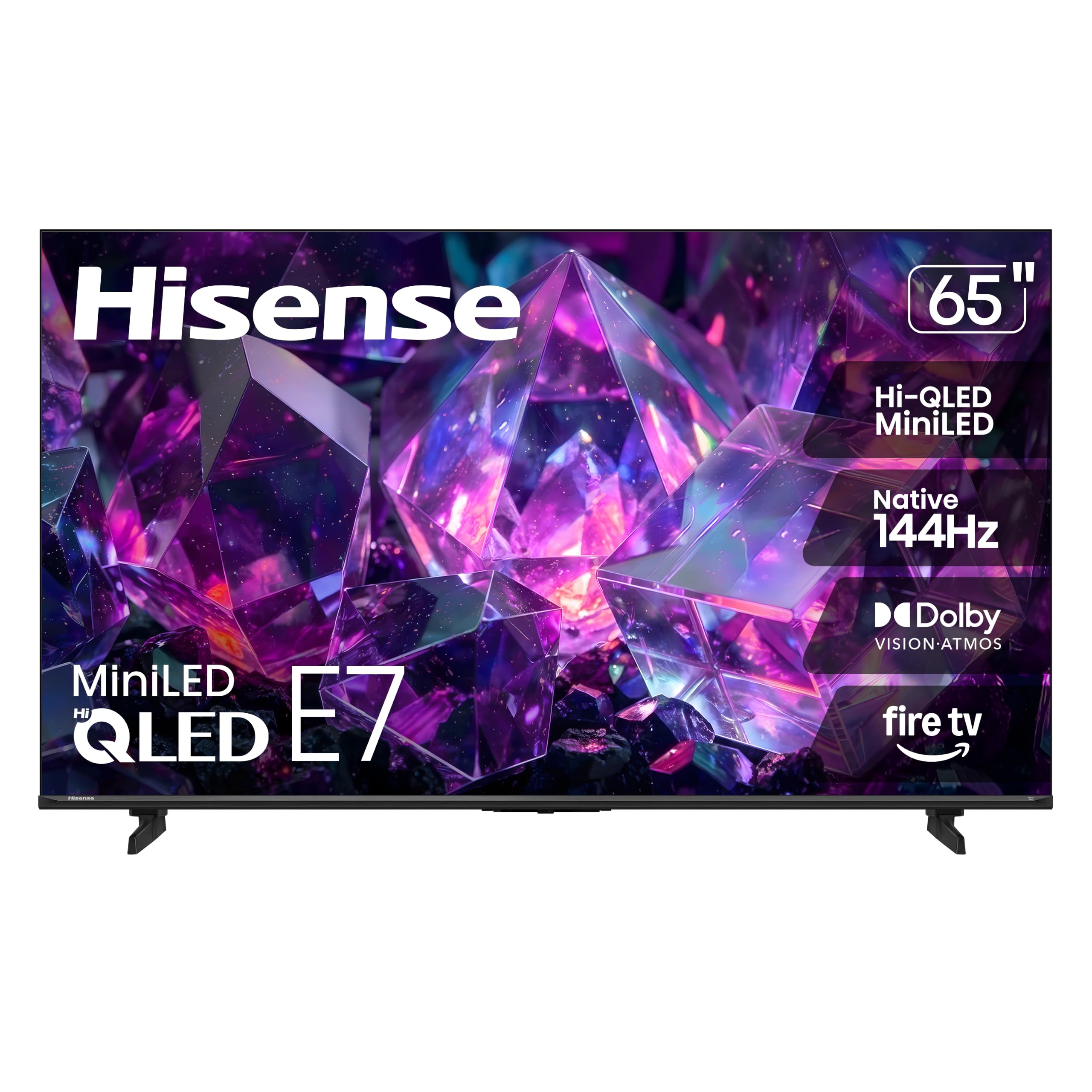
The E7 is the set that makes 65-inch Mini-LED gaming feel attainable. It has a native 144Hz panel, four HDMI inputs, full-array local dimming, and Dolby Vision IQ support, all in a package that sits below the premium picks. We see it as the value route to the same core experience as the QM6K, with a slightly smaller feature cushion.

The 144Hz game mode is the part that matters. Fast camera pans and racing games have a better chance of staying clean, and the four HDMI ports give you room for a console, a PC, and a soundbar. We also appreciate the full-array local dimming, which helps the E7 hold contrast in dark scenes without the washed-out look of an edge-lit set. Dolby Vision IQ is a useful bonus for streaming shows that change brightness with the room.

The 65-inch body is 56.9 inches wide, so it needs the same wall space as the other big sets here. It is the value pick, not the default: the QM6K is the better all-round set, but the E7 gets you the 144Hz and Mini-LED basics for less.

Pros

  • Native 144Hz game mode
  • Four HDMI inputs
  • Full-array local dimming for contrast
  • Dolby Vision IQ support

Cons

  • Basic 20W built-in sound
Our verdict

We see the E7 as the value route to a 65-inch Mini-LED gaming set, with 144Hz motion and four HDMI inputs, for a second room or a tighter budget.

Check Latest Price
6

Budget HDMI 2.1

iFFALCON U85 55-Inch

85 /100
LBD Score Excellent

Key details

Screen Size
55 inches
Gaming Feature
VRR, FreeSync Premium Pro
HDMI 2.1 Ports
4
Native Refresh Rate
144Hz
View on Amazon

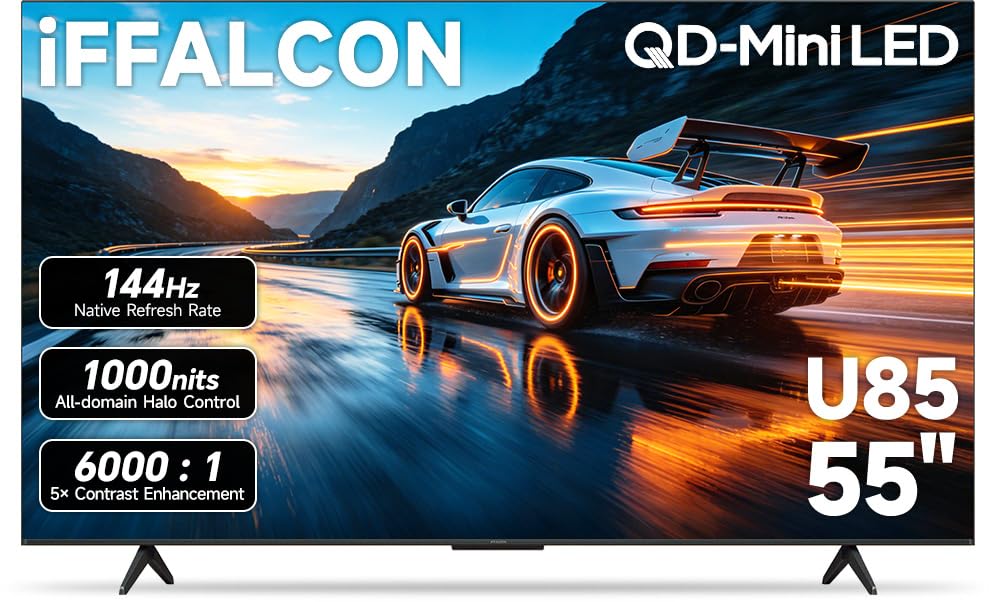
Four HDMI 2.1 ports is the reason the U85 belongs in this conversation. Most sets at this size give you two or three, and the U85 lets you keep a PS5, an Xbox, a gaming PC, and a soundbar connected without a switcher. That is a practical advantage in a household with more than one player, and it is the first thing we check on a budget gaming set.

The rest of the gaming package is stronger than the price suggests: a native 144Hz panel, VRR with FreeSync Premium Pro, Dolby Vision Gaming, and a 50W 2.1-channel speaker system with a dedicated woofer. The 50W system gives it a better chance of filling a small room without a soundbar. The U85 works as a complete bedroom or apartment set rather than one that needs a second purchase on day one.

The 55-inch size is the limit. If you sit far from the TV or want a 65-inch panel, this one is not for you. We keep it as a specialist for a budget console setup that needs every port and a smaller screen, not as the default for a living room.

Pros

  • Four HDMI 2.1 ports
  • 144Hz VRR with FreeSync Premium Pro
  • 50W 2.1 sound with dedicated woofer
  • Dolby Vision Gaming support

Cons

  • Only two HDMI ports run 4K/144Hz
Our verdict

We recommend the U85 for budget console setups that need four HDMI 2.1 ports, a 144Hz panel, and strong built-in sound in a 55-inch size.

Check Latest Price

How We Tested: Nine Months, Six TVs, One Living Room

We started with spec sheets for roughly two dozen sets and narrowed on three hard requirements: at least one spare HDMI 2.1 input after the console and the PC were plugged in, variable refresh rate that works rather than just appearing on the label, and a mix of OLED and mini-LED panels so the brightness-versus-black tradeoff could be judged head-on. Six made the cut in 55- and 65-inch sizes, and they rotated through the same living room for nine months, with a dark basement room reserved for black-level and halo checks.

Most testing happened after dinner, when these sets actually get used: a high-frame-rate shooter with a lamp on behind the couch, then the same fast camera pan the next afternoon with the blinds open. We logged the moments motion turned to smear, when a bright streetlight bled a gray halo into a night sky, and when a window reflection landed on the screen mid-firefight. For color, we ran one animated film and a hockey broadcast on every set and watched for skin tones drifting orange and ice reading blue; for brightness, we checked whether we could see what was happening in a dark episode at noon.

Sound was judged at a normal 8 p.m. volume — did we reach for subtitles during a dialogue-heavy scene, and did the cabinet rattle during an explosion? Connectivity meant living with each smart platform: switching between console, PC, and streaming stick, rejoining Wi-Fi from the far corner of the house, and seeing whether the set remembered the settings we'd dialed in. Every month we ran a gray slide to check panel uniformity and watched how each one handled firmware updates. Value came last, when we asked whether the step-up set showed us something the cheaper one couldn't.

How to Choose a Gaming Tv

Start With Motion, Not the Menu

Native refresh rate and variable refresh rate do more for how a game feels than a long list of picture modes. A 120Hz or 144Hz panel can show more of the frames a PS5, Xbox Series X, or gaming PC produces, and VRR smooths out the dips that cause screen tearing. We prioritize native 120Hz and VRR over a 60Hz set with a gaming badge. If you mostly play slower single-player games, 60Hz can be enough, but the faster panel is the better long-term buy.

Count the HDMI Ports You Actually Need

Four HDMI inputs is the comfortable number for a console, a second console, a PC, and a soundbar. Three ports fill up quickly, and a switcher adds another remote and another failure point. Check which inputs support 4K at 120Hz or higher, because not every HDMI port on a gaming TV is equal. The Samsung M80H's three ports suit a simpler setup; the iFFALCON U85's four HDMI 2.1 ports are the better fit for a multi-device desk or living room.

Match the Panel to the Light in the Room

Mini-LED sets can hit higher brightness and often use anti-glare coatings, which makes them the safer choice for a room with windows or overhead lights. OLED gives you pixel-level blacks and a more dramatic dark-room picture, but it usually costs more and does not get as bright across the whole screen. We choose Mini-LED for a sunny family room and OLED for a dedicated game room with controlled light. The Hisense U7SG and Samsung S90H show the two approaches clearly.

Size, Sound, and the Cost After Purchase

A 65-inch TV is about 57 inches wide, not 65, so measure the console before you fall for the screen size. A 55-inch set is around 48 inches wide and fits smaller rooms, but it gives up some immersion at a distance. Built-in sound ranges from basic 20W systems to 50W 2.1 setups, and a soundbar is the first add-on we budget for on the cheaper sets. Buy from a retailer with an easy return window, because panel faults and dead-on-arrival sets do happen.

Frequently Asked Questions

Final Verdict

For most console and PC gamers, the TCL QM6K is the set we recommend first. It has the features that change how games feel—native 144Hz, VRR, four HDMI inputs—and a Mini-LED picture that works in a normal living room, without the premium price of the OLED and high-brightness picks.

If your room is bright, the Hisense U7SG is the better buy; if you want OLED blacks and can accept the premium, the Samsung S90H is the one. The QM6K remains the default because it gets the core gaming job right for the widest range of buyers.