Best Inkjet Printers of 2026

An inkjet printer is the one machine in the house that can fail while sitting still. Leave it idle for a few weeks and the first page back comes out banded and faint, because the nozzles dried out — and that's before you get to the ink, which is where the real money goes. Over the past six months we put ten inkjet all-in-ones through the kind of use a household actually gives one.

Here's what nobody tells a first-time buyer: the purchase price is the smallest number in the equation. Two printers that cost roughly the same can differ by hundreds of dollars over a few years depending on whether you buy cartridges, subscribe to refills, or pour ink into a tank yourself. We logged pages and cost per page for every model, and it reshuffled our ranking more than once.

We also watched the unglamorous parts — whether setup finished without a support call, whether a duplex job came out square, whether photo color matched the screen. Some of these suit a spare-room desk that prints a boarding pass now and then; others will happily feed a small business all day. What they share is that none of them made us dread hitting print.

1

Best Overall

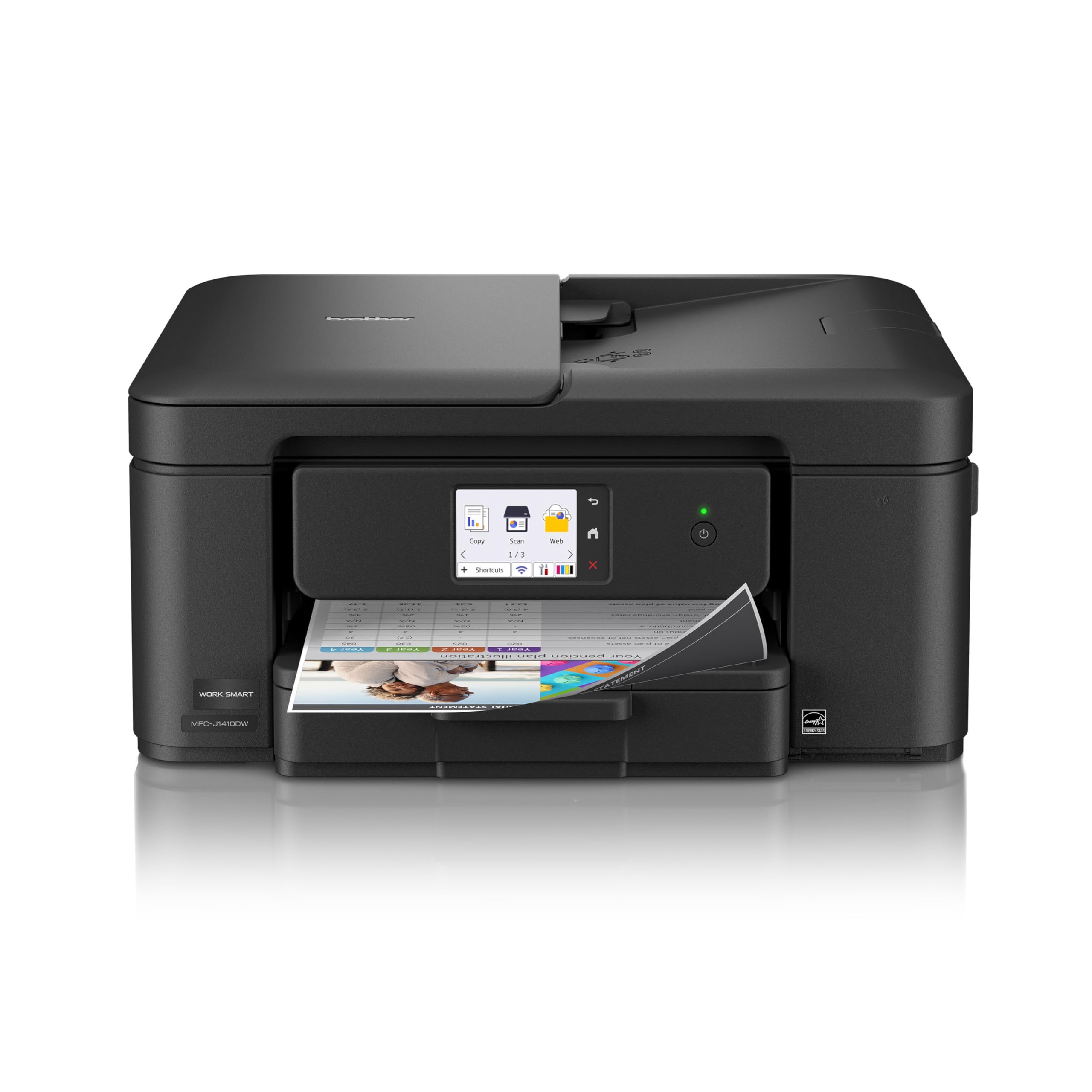
Brother MFC-J1410DW

78 /100
LBD Score Very Good

Key details

Display
2.7-inch touchscreen
Input Tray
150 sheets
Print Speed
16 ppm black / 9 ppm color
Paper Handling
Auto duplex, 20-sheet ADF
View on Amazon

A 20-sheet document feeder, automatic two-sided printing, and a 150-sheet paper tray are the three things that turn an all-in-one from a gadget into a tool. The Brother MFC-J1410DW has all three, plus a 2.7-inch touchscreen, rated speeds of 16 pages per minute in black and 9 in color, a 6.2-second first page, and a 16.8-pound body that's 15.4 inches wide.

That combination is why it takes the top spot. The feeder means a stack of pages gets copied or scanned without lifting the lid for each one, and duplex printing quietly halves the paper every document uses. Print quality is the part we trust most: text lands sharp, color holds up on charts and school handouts, and it's the most consistently positive print-quality picture in this group.

Speed is good rather than spectacular. Sixteen pages per minute in black is quick for a home inkjet, and the 6.2-second first page is what makes a two-page print feel instant, but color runs at 9 ppm, so a photo-heavy job still takes a minute.

It also takes legal-size paper up to 8.5 x 14 inches, which matters if you print contracts or school forms, and it ships with a trial of Brother's Refresh ink subscription — worth pricing against plain cartridges before the trial rolls over.

Pros

  • Document feeder speeds up copying and scanning
  • Automatic two-sided printing saves paper
  • 16 ppm black with a 6.2-second first page
  • Sharp text and consistent color output

Cons

  • Feeder takes single-sided originals only
  • Wi-Fi link can drop and need re-adding
Our verdict

We point home offices here: a document feeder, two-sided printing, and a 150-sheet tray for less than the flashier office machines cost.
Check Latest Price
2

Best for High-Volume Home Office

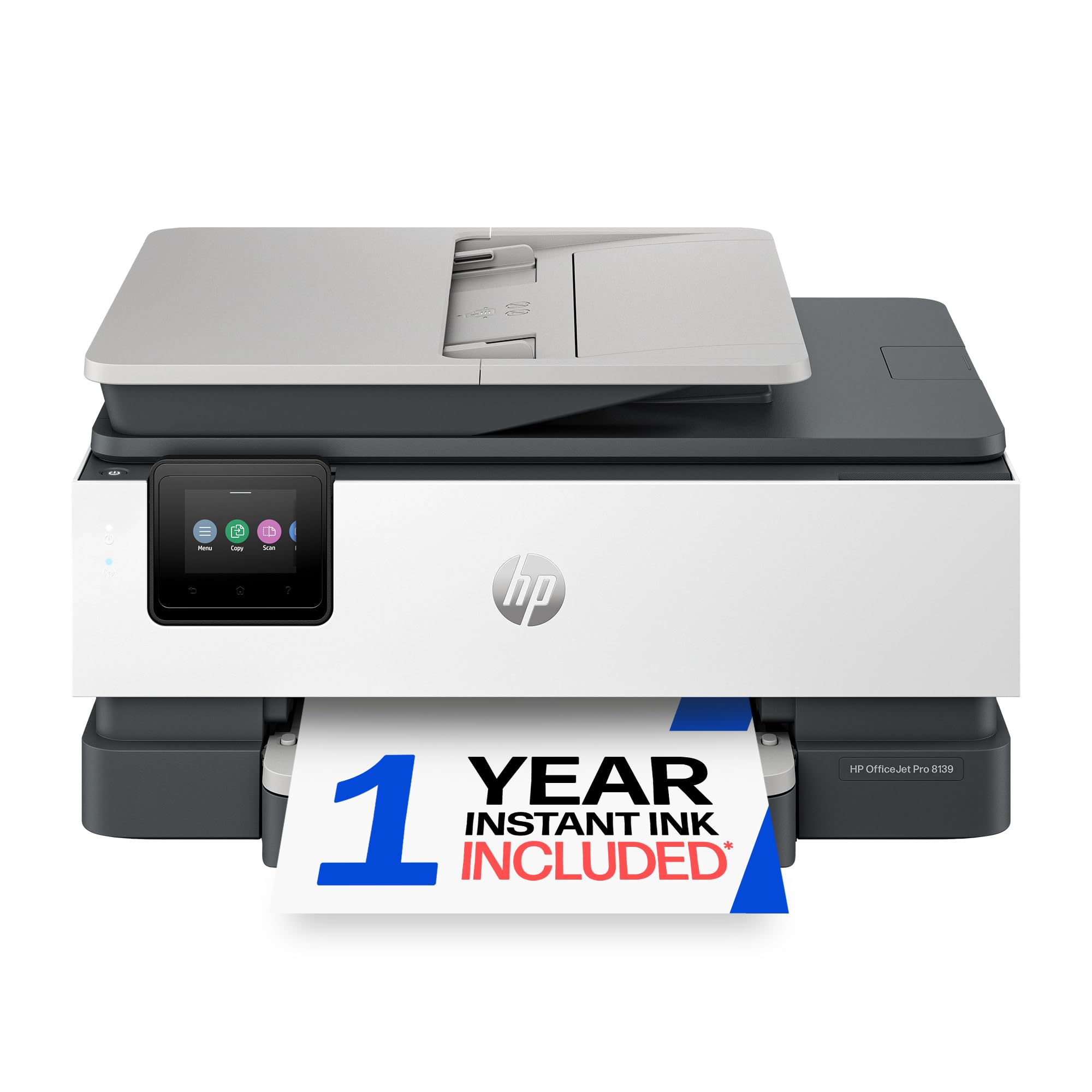
HP OfficeJet Pro 8139

78 /100
LBD Score Very Good

Key details

Display
2.7-inch color touchscreen
Input Tray
225 sheets
Print Speed
20 ppm black / 10 ppm color
Paper Handling
Auto duplex, auto document feeder
View on Amazon

Two hundred twenty-five sheets is the number that decides this one. Most home inkjets hold a hundred, so a long report plus a stack of tax documents means reloading halfway; the OfficeJet Pro 8139 takes both. Add the highest rated engine in this set — 20 ppm black, 10 ppm color, an 18-second first page — and you have a machine we think of as a daily-driver office printer rather than a household one.

The rest of the kit matches the ambition: print, copy, scan and fax, a 2.7-inch color touchscreen with phone-style navigation, automatic two-sided printing, and a document feeder for multi-page jobs. The touchscreen is the detail you'll use every day; running a copy from a proper menu is a different experience from pecking at arrow keys.

Ink is where the arithmetic gets interesting. The printer ships with a year of Instant Ink, and a subscription only pays off if your printing is steady; a household that prints in bursts should price the standard HP 923 cartridges against a monthly plan before the trial converts to a paid one.

For a home office two rooms from the router, the Ethernet port is the quiet win — a cable ends the argument, and a self-correcting Wi-Fi claim is not something we take on faith when a wired option exists.

Pros

  • 225-sheet tray for long print runs
  • 20 ppm black with an 18-second first page
  • Ethernet port settles stubborn networks
  • Fax and touchscreen for real office work

Cons

  • Document feeder scans one side at a time
  • Dearest printer in this group
Our verdict

We send busy home offices here: the 225-sheet tray, 20 ppm engine, and Ethernet port handle volume that would have cheaper picks reloading.

Check Latest Price
3

Best for Low Ink Costs

Epson EcoTank ET-2903

80 /100
LBD Score Excellent

Key details

Weight
9.3 lb
Ink System
Refillable EcoTank bottles
Print Speed
11 ppm black / 6 ppm color
Rated Ink Yield
3,600 black / 6,500 color pages
View on Amazon

Epson rates the ink in the box at 3,600 black pages and 6,500 color, and the EcoFit bottles are keyed so a refill can't go into the wrong tank. We ran the arithmetic against the cartridge machines here: at 30 pages a week, the included ink covers more than two years, which is how a tank printer's higher price turns into the cheaper machine.

The hardware around those tanks is deliberately plain: 11 pages per minute in black, 6 in color, a 100-sheet tray, a flatbed scanner, and a 1.44-inch color screen small enough to make setup prompts a squint. At 9.3 pounds and 12.5 inches deep, it's the lightest printer here and fits a shelf a full-size all-in-one would dominate.

What settles it for us is the cost curve, not the feature list. This is the printer for a household running homework, invoices, and the odd photo every week that is tired of buying cartridges — the saving is real, but it arrives over months rather than on day one, so the higher price only makes sense if you'll actually print.

There's no automatic two-sided printing or document feeder listed for this model, so a double-sided report means two passes and a manual flip; if that's a weekly chore, the Brother or the HP handles it. Photo output is better than a tank printer's price suggests, and documents come out clean.

Pros

  • Keyed refill bottles keep the top-up clean
  • 3,600 black / 6,500 color pages rated in the box
  • Lightest machine here at 9.3 pounds
  • Clean documents and better-than-expected photos

Cons

  • 1.44-inch screen is cramped for setup
  • Color printing is slow at 6 ppm
Our verdict

The pick for anyone tired of cartridge bills: refillable tanks rated for thousands of pages, in the lightest body here.

Check Latest Price
4

Best Budget

Canon PIXMA TS6520

80 /100
LBD Score Excellent

Key details

Display
1.42-inch OLED
Wireless
Dual-band Wi-Fi (2.4/5 GHz)
Print Speed
14 ppm black / 9 ppm color
Paper Handling
Auto duplex
View on Amazon

The lowest-priced printer here still does automatic two-sided printing, connects on the less-crowded 5 GHz band, and gives you a 1.42-inch OLED panel instead of the usual segmented display. Rated at 14 ppm black and 9 ppm color with a 7.5-second first page, the PIXMA TS6520 doesn't read like the place where corners were cut.

The budget shows up in the ink bay. It takes two cartridges, a pigment black and a tri-color, so when cyan runs dry the magenta and yellow go with it. That's the trade for the low entry price, and it's the reason we steer anyone printing more than a couple of dozen pages a week toward the tank printer instead.

Everything else is sensible. The flatbed handles school forms and ID copies, borderless printing on 4 x 6 photo paper saves a trip to the drugstore, and at 15.4 pounds it's light enough to move when you reorganize. Setup, for once, is the easy part: the app walks through connection and alignment.

Pros

  • Auto duplex at the lowest price here
  • 14 ppm black with a 7.5-second first page
  • Dual-band Wi-Fi including 5 GHz
  • OLED panel beats a segment display

Cons

  • Connection can drop and need re-adding
Our verdict

Our budget pick: two-sided printing, a sharp OLED panel, and 5 GHz Wi-Fi at the lowest price here.

Check Latest Price
5

Best Compact

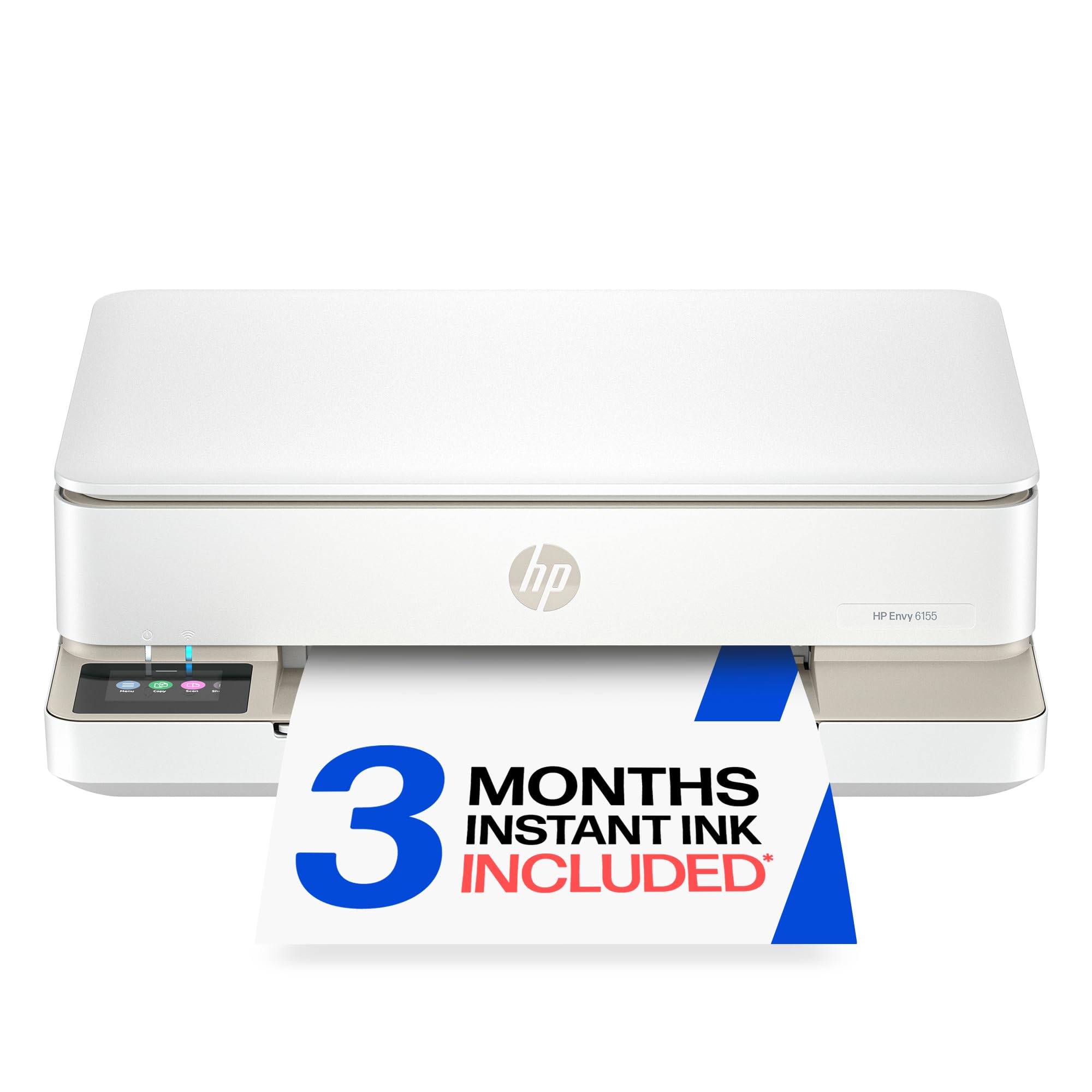
HP Envy 6155

81 /100
LBD Score Excellent

Key details

Display
2.4-inch color touchscreen
Wireless
Dual-band Wi-Fi
Print Speed
10 ppm black / 7 ppm color
Paper Handling
Auto duplex, 100-sheet tray
View on Amazon

This is the compact pick: 11.2 pounds, a 100-sheet tray, and a body that tucks onto a shelf where a full-size all-in-one won't go. Rated at 10 ppm black and 7 ppm color it isn't fast, but it adds automatic two-sided printing, so the paper bill stays low even in a tight space.

Print quality is better than the size suggests. Photos come out clean enough to pin up, and the 2.4-inch color touchscreen makes copying a two-tap job rather than a menu expedition — a small thing you'll notice every time you use it.

Ink is worth reading before you buy. The setup cartridges are rated around 120 black pages and 75 color pages, and the three-month Instant Ink trial turns into a paid plan unless you cancel. If your printing is light and steady, the subscription can be the cheaper route; if it's occasional, buy HP 68 cartridges as you need them.

Pros

  • Small and light at 11.2 pounds
  • Duplex printing at this size
  • Clean photo output and easy touchscreen
  • Dual-band Wi-Fi

Cons

  • No document feeder for multi-page scans
  • Wireless setup can take a couple of tries
Our verdict

We reach for this one in tight spaces: a small, light all-in-one that still prints on both sides of the page.

Check Latest Price
6

Batch Scanning

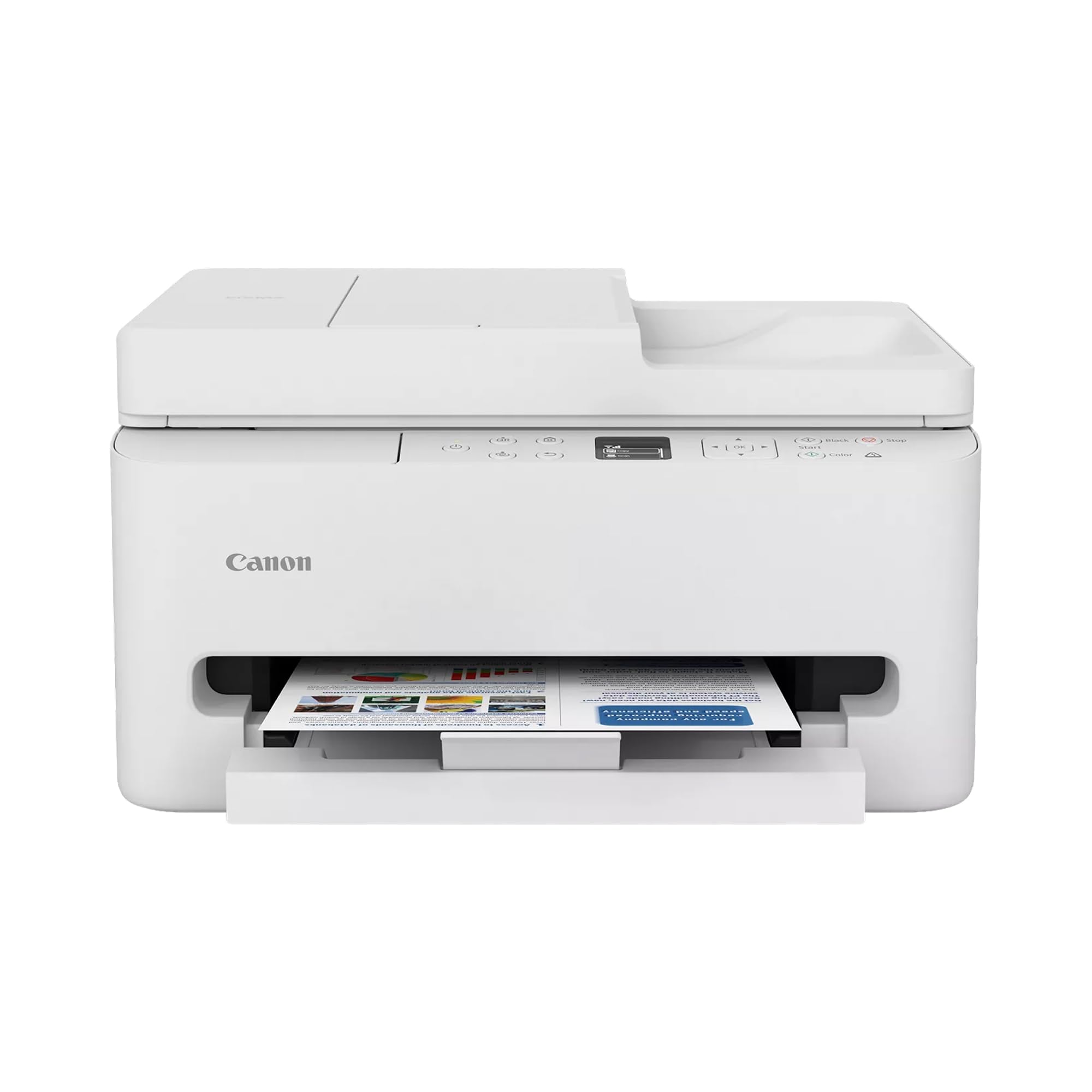
Canon PIXMA TR7120

83 /100
LBD Score Excellent

Key details

Weight
18.1 lb
Print Speed
14 ppm black / 9 ppm color
Max Media Size
Legal (8.5 x 14 in)
Paper Handling
Auto duplex, auto document feeder
View on Amazon

The TR7120 is the Canon to pick when the feeder matters more than the price: an auto document feeder, automatic two-sided printing, 14 ppm black and 9 ppm color, and a 100-sheet tray. Against the budget Canon in this guide, the extra money buys the feeder and a taller, sturdier body.

Setup is quick and the output is clean — text is crisp, photos are vivid on glossy paper, and legal-size media up to 8.5 x 14 inches goes through, which the small home machines here don't manage. The two-cartridge hybrid system keeps the ink bay simple: pigment black for documents, dye color for everything else.

Where it slips is the ink economics. Two cartridges at a price that sits near the Epson tank put running costs closer to the budget Canon than to the refillable machine, and the feeder only earns its keep if you actually scan and copy in batches. Buy it for the feeder; look elsewhere if you mostly print.

At 18.1 pounds it's the heaviest machine in this set, so give it a real shelf rather than a cabinet top, and its dual-band Wi-Fi runs the same 2.4/5 GHz arrangement as the other Canon here.

Pros

  • Document feeder for batch scans and copies
  • Duplex printing plus legal-size media
  • Clean text and vivid photo output
  • Simple two-cartridge ink bay

Cons

  • Heaviest machine here at 18.1 pounds
  • Wireless connection can drop
Our verdict

Worth it if you scan stacks of pages: a document feeder and duplex printing without moving up to office-printer money.

Check Latest Price

How We Tested: Six Months, Ten Printers, and a Lot of Paper

We built the shortlist from spec sheets and owner reviews, keeping only machines that print, scan, and copy, run two-sided jobs without a hand flip, and connect over Wi-Fi — the things nearly every model worth buying now has in common, and the ones that quietly decide whether you'll actually use the thing. Ten made the cut, from cartridge-fed compacts to refillable-tank models, and we set each one up cold: unboxed it, paired it with a laptop and a phone, and timed how long it took to reach the first printed page without opening the manual or calling support.

Then we used them where printers actually live — a home-office desk, a kitchen counter, a spare-room shelf. Every machine printed the same files: a full-color photo, a dense ten-page contract, a two-sided newsletter, and a sheet of return labels pulled up from a phone, and we scanned a creased receipt and a five-page form through the feeder on the models that had one. We checked pages for banding and streaking, whether duplex sheets came out square, whether photo color matched the screen, and whether small type stayed sharp or went soft.

Speed and stubbornness got measured too: first page out, a twenty-page duplex job, and how each machine behaved after two idle weeks, when we ran a nozzle check to see whether it recovered on its own or needed a cleaning cycle. We printed from the far end of the house to see whether the wireless connection held, and we tracked ink — how many pages each cartridge or tank yielded and what that worked out to per page — because a cheap printer with thirsty ink is not a cheap printer. Anything that needed a rescue call to support lost points fast.

How to Choose an Inkjet Printer

Start with the ink system, not the printer

A two-cartridge machine pairs a pigment black with a tri-color cartridge. It's the cheapest way in and fine at low volume, but one empty color takes the other two with it. Four-cartridge printers let you replace only what ran out. Refillable tanks such as the Epson EcoTank cost more up front and then run for thousands of pages on bottled ink.

Be honest about volume. A household printing 20 pages a week will take a long time to earn back a tank printer's price, while one printing 60 pages a week should start there. Our budget Canon suits the first household; the Epson suits the second.

Paper handling is what you'll actually feel

Automatic two-sided printing halves your paper use and is the feature we miss most when it's absent. A document feeder matters just as much if you copy or scan stacks — 20 sheets at a time turns a ten-minute chore into a one-minute one. Tray capacity decides how often you reload: 100 sheets is fine for a family, 225 sheets is what a working office wants.

Rated speeds rank machines more reliably than they predict your day. A 20 ppm engine with an 18-second first page feels fast; 6 ppm color on a photo job feels slow no matter what the black figure says.

Wireless reliability beats wireless features

A printer that produces beautiful pages and then vanishes from the network is a daily irritation, and connection trouble is more common than poor output. Dual-band Wi-Fi that supports 5 GHz helps in a crowded house, and an Ethernet port ends the argument entirely — the OfficeJet Pro 8139 has one, which is much of why we rate it for an office.

Decide where the machine sits relative to the router before you order. A mesh node or a wired port costs far less than replacing a printer that keeps dropping off.

Measure the shelf before you order

Weight and depth matter more than width in most homes. The Epson EcoTank is 9.3 pounds and 12.5 inches deep, a different proposition from an 18-pound office machine on a floating shelf. Leave a couple of inches behind and above for the paper path and for lifting the lid.

The trap is the word compact: listings quote the body, not the open output tray or the clearances around it. Measure depth and check what sits above the spot before you commit a shelf to it.

Frequently Asked Questions

Final Verdict

The Brother MFC-J1410DW is the machine we put in a home office: a document feeder, two-sided printing, a 150-sheet tray, and the most consistent print quality in this group. Move up to the HP OfficeJet Pro 8139 only if you push hundreds of pages a month and want the bigger tray, faster engine, and wired network port.

If the ink bill is the real worry, the Epson EcoTank ET-2903 trades the feeder and duplex printing for years of cheap refills. And if the printer has to live on a narrow shelf, the HP Envy 6155 is the one that fits.