Best Laptops for Engineering Students of 2026

Engineering software is unforgiving in a way ordinary schoolwork isn't. A laptop that feels quick answering email can seize up the moment you open a full CAD assembly or kick off a simulation that pins every core for an hour. What you need is a machine that stays quick under that load, survives a backpack, and still has charge left when the day runs long.

We just finished a full academic year with eight laptops, running them through real student life: modeling parts, compiling code, late-night lab reports, and a lot of walking between buildings. Speed announces itself — you know within seconds whether a render finishes or the fans spin up. Build quality shows up later, in hinges and chassis flex after months in a bag. We timed out-of-box setup too, since nobody wants to spend the first week of classes clearing bloatware.

Storage is the spec people regret — engineering files pile up fast, and the drive is hard to swap later. We also compared matte finishes with glossy touchscreens and read schematics on each panel in daylight. The picks below are the ones that held up.

1

Best Overall

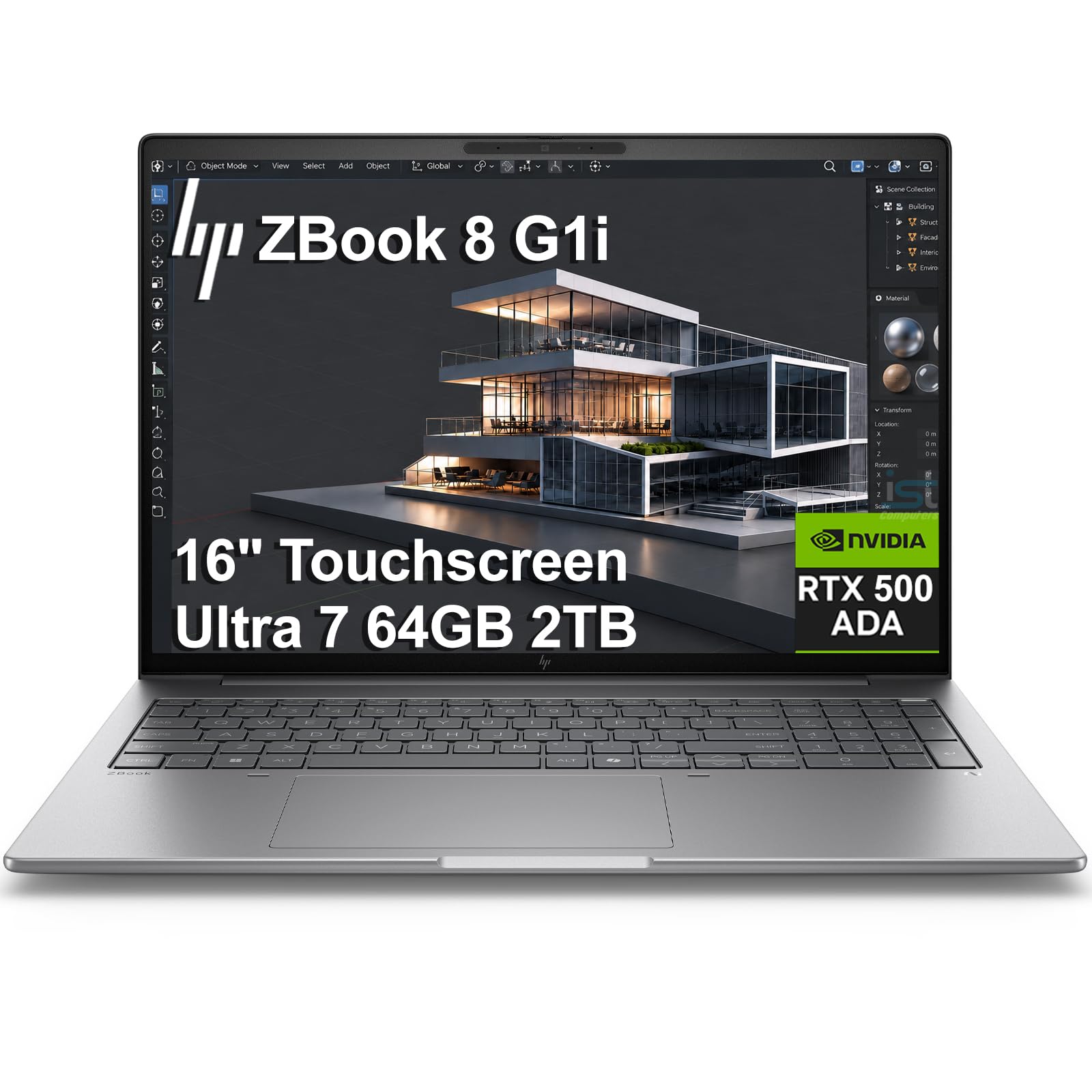
HP ZBook 8 G1i

78 /100
LBD Score Very Good

Key details

Memory
64 GB DDR5
Display
16-inch, 1920 x 1200 touch
Graphics
NVIDIA RTX 500 Ada, 4 GB GDDR6
Processor
Intel Core Ultra 7 255H
View on Amazon

The RTX 500 Ada is the reason this machine sits at the top of our list. Every other laptop here renders with integrated graphics, and the difference shows the moment a CAD assembly gets heavy or a simulation leans on the GPU. The 4 GB of video memory is the real ceiling: it covers student-sized models and most coursework, and it's the first thing you outgrow if you move into large assemblies or GPU rendering.

Memory backs it up. 64 GB of DDR5 across two slots means finite-element runs, a virtual machine, and a browser full of documentation stop competing for the same space. The Core Ultra 7 255H adds 16 cores and a 5.1 GHz boost for compiles and solver runs, and the 2 TB SSD holds the CAD suite, the analysis package, and the datasets without a second drive.

What makes it practical is the weight. At 3.8 pounds with an 83 Wh battery it goes to a lab or a library without the penalty a workstation usually brings, and the 140 W adapter refills it quickly. Two Thunderbolt 4 ports, HDMI 2.1, and an RJ45 jack cover external monitors, lab instruments, and campus Ethernet, which are the connections engineering students end up hunting for.

The screen is the compromise. 300 nits and a 62.5% color gamut are ordinary: fine for code and a CAD viewport indoors, less so for color-critical rendering or a seat by the window. Three years of coverage is the other thing worth paying for here, and it lines up neatly with a four-year program.

Pros

  • Discrete RTX 500 Ada for CAD and simulation
  • 64 GB DDR5 across two memory slots
  • 2 TB SSD plus Thunderbolt 4 and Ethernet
  • 3.8 lb with an 83 Wh battery and 3-year warranty

Cons

  • 4 GB video memory caps large assemblies and renders
  • Ordinary 300-nit, 62.5% gamut display
Our verdict

The machine we point a student running SolidWorks, Ansys, or GPU rendering to: a discrete professional GPU, 64 GB of memory, and three-year coverage at 3.8 pounds.
Check Latest Price
2

Best Value

HP OmniBook 16

83 /100
LBD Score Excellent

Key details

Memory
16 GB DDR5
Display
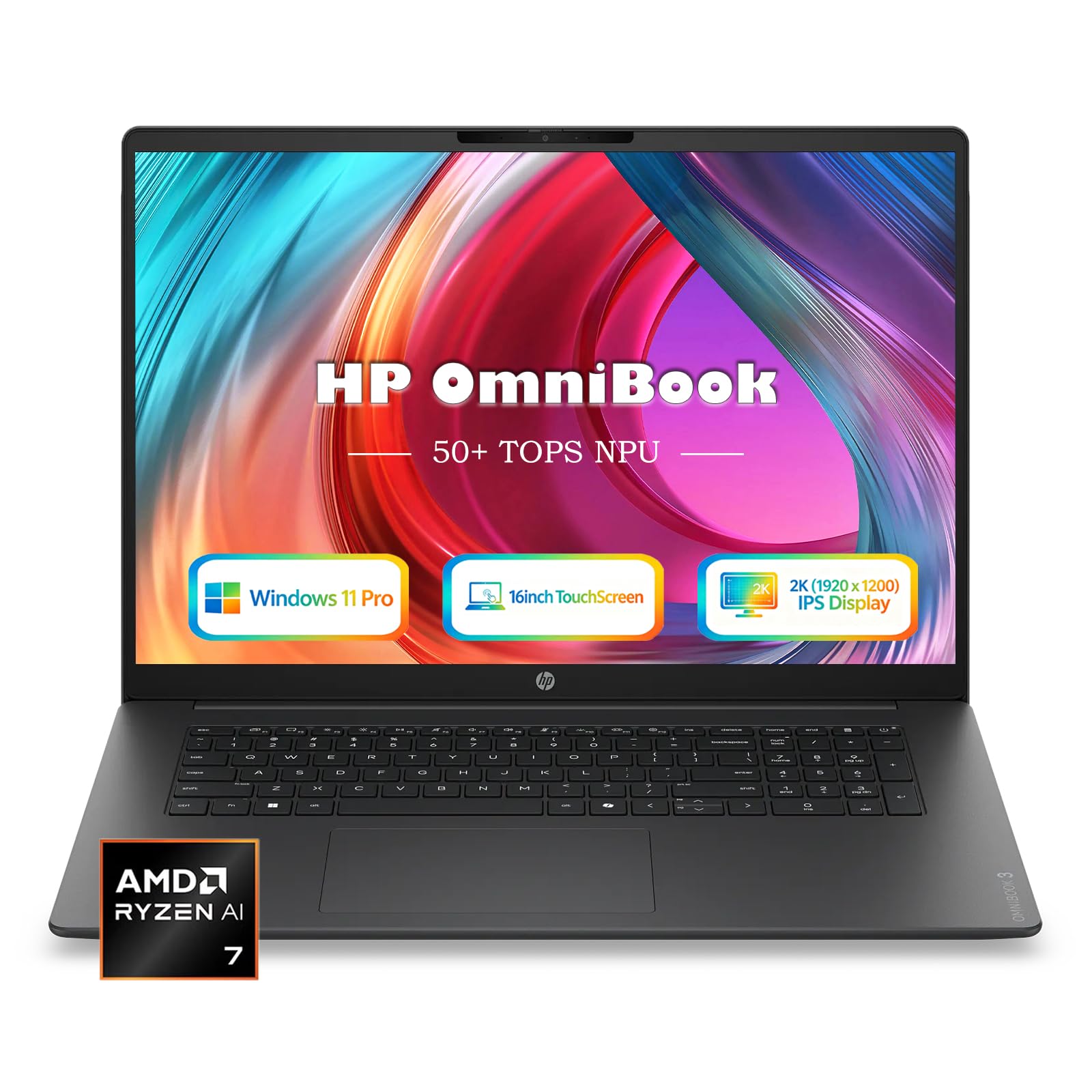
16-inch, 1920 x 1200 touch
Storage
1 TB SSD
Processor
AMD Ryzen AI 7 445
View on Amazon

A lot of engineering students spend four years writing code, running MATLAB, and opening a CAD file once a semester. That's the student we have in mind here: this laptop costs a fraction of the workstation above and gives up only the graphics muscle that kind of coursework rarely touches.

The screen is the part we appreciate most, and it's a big part of why we reach for this one over the cheaper options. HP calls it 2K, though the native resolution is 1920 x 1200, worth knowing before you expect sharpness the panel doesn't have. What it does give you is vertical room on a 16-inch, 16:10 touch panel: a code file and a browser side by side, or a viewport above a toolbar without scrolling.

The Ryzen AI 7 445 and 16 GB of DDR5 handle programming, spreadsheets, and light 3D modeling without complaint, and 1 TB of storage means the toolchain fits without juggling drives. Rendering is where it gives ground: the integrated Radeon 840M is no match for a discrete GPU once an assembly gets big. Sixteen gigabytes is the floor for engineering software rather than a luxury, and that's the number to weigh against the 40 GB Lenovo at the same money.

Everything else is well judged. At 3.61 pounds and 0.58 inch it disappears into a backpack, the 68 Wh battery pairs with a compact 65 W USB-C charger, and the backlit keyboard and IR camera are the details you notice in a late study session.

Pros

  • 16-inch 1920 x 1200 touchscreen at 3.61 lb
  • 1 TB SSD and 16 GB DDR5-5600 memory
  • 68 Wh battery with a compact 65 W USB-C charger
  • Backlit keyboard and FHD IR camera

Cons

  • Integrated Radeon 840M limits rendering and simulation
Our verdict

Our pick for the student who codes far more than they render, with a tall 16-inch touchscreen and a chassis light enough to forget in a backpack.

Check Latest Price
3

Best for Heavy Multitasking

Lenovo V15 G4

81 /100
LBD Score Excellent

Key details

Ports
USB-C, two USB-A, HDMI, Ethernet
Memory
40 GB
Storage
1 TB SSD
Processor
AMD Ryzen 7 5825U
View on Amazon

Forty gigabytes is the number that makes the V15 worth a look. It's also the ceiling: Lenovo lists 40 GB as the maximum with a single slot, so buy the memory you want up front and treat it as fixed for the next four years. For virtual machines, large datasets, and the dozens-of-tabs habit that engineering study encourages, nothing here short of the ZBook offers more room.

The panel is where the money went elsewhere. 1080p at 15.6 inches is the floor we're comfortable recommending, and this is the plainest screen in the group; the difference next to the OmniBook is obvious. An external monitor fixes most of it for CAD and long coding sessions, and a laptop plus a 24-inch display on a desk beats a nicer panel on its own.

Whether it earns its place comes down to what you run. Eight cores and 16 threads on the Ryzen 7 5825U reward compiles and batch jobs, 1 TB of NVMe holds the toolchain, and the Ethernet jack and full port set suit campus wired networks and lab instruments. It's the machine for a student whose heavy work is virtual machines and data rather than rendering.

Pros

  • 40 GB of memory, second here only to the ZBook
  • Eight-core Ryzen 7 with 1 TB of NVMe storage
  • Ethernet, USB-C, and HDMI for lab gear
  • 3.6 lb with Windows 11 Pro

Cons

  • 38 Wh battery is small for eight cores
Our verdict

Our choice for virtual machines, datasets, and heavy multitasking, as long as you pair it with a monitor instead of relying on its panel.

Check Latest Price
4

Best Budget

Dell 15 D15260

78 /100
LBD Score Very Good

Key details

Memory
16 GB DDR5
Display
15.6-inch, 1920 x 1080, 300 nits
Storage
512 GB SSD
Processor
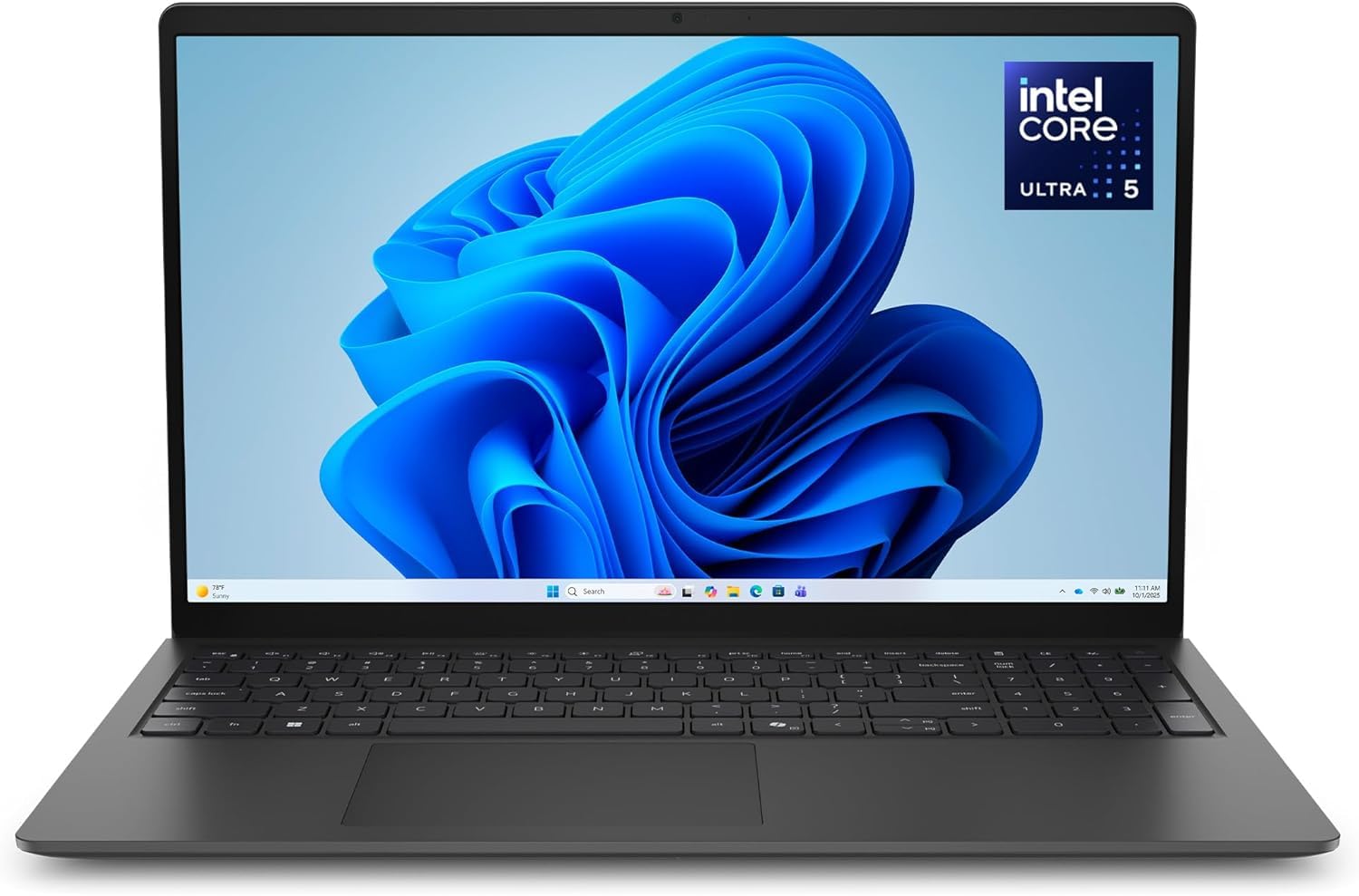
Intel Core Ultra 5 225U
View on Amazon

This is the least expensive way into a current-generation engineering laptop here. The Core Ultra 5 225U pairs with 16 GB of DDR5-5600 and a 512 GB SSD, enough for Python, MATLAB, circuit simulation, and the 2D CAD most assignments start with.

Sixteen gigabytes is our floor for engineering software, and this machine treats it as a ceiling: Dell lists 16 GB as the maximum, so there's no path to more later. For a coding-heavy program or the first two years of coursework that doesn't matter. If your syllabus runs to CFD or large assemblies, it's the reason to spend more elsewhere.

The everyday details are where it earns its place. The 15.6-inch panel is matte and rated at 300 nits, comfortable indoors and legible near a window, with a backlit keyboard and a number pad that make MATLAB and spreadsheet work easier. A year of onsite service means a technician comes to you rather than the machine disappearing mid-semester, and at 3.7 pounds it carries like laptops costing considerably more.

Pros

  • Current Core Ultra 5 and 16 GB DDR5 at the lowest price here
  • Matte 300-nit 1080p screen
  • Backlit keyboard with a number pad
  • A year of onsite warranty service

Cons

  • 512 GB SSD is the smallest here
Our verdict

The sensible floor for engineering work: a current Core Ultra 5, 16 GB of DDR5, and a matte 300-nit screen for the least money in this group.

Check Latest Price

How We Tested: One Academic Year, Eight Laptops

We started by pulling spec sheets for machines marketed to engineering and design students, then filtered for at least 16GB of memory, a current-generation processor, and a price a student could plausibly cover. Anything with a soldered-down drive or a dim, low-resolution panel got cut early. From that shortlist we bought eight laptops and handed them to students working across mechanical, civil, and electrical coursework.

Each one served as a daily driver for a full academic year. That meant opening multi-part CAD assemblies while a video lecture played in another window, compiling code between classes, and leaving a simulation running overnight to see whether the fans could sustain it without throttling. We weighed every machine on a kitchen scale and carried it in a backpack across campus for a week at a time, then checked hinges, lid flex, and corner wear at the end of each month.

We timed out-of-box setup with a stopwatch, counting every restart, driver update, and preinstalled program we had to remove before the laptop was ready for class. Battery life was judged in real lectures, not benchmarks: lid open at 70 percent brightness until the machine shut itself off. For display quality, we read schematics and code side by side under a window and at an angle, comparing matte panels against glossy touchscreens. Storage got tracked by how quickly our sample project folder filled each drive, and the backlit-keyboard question settled itself during a night-before-deadline session in a darkened library.

How to Choose a Laptop for Engineering Coursework

Discrete Graphics or Integrated?

If your courses render, run GPU-accelerated simulation, or open large assemblies, a discrete GPU earns its price. The ZBook's RTX 500 Ada is the only one in this group, and its 4 GB of video memory is the honest limit: it carries student-sized work and stops short of production-scale rendering.

If your days are code, MATLAB, and the occasional 3D model, integrated graphics are enough, and you save money, weight, and fan noise. Check the software list for your third-year courses rather than your first, because that is where the requirement appears.

Buy the Memory You'll Need on Day One

Sixteen gigabytes is the floor for engineering software, and 32 GB is what simulation, virtual machines, and large assemblies want. The ceiling matters just as much: the Dell 15 lists 16 GB as its maximum, the Lenovo V15 tops out at 40 GB with a single slot, and the ZBook takes 64 GB across two slots.

Look up the maximum and the slot count before you order. A laptop that can't grow is a laptop you replace in year three, and adding memory later is the cheapest upgrade a student ever makes.

Cores and Threads for Compiles and Solvers

Clock speed sells laptops; core count finishes work. The ZBook's 16-core Ultra 7 and the V15's eight-core Ryzen 7 chew through compiles, batch jobs, and solver runs that turn a four-core part into a coffee break.

The trade is battery, since high-core chips draw more and a small pack like the V15's 38 Wh shows it. If your heaviest task is a Python script, a mid-tier chip is plenty and the money is better spent on memory.

Resolution Beats Diagonal for Workspace

A bigger screen is not a bigger workspace. A 17.3-inch panel at 1600 x 900 carries fewer pixels than a 15.6-inch 1080p machine, and CAD toolbars and side-by-side code eat vertical space first.

Favor 1920 x 1200 over 1920 x 1080. The extra 120 pixels are the difference between seeing a whole function and scrolling to it, and both 16-inch picks here use that taller shape. Check brightness too, because 250 to 300 nits is the whole range across this group.

Ports, Battery, and Four Years of Hauling

Thunderbolt 4 or USB-C with video out connects a dock, a second monitor, and half the instruments in a lab; HDMI and Ethernet still matter on a campus network. Weight compounds: everything here lands between 3.6 and 3.8 pounds, which is the sweet spot.

Battery capacity, from 38 to 83 Wh, decides whether the charger comes to lectures. Pick the ports you will actually use, then let weight and battery settle the tie.

Frequently Asked Questions

Final Verdict

If your coursework includes rendering, simulation, or large CAD assemblies, buy the HP ZBook 8 G1i. It is the only laptop here with a discrete GPU, and the combination of 64 GB of memory, a 2 TB SSD, and three years of coverage makes it the one machine in this group built to finish a four-year program rather than start it.

For everyone else, the HP OmniBook 16 is the better buy: a 16-inch 1920 x 1200 touchscreen, a terabyte of storage, and 3.6 pounds to carry. Choose the Lenovo V15 instead if 40 GB of memory matters more than a good panel, and the Dell 15 D15260 if the budget decides.