Best Laptops for Realtors of 2026

The lockbox jams, the seller wants the disclosure signed tonight, and the only flat surface within reach is the hood of your car. That's where a realtor's laptop actually lives — tailgates, open-house kitchen islands, passenger seats between showings — so it needs to wake up fast, survive a tote bag, and still have charge at the third showing.

We've spent six months living with 12 of them the way an agent would, and the differences showed up quickly. A 17-inch screen makes a pricing spreadsheet readable at arm's length but gets heavy in a tote; a number pad saved real time on list prices and square footage; and battery life decided which ones finished an open house.

Memory and storage get all the attention, but a modest machine that boots in seconds beats a loaded one that stalls with 20 MLS tabs open. We also clocked how quickly each was ready to work out of the box, and a couple of us game after hours, so that got noted. The picks below are built around the way a listing day actually goes.

1

Best Overall

HP 17 Business Laptop

87 /100
LBD Score Excellent

Key details

Memory
16 GB
Battery
12 hours
Display
17.3-inch anti-glare
Processor
AMD Ryzen 5 7430U
View on Amazon

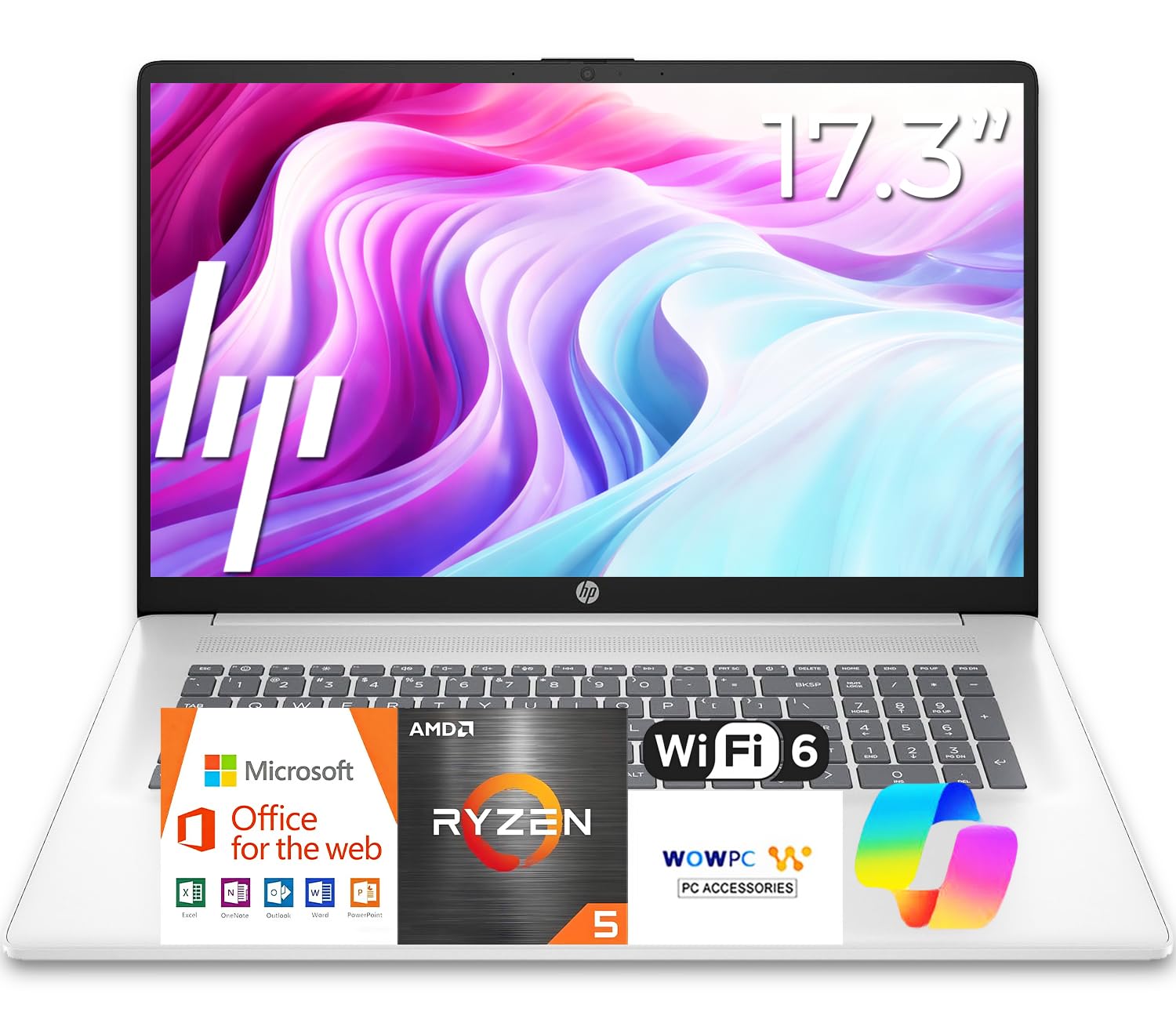
A 17.3-inch screen is the reason this HP earns the top spot. Real estate work is a split-screen job: MLS listings on one side, CRM or email on the other. The extra room makes that comfortable, and the Ryzen 5 7430U with 16GB of RAM keeps those windows moving without the machine gasping. The 512GB SSD leaves space for listing photos and client files, and the full number pad is a genuine convenience when you're entering prices, square footage, and addresses all day.

The listed 12-hour battery is the other half of the case. A realtor's day moves between desk, car, and showing, and a laptop that can go most of the day without a charger is worth more than a slightly thinner chassis. The anti-glare panel helps in a bright office or a car, and the full-size keyboard is comfortable for long email sessions. Just know that the included Office 365 is the web version, so budget for a Microsoft 365 subscription if you need desktop Outlook, Word, or Excel.

The trade-off is size. At roughly 15.8 by 10.2 inches, this is a laptop that lives in a roomy backpack or a dedicated desk, not a slim sleeve. If you're carrying a laptop between showings all day, the Lenovo V15 below is the easier companion. The bigger bag is the price of the bigger screen.

Pros

  • Big 17.3-inch screen suits MLS and CRM side by side
  • Ryzen 5 and 16GB RAM handle multitasking
  • Listed 12-hour battery supports a mobile day
  • Number pad speeds up data entry

Cons

  • Wi-Fi 5 rather than Wi-Fi 6
Our verdict

We recommend the HP 17 Business Laptop as the best all-around realtor machine: a big screen, strong Ryzen 5 performance, 16GB RAM, and long battery life, as long as you don't mind a larger bag.

Check Latest Price
2

Best for Office and Travel

Lenovo V15 Gen 4

83 /100
LBD Score Excellent

Key details

Memory
16 GB
Weight
3.6 lb
Display
15.6-inch FHD
Processor
Intel Core i5-13420H
View on Amazon

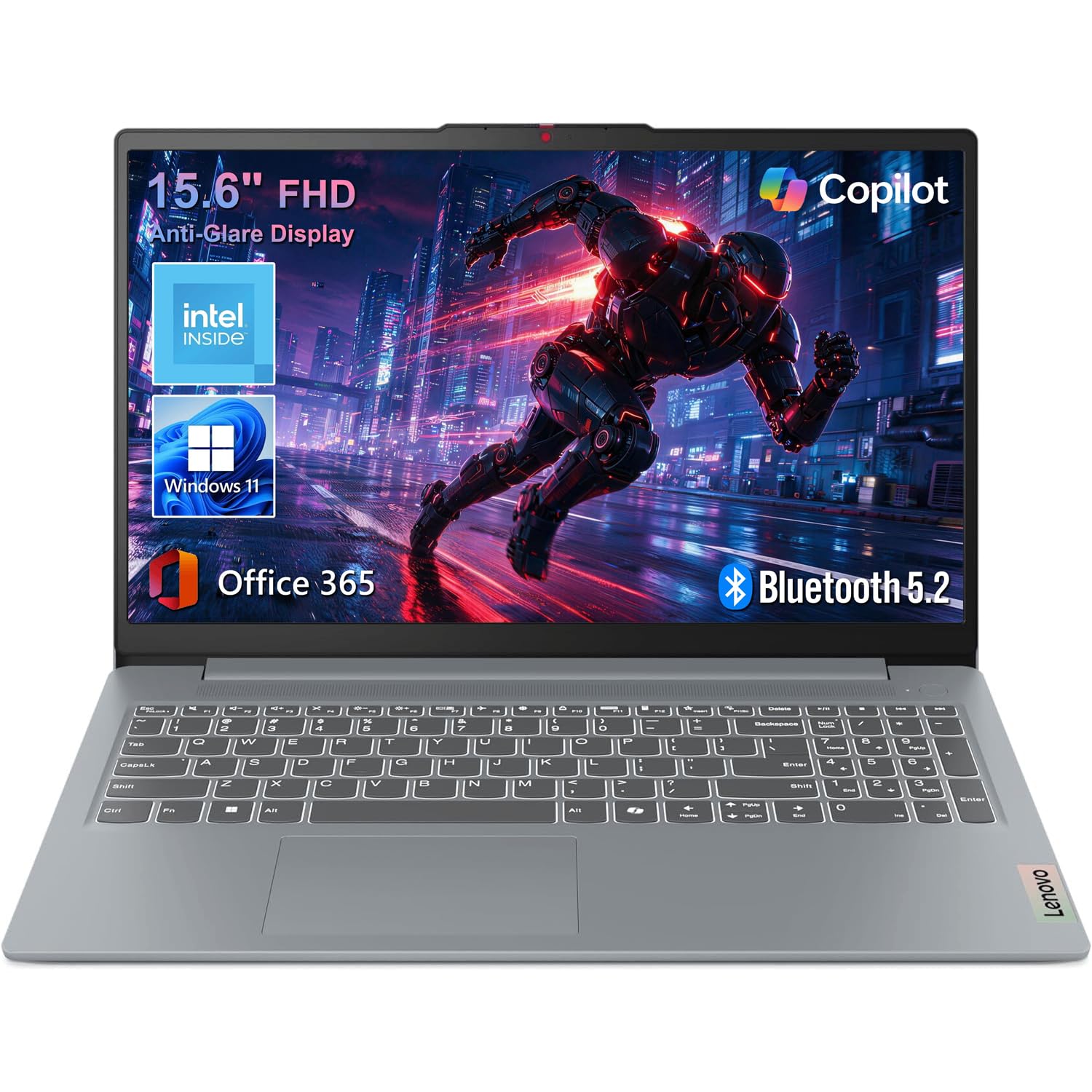
The V15 Gen 4 is the desk-and-bag compromise. At 3.6 pounds and 0.78 inch thick, it's easy to slide into a work bag, and the 15.6-inch FHD screen is sharp enough for listing photos, contracts, and video calls. The Core i5-13420H is a genuinely quick business chip — eight cores and twelve threads — and 16GB of RAM gives you room for a CRM, email, and a pile of browser tabs. The 512GB SSD is a sensible amount of local storage for client files.

We especially like the ports. Ethernet is increasingly rare on consumer laptops, and it's a real convenience at a desk or in an office with stubborn Wi-Fi. HDMI makes conference-room presentations a one-cable affair, and the numeric keypad is there for entering listing data. Windows 11 Pro is the right business version, too.

The V15 is the one to choose if you want a lighter laptop without giving up a full-size screen or Ethernet. It's the better presentation machine of the two, and the keyboard is easier to live with for long email sessions. For all-day battery, look to the HP 17 above.

Pros

  • Light 3.6-pound body for daily carry
  • Fast Core i5 and 16GB RAM
  • Rare Ethernet port plus HDMI
  • Crisp 15.6-inch FHD screen

Cons

  • Small 26Wh battery falls short of all-day use
Our verdict

We recommend the Lenovo V15 Gen 4 for realtors who want a lighter business laptop with wired Ethernet, a fast Core i5, and 16GB RAM, provided you keep the charger close.

Check Latest Price
3

Best for Heavy Multitasking

HP 17.3 32GB Laptop

84 /100
LBD Score Excellent

Key details

Memory
32 GB
Battery
90 Wh
Display
17.3-inch FHD IPS
Storage
1 TB SSD
View on Amazon

The 32GB of RAM and 1TB SSD are the story here. If you routinely run the MLS, a CRM, a dozen listing tabs, and a video call at once, the extra headroom is a real convenience. The 17.3-inch FHD IPS screen gives you a broad canvas for spreadsheets and presentations, and the 90Wh battery is a large reserve for a big-screen laptop. We think this is the pick for the agent who wants a desktop replacement that can still move room to room.

The processor is the compromise. Intel's Core i3-1215U is a six-core, eight-thread chip that's fine for office work, but it's a step behind the Ryzen 5 and Core i5 picks here for heavier multitasking. The 17.3-inch body is also a lot to carry, and the two USB ports are fewer than we like on a desk machine. For most realtors, the HP 17 above is the better balance; this one makes sense when local storage and memory matter more than raw speed.

The 90Wh battery is the reason it can still leave the desk. If you want the biggest local file library and the most headroom for browser tabs, this is the capacity play. If you want the easier carry, the Lenovo V15 is the better match.

Pros

  • 32GB RAM and 1TB SSD for heavy local work
  • 17.3-inch FHD IPS screen
  • 90Wh battery reserve
  • Windows 11 Pro

Cons

  • 32GB and 1TB are more than most agents need
Our verdict

We recommend the HP 17.3 32GB Laptop for agents who keep dozens of tabs and local files open, but it's more desk machine than daily carry.

Check Latest Price
4

Budget Web Work

Acer Aspire Lite 15

86 /100
LBD Score Excellent

Key details

Memory
16 GB
Display
15.6-inch FHD IPS
Storage
256 GB SSD
Processor
Intel N150
View on Amazon

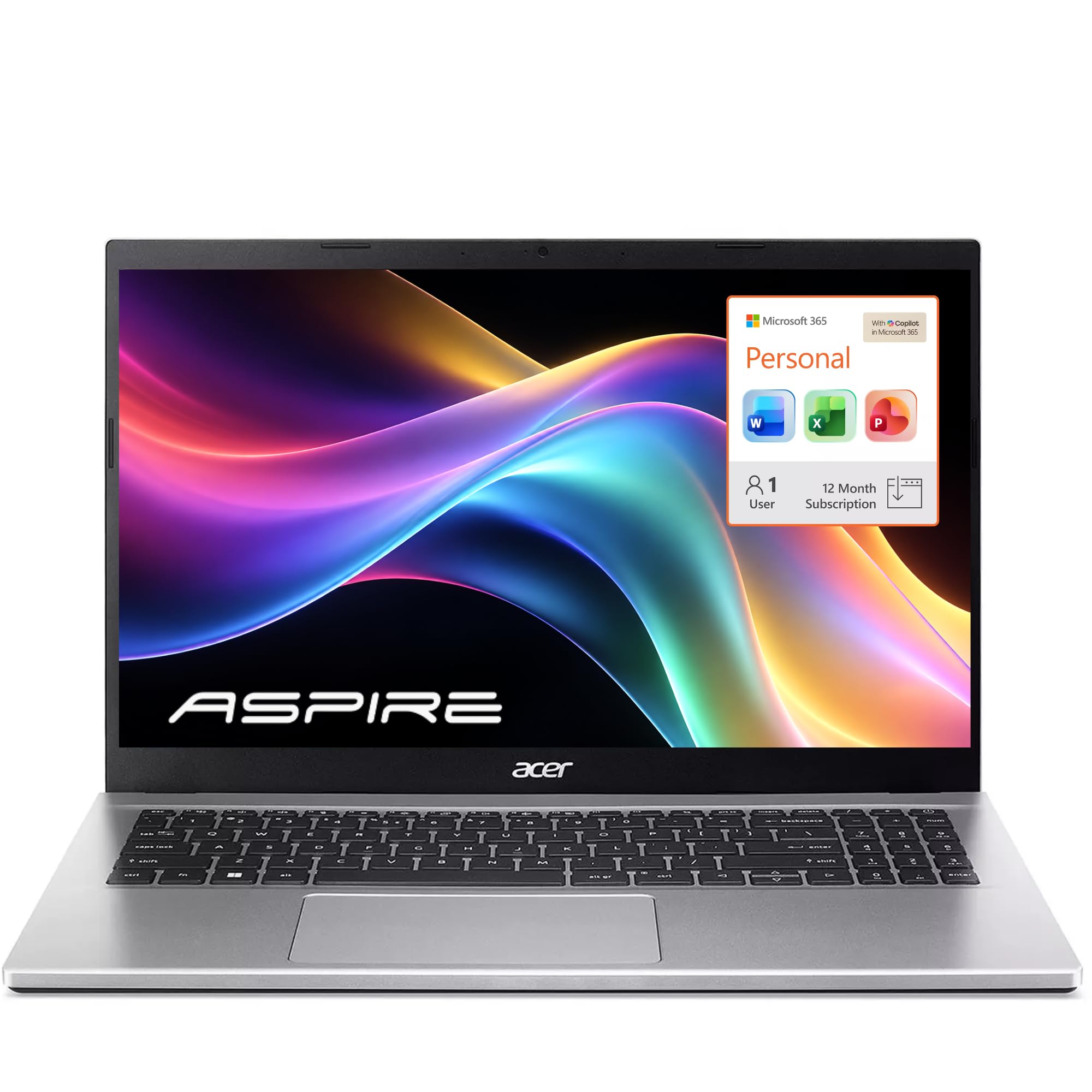
The Aspire Lite 15 gets the basics right for the money: a 15.6-inch FHD IPS screen, 16GB of RAM, and a 256GB SSD. For a realtor who lives in browser-based MLS and email, the memory is the important part — it keeps several tabs and a video call from fighting for space. The FHD panel is also a better fit for listing photos and presentations than the 1366x768 screens on some budget laptops here.

The Intel N150 is the limiter. It's a four-core, four-thread chip built for light office work, not for heavy local software or lots of simultaneous video. We think it's fine for web-first workflows, but if you run desktop CRM tools or keep huge spreadsheets open, the Lenovo V15 or HP 17 will feel quicker. The 3.9-pound body is reasonably portable, and the battery is listed at 11 hours, though treat that as a best-case figure.

The 16GB of RAM is the reason to pick it over cheaper 8GB budget laptops; the processor is the reason not to ask it to do too much. It's a good fit for a browser-first desk, not for an agent who needs a machine for heavy local software.

Pros

  • 16GB RAM and 256GB SSD for budget multitasking
  • 15.6-inch FHD IPS screen
  • 3.9-pound body is reasonably portable
  • Listed 11-hour battery

Cons

  • Some units restart or crash
  • Weak speakers
Our verdict

We recommend the Acer Aspire Lite 15 for budget-minded agents who want 16GB RAM and a full-HD screen, as long as they accept a low-power chip and some reliability risk.

Check Latest Price
5

Light Desk Work

Lenovo IdeaPad Slim 3

87 /100
LBD Score Excellent

Key details

Memory
8 GB
Weight
3.42 lb
Display
15.6-inch FHD
Processor
Intel N150
View on Amazon

At 3.42 pounds and 0.70 inch thick, the IdeaPad Slim 3 is one of the easier 15.6-inch laptops to carry here. The FHD anti-glare screen is a good size for MLS pages and email, and the 8GB of LPDDR5 memory is enough for a browser-first realtor workflow. Wi-Fi 6, USB-C with Power Delivery, HDMI, and a numeric keypad cover the practical connections.

The Intel N150 is a light-duty chip. It handles web apps and Office, but it's not the one to choose if you routinely run several heavy desktop programs at once. The 15.6-inch FHD panel is the saving grace, because it makes everyday document work much more comfortable than a 1366x768 budget screen.

Battery life is the real caveat. This is not the laptop to leave in the car all afternoon; plan on a charger during a long showing day. That makes it a better fit for a home-office desk or a commuter who works near power than for an agent who is in the car all afternoon. If you want the light body without the battery worry, the HP 17 is the safer pick.

Pros

  • Light 3.42-pound body
  • FHD anti-glare screen
  • 8GB RAM handles browser-first work
  • Wi-Fi 6 and USB-C/HDMI

Cons

  • 128GB storage fills quickly with local files
Our verdict

We recommend the IdeaPad Slim 3 for realtors who want a light 15.6-inch laptop for web-based work and can stay near an outlet.

Check Latest Price

What Six Months in a Tote Bag Taught Us

We started by pulling more than 30 current business-laptop models from the major lines, then cut anything that couldn't handle a full-size screen, a number pad, and a Windows 11 Pro setup without pushing past a reasonable budget for a working agent. That left 12 machines, which two of us carried for six months — one a full-time agent, one an editor.

Those laptops went to open houses, listing appointments, and closings. We typed addresses, list prices, and commission math on every keypad to see which ones felt cramped or mushy, stacked 20-plus MLS tabs alongside a video call to watch for stalling, and timed cold boots from the moment we lifted the lid.

Screen quality got judged in the worst light we could find, a west-facing window at 3 p.m., where we checked for glare and whether fine print in a contract stayed legible. For battery, we unplugged at 9 a.m. and ran a browser, a spreadsheet, and two video calls until each machine died. Every laptop then rode in a tote with a lockbox, keys, and a tape measure, and we flexed the lid and hinges weekly to see what loosened.

Out of the box, we timed setup — updates, sign-in, moving files into cloud storage — and noted which ones were ready inside 15 minutes. Speakers and microphones got graded on client calls where we asked the other party how we sounded, two of us played games after hours on the configurations with enough graphics power, and at the end we weighed what each one actually delivered for the money.

How to Choose a Laptop for Real Estate Work

Start With the Workload

A realtor's browser is the workload. MLS, CRM, email, a listing portal, and a video call can all be open at once, and that is where memory matters more than a flashy processor name. We treat 16GB as the comfortable target for a primary work laptop; 8GB can work for a browser-first desk, but it leaves less room for local CRM software and a dozen tabs. On the processor side, a recent Core i5 or Ryzen 5 gives you more headroom than an N-series chip. The HP 17 and Lenovo V15 are the two picks here that clear that bar most convincingly.

Battery and Weight Are a Package

A laptop that stays on the desk can be heavier and thirstier; one that rides in the car needs a bigger battery and a smaller body. Check the watt-hour figure and the processor class together, because a small battery behind a performance chip is a different machine from a large battery behind a low-power one. The Lenovo V15 is the easy carry at 3.6 pounds, but its 26Wh battery is a plug-in-first proposition. The HP 17 is the opposite: a larger body with a listed 12-hour battery. Decide which half of your day is longer.

Pick the Screen for Your Day

A 15.6-inch FHD screen is the practical minimum for side-by-side MLS and CRM work, and it is the one we prioritize for a primary laptop. A 17.3-inch panel gives you more room for spreadsheets and presentations, but it also makes the laptop a bigger bag item. Avoid 1366x768 if you present listing photos or contracts on the screen; the resolution is too coarse for cramped tables. The numpad is not a luxury for real estate work, either. If you enter prices and square footage all day, a full keyboard with a number pad saves real time.

Check the Ports Before You Present

HDMI is the port that gets you into a conference room. USB-C is useful, but it does not guarantee a connection to an older projector, so a dedicated HDMI output is the safer business feature. Ethernet is worth having if your office has stubborn Wi-Fi or a wired desk setup; the Lenovo V15 includes it, while the other picks here do not. If you use a second monitor at home, confirm the video output before you buy. A laptop that cannot drive your desk setup is a laptop you will end up docking around.

Storage and Software

Local storage is about photos, contracts, and client files, not just the operating system. A 512GB SSD is comfortable for a realtor who keeps a working file library on the machine; 128GB is tight once you add photos, updates, and a few desktop programs. Cloud storage can cover the gap, but it makes you dependent on a connection. Also check what Office version is included. The HP 17 ships with Office 365 for the web, not the desktop apps, so budget for a Microsoft 365 subscription if you need full Outlook, Word, and Excel.

Frequently Asked Questions

Final Verdict

The HP 17 Business Laptop is our default because it gives realtors the two things that matter most in one machine: a screen big enough for MLS and CRM side by side, and a battery that can leave the desk. The Lenovo V15 Gen 4 is the better choice if you carry your laptop every day and want a lighter 15.6-inch body with Ethernet; just keep its charger close. If you keep a huge local file library, the HP 17.3 32GB model is the capacity play.