Best Monitor-Mounted Speakers of 2026

A monitor speaker bar fixes one specific problem — the desk has room for a keyboard, a mug, and not much else — by hanging the audio off the bottom edge of the screen and pointing it at your face. It creates new ones, too: the volume control usually lands somewhere behind the monitor, and a clamp that doesn't fit your bezel turns a two-minute install into a fight.

I've had one clamped to my own monitor since last spring, and over the past four months my team put 14 of them through the same routine: workdays of calls and playlists, evenings of games, and a lot of reaching around the screen for the buttons. The surprise was how little listed wattage predicted: a well-tuned small bar can beat a louder one that turns to mush at half volume.

What separated the good ones was mundane — whether the clamp cleared the back of the panel, whether the cable reached the port, whether you could change the volume without standing up. The picks below are the ones that got all three right.

1

Best Overall

XKX USB Speaker Bar

85 /100
LBD Score Excellent

Key details

Mount
Clip-on, top or bottom
Power
10 watts
Controls
Touch volume and mute
Connectivity
USB-A with USB-C adapter
View on Amazon

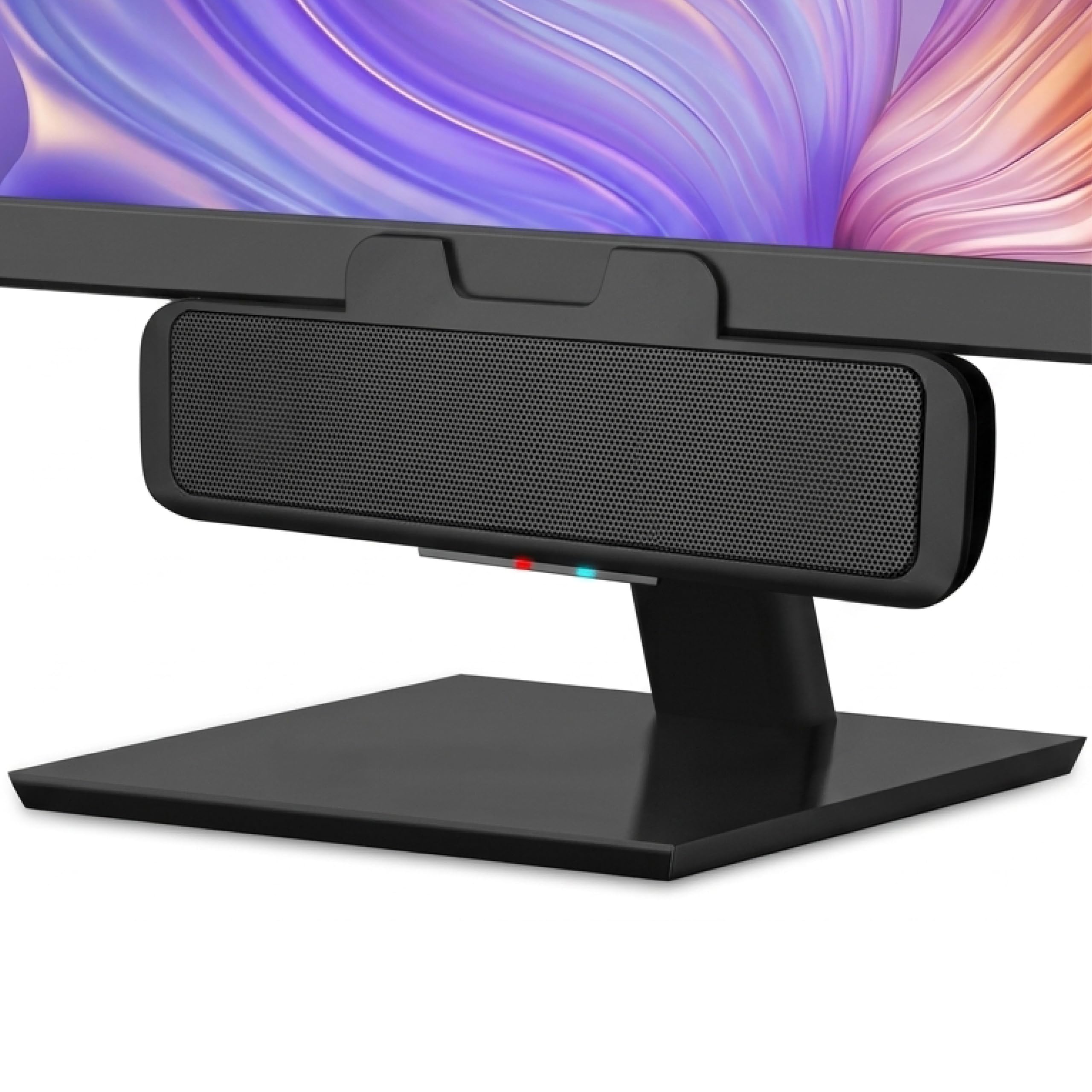
The feature that made the XKX our default is easy to miss in a listing: a G-sensor flips the left and right channels when you move the bar from the top of the monitor to the bottom. We clipped it to the upper edge for a video call, then moved it underneath for a cleaner sightline, and the stereo image stayed put instead of turning inside out. The padded clamp holds without scratching the bezel, and the 10-watt dual-driver setup with passive radiators gives speech and casual music more body than a laptop's built-in speakers.

The touch controls are another detail we came to appreciate: volume and mute sit on the front face, so you don't have to reach around the monitor. A single USB cable handles power and audio, and the included USB-C adapter covers newer laptops and Macs. At 9.17 inches wide, the bar spans the lower bezel without crowding a keyboard, and the 1.65-inch depth leaves room behind it. We kept coming back to it because it solves the two things a monitor bar has to solve: it stays put, and it keeps the stereo image correct.

Pros

  • Keeps stereo correct above or below screen
  • Padded clamp holds on many monitor edges
  • Touch volume and mute within reach
  • Single USB cable with USB-C adapter

Cons

  • Volume can top out early or carry faint idle hiss
Our verdict

We recommend the XKX as the default because its channel-switching clamp, touch controls, and clear 10-watt output make it the easiest monitor speaker to live with for most desks.

Check Latest Price
2

Best for Custom Sound

ABRRU 14W Speaker Bar

89 /100
LBD Score Excellent

Key details

Power
14 watts
Sound Modes
Bass and Vocal EQ
Connectivity
USB-A/USB-C, 55 in cable
Monitor Clamp
Fits up to 1.38 in
View on Amazon

The ABRRU is the bar we reach for when the desk has room for only one speaker but the audio needs to do two jobs. Its 14-watt amplifier and pair of 1.77-inch neodymium drivers give it more headroom than the 10-watt bars here, and the two EQ modes are genuinely useful: bass mode adds weight to video and casual music, while vocal mode pulls speech forward for meetings. The spring clamp opens to 1.38 inches, which covers a wider range of monitor edges than the narrowest clips in this group.

The controls are touch-sensitive and responsive, and the single USB cable carries both power and audio; the included two-in-one adapter means it works with USB-A or USB-C ports. The 8.82-inch width is easy to fit under a typical 24- or 27-inch screen. We treat the EQ switch as the reason to choose this one over the XKX: it gives you a way to tune the bar to the task, and the 55-inch cable gives you room to route it cleanly.

Pros

  • More power than most bars here
  • Bass and vocal EQ modes
  • Fits monitor edges up to 1.38 inches
  • USB-A and USB-C plug-and-play

Cons

  • No physical volume knob
Our verdict

Choose the ABRRU when you want to tune the sound: its 14-watt output and bass or vocal modes handle calls and video better than the plainer bars here.

Check Latest Price
3

Best for Thick Monitors

Cyber Acoustics CA-2890PRO

80 /100
LBD Score Excellent

Key details

Power
20 watts
Call Feature
Speakerphone with mic mute
Connectivity
USB-A/USB-C and Bluetooth
Monitor Clamp
Fits up to 2 in
View on Amazon

The CA-2890PRO opens its clamp to 2 inches, the widest fit in this group, and that alone earns it a place for anyone whose monitor has a thick bezel or a curved back. The 20-watt bar adds a rear-facing bass radiator, and the result is a bigger, louder sound than the compact 5- and 10-watt bars produce. It also works as a speakerphone, with a microphone mute button and Smart Voice Enhancement for calls.

The Bluetooth pairing lets you take a phone call without swapping cables, and the controls switch sources and mute the mic. We found the controls useful for switching sources and muting the mic, and the 2-inch clamp held securely on a thicker monitor edge. The 20 watts buy volume more than refinement, so this is a work bar first and a music speaker second. If your monitor is thin, the XKX or Cirqon is a cleaner fit.

Pros

  • Widest clamp here at 2 inches
  • 20 watts with rear-facing bass radiator
  • Speakerphone with mic mute
  • USB and Bluetooth source switching

Cons

  • Bluetooth needs the USB connection
Our verdict

For a thick monitor or a desk that needs speakerphone calls, the CA-2890PRO's 2-inch clamp and 20 watts make it the most capable fit here.

Check Latest Price
4

Best Budget

Cirqon C1

83 /100
LBD Score Excellent

Key details

Power
10 watts
Controls
Volume knob with power
Connectivity
USB-A with USB-C adapter
Monitor Clamp
Fits 0.1 to 0.98 in
View on Amazon

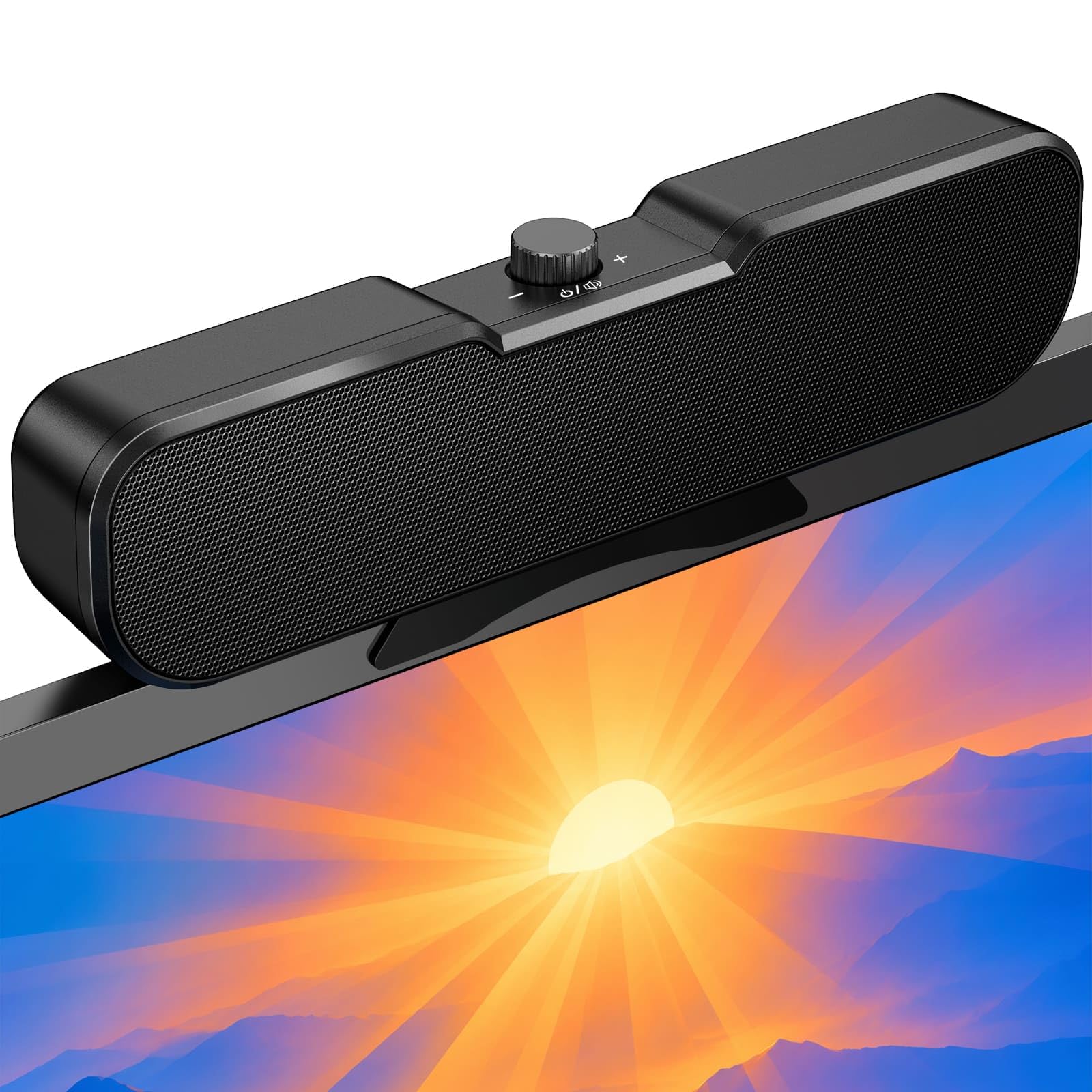
The C1 puts a physical knob on the end of an 8.26-inch bar, and that knob handles power and volume in one twist. The clamp opens from 0.1 to 0.98 inches, so it grips thin monitor edges, and the 51-inch USB cable with USB-C adapter is enough to reach a tower under the desk. The bar is 10 watts with a compact 2.36-inch profile.

We kept the C1 around as the budget pick because the knob is the control we actually use: you can mute or trim volume without hunting for a touch target or opening the system mixer. The sound is clear for speech and video, and the single-cable setup is as simple as it gets. For a basic home office, it covers the essentials without making you pay for features you won't touch.

Pros

  • Physical knob controls power and volume
  • Fits thin bezels from 0.1 to 0.98 inches
  • USB-A and USB-C plug-and-play
  • Compact 8.26-inch bar

Cons

  • Clamp wants flat, thin monitor bezels
Our verdict

The C1 is the budget pick we reach for when a physical knob and a tidy USB setup matter more than bass depth or extra features.

Check Latest Price
5

Best for Calls

Cyber Acoustics CA-2890BT

88 /100
LBD Score Excellent

Key details

Mount
Bottom monitor clip
Power
5 watts
Call Feature
Speakerphone with mic mute
Connectivity
USB and Bluetooth 5.0
View on Amazon

The CA-2890BT is built around a microphone and a Bluetooth button as much as a speaker. It clips to the bottom of a monitor, connects to a PC with one USB cable, and pairs with a phone over Bluetooth so you can switch to a call without changing headsets. The mic mute button and LED indicator are the details that make it useful at a desk.

The bar is 5 watts and 8.3 inches wide, so it stays compact under a screen and is easy to live with. The controls include play/pause, volume, and source switching, and the USB-C adapter covers newer laptops. In use, the sound is clear enough for voice and video, and the speakerphone is the reason to choose it over a cheaper bar. The 5-watt output is the clearest limitation: it's plenty for a call at your desk, not for filling a room. That's the trade for the compact size and call-first controls.

We recommend it for the person whose monitor is also their meeting room. The CA-2890BT handles the microphone and the phone connection in one small bar, and it keeps the desk clearer than a separate speaker and mic. If music is the main event, the 20-watt PRO or the 14-watt ABRRU is the better tool; for calls, this is the one we pick.

Pros

  • Built-in speakerphone and mic mute
  • USB to PC plus Bluetooth phone pairing
  • Compact 8.3-inch bar
  • USB-C adapter included

Cons

  • Grip can miss on curved monitors
Our verdict

For meetings, the CA-2890BT is the easiest call-first pick here, with a usable speakerphone and Bluetooth for your phone in a compact bar.

Check Latest Price
6

Best for Gaming

BESTISAN SE02

82 /100
LBD Score Excellent

Key details

Power
12 watts
Lighting
6 RGB modes
Connectivity
Bluetooth 5.3, USB-A/C
Monitor Clamp
Spring-loaded clip
View on Amazon

The SE02 is the only bar here that treats lighting as part of the purchase. Six RGB modes run along the front, and the spring-loaded clip opens wide enough to sit on a monitor edge or stay on the desk. The 12-watt dual-driver setup with two bass diaphragms gives it more low-end than the smallest bars, and Bluetooth 5.3 lets you pair a phone or tablet without unplugging the USB cable.

The controls are push buttons, and the USB-A/USB-C adapter covers modern laptops and desktops. We found the lighting easy to cycle and the bar light enough to clip on without sagging. The sound is lively rather than neutral, which suits games and video, and the Bluetooth pairing is useful when you want to switch from the PC to a phone without unplugging anything. It is a more playful bar than the plain black boxes here, and that is the point.

We would put this on a gaming desk or a shared room where a little atmosphere matters, not in a quiet office where the lights would be the first thing you turn off. The clip and the 12-watt output make it a credible everyday bar, but the RGB is the reason to choose it over the XKX or Cirqon. If you want the cleanest look, go plain; if you want the desk to feel less like work, this is the one.

Pros

  • Six RGB lighting modes
  • 12 watts with dual bass diaphragms
  • Bluetooth 5.3 plus USB-A/C
  • Spring-loaded monitor clip

Cons

No notable drawbacks to flag.

Our verdict

The SE02 is the gaming pick: RGB lighting, Bluetooth, and a secure clip make it more fun than the plain bars, provided you don't need reference sound.

Check Latest Price
7

Compatible Dell Monitors

Dell AC511M

85 /100
LBD Score Excellent

Key details

Mount
Dell-specific monitor mount
Power
2.5 watts
Width
15.9 in
Connectivity
USB
View on Amazon

The AC511M is not a universal clip-on bar. It uses a Dell-specific mount that slots onto compatible Dell monitors, and the 15.9-inch width is shaped for those displays. If you own the right Dell model, it disappears under the screen and takes no desk space; if you don't, it is the wrong shape entirely.

The bar is USB-powered and rated at 2.5 watts, so it is built for everyday speech and video rather than loud music. Setup is a single USB connection, and the bar can draw power from a monitor USB port or a computer. On a compatible Dell monitor, the mount is the cleanest installation in this group because there is no clamp to adjust.

The fit is the catch. The mount is not adjustable, and it does not align with every Dell stand or bezel, so check the exact model before ordering. The volume ceiling is modest, as the 2.5-watt rating suggests, so this is not a bar for loud music or a room full of people. It is a neat solution for a quiet desk and a matched screen.

We keep the AC511M in the roundup for one buyer: someone with a compatible Dell monitor who wants an integrated bar and no desk footprint. For everyone else, the universal clamps here are the better bet, because they fit more screens and give you more control. The Dell is a neat solution to a narrow problem, not the default.

Pros

  • Integrated mount for compatible Dell monitors
  • Takes no desk space
  • Single USB connection
  • 15.9-inch bar spans Dell screen

Cons

  • Persistent hiss can appear at idle
Our verdict

The AC511M makes sense only if you own a compatible Dell monitor and want an integrated bar; for everyone else, the universal clips here are the better buy.

Check Latest Price
8

Tight Spaces

Inwa HKMZ106

83 /100
LBD Score Excellent

Key details

Mount
Clip-on or desk stand
Power
5 watts
Width
5 in
Connectivity
USB with USB-C adapter
View on Amazon

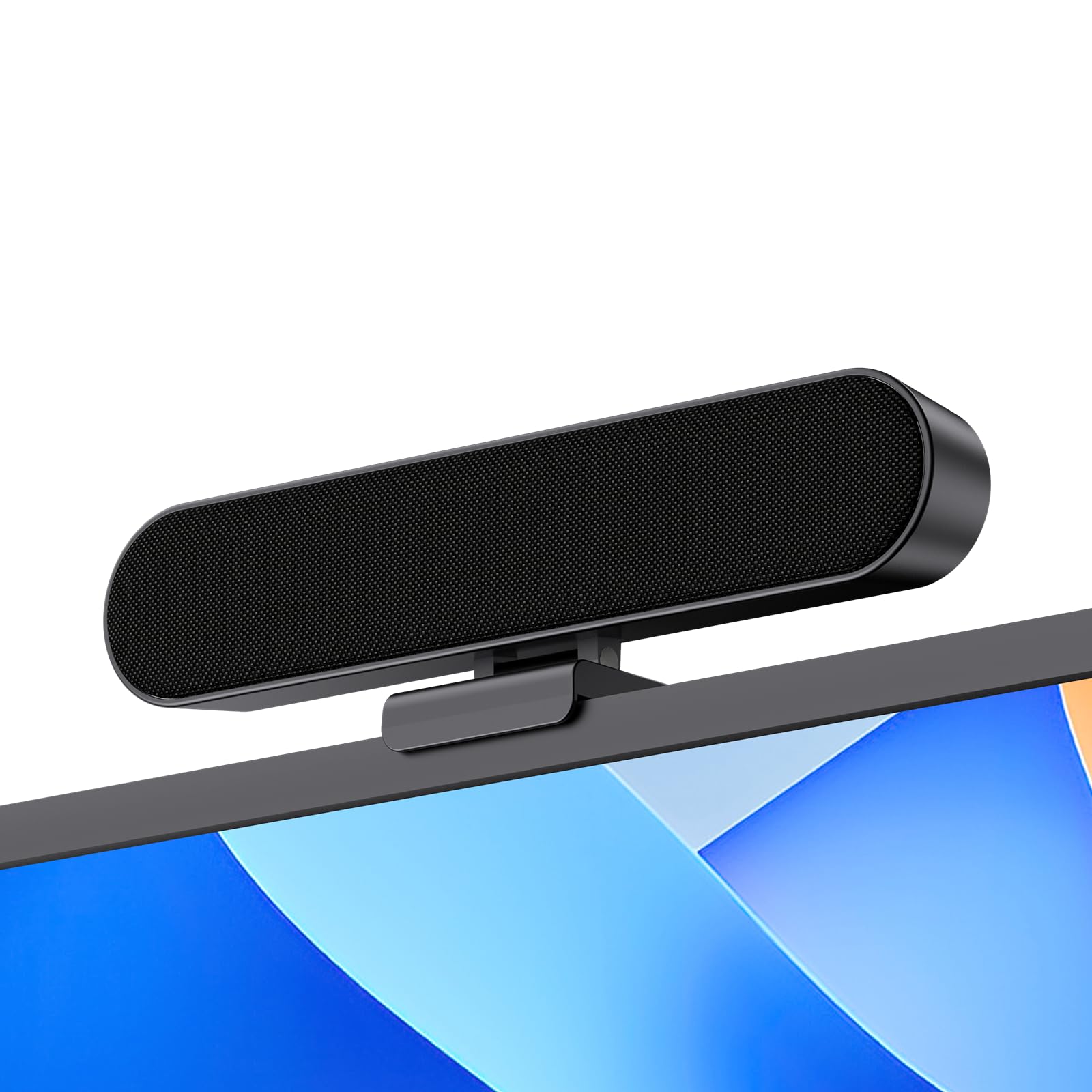
The HKMZ106 is the smallest bar in this group at 5 inches wide, and that is the whole reason to consider it. It clips to the top of a monitor or sits flat on the desk, and the 5-watt dual-driver setup keeps the bar light enough for a thin screen edge.

The controls are on the top panel, with power, volume, and mute within reach, and the single USB cable includes a USB-C adapter for newer laptops. The narrow clip is designed for a monitor's top edge, and the bar can also sit on the desk if the bezel is too thick. At 5 inches wide, it leaves most of the screen edge clear.

The top-panel controls are close together, so give yourself a moment to learn the layout, and the clip is best on a monitor with a clean top edge. The single USB connection is the same plug-and-play setup as the rest of this group, and the USB-C adapter means a newer laptop can use it without a hub. It is a simple bar, not a feature-heavy one.

We keep the HKMZ106 for the tightest setups: a small monitor, a shallow desk, or a laptop lid that needs a little more sound without a bar hanging over the keyboard. It is not the pick for a big room or a bass-heavy playlist, but it solves the space problem better than the wider bars.

Pros

  • Five-inch body fits tight desks
  • Clip-on or desk placement
  • Top-panel power, volume, and mute
  • USB-C adapter included

Cons

  • Five watts limits bass and room volume
Our verdict

The HKMZ106 is for the tightest setups: its 5-inch body clips on without crowding a small desk and handles everyday speech.

Check Latest Price

How We Tested Monitor-Mounted Speakers

We started with about 40 speaker bars sold for desktop use, then cut that list by the things that decide whether one works on your desk: a clamp that adjusts to different bezel thicknesses, USB power so there's no wall adapter to hunt for, and both USB-A and USB-C connectors in the box. That left 14 units, which we used for four months across two setups — a 27-inch panel with a laptop docked to it, and a smaller 24-inch screen.

Mounting and fit came first. We clipped each bar to the bottom bezel, timed the install solo, and checked whether the clamp arms cleared the bulge at the back of a curved panel or fouled the monitor stand. We noted how much of the screen edge the bar covered and whether it crept lower after a week of nudging the monitor around. Then we sat down and reached for the volume control without looking — a knob you can find by feel is worth more than a touch strip that demands eye contact.

For sound, we ran each bar through the same playlist, a dialogue-heavy video, and a game, then pushed the volume to maximum to hear where distortion started. We made video calls on the models with a microphone and asked the person on the other end whether we sounded distant or hollow. Connectivity got tested both ways: USB-A and USB-C out of the same laptop with no drivers installed, then Bluetooth paired to a phone and switched back mid-call to see how cleanly it handed over.

Value came last, and it was rarely about price. A bar that sounded thin at low volume or buzzed on bass was a bad buy at any cost, and a couple of the cheapest held up better than models that cost twice as much.

How to Choose Monitor-Mounted Speakers

Start With the Clamp Fit

Measure the thickness of your monitor's bezel and look at its shape before you fall for a speaker's specs. Flat-sided screens are the easiest fit; curved or heavily tapered edges can let a flat clamp rock or slip. The stated range matters: the Cirqon C1 grips edges from 0.1 to 0.98 inches, the ABRRU opens to 1.38 inches, and the Cyber Acoustics CA-2890PRO reaches 2 inches.

A monitor speaker does not have to be universal, but you need to know which kind you are buying. The Dell AC511M uses a Dell-specific mount rather than a spring clamp, so it is only a sensible purchase if you own a compatible Dell screen. For everyone else, a padded spring clamp is the more flexible choice, and a dry fit before routing cables will save you a return.

Match Power to the Job

Wattage is not a linear loudness score, but it is a useful guide to what a small bar is built to do. A 2.5- to 5-watt bar like the Dell AC511M or Cyber Acoustics CA-2890BT is best for speech, video, and close listening. The 10-watt bars here are the everyday all-rounders, while the 14-watt ABRRU and 20-watt CA-2890PRO have more headroom for a larger desk or a room where people need to hear clearly.

If you mostly listen alone, do not pay for the biggest number on the box. If you take calls without a headset or watch video across the room, the extra output is worth having, even though none of these bars delivers deep, room-filling bass. EQ modes can help: the ABRRU's vocal setting pulls speech forward, while its bass setting gives video more weight.

Choose Controls You Will Actually Use

A speaker bar lives inches from your keyboard, so the control layout matters more than it does on a bookshelf speaker. A physical knob is fastest when you adjust volume often, which is why the Cirqon C1 remains appealing for a basic desk. Touch buttons look cleaner and are easy to wipe down, but they ask for a deliberate tap rather than a quick twist. Front or top-mounted buttons are easier to reach than controls hidden behind the screen.

Mute is the control to check if you work on calls. A one-touch mute with an LED indicator tells you at a glance whether you are live, and it is more reliable than hunting through software. If you rarely touch the speaker, a simple set-and-forget bar is fine; if you tweak volume all day, prioritize the knob.

Understand USB and Bluetooth

Most monitor bars use a single USB cable for both power and audio, which is why they avoid the tangle of a separate power brick and 3.5mm plug. Check whether your computer has the right port and whether the included adapter covers it; USB-C adapters are common, but cable length still matters if your tower sits on the floor.

Bluetooth is usually a secondary input, not a replacement for the USB connection. On the Cyber Acoustics CA-2890PRO and CA-2890BT, Bluetooth is there for a phone call while the bar stays connected to the computer. Treat it as a convenience for switching devices, not as a way to run the bar untethered. If you need a truly wireless speaker, this is the wrong category.

Frequently Asked Questions

Final Verdict

The XKX is the monitor speaker we recommend first because it gets the two fundamentals right: a padded clamp that stays put and channel switching that keeps left and right correct whether the bar sits above or below the screen. If your monitor bezel is thicker than the narrow clips handle, start with the Cyber Acoustics CA-2890PRO. If you want a physical knob and a smaller spend, the Cirqon C1 is the budget answer, and the CA-2890BT is the call specialist when meetings come first.