Best Monitors for PS5 of 2026

A PlayStation 5 can render 120 frames per second, but the screen at the other end of the HDMI cable decides whether any of those frames ever reach your eyes. Plenty of living-room TVs still top out at 60Hz, and the ones that don't often bury the signal in processing that adds lag. A gaming monitor skips all that, taking the console's 120Hz output at 1080p or 1440p and sitting close enough that a 27-inch panel feels enormous.

My team and I have spent the past six months cycling 12 monitors through that exact setup, flat panels and curved ones alike. The fastest refresh rate on the box means little if the stand won't rise to meet your chair or the picture smears every time the camera pans.

Speakers are the quiet dividing line here — some of these have them, some have none at all, and a couple had me reaching for headphones in under a minute. What separates the picks below is picture and color quality, how much adjusting you actually get, and whether the price feels fair for what lands on your desk.

1

Best Overall

Dell SE2726HG

86 /100
LBD Score Excellent

Key details

Panel
IPS
HDMI Ports
2
Resolution
1920 x 1080
Refresh Rate
240 Hz
View on Amazon

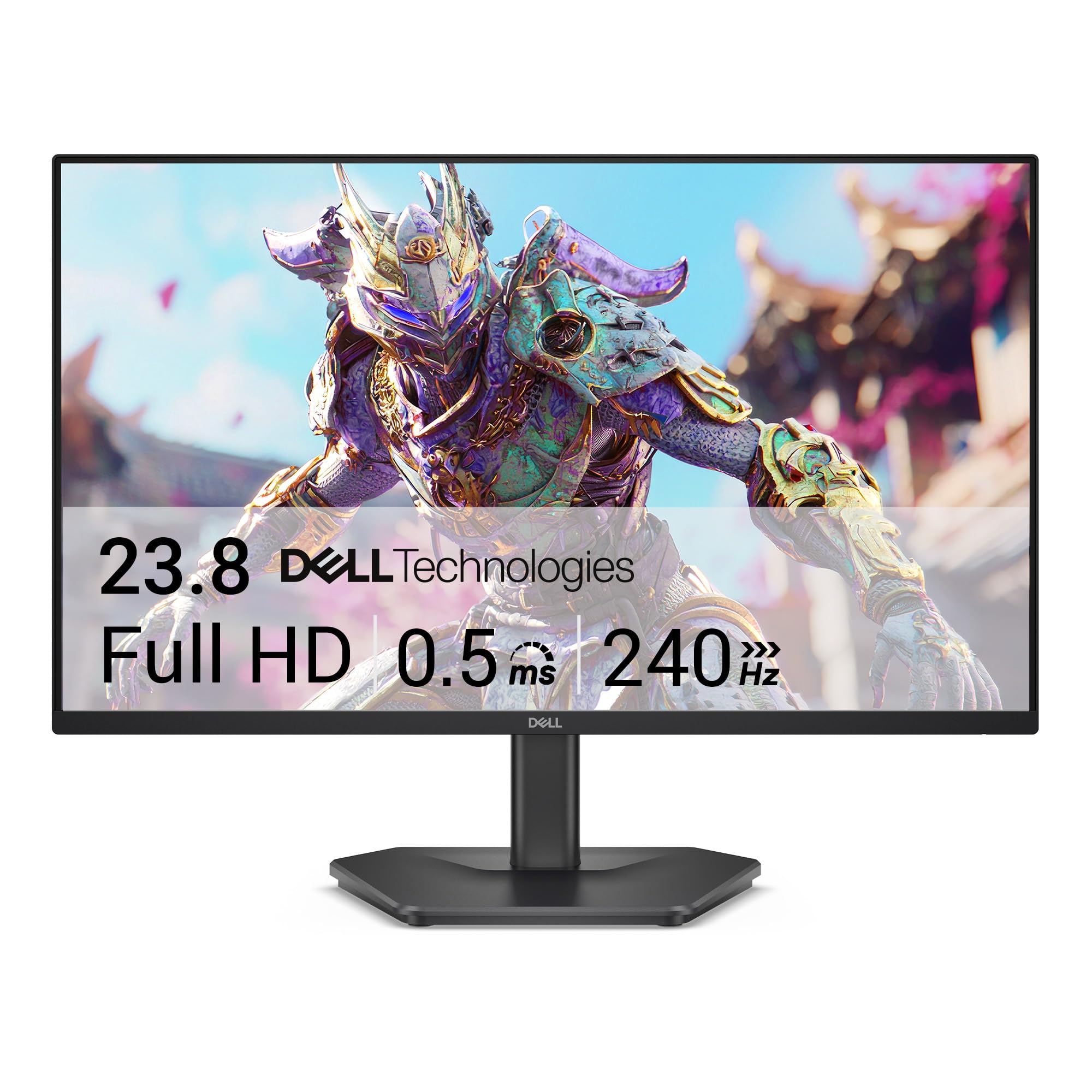
Two HDMI inputs and explicit HDMI VRR support make the SE2726HG the easiest monitor here to recommend for a PS5. We like that combination more than the 240Hz refresh rate, which is headroom the console cannot use. What matters is that the monitor has a clean 120Hz path for performance modes, and the PS5 can take advantage of it without an adapter or a special cable.

The 27-inch IPS panel is the sensible size for a desk, and 99% sRGB coverage gives games a clean, natural color balance. We noticed the 1080p resolution most in fine text and distant detail; this is not the monitor for someone who wants 1440p sharpness. The payoff is speed and simplicity. The fast IPS panel keeps motion clear, and FreeSync Premium adds another layer of compatibility for a PC.

The matte screen and TÜV 3-star eye-care certification are welcome for long sessions, and the 178-degree viewing angles keep the picture consistent when you sit off-center. At 27 inches, the 1080p panel is the compromise; the Samsung G55C is the sharper 1440p step up. The Dell still wins on console fit because of the port setup and VRR support, and that is why it stays our default.

Pros

  • Explicit HDMI VRR for PS5
  • Two HDMI inputs simplify device switching
  • Fast IPS panel with 99% sRGB
  • 240Hz headroom for PC use

Cons

  • Tilt-only stand
  • No built-in speakers
Our verdict

The SE2726HG is our default PS5 monitor: HDMI VRR and two HDMI ports make 120Hz play easy, even if the 1080p panel is not the sharpest.

Check Latest Price
2

Best 1440P

Samsung Odyssey G55C

88 /100
LBD Score Excellent

Key details

Curve
1000R
HDMI Ports
1
Resolution
2560 x 1440
Refresh Rate
165 Hz
View on Amazon

A 32-inch 1440p screen is the reason to consider the Odyssey G55C. It gives PS5 games more detail than a 1080p panel, and the 165Hz refresh rate leaves headroom above the console's 120Hz target. The 1000R curve is the other signature: at a desk it pulls the edges toward you and makes the screen feel more wraparound than a flat 32-inch panel.

We think this is the best pick here for a PS5 player who wants a bigger, sharper image without moving to a TV. The QHD resolution is the meaningful upgrade, and HDR10 adds a useful color and contrast boost even if 300 nits is not a true HDR showcase. The curve takes adjustment, but it suits close seating and makes the wide screen easier to take in.

The matte finish keeps reflections under control, and the 178-degree viewing angles hold color when you sit off-center. The 32-inch panel is less dense than a 27-inch 1440p screen, so fine text is not as crisp as the resolution number suggests. That is the trade-off for the bigger image, and it is one we accept for console play. The G55C is the upgrade pick, not the budget default.

Pros

  • 32-inch 1440p image
  • 165Hz refresh for smooth motion
  • 1000R curve and HDR10
  • Strong color and contrast

Cons

  • Only one HDMI input
  • Tilt-only stand
Our verdict

We prefer the Odyssey G55C when a larger, sharper 1440p image matters more than a second HDMI input or a height-adjustable stand.

Check Latest Price
3

Best Budget 120Hz

Acer KB272 G0bi

92 /100
LBD Score Outstanding

Key details

Panel
IPS
HDMI Ports
1
Resolution
1920 x 1080
Refresh Rate
120 Hz
View on Amazon

The KB272 G0bi is the monitor we point to when the priority is a clean 120Hz PS5 image and the budget is tight. A 27-inch IPS panel at 120Hz is the right combination for console play: the refresh rate matches the PS5's performance modes, and the IPS panel gives better color and viewing angles than the cheapest VA alternatives.

The 1920 x 1080 resolution is the compromise. At 27 inches, it is not as sharp as a 1440p screen, and fine text shows the gap. We still like it for a console because PS5 games are built around 1080p and 1440p performance modes, and the lower resolution keeps the monitor affordable. Adaptive-Sync support adds a useful compatibility layer for a PC, though the PS5's own VRR support is the feature to check.

What we appreciate most is the three-year warranty and the 99% sRGB coverage at this price. The monitor is simple to set up, with one HDMI input and a joystick control. The catch is that there are no built-in speakers, so a headset or desk speakers are part of the real cost, and the single HDMI input means swapping cables if you also use a PC. It is not a do-everything display, but it is a strong first PS5 monitor.

Pros

  • 120Hz IPS panel
  • 99% sRGB color coverage
  • Three-year warranty
  • 27-inch screen at a budget price

Cons

  • Tilt-only stand
Our verdict

For a tight budget, we trust the KB272 G0bi as the 120Hz PS5 pick, thanks to IPS color and a three-year warranty.

Check Latest Price
4

Best Budget 180Hz

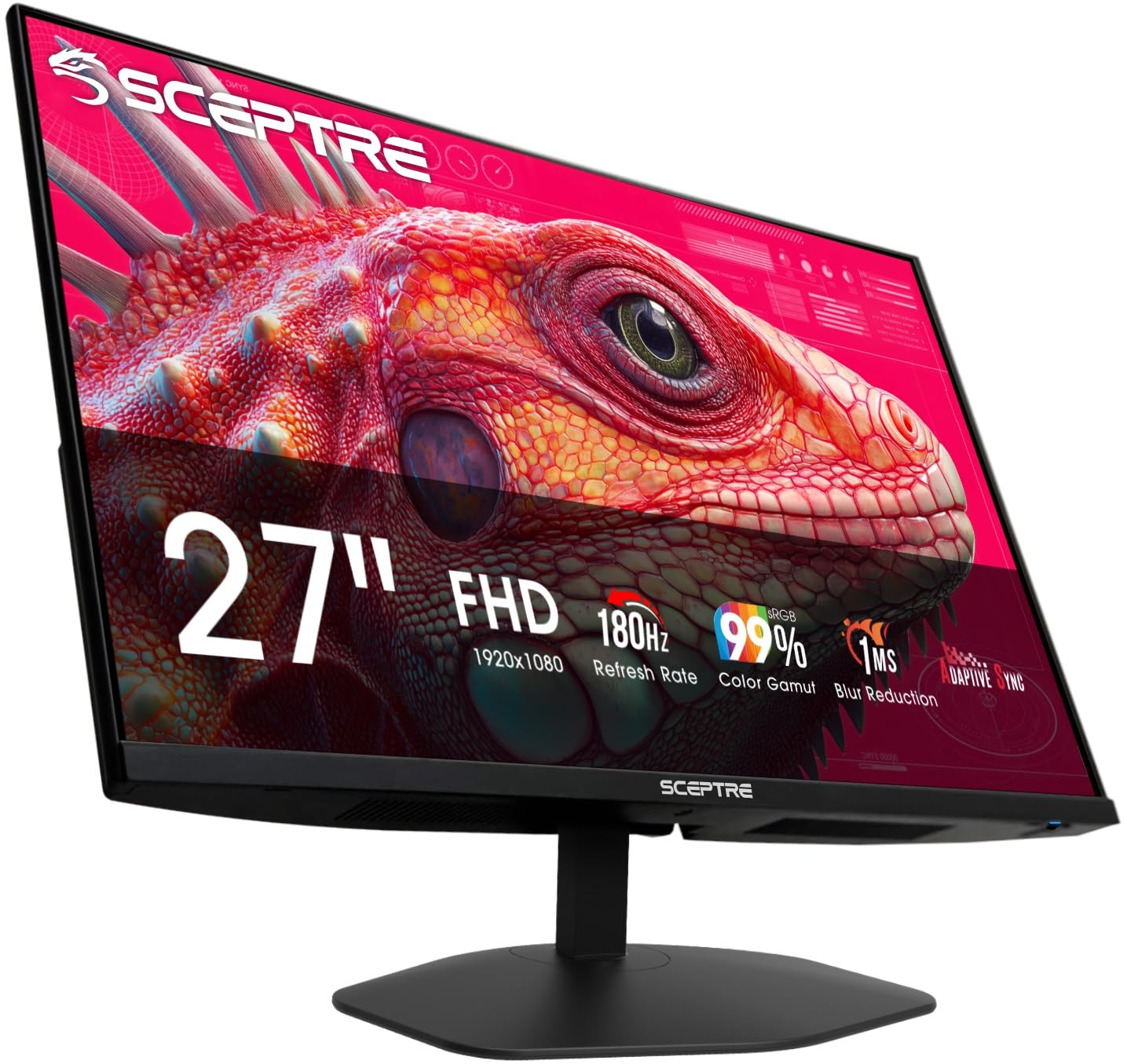
Sceptre E275B-FW180T

85 /100
LBD Score Excellent

Key details

Speakers
Built-in
HDMI Ports
2
Resolution
1920 x 1080
Refresh Rate
180 Hz
View on Amazon

Two HDMI inputs and two DisplayPort inputs on a budget 27-inch are unusual, and that is the first thing we noticed about the E275B-FW180T. For a PS5, the useful number is 180Hz: it covers 120Hz with headroom, and the two HDMI ports let the console and a PC stay connected without cable swapping.

We recommend this one for a desk that has to serve a console and a computer. The 27-inch 1080p panel is not the sharpest screen here, but it is easy to drive, and the 180Hz refresh keeps motion smooth in fast games. The built-in speakers are handy for menu audio, though we treat them as a convenience rather than a reason to skip a headset.

The matte finish and 178-degree viewing angles keep the picture consistent, and the minimal bezel makes a dual-monitor setup look tidy. VESA mounting support gives you a path to a cleaner desk if the included stand sits too low. For the money, the port flexibility is the feature that separates it from the other budget picks.

Pros

  • Two HDMI and two DisplayPort inputs
  • 180Hz refresh rate
  • Built-in speakers
  • 27-inch 1080p at a budget price

Cons

  • Tilt-only stand
Our verdict

We recommend the E275B-FW180T for a busy desk because two HDMI ports and 180Hz refresh make console and PC swapping painless.

Check Latest Price
5

Small Desks

Sceptre E225W-FW144

88 /100
LBD Score Excellent

Key details

HDMI Ports
1
Resolution
1920 x 1080
Screen Size
22 inches
Refresh Rate
144 Hz
View on Amazon

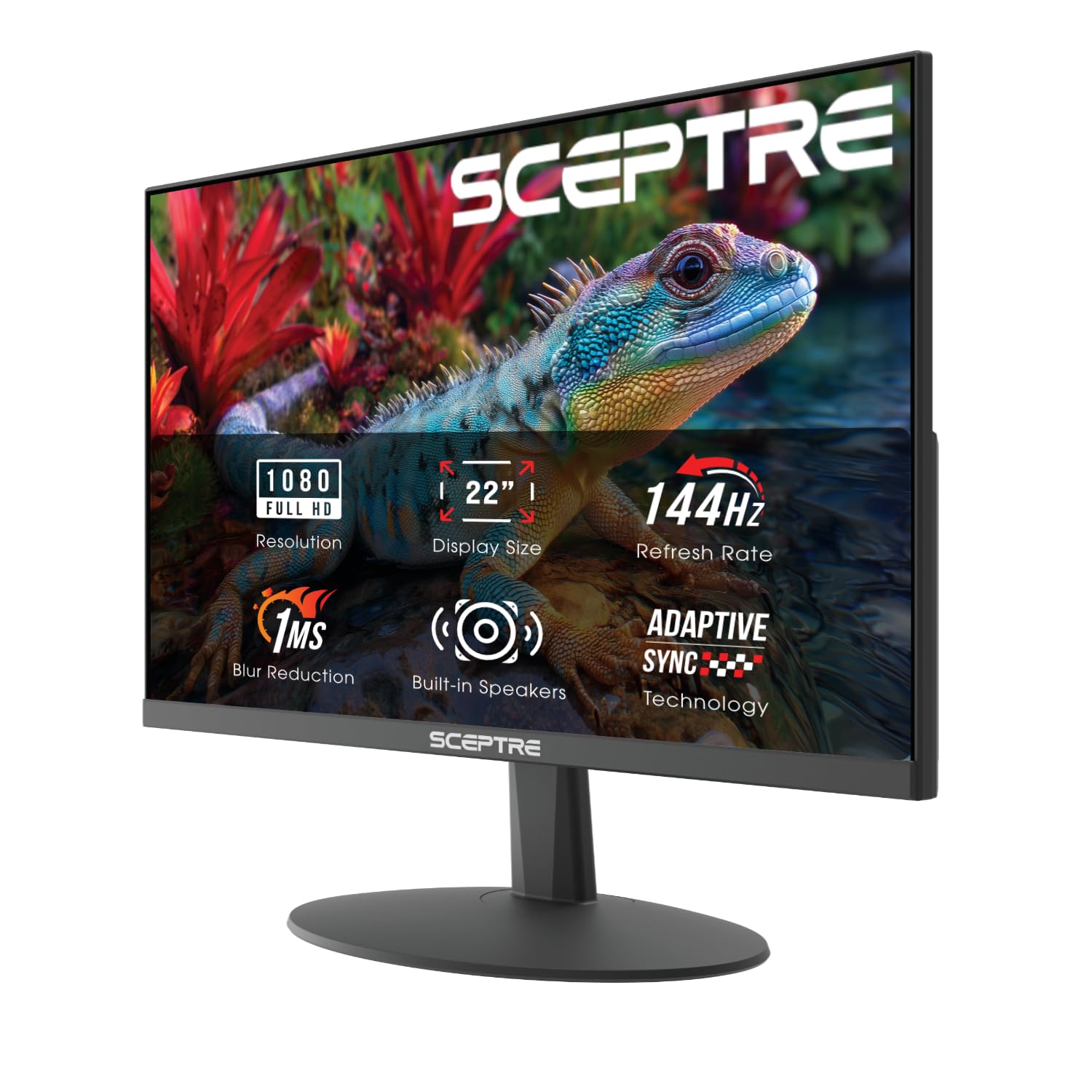
The E225W-FW144 is the one for a dorm desk or a tight console corner: at 22 inches it leaves room for a keyboard, a headset, and the console itself. We recommend it when space matters more than screen size, because the smaller panel does not force you down to 60Hz.

The 1080p panel reaches up to 144Hz, so the PS5's 120Hz mode has room, and FreeSync is there for supported sources. The 1ms response time and matte finish keep motion clear without a glossy reflection in a small room. It is a console-first monitor, and the light 7-pound build makes it easy to move between rooms.

The 170-degree viewing angles are narrower than the IPS panels here, so it is best kept straight ahead on a solo desk. The small size is the point: it fits where a 27-inch screen crowds out the console. We also appreciate the blue-light shift and matte screen for late sessions. It is a focused small-space monitor, not a hub for a whole desk.

Pros

  • Compact 22-inch footprint
  • 144Hz refresh with FreeSync
  • Light 7-pound build

Cons

  • Single HDMI input
  • Weak built-in speakers
Our verdict

We like the E225W-FW144 for small rooms: its 22-inch 144Hz screen leaves space for the console and still gives the PS5 its 120Hz mode.

Check Latest Price
6

Curved 240Hz

Amzfast AMZG27C1 Pro

90 /100
LBD Score Outstanding

Key details

Curve
1500R
Speakers
Built-in 2W
Resolution
1920 x 1080
Refresh Rate
240 Hz
View on Amazon

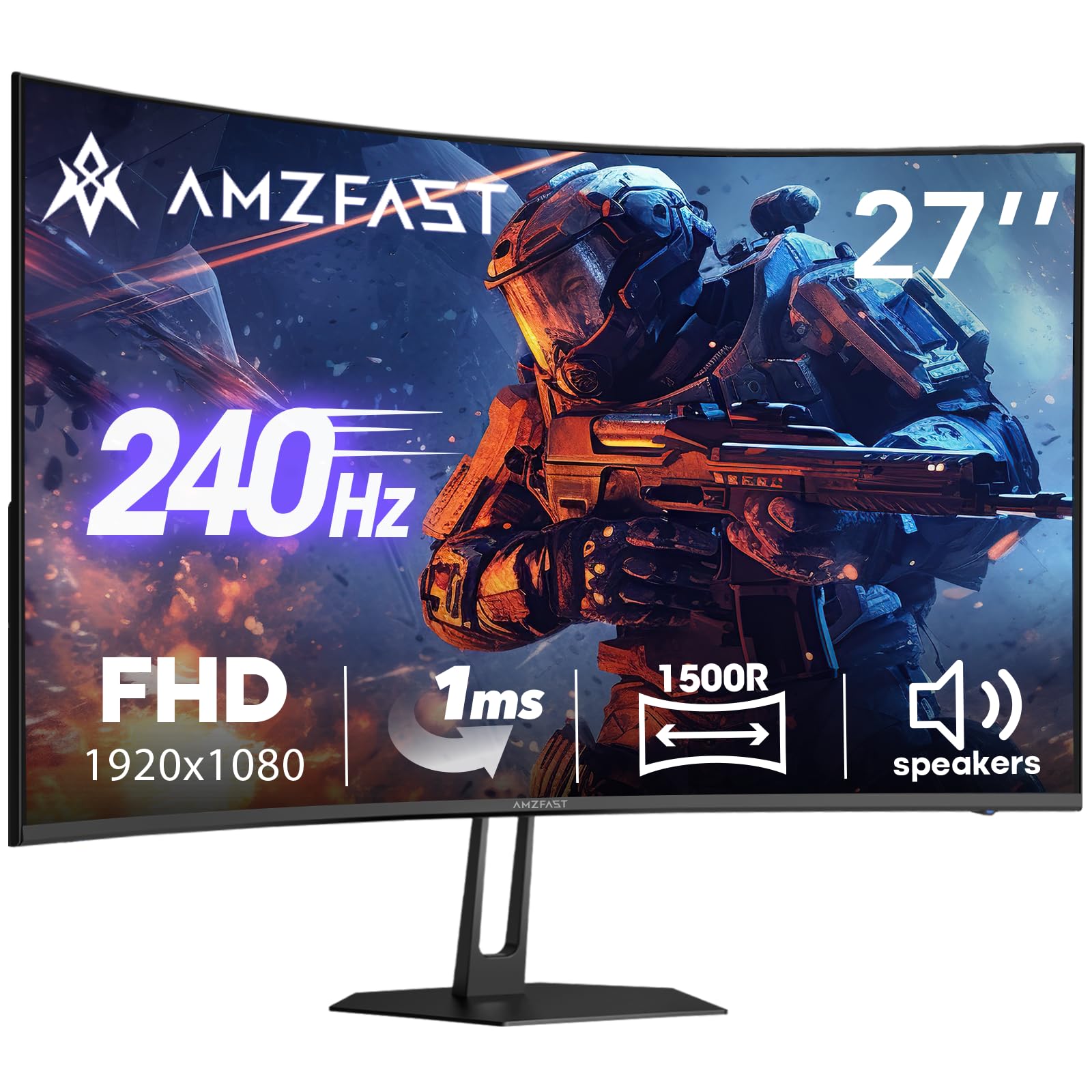
The AMZG27C1 Pro pairs a 240Hz curved VA panel with built-in 2W speakers, which is a rare combination at this size. For a PS5, the 240Hz refresh is overkill; the console tops out at 120Hz. The useful part is that the HDMI 2.0 input covers that mode, and the 1500R curve gives the 27-inch screen a more wraparound feel than a flat panel.

The 130% sRGB coverage and 4000:1 contrast are the kind of specs that make a VA panel look punchy in a dark room. We like the idea of a monitor that can serve a console and a desk without a separate speaker bar, and the VESA mounting support keeps that option open. The matte finish and anti-flicker feature are welcome for long sessions, and the 178-degree viewing angles keep color stable across the desk.

The 1080p resolution at 27 inches is the compromise; fine detail is below a 1440p screen, and the VA panel is not the first choice for color-critical work. The 2W speakers are a genuine convenience, though we still reach for a headset when a game matters. This is a spec-forward pick for someone who wants a curved 240Hz panel with sound built in, not an all-rounder.

Pros

  • 240Hz curved VA panel
  • Built-in 2W speakers
  • HDMI 2.0 and DisplayPort 1.4
  • 130% sRGB and 4000:1 contrast

Cons

  • Single HDMI input
Our verdict

We see the AMZG27C1 Pro as the curved 240Hz pick for a desk that wants built-in sound, as long as one HDMI input is enough.

Check Latest Price

How We Tested PS5 Monitors

We started by pulling every current model that could accept a 120Hz signal over HDMI at 1080p or 1440p, then filtered out anything with a history of handshake problems, anything smaller than 22 inches, and anything too wide to sit comfortably behind a keyboard. That left 12 monitors, which we ran for six months.

Each one spent the testing period plugged into the same PS5 in a home office, and each also did a full workday as a second display so we could see how text and spreadsheets held up. We set the console to 120Hz output and confirmed the monitor locked to it rather than quietly falling back to 60, then played a fast shooter and a racing game to watch for smearing behind quick camera pans and for tearing when the frame rate dipped with variable refresh on and off.

Setup was timed from box to playable picture, including whether a cable came in the box and whether the stand needed tools. We recorded each stand's height, tilt, and swivel range, how much desk depth the feet consumed, and how much the panel wobbled when we knocked the desk. Monitors with built-in speakers got pushed to full volume on a dialogue scene and a loud one, and the ones with no audio at all got flagged for what they'd cost you in a headset or soundbar.

For picture quality, we walked into dark in-game corridors looking for detail crushed to black, watched skies for banding, and pulled up a gray ramp to judge color evenness across the panel. Build quality came down to feel — bezel flex, creaks when tilting, how solid the neck felt. Value we judged last, once we knew what each monitor had given up.

How to Choose a Ps5 Monitor

Start With 120Hz, Then Check the HDMI Path

A 120Hz monitor is the meaningful upgrade for PS5 because the console's performance modes target 120 frames per second. A 240Hz panel is not wasted, but the console will not drive it past 120, so the extra speed only matters if you also play on a PC. We look for an HDMI input rated for the refresh rate, not just a panel spec. VRR support is the other half: HDMI VRR is the safest label to look for, and the Dell SE2726HG is the clearest example here.

Match Resolution to Screen Size

At 27 inches, 1080p is the budget compromise: it is easy to drive and keeps a high-refresh monitor cheap, but fine text and distant detail are softer than on a 1440p panel. Step up to 32 inches and 1440p becomes the better fit; 1080p at that size starts to look coarse. The Samsung Odyssey G55C shows the appeal of that combination, while the Acer KB272 G0bi keeps the 1080p path honest at 27 inches. Choose 1080p for value and 1440p for a sharper, larger image.

Count Ports, Audio, and Desk Adjustment

One HDMI port is enough for a PS5 by itself. Two make life easier if a PC or second console stays connected, which is why the Sceptre E275B-FW180T stands out at its price. Built-in speakers are usually a convenience for menu sounds, not a substitute for a headset; treat them as a bonus. Check the stand, too. Several monitors here tilt but do not adjust in height, so measure your seated eye level before you commit, or plan on a VESA arm.

Treat HDR and Curves as Extras

Budget gaming monitors often advertise HDR10 without the brightness to make it dramatic. The Samsung G55C lists 300 nits, which is a useful color and contrast boost, not a true HDR showcase. A 1000R or 1500R curve is a comfort choice: it pulls the edges toward you at a desk, but it does not make a small screen bigger or fix a bad stand. We prioritize motion clarity, stable brightness, and a return policy over a curve spec. Those are the things you notice after the first week.

Frequently Asked Questions

Final Verdict

The Dell SE2726HG is our default PS5 monitor because it gets the console basics right: two HDMI inputs, explicit HDMI VRR, and a fast 1080p IPS panel that makes 120Hz feel immediate. The 240Hz refresh is headroom for a PC, not a reason to buy it for the console alone.

If you want a larger, sharper image and can accept one HDMI input and a tilt-only stand, the Samsung Odyssey G55C is the 1440p step up. The Acer KB272 G0bi remains the value alternative when a three-year warranty and a 120Hz IPS panel matter more than speakers or a second HDMI port.