Best Overall

Caperave CF15T-1 Touchscreen Monitor
Key details
- Ports
- HDMI, 2x USB-C
- Brightness
- 300 nits
- Resolution
- 1920 x 1080
- Screen Size
- 15.6 inches
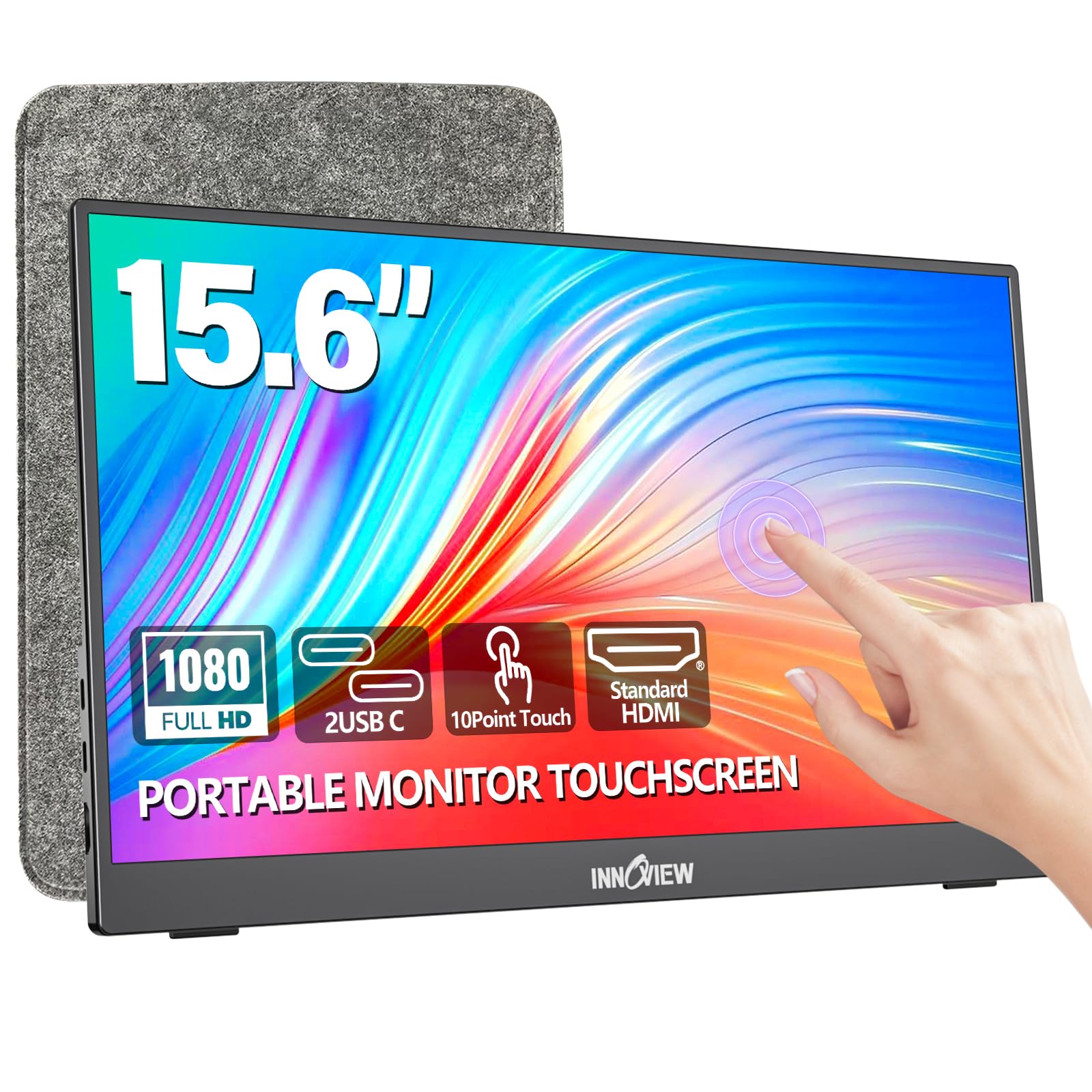
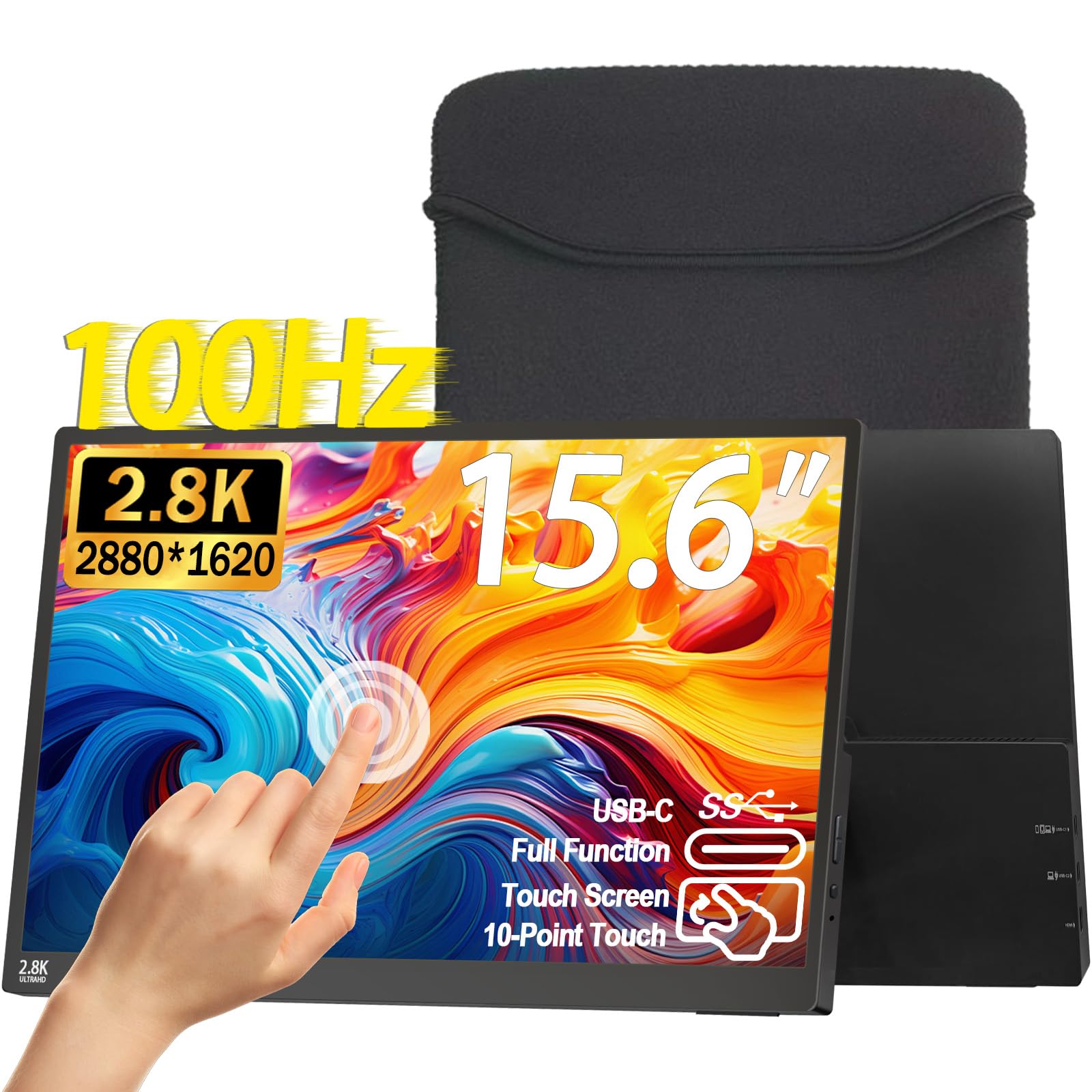
Plenty of laptops still ship without a touchscreen, and the Caperave is aimed squarely at them. It puts a 10-point capacitive touch layer on a 15.6-inch 1080p panel, works with Windows and macOS, and gives you two ways in: one full-featured USB-C cable that carries picture, power, and touch, or HDMI for the picture plus a USB cable for the touch signal.
The touch layer is the part we care about most, and it is the part that holds up. Tapping through Windows settings, dragging a spreadsheet with a finger, or driving a phone in DeX mode all feel like using a tablet rather than a monitor with a gimmick bolted on. Tempered glass is the reason: your finger slides on glass instead of pressing into plastic, and it wipes clean without smearing.
Around the edges there is more connectivity than most of this group offers, including a full-size HDMI port, so you are not hunting for a mini-HDMI adapter the night before a trip. The kickstand props it at a working angle, the built-in speakers are loud enough for a video call, and the metal case is 0.46 inch thick, thin enough to slide into the laptop sleeve you already carry.
What it will not do is flatter a game: 60Hz and 1080p are the baseline, and FreeSync does not change that. As a second screen for work, for a phone, or for a console it is the one we hand to most people, because it sets up with one cable and nothing about it feels like a shortcut taken to hit a price.
Pros
- 10-point touch on Windows and macOS
- Full-size HDMI, no adapter needed
- Tempered glass over a metal case
- Kickstand and speakers built in
Cons
- Glossy panel reflects windows and lamps
- One-year warranty, shortest here
Our default recommendation: the Caperave adds real 10-point touch to a Windows or Mac laptop over a single cable, with the ports and build to live in a bag.