Best Portable Monitors of 2026

A portable monitor is not much more than a laptop panel in a slim shell: the same screen, a small controller board, a folding cover or kickstand, and a couple of ports. What separates a good one from a bad one has surprisingly little to do with the panel and everything to do with the parts around it — whether a single USB-C cable carries both picture and power, whether the case actually props the screen at a readable angle on a tray table, whether the speakers are good enough that you skip headphones in a hotel room.

I've been hauling a second screen around for years, and the difference between a monitor you love and one that stays in the closet shows up fast: on a train, at a hotel desk, in the ten minutes before a call when nothing connects. Over the past eight months, my team and I have lived with 12 of these, weighing portability against picture quality, setup, connectivity, and straight-up value for money.

One thing I'd tell any first-time buyer: look at what actually ships in the box before you fall for the spec sheet. Some screens run off one cable, others need two, and a few cheap ones quietly expect a wall outlet you won't have on a plane. The picks below are the ones that held up to real use, not just a quick unboxing.

1

Best Overall

cocopar 15.6-Inch Portable Monitor

96 /100
LBD Score Outstanding

Key details

Mounting
VESA
Brightness
280 nits
Resolution
1920 x 1080
Screen Size
15.6 inches
View on Amazon

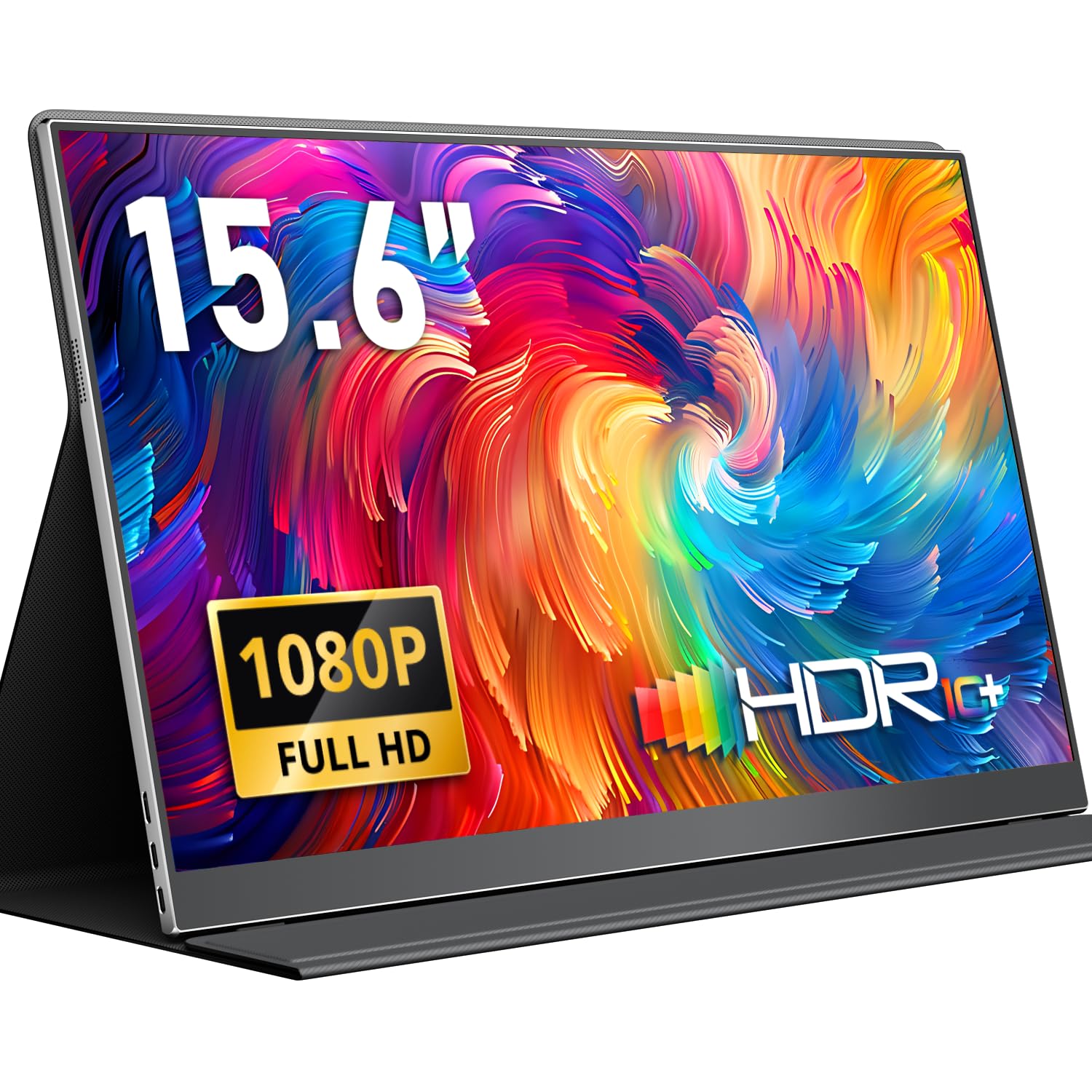
What separates the cocopar from the cheaper 15.6-inch screens here isn't the picture — it's the handshake. Plug it into a MacBook or a USB-C Windows laptop with the supplied cable and the display comes up over one wire carrying both signal and power, and it does the same thing the next morning and the morning after that. In a category where the connection is usually the first thing to go flaky, that dependability is the whole reason it sits at the top of this list.

The panel is a 15.6-inch 1080p IPS with an 85% sRGB gamut and 280 nits behind a matte finish. We found the matte coating does more for daily use than the brightness figure suggests: window light and hotel ceiling fixtures don't turn the screen into a mirror, and text stays clean at 100% scaling. Colors are rich enough for photo triage and slide work. If color accuracy is the whole job, the VisionOwl's 125% sRGB panel is the better tool.

Two details we appreciate beyond the glass. The magnetic cover folds into a stand that holds its angle on a small desk, and the back takes a VESA mount, so at home this becomes a permanent third screen on an arm instead of a gadget in a drawer. The two-year warranty is also a step above the twelve months most of these carry.

It isn't weightless. At 2.4 pounds it feels noticeably heavier in hand than the 1.5-pound budget panels, so if you're counting ounces in a carry-on, the MNN is the easier sell. And 280 nits is indoor brightness — a picnic table in July will wash it out, as it would most of these.

Pros

  • One-cable USB-C connection that holds
  • 85% sRGB color with a matte finish
  • VESA mounting and a two-year warranty

Cons

  • Heavier than the budget panels at 2.4 pounds
  • 280 nits is indoor-only brightness
Our verdict

Our default pick: the cocopar's one-cable USB-C connection is the most dependable in this group, and the VESA back and two-year warranty earn the step up.
Check Latest Price
2

Best Budget

MNN M156F01 15.6-Inch Portable Monitor

88 /100
LBD Score Excellent

Key details

Ports
2 USB-C, 1 mini HDMI
Weight
1.5 lb
Brightness
300 nits
Screen Size
15.6 inches
View on Amazon

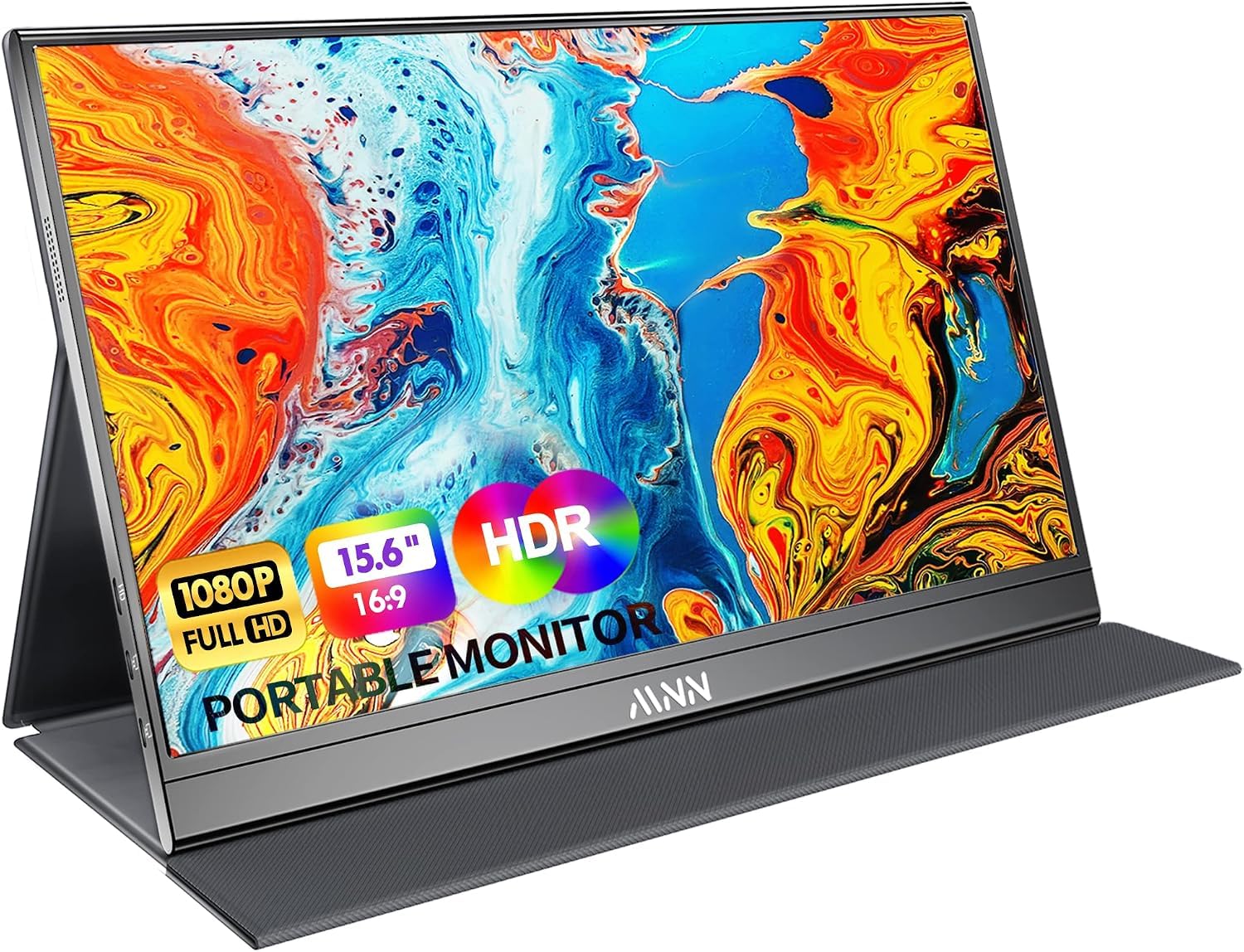
A budget portable monitor is a bet that you'll use it a few times a month rather than every day, and the MNN is the best version of that bet in this group. It's a 15.6-inch 1080p IPS panel in a slim frame at about a pound and a half, with two full-function USB-C ports and a mini HDMI port for laptops that don't send video over USB-C. One cable from a MacBook and you have a second desktop.

What surprised us is how little the usual budget compromise shows. Text is crisp, color is good enough that we stopped thinking about it, and the single-cable setup worked first time on both a Mac and a Windows machine. It props up on the folding cover and nothing else, but as a second screen that lives in a backpack it holds its own against monitors costing twice as much.

The stand is where the money went missing. The smart cover folds into a triangle that props the screen at a fixed angle, and it slides out of position on anything soft, like a hotel bedspread. On a desk it's fine. And with 300 nits behind a matte panel, this is an indoor screen — bright and readable in a conference room, flat in a parking lot.

Pros

  • Full-function USB-C plus mini HDMI
  • 1.5 pounds and slim enough for a sleeve
  • Crisp 1080p picture at a budget tier

Cons

  • Cover stand holds only a fixed angle
  • 300 nits washes out in daylight
Our verdict

We hand the MNN to anyone who wants an occasional second screen and doesn't want to spend much: it does the job and asks for nothing.

Check Latest Price
3

Best Large Screen

VisionOwl Y185LS 18.5-Inch Portable Monitor

95 /100
LBD Score Outstanding

Key details

Weight
2.6 lb
Color Gamut
125% sRGB
Screen Size
18.5 inches
Refresh Rate
100Hz
View on Amazon

An 18.5-inch screen is a different proposition from the 15.6-inch panels that make up most of this list. It's the difference between a second window and a second workspace: two full documents side by side, a spreadsheet that doesn't need horizontal scrolling, a video call where faces are life size.

The panel is 1080p IPS at 100Hz with 125% sRGB coverage and 320 nits, the highest brightness figure on any pick here. The refresh rate is the surprise — scrolling a long document is smooth in a way the 60Hz panels aren't, and it makes this the one to unplug from the laptop and hand to a console.

Ports are two USB-C plus a full-size HDMI, so no dongle for a game console or an older laptop, and there's a power adapter in the box so you aren't draining the laptop to run the extra screen. The integrated metal stand is sturdier than the folding covers on the cheaper picks, and the back has 75 x 75mm VESA holes.

We're happy to carry 2.6 pounds when the payoff is this much screen, but be honest about the trade: it won't fit a slim laptop sleeve, and it roughly doubles the weight of a light bag. This is the travel monitor for someone with a desk waiting at the other end, not for the commuter who opens a laptop on a train.

Pros

  • 18.5-inch 100Hz panel, brightest here
  • 125% sRGB coverage for photo and video work
  • Full-size HDMI and a power adapter included
  • Metal stand plus 75 x 75mm VESA holes

Cons

  • 2.6 pounds and too wide for a slim sleeve
  • Premium price tier for the size
Our verdict

We pick the VisionOwl when screen space matters more than weight: 18.5 inches at 100Hz turns a hotel desk into a real workstation.

Check Latest Price
4

Best for Flexible Positioning

MSI Pro MP165 E6 Portable Monitor

88 /100
LBD Score Excellent

Key details

Weight
1.72 lb
Mounting
1/4-inch tripod, 75 x 75mm VESA
Warranty
3 years
Screen Size
15.6 inches
View on Amazon

The 1/4-inch tripod socket on the back is why the MSI is on this list at all. Screw it onto a camera tripod, a light stand, or a clamp arm and the screen sits at eye height above a laptop, beside a treadmill, or over a crowded kitchen counter — positions no folding cover will hold. It's the only pick here with that socket.

The rest is a competent 15.6-inch 1080p IPS panel with a 2000:1 contrast ratio, TÜV-certified low blue light and flicker-free backlighting, and a matte finish. At 0.78kg and 1.38cm it's among the thinnest here, and the box includes L-shaped right-angle USB-C and HDMI cables — which matter more than they sound, because the connectors hug the side of the panel instead of sticking straight out where a bag strap can lever against them.

We ended up liking the small things most: the pouch, the right-angle cables, the 75 x 75mm VESA holes as a plan B. It's a 60Hz panel with a modest color gamut, so it isn't the one for color-graded editing, and there's no stand in the box — without a tripod or an arm you're leaning it on something. For a flexible second screen that moves around a room, it's the most thought-through design here.

Pros

  • 1/4-inch tripod socket plus VESA holes
  • Right-angle cables and a travel pouch
  • Certified flicker-free, low blue light panel

Cons

  • No stand in the box, only a pouch
  • 60Hz panel with limited color gamut
Our verdict

Our pick for a screen you reposition constantly: the tripod socket and right-angle cables make the MSI the most adaptable monitor here.

Check Latest Price
5

Best Warranty

ViewSonic VA1653 Portable Monitor

83 /100
LBD Score Excellent

Key details

Warranty
3 years
Thickness
0.7 inches
Brightness
250 nits
Screen Size
15.6 inches
View on Amazon

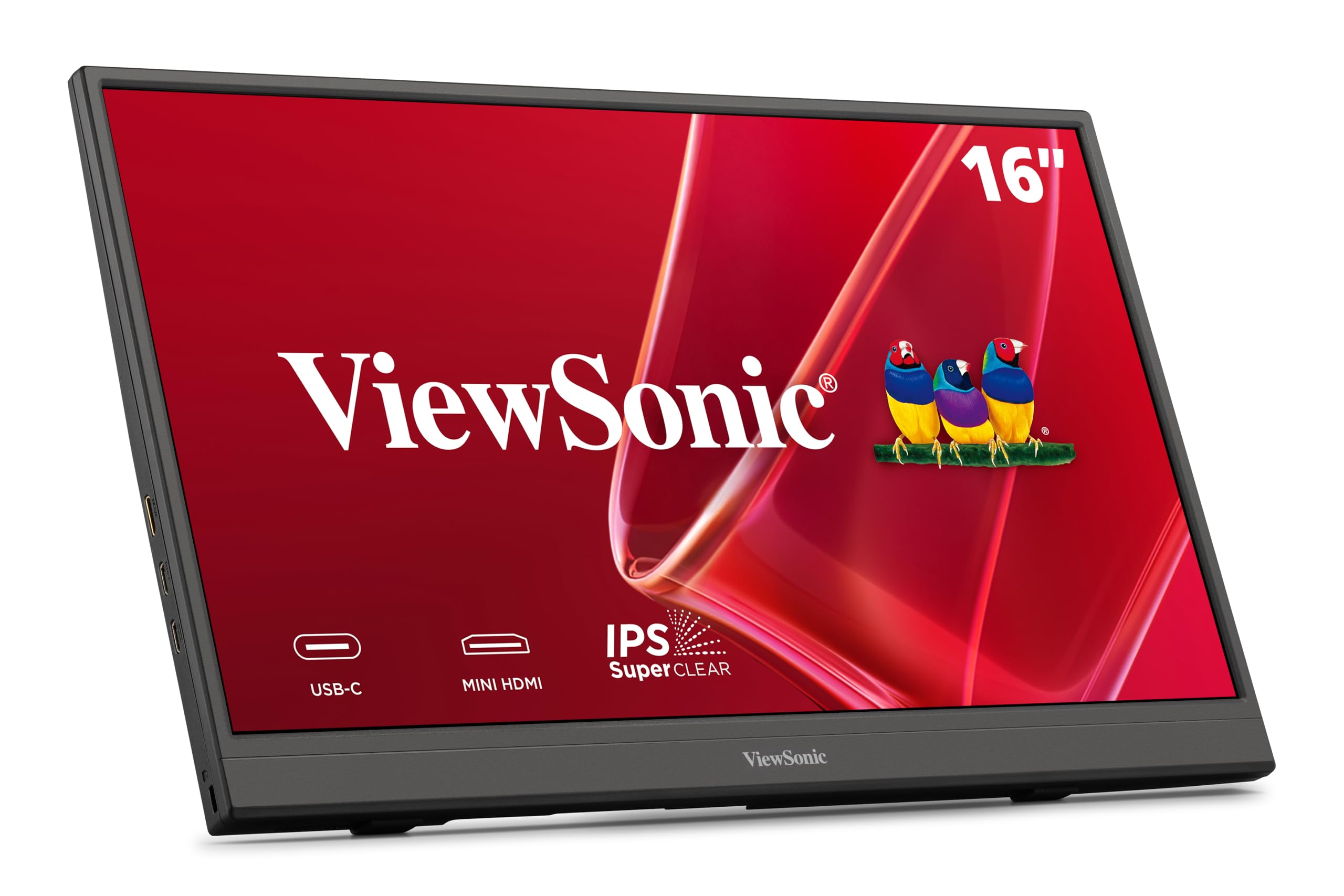
Warranty is the least exciting thing about a portable monitor and the thing that matters most when one dies in a hotel room. ViewSonic covers the VA1653 for three years, backlight included, against twelve months on most of the budget picks here and two years on the midrange ones. For a screen that gets plugged in and unplugged several times a day, that's the feature we value most.

Behind it is a 15.6-inch 1080p IPS panel, 250 nits, matte, in a body 0.7 inches thick and 1.5 pounds light. It runs off a single USB-C cable with two-way power delivery, so one adapter can feed both the screen and the laptop while you work. The integrated foldable stand handles portrait and landscape, and a protective sleeve comes in the box.

Two things to plan around. The box has a USB-C cable and a sleeve but no mini HDMI cable, so an HDMI-only device needs its own. And 250 nits is the dimmest panel here — fine in a conference room, flat outdoors. If the screen shows No Signal on first hookup, try another cable and a powered USB-C port before you box it up.

Pros

  • Three-year warranty including the backlight
  • 1.5 pounds and 0.7 inches thick
  • Two-way USB-C power delivery

Cons

  • No mini HDMI cable in the box
  • 250 nits is dim for outdoor use
Our verdict

We recommend the VA1653 for its three-year coverage, backlight included; the 15.6-inch panel is capable, but the warranty is what you're buying.

Check Latest Price
6

First-Time Buyers

KYY K3 15.6-Inch Portable Monitor

89 /100
LBD Score Excellent

Key details

Weight
1.7 lb
Brightness
300 nits
Screen Size
15.6 inches
Refresh Rate
60Hz
View on Amazon

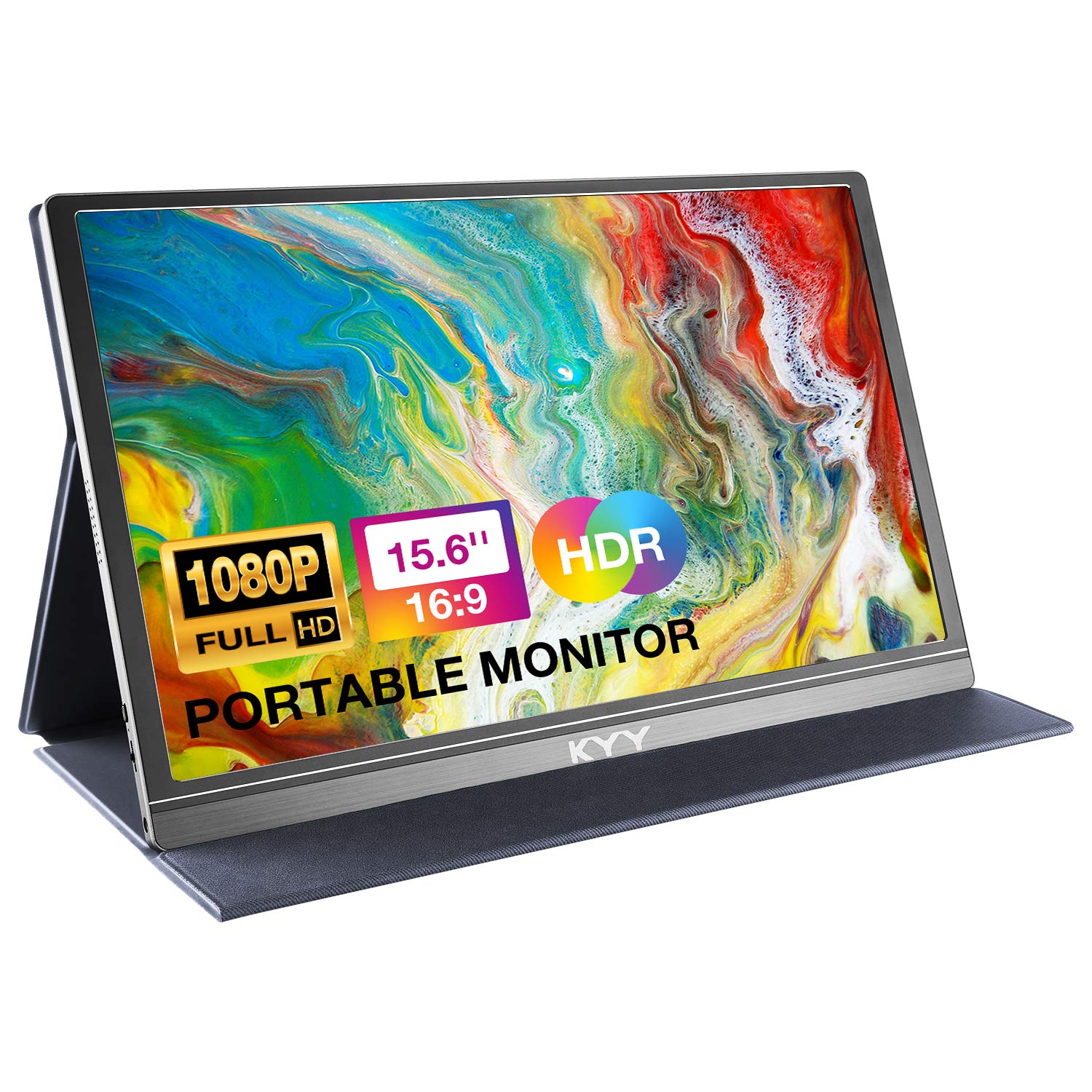
Two things can be true of the KYY K3: it's a perfectly usable second screen on the day it arrives, and it has the most uneven record on this list for connections that drop and screens that stop waking up.

We still think it's a reasonable first portable monitor for the money. The 15.6-inch 1080p IPS panel is bright at 300 nits, the matte finish handles glare, and the 0.35-inch body with its magnetic cover slides into a bag without complaint. But when the whole point of the thing is a screen that keeps working, we put it behind the MNN, which sits in the same price bracket with a cleaner record.

The hardware is the usual well-worn recipe: two full-function USB-C ports and a mini HDMI, portrait and landscape modes, built-in speakers that are fine for a video call and not for much else, and a one-year warranty. If yours arrives and connects, it's a good screen. We just wouldn't make it the only screen you rely on.

Pros

  • Bright 300-nit matte panel at a low price
  • 0.35 inches thin with a cover stand
  • Two USB-C ports and mini HDMI

Cons

  • Uneven record on connections and dead screens
  • One-year warranty only
Our verdict

We rate the K3 a decent cheap first monitor, provided you accept that its connection and long-term record is the shakiest among our picks.

Check Latest Price
7

Light Packing

Yodoit PTM15 15.6-Inch Portable Monitor

91 /100
LBD Score Outstanding

Key details

Ports
USB-C, mini HDMI
Thickness
0.43 inches
Brightness
300 nits
Screen Size
15.6 inches
View on Amazon

Yodoit's pitch is the claim most budget monitors can't make: a matte, anti-glare panel that stays readable in bright sun. At 300 nits that's optimistic. We found it comfortable in a bright café and overwhelmed by direct afternoon light, which is about what any 300-nit panel here manages.

The hardware is straightforward and well chosen. A 15.6-inch 1080p IPS panel at 60Hz with a 2 ms response, dual speakers, HDR support, and two ways in: one USB-C cable for a modern laptop, or mini HDMI with USB-A power for anything older. At 0.43 inches thick and roughly a pound and a half, it's among the easiest of these to slide into a bag that's already full.

What you're buying is the shape rather than the extras. The speakers handle a call and notifications but not a movie, so pack headphones, and the single-year warranty is the shortest kind of coverage on this page — the cocopar and the MSI both double or triple it. As a second window for email and reference on the days you're carrying everything else, though, the slimness earns its keep.

Pros

  • 0.43 inches thick at about 1.5 pounds
  • USB-C single cable or mini HDMI
  • Matte 300-nit panel with dual speakers

Cons

  • One-year warranty only
Our verdict

We reach for the Yodoit when bag space decides the purchase: it's the thinnest screen here, and the one-year warranty is the trade.

Check Latest Price
8

Office Setups

Lenovo L15 Portable Monitor

82 /100
LBD Score Excellent

Key details

Ports
2 USB-C
Stand
Height-adjustable
Brightness
250 nits
Screen Size
15.6 inches
View on Amazon

Almost every portable monitor here asks you to fold a magnetic cover into a triangle and hope it holds. The Lenovo L15 has an actual height-adjustable stand built into the back, so the screen rises to meet your laptop instead of sitting an inch below it on a book — a small thing that turns into a big one over a long workday.

The panel is a 15.6-inch 1080p IPS unit at 60Hz with flicker-free backlighting and 178-degree viewing angles, connected over two USB-C ports. At 250 nits behind a glossy finish it's happiest away from a window, and the contrast suits documents and spreadsheets rather than color work.

Coverage is one year, shorter than several cheaper screens on this page, so what you're paying for is the support network rather than the term. One caution worth acting on: a monitor that sits in standby and never wakes is a return, not a settings problem. Test both USB-C ports on arrival and run it for a full day before the window closes.

Where it fits is the office rather than the road. If your week is hot desks and client conference rooms and you want the screen at a sensible height without adding an arm to your bag, this is the most comfortable of the bunch to sit in front of. For travel, the lighter and cheaper picks beat it.

Pros

  • Height-adjustable stand built into the back
  • Flicker-free panel with two USB-C ports

Cons

  • Glossy 250-nit panel shows reflections
  • One-year warranty at a premium tier
Our verdict

We recommend the L15 to anyone who wants a real adjustable stand and a brand behind the warranty, provided the first week's testing goes well.

Check Latest Price

How We Tested Portable Monitors

We started with research, gathering 15- to 18-inch 1080p IPS models with USB-C and HDMI inputs, some form of built-in stand or cover, and prices spread across the mid-range. We filtered out anything that couldn't drive a picture from a laptop over a single USB-C cable, then narrowed the field by what came in the box — a short USB-C cable, an HDMI cable, a power adapter — since that's the kind of omission that forces a second purchase. That left 12 monitors.

Each one spent eight months in rotation: packed in a backpack for train rides and hotel desks, set up on kitchen counters for spreadsheet work, and hooked to a console on the living room floor. We timed setup from bag to a live picture and counted the cables required, then noted whether the cover held its angle on a narrow tray table or slid around on a lap. We weighed each one with its case on and checked whether it fit a laptop sleeve alongside the laptop.

For picture quality, we edited photos, scrolled dense spreadsheets, and watched dark scenes in dim rooms, and we sat near windows to see how badly each screen washed out in glare. Connectivity got the harshest treatment: hot-swapping between a MacBook, a Windows laptop, a game console, and an older phone, jiggling cables to see if the signal dropped, and waking the screen from sleep over and over. We ran the built-in speakers at full volume in a quiet room, and we kept using each unit after the first week to catch backlight flicker or ports that loosened. To judge value, we compared the price against what was actually in the box.

How to Choose a Portable Monitor

Check the Port Before the Panel

The best cable is the one you already own. A laptop with a USB-C port that supports DisplayPort Alt Mode drives one of these screens over a single cable carrying both video and power, which is how the cocopar and the MNN are meant to be used. A USB-C port that only charges and moves data will not send a picture.

If your laptop only outputs over HDMI, plan on the mini HDMI route plus a USB cable for power, and budget for the extra wire on the tray table. Check your laptop's spec sheet for video output over USB-C before you assume the one-cable setup applies to you.

Brightness and Finish Beat Resolution

Every screen here is 1920 x 1080, and at 15.6 inches that is sharp enough that resolution will never be the thing that bothers you. Brightness and finish will. The panels here run from 250 to 320 nits: 300 and up holds its own in a bright room, while 250 is happiest away from a window.

A matte coating scatters reflections and suits airports and café windows; a glossy panel like the Lenovo's looks punchier indoors but turns into a mirror outdoors. Buy for the room you'll be in, not the one in the product photos.

Size and Weight, Measured Honestly

Fifteen and a half inches at about a pound and a half — the MNN, the cocopar, the ViewSonic — slides into the laptop sleeve you already carry. At 2.4 pounds and up you feel it by the end of a travel day, and an 18.5-inch screen like the VisionOwl is a desk display you happen to be able to pack.

One trap: the thinness in a listing is the panel, not the cover. The magnetic cover adds real bulk once it's folded into a stand, and the cables take space too. Measure the sleeve, not the screen.

Where Cheap Monitors Cut Corners: The Stand

A folding magnetic cover is the standard solution and the first thing to go wrong. It offers one or two fixed angles, slides on a soft surface, and needs two hands to adjust. A built-in kickstand or height-adjustable stand — the Lenovo L15's is the best of them — is steadier and easier to live with all day.

If you work at a desk for hours, choose a screen that takes a mount. The cocopar has VESA holes, the VisionOwl and the MSI use 75 x 75mm plates, and the MSI adds a 1/4-inch tripod socket for clamping the screen at eye height.

Warranty, Cables, and What's in the Box

Coverage in this group runs from one year to three, with the backlight included on the ViewSonic's three-year term. That matters for a screen that lives in a bag and gets plugged in daily, and it's the clearest difference between the budget tier and the midrange one.

Check the box contents too. A full-function USB-C cable is essential, a mini HDMI cable is not always included, and right-angle connectors like the MSI's put less strain on the port. Test both ports and run it for a full day inside the return window.

Frequently Asked Questions

Final Verdict

The cocopar Y156FH7S is the portable monitor we point most people to. One USB-C cable, a connection that doesn't quit, an 85% sRGB panel, VESA holes for desk duty, and two years of coverage: it behaves like equipment rather than a gadget.

If the budget is tight, the MNN delivers a crisp second screen for the least money here. If you work from a hotel desk for days at a time and the weight doesn't scare you, the VisionOwl's 18.5 inches are worth carrying.