Best 1080P 240Hz Gaming Monitors of 2026

Every 1080p gaming monitor wearing a 240Hz badge prints the same number on the box, and almost none of them feel alike in motion. The refresh rate tells you how often the screen redraws; it says nothing about whether the overdrive is tuned well enough to keep up without ghosting, or whether the colors hold once you're actually pushing those frames. That gap is what a good one fixes.

I've kept a 1080p high-refresh setup as my daily driver for years, mostly because fast shooters read cleaner at this resolution than they do stretched across a bigger panel. Over the past seven months, my team and I have had 11 monitors on our desks for ordinary evenings of play, work, and late-night scrolling, watching for the smearing, banding, and dead pixels that show up after the honeymoon.

The pattern that keeps repeating: at this size and resolution, the panel is the product. Stands wobble, built-in speakers underwhelm, and the spec sheet never mentions power draw or how warm the frame runs by hour six. Below are the ones that held their picture, their build, and their value.

1

Best Overall

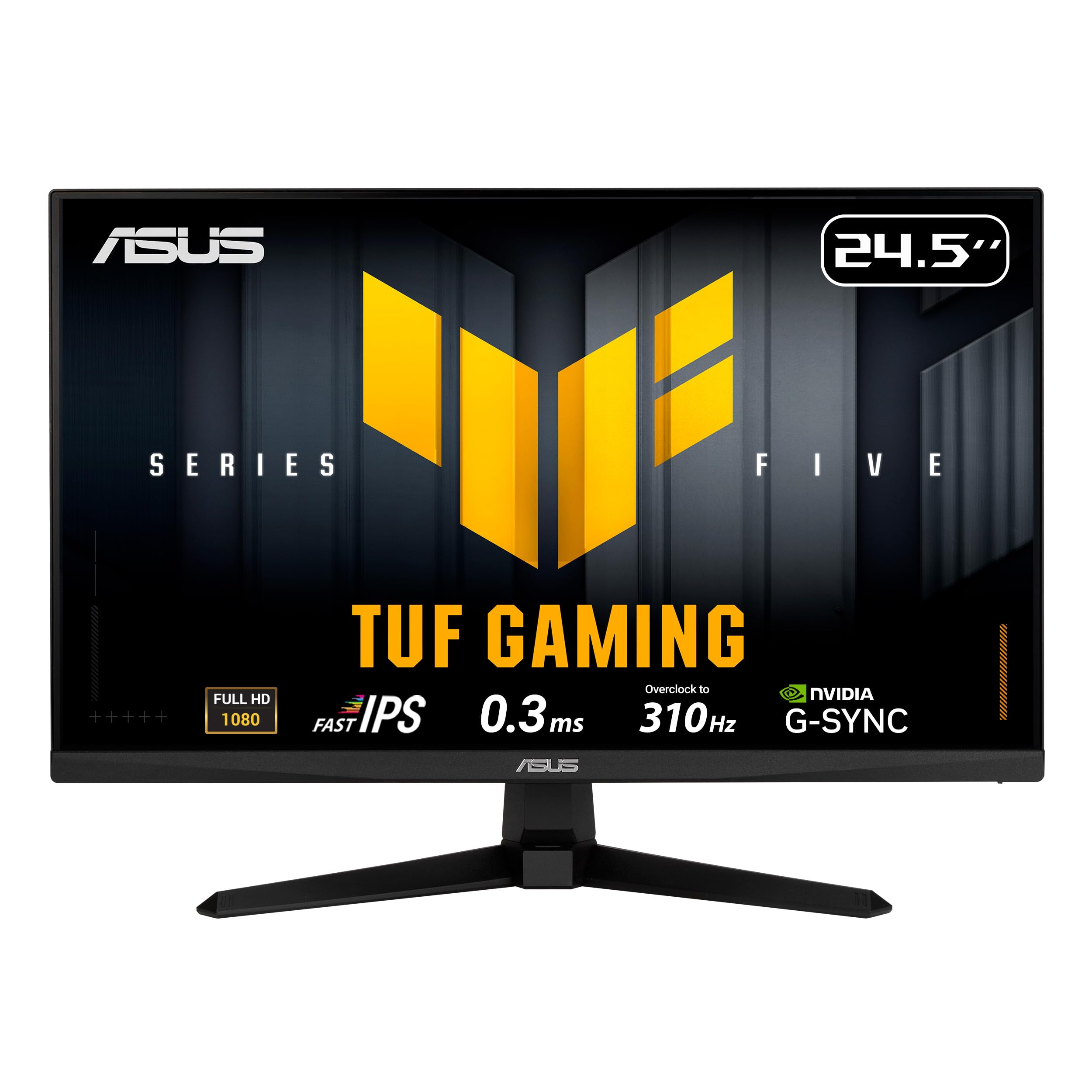
ASUS VG259QMR5A

88 /100
LBD Score Excellent

Key details

Panel Type
Fast IPS
Screen Size
25 inches
Refresh Rate
310 Hz
Adaptive Sync
FreeSync Premium, G-Sync Compatible
View on Amazon

The 310Hz ceiling is the reason the VG259QMR5A leads this group. It gives competitive players headroom above the 240Hz baseline without jumping to a premium price, and the 25-inch Fast IPS panel keeps 1080p crisp rather than stretched. We also like that ASUS pairs the speed with both FreeSync Premium and G-Sync compatibility, so the monitor fits an AMD or Nvidia build.

The 0.3ms GTG figure is a best-case rating, not a promise about every transition. What matters more is the combination of Fast IPS, 99% sRGB coverage, and 300 nits: the screen holds color and brightness well enough for games, video, and everyday desktop work. Two HDMI inputs and a DisplayPort cover a PC plus a couple of consoles, and the three-year warranty is a meaningful advantage at this end of the market. The 25-inch size is the competitive sweet spot for 1080p, with enough desktop area for a browser or chat window without the pixel stretch of a 27-inch panel.

The one setup step to respect is the 310Hz mode. It is an overclock, so you need DisplayPort, a graphics card that can feed high frame rates, and the correct refresh setting in your operating system. Confirm the high-refresh mode before the return window closes; that check tells you whether the rest of the package is working as intended.

Pros

  • 310Hz ceiling for competitive play
  • Fast IPS with 99% sRGB
  • FreeSync Premium and G-Sync compatible
  • Three-year warranty

Cons

  • Tilt-only stand lacks height adjustment
Our verdict

We put the VG259QMR5A first because it pairs a 310Hz ceiling with Fast IPS color, dual sync support, and a three-year warranty at a midrange price.
Check Latest Price
2

Best 27-Inch All-Rounder

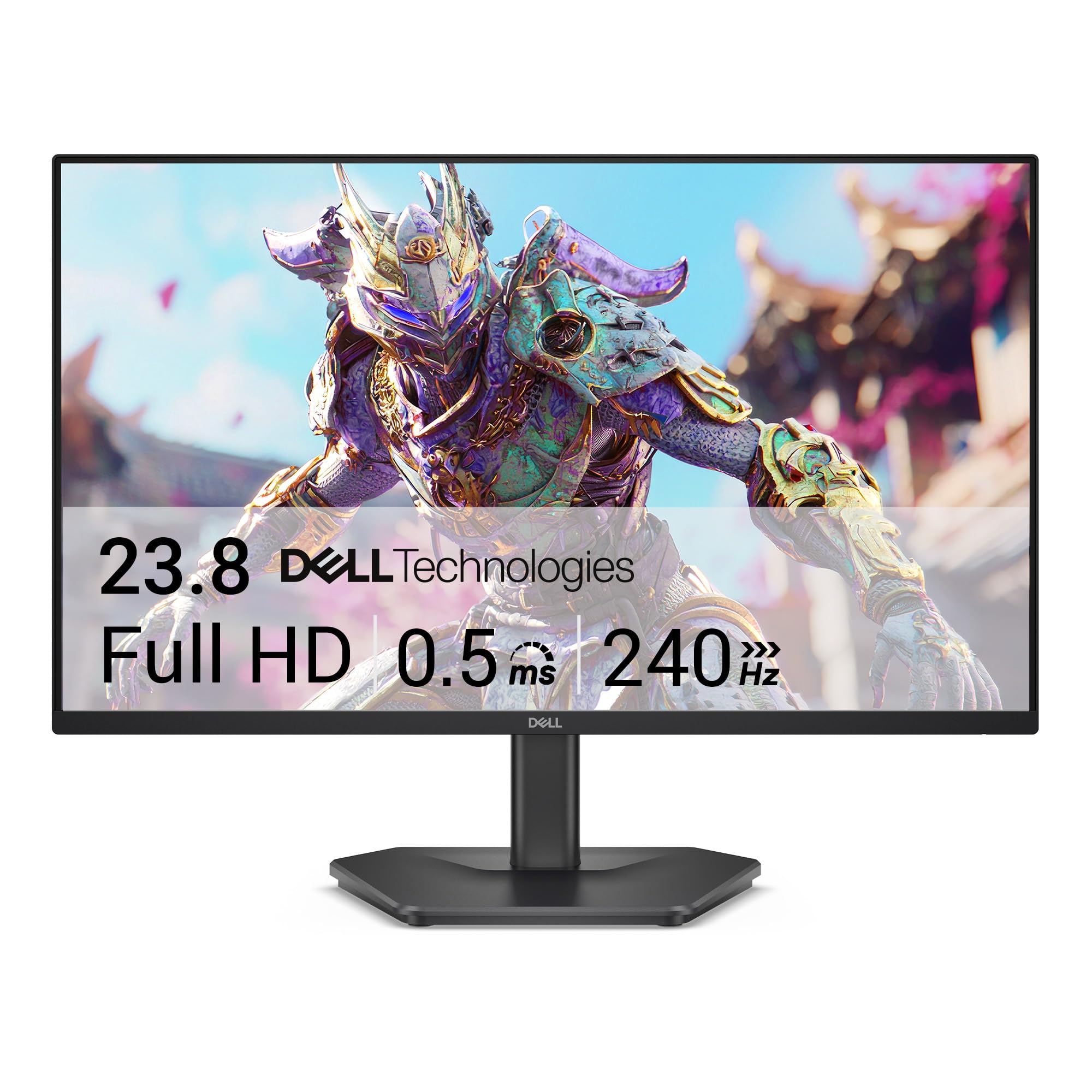
Dell SE2726HG

86 /100
LBD Score Excellent

Key details

Panel Type
IPS
Screen Size
27 inches
Refresh Rate
240 Hz
Adaptive Sync
FreeSync Premium
View on Amazon

A 27-inch screen changes what a 240Hz monitor is for. The SE2726HG gives you more room for spreadsheets, video, and a wider field of view in games, but 1080p stretched across 27 inches is not as crisp as a 24.5-inch panel. At a normal desk distance we find the trade-off reasonable for games; small text is where the softer pixel density shows.

The IPS panel covers 99% sRGB and carries FreeSync Premium, so color and motion hold up across work and play. The 240Hz refresh is the main event, but it can be easy to miss: if the screen looks like 60Hz, the cable or the operating-system setting is usually the culprit. Use DisplayPort and confirm the refresh rate in the display settings before assuming the panel is at fault.

The matte finish is the quiet advantage if your desk faces a window; it keeps reflections from washing out the dark parts of a game during the day. The 300-nit brightness is enough for a typical office, and the three-year warranty gives the Dell useful backup for a daily-use screen. The 27-inch size is the reason to choose it, not a spec to overlook.

Pros

  • 27-inch IPS workspace
  • 240Hz with FreeSync Premium
  • Three-year warranty

Cons

  • Tilt-only stand wobbles easily
Our verdict

Our pick for a desk that switches between spreadsheets and fast games is the Dell SE2726HG, with a 27-inch IPS panel, 240Hz motion, and FreeSync Premium.

Check Latest Price
3

Best High-Refresh Value

Acer Nitro KG251Q

87 /100
LBD Score Excellent

Key details

Screen Size
24.5 inches
Refresh Rate
280 Hz
Adaptive Sync
FreeSync Premium
Response Time
1 ms
View on Amazon

The 250-nit brightness is the first compromise to understand. It is dimmer than the 300-350 nit panels here, so a bright room or a window behind the desk can make the Acer look washed out. What you get in return is 280Hz, FreeSync Premium, and 1ms response in a midrange package that keeps a high-refresh screen within reach.

The 280Hz refresh is the second-fastest here, and it is the reason to consider this over a plain 240Hz screen. A 3000:1 contrast ratio is high for an LCD and gives dark scenes more depth than the IPS alternatives, but color accuracy is not the strong suit. We treat the Nitro as a motion-first panel: great for shooters, less so for photo work.

The HDR10 badge is mostly a label at this brightness; leave HDR off and tune the standard picture mode instead. What we value more is the three-year parts-and-labor warranty, which is stronger coverage than the Sceptre's one-year term and makes the Acer easier to recommend as a long-term gaming screen. The 24.5-inch size keeps 1080p sharp without crowding a small desk.

Pros

  • 280Hz refresh for fast shooters
  • High 3000:1 contrast ratio
  • FreeSync Premium and 1ms response
  • Three-year warranty

Cons

  • Tilt-only stand, no height adjustment
Our verdict

For competitive players who want 280Hz and FreeSync Premium without a premium price, the Nitro KG251Q is our pick.

Check Latest Price
4

Best Budget with Speakers

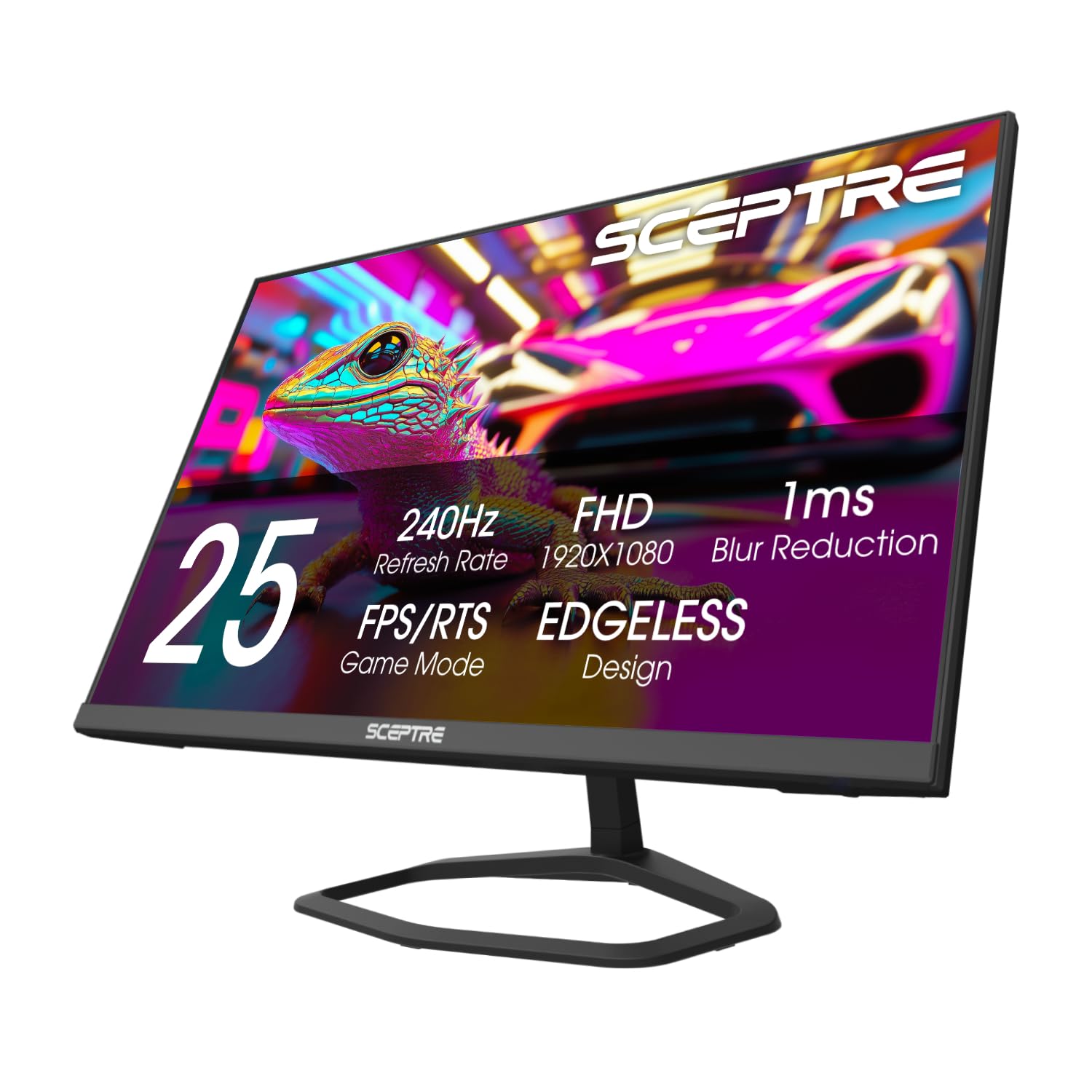
Sceptre E255B-FWD240

87 /100
LBD Score Excellent

Key details

Ports
2 DisplayPort, 2 HDMI
Screen Size
24.5 inches
Refresh Rate
240 Hz
Built-in Speakers
Yes
View on Amazon

The built-in speakers are the detail that lets the E255B sit on a desk without a soundbar, and the two DisplayPort plus two HDMI inputs make it a hub for a PC and a couple of consoles. That is a practical package for a budget setup, and it saves both desk space and the cost of accessories. The four-input layout stands out in this group.

The panel runs 240Hz with FreeSync Premium and 1ms blur reduction, which is the core speed a competitive player needs. Color is where it gives ground: the 100% sRGB coverage looks good on paper, but the image does not have the depth or polish of the IPS picks here. The 2000:1 contrast ratio helps dark scenes, though the overall picture is more budget than boutique.

What sells the Sceptre is the combination of speed, inputs, and speakers in one box. It covers the basics without making you buy accessories, and the 24.5-inch size is easy to fit on a small desk. We see it as a first gaming monitor or a second screen, not the centerpiece of a color-critical setup.

Pros

  • 240Hz with FreeSync Premium
  • Two DisplayPort and two HDMI inputs
  • Built-in speakers
  • High 2000:1 contrast ratio

Cons

  • One-year warranty is shorter than rivals
Our verdict

We like the E255B for its 240Hz panel, four video inputs, and built-in speakers; it is the most complete budget desk monitor here.

Check Latest Price
5

Best for Nvidia G-Sync

AOC 25G51Z

89 /100
LBD Score Excellent

Key details

Panel Type
IPS
Screen Size
24.5 inches
Refresh Rate
260 Hz
Adaptive Sync
G-Sync Compatible
View on Amazon

The 25G51Z is the easiest recommendation here for an Nvidia build because it carries G-Sync Compatible certification, not just adaptive sync in the spec column. The 260Hz IPS panel and 0.5ms response put it in the same speed class as the faster picks, while the 24.5-inch size keeps 1080p dense enough for competitive play.

We like it most for that combination of certified Nvidia support and a 260Hz ceiling. It is not the fastest monitor here, but it removes the most guesswork for a GeForce owner. The 1500:1 contrast ratio is a step above the usual 1000:1 IPS panel, which gives dark scenes a little more depth.

The 24.5-inch size is the practical part. It keeps 1080p dense enough for tracking targets and leaves room for a second window, and the 100x100 mm VESA pattern gives you an upgrade path if the included stand sits too low. The 260Hz ceiling is not the headline for everyone, but it is enough headroom for high-frame-rate shooters, and the three-year warranty is a meaningful backstop for a budget panel.

Pros

  • Certified G-Sync for Nvidia cards
  • 260Hz IPS panel
  • 1500:1 contrast ratio
  • Three-year warranty

Cons

  • Glossy screen picks up reflections
  • Colors need manual tuning
Our verdict

Nvidia gamers who want certified G-Sync and a fast 260Hz IPS panel should look at the AOC 25G51Z; it is our cleanest match for a GeForce build.

Check Latest Price
6

Best Big-Screen Pick

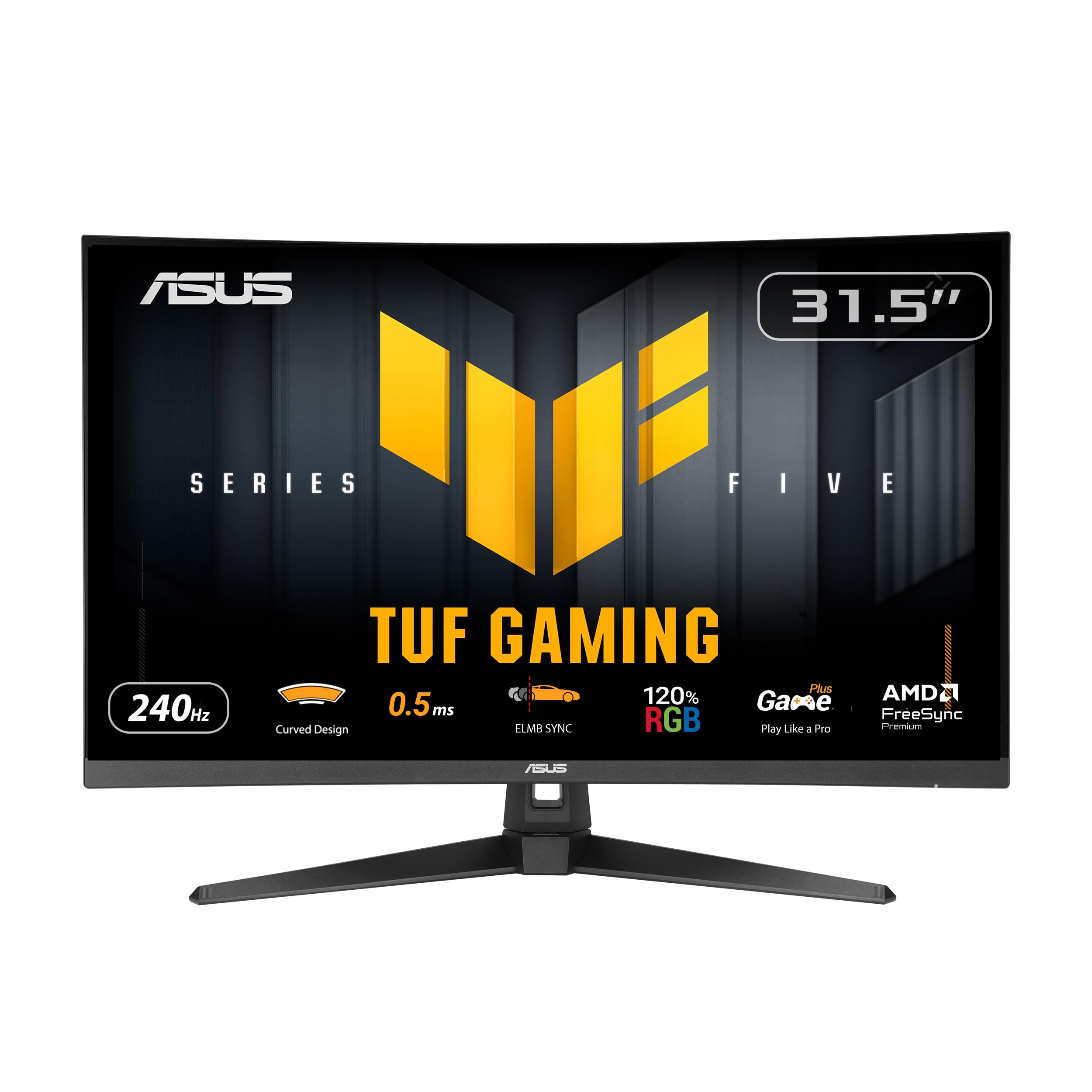
ASUS TUF VG32VQM5AZ

88 /100
LBD Score Excellent

Key details

Curve
1500R
Screen Size
32 inches
Refresh Rate
240 Hz
Adaptive Sync
FreeSync Premium
View on Amazon

A 32-inch 1500R curve is a different purchase from the 24.5-inch screens here. The VG32VQM5AZ fills more of your view, wraps the edges toward you, and makes a single monitor feel like a cockpit for racing, flight, and big single-player games. At 1080p, that size also asks for more distance than a small desk allows.

The 240Hz refresh and 0.5ms response keep motion quick, and ELMB Sync adds a blur-reduction option that can work alongside variable refresh. FreeSync Premium and 120% sRGB coverage give it more color range than the budget 24.5-inch picks, while two HDMI inputs and DisplayPort make room for a PC and consoles. The 1500R curve is the part you notice every time you sit down.

The pixel density is the trade-off. 1080p covers a lot of area at 32 inches, so text and fine detail look softer than on the smaller monitors. The built-in speakers and three-year warranty make it easier to live with as a single-screen setup, especially if you sit back rather than lean into the desk.

We like it most for that big-screen role. The 240Hz motion keeps it from feeling like a lifestyle panel, and the curve is what changes the experience. For competitive shooters at a desk, the sharper 25-inch ASUS is the better fit; for a room that wants one immersive display, this one earns the space.

Pros

  • 32-inch 1500R immersion
  • 240Hz with ELMB Sync
  • 120% sRGB and FreeSync Premium
  • Three-year warranty

Cons

  • Tilt-only stand, no height adjustment
Our verdict

We recommend the VG32VQM5AZ for its 32-inch 1500R curve, 240Hz motion, and built-in speakers, a combination that turns a single monitor into a room-filling display.

Check Latest Price
7

Bright-Room Gaming

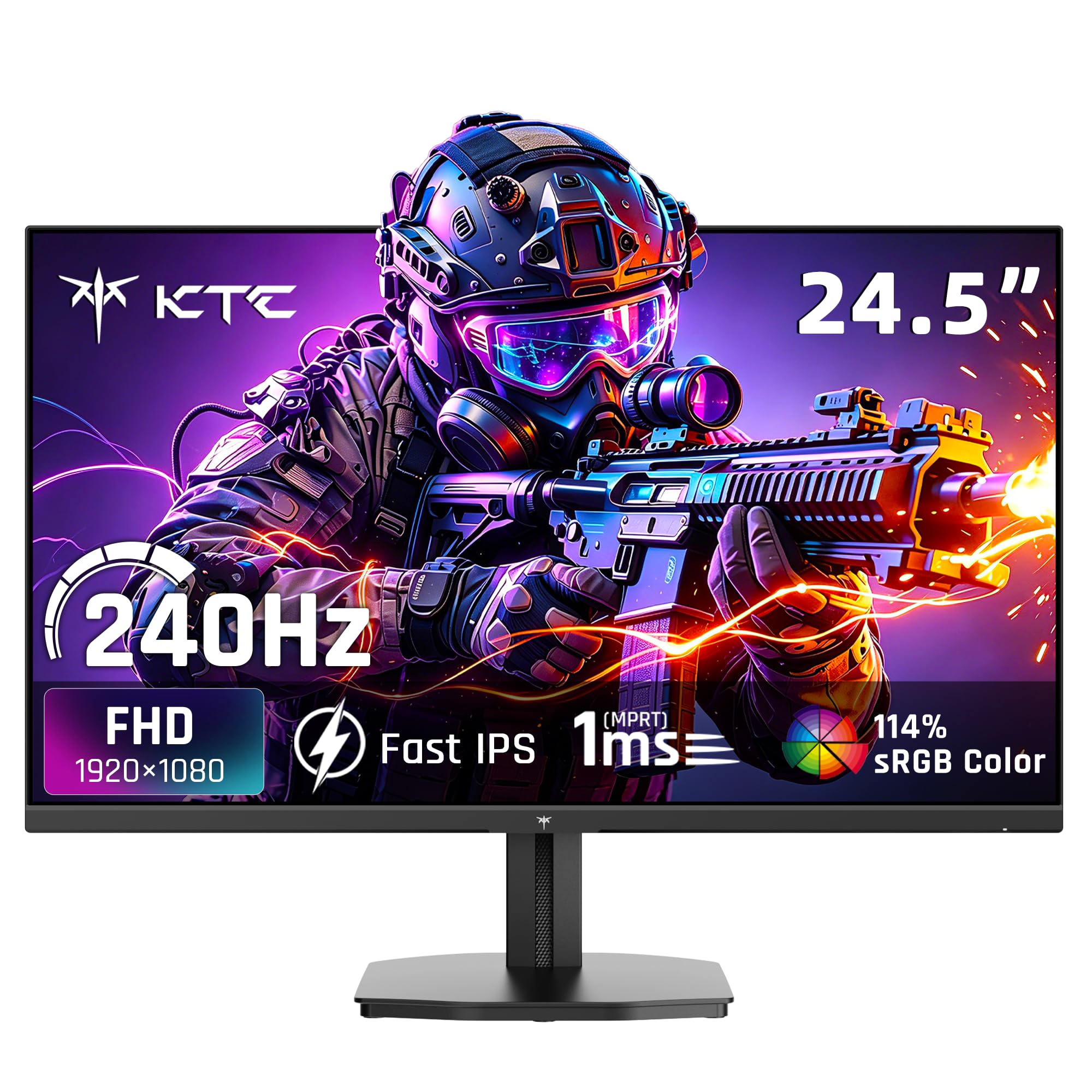
KTC H25T7-A

90 /100
LBD Score Outstanding

Key details

Brightness
350 nits
Panel Type
Fast IPS
Screen Size
24.5 inches
Refresh Rate
240 Hz
View on Amazon

The H25T7-A makes its case with the panel rather than the badge. A 350-nit Fast IPS screen is bright for a 1080p gaming monitor, and 114% sRGB coverage gives it wide color for games and video. That matters in a room with daylight, where a dimmer panel can look flat and washed out.

The 240Hz refresh is the baseline for this group, and the listed FreeSync and G-Sync support means it can follow either a Radeon or GeForce card. The 1ms MPRT response is a motion-blur figure rather than a guarantee, but the combination is right for fast games. HDR10 support is listed, though at this brightness it is not a reason to buy.

Connectivity is generous for the size: two HDMI inputs, DisplayPort, and a USB 2.0 port. The 24.5-inch panel keeps 1080p dense enough for desktop work, and the VESA mount gives you the option of an arm or wall setup. That is enough for a PC plus one console, with the USB port handling a basic accessory.

The H25T7-A earns its place on image headroom rather than raw speed. Its 240Hz ceiling is more modest than the 280-310Hz alternatives, but the 350-nit panel and 114% sRGB coverage give it an everyday advantage. The extra brightness is the difference you notice in daylight; the refresh gap only shows up in the fastest games.

Pros

  • 350-nit brightness for daylight
  • 114% sRGB color coverage
  • 240Hz with FreeSync and G-Sync support
  • Three-year warranty

Cons

  • Tilt-only stand, no height adjustment
  • Pricier than faster picks here
Our verdict

We like the KTC H25T7-A for a bright room and a color-rich picture, thanks to its 350-nit panel, 114% sRGB coverage, and three-year warranty.

Check Latest Price

How We Chose and Tested These Monitors

We started with spec sheets, pulling every 1080p panel rated at 240Hz or higher that offered DisplayPort, a VESA pattern, and IPS or fast-IPS technology, then cut anything that listed a response time without saying how it was measured. That left 11 monitors, which we ran for seven months. We also weighed each against what shipped in the box, since a cheap screen with a flimsy stand and no cable stops being cheap once you've bought both.

Each one went through the same weeknight routine: a few rounds of a fast shooter to look for ghosting and overshoot at full refresh, a strategy game to see how color held in dark scenes, and a console over HDMI to confirm the high-refresh mode actually engaged. Between sessions we left them on spreadsheets and long documents, noting banding, corner backlight bleed, and whether text stayed crisp at 100 percent scaling.

We read color with a colorimeter out of the box and again after calibration, and judged picture quality on real footage rather than test patterns — a dark trailer, a bright animated film, a browser full of photos. Power got its own pass: internal supply or external brick, how hot the frame got after a four-hour session, and what each drew at standby. Build quality came down to hands-on checks, pressing the bezel, tilting the stand, and hauling each monitor across the room by its base. For screen durability and reliability, we hunted dead pixels, watched whether the panel woke cleanly from sleep, and swapped inputs dozens of times to see if the handshake held.

How to Choose a 1080P 240Hz Gaming Monitor

Start With Motion, Not the Badge

A 240Hz panel refreshes 240 times a second, but you only see that speed when the whole chain supports it. Use DisplayPort for the PC, confirm the refresh rate in the operating system, and check that the cable is rated for the mode. Higher figures such as 260Hz, 280Hz, or 310Hz are worth having if the price is close, but they matter most in fast shooters. If the image still looks sluggish, the setting or cable is the first thing to check, not the panel.

Choose a Panel You Can Live With

IPS is the safer all-round choice for color, viewing angles, and text, while VA can offer deeper blacks at the cost of motion smear in dark scenes. Brightness matters as much as panel type: a 250-nit screen can look washed out near a window, while 300 to 350 nits gives you more headroom. Ignore HDR badges on most 1080p gaming monitors; at this brightness, a well-tuned SDR picture is the better everyday setting.

Match the Screen Size to Your Desk

24 to 25 inches is the sweet spot for 1080p: text stays crisp, the monitor fits a small desk, and competitive games are easy to track. A 27-inch screen gives you more workspace and a wider view, but the lower pixel density makes small text softer. A 32-inch 1080p monitor is for immersion and distance, not close-up work; sit back far enough and the curve makes sense, otherwise the grain is obvious.

Check Adaptive Sync and Inputs Together

FreeSync Premium is the broadest fit for AMD cards, while G-Sync Compatible certification is the clearest signal for Nvidia owners. Either way, the monitor needs the right cable and a compatible GPU to do anything useful. Count your devices before you buy: a PC, a console, and a streaming stick can outnumber the ports on a budget screen. Use DisplayPort for the PC and reserve HDMI for consoles when you can.

Do Not Ignore the Stand

Many gaming monitors at this level tilt but do not adjust height, and a light stand can wobble when the desk is bumped. Check the stand before you fall for the panel: a height-adjustable model is easier on your neck, and a VESA pattern gives you a path to an arm or wall mount. Measure your desk depth and seating height first; the wrong stand turns a good monitor into a constant annoyance.

Frequently Asked Questions

Final Verdict

The ASUS TUF VG259QMR5A is the monitor we recommend first. Its 310Hz ceiling, Fast IPS panel, dual sync support, and three-year warranty make it the most complete competitive package in this group without forcing a move to 27 inches.

If your desk has to serve work first, the Dell SE2726HG's 27-inch IPS screen is the more comfortable compromise. If you run an Nvidia card and want certified G-Sync, the AOC 25G51Z is the cleaner match.