Best 1080P Gaming Monitors of 2026

A refresh rate on a box tells you less than you'd think. A panel can hit 240Hz and still smear, flicker at low brightness, or wash out the second afternoon sun hits the window. I've plugged in budget 1080p monitors that looked fine on a desktop and fell apart in a firefight — and cheaper ones that held up beautifully.

Over the past six months, my team and I have gamed on 11 of them, from 22 to 27 inches, flat and curved — timing each one from box to desk, watching frame pacing, and noting how much the stand shook when I typed. Price turned out to be a poor predictor of almost everything.

Two things worth knowing first. At 1080p, a 24- or 25-inch screen looks noticeably sharper than a 27-inch at the same resolution, so size is a trade-off, not a free upgrade. And built-in speakers are a backup plan at best — a few of these have none — so plan on a headset. The picks below cover both camps.

1

Best Overall

ASUS TUF VG259QMR5A

88 /100
LBD Score Excellent

Key details

Warranty
3 Year Warranty with ARR
Panel Type
Fast IPS
Refresh Rate
310 hertz
Response Time
0.3 milliseconds
View on Amazon

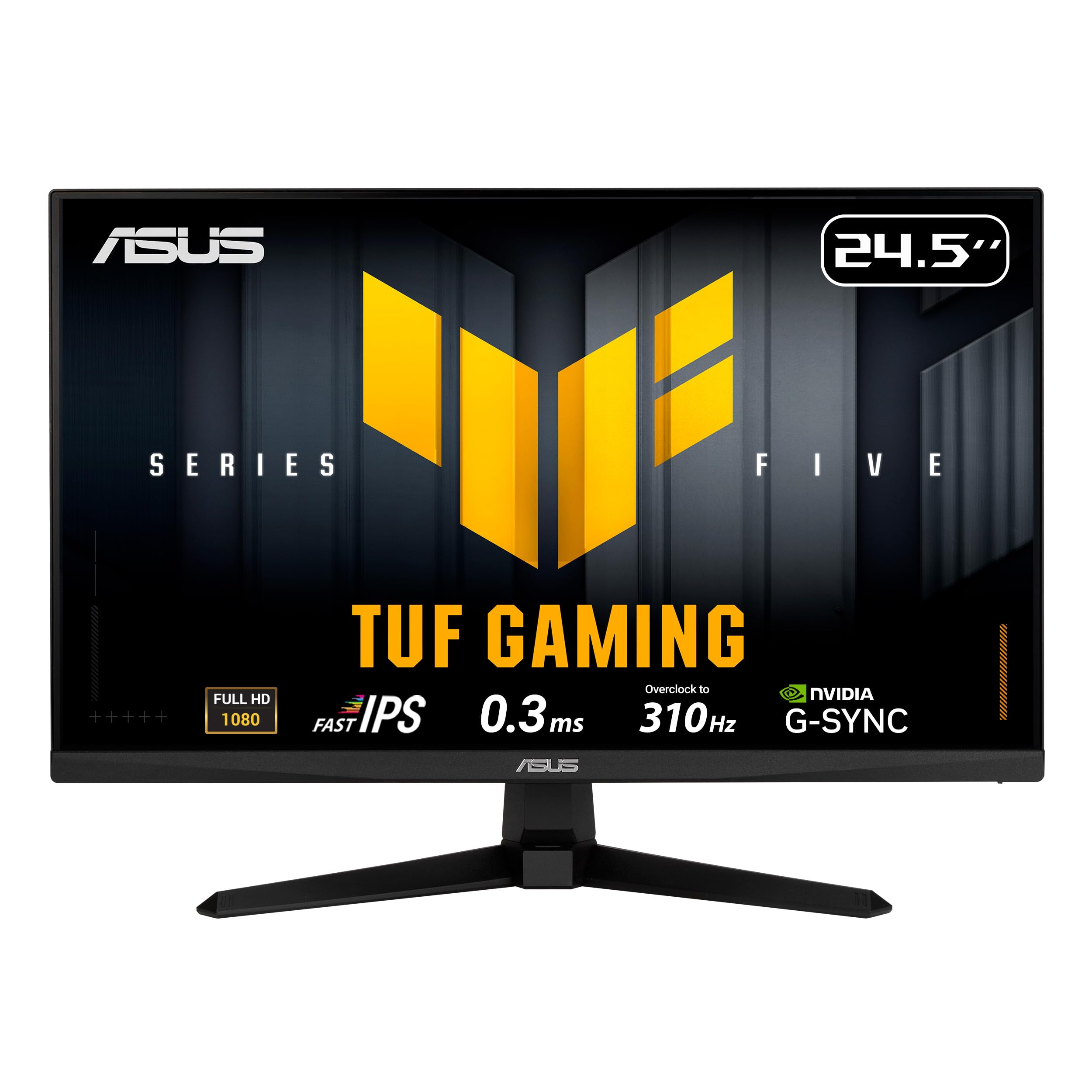
The 310Hz overclock is the headline, and it is why this ASUS sits at the top of our list. A 24.5-inch Fast IPS panel at 1080p keeps pixel density high enough that text and distant targets stay crisp, while the 0.3ms GTG rating and ELMB Sync give fast-motion games the clarity they need. We like that ASUS supports both FreeSync Premium and G-Sync Compatible, so the monitor stays useful whether you run an AMD or Nvidia card.

The speed does not come with an obvious penalty. The 300-nit brightness and 99% sRGB coverage are ordinary rather than spectacular, but they are enough for a bright room and for games that are not all dark corridors. Two HDMI ports plus DisplayPort make it easy to keep a console and a PC connected, and the included DisplayPort cable means you can hit the higher refresh rate without a second purchase.

The three-year warranty is the practical detail we keep coming back to. Most budget monitors here carry one year, so the longer coverage is meaningful on a display you plan to keep. The 310Hz mode is overkill for someone who mostly plays slower games, and the 24.5-inch screen is smaller than a 27-inch panel. If your desk has the depth for a 27-inch screen, the Dell gives you more image for similar money; otherwise, the tighter pixel density here is the better trade.

Pros

  • 310Hz Fast IPS panel
  • G-Sync and FreeSync compatibility
  • Three-year warranty
  • Two HDMI ports plus DisplayPort

Cons

  • 310Hz mode is an overclock
  • Basic 2W built-in speakers
Our verdict

We recommend the ASUS VG259QMR5A as the best all-around 1080p gaming monitor here because its 310Hz Fast IPS panel, adaptive sync, and three-year warranty cover competitive play and everyday use.
Check Latest Price
2

Best Budget IPS

LG UltraGear 24G411A-B

88 /100
LBD Score Excellent

Key details

Panel Type
IPS
Screen Size
24 inches
Refresh Rate
144 hertz
Adaptive Sync
FreeSync, G-Sync Compatible
View on Amazon

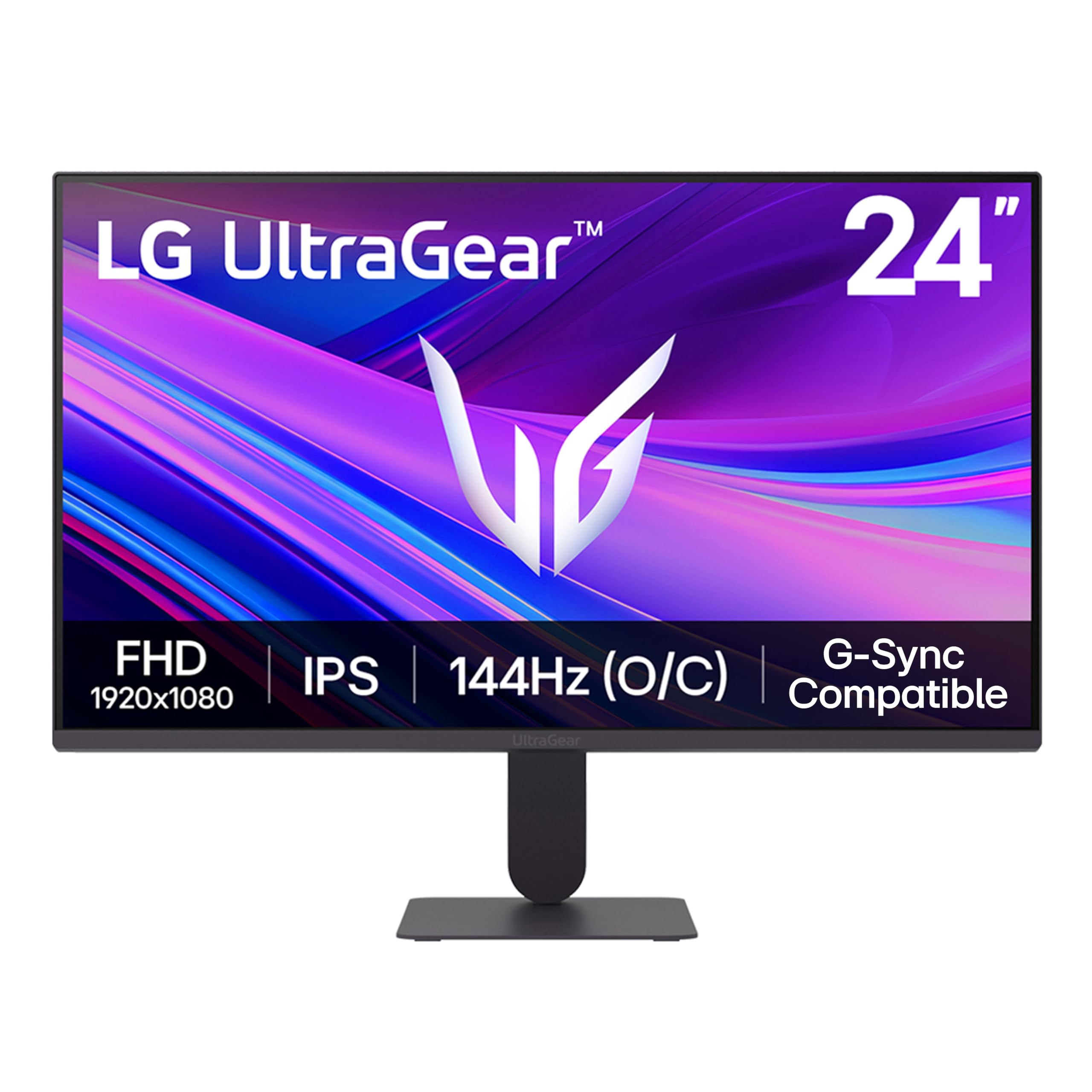
The LG's 120Hz native panel overclocks to 144Hz, and that is the right way to read its spec sheet. You get the smoothness of a budget gaming monitor without the washed-out look that can come with a cheap VA panel. The 24-inch IPS screen is sharp at 1080p, and the matte finish keeps reflections under control in a normal room.

The 1ms MBR mode is a blur-reduction tool rather than a true 1ms response time, and the 144Hz mode depends on overclocking the native 120Hz panel. Brightness tops out at 250 nits, so a window-facing desk will wash out darker scenes. At this price, those are fair trade-offs for IPS color and adaptive sync.

We keep the LG in mind for a first gaming monitor on a modest desk. G-Sync Compatible and FreeSync support cover both major GPU brands, and the 24-inch size keeps 1080p sharp without dominating the space. The single HDMI plus DisplayPort is enough for a PC and a console if you swap cables; competitive players should step up to the ASUS.

Pros

  • IPS color at a budget price
  • G-Sync and FreeSync compatibility
  • 144Hz overclock for smooth play
  • Sharp 24-inch 1080p panel

Cons

  • Basic stand with limited adjustment
Our verdict

The LG 24G411A-B is our budget pick for a reason: it brings IPS color, FreeSync and G-Sync compatibility, and a 144Hz overclock to a very low price, as long as you can live with a simple stand.

Check Latest Price
3

Best 27-Inch for Speed

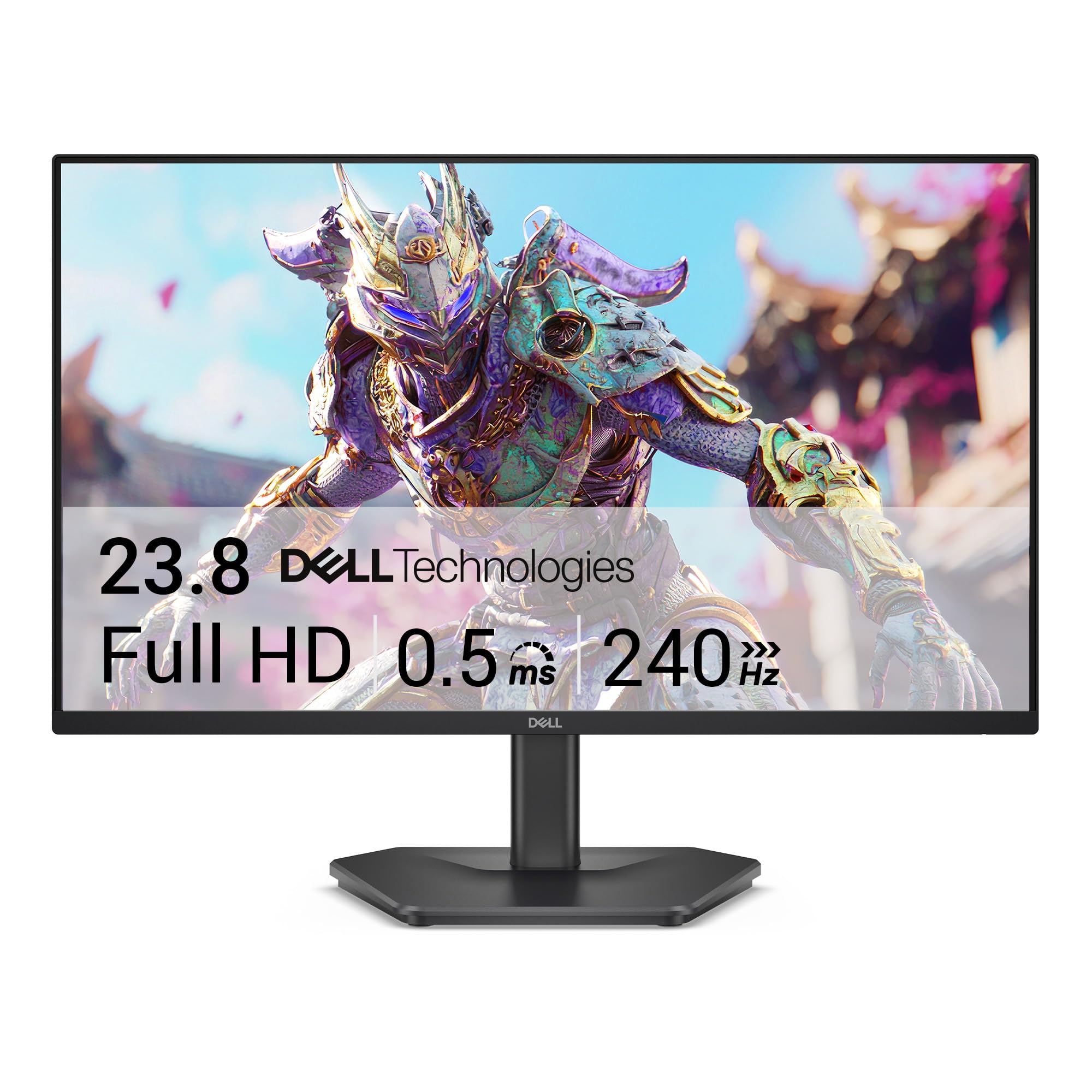
Dell SE2726HG

86 /100
LBD Score Excellent

Key details

Panel Type
IPS
Screen Size
27 inches
Refresh Rate
240 hertz
Adaptive Sync
FreeSync Premium
View on Amazon

A 27-inch 1080p screen is a deliberate compromise: you get a larger image and more immersive viewing, but the pixel density is lower than on a 24-inch panel. The SE2726HG makes that trade easier with a 240Hz Fast IPS panel, FreeSync Premium, and a 0.5ms response claim. For fast shooters, the combination of size and speed is rare at this price.

The color coverage is the pleasant surprise: 99% sRGB and TÜV eye-comfort certification make it more pleasant for work than a pure gaming panel. Two HDMI ports plus DisplayPort give you room for a PC and a console, and HDMI VRR helps on console. For a monitor that doubles as a work display, that matters as much as the refresh rate.

The refresh rate is the detail to check before you buy. A 240Hz panel can run at 60Hz if the cable or setting is wrong, so use a certified HDMI 2.0 or DisplayPort cable and confirm 240Hz in your display settings. We think the Dell is a strong big-screen gaming value once the refresh rate is set correctly; if you want a smaller, simpler setup, the ASUS is the safer choice.

Pros

  • 27-inch 240Hz IPS panel
  • FreeSync Premium and HDMI VRR
  • 99% sRGB color coverage
  • Two HDMI ports plus DisplayPort

Cons

  • Stand feels less solid than the screen
Our verdict

The Dell SE2726HG is the 27-inch 240Hz pick for players who want a bigger screen without moving up to 1440p, though its stand and refresh setup need a closer look.

Check Latest Price
4

Best Curved

Sceptre C275B-FWT240

87 /100
LBD Score Excellent

Key details

Panel Type
VA
Screen Size
27 inches
Refresh Rate
240 hertz
Adaptive Sync
FreeSync Premium
View on Amazon

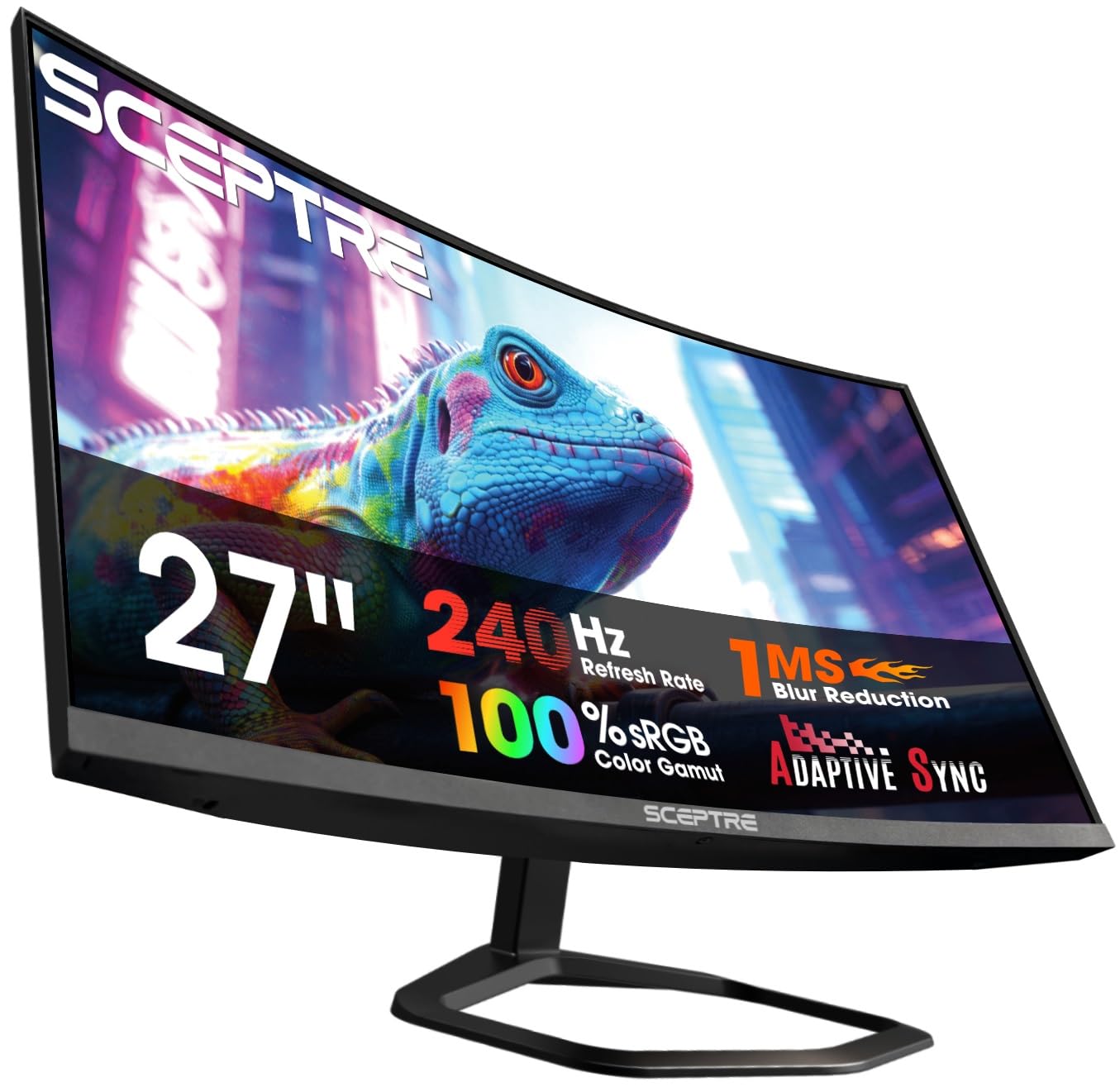
The 1500R curve is the reason to look at this Sceptre. At 27 inches, the bend wraps the edges toward you and makes a cockpit view feel more natural than a flat panel. The 240Hz refresh rate and 1ms blur reduction are serious gaming specs for the money, and FreeSync Premium covers the tearing problem on AMD cards.

The VA panel is the other half of the story. You get deep blacks and strong contrast, which makes dark games and movies look richer than a budget IPS panel. The trade-off is color and viewing angle: the 99% sRGB claim is respectable, but the image can shift if you sit off-center. We also keep an eye on long-term durability; the curved panel is the expensive part to replace.

Ports are generous for the price: two HDMI and two DisplayPort inputs let you leave a PC and a console connected. The built-in speakers are fine for a quick session, but most players will want a headset. We see this as the immersive pick rather than the default; the flat ASUS is the safer all-rounder if the curve does not appeal.

Pros

  • Immersive 1500R curve
  • 240Hz VA panel with FreeSync Premium
  • Two HDMI and two DisplayPort inputs
  • Deep blacks from VA contrast

Cons

  • One-year warranty
Our verdict

The Sceptre C275B-FWT240 is the curved 27-inch value pick for immersive gaming, with a 240Hz VA panel and FreeSync Premium, as long as you accept the contrast and reliability trade-offs.

Check Latest Price
5

Best 27-Inch Budget

Acer KB272 G0bi

92 /100
LBD Score Outstanding

Key details

Warranty
3 Years Full Warranty
Panel Type
IPS
Screen Size
27 inches
Refresh Rate
120 hertz
View on Amazon

The KB272 G0bi tops out at 120Hz, so it is not the monitor for someone chasing 240 frames. What it does offer is a 27-inch IPS panel with 99% sRGB coverage, Adaptive-Sync support, and a 1ms VRB response claim at a budget price. For a desk that needs one screen for spreadsheets, streaming, and casual games, that is a useful balance.

We appreciate the size for productivity: 27 inches gives you room for two windows side by side without the letterbox feel of an ultrawide. The IPS panel keeps colors consistent from the side, which matters if you share the screen. The single HDMI and VGA inputs are dated, so a PC and a console will need cable swapping or an adapter.

Gaming is where the Acer asks you to compromise. 120Hz is smoother than 60Hz and enough for casual shooters, but it is the lowest refresh rate in this group. The three-year warranty is a point in its favor for a budget panel. As a 27-inch for work first and play second, it makes sense; as a dedicated gaming monitor, the Dell or ASUS is the better spend.

Pros

  • 27-inch IPS panel with 99% sRGB
  • 120Hz Adaptive-Sync for casual gaming
  • Three-year warranty
  • Sharp 1080p text for office work

Cons

  • No built-in speakers
  • 250-nit brightness is modest
Our verdict

The Acer KB272 G0bi is a sensible 27-inch 1080p monitor for mixed work and light gaming, but its 120Hz ceiling means competitive players should spend more.

Check Latest Price
6

Best for Small Desks

Sceptre E225W-FW144

88 /100
LBD Score Excellent

Key details

Screen Size
22 inches
Refresh Rate
144 hertz
Adaptive Sync
FreeSync
Response Time
1 milliseconds
View on Amazon

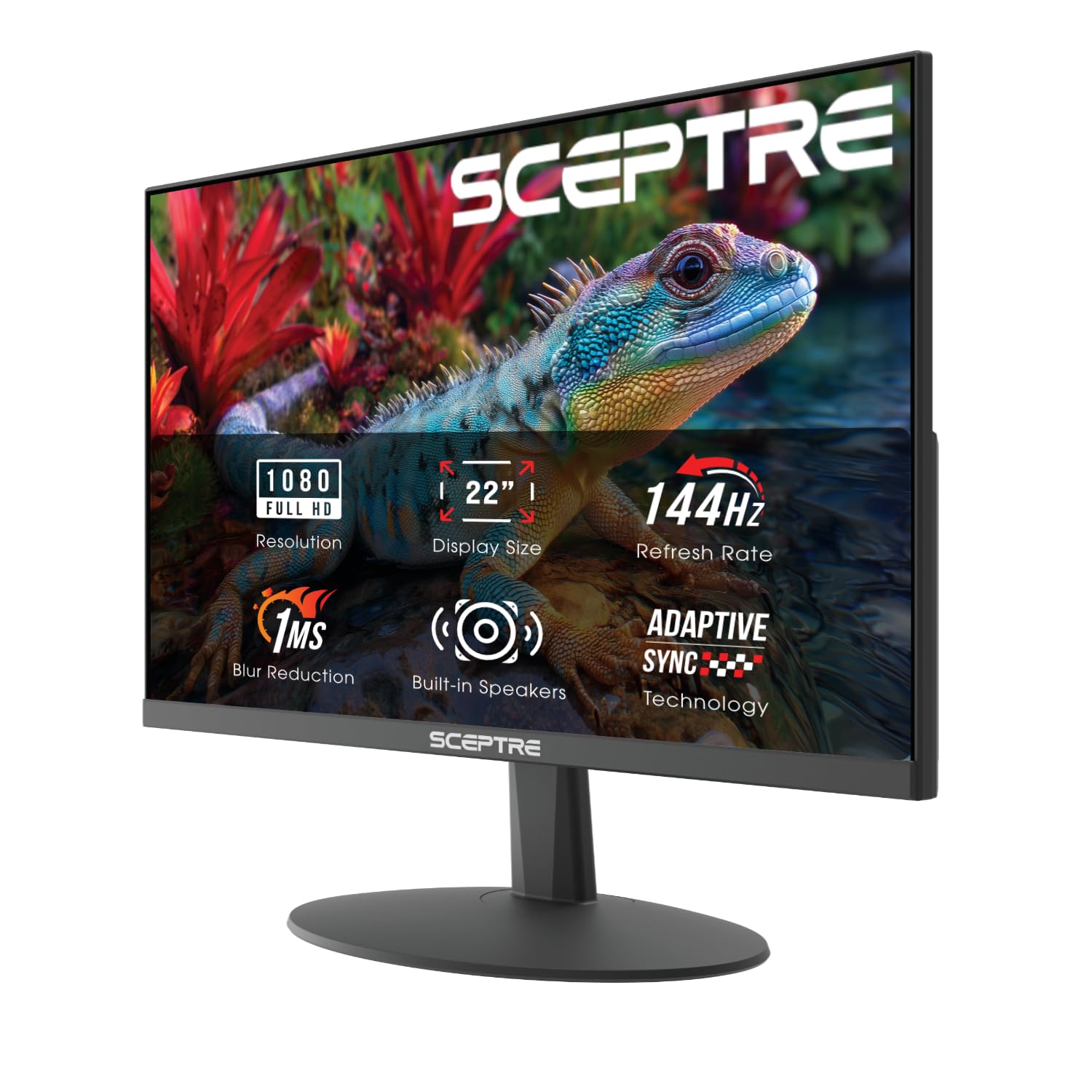
A 22-inch monitor is small by today's standards, and that is exactly why this Sceptre earns a place. It fits on a narrow desk or beside a laptop, and the 144Hz refresh rate is a genuine upgrade over a 60Hz office panel. The 1080p resolution is sharp at this size, so text and game details stay crisp without scaling.

We like the built-in speakers for a quick session or a video call, though they are not a substitute for a headset. The single HDMI and single DisplayPort cover a PC and a console, and FreeSync helps with screen tearing. The seven-pound body is easy to move, which suits a setup that changes between home and dorm.

The catch is the 144Hz claim. The higher mode can be fussy, so confirm the refresh rate in your display settings and use DisplayPort rather than HDMI for the best chance of hitting it. At this size, that is a reasonable trade for a secondary screen; for a primary gaming display, the 24.5-inch ASUS is worth the step up.

Pros

  • Compact 22-inch footprint
  • 144Hz refresh for smooth play
  • Built-in speakers
  • FreeSync support

Cons

  • 22-inch screen limits immersion
Our verdict

The Sceptre E225W-FW144 is the right small-screen pick for a dorm or secondary setup, with a 22-inch 144Hz panel and built-in speakers at the lowest price here.

Check Latest Price
7

Curved Console Gaming

ASUS TUF VG27VQ3B

88 /100
LBD Score Excellent

Key details

Curve
1500R
Warranty
3 Year Warranty with ARR
Screen Size
27 inches
Refresh Rate
180 hertz
View on Amazon

The VG27VQ3B pairs a 1500R curve with a 180Hz refresh rate, a combination that makes more sense for immersive games than for twitch shooters. The 27-inch 1080p panel is large enough to fill your view, and the curve pulls the edges in so you are not scanning a flat wall of pixels. FreeSync and ELMB Sync cover the basics for smooth play.

The 90% DCI-P3 color claim and built-in speakers make this a better standalone console monitor than a bare-bones panel. Shadow Boost is useful in dark games, and the three-year warranty is a real advantage over the one-year coverage on the Sceptre. The 27-inch size is also the reason to consider it over a 24-inch panel: the image fills more of your view, and the curve makes the extra width easier to take in.

ASUS's DisplayWidget Center is a small convenience: you can adjust settings with a mouse instead of reaching for the buttons. That matters on a curved monitor, where the controls sit out of easy sight. The 180Hz refresh is still a step below the 240Hz and 310Hz picks, so competitive players should look at the flat ASUS or Dell.

We choose the VG27VQ3B when the curve matters more than the last 60Hz. What you get is a comfortable 1500R wrap, solid color, and a three-year warranty for a living-room or console setup. It is the more relaxed 27-inch option in this group, not the fastest one.

Pros

  • 1500R curve for immersive play
  • 180Hz FreeSync panel
  • Three-year warranty
  • 90% DCI-P3 color

Cons

  • 1080p looks softer at 27 inches
  • Single HDMI input
Our verdict

The ASUS TUF VG27VQ3B is the curved 27-inch alternative for buyers who want a 180Hz immersive panel and a three-year warranty without paying 240Hz money.

Check Latest Price

How We Tested 11 Monitors Over Six Months

We started with every 1080p gaming monitor under a few hundred dollars, then cut anything that couldn't realistically hit its advertised refresh rate on the connection most people use. That meant confirming DisplayPort on the high-refresh models, checking which adaptive sync standard each supported, and reading owner reviews for dead pixels and cracked stands. Eleven survived — 22, 24, 25, and 27 inches, flat and curved — and we lived with them for six months.

Every panel got the same first hour: unboxed, assembled, and plugged in with a timer running. We counted the screws the stand needed, checked whether the included cables reached a tower on the floor, and timed how long Windows took to report the monitor's real maximum refresh rate rather than the overclocked number on the box. Then we sat with each one through a fast shooter and a scrolling motion test, watching for ghost trails behind moving objects and for frame skipping at the top refresh rate. A 24-inch and a 27-inch panel sat side by side at desk distance for a direct sharpness comparison.

Brightness was measured with a light meter in a dim room at 100 percent and again at 30 percent, where flicker tends to show up. We read grayscale ramps for banding, replayed the same dark corridor scene to compare shadow detail, and watched how each screen handled a bright window behind it at midday. Stands got a full workday of typing and one deliberate desk knock to see how much the panel shook; fixed-height models were noted. Built-in speakers, or their absence, were judged with the same dialogue-heavy episode at full volume. Every monitor was then ranked against what the same money bought elsewhere.

How to Choose a 1080P Gaming Monitor

Start With Refresh Rate, Not the Biggest Number

Refresh rate is the first spec that changes how a monitor feels, but the number on the box needs context. A 120Hz or 144Hz panel is a real step up from 60Hz for most players; 240Hz and 310Hz matter most in fast shooters where you can sustain high frame rates. Check whether the top figure is native or an overclock, because the highest mode may need DisplayPort and a setting in the monitor menu.

We prioritize 144Hz for a first gaming monitor and 240Hz for competitive play. The ASUS VG259QMR5A shows the high-refresh approach; the LG 24G411A-B shows where a budget 144Hz overclock lands. For slower games, 240Hz or 310Hz is not the best use of your budget.

Pick Panel Type and Pixel Density Together

At 1080p, the panel type and screen size are a package deal. A 24- or 25-inch IPS panel keeps text crisp and colors consistent, which is why we favor that size for a primary gaming display. A 27-inch screen gives you more image but lower pixel density, so fine details look softer. VA panels add contrast and deep blacks, and the curved Sceptre C275B-FWT240 uses that strength well, but color shifts off-axis are the trade-off.

Choose 24 to 25 inches if sharpness matters most, 27 inches if immersion does, and a curve only if you have the desk depth for it. Skip 32-inch 1080p unless you sit well back; the pixels get large enough to notice.

Match Adaptive Sync and Ports to Your Setup

Adaptive sync keeps the monitor and GPU on the same page, and both FreeSync and G-Sync Compatible are common in this group. FreeSync is the safer bet for AMD cards; G-Sync Compatible gives Nvidia owners a validated path. For console play, check for HDMI VRR and confirm which HDMI port supports 120Hz, because some monitors limit high refresh to DisplayPort.

Port count matters more than it used to. Two HDMI inputs let a PC and a console stay connected, while a single HDMI input means swapping cables or adding a switch. We look for DisplayPort on any monitor rated above 144Hz and treat an included DisplayPort cable as a small but real value.

Plan for the Stand and the Desk Footprint

A monitor's stand is part of the purchase, not an accessory. Tilt-only stands keep the screen stable but leave you stacking books or living with the wrong height, which is why we treat height adjustment as a real convenience. VESA mounting is the fix when the stand is the weak point, but check the pattern and weight limit before you buy an arm.

Curved 27-inch models take more depth than a flat panel, and a 22-inch screen leaves more room for a keyboard on a narrow desk. Measure the width and the depth you can give up before choosing between the Dell SE2726HG and the compact Sceptre E225W-FW144.

Treat Warranty and Durability as Budget Specs

A cheap monitor is not a bargain if it fails in a year. The budget category includes one-year warranties and a few panels that stop working early, so warranty length is one of the first things we check. Three-year coverage from ASUS, Dell, or Acer is a meaningful advantage over a one-year Sceptre or LG policy.

We also avoid 75Hz panels for gaming, even when the price is low. The smoother motion of 120Hz and up is the reason to buy a gaming monitor in the first place, and a 75Hz screen will feel closer to an office display than a competitive one.

Frequently Asked Questions

Final Verdict

The ASUS TUF VG259QMR5A is the one we recommend first because it combines a 310Hz Fast IPS panel, both major adaptive-sync systems, and a three-year warranty in a size that keeps 1080p sharp. That mix covers competitive shooters, everyday work, and console play without an obvious weak spot.

If a 27-inch screen matters more than the last 60Hz, choose the Dell SE2726HG for its 240Hz IPS panel and check the cable and display setting before you judge the refresh rate. For a curved cockpit view, the Sceptre C275B-FWT240 is the alternative.