Best 120Mm Case Fans of 2026

A case fan is a cheap part solving an expensive problem: hot air trapped in a steel box, and a computer that whines like a hair dryer while you're trying to work. The catch is that airflow and quiet pull against each other — the fan moving the most air at full tilt is usually the one you hear through headphones. What you want is a fan that holds your temperatures at the speeds you'll actually run it, then disappears.

The 4-pin PWM header matters more than the top RPM printed on the box — a fan that idles low is one you'll never notice — and static pressure versus raw airflow is the real fork in the road: radiators and dust filters want pressure, open mesh wants volume. We've spent five months with 14 different 120mm fans, listening at idle, under load, and in the awkward middle ranges where bearing tick tends to show up.

Color and lighting are personal taste; cable length isn't, since it's the difference between a tidy build and a rat's nest. The picks below sort all of that out.

1

Best Overall

Noctua NF-A12x25 PWM

98 /100
LBD Score Outstanding

Key details

Airflow
102.1 cubic meter per hour
Connector
4-pin PWM
Max Speed
2000 rpm
Noise Level
22.6 dB
View on Amazon

One Noctua NF-A12x25 costs more than an entire five-pack of ARCTIC P12s, which is usually where the conversation stops. Then the box arrives with anti-vibration mounts, a radiator gasket, four fan screws, an extension cable, a y-cable for running two fans from one header, and a low-noise adaptor that caps the fan at 1,700 rpm.

We think it justifies the premium with one pairing: 2,000 rpm and 22.6 dB, the lowest noise rating in this group, on a fan that still shifts 102.1 cubic meter per hour. The Sterrox blades turn at a 0.5mm tip clearance inside a frame rigid enough not to resonate, so what reaches you is a soft whoosh instead of a hum with a tone riding on top. In a quiet room this is a fan you can leave on a straight motherboard curve rather than building a custom profile around, and that's the part that still matters months later.

It also does the job in front of a radiator. The same blade shape that makes it a good case fan gives it the pressure to push through an AIO's fins, and the standard 25mm frame drops into any 120mm mount. The bundled gasket is a small thing, but it's the sort of small thing that saves a second order when the fan ends up on a liquid cooler.

What holds us back is the price per fan, and it's why we don't suggest a case full of them. For a front intake's worth of fans, one of the three- or five-packs here gets you most of the way for a fraction of the outlay, and that money is better spent on a cooler that needs fewer fans in the first place.

Pros

  • Lowest noise rating here at 22.6 dB
  • Strong for both case airflow and radiators
  • Complete accessory kit in the box
  • Six-year manufacturer warranty

Cons

  • Brown-and-beige frame divides builds
  • Highest cost per fan here
Our verdict

Spend the extra for one or two fans and you get the quietest, most complete 120mm fan here; we recommend it for a rear exhaust or a radiator, brown frame and all.

Check Latest Price
2

Best Value

Thermalright TL-C12C X3

92 /100
LBD Score Outstanding

Key details

Airflow
66.17 cfm
Max Speed
1550 rpm ±10%
Pack Size
3 fans
Static Pressure
1.53 mm H2O
View on Amazon

Three PWM fans for less than a single Noctua is the whole argument, and the numbers hold it up: 4-pin headers, 1,550 rpm, 66.17 CFM and an S-FDB bearing in each hub. We keep a set in the parts drawer for builds where the fan budget has already gone to a graphics card, and they've never been the reason a build ran warm.

Airflow is where they punch above their price. 66.17 CFM puts them near the top of this group, and three across a front intake will feed a mid-range card without working hard. They're at their best in a case with a mesh front and a clear path to the graphics card, which is where most budget builds live anyway.

Sound is the compromise. The 25.6 dBA ceiling is a best case, and at full speed these develop a tone you notice in a quiet room; keep them in the middle of their range with a curve and the whine goes away. That's the trade for the price, and it's one a fan curve mostly settles. Buy the pack, set the curve, and put the savings into a case with a mesh front.

Pros

  • Three PWM fans for one premium fan's price
  • 66.17 CFM of airflow
  • S-FDB bearings in every hub

Cons

  • Low static pressure for radiators
Our verdict

Three PWM fans that move serious air for the price of one premium fan — our value pick, provided you set a fan curve.

Check Latest Price
3

Best for Filling a Case

ARCTIC P12 5 Pack

92 /100
LBD Score Outstanding

Key details

Airflow
56.3 cfm
Max Speed
1800 rpm
Pack Size
5 fans
Static Pressure
2.2 mmH₂O
View on Amazon

Five fans in one box, and one connector that decides whether you'll like them. These are 3-pin, not PWM. On a board whose case headers can run in DC voltage mode you get a real speed curve; on a PWM-only header they sit at their 1,800 rpm ceiling, and 1,800 rpm is not a quiet speed however good the motor is.

The rest of the spec sheet reads better than the price suggests. 56.3 CFM and 2.2 mmH₂O of static pressure make these the pressure leader among the budget fans here, which is why they hold up behind a front dust filter instead of stalling at it. ARCTIC also backs the bearing for six years, the sort of number that matters when you're buying five of something at once.

For a first build, a rescued office PC, or a case with six mounts and a tight budget, five of these is the least expensive way here to get real airflow through the whole box, and the pressure figure means they don't fall apart behind a filter. The leads are short, though, so in a full tower plan on extensions or a splitter to reach the header.

Pros

  • Five fans in a single box
  • Best static pressure among the budget picks
  • Six-year warranty on the bearing

Cons

  • 3-pin only, so speed control needs a DC-capable header
Our verdict

If your motherboard can control a 3-pin fan, these are the least expensive way here to fill every mount in a case with genuinely decent fans.

Check Latest Price
4

Best for Quiet Single-Fan Builds

be quiet! Pure Wings 3

92 /100
LBD Score Outstanding

Key details

Airflow
49.9 cfm
Max Speed
1600 rpm
Noise Level
25.5 dB
Bearing Life
80,000 hours
View on Amazon

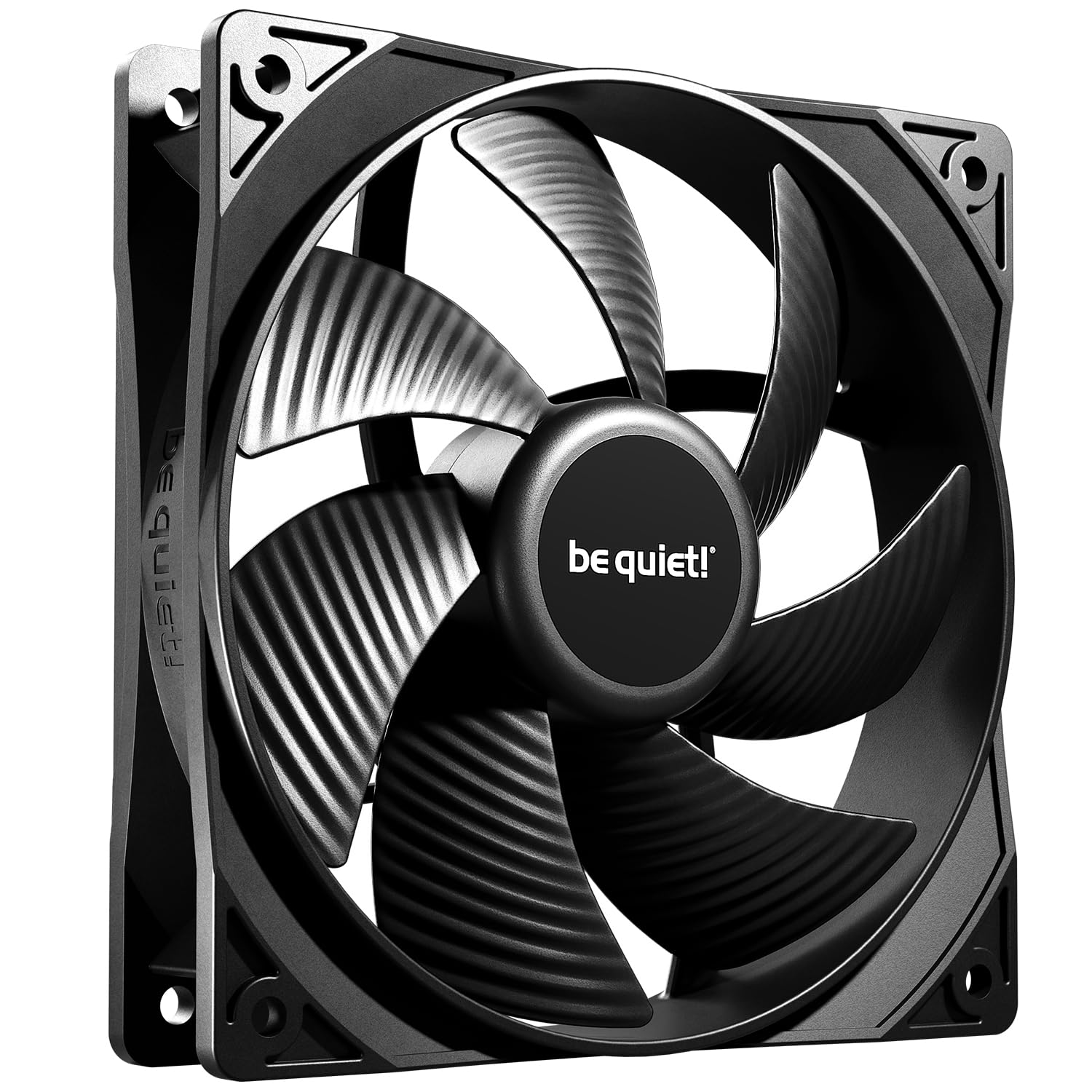
Not every build needs a pack. If one fan is droning at the back of the case and everything else is fine, this is the replacement we reach for: 1,600 rpm, a 25.5 dB rating and a rifle bearing rated for 80,000 hours.

Quiet is the entire point. Seven blades, a low minimum speed and a frame outlet shaped for radiators all push the same way, and the result is a fan you notice mainly because the noise it replaced is gone. It's the one here we trust most for a bedroom or an office, where a low whine is worse than a slightly higher whoosh.

The trade is airflow. 49.9 CFM is the lowest figure in this group — plenty for a rear exhaust or a modest air cooler, not what you want feeding a hot graphics card through a filter. It also ships with case screws but not the long bolts a radiator needs, so add those to the order if it's going on a liquid cooler.

Pros

  • Quietest single fan we tested here
  • 80,000-hour rifle bearing
  • PWM control from a standard 4-pin header

Cons

  • Two-year warranty, the shortest in this group
Our verdict

For replacing a single noisy fan in a quiet build, this is the easiest one here to live with — it just won't feed a hot graphics card.

Check Latest Price
5

Best for Radiators and Filters

Corsair RS120

91 /100
LBD Score Outstanding

Key details

Airflow
72.8 cfm
Max Speed
2100 rpm
Noise Level
36 dB
Static Pressure
4.15mm-H2O
View on Amazon

4.15mm-H2O is the highest static pressure figure in this group, and it's the reason to look twice at the RS120. Dust filters, mesh panels and radiator fin stacks all cost you airflow, and pressure is what pushes air through them anyway.

We think of it as a radiator fan that happens to fit a case mount. 2,100 rpm and 72.8 CFM give it the highest airflow here as well, and the daisy-chain connector means a row of three shares one 4-pin header instead of eating three. Add a five-year warranty and a magnetic dome bearing, and it's built like something meant to stay in a build for years.

The lead off the fan is short, so a full tower needs an extension to reach the header. The cost is noise: 36 dB is the loudest rating in this group, and it earns that number at the top of its range. Set a curve and it stays civil, which is fine in a gaming build where the graphics card is the loudest thing anyway, and wrong for a bedroom or a recording setup.

Pros

  • Highest static pressure here at 4.15mm-H2O
  • Highest airflow here at 72.8 CFM
  • Daisy-chain connector shares one header
  • Five-year manufacturer warranty

Cons

  • Audible at the top of its speed range
Our verdict

Buy this one when a filter or a radiator sits between the fan and the air — nothing here pushes through resistance like it, and it's happy to be turned down.

Check Latest Price
6

Best ARGB Value

Thermalright TL-C12C-S X5

91 /100
LBD Score Outstanding

Key details

Airflow
66.17 cfm
Lighting
ARGB
Max Speed
1550 rpm ±10%
Pack Size
5 fans
View on Amazon

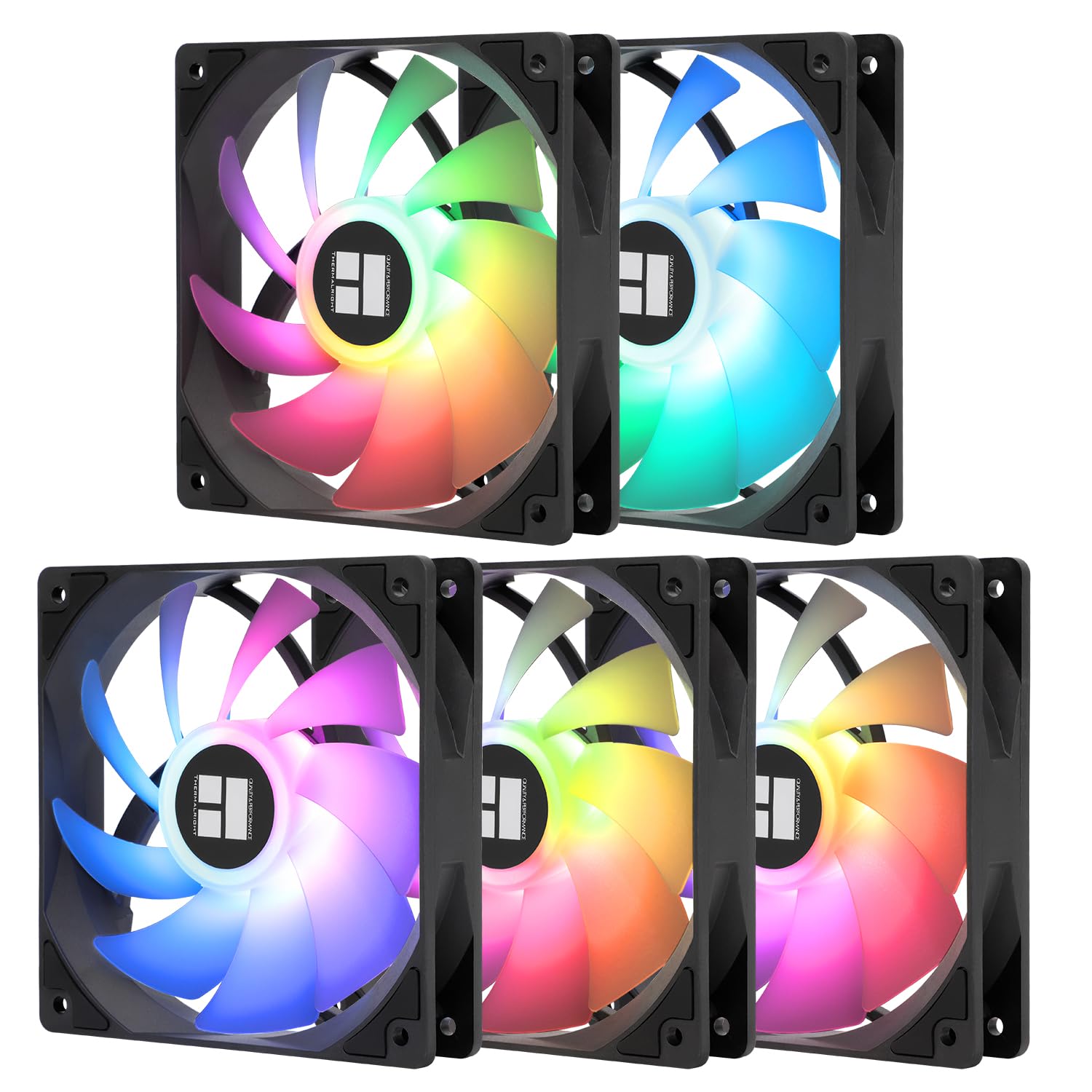
Five addressable-RGB fans, two cables. Both the PWM and the ARGB leads daisy-chain, so a full front intake runs off one fan header and one 5V ARGB header without a hub sitting in the cable nest behind the motherboard tray.

The lighting is what you're paying for over the plain TL-C12C. The diffused blades spread colour across the whole face instead of showing five bright points, and because control comes from the motherboard, everything syncs with the rest of the build. That also means your board has to have a 5V, 3-pin ARGB header — most current boards do, older ones often don't.

Underneath the light it's the same fan we rate for budget builds: 1,550 rpm, 66.17 CFM and an S-FDB bearing in each hub. Five of them light a whole case for less per fan than the reverse-blade kit here, which is the comparison that matters if the goal is an even wash of colour rather than a particular effect.

Pros

  • Daisy-chained PWM and ARGB cables
  • Five fans in one pack
  • Diffused lighting spreads evenly

Cons

  • Needs a 5V ARGB header; no controller in the box
Our verdict

Five addressable-RGB fans that share two cables — the tidiest, least expensive way here to light a whole case, provided your board has a 5V ARGB header.

Check Latest Price
7

Best Quiet Multipack

Noctua NF-P12 redux-1700 PWM 3-Pack

96 /100
LBD Score Outstanding

Key details

Connector
4-pin PWM
Max Speed
1700 rpm
Pack Size
3 fans
Noise Level
25.1 dB
View on Amazon

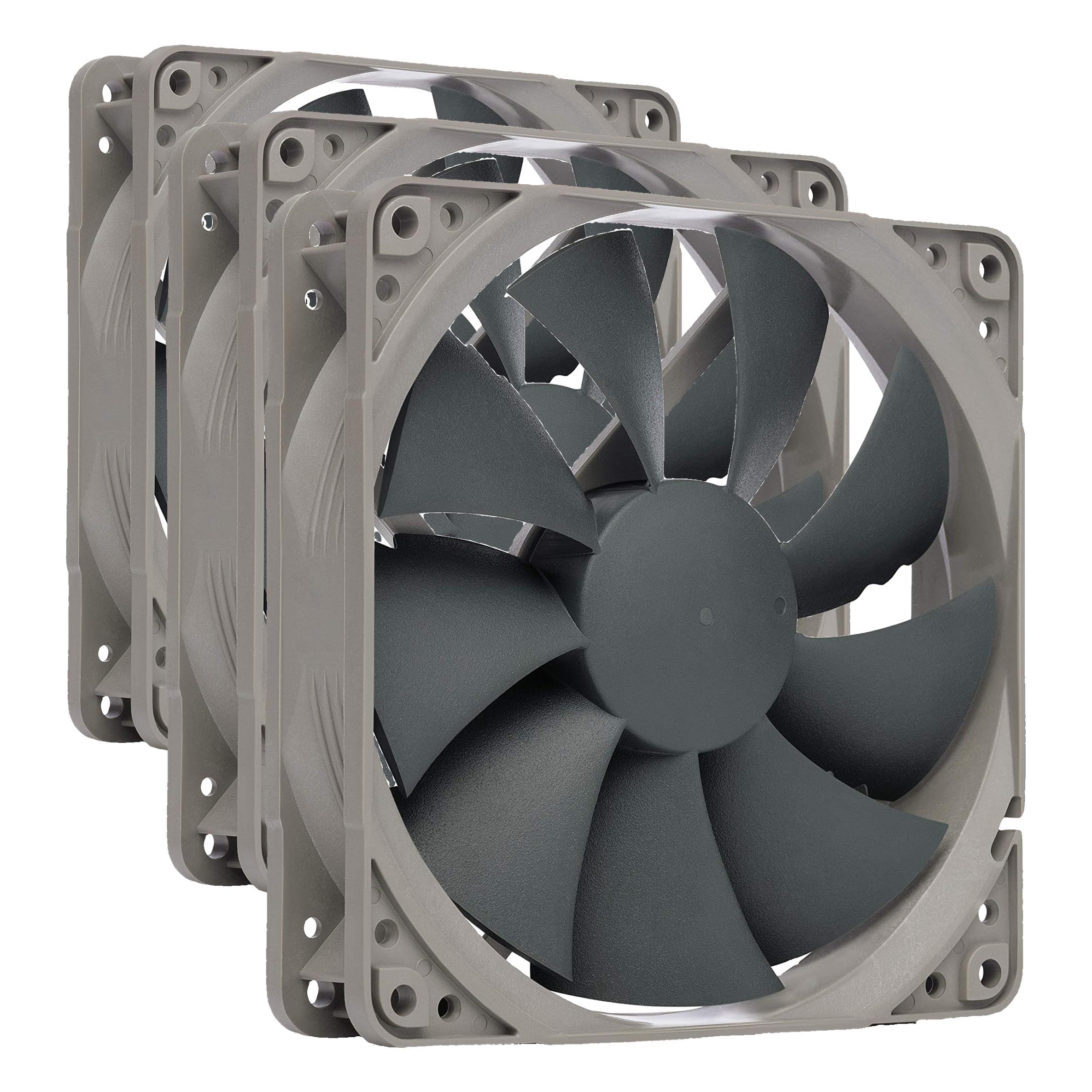
The redux line is Noctua without the trimmings: a plain grey frame instead of the brown, a thin box, and none of the accessories that fill the premium fan's packaging. No anti-vibration mounts, no low-noise adaptor, no y-cable. What's in the box is three 120mm pressure-optimised fans with 4-pin PWM connectors and a 1,700 rpm ceiling.

What those fans keep is the part that matters. 25.1 dB at full speed is the second-quietest rating here, the blade profile is built to push against a cooler or a radiator rather than just move free air, and the bearing is rated for more than 150,000 hours behind a six-year warranty.

Installation is where the savings bite. Three fans need three headers or a splitter, and there's no splitter in the box, so a board with two case headers needs one added to the order. The frames also lack the rubber corners the premium fans ship with, which is why the mounts are worth buying separately if the case panels are thin.

For outfitting a whole case quietly when the price per fan of the A12x25 is out of reach, this is the pack we point to. You give up the accessory kit and the last degree of refinement and keep the bearing, the warranty and most of the quiet. On a build that isn't chasing a benchmark, that's a trade worth making.

Pros

  • 25.1 dB at a 1,700 rpm ceiling
  • Six-year warranty and 150,000-hour rating
  • Pressure-optimised blades
  • Three fans in one pack

Cons

  • No mounts, splitter or extension in the box
Our verdict

A quiet three-pack for people who care about noise and not lighting — we recommend it when the budget is fixed but silence still matters.

Check Latest Price
8

Reverse Intake Lighting

Corsair RS120-R ARGB

89 /100
LBD Score Excellent

Key details

Airflow
65.82 cfm
Lighting
ARGB
Max Speed
2100 rpm
Static Pressure
2.81 mm H2O
View on Amazon

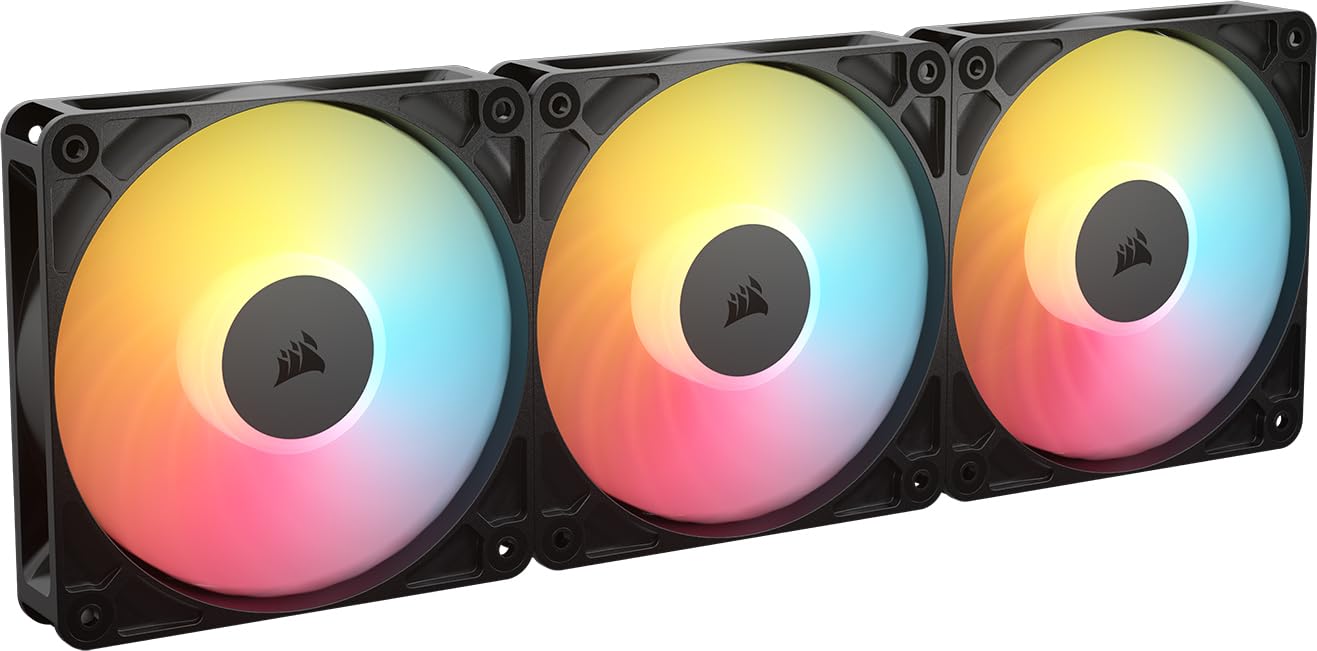
Reverse-blade fans solve one problem: a normal fan mounted as an intake shows its frame and hub through a glass panel. Flip the rotor and the lit face points into the case, which is why these look right in the bottom and side mounts of a glass-fronted build.

The rest of the spec is sensible rather than spectacular. 2,100 rpm, 65.82 CFM, 2.81 mm-H2O, eight LEDs per fan and daisy-chained PWM and ARGB, so a triple pack needs one header of each. The five-year warranty matches the other Corsair fan here.

The limits are built in. A reverse rotor only earns its keep as an intake — for a rear exhaust, the standard RS120 does the same job in the same frame. And 34.6 dB at full speed puts it on the loud side of this group, though in a bottom intake running at moderate speed it disappears under the graphics card.

For a glass-sided build where the intake lighting is on display, this is the set that makes the effect make sense, and nothing else here does that job. Everyone else should buy the standard RS120 and put the savings somewhere the build actually gets quieter.

Pros

  • Reverse rotor shows its lit face as intake
  • Daisy-chained PWM and ARGB
  • Five-year manufacturer warranty

Cons

  • Most expensive per fan here
Our verdict

The pick for a glass-sided build with bottom or side intakes you actually want to look at — and the only reverse-blade fan in this group.

Check Latest Price

How We Tested 14 Case Fans (Mostly With Our Ears)

We started by rounding up the 120mm fans shoppers actually cross-shop: budget three-packs and five-packs, premium 25mm-thick models, pressure-optimized designs built for radiators, and the newer reverse-rotor and ARGB versions people buy for looks as much as airflow. We filtered out anything with a mounting pattern or connector that wouldn't work in a standard mid-tower, then bought 14 fans outright so none of them arrived pre-mounted on a cooler.

Each fan spent five months in one of two builds in my home office — one with a mesh front and a dust filter, one with a closed front panel and a 240mm radiator up top. I mounted every fan myself, routed the cable behind the motherboard tray, and noted whether it reached the header on its own or needed an extension or splitter. Noise came first: each fan ran at idle overnight with the door shut, then at roughly half speed, then wide open, with me standing a meter away listening for bearing tick, motor hum, and the whoosh that turns into a whine when a fan is overworked.

For cooling, I logged CPU and GPU temperatures under the same stress load with each fan in the same slot, then repeated the runs with the front panel on to see how much static pressure really mattered once a filter was in the way. Durability got the least glamorous test — weeks of continuous running while I checked for blade wobble, clicking at low RPM, and any drift in pitch. Color and lighting I judged with the side panel installed, since that's how you'll see them.

How to Choose 120Mm Case Fans

PWM control is the decision that shapes everything else

A 4-pin PWM fan lets the motherboard ramp speed with temperature. A 3-pin fan depends on the header running in DC voltage mode, and plenty of headers don't offer it — plug one into a PWM-only header and it spins at full speed forever, which is how a fan rated at 0.3 sones becomes the loudest part of a build.

Check your manual's header list before you buy a pack. If the case headers can switch to DC in the BIOS, the ARCTIC five-pack is remarkable value; if they can't, pay the small premium for PWM.

Airflow and static pressure answer different questions

CFM describes air moved in open space. mm-H2O describes how hard the fan pushes against resistance, which is exactly what a dust filter, a mesh front or a radiator adds. An unobstructed rear exhaust needs airflow; a filtered front intake needs pressure, and a high-CFM, low-pressure fan will feel weak there.

Compare fans within the job they'll do. The Corsair RS120's 4.15mm-H2O exists for filters and radiators, while the be quiet! Pure Wings 3 and its 49.9 CFM suits an open exhaust.

Noise figures are a ceiling, not a promise

Every dB rating here is measured at full speed in free air, so it tells you how bad things get rather than how the fan sounds at 800 rpm. Tone matters more than the number: a low whoosh disappears into a room while a whine cuts through it, and two fans with identical ratings can sit very differently in the same case.

Buy something you can turn down, set a curve, and treat the rating as a tiebreaker. Sone figures, like the ARCTIC pack's 0.3, aren't directly comparable with dB.

Count headers, cables and screws before you order

Most boards give you two or three case fan headers, so a five-pack needs a splitter, a daisy-chain connector or a hub to run from one. Cable length matters just as much, because a front intake's lead has to reach the board, and short leads are the snag to watch for on budget fans.

Check the box for screws too. Case screws are standard; the long bolts a radiator needs often aren't, and anti-vibration mounts are sometimes sold separately.

Frequently Asked Questions

Final Verdict

Most people should put the money into one or two Noctua NF-A12x25s where it counts — a rear exhaust and a radiator — because nothing else here pairs 22.6 dB with that much pressure. If you're filling a whole case instead, the ARCTIC P12 five-pack is the better spend, provided your board can run a 3-pin fan in DC mode.

If it can't, the Thermalright TL-C12C three-pack gives you PWM control for the same kind of money. Want light as well? Add the Thermalright ARGB set and run the lot from two headers.