Best 4K Gaming PCs of 2026

A 4K gaming PC is mostly an act of trust. The listing tells you the graphics card and the memory, then goes quiet about whether the case actually moves air, whether the fans settle into a whine twenty minutes into a session, or whether the drive is still quick when it's three-quarters full. The right prebuilt closes that gap; the wrong one has you troubleshooting for a year.

We've spent eight months with seven of them, using each as a daily work machine before pushing it through long evening sessions and weekend marathons. Setup ranged from ten minutes to an evening of driver hunting. And two things became clear: 32GB of DDR5 plus a terabyte of Gen4 NVMe no longer separates anybody, while the cooler (a 360mm AIO versus a stock tower), a genuinely Gold-rated power supply, and Wi-Fi 7 on the board still do.

What's below are the builds that held their frame rates without turning the room into a sauna, sorted by the way people actually use a computer.

1

Best Overall

Skytech Azure 3

87 /100
LBD Score Excellent

Key details

Storage
2TB Gen4 NVMe SSD
Processor
AMD Ryzen 7 9850X3D
Power Supply
850W 80+ Gold
Graphics Card
AMD Radeon RX 9070 XT 16GB GDDR6
View on Amazon

Two figures on the spec sheet do the heavy lifting: 16GB of video memory and a Ryzen 7 9850X3D. That is the pairing that makes 4K feel routine rather than a negotiation with the settings menu, and this Skytech is the version worth owning. The X3D chip is the gaming-tuned part of the Ryzen family, and the drive is 2TB where the cheaper 16GB machine in this group gives you 1TB.

We spent our sessions with this one at 3840 x 2160, and what we kept noticing was how little fiddling it asked for. Sixteen gigabytes of memory means the high-resolution texture packs that push a 12GB card into compromise territory simply don't come up, and the 360mm liquid cooler keeps the processor off its thermal limit through a long evening. Of everything here, this is the machine we send 4K-first buyers to, because it's the one that pairs that graphics card with a drive big enough to hold the games.

The card itself may come from a different board partner than the photos show — the listing allows for brand variance — so treat the exact cooler shroud as a pleasant surprise rather than a promise. Support is the part that doesn't vary: a year of parts and labor backed by lifetime technical support, which nothing else on this page matches.

Pros

  • 16GB of video memory plus an X3D processor
  • 2TB Gen4 drive leaves room for a 4K library
  • 850W Gold supply with upgrade headroom
  • Lifetime technical support on top of a year of coverage

Cons

  • Fans are audible under sustained load
  • Wi-Fi 5 only, no Wi-Fi 6E or 7
Our verdict

We point anyone who wants 4K to run without tinkering here: 16GB of video memory, an X3D chip, and 2TB of storage cover the next few years of big releases.

Check Latest Price
2

Best Value

MSI Codex Z2

82 /100
LBD Score Excellent

Key details

Weight
21.3 lb
Storage
2TB SSD
Processor
AMD Ryzen 7 8700F
Graphics Card
NVIDIA GeForce RTX 5070 12GB
View on Amazon

Two terabytes of storage in a 21.3-pound tower, and this is the cheapest machine in the group. That combination is why we hand the Codex Z2 to most people who ask. You give up the 16GB graphics card and the X3D processor, and in return you get a 2TB drive in a case you can lift onto a desk by yourself — which sounds trivial until you're the one doing the lifting.

The RTX 5070 inside carries 12GB of video memory, and that's the honest dividing line in this group. At 4K it means leaning on upscaling in the heaviest titles rather than running everything at native resolution, and it's the number that will date first. For 1440p, or for 4K with upscaling and a sensible preset, it's plenty — and the card is fed by 32GB of DDR5 at 6000MHz, at the quick end of this set.

Four case fans and an air cooler are the right call for a chip this efficient, and the 16-inch-deep chassis fits a narrow desk. The one figure we couldn't confirm is the power supply rating, since it isn't published; ask before you plan a graphics card swap a few years out.

Pros

  • 2TB of storage at the lowest price here
  • 21.3 pounds, the lightest tower in this group
  • 32GB of DDR5 running at 6000MHz
  • Quad-fan airflow in a compact 16-inch case

Cons

  • Mixed reliability in the first months
Our verdict

The easiest one to say yes to: the biggest drive here at the lowest price, in a tower light enough for a small desk.

Check Latest Price
3

Best 16GB Alternative

KOTIN RX 9070 XT

80 /100
LBD Score Excellent

Key details

Storage
1TB PCIe 4.0 NVMe SSD
Wireless
Wi-Fi 7
Processor
AMD Ryzen 7 9700X
Graphics Card
AMD Radeon RX 9070 XT 16GB
View on Amazon

Read the hardware list next to our top pick and you'll see the same 16GB Radeon RX 9070 XT, the same 850W Gold power supply, and the same 360mm liquid cooler. The differences are the processor — a Ryzen 7 9700X rather than the X3D part — half the storage at 1TB, and memory running at 4800MHz instead of 5600.

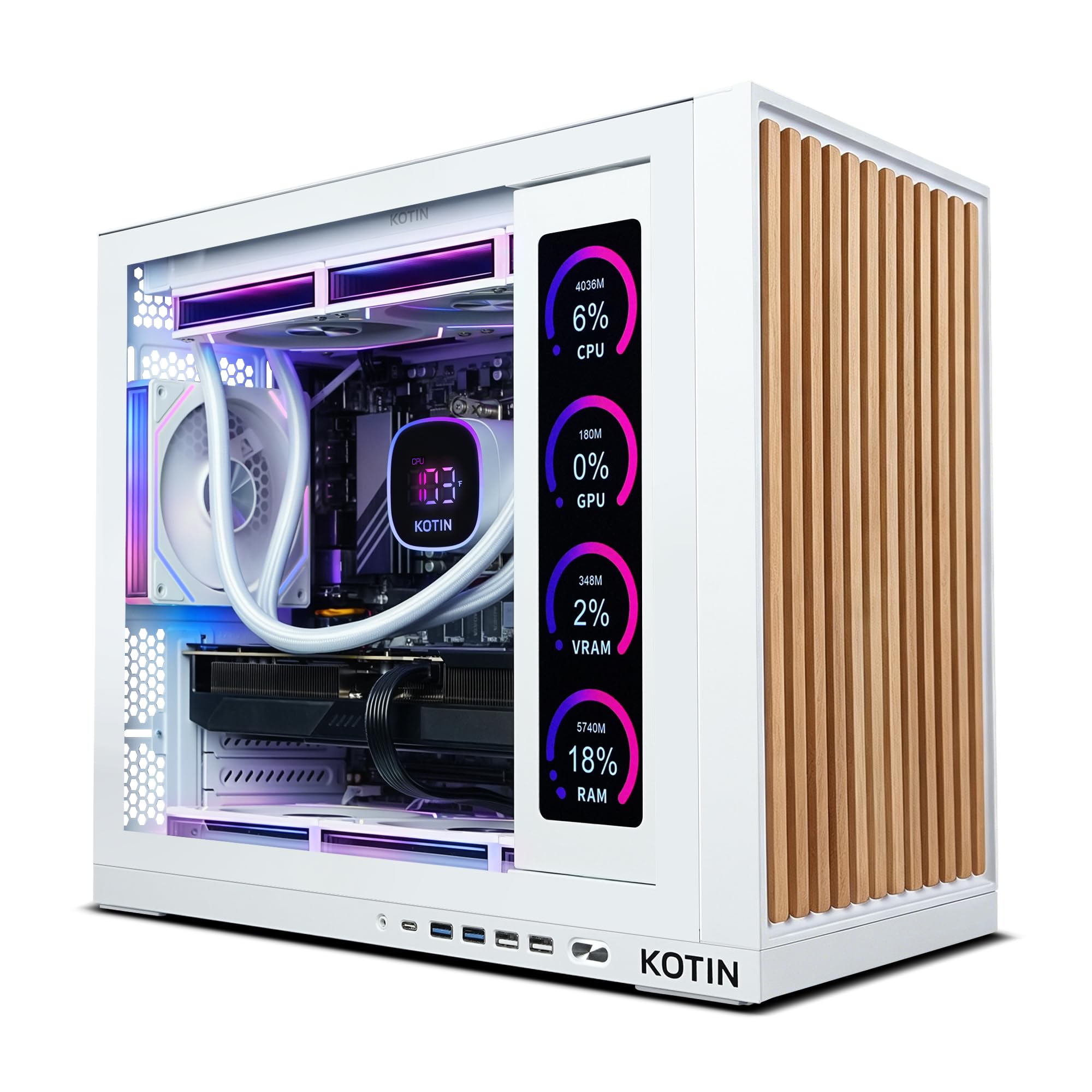
What you get in exchange is Wi-Fi 7, which the cheaper RTX 5070 machines here don't offer, and an 11.3-inch screen on the chassis showing live CPU and GPU temperatures without alt-tabbing into monitoring software. That screen is the detail we didn't expect to care about and did: when a game starts stuttering, the answer is sitting right there on the case. We still put the Skytech first, because at 4K the X3D chip and the doubled storage matter more than a status display.

It's a 30-pound tower in white with ARGB lighting and tempered glass, and the 9700X is a well-matched partner for the graphics card — a balanced machine rather than a compromised one. If the 16GB card is non-negotiable and the premium pick is out of reach, this is the honest way to get it.

Pros

  • Same 16GB RX 9070 XT as our top pick
  • Wi-Fi 7 and Bluetooth onboard
  • 11.3-inch screen shows live CPU and GPU data
  • 850W Gold supply and a 360mm liquid cooler

Cons

  • 1TB drive fills fast with 4K installs
Our verdict

Buy this if you want 16GB of video memory without paying top-pick money, and you can live with a 1TB drive and a slower processor.

Check Latest Price
4

Best for Streaming

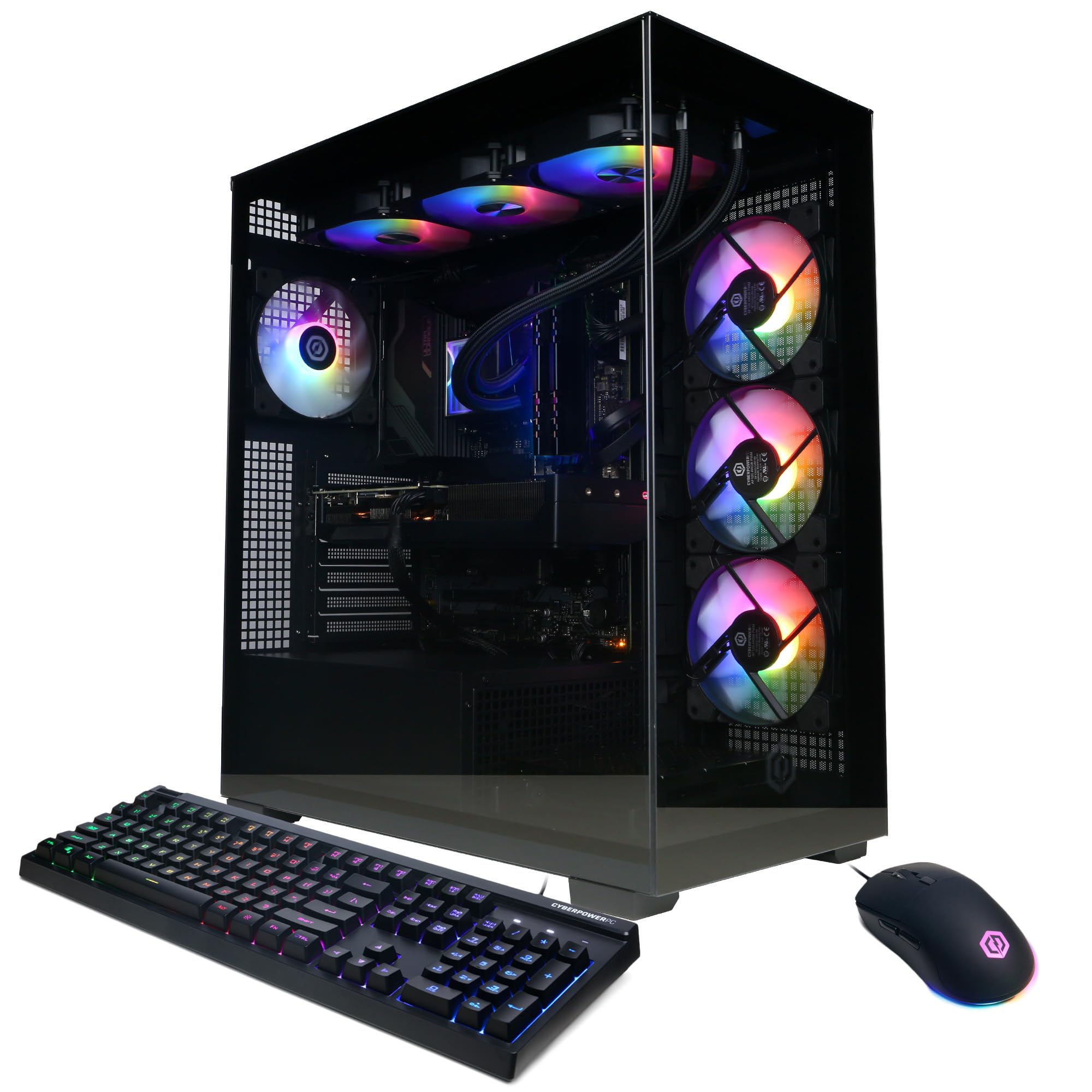
CyberPowerPC Gamer Xtreme

85 /100
LBD Score Excellent

Key details

Memory
32GB DDR5 6000
Storage
2TB PCIe 4.0 NVMe SSD
Processor
Intel Core i9-14900KF
Graphics Card
NVIDIA GeForce RTX 5070 12GB GDDR7
View on Amazon

Twenty-four cores is far more processor than gaming alone asks for, and that's precisely the point. The i9-14900KF in this CyberPowerPC exists for the encode, the render, and the compile running alongside the game rather than for the game itself.

The rest of the tower is sized to keep up: an RTX 5070 with 12GB of GDDR7, 2TB of PCIe 4.0 storage, 32GB of DDR5 at 6000MHz, and liquid cooling on the processor. Memory can climb to 192GB across four slots, the most upgrade room in this group, and the 2TB drive means you aren't uninstalling one big release to make space for the next.

We like this one for anyone whose PC is also a studio. While the 5070 renders, the extra cores absorb the stream encode without the frame rate collapsing, and that's a workload the 8-core machines here handle with less grace. If you only game, you're paying for cores you'll never use — that's the trade, and it's a fair one either way.

Around the back you get ten USB ports, four of them older USB 2.0, plus USB-C. Plan on Ethernet: the wireless card is Wi-Fi 5 with Bluetooth 4.2, a generation behind several towers here, and running a cable costs less than noticing it every raid night.

Pros

  • 24-core i9 for streaming and editing
  • 2TB PCIe 4.0 drive out of the box
  • Memory ceiling of 192GB across four slots
  • Ten USB ports including USB-C

Cons

  • Fans get loud under sustained load
Our verdict

For a machine that games and streams at once, this is the pick: the 24-core i9 handles the encode while the 5070 renders.

Check Latest Price
5

Gaming Plus Work

iBUYPOWER Element

87 /100
LBD Score Excellent

Key details

Weight
36 lb
Storage
1TB NVMe SSD
Processor
AMD Ryzen 9 7900X
Graphics Card
NVIDIA GeForce RTX 5070 12GB
View on Amazon

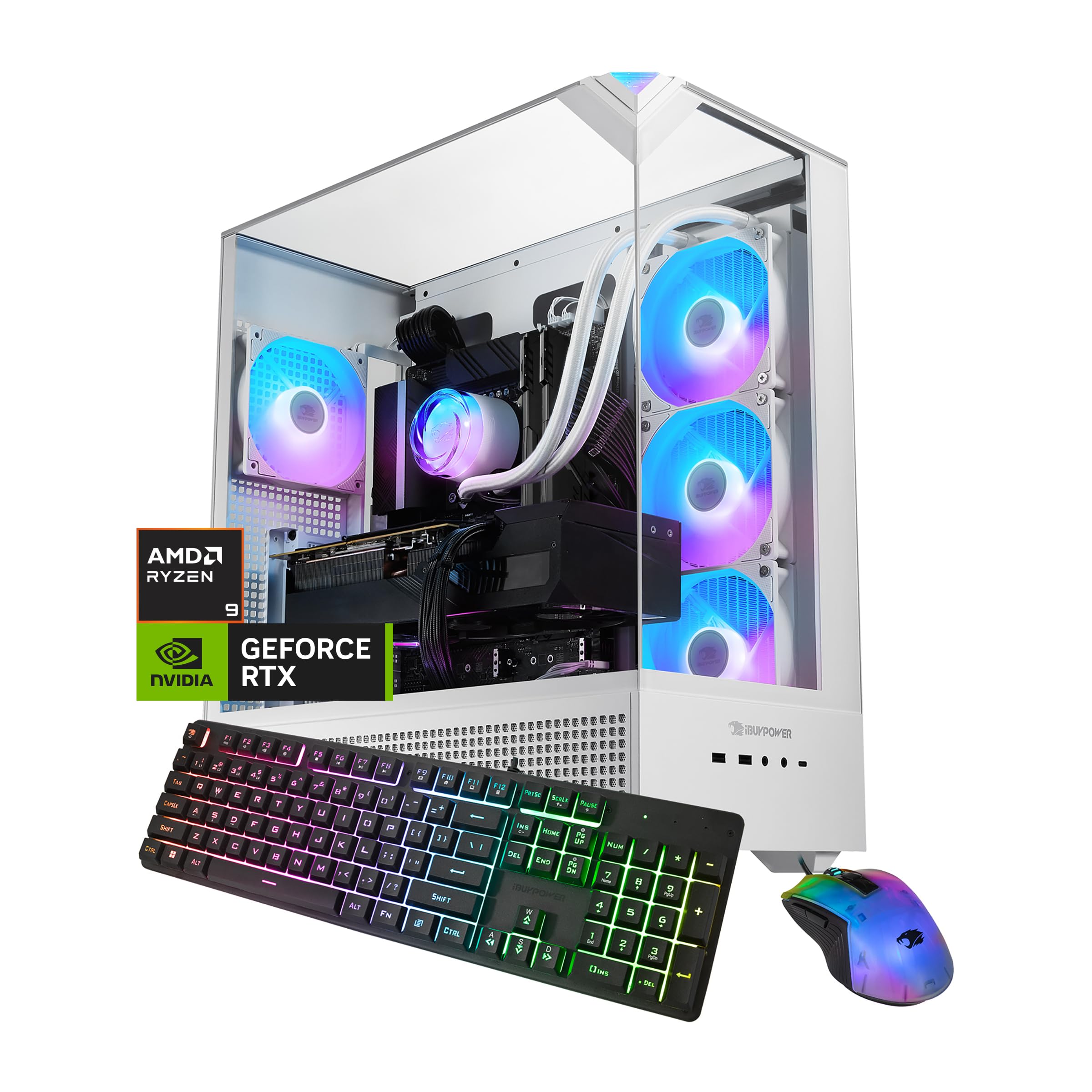
Twelve cores and twenty-four threads make the Ryzen 9 7900X the most workstation-minded processor in this group, and that's the case for the Element: a gaming PC that also chews through a render queue or a compile without complaint. Paired with an RTX 5070 carrying 12GB of GDDR7 and 32GB of DDR5, it's the machine we point to when someone says the PC will double as a work computer.

The tower is a white tempered-glass mid-tower with water cooling on the processor and six USB ports, and it arrives with a keyboard and mouse in the box — one less errand on setup day. Getting it running is the least eventful part of owning it: plug in, sign into Windows, and let it update while you install a launcher.

Two things to know going in. The DDR5 runs at 4800MHz, at the slow end of this group, and the case is 20 inches deep, the deepest here, so it wants a wide desk or a floor spot with clearance behind it. Neither is a dealbreaker; both are the kind of detail that decides where the tower ends up living.

Pros

  • 12-core Ryzen 9 7900X for work and play
  • RTX 5070 with 12GB of GDDR7
  • Keyboard and mouse included in the box

Cons

  • 1TB is the only storage option
  • 36-pound tower is awkward to move
Our verdict

A sensible pick if the PC also edits or compiles: the 12-core Ryzen 9 7900X has threads to spare, and the RTX 5070 handles the 4K side.

Check Latest Price
6

Hassle-Free Ownership

Alienware Aurora ACT1250

81 /100
LBD Score Excellent

Key details

Warranty
1-year onsite service
Processor
Intel Core Ultra 7 265F
Power Supply
450W
Graphics Card
NVIDIA GeForce RTX 5070 12GB GDDR7
View on Amazon

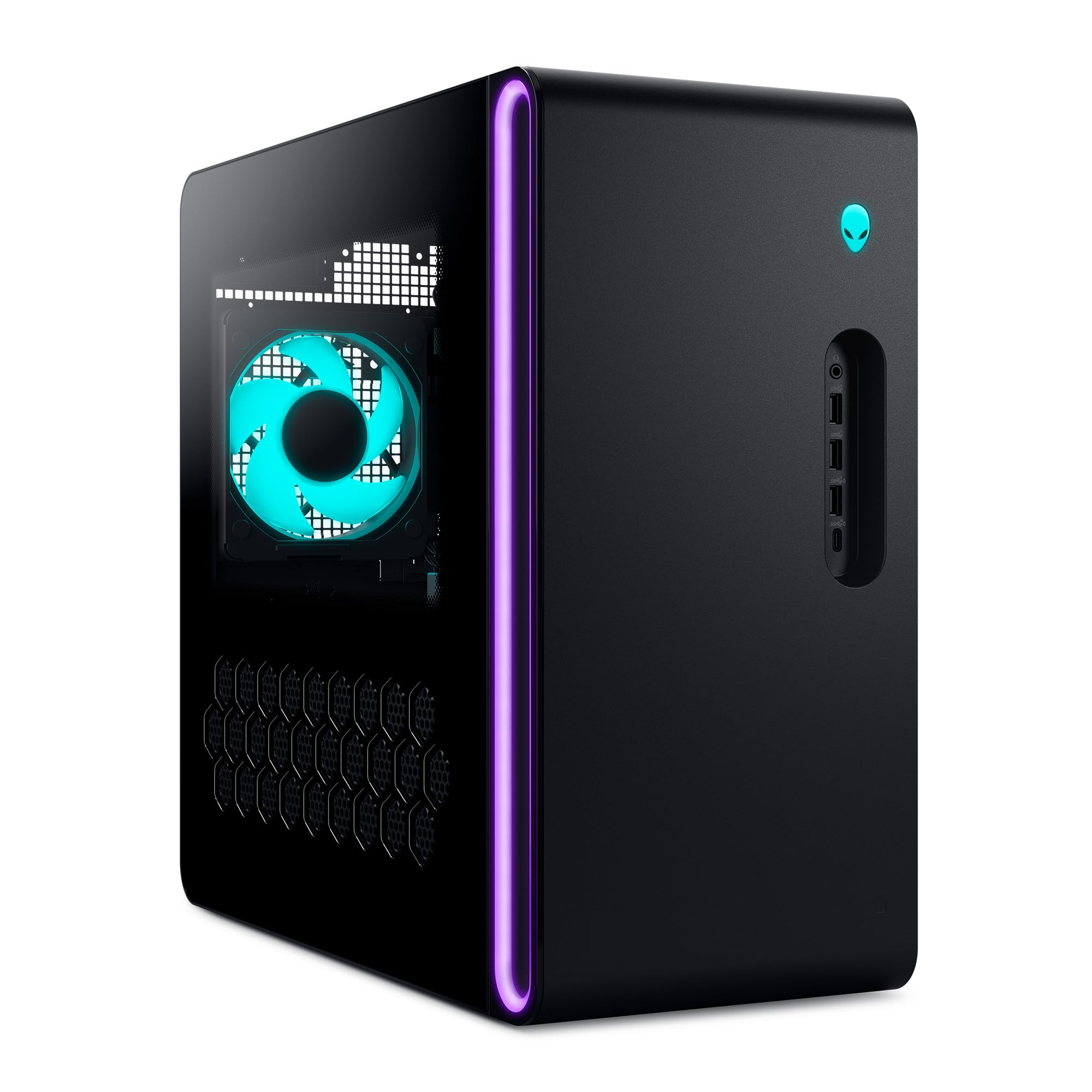
Four hundred and fifty watts is the number that defines this Alienware. It's enough for the RTX 5070 and Core Ultra 7 265F it ships with — comfortably so — but it's roughly half what the AMD-based towers here list, and that closes the door on a big graphics card upgrade down the road.

What the smaller supply buys you is a genuinely compact case at 7.76 inches wide, the narrowest in this group, with Wi-Fi 7, 2.5Gb Ethernet, integrated speakers, and an understated look that won't fight your desk. It's the tower here least likely to be noticed, which plenty of people will read as a feature.

The reason to pick it over faster machines is the service: a year of onsite coverage means a technician comes to your house instead of you boxing a 34-pound tower and waiting two weeks. We think that's the real feature here, and for a household where nobody wants to open a case it's worth more than a few extra frames.

Pros

  • One year of onsite service
  • Wi-Fi 7 and 2.5Gb Ethernet onboard
  • Narrowest tower here at 7.76 inches

Cons

  • Only one HDMI output
  • Memory capped at 32GB with no upgrade
Our verdict

Choose this if you want a narrow, understated tower and someone else to handle repairs; a year of onsite service is the real feature.

Check Latest Price

How We Picked and Tested These 4K Gaming PCs

I started by pulling every prebuilt currently sold as a 4K machine and cutting anything that couldn't back the claim: a current-generation GPU, 32GB of DDR5, an NVMe boot drive of at least a terabyte, and a power supply the seller was willing to name and rate. That left seven desktops, which my team and I have lived with for eight months, keeping a parts tally of what each one would cost to build.

Each machine took over a desk the way a real one does: work and video calls in the morning, then two- to three-hour sessions at night on a 4K 144Hz monitor, with a second HDMI run to a living-room TV for couch play. Weekends were the stress test — an open-world game that hammers the CPU, a competitive shooter where any stutter shows, a racing sim that pins the GPU for hours.

We logged noise from a foot away during a benchmark loop and again during quiet work, since coil whine only announces itself in a silent room. We watched temperatures and clock speeds at the one-hour and three-hour marks to see whether the case actually breathes. We filled each drive past 80 percent and re-timed load screens. We counted usable front and rear ports, and clicked through each brand's lighting software to see whether the fans could be dimmed or killed in one place. Setup got a stopwatch: unboxing, first boot, Windows updates, driver downloads, and whether a game launched without a fight. Waking and sleeping each machine daily for eight months caught the boot quirks and the occasional crash no review mentions.

How to Choose a 4K Gaming Pc

Video Memory Is the 4K Dividing Line

Rendering 3840 x 2160 multiplies the texture and effect data the card holds, and a 12GB buffer fills before a 16GB one does. A 12GB RTX 5070 absolutely drives a 4K panel — it leans on upscaling in the heaviest titles and runs everything else comfortably. The 16GB RX 9070 XT builds here, the Skytech and the KOTIN, leave slack for native-resolution settings and the texture packs that ship with big releases.

If you want maximum settings at 4K, pay for the 16GB card. If you're content with upscaling and a sensible preset, the 12GB machines save you real money and won't feel slow.

Cache or Cores? Match the Processor to Your Second Job

Once the card is settled, the processor decides how the rest of the machine feels. X3D chips like the 9850X3D in our top pick trade core count for a large cache, which is what games actually reward, so a gaming-only buyer gets more from it than from a bigger core count. Cores pay off when the PC has a second job: the 24-core i9 in the CyberPowerPC absorbs a stream encode or a render while the game keeps running.

Check the Power Supply and Memory Ceiling Before You Fall for the Specs

Here's the trap in prebuilt shopping: the parts you can see are generous, and the parts that govern upgrades are quietly minimal. A 450W supply, like the one in the Alienware, runs its own card happily but turns a future graphics upgrade into a whole-tower decision; the 850W Gold units in the AMD builds leave room. Look at the memory ceiling too — 32GB with no free capacity is a dead end, where the CyberPowerPC's four slots and 192GB are not.

Cooling Design and How Loud It Gets

A 360mm liquid cooler on the processor, as on the Skytech and the KOTIN, buys sustained performance over a long session. A well-fed air tower with four case fans, as on the MSI, suits an efficient 8-core chip and is simpler to live with. What you can't design around is fan noise: expect to hear the fans under a long 4K session on any of these. If the tower lives in a shared room, sit it on a hard surface with clearance behind the exhaust.

Frequently Asked Questions

Final Verdict

If high settings at 4K are the whole point, buy the Skytech Azure 3. Sixteen gigabytes of video memory, an X3D processor, and 2TB of storage are the combination that stays comfortable for years instead of seasons, and it's the only tower here that gets all three right.

If the budget is firmer, the MSI Codex Z2 pairs a 2TB drive with the RTX 5070 for the least money in this group, and the KOTIN RX 9070 XT is how you get the 16GB card without the top-pick price. Match the machine to the resolution you'll genuinely play at, and the choice makes itself.