Best Mini Gaming PCs of 2026

A gaming PC the size of a paperback book is either the best thing to happen to a small desk or a spec sheet doing card tricks. Having lived with both kinds this year, I lean toward the first. What these machines actually fix is everything nobody photographs: the tower wedged under the desk, the nest of cables behind it, the monitor that never fit. Most will run modern games at 1080p on medium settings without complaint, and the good ones just do it quietly.

My team and I spent six months with eight of these, and the difference between a decent one and a great one lives in the details a spec sheet skips. A processor that boosts hard for a benchmark will happily throttle 90 minutes into a game if the cooling was an afterthought, and soldered memory is a decision you live with for years. Ports matter more than they sound, too; dual Ethernet and three video outputs are what separate a desktop replacement from a novelty. The eight below are the ones that held up, and the reasons differ more than you'd expect.

1

Best Overall

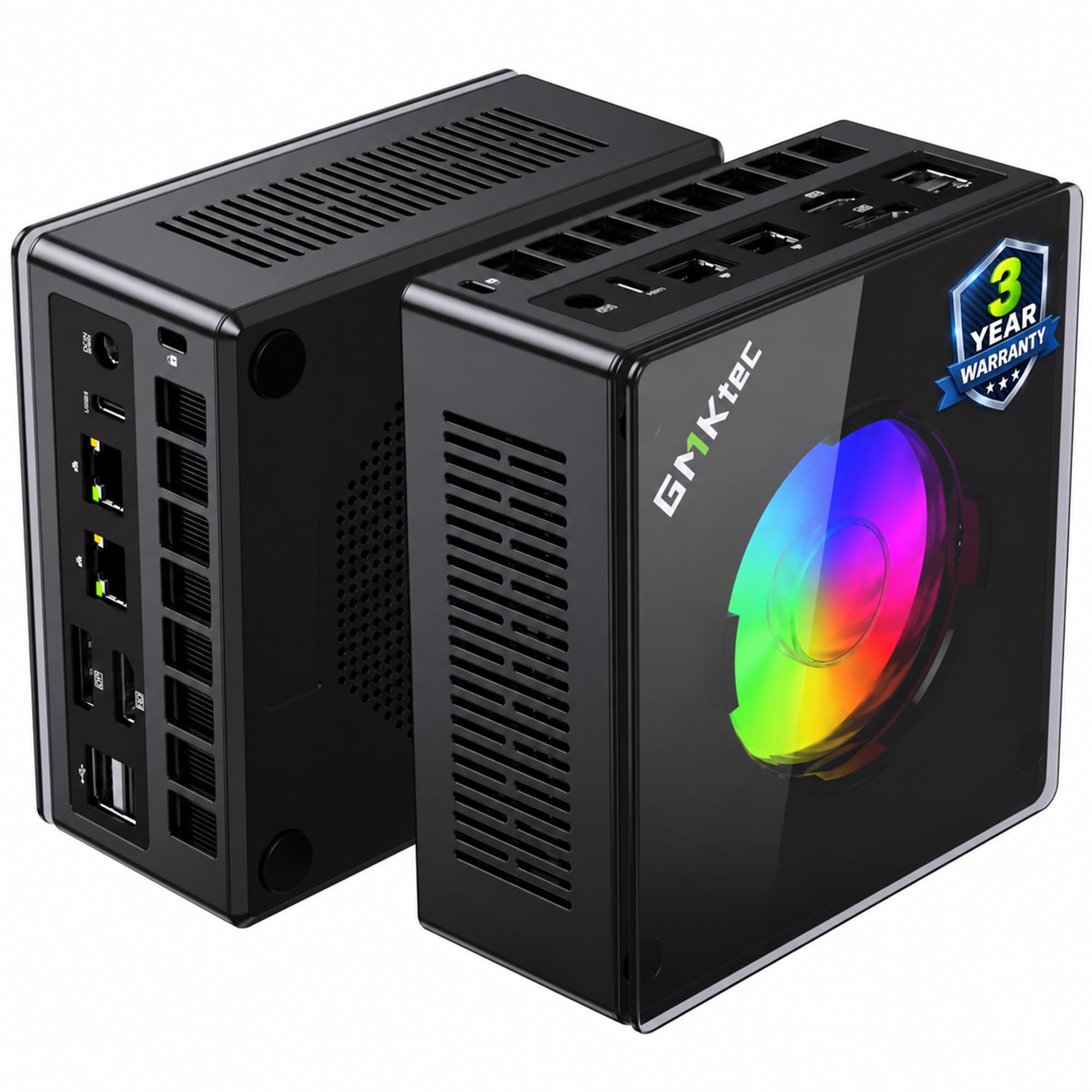
GMKtec K11

87 /100
LBD Score Excellent

Key details

Memory
32GB DDR5 5600
Storage
1TB PCIe 4.0 SSD
Graphics
Radeon 780M, 2800 MHz
Processor
AMD Ryzen 9 8945HS
View on Amazon

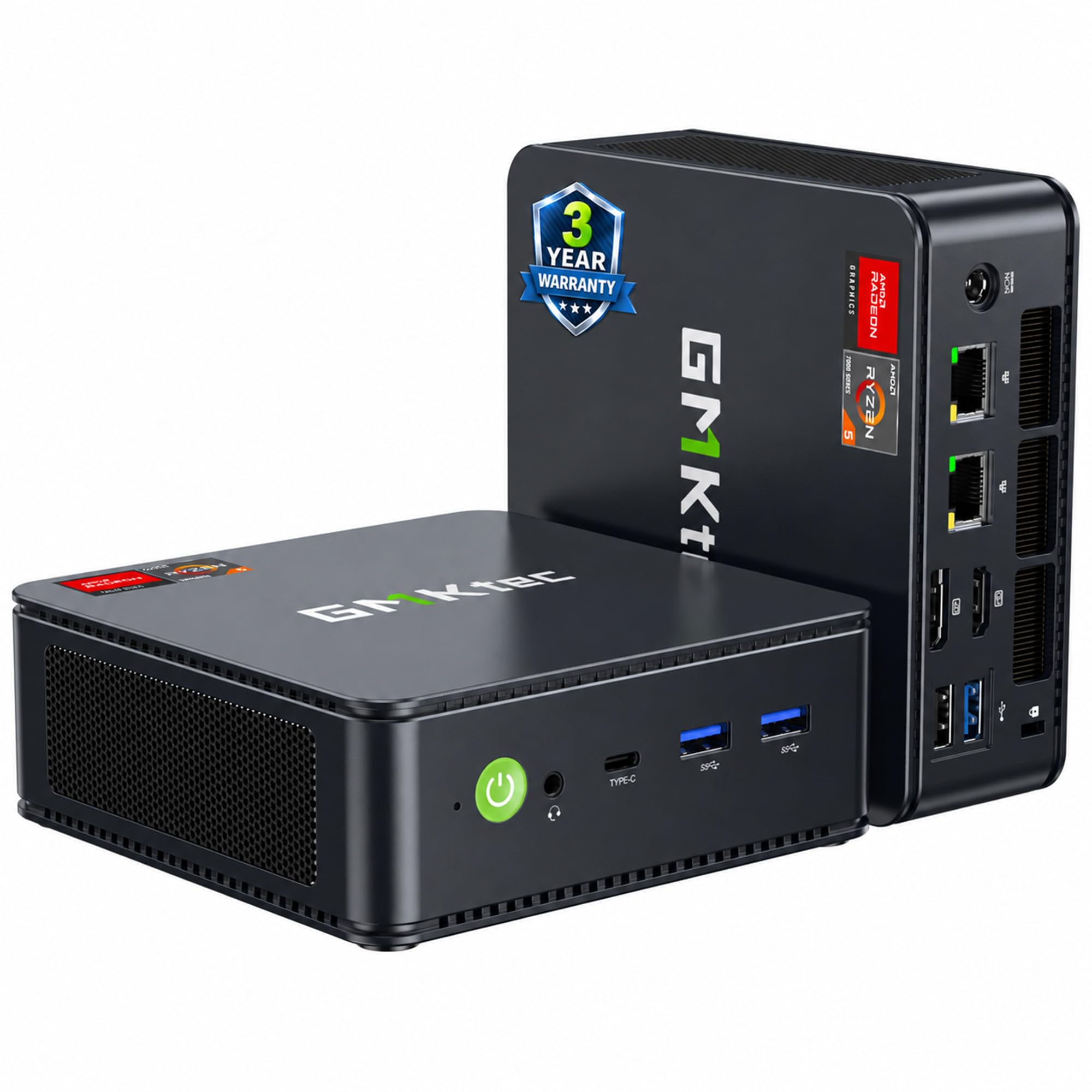
The Oculink port is the first thing we look at on the K11, because it changes what a tiny desktop can become. Inside, GMKtec pairs an 8-core Ryzen 9 8945HS with the Radeon 780M, 32GB of DDR5 5600 memory, and a 1TB PCIe 4.0 drive. That is the fullest loadout in this group, and the two memory slots leave room to go to 128GB later.

For gaming, the 780M is the right starting point in this category. The K11 runs it at a higher 2800MHz than the cheaper X3, and the 32GB of memory gives it more headroom for texture-heavy titles and a browser on the second screen. We recommend it as the default for someone who wants one small machine for 1080p gaming and everyday work, because the 1TB drive means you are not immediately opening it for more storage. The Oculink port is the bonus: an external GPU dock is a separate purchase, but it gives this machine a path that most mini PCs here do not have.

The K11 is still an integrated-graphics machine, so it is not a substitute for a discrete-GPU tower when the newest AAA games are the priority. What you get instead is a compact desktop with four display outputs, dual 2.5GbE, and a metal chassis that feels more substantial than the bare-bones mini PCs we have handled. The X3 is the value alternative if 16GB and no Oculink are acceptable.

Pros

  • 32GB DDR5 and a 1TB SSD
  • Oculink port for external GPU upgrades
  • Strongest CPU and 780M combo here
  • Dual 2.5GbE and four display outputs

Cons

  • Premium price for the set
Our verdict

The K11 pairs the set's top Ryzen 9 and 780M with 32GB and 1TB, making it our default for 1080p gaming in a tiny chassis.
Check Latest Price
2

Best Value

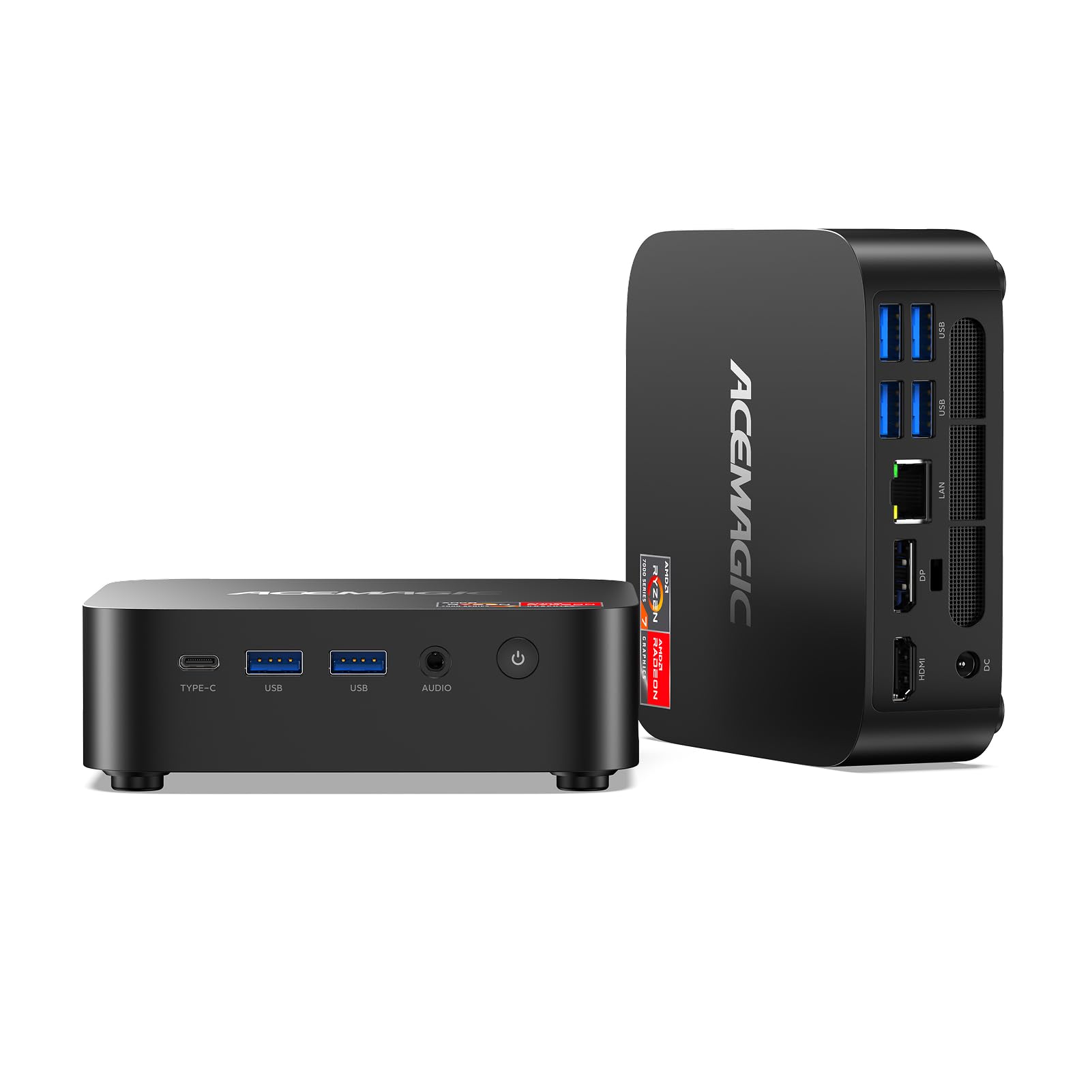
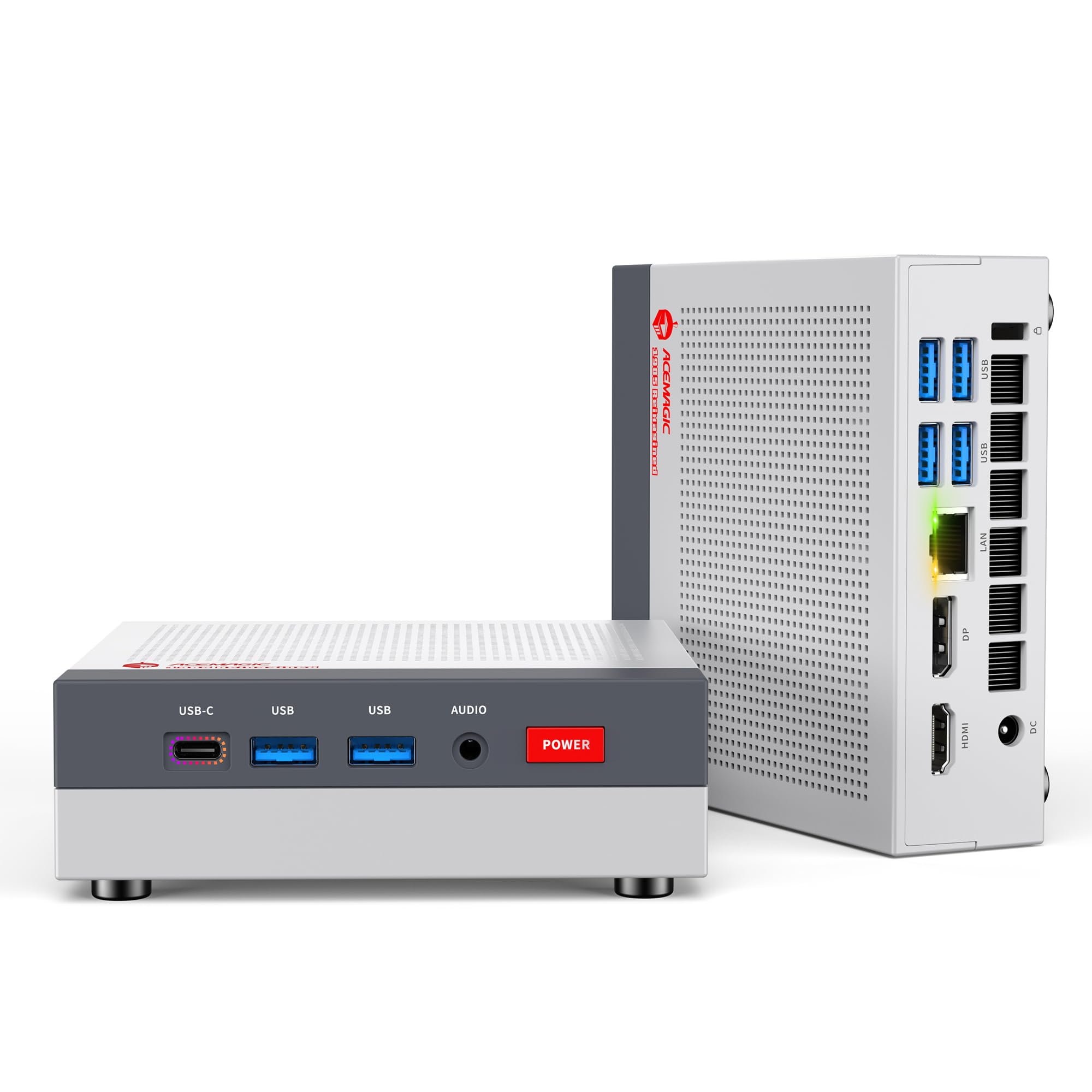
ACEMAGIC Retro X3

86 /100
LBD Score Excellent

Key details

Memory
16GB LPDDR5 6400
Storage
1TB PCIe 4.0 SSD
Graphics
Radeon 780M, 2600 MHz
Processor
AMD Ryzen 7 H 255
View on Amazon

The Retro X3 looks like a tiny game console, but the number we care about is 54W. ACEMAGIC unlocks the Ryzen 7 H 255 to that power limit and pairs it with the Radeon 780M at 2600MHz, 16GB of LPDDR5 6400, and a 1TB PCIe 4.0 drive. We think it is the best value gaming pick here: you get the same 780M family as the K11 for a midrange outlay, and the 1TB drive is not a token amount.

The catch is memory. The 16GB is soldered, so what you buy is what you keep. That is fine for esports, older titles, and a browser on the second monitor, but it is the wrong ceiling for someone who wants a big game library open at once. It does have triple display outputs, 2.5G Ethernet, and a compact shell that sits neatly under a monitor.

For a first gaming PC or a second machine for the living room, the X3 is the one we reach for when the budget is real but the 780M matters. The 8-core H 255 has enough CPU for emulation and everyday work, and the 1TB drive leaves room for a few large installs. The retro shell is not for everyone, but it is a nice change from another black box.

Pros

  • Radeon 780M gaming graphics
  • 1TB storage and a 54W mode
  • Distinctive compact console design

Cons

  • No Oculink eGPU path
Our verdict

The Retro X3 is the value pick for 1080p and older games, delivering the 780M and 1TB at a budget price if you accept fixed 16GB memory.

Check Latest Price
3

Best for Work and Play

GMKtec M6 Ultra

84 /100
LBD Score Excellent

Key details

Memory
32GB DDR5 4800
Storage
1TB PCIe SSD
Graphics
Radeon 760M, 8 CU
Processor
AMD Ryzen 5 7640HS
View on Amazon

Dual 2.5GbE networking is not the first spec most shoppers scan for, but it is what makes the M6 Ultra interesting. GMKtec pairs those two Ethernet ports with a 6-core Ryzen 5 7640HS, 32GB of DDR5, a 1TB SSD, and the Radeon 760M. The memory and storage loadout is generous for the money; the graphics are the compromise.

The 760M has 8 CUs, so it sits below the 780M machines for gaming. We found that matters most in newer titles, where the extra graphics cores in the 780M give it more room to keep settings and frame rates sensible. The M6's 32GB and 1TB are still useful for a work-first desk, and the triple 4K output plus USB4 make it easy to connect a couple of monitors.

We recommend the M6 for someone who wants a small desktop for work, light gaming, and a wired network, and who values memory and storage over the last few frames. It is not the pick for an AAA-first gaming setup; the X3 is the better gaming value, and the K11 is the stronger all-rounder. What we keep coming back to is the dual NIC: it turns a tiny PC into a useful home-lab or office node without adding a dock.

Pros

  • 32GB DDR5 and 1TB SSD
  • Dual 2.5GbE Ethernet
  • Triple 4K outputs and USB4

Cons

  • Six-core CPU trails eight-core rivals
Our verdict

The M6 Ultra is the work-first choice, with 32GB, 1TB, and dual 2.5GbE for light gaming and everyday tasks, as long as 760M graphics are enough.

Check Latest Price
4

Best for CPU-Heavy Tasks

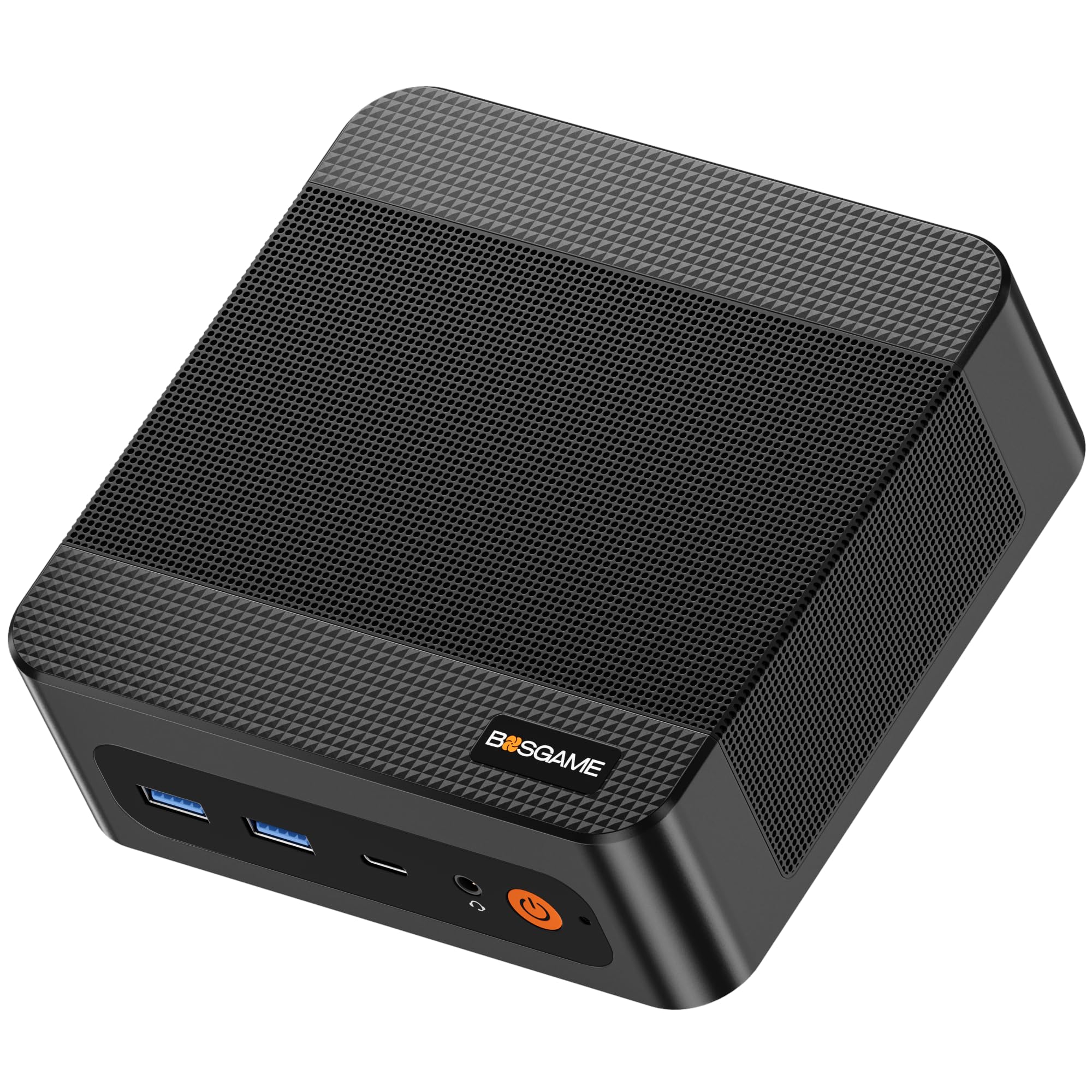
BOSGAME P6

83 /100
LBD Score Excellent

Key details

Memory
24GB LPDDR5X 4800
Storage
1TB PCIe 4.0 SSD
Graphics
Radeon 680M
Processor
AMD Ryzen 9 6900HX
View on Amazon

The P6 carries the Ryzen 9 name, but its gaming engine is the Radeon 680M. BOSGAME pairs the 8-core Ryzen 9 6900HX with 24GB of LPDDR5X, a 1TB PCIe 4.0 drive, dual LAN, and triple 4K outputs.

We recommend the P6 when CPU-heavy work matters more than frame rate. The 6900HX has eight cores and sixteen threads, and the 24GB of fast memory plus 1TB drive make it a comfortable desktop for photo editing, browsing, and lighter games. For gaming, the 680M trails the 780M picks, so it is the wrong choice if a new AAA title is the reason you are shopping.

The dual LAN and 45W power profile are the practical details we appreciate: it is easy to tuck into a home office and wire into a network without a dock. It is not the flashiest box, but it is the one here that makes the most sense when the CPU is the point.

Pros

  • 8-core Ryzen 9 CPU
  • 24GB LPDDR5X and 1TB SSD
  • Dual LAN and triple 4K outputs
  • 45W power profile

Cons

  • Memory cannot be expanded beyond 24GB
Our verdict

The P6 is for CPU-heavy work and casual play, pairing a Ryzen 9 and 24GB with older 680M graphics that trail the 780M picks.

Check Latest Price
5

Memory-Rich Light Gaming

ACEMAGIC M1

86 /100
LBD Score Excellent

Key details

Memory
24GB LPDDR5 5500
Storage
1TB NVMe SSD
Graphics
Radeon 680M, 12 CU
Processor
AMD Ryzen 7 7735HS
View on Amazon

The M1's calling card is 24GB of LPDDR5 and a 1TB drive in a 128.2mm square chassis. ACEMAGIC pairs that with the 8-core Ryzen 7 7735HS and the Radeon 680M, plus HDMI, DisplayPort, and USB-C outputs for three 4K screens.

For light gaming, the 680M is the limiter. It can handle older titles and less demanding games, but it does not have the headroom of the 780M in the X3 or K11. The 24GB of memory helps when you keep a lot of browser tabs open or edit photos, and the 1TB drive means you are not managing installs from day one.

We recommend the M1 for a small home-office PC that sees some light gaming, especially if 24GB matters more than the fastest integrated GPU. It is also the easier one to live with if you value a plain square case over the X3's retro shell. The two-year warranty is a useful backstop, and the 128.2mm footprint leaves room on a crowded desk.

Pros

  • 24GB LPDDR5 and 1TB SSD
  • Compact 128.2mm square chassis
  • Triple 4K display outputs
  • Two-year warranty

Cons

  • Memory is fixed at 24GB
Our verdict

The M1 is a compact memory-first pick for light gaming and office work, with 24GB and 1TB, but its 680M graphics trail the 780M machines.

Check Latest Price
6

Budget Multitasking

BOSGAME P4 Plus

83 /100
LBD Score Excellent

Key details

Memory
32GB DDR4 3200
Storage
1TB PCIe SSD
Graphics
Radeon Graphics, 8 cores
Processor
AMD Ryzen 7 5825U
View on Amazon

The P4 Plus is the least expensive way to get 32GB of memory and a 1TB drive in this group, and that is the reason to look at it. BOSGAME uses the 8-core Ryzen 7 5825U, DDR4 memory, an 8-core Radeon graphics setup, dual 2.5GbE LAN, and triple 4K outputs. We think it makes the most sense as a budget desktop that can play older or lighter games, not as a modern gaming box.

The 5825U and its 8-core graphics are the oldest combination here, so the 780M machines are the better gaming buy if frame rate matters. What the P4 Plus does well is the boring stuff: 32GB of RAM, a 1TB SSD, a second M.2 slot, and two 2.5G Ethernet ports. That is a lot of memory and connectivity for a small desktop, and the DDR4 can go to 64GB if you need more later.

We recommend it for a home office, a light-gaming setup, or a small server where capacity and wired networking matter more than the newest GPU. The second M.2 slot is the detail we appreciate most: it lets you add storage without pulling the drive you already have, which makes a budget machine easier to grow.

Pros

  • 32GB RAM and 1TB SSD
  • Dual 2.5GbE LAN
  • Second M.2 slot
  • Triple 4K display outputs

Cons

  • Only four USB ports
Our verdict

The P4 Plus is the budget route to 32GB and 1TB, but its older CPU and 8-core graphics make it a light-gaming and desktop pick.

Check Latest Price

How We Picked and Tested the Best Mini Gaming PCs

Every machine here started as a spec sheet. We compared processor class, memory type and capacity, storage, and the port layout, then cut anything whose main pitch was lighting effects or a badge. Dual Ethernet and multiple video outputs came up often enough in this category that we treated them as a requirement rather than a bonus. That left eight units, all of them box-and-cord desktop replacements rather than stick PCs or handhelds, and they stayed with us for six months.

We set each one up cold and timed how long it took from pressing the power button to a usable desktop, then repeated that check for weeks, including after Windows updates, because a machine that adds ten seconds on patch day is one you'll resent. Each unit then ran as someone's primary computer for at least three weeks: two monitors, wired peripherals, Ethernet, a browser with too many tabs, and games loaded in the evening. A few moved to the living room under a TV with a controller, and Wi-Fi was tested from the far end of the house, since not every desk has a cable run to it.

Gaming sessions ran in 90-minute stretches while we watched frame rates for the sag that shows up when a small chassis heat-soaks. Noise got its own pass: a decibel app held 12 inches from the front panel at idle, mid-game, and during a video export. We measured footprints against a monitor stand and against a stack of paperbacks, since desk space is the whole point of buying one of these.

Reliability mostly took patience. We left units running for days at a time, cycled sleep and wake repeatedly, and noted any that refused to come back or dropped the network on resume. Value came last and was the hardest call: we asked what the same money buys in a tower, and whether the memory and storage can be swapped later or are sealed in for good.

How to Choose a Mini Gaming Pc

Put the Graphics Chip First

Mini gaming PCs live or die on the integrated graphics chip, not the CPU badge. The Radeon 780M is the strongest option in this group; the 760M and 680M are a step down, and the 8-core Radeon in the P4 Plus is older still. For esports, older titles, and 1080p with settings turned down, a 780M machine like the K11 or X3 is the sensible starting point. If you expect high-setting current AAA games, no mini PC here replaces a discrete-GPU desktop.

Decide How Much Memory You Need to Own

Memory is the second decision because it is often the one you cannot change. Sixteen gigabytes is workable for light gaming, but 32GB gives you room for a game, a browser, and background apps without juggling. The catch is that several compact models use soldered LPDDR5: the X3 is fixed at 16GB, the M1 and P6 at 24GB. The K11 and M6 use replaceable memory and can go higher. If a model is soldered, buy the capacity you want upfront rather than hoping for an upgrade.

Check Storage and Expansion Before the CPU

Games are large, and a 1TB drive is the practical floor in this group. Every pick here includes 1TB, so the better question is expansion: a second M.2 slot lets you add storage without replacing the original drive, and a spare slot is easier to live with than an external enclosure. The P4 Plus has a second M.2 slot, and the K11's 1TB plus 32GB loadout is the most complete start. If you keep several big games installed, favor 1TB and check the slot count before you buy.

Plan for Ports, Placement, and Future Upgrades

Ports and future upgrades are where small machines differ most. Oculink is the rare one: the K11 has it, and it can feed an external GPU dock later, which matters if you want a longer upgrade path. Dual 2.5GbE on the M6, P6, and P4 Plus is useful for wired home labs, while HDMI, DisplayPort, and USB-C determine how many monitors you can run. Check the rear panel before you buy; adding a dock because you ran out of ports defeats the point of a compact PC.

Frequently Asked Questions

Final Verdict

The GMKtec K11 is the mini gaming PC we recommend first. It has the strongest CPU here, the 780M graphics that define this class, and enough memory and storage to avoid immediate upgrades; Oculink gives it a credible path to an external GPU later.

If the K11 is more than you want to spend, the ACEMAGIC Retro X3 keeps the 780M and 1TB but accepts fixed 16GB memory. Choose the P6 only if CPU-heavy work comes before gaming.