Best Soundbars for PC of 2026

The speakers built into a monitor exist to check a box, not to fill a room, and you hear it the first time a video call goes thin or a game lands with no weight behind it. A slim soundbar tucked under the screen fixes that without eating the six inches of desk you don't have to spare.

I've had some form of bar under my monitor for years now, and over the past four months my team and I have put 16 of them through the same routine: morning calls, afternoon playlists, and a lot of late-night gaming. What sorted them wasn't the spec sheet. It was whether the bar actually cleared the bottom of the screen, whether Bluetooth reconnected on its own when I picked up my phone, and whether I could find the volume control without turning on a light.

Looks count for more than I expected, too — a desk you stare at for eight hours doesn't necessarily need a light show, so we noted which lighting modes could be switched off entirely. The picks below run from dead-simple plug-and-play bars to ones with a little more going on.

1

Best Overall

Nylavee SK100 Soundbar

87 /100
LBD Score Excellent

Key details

Power
USB, 5V
Width
16 in
Extras
Built-in mic and headphone jack
Connection
3.5mm AUX and Bluetooth 5.0
View on Amazon

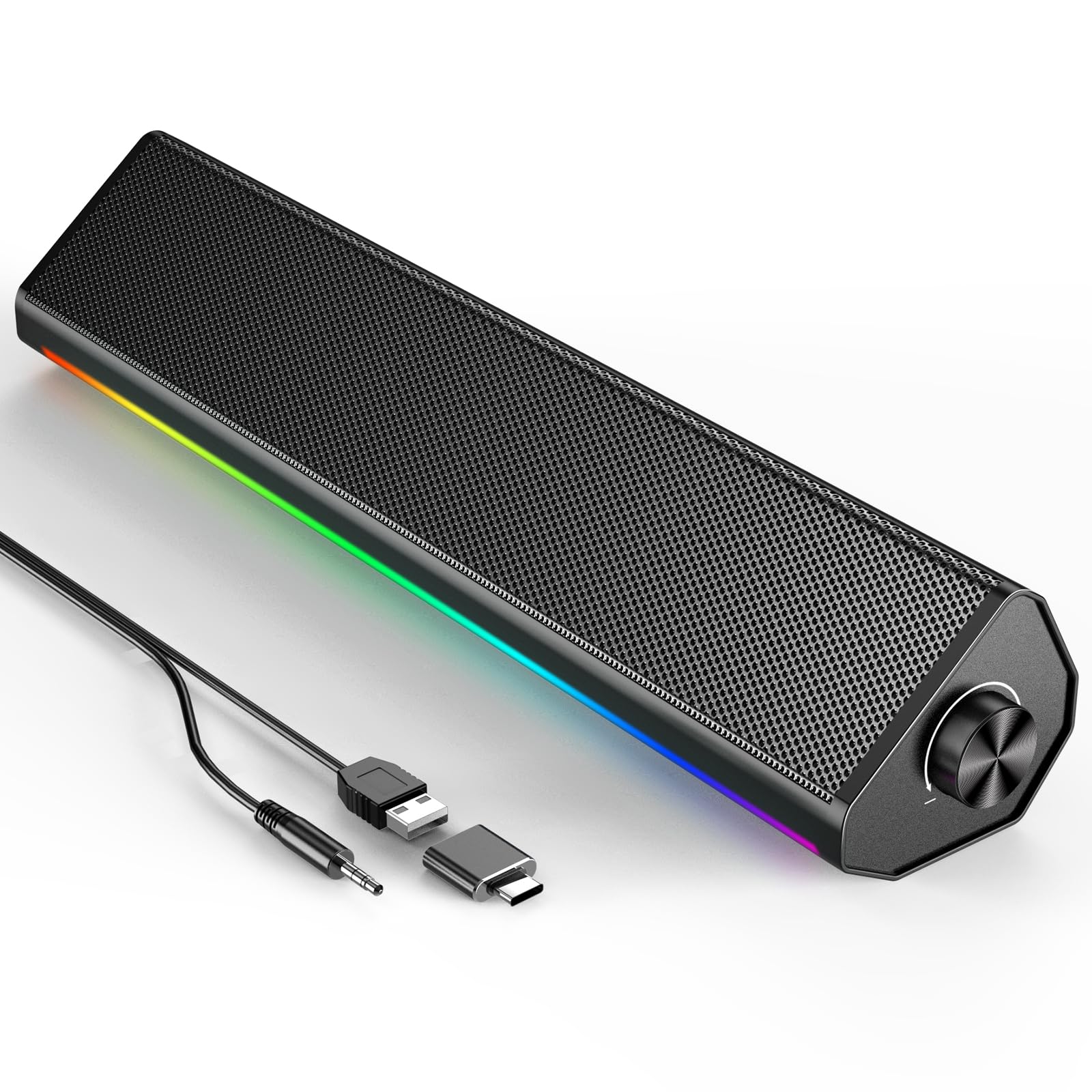
Sixteen inches wide, 2.8 inches tall and shaped to slide under a screen, the SK100 is the bar that ends up beneath our monitor most days. Four drivers and two bass diaphragms give it more body than the size suggests, and dialogue in games and calls stays clear at the low volumes a desk actually runs at. That balance, rather than raw loudness, is what keeps it there.

Setup is two cables at most: USB for power, 3.5mm for audio. Bluetooth 5.0 is available for a phone or a laptop with no jack, but the wireless link is the least dependable part of the package and can drop mid-session, so we kept the cable plugged in and stopped thinking about it.

The surprise is the built-in microphone and headphone jack. Plug a headset into the bar and it becomes the switchboard for a workday: speakers for video, headphones for the call, one knob on top for volume. That knob matters more than it sounds, because a physical dial is faster than hunting for the Windows slider when a meeting starts.

Rated at 5 watts, it fills an office and stops there; it will not carry a living room. For everything this guide is about, fitting under a monitor, cleaning up speech and adding the ports most rivals skip, it is the bar we point people to first and the one we notice least once it is installed.

Pros

  • Clearest, most balanced sound of the bars here
  • Volume knob and power switch on top
  • Built-in microphone and headphone jack
  • Fits under a monitor at 2.8 inches tall

Cons

  • 5-watt rating limits room-filling volume
Our verdict

The best all-round PC soundbar we tested: clear at low volume, with a volume knob, a headphone jack and a mic that most rivals skip.

Check Latest Price
2

Best for Wide Monitors

Bluedee SK010 Soundbar

86 /100
LBD Score Excellent

Key details

Power
USB
Width
16.45 in
Connection
3.5mm AUX and Bluetooth 5.0
Rated Output
15 watts
View on Amazon

At 16.45 inches, the SK010 is the widest bar in this guide, and that is the whole idea: under a 32-inch monitor it reads as part of the display instead of an accessory parked in front of it. The light strip along the front is soft enough to leave on for work and can be switched off completely for a dark room.

Its 15-watt rating is the highest among the wired bars here, and the twin drivers plus diaphragms put a bit more weight behind games than the smaller options manage. We did not hear a dramatic jump over the Nylavee at desk distance, though; the extra power mostly buys headroom rather than bass.

The 3.5mm lead is short. If your headphone jack is around the back of a tower under the desk, budget for an extension or use the front panel, which is the one setup detail that tripped us up. Controls are physical and easy to find by feel, which we prefer to touch panels in the dark.

Where it lands for us is a big, cheerful bar that behaves itself when it is wired and looks deliberate under a big screen. That is a narrow brief, and it fills it better than anything else on this page.

Pros

  • Widest bar in this guide at 16.45 inches
  • 15-watt rating, highest of the wired bars
  • Front light strip can be switched off
  • Physical knob and button controls

Cons

  • Bluetooth pairing can fail and the link can drop
Our verdict

A wide, good-looking bar for a 27-inch-plus monitor; we run it wired and treat Bluetooth as a bonus.

Check Latest Price
3

Best Single-Cable USB-C Pick

Razer Leviathan V2 X

84 /100
LBD Score Excellent

Key details

Lighting
14 Chroma RGB zones
Wireless
Bluetooth 5.0
Connection
USB-C, audio and power
Volume Output
Up to 90dB
View on Amazon

One cable, USB-C at both ends, carrying power and audio at the same time. On a laptop with two USB-C ports and no headphone jack, that single lead is worth more than any feature on the box: no dongle, no power brick, nothing else snaking across the desk.

The rest is Razer's usual package, with 14 Chroma lighting zones driven from Synapse, an equalizer in the same app, Bluetooth 5.0 for a phone, and a stated 90dB ceiling that is plenty at desk distance. It is also the priciest bar in this guide by a wide margin.

Wireless is the weak seam. Bluetooth can drop and stay dropped until you reconnect, while audio over USB-C is noticeably steadier, which is fine because the cable is the point. We used it plugged in, with the app configured once and then ignored, and it was unremarkable in the best way.

If your computer is USB-C only, or Synapse already runs your keyboard and mouse, the tidiness and the lighting are a real reason to pay the premium. If you want a bar to carry between rooms and run on Bluetooth, this is not the one.

Pros

  • One USB-C cable carries power and audio
  • 14-zone Chroma lighting with app equalizer
  • Stated 90dB output ceiling
  • Bluetooth 5.0 for phone audio

Cons

  • Can switch itself off mid-session
  • Lighting and EQ depend on Razer Synapse
Our verdict

If your laptop lives on USB-C, this is the cleanest one-cable desk setup here; do not count on the wireless.

Check Latest Price
4

Best for Clipping to a Monitor

XKX Clip-On Soundbar

85 /100
LBD Score Excellent

Key details

Width
9.17 in
Mounting
Clip-on monitor clamp
Connection
USB or USB-C adapter
Rated Output
10 watts
View on Amazon

Two padded clamps grip the edge of the monitor and the bar hangs there, top or bottom, level with the bezel. A G-sensor flips left and right depending on which way up it is mounted, so a voice on the right of the screen still comes from the right. We clipped ours under a 24-inch display and the desk beneath it stayed completely clear.

At 9.17 inches wide it looks like a chin on a smaller monitor rather than a bar competing with it, and the three front touch buttons, volume down, mute and volume up, are reachable without moving anything. USB carries power and audio, with a USB-C adapter in the box for laptops that need one.

Ten watts through two 40mm drivers and two passive radiators is tuned clarity-first: meetings and game dialogue come through cleanly, while anything with a bass line sounds thin. That is the trade for a bar this small, and for speech it is the right one.

The clamp has enough padding for a thick or curved bezel, but check that the bottom edge of your monitor is free of buttons and ports before you commit, because the bar sits exactly where they are.

Pros

  • Clamps to the monitor and frees the desk
  • G-sensor flips channels for top or bottom mounting
  • Front touch controls within easy reach
  • Clear speech at low volume

Cons

  • Almost no bass from a 9-inch bar
  • Can develop a constant static or ringing tone
Our verdict

For a desk with no spare inch, clipping this to the monitor is the neatest fix we found; expect clear speech, not bass.

Check Latest Price
5

Best Budget Pick

Redragon GS560

86 /100
LBD Score Excellent

Key details

Width
15.8 in
Controls
Volume knob, touch lighting
Connection
3.5mm AUX, USB power
Rated Output
4 watts
View on Amazon

A 16-inch light bar across the front, a proper volume knob with a power click, touch controls for the lighting, and a budget price for a bar this wide. The GS560 is what you buy when the desk needs to look less like office furniture.

What the money buys is 4 watts and a 2.0 setup that handles podcasts, meetings and casual games and runs out of puff the moment something needs low end. Voices are clear; explosions are not. At a work desk that is fine, and in a game where the bass carries the scene it is not.

The lighting is the headline and the letdown: a handful of modes and a few solid colors rather than the per-zone sync the box implies. In a dark room it looks better than it should for the money, and it switches off when you want the desk to behave.

Noise is the real caveat. A constant high-pitched whine is the risk with this one, and on some units it changes with the light mode. Power it on with nothing playing, volume at zero and your ear close, inside the first week. If you hear it, send it back, because you will hear it every time the room goes quiet.

Pros

  • Budget price for a wide, light-up bar
  • Real volume knob with a power click
  • Touch controls for the lighting
  • Plug-and-play USB power with 3.5mm audio

Cons

  • Can emit a high-pitched whine when idle
  • 4 watts with almost no bass
Our verdict

The budget route to a wide, light-up bar with a real knob; we forgive the thin bass but test for hiss in week one.

Check Latest Price
6

Moving Between Rooms

Monster S330

84 /100
LBD Score Excellent

Key details

Width
13.3 in
Battery
Up to 7.5 hours at 50% volume
Connection
USB/Type-C, Bluetooth 6.0
Rated Output
20 watts
View on Amazon

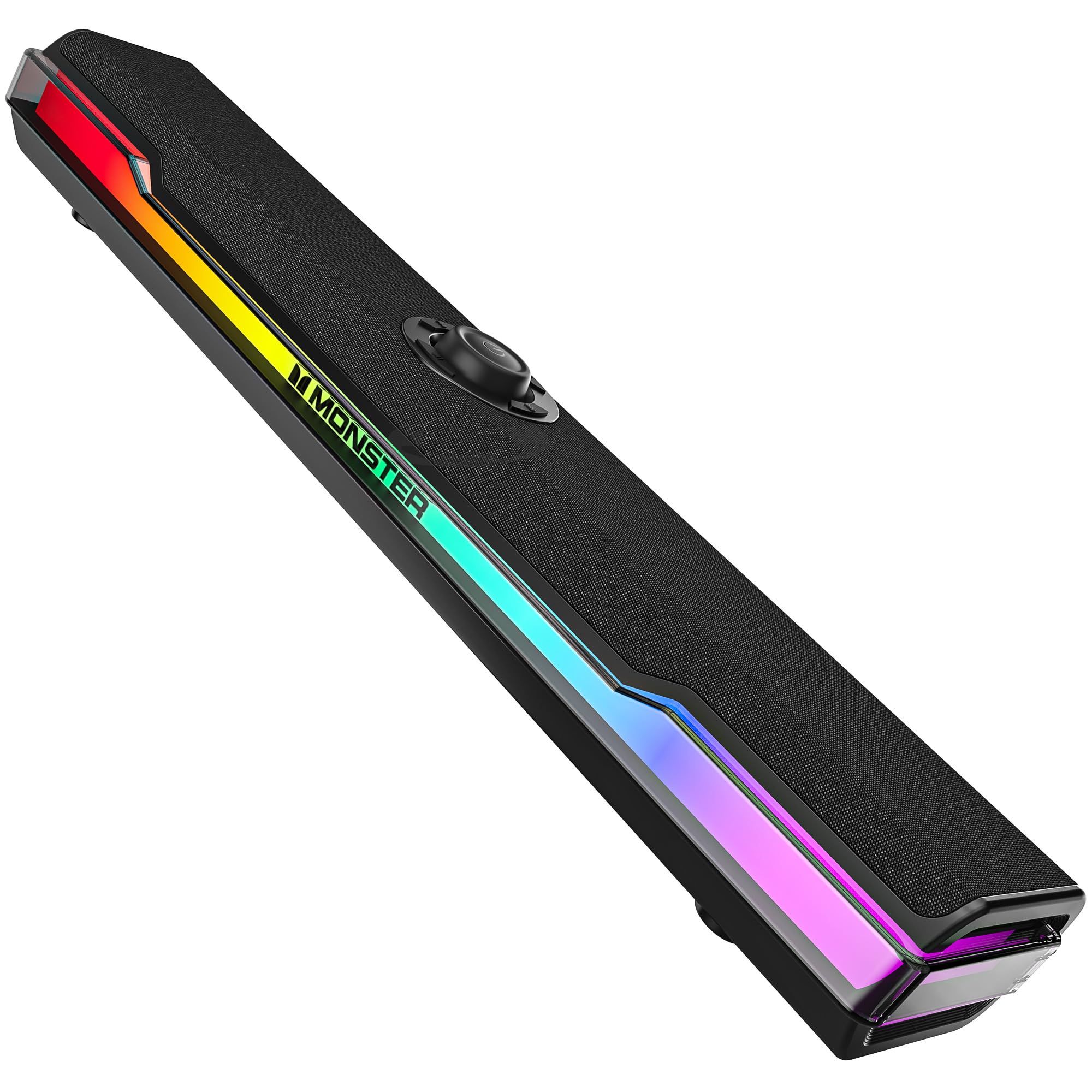
It is the only bar here with a battery, and that changes what it is: up to 7.5 hours at half volume, one USB/Type-C cable for power and audio at the desk, and nothing to plug in when you carry it to the kitchen.

Monster rates it at 20 watts through two 50mm drivers, the highest output figure in this group, and the woven mesh front looks plainer and more expensive than the light-up bars. At 13.3 inches it sits comfortably under a 24- or 27-inch monitor without crowding the stand.

We like it most for the second job. A speaker that lives on a desk is judged on how little attention it needs, and one that moves between rooms is judged on how quickly it starts: this pairs over Bluetooth 6.0 without an app, and the bass boost and lighting are buttons on the bar rather than a menu.

Where it earns its keep is the in-between case, a desk by day and a kitchen or a balcony by night without carrying a second speaker. That is a narrow reason to buy a soundbar, and it is the only one that makes this pick make sense.

Pros

  • Built-in battery, up to 7.5 hours at half volume
  • Highest rated output here at 20 watts
  • One cable for power and audio
  • Bluetooth 6.0 without an app

Cons

  • No headphone jack or microphone
Our verdict

The only bar we tested that you can unplug and carry to another room, with the highest rated output in the group.

Check Latest Price
7

One-Cable Desks

ICOREBEI USB-C Soundbar

87 /100
LBD Score Excellent

Key details

Width
16 in
Wireless
Bluetooth 5.3
Connection
USB-C, audio and power
Rated Output
6 watts
View on Amazon

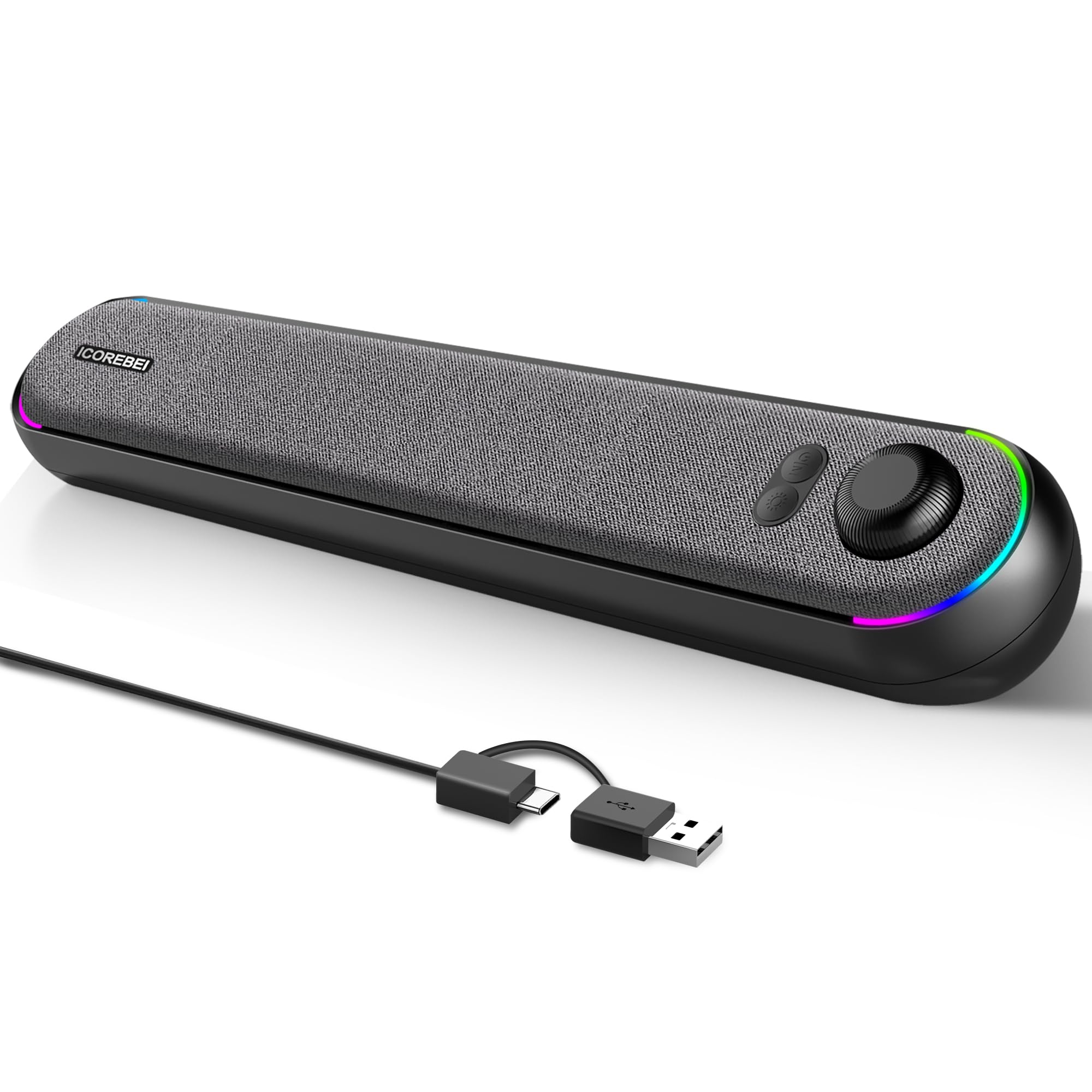
Sixteen inches wide with a slight backward tilt, so the drivers aim up at your ears instead of into the keyboard. The RGB sits at the two ends of the bar, three modes and none of them in the middle of your sightline, which keeps the desk calm.

One USB-C to USB-A cable carries both audio and power, and the bar appears as a sound device with nothing to install. There is no 3.5mm lead to route behind the monitor, and Bluetooth 5.3 covers a phone or tablet when the desk is off.

Six watts through dual full-range drivers and a bass radiator is tuned for speech and detail rather than punch: good for calls and streaming, thin for anything percussive. The push buttons sit on the bar itself rather than in an app, which we prefer at a desk.

For a desk that can spare one USB port, this is the calmest-looking bar here and the simplest to cable. It is also the newest design in the group, so long-term wear on those buttons is the open question.

Pros

  • One USB-C cable for audio and power
  • Angled face aims sound at the listener
  • Bluetooth 5.3 as a backup
  • Slim 16-inch body fits under a monitor

Cons

  • Needs a free USB port; no 3.5mm input
Our verdict

A clean one-cable USB setup with an angled face we like; check for a spare USB port, since there is no 3.5mm fallback.

Check Latest Price
8

Wired-Only Offices

LENRUE S3 Soundbar

81 /100
LBD Score Excellent

Key details

Width
13.7 in
Connection
3.5mm AUX with USB power
Rated Output
10 watts
View on Amazon

Two cables, one screen-width of plastic, and nothing to install: the S3 is the least complicated thing in this guide. It sits under a monitor, draws power from USB, takes audio from a 3.5mm jack, and works the first time.

At 13.7 inches wide and under three inches tall it slots under a 24- or 27-inch screen without fighting the stand, which is the whole reason to buy a bar this shape instead of a pair of desktop speakers. A USB-C adapter is in the box for laptops that have dropped USB-A.

Ten watts tuned for speech keeps calls and video clean, while music sounds polite and heavy bass is not on the menu. The colored light runs off a touch control and switches off completely, which is the first thing to do on a work desk.

Small, wired and dull in the best sense: this is the bar we point a first home office at, and the one nobody will ever comment on. If your desk is the only place it will ever live, that is exactly enough.

Pros

  • Two-cable setup with nothing to install
  • 13.7-inch body fits most monitor gaps
  • USB-C adapter included
  • Colored light switches off completely

Cons

  • No Bluetooth, microphone, or headphone passthrough
Our verdict

For a pure work desk, this wired-only bar is the simplest thing we tested: two cables, no pairing, 13.7 inches of nothing to think about.

Check Latest Price

How We Tested PC Soundbars

We started by pulling every bar sold as a desktop or under-monitor speaker, then narrowed it to models with a wired audio input and no separate power brick — a soundbar that needs its own wall adapter defeats the point of a tidy desk. From there we read customer reviews for the complaints that repeat: a channel that dies after a month, Bluetooth that won't reconnect, a volume floor too loud for a quiet room.

Sixteen made it onto my desk over four months, each staying at least a week of real work. I played the same three tracks, one dialogue-heavy episode, and a game I know well through every unit, listening for whether voices held center and whether the low end turned to mush as I pushed the volume. Then I dropped each one to its quietest setting to see if it could actually whisper during a late-night call.

Fit came next: I slid each bar under the monitor to check whether it covered the screen's bottom edge or blocked the stand, and whether the controls were findable by feel in a dark room. On Bluetooth models I paired a phone, walked it to the far end of the apartment to find the drop-off point, and left it connected overnight to see if it came back on its own.

The lit-up ones got a week to prove their lighting could be turned off. Everything stayed plugged in throughout so I could catch a bar that dropped out after the PC went to sleep, and I listened for idle hiss with nothing playing. What I weighed at the end came down to sound, extras, and what each one asked of my desk and my budget.

How to Choose a Pc Soundbar

Measure the gap, not the desk

The bars here run from 9.17 to 16.45 inches wide and roughly 2.4 to 3.5 inches tall, and height is the number that catches people out. A monitor that sits low can leave a two-inch gap, and a 2.8-inch bar does not go under it; it goes in front of it, across the keyboard. Under a 24-inch screen, something in the 9-to-13-inch range looks proportionate. Sixteen inches wants a 27-inch monitor or larger.

Before ordering, measure from the desk to the bottom bezel and the space between the stand's feet. Treat compact in a listing as a claim about a shelf, not about your monitor.

Decide how the audio gets in

Most bars here take power over USB and audio over 3.5mm. That is two cables, it works with anything with a headphone jack, and it never asks you to pair anything. A single USB-C cable carrying both is tidier but claims a port and depends on the computer recognizing the bar as a sound device.

Bluetooth is the third route and the least dependable one. It is fine for a phone and a poor way to run a desktop unless you have no alternative. Count your free ports before you choose: a USB-C-only laptop points at the Razer or the ICOREBEI, while a desktop with a rear headphone jack is happiest with a 3.5mm bar like the Nylavee.

Judge loudness by the noise floor, not the wattage

Rated output in this group runs from 4 to 20 watts, and those numbers are not comparable across brands: a well-tuned 10-watt bar can sound fuller than a 15-watt one. What decides whether you stay happy is clean output at the volume you actually use, and total silence when nothing is playing.

Hiss and whine at idle is the recurring problem in this class, so test it in the first week: power on, volume at zero, nothing playing, ear close. If you hear a tone, return the bar rather than living with it.

Get controls you can reach

Controls split three ways here: a knob on top, touch buttons on the front, an app, or some combination. A physical knob is the fastest thing to grab when a call starts, but only if you can reach it. A bar tucked under a low bezel hides its top panel, which is where front buttons like the XKX earn their place.

Apps add an equalizer and lighting control and tie you to software you will stop opening after a month. Choose from where the bar will sit, not from a feature list.

Skip the TV features you will not use

A PC bar does not need HDMI-ARC, a remote, or a virtual-surround badge. Paying for them is how a desk speaker turns into a small TV bar that fits nowhere. Two channels done properly beat a processed surround claim at this size, every time. Put the difference into width that matches your monitor, or into a headphone jack you will use daily.

Frequently Asked Questions

Final Verdict

The Nylavee SK100 is the soundbar we point most people to, because it does the ordinary things well: it fits under a monitor, it stays clear at the volume a desk actually runs at, and the headphone jack and microphone make it useful on a working day as well as a game night.

Go to the Razer Leviathan V2 X only if your computer is USB-C only and you want a single cable to do everything. Drop to the XKX if desk space is the real constraint and you can live without bass.