Best Capture Cards for Nintendo Switch of 2026

The first time I tried to record a boss fight on my Switch, I balanced my phone on a stack of books and pointed it at the TV. What I got was eleven minutes of glare, my own breathing, and a fight I could barely follow. A capture card fixes that: it sits between the dock and your monitor, hands the picture to your computer, and lets you stream or save the game exactly as it looks. The catch is the one the listing photos never mention — the wrong card makes your game feel a beat behind your thumbs.

My team and I have spent the past seven months with 12 of them, from bare-bones USB dongles to 4K60 boxes with HDR and variable refresh rate passthrough, and what separated them had little to do with the number on the box. For a Switch, capture resolution is rarely the bottleneck. Passthrough is what you actually feel, and a card that keeps your monitor running smooth will do more for your sessions than one that records 4K it can't quite handle.

What follows is what survived: cards that set up without a driver hunt, held audio in sync through a six-hour session, and worked on a gaming PC, a Mac, and an iPad alike.

1

Best Overall

Elgato 4K S

89 /100
LBD Score Excellent

Key details

HDR
HDR10
Connection
USB-C
Max Capture
4K60
Passthrough
1440p120 or 1080p240
View on Amazon

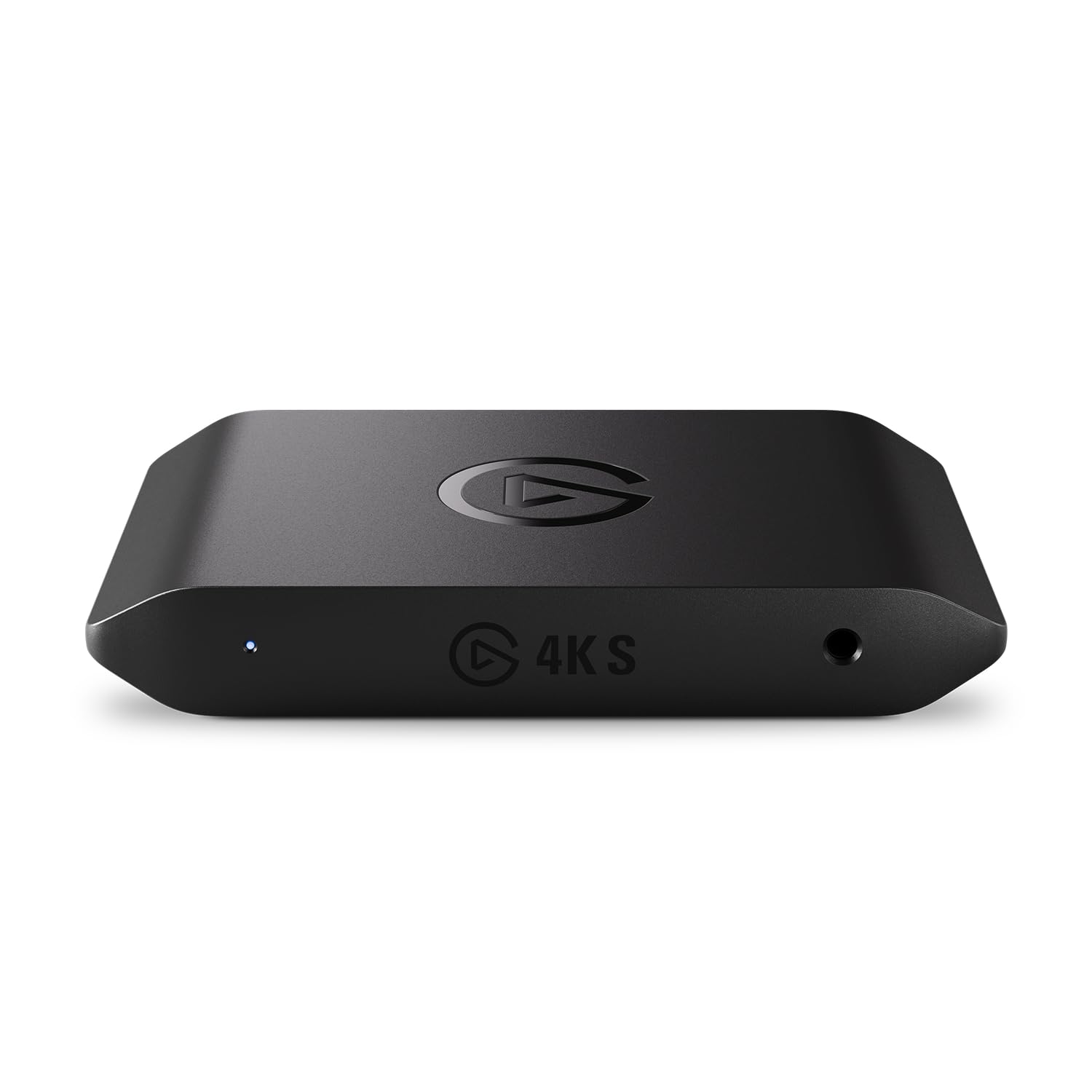
A 4K60 capture mode and 1440p120 or 1080p240 passthrough look like overkill for a 1080p console, but they are the reason the Elgato 4K S is the card we recommend first for a Switch. The console's 1080p60 signal goes in clean, and the passthrough keeps the TV feed responsive while the capture runs on a computer. The extra headroom keeps the card useful if a Switch 2, a PS5, or a PC ends up on the same desk.

The USB-C connection is the other practical win. We like that the card is small enough to sit behind a monitor and that the USB-C connection keeps the desk tidy. The 3.5mm analog input gives you a place for commentary or a headset feed, and OBS sees the card as a standard video source. We did find that the audio source needs to be selected deliberately; the card will not mix game sound and microphone for you.

HDR10 support is there for brighter captures, though the Switch does not use it. The near-zero-latency passthrough is the feature we noticed most in fast games: the TV picture stayed smooth while the laptop recorded. We also appreciate that Elgato supports the card with its own software, but OBS is the simpler route for a Switch-only setup.

The 4K S is not the cheapest route to 1080p60. For a Switch, that is the main trade: you pay for headroom and a polished passthrough rather than the minimum. If you want one card that handles a clean console capture now and a 4K workflow later, this is the one we leave connected.

Pros

  • Clean 1080p60 Switch capture
  • Low-latency passthrough
  • USB-C and 3.5mm audio input
  • 4K60 and HDR10 headroom

Cons

  • No 4K passthrough
Our verdict

The 4K S is our default Switch capture card: it records clean 1080p60, passes the TV signal through with minimal lag, and adds 4K60 and HDR headroom.
Check Latest Price
2

Best Budget

Acer USB 3.0 Capture Card

85 /100
LBD Score Excellent

Key details

Loop-out
4K HDMI
Mic Input
3.5mm
Connection
USB-A and USB-C
Max Capture
1080p60
View on Amazon

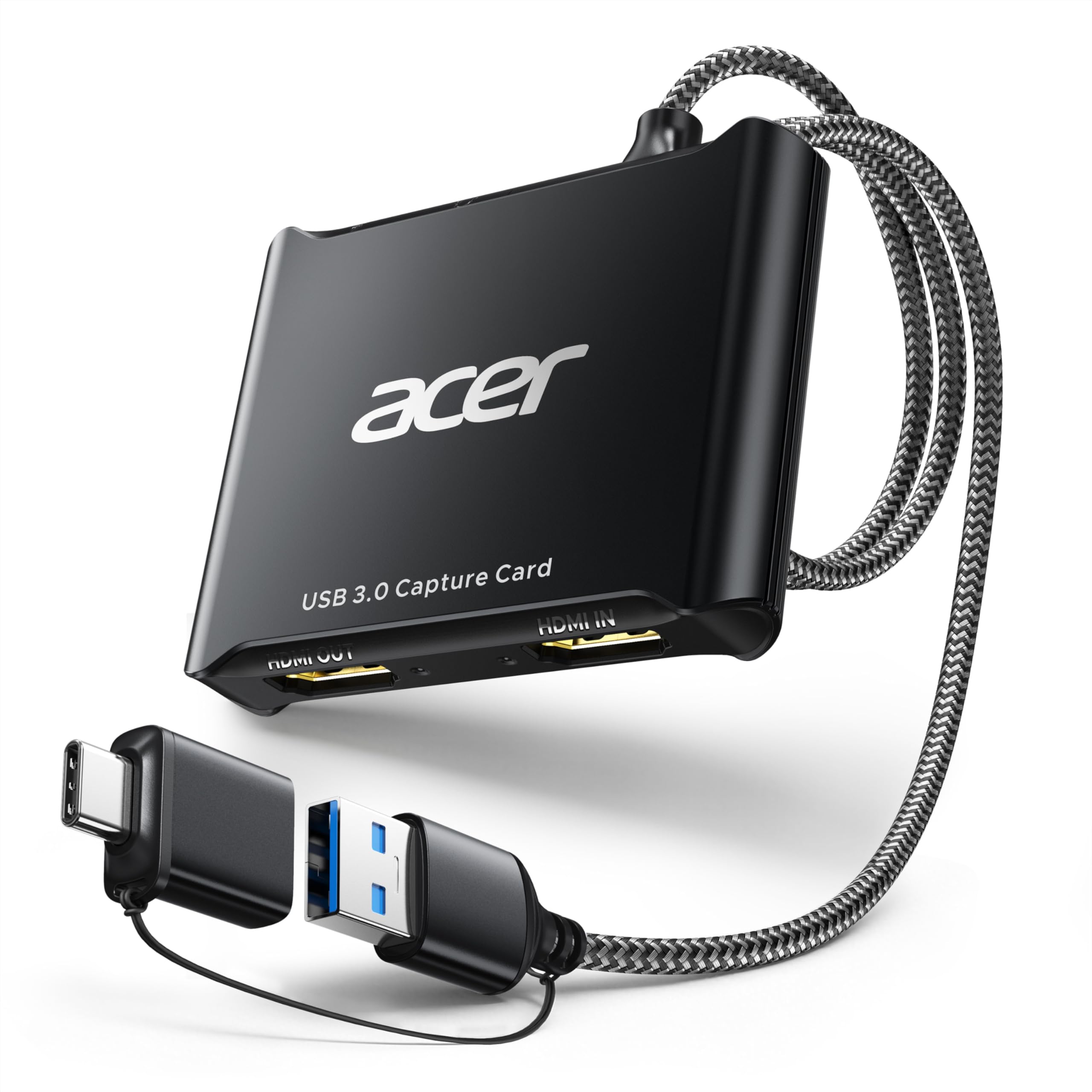
A 4K loop-out, 1080p60 capture, a mic input, and both USB-A and USB-C connections for budget money is the kind of combination that usually comes with a catch. The Acer OCB5B0 is a small capture stick rather than a desktop box. What it does is cover the parts of a Switch stream that people actually notice: the TV signal, the game picture, and the voice channel.

We think that is the right trade for most first setups. The card passes the Switch's 1080p60 signal to the TV while OBS receives a clean capture, and the 3.5mm mic input lets you add commentary without a separate audio interface. In our setup, it appeared as a USB video device and held 1080p60 once OBS was set to the right resolution and frame rate. The loop-out is the feature we appreciate most at this price: you can play on the big screen instead of watching a delayed preview.

The Acer is a compact stick, and we wish the cable were a little longer for desks where the PC sits under the monitor. That is a desk-fit issue, not a capture issue. If you want a proper passthrough setup without spending midrange money, this is the one we hand to budget-minded streamers.

Pros

  • 1080p60 capture for docked Switch
  • 4K HDMI loop-out for TV play
  • 3.5mm mic input
  • USB-A and USB-C connections

Cons

  • No 4K capture
Our verdict

We point budget-minded Switch streamers to the Acer OCB5B0 for clean 1080p60 capture, a 4K loop-out, and a mic input without midrange money.

Check Latest Price
3

Best for 4K60 Passthrough

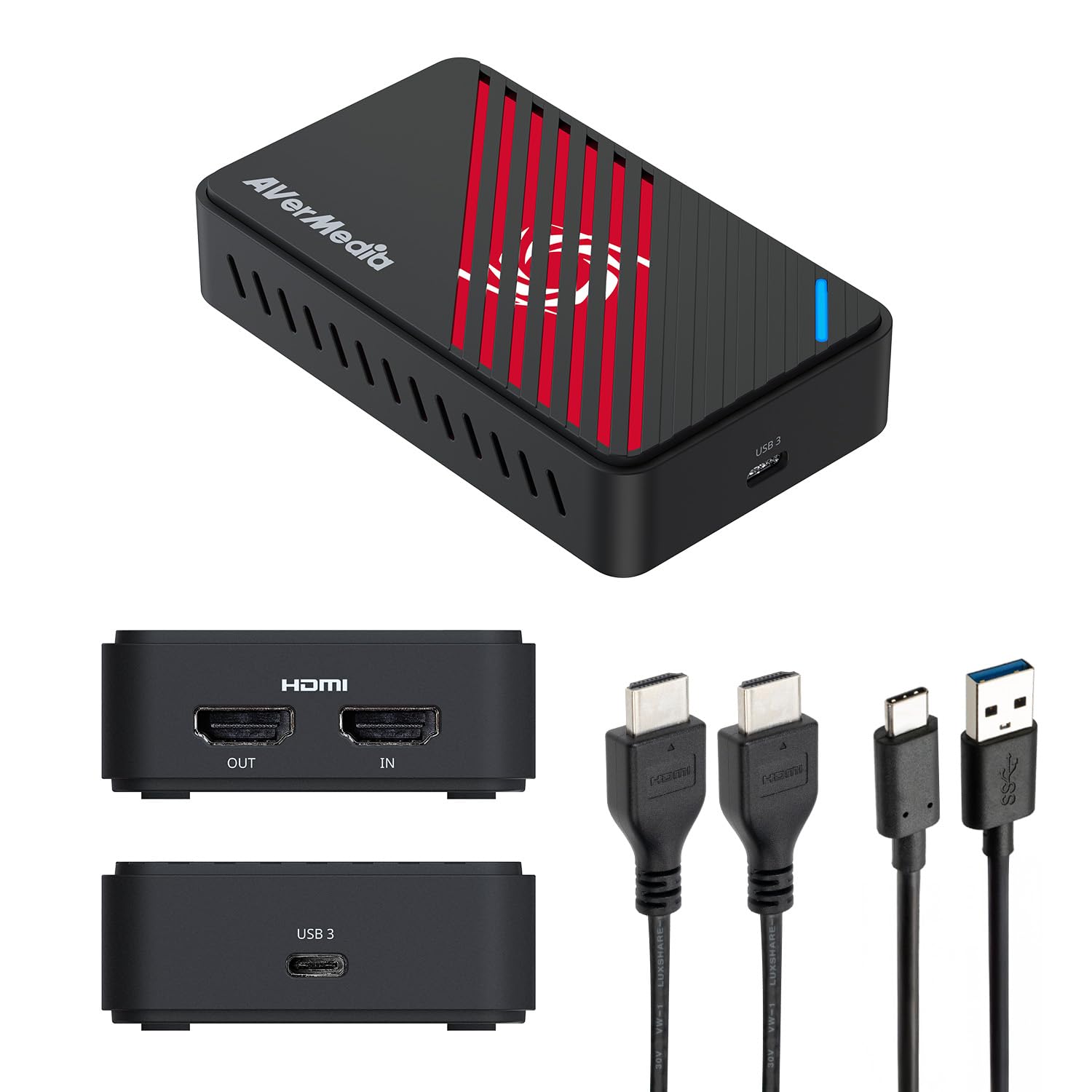
AVerMedia Live Gamer Extreme 3

79 /100
LBD Score Very Good

Key details

Audio
3.5mm in/out
Connection
USB 3.2 Gen 1 Type-C
Max Capture
4K30
Passthrough
4K60 HDR
View on Amazon

The Live Gamer Extreme 3 earns its place with the passthrough. It sends a 4K60 HDR signal to the TV, supports VRR at 1440p120 or 1080p120, and keeps the Switch's 1080p60 output looking like it came straight from the dock. We noticed the benefit in fast games: the TV feed stayed crisp and responsive while the capture ran on the laptop.

The card captures at 4K30, which is more than a Switch needs, and it handles 1080p60 without drama. The 3.5mm audio in and out are useful if you want a headset or mic in the chain, and the card is plug-and-play with OBS. We like that it does not need external power and that HDMI-CEC passes through, so the TV remote still works.

The Extreme 3 is built around the passthrough, so it makes the most sense for a TV setup where the console and the capture PC are in the same room. We wish the USB-C cable were longer, but that is a desk problem, not a capture problem. If you want the TV signal protected above all else, this is the pick.

Pros

  • 4K60 HDR passthrough
  • 3.5mm audio in and out
  • Plug-and-play with OBS
  • VRR passthrough

Cons

  • No 4K60 capture
Our verdict

For a Switch setup built around the TV, we choose the Live Gamer Extreme 3: its 4K60 HDR passthrough stays out of the way while the card records the console.

Check Latest Price
4

Best for 4K60 Capture

AVerMedia Live Gamer ULTRA S

80 /100
LBD Score Excellent

Key details

Audio
5.1-channel
Connection
USB 3.2 Gen 1 Type-C
Max Capture
4K60
Passthrough
4K60 HDR/VRR
View on Amazon

A 4K60 capture mode and 1440p144 or 1080p240 support make the Live Gamer ULTRA S the step up for a desk with a 4K or high-refresh monitor. It also passes through 4K60 HDR and VRR. For a standard Switch, that is future-proofing; for a Switch 2 or a PC also feeding the same card, it is useful today.

The audio flexibility is the part we appreciate most. The card handles 5.1-channel audio on Windows, and the USB 3.2 Gen 1 Type-C connection keeps the setup clean. It also supports ultrawide inputs at 3440x1440 and 2560x1080, which matters if you split the card between a console and a PC monitor. In OBS, it behaves like a regular capture source, and the passthrough kept our display signal stable while recording.

We think the Ultra S earns its midrange price for a Switch 2 owner or anyone who also captures PC gameplay. The 4K60 capture and high-refresh modes are real advantages over the budget cards here, and the 5.1 audio support gives it a longer life. For a docked Switch alone, the cheaper Acer and Extreme 3 do the same 1080p60 job, so the extra capability is the reason to choose this one.

The card is larger than a dongle and asks more of your desk than the budget picks. That is the trade for the extra capability. It does not matter if you are building a permanent desk around it. The Ultra S is the one we choose when the display matters as much as the recording.

Pros

  • 4K60 capture
  • 4K60 HDR/VRR passthrough
  • 1440p144 and 1080p240 modes
  • 5.1-channel audio on Windows

Cons

  • Requires a free USB-C port
Our verdict

We see the Live Gamer ULTRA S as the step up for Switch 2 or 4K displays, with 4K60 capture, HDR/VRR passthrough, and high-refresh modes.

Check Latest Price
5

Desktop PC Builds

Elgato 4K Pro

86 /100
LBD Score Excellent

Key details

HDMI
HDMI 2.1
Interface
PCIe
Max Capture
4K60 HDR10
Passthrough
8K60
View on Amazon

An internal card is a different purchase from a USB dongle, and the 4K Pro makes the trade clear. It installs in a PCIe slot, captures 4K60 HDR10, and passes through up to 8K60 over HDMI 2.1. For a Switch, the 8K passthrough is irrelevant; the appeal is a clean, permanent install that does not occupy a USB port or sit on the desk.

We like that permanence for a dedicated streaming desktop. Once the card is in, the HDMI cable goes in the back of the PC, and the capture source is always there. The 4K Pro also supports VRR passthrough and records at up to 1080p240, so it can double as a PC capture card. The setup is more involved than plugging in a USB box, but it is a one-time job.

This is not the card for a laptop or a console-only household. You need a desktop with an open PCIe slot, and the 4K Pro does not solve the Switch's own 1080p60 ceiling. For a permanent desktop build, it is the neatest solution here, and the 8K passthrough leaves room for whatever console comes next.

Pros

  • 4K60 HDR10 capture
  • 8K60 passthrough
  • PCIe install frees USB ports
  • VRR passthrough

Cons

  • Windows-only software support
Our verdict

Our pick for a permanent desktop build is the 4K Pro: it records 4K60 HDR10, passes through 8K60, and frees up your USB ports.

Check Latest Price
6

Cheap Loop-Out Setup

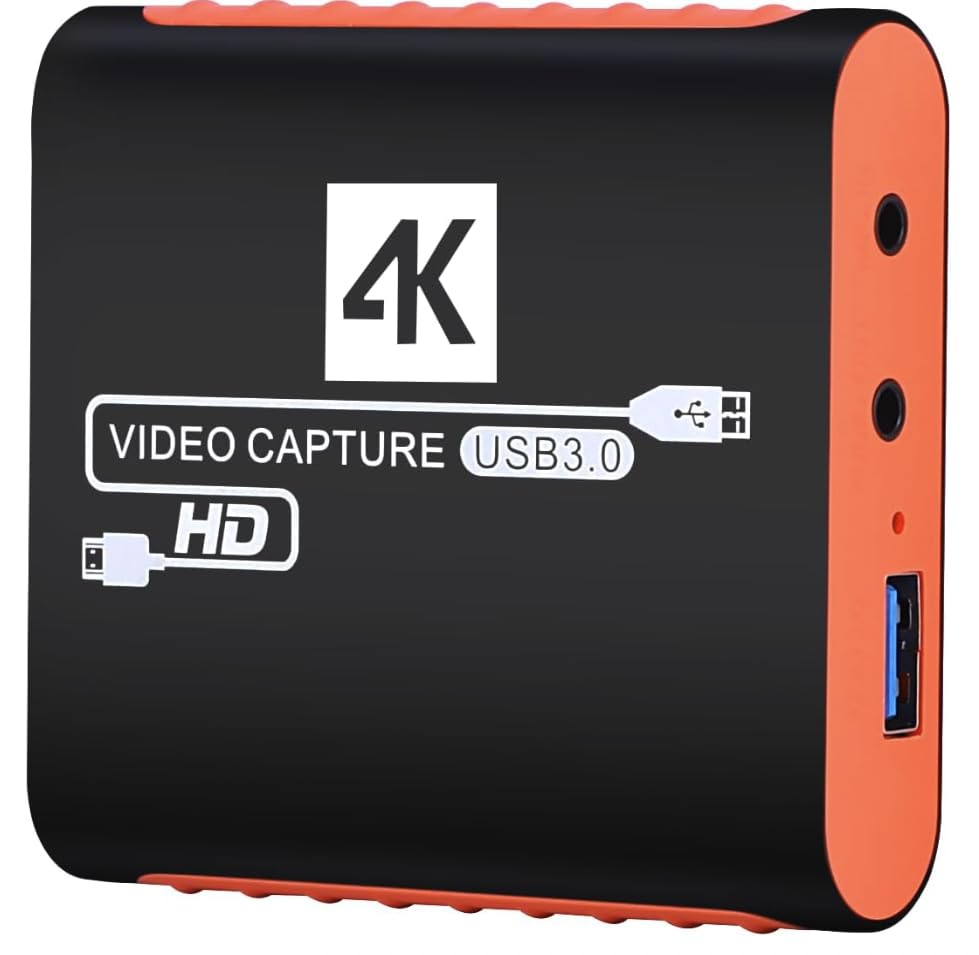
Dcyfol Capture Card

85 /100
LBD Score Excellent

Key details

Included
HDMI and USB extension cables, USB-C adapter
Loop-out
4K HDMI
Connection
USB 3.0
Max Capture
1080p60
View on Amazon

The Dcyfol's low price is the first thing you notice; the complete cable bundle is the reason to keep it. It arrives with an HDMI extension cable, a USB extension cable, and a USB-C adapter, so you can reach from a console under the TV to a laptop without buying another cable. That is the sort of detail that decides whether a cheap capture card gets used or sits in a drawer.

It captures 1080p60 and passes a 4K signal through to the TV, so a docked Switch plays normally while OBS records. We liked the compact housing and the plug-and-play setup. In OBS, it shows up as a standard video device, and the picture was sharp at 1080p60 once we matched the output settings. The 4K loop-out is the headline, but the included cables are what made it easy to live with.

For a first streaming setup, the Dcyfol is a sensible buy. It covers the Switch's resolution, keeps the TV feed alive, and asks very little of your desk. We did find the audio settings need a deliberate check in OBS before you hit record. That is the boundary of what this one is for, not a reason to avoid it if your needs are simple.

The Dcyfol does not have the fit and finish of the Elgato or the AVerMedia cards. For a Switch, the 1080p60 capture is the right target. We keep it as the budget pick for a second setup or a first stream, where the included cables save more aggravation than a fancier housing would.

Pros

  • 1080p60 capture
  • 4K HDMI loop-out
  • Includes HDMI and USB extension cables
  • Compact, travel-friendly housing

Cons

  • No 4K capture
Our verdict

We keep the Dcyfol as a cheap first capture card: it records 1080p60, passes 4K to the TV, and includes the cables budget cards often omit.

Check Latest Price
7

Travel Capture

Guermok GM-29A

89 /100
LBD Score Excellent

Key details

Input
4K30 HDMI
Weight
1.06 oz
Connection
USB-C and USB-A
Max Capture
1080p60
View on Amazon

The Guermok is a 30-gram stick with an aluminum shell, and it disappears into a bag in a way that most capture cards do not. The body feels more substantial than the price suggests, and we carried it between a laptop and a desk setup without thinking about it. That is exactly what a portable capture card should do.

The catch is the missing HDMI loop-out, so the computer becomes your display. For handheld play or capture-only sessions, that is fine. For playing on the TV while recording, you need an HDMI splitter, and that extra box erodes the simplicity. We think the trade is worth it for a travel kit, not for a permanent living-room setup.

Capture quality is solid at 1080p60, and the card is plug-and-play with OBS on Windows and Mac. We did find that it wants a real USB 3.0 port; a USB 2.0 hub is not the place for it. The aluminum housing also stays cooler than the plastic sticks we have used, which matters when the card is tucked behind a laptop.

The Guermok is the one we pack when the job is capture, not couch play. It is small, light, and simple, and it does not ask for much desk space. If you want a single card for a permanent TV setup, the Acer or the Elgato is the easier answer. For a bag that already has a splitter, this is the capture card that takes up no room.

Pros

  • 30-gram aluminum stick
  • 1080p60 capture
  • USB-C and USB-A adapters
  • Plug-and-play with OBS

Cons

  • No HDMI cable included
Our verdict

We pack the Guermok GM-29A for travel: it weighs 30 grams, uses USB-C, and captures clean 1080p60 in a bag that has no room for a bigger box.

Check Latest Price
8

Switch-Labeled Budget

Swudloe Capture Card

85 /100
LBD Score Excellent

Key details

Mic Input
3.5mm
Connection
USB 3.0
Max Capture
1080p60
Passthrough
4K30
View on Amazon

The Swudloe is the card to consider if you want something explicitly sold for Switch and you do not need a 4K60 passthrough. It captures 1080p60, passes through 4K at 30Hz, and includes a 3.5mm mic input for commentary. That pass-through ceiling is the first thing to check: a 4K TV will still show a 4K30 signal, but a 4K60 console or a high-refresh display is better served by the Acer or AVerMedia picks.

We think the Swudloe is a fair budget choice for a straightforward Switch stream. The card feels solid, the card is recognized by OBS, and the capture is clean at 1080p60 for a docked Switch. The mic input is useful if you want to add voice without a separate audio interface. The card also supports Windows, Mac, and Linux, which makes it more flexible than some budget options.

Audio is where we paid closest attention. The card can carry game sound over HDMI, but the mic input and OBS settings need to be checked before a stream, and we found the audio less forgiving than the video. For a budget card, that is a manageable trade if you are willing to test your setup. If you want the least fuss, the Acer is the safer buy.

Pros

  • 1080p60 capture
  • 3.5mm mic input
  • 4K30 pass-through
  • Windows, Mac, and Linux support

Cons

  • No HDMI or USB cable included
Our verdict

We think the Swudloe is a fair budget choice for a basic Switch stream, with clean 1080p60 capture, a 3.5mm mic input, and a solid housing.

Check Latest Price

How We Chose and Tested Switch Capture Cards

We started by gathering every card sold as Switch-friendly and cutting anything that couldn't capture 1080p60 over USB 3.0, then narrowed by price and by what owners said about the first ten minutes — a card that turns into a driver hunt is a card that gets returned. That left 12, which we ran for seven months alongside a Switch, a Switch 2, a PS5, and a couple of cameras, so we could see whether the same box behaved the same way across them.

Each card went into the same spot: between a docked console and a 27-inch monitor, feeding a capture window on a laptop. We timed setup with a stopwatch — from breaking the seal to the first frame appearing in OBS — on Windows, macOS, and an iPad, and the spread was embarrassing, with some ready in under a minute and one taking an entire evening of troubleshooting. Latency we checked two ways: filming a stopwatch on the monitor and frame-counting the offset in the recording, then playing a parry-heavy game and noting whether the timing felt wrong in our hands rather than on a graph.

For video quality we recorded the same busy scene on every card and compared it side by side, looking for crushed shadows, smeared motion in fast pans, and banding across sky gradients. Audio got its own pass: we captured cutscenes with dialogue and checked lip sync, then ran a headset mic through each card to hear whether voices came out thin or delayed. Reliability meant four-hour sessions with an eye on dropped frames, drift between audio and video, and how warm the enclosure got, and we kept asking what the extra money actually bought — the cheap dongles handled the basics, while the ones that held up over a long stream were consistently the ones that stayed cool and never needed re-plugging mid-session.

How to Choose a Capture Card for a Nintendo Switch

Start with 1080p60, not the 4K badge

A docked Switch outputs 1080p60, so that is the capture target that matters. A card advertising 4K input may still record only 1080p, and some budget models capture at a lower resolution than the badge suggests. Look for 1080p60 capture first, then decide whether you want 4K pass-through for the TV. The Elgato 4K S is the clearest example of a card with more headroom than a Switch needs, while the budget picks stop at 1080p60 capture and put the 4K claim on the passthrough.

Decide how you will watch the game

An HDMI loop-out sends the console signal to your TV while the card captures. Without one, you play from the computer preview, which can feel delayed, or you add an HDMI splitter. If your Switch lives under the TV and you want to play on the big screen, prioritize a loop-out. The Acer and AVerMedia Extreme 3 both have one; the Guermok is a capture-only stick, so it suits a travel bag or a desk with a splitter.

Plan the audio path

Capture cards carry game audio over HDMI, but they do not automatically mix your voice. A 3.5mm mic input lets you plug in a headset or microphone; without one, you need a separate audio interface or a USB mic in OBS. Party chat is its own issue because Nintendo's voice chat runs through a phone app, not the console's HDMI output. Decide how you will get game sound, commentary, and chat into OBS before you buy, and check that the card exposes the inputs you need.

Match the connection to your computer

Most Switch capture cards are USB devices, and USB 3.0 is the safe baseline; a USB 2.0 port or hub can bottleneck the capture. Check whether the card uses USB-A, USB-C, or both, and whether the included cable reaches from your console to your computer. Internal cards like the Elgato 4K Pro need an open PCIe slot and a desktop, so they are a different purchase. If you stream from a laptop, a bus-powered USB card is the simpler choice.

Spend on passthrough before capture resolution

For a Switch, 1080p60 capture is enough. Put budget toward a clean loop-out, reliable audio, and a card that does not drop frames before you pay for 4K60 capture. The midrange cards here add 4K60 capture and HDR for a Switch 2 or a PC on the same desk. The premium end buys high-refresh passthrough and internal installation. If you only play Switch, the budget and midrange picks cover the job; the extra capture resolution is headroom, not a requirement.

Frequently Asked Questions

Final Verdict

For most Switch streamers, the Elgato 4K S is the card we recommend. It captures clean 1080p60, keeps the TV feed responsive, and has enough 4K and HDR headroom to stay useful if a Switch 2 or a PC joins the desk. If you are building a budget setup, the Acer OCB5B0 gives you the loop-out and mic input that matter for less. Choose the AVerMedia Extreme 3 when a 4K60 HDR passthrough is the priority, and the 4K Pro when your desktop has a PCIe slot and you want a permanent install.