Best Overall
LG 27U411A-B
Key details
- Panel
- IPS
- Ports
- 1 HDMI
- Screen Size
- 27 inches
- Refresh Rate
- 120Hz
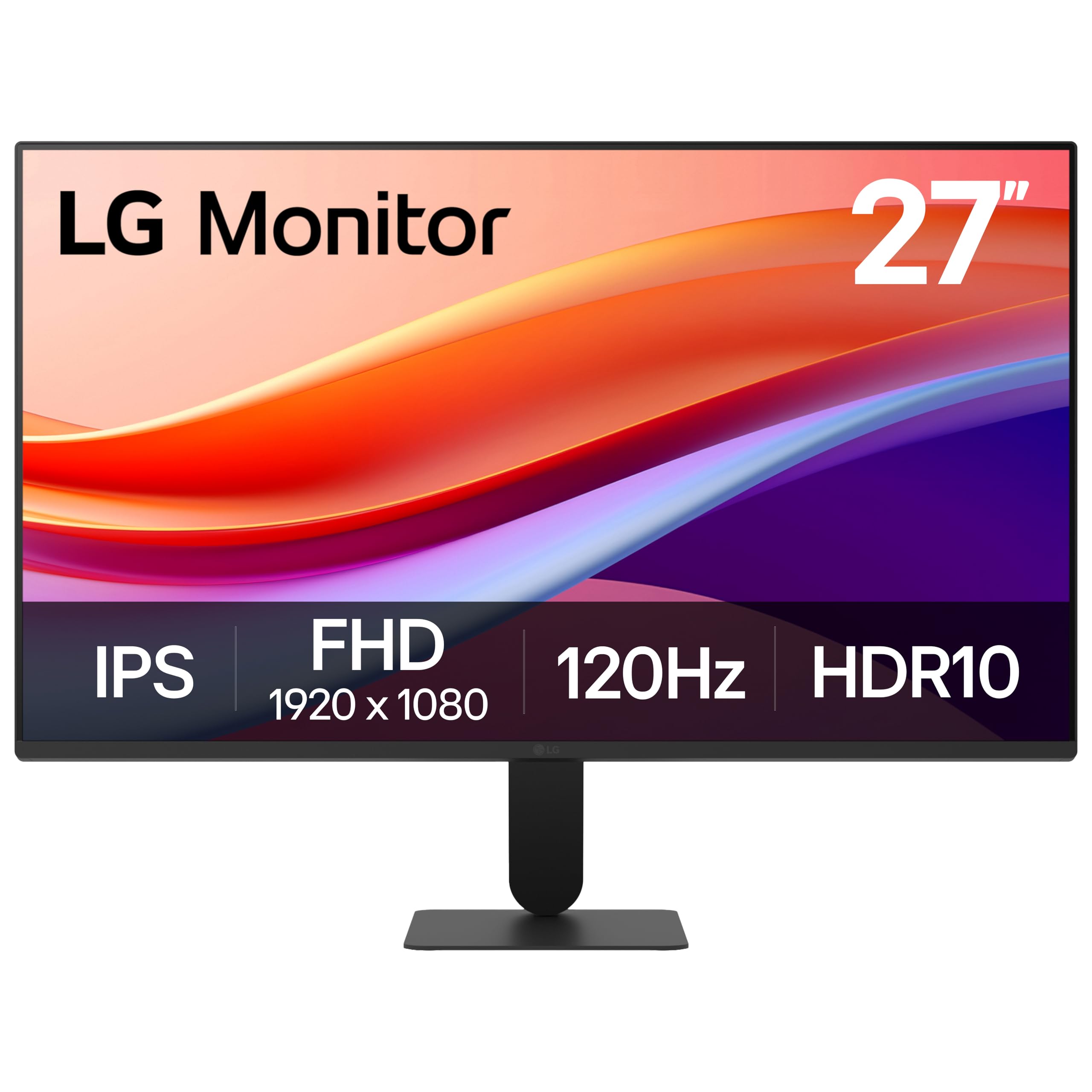
A 27-inch IPS panel running at 120Hz with 99% sRGB coverage and HDR10 support is a lot of monitor for a price that lands near the bottom of this group, and that combination is why it's the one we recommend first. The panel is the part that matters: IPS keeps colors steady when you lean off to the side, so a spreadsheet stays readable from the second chair, and 120Hz makes scrolling and cursor movement noticeably smoother than the 60Hz and 75Hz screens here. We noticed it most during ordinary work rather than in games — dragging a window across the desktop stops looking like a slideshow.
HDR10 on a 250-nit panel is more label than experience; it won't turn a movie into an event. What you do get is a matte screen, thin three-sided bezels that line up cleanly in a dual setup, and a reader mode that dials back blue light for long document sessions. Text at this size is crisp enough for spreadsheets and code, though 1080p across 27 inches works out to about 82 pixels per inch, so very fine type has a soft edge that a 24-inch panel at the same resolution avoids.
The compromise is connectivity. One HDMI port and no DisplayPort means a PC and a console can't both stay plugged in, so a two-machine desk needs a switch or a different monitor. The slim stand also holds a fixed angle with almost no adjustment, which is fine at a standard desk height and awkward if yours isn't.
Pros
- 120Hz IPS panel with 99% sRGB coverage
- Color holds up at wide viewing angles
- Thin three-sided bezels for dual setups
- HDR10 and adaptive sync at a low price
Cons
- Single HDMI input, no DisplayPort
- Stand offers almost no height or tilt adjustment
Our default recommendation: a 27-inch IPS panel at 120Hz, with color that holds up across the desk for work and casual gaming alike.