Best External Blu-Ray Drives of 2026

Somewhere in my closet is a shoebox of discs — a wedding video, a photo backup I burned in 2011 — and not one laptop here can read any of them. An external Blu-ray drive fixes that in about ten seconds: one cable, no adapter hunt, and your laptop plays, rips, and burns discs again. The listings look identical, though, and they behave very differently once a scratched disc hits the tray. We spent six months with 12 of them.

Two things I didn't expect to care about. Several drives ship with both USB-A and USB-C cables, and the rest leave you hunting for an adapter the first time you plug into a newer laptop. A few double as small hubs with SD and USB ports, and several can archive to M-DISC and 100GB BDXL discs — worth more than a speed rating if you're backing up photos for the long haul.

The rest is unglamorous: does the tray open on the first press, is the drive recognized without a driver download, does it stay quiet through a two-hour movie. That's what we graded on, and it's why the picks below made the cut.

1

Best Overall

ASUS SBW-06D5H-U

86 /100
LBD Score Excellent

Key details

Weight
8.47 oz
Interface
USB 3.1 Type-A and Type-C cables
Dimensions
5.87 x 5.67 x 0.58 in
Disc Support
BDXL and M-DISC
View on Amazon

Two cables come in the box, one USB-A and one USB-C, and that is the detail that makes this the drive we recommend to most people. It moves between a USB-C-only laptop and an older desktop without an adapter hunt, and at 240 grams and 0.58 inches thick it lives in a laptop bag without being noticed. Swapping machines is a matter of changing the lead, not finding a dongle.

BDXL and M-DISC support are what separate it from the cheaper drives here. It writes triple-layer discs up to 100 GB, and it handles M-DISC media, which records into a rock-like layer instead of organic dye and is built for archives you expect to open years later. We care about that more than a speed number: a drive that can still produce a readable disc in a decade is worth more than one that finishes the burn sooner.

The compromise is burn speed. Slim drives run in the 6x class, so a stack of Blu-rays is an afternoon's work rather than a quick job, and anyone duplicating discs all day should be looking at the desktop ASUS instead. For playing a film, backing up a project, or committing a photo library to M-DISC, it's quick enough that the wait never became the story.

Pros

  • Both USB-A and USB-C cables included
  • Writes BDXL and M-DISC archival discs
  • 240 g and 0.58 in thick

Cons

  • Costs considerably more than the budget drives
Our verdict

The drive we point most people to: BDXL and M-DISC writing, both USB-A and USB-C cables in the box, and 240 grams that travel well.
Check Latest Price
2

Best Budget

GODBPNYMU 8-in-1 Drive

80 /100
LBD Score Excellent

Key details

Size
6.1 x 5.87 x 0.59 in
Ports
2 USB-A, 1 USB-C, SD/TF reader
Disc Support
BD read and write, DVD, CD
Max BD Speed
6x read and write
View on Amazon

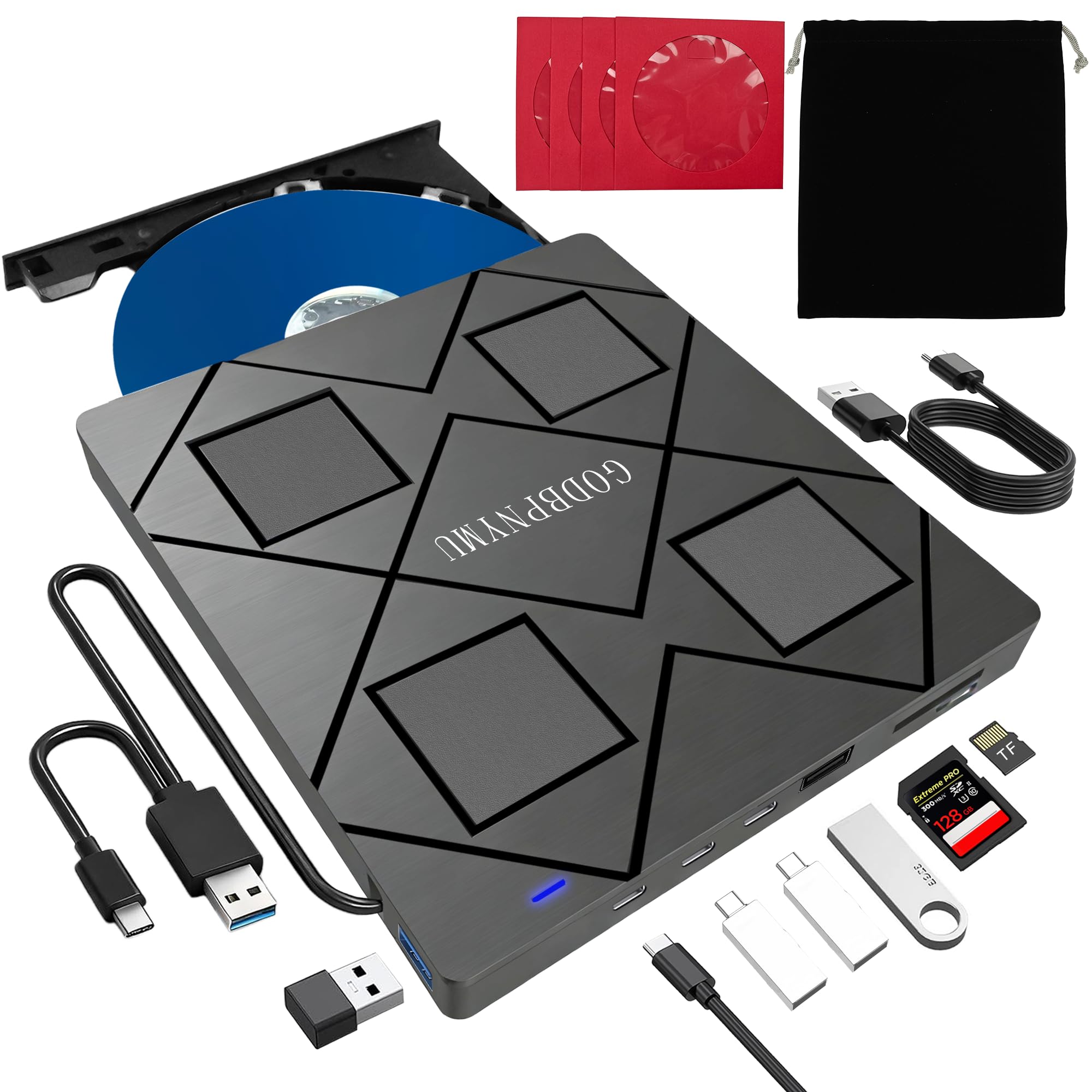
Cheapest here, and it does more than play discs. Alongside the Blu-ray mechanism there are two USB-A ports, a USB-C port, and SD and TF card slots, so a laptop with two free connections suddenly has five. At 300 grams in an ABS shell it's the drive that stays in the bag because there's no reason to take it out.

The value case is stronger than the position on the price list suggests. Reading and burning Blu-ray at 6x puts it in the same class as drives that cost several times as much, and the card reader is the part we reached for most — pulling photos off a camera without unplugging the drive comes up constantly. Not every unit works out of the box, though, so buy where a return is painless and test a Blu-ray disc in the first week rather than the first month.

The box includes a carrying pouch and four disc sleeves, which sounds like filler until you want to take a film to a friend's house and realize the case is the one thing you forgot.

Pros

  • Cheapest drive in this guide
  • Two USB-A ports, USB-C, and SD/TF slots
  • Burns Blu-ray at 6x, like the pricier slim drives

Cons

  • Some units arrive not working
Our verdict

Buy it when the budget decides and you want a card reader and extra ports thrown in — just test a Blu-ray disc inside the return window.

Check Latest Price
3

Best for Fast Desktop Burns

ASUS BW-16D1X-U

85 /100
LBD Score Excellent

Key details

Power
External power adapter
Weight
2 lb
Disc Support
BDXL up to 128 GB, M-DISC
Max BD Write
16x
View on Amazon

Sixteen times is the number that matters. That's the Blu-ray write speed here, against 6x for every slim drive in this guide, and it arrives with BDXL support up to 128 GB and M-DISC compatibility for archival media.

What the speed buys is time. At 16x this gets through a burn in roughly a third of what a 6x slim drive needs, and the same goes for reading discs back when you're ripping a collection. It also takes a different kind of space: 2 pounds, a body measuring 9.5 by 6.5 by 2.5 inches, and its own power adapter — which is fine on a desk and no use in a bag.

For a workstation with a free outlet and a shelf of discs to clear, this is the one we reach for, and nothing else here gets through a backlog as quickly. Mac owners should expect to add software before it behaves; Windows is the smoother path.

Pros

  • 16x Blu-ray writing, the fastest here
  • BDXL up to 128 GB and M-DISC support
  • Cuts burn and rip times to about a third of slim drives

Cons

  • Mac compatibility can require extra software
Our verdict

For burning and ripping at a desk, this is the fastest writer in the guide: 16x Blu-ray, BDXL to 128 GB, and M-DISC support.

Check Latest Price
4

Best for 4K UHD

LG BP60NB10

83 /100
LBD Score Excellent

Key details

Bundle
USB cable, CyberLink Media Suite, 100 GB M-DISC disc
Disc Support
4K UHD Blu-ray, BDXL 100 GB, M-DISC
Max BD Speed
6x
View on Amazon

4K UHD is the whole reason this drive exists in the lineup. The listing calls it an Ultra HD 4K Blu-ray burner, it handles BDXL discs up to 100 GB, it takes M-DISC, and the bundle includes a 100 GB M-DISC disc, a USB cable, and CyberLink Media Suite.

Here's the catch with UHD on a computer: the drive is one link in a chain that also includes your graphics hardware and a player that can handle the protection on UHD discs. A drive that reads the disc won't produce a picture on a machine that isn't set up for it, so check both before you spend. That caveat aside, it's the only drive in this guide that claims the format at all.

Silent Play and Jamless Play are LG's names for the playback tricks that quiet the mechanism and skip past damaged sections of a disc — the sort of feature you notice only when a scratched rental starts stuttering. Burning runs at 6x, normal for a slim body, and the whole thing is light enough to sit next to a laptop rather than under a monitor.

Pros

  • Claims 4K UHD Blu-ray burning
  • BDXL 100 GB and M-DISC support
  • Bundles a 100 GB M-DISC and CyberLink Media Suite

Cons

  • Premium price, largely for the UHD capability
Our verdict

The pick if 4K UHD discs are why you're shopping — and the one to check your graphics hardware and player software for before you buy.

Check Latest Price
5

Windows Laptops

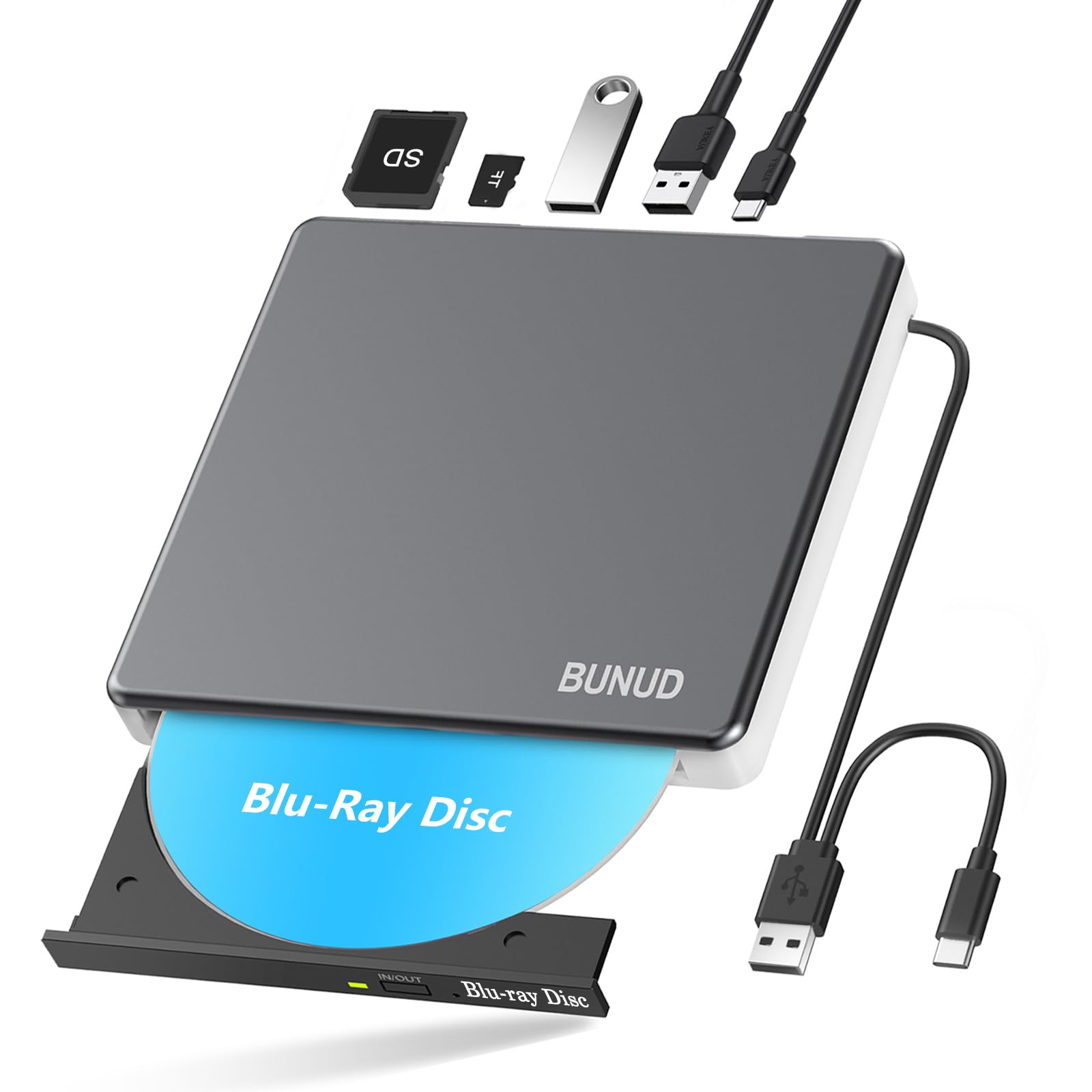
BUNUD 5-in-1 Blu-ray Drive

83 /100
LBD Score Excellent

Key details

Ports
2 USB plus SD/TF
Cables
Built-in USB-A and USB-C
Disc Support
BD read and write, DVD, CD
BD Read Speed
2x video, up to 6x data
View on Amazon

Windows laptops take to this one without complaint; Macs are another story. It's listed for macOS, but recognition on recent macOS releases has been uneven, and if your Mac is on a current build you want to buy from somewhere a return is straightforward. That's a shame, because the rest of the package is sensible.

Five functions in one body: Blu-ray reading and writing, two USB ports, and SD and TF slots, with the USB-A and USB-C cables built into the shell so there's nothing to misplace. Worth knowing that its published speed table lists write speeds for DVD and CD but not for Blu-ray, so if burning discs is the point rather than playing them, ask before you order.

On a Windows 11 laptop this is a sensible middle buy: plug in, the disc appears, and the extra ports are there when you need them. The captive cable is the detail we appreciated most — no lead to forget at home, no dongle to borrow from a colleague mid-task.

Pros

  • Built-in USB-A and USB-C cable
  • Two USB ports plus SD and TF slots
  • Reads and writes Blu-ray, DVD, and CD

Cons

  • Blu-ray video reads at only 2x
Our verdict

A sensible middle buy for a Windows laptop: built-in cables, card slots, and no dongle to lose.

Check Latest Price
6

Budget BDXL Writing

Dainty 7-in-1 Blu-ray Drive

79 /100
LBD Score Very Good

Key details

Power
USB data cable plus extra power cable
Expansion
Six ports plus SD/TF
Disc Support
BD-XL 100 GB, M-DISC, DVD, CD
BD-XL Write Speed
2x
View on Amazon

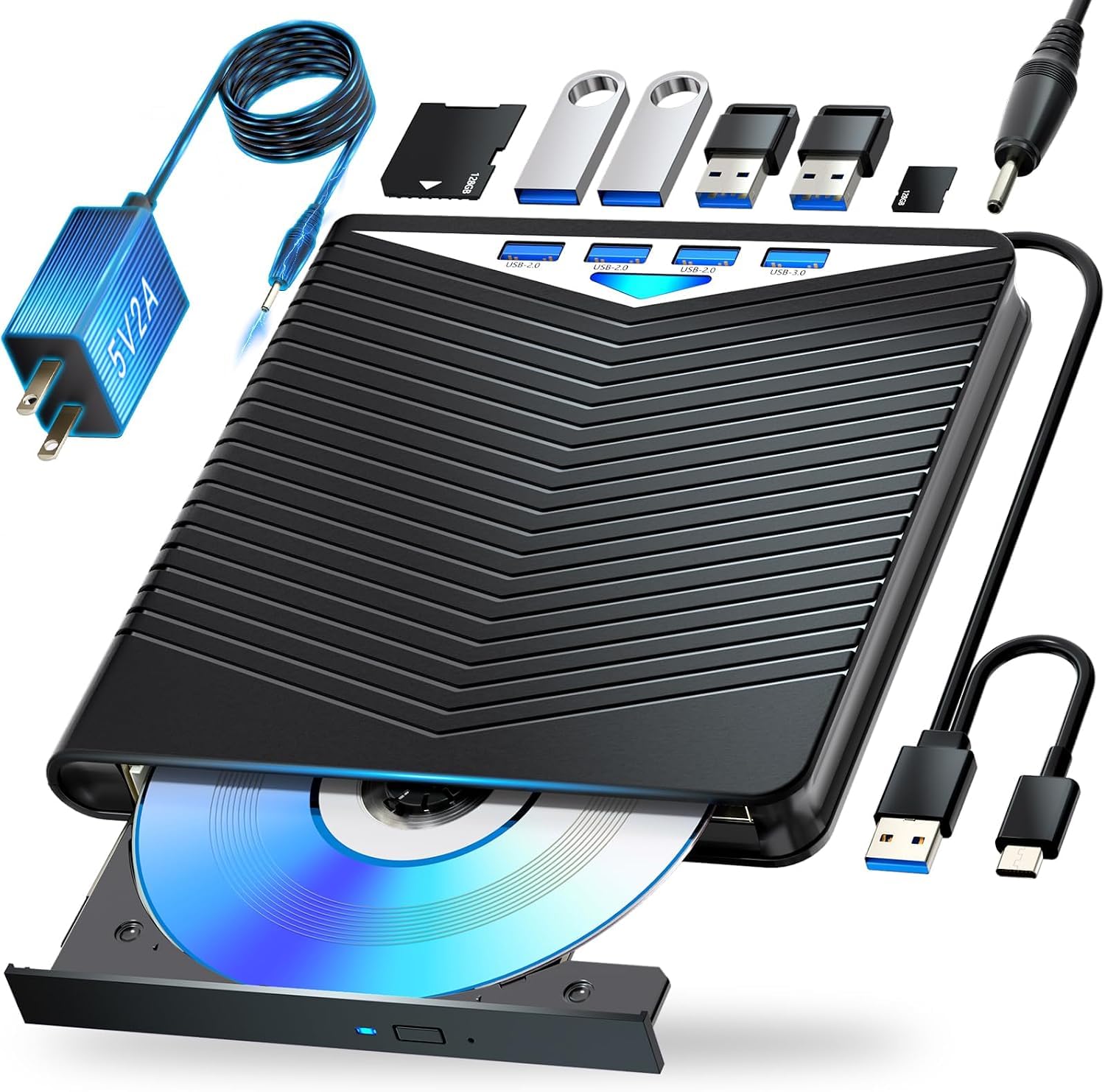
A channel cut into the underside holds both cables, which is a small thing that keeps the drive from arriving at the bottom of a bag in a tangle. Six expansion ports sit alongside the disc mechanism — USB and card slots — so it doubles as a dock for a laptop that's short on connections.

Where it stands apart from the other budget drives is format support: it writes BD-XL discs up to 100 GB and handles M-DISC, both of which usually cost more. The catch is the BD-XL burn speed, listed at 2x, so a 100 GB archival disc is a job you start and walk away from rather than something you fit into a coffee break. A second USB power lead is included for ports that can't supply enough on their own.

That trade makes sense if you're producing a handful of big archive discs: the format support is the point and the speed is what you pay for it. If you burn regularly, the 16x ASUS will be through several discs while this one is still working on its first.

For putting a photo library or a family video onto 100 GB discs on a budget, it earns its place. And only the BD-XL blanks crawl — ordinary 25 GB BD-R discs write at 6x, the same as every other slim drive here, so most day-to-day jobs feel perfectly normal.

Pros

  • Writes BD-XL 100 GB and M-DISC discs
  • Six expansion ports plus cable storage
  • Extra USB power cable included

Cons

  • BD-XL burns crawl along at 2x
Our verdict

The budget route to writing 100 GB BDXL and M-DISC discs, with a hub attached — provided you can live with 2x burns on the big blanks.

Check Latest Price

What Six Months With 12 Drives Taught Us

We started with every external Blu-ray drive we could find that had a real support page and a warranty, then cut anything read-only and anything that stalled at DVD speeds. That left 12 drives — slim portables that live in a laptop bag, tray-loading models, and one full-size desktop burner that never left the desk — and they've been in daily use for six months.

Testing happened where these things actually live: a living room laptop and a stack of library-sale DVDs, a desk for burning photo archives onto M-DISC and BDXL discs, and a messenger bag for a week of travel. We timed a feature-film rip on every drive, watched for stutter or a loud spin-up mid-movie, and fed each one the same scratched disc to see which kept reading and which gave up. Portability came down to whether a drive fit a laptop sleeve beside its cable, survived a bag without flexing, and ran on bus power alone.

We plugged each drive straight into a USB-C port, then into an unpowered hub with a mouse and an SSD already attached, to see which ones dropped off mid-task. Ejectability meant pressing the button on a closed tray and again on a spinning disc, then checking the tray for wobble after a dozen cycles. No drive got to install anything: each went onto a clean Windows machine and a Mac to see whether the system recognized it and played a disc with no driver download and no bundled software. Reliability showed up late rather than on day one — a couple started skipping after a few weeks, and one ran hot enough to be unpleasant to pick up. When we weighed value, we asked what a drive added over a basic read-only model, not what it cost on its own.

How to Choose an External Blu-Ray Drive

Start with what you need to do to a disc

Reading and writing are separate capabilities, and the gap between them is where the money goes. If you want to watch store-bought Blu-ray films, a reader is enough. If you're moving a camcorder archive or a photo library onto disc, you need a writer, and the format list matters more than anything printed on the lid.

BDXL covers 100 GB triple-layer blanks, and 128 GB on the ASUS BW-16D1X-U. M-DISC records into a rock-like layer rather than organic dye and is built for long-term storage. 4K UHD is a different format entirely, and only the LG BP60NB10 claims it here. Four of these drives list M-DISC support, so check the row before you assume. A cheap drive that can't take the discs you already bought is the most expensive mistake in the category.

Count your ports before you count features

Slim drives pull their power from the USB connection, and a port already feeding a bus-powered hub may not have much left over. That's why the Dainty 7-in-1 ships a second USB lead for power, and why the desktop ASUS carries its own adapter. A direct connection to the laptop is always the safer bet.

The connector on your laptop isn't necessarily the connector on the drive. Several drives here include both a USB-A and a USB-C cable, and the BUNUD builds both into the shell, but plenty ship one. If your machine has USB-C ports only and the box holds a USB-A lead, you're buying a dongle for a device that was meant to simplify things.

Speed matters once you're past playing films

Blu-ray speeds are quoted as multiples: the slim drives here sit at 6x, while the ASUS BW-16D1X-U runs at 16x. For watching a film none of it matters, because playback runs at 1x whatever the drive can do. For ripping a shelf or burning a run of discs it matters a great deal, and 16x gets through the same disc in roughly a third of the time.

The exception to watch is big blanks. The Dainty lists 2x for BD-XL, which turns a 100 GB disc into a background job you start and walk away from, while ordinary 25 GB BD-R discs still write at a normal 6x. If you plan to archive at 100 GB, read that line first.

Budget for the software, not just the drive

Neither Windows nor macOS ships with Blu-ray playback any more, so most of these drives will read a film and then sit there until you install a player app. The LG BP60NB10 is the only one here that lists a software bundle, in the form of CyberLink Media Suite.

That changes the value maths. A budget drive plus a player licence can land close to a midrange one, and 4K UHD playback is pickier still: it depends on your graphics hardware and on a player that handles the format's protection. Check both before you spend, not after.

Look at the tray, and at the return policy

Cheap slim drives share a weakness that never appears on a spec sheet: a light plastic tray and an eject button that can stop responding. When the button gives up, the pinhole beside it releases the disc, so it's an annoyance rather than a lost film — but it's the reason the tray and the warranty are worth a glance before you order, and the reason a straightforward return is part of what you're buying.

Frequently Asked Questions

Final Verdict

Most people should buy the ASUS SBW-06D5H-U. It writes BDXL and M-DISC discs, ships with both USB-A and USB-C cables, and weighs little enough to travel — the combination that makes it useful now and still useful when you change laptops.

If the budget is the deciding factor, the GODBPNYMU 8-in-1 does the everyday job and adds a card reader. If you're burning or ripping at volume on a desk, the ASUS BW-16D1X-U at 16x is worth the wall adapter and the footprint. And if 4K UHD discs are the whole reason you're shopping, the LG BP60NB10 is the only drive here that claims them — check your graphics hardware and player software first.