Best Overall
KEFEYA S1 Laptop Screen Extender
Key details
- Weight
- 2.29 lb
- Connection
- USB-C or HDMI
- Laptop Fit
- 13 to 17 in
- Extra Screen
- 14 in FHD IPS
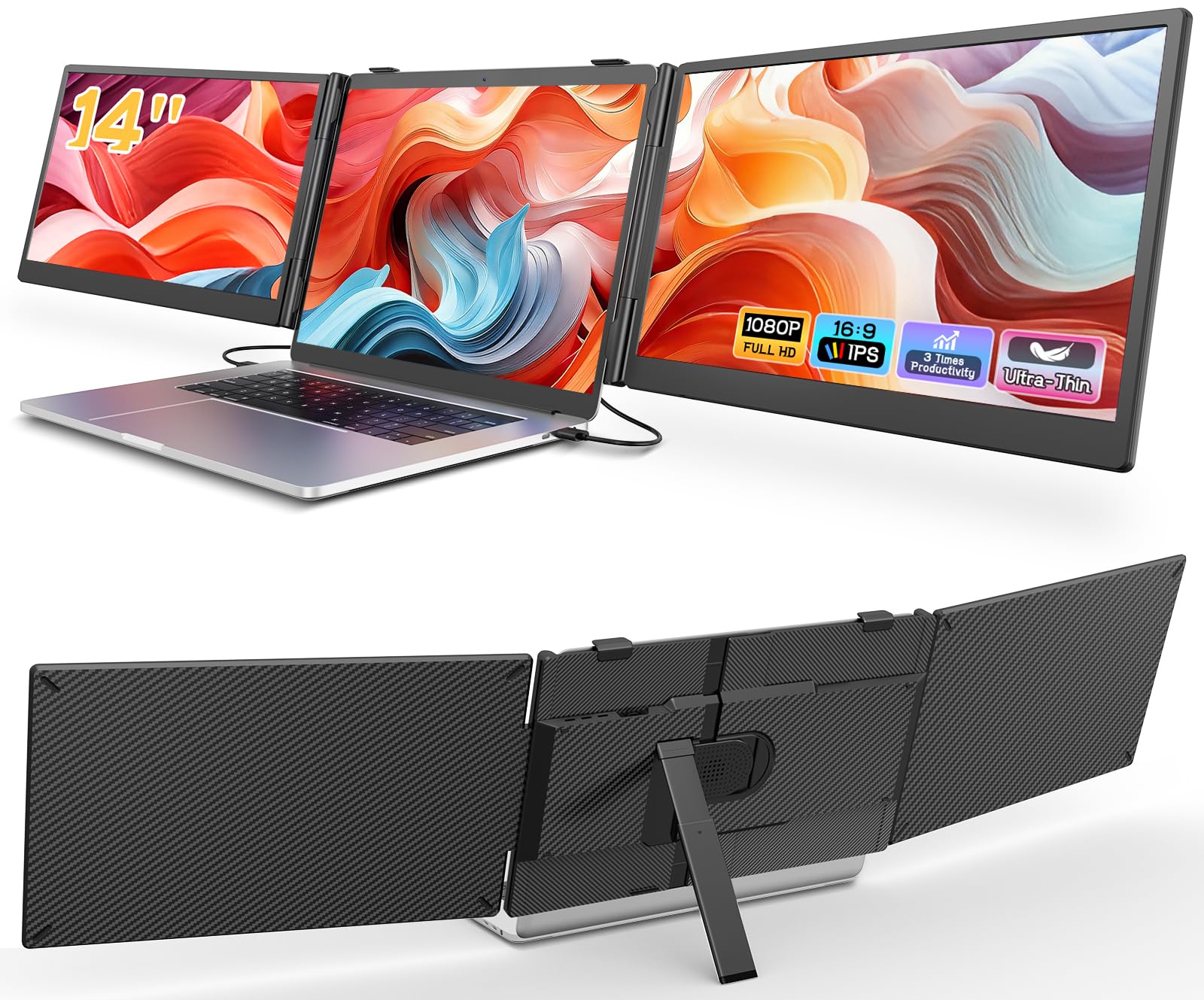
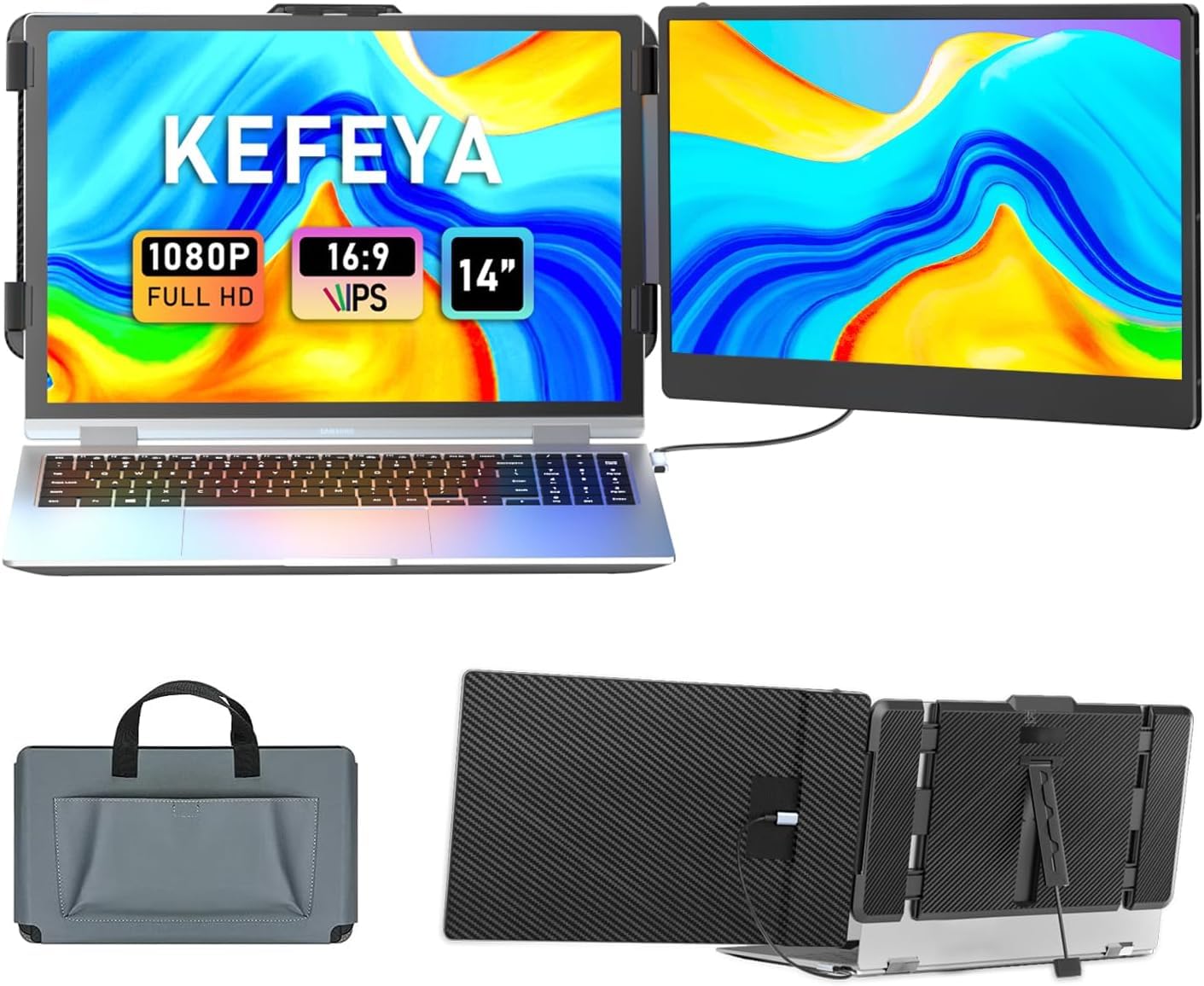
A single 14-inch panel on a bracket is the least dramatic thing on this page, and that is exactly why we point most people here first. One USB-C cable carries video and power on a full-featured port; if your laptop does not have one, the box includes USB-C to USB-A and HDMI to USB-C leads that do the same job. No driver, no software, no second power brick to hunt for in a hotel room.
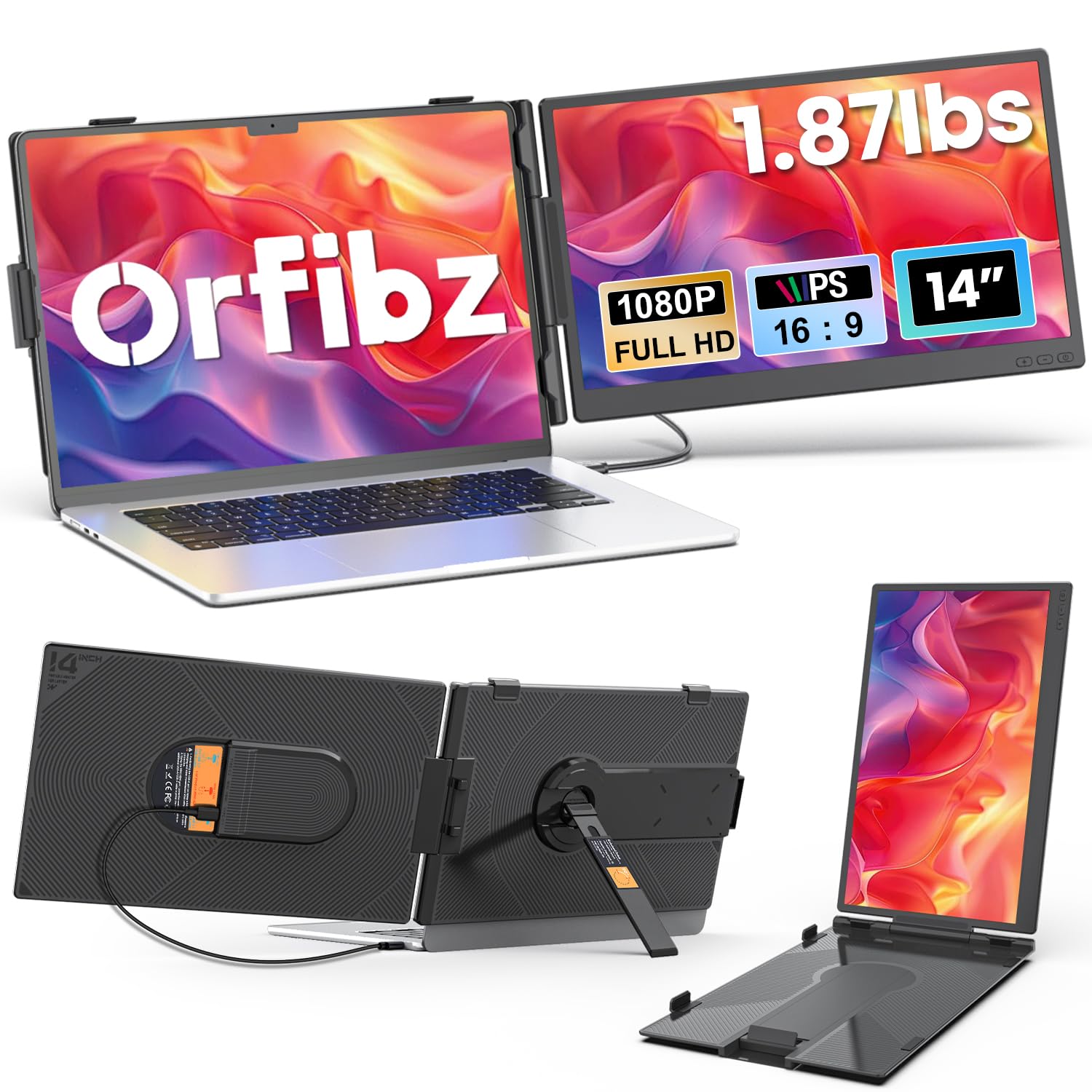
What we liked most is how little it disturbs the way you work. The panel swings through 180 degrees and flips into portrait for a full page of a document, the brightness and volume controls sit on the top edge where your fingers find them, and the kickstand keeps the laptop from tipping back under the extra weight. Attached, it reads as part of the machine rather than a second object you are balancing on a tray table.
The compromises are narrow but real. The panel is a matte 1080p IPS rated at 300 nits with a 72% color gamut, comfortable for email, code, and spreadsheets, and not what we want under a photo edit. It also puts about a kilogram on your laptop lid, so keep the machine on a table rather than your knees, and the matte finish is doing more for you under airport lighting than the brightness number suggests.
Pros
- One cable, no drivers, no power brick
- Matte 14-inch 1080p IPS panel
- Fits 13- to 17-inch laptops
- Light enough to leave in the bag
Cons
- One extra panel only
- 72% color gamut limits color work
Our default for first-time buyers: one light 14-inch panel, one cable, no drivers, and the least fuss of anything we recommend here.