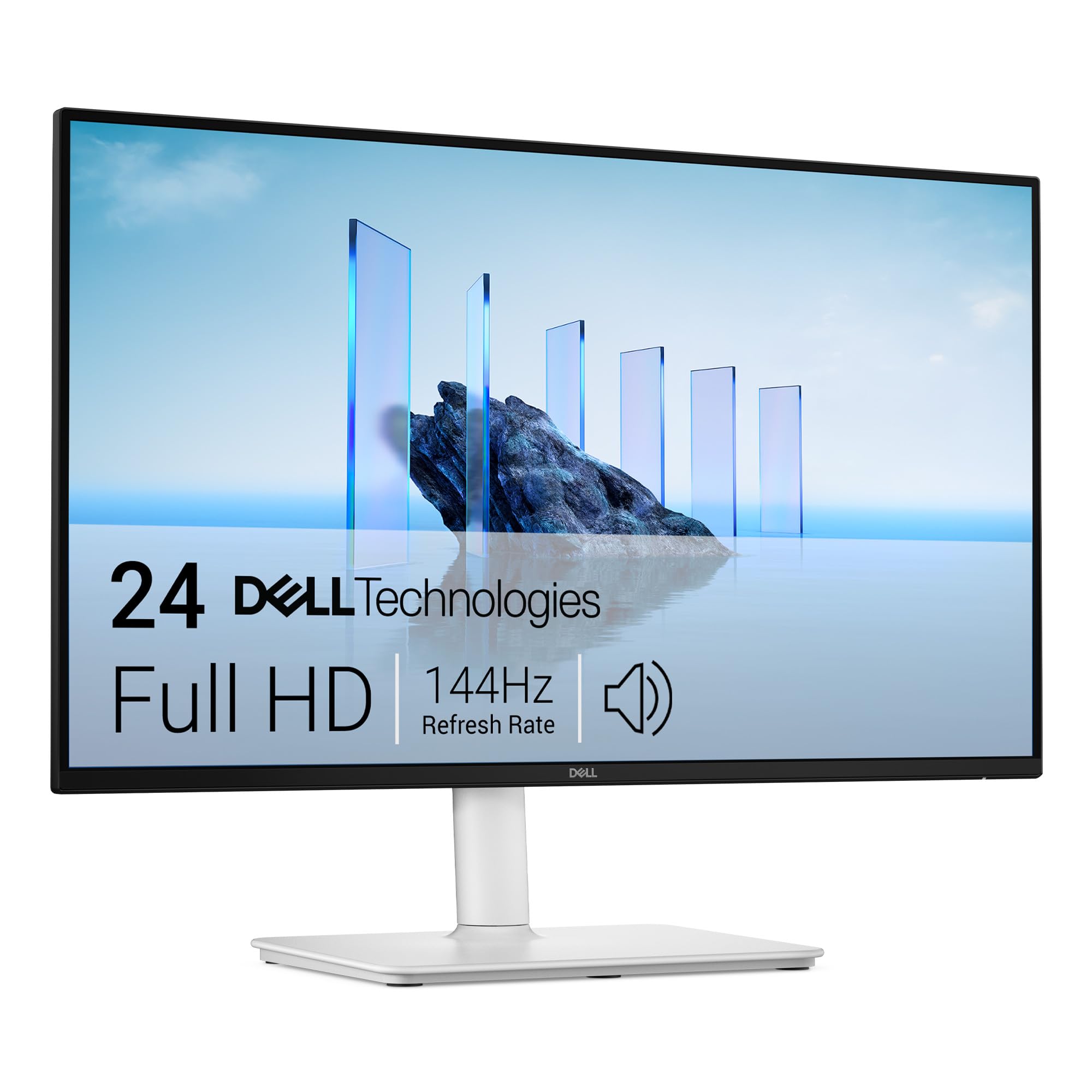
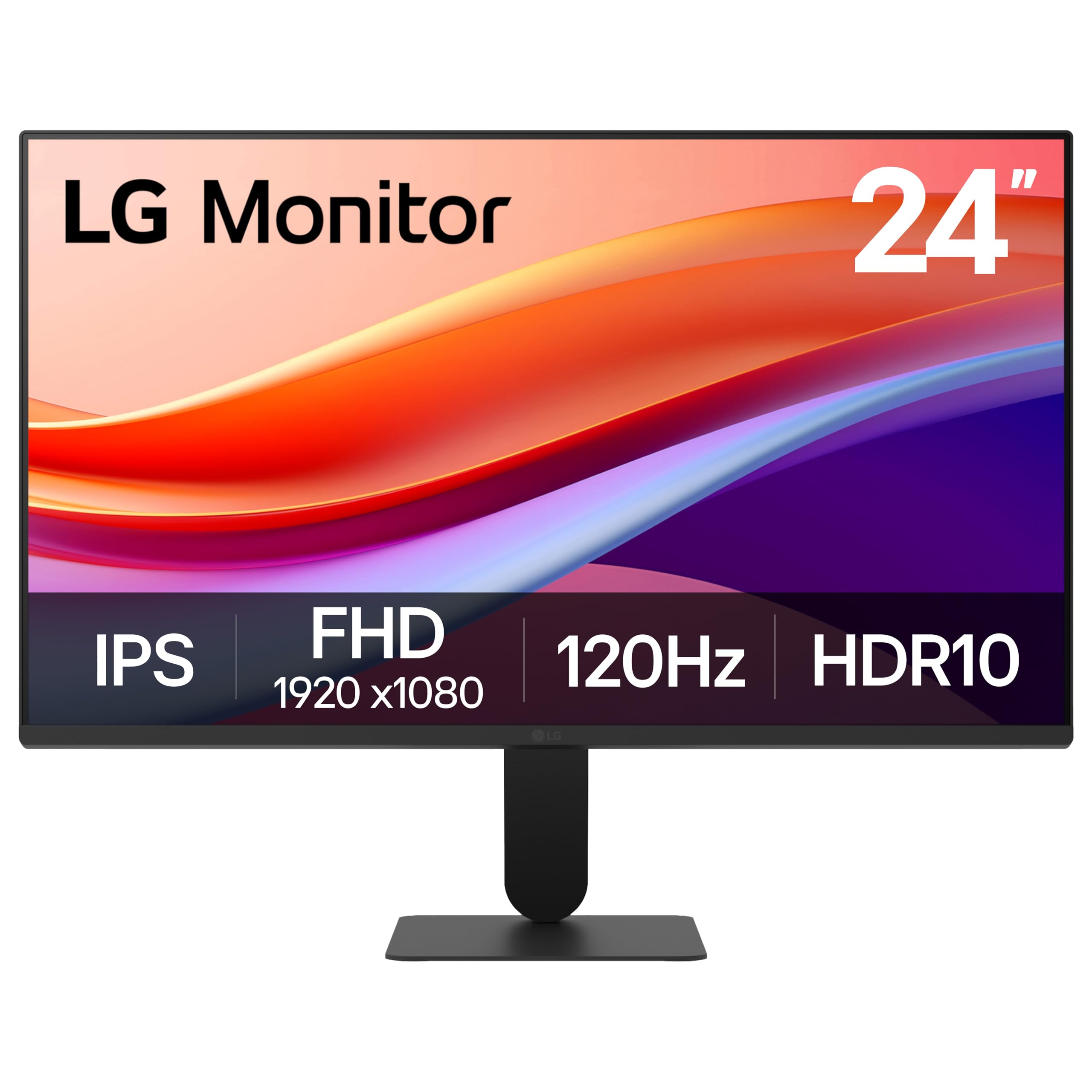
Best Overall
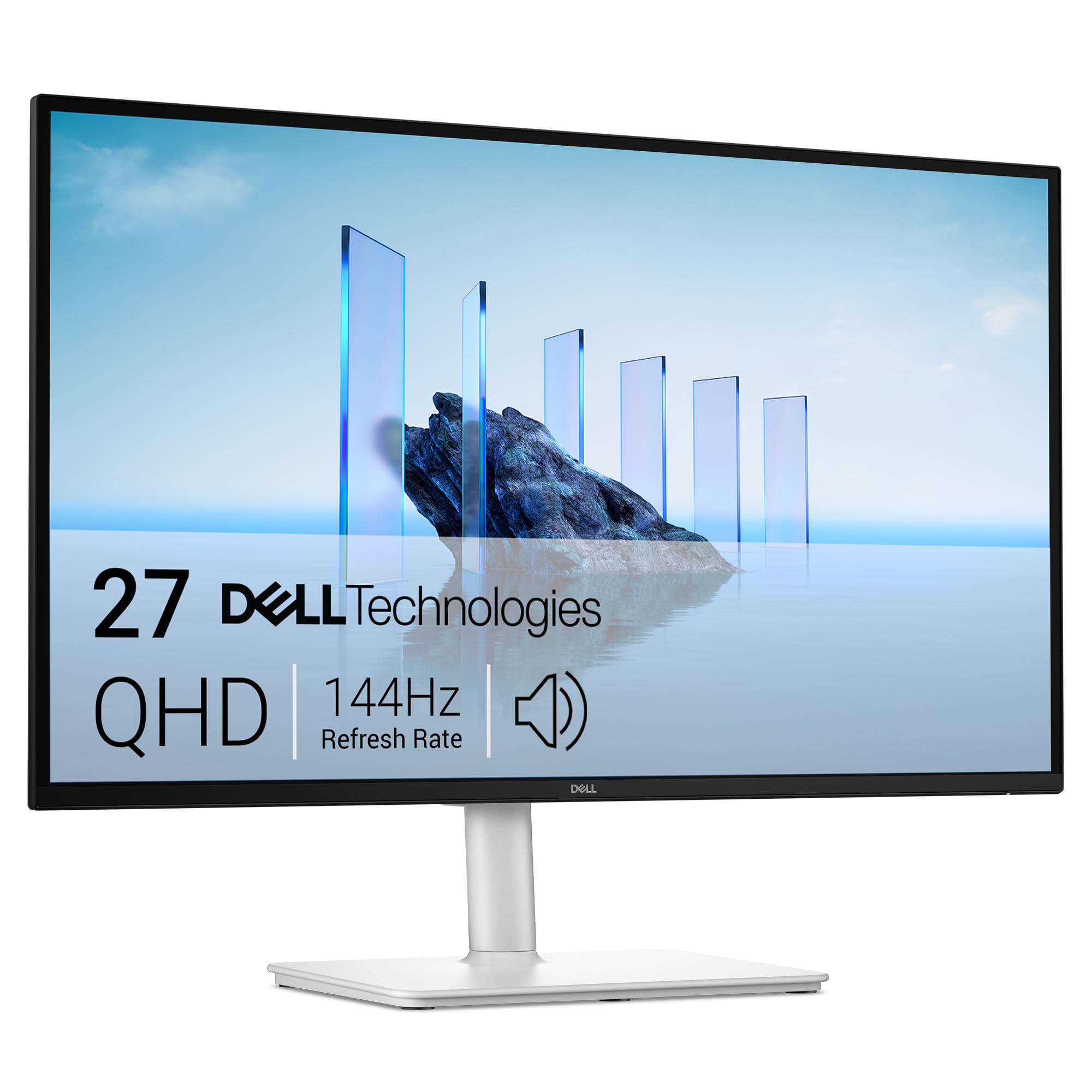
Dell 27 Plus QHD Monitor
Key details
- Stand
- Height, tilt, swivel, pivot
- Resolution
- 2560 x 1440
- Screen Size
- 27 inches
- Refresh Rate
- 144 Hz
Twenty-seven inches at 2560 by 1440 is the combination that decides this one for us. That panel carries close to twice the pixels of a 1080p screen the same size, which is the difference between ten-point spreadsheet text that stays crisp and text that frays at the edges by mid-afternoon. The matte coating keeps a window behind you from washing the screen out, the 350-nit backlight holds up in a bright room, and the 144Hz refresh makes scrolling a long document feel smooth instead of smeary.
What we appreciate most is the stand. Height, tilt, swivel, and pivot all adjust, so the screen comes up to eye level instead of you sinking toward it, and it turns to portrait when you are reading a long PDF or checking page layouts. The pair of 3W speakers is a real convenience on a work desk — clear enough for calls and video without separate speakers claiming desk space — and the ash-white cabinet looks less like data-center hardware than most of this group.
Two things to know before ordering. It is the most expensive monitor in this guide, and the inputs are one HDMI plus one DisplayPort, so a laptop and a desktop can share it but two HDMI-only sources cannot without a switch. Coverage runs a year with advance exchange and premium panel replacement, which matters more than it sounds: a unit that arrives not powering on gets swapped rather than argued about.
Pros
- QHD text stays sharp across 27 inches
- Full height, tilt, swivel, and pivot adjustment
- Speakers clear enough for meetings
- 144Hz keeps scrolling smooth
Cons
- Most expensive monitor in this guide
- Only one HDMI input, plus DisplayPort
This is the one we tell home-office buyers to start with: 1440p keeps text crisp at 27 inches, and the stand adjusts enough to fix your posture.