Best Overall
Dell 27 Plus S2725DC
Key details
- Resolution
- 2560 x 1440
- Screen Size
- 27 inches
- Refresh Rate
- 144 Hz
- USB-C Power Delivery
- Up to 65W
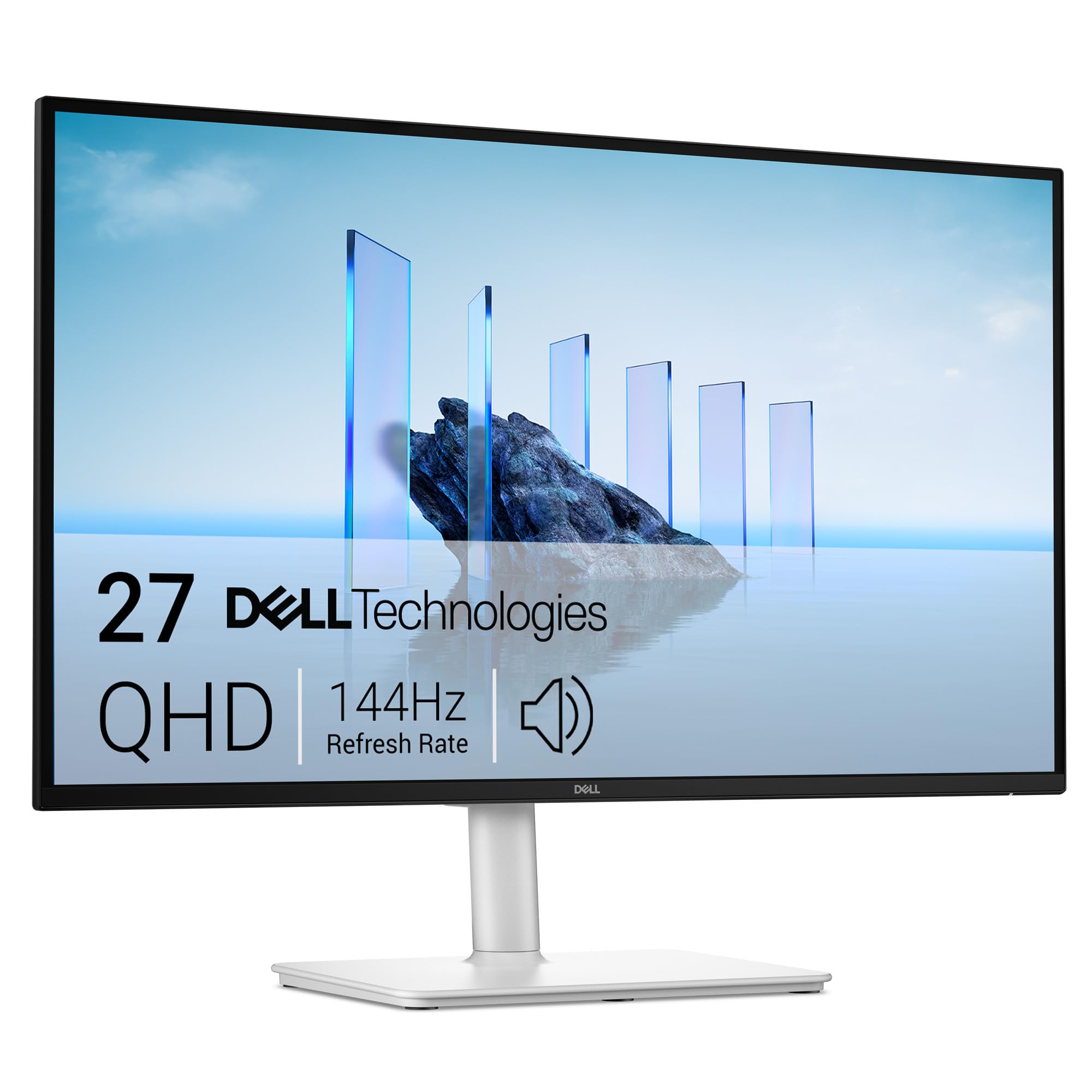
One USB-C cable, a 27-inch QHD panel, and 144Hz refresh: the Dell 27 Plus S2725DC is the monitor we point most people to for a laptop desk. The included USB-C to USB-C cable carries video, data, and up to 65W of charging, so a compatible laptop can run the screen and top up without a dock. That is the setup most people are trying to build, and Dell gets the basics right.
We think the balance is what earns it the top spot. QHD at 27 inches is sharp without the scaling quirks of 4K, 144Hz makes scrolling and window movement smoother than the 60Hz and 75Hz screens here, and the IPS panel's 1500:1 contrast and 99% sRGB coverage are solid for spreadsheets, photos, and video. The stand adjusts height, tilt, pivot, and swivel, so you can set it at eye level or turn it vertical for code. Among the standard 27-inch picks, it is the most complete combination of picture, speed, and ergonomics.
The pop-out quick-access port is the detail we appreciate most. It puts a USB-C (up to 15W) and USB-A within reach on the side instead of making you reach behind the panel for a flash drive or phone cable. The 350-nit matte screen handles a bright room without turning into a mirror, which makes it easier to live with than a glossy panel in a home office.
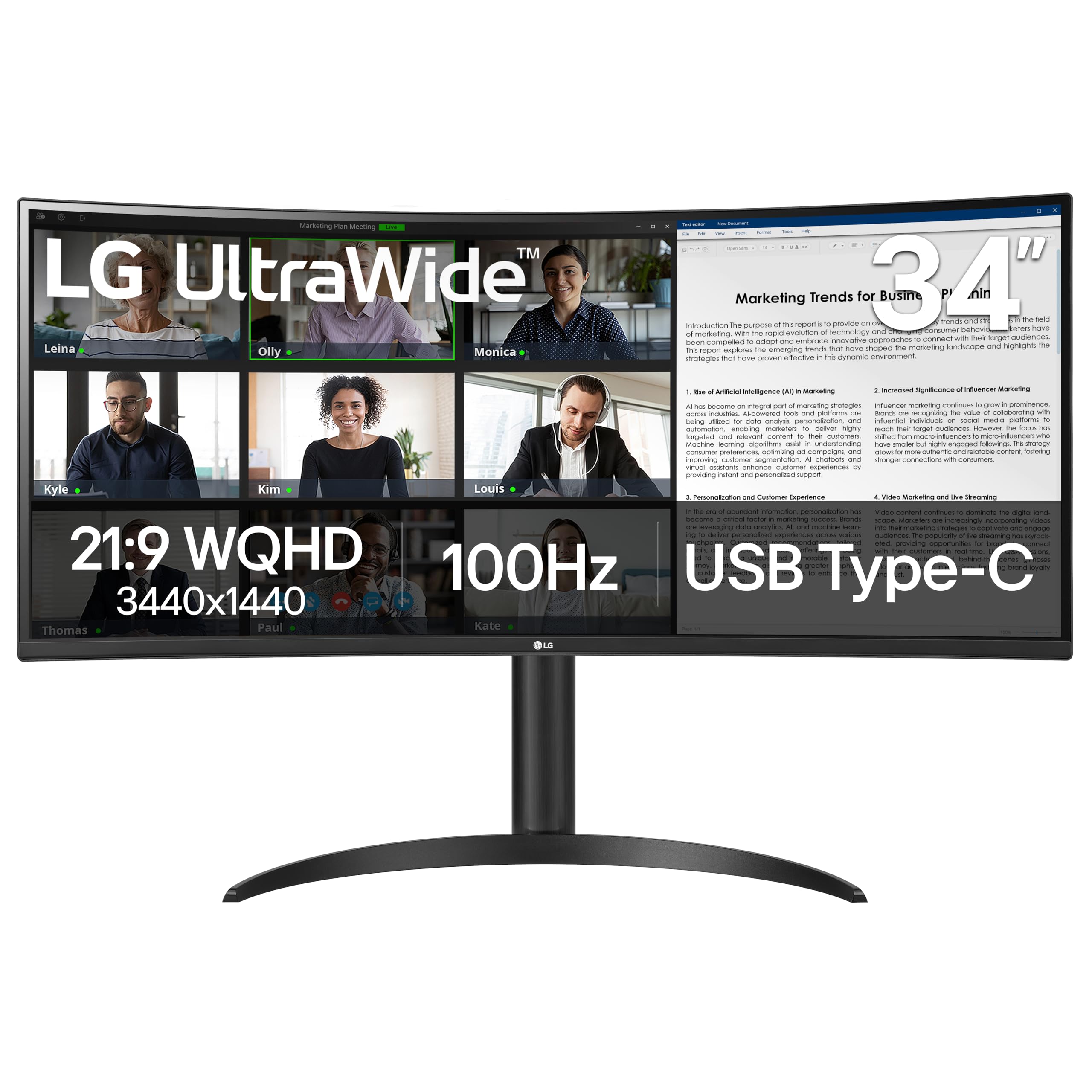
If you need 4K for text or color-critical print work, the Philips 27E1N5900R is the budget alternative; if you want an ultrawide, the LG 34WR55QK-B gives you more width for less than the Dell 34. But for a standard laptop desk, the S2725DC is the one we keep on our own desk.
Pros
- 65W USB-C charging and video over one cable
- Sharp 27-inch QHD panel at 144Hz
- Height, tilt, pivot, and swivel adjustment
- Convenient pop-out USB-C and USB-A port
Cons
- Speakers are basic for music
The best all-around USB-C monitor here for a laptop desk: sharp QHD, smooth 144Hz, 65W charging, and a stand that adjusts every way you need.