Best Overall
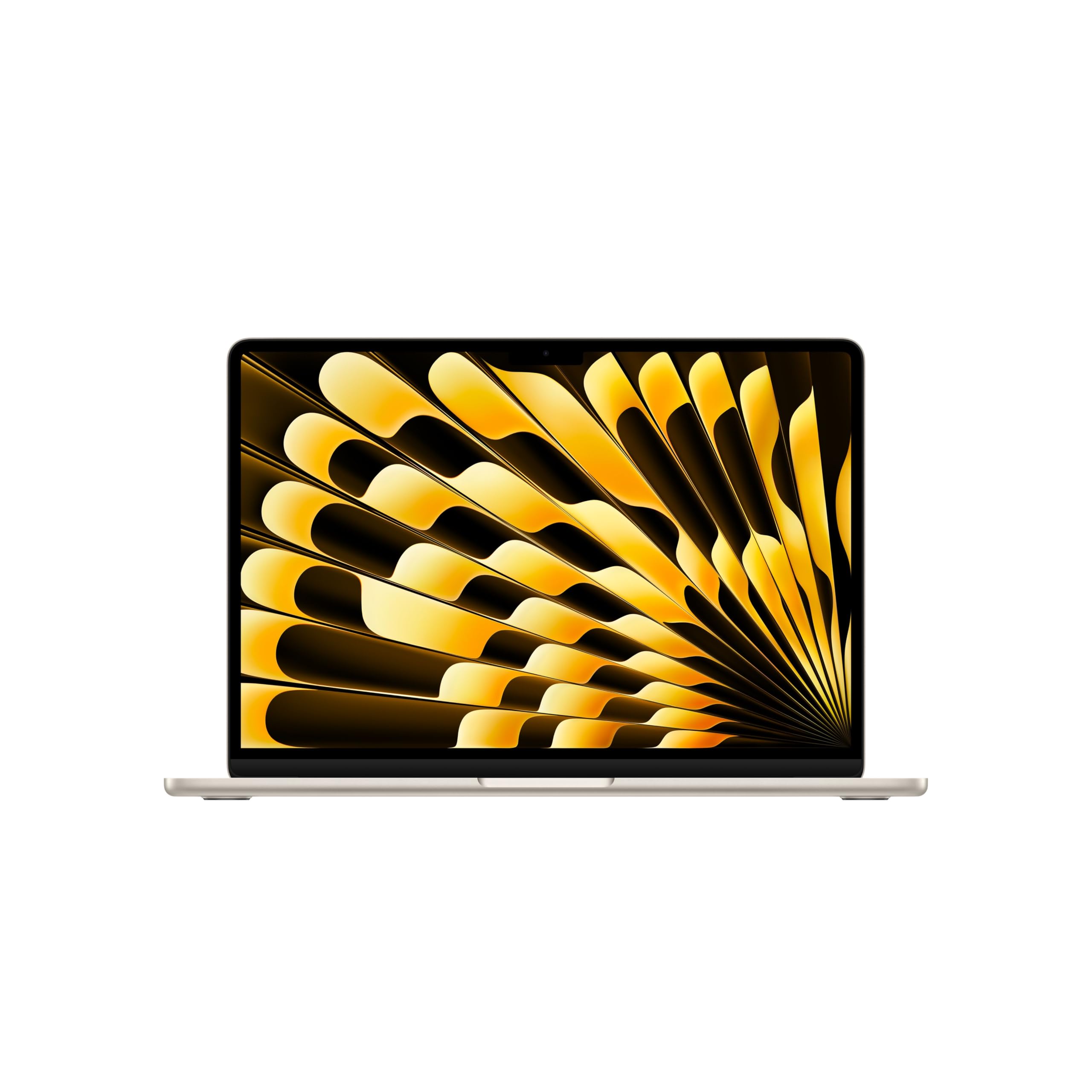
Apple MacBook Air M5
Key details
- Memory
- 16GB unified
- Weight
- 2.71 lb
- Display
- 13.6-inch Liquid Retina
- Storage
- 1TB SSD
A one-billion-color claim is the first thing we look for on a photo-editing laptop, and the MacBook Air M5 is the only pick here that makes one. The 13.6-inch Liquid Retina panel pairs that color coverage with Apple's color-managed software, so files from a camera or phone land on screen with fewer surprises. We also appreciate the 1TB SSD: a working library of RAWs and layered edits disappears quickly on a 512GB machine.
The M5 chip and 16GB of unified memory are the other half of the story. The laptop stayed responsive as we moved between a browser, a catalog, and a full-resolution edit, and the 2.71-pound body makes it easy to carry alongside a camera bag. The 18-hour battery claim is the kind of all-day number that lets you leave the charger at home. The 13.6-inch screen is still the main compromise: palettes and layers crowd a smaller canvas, so a desktop monitor is a sensible partner.
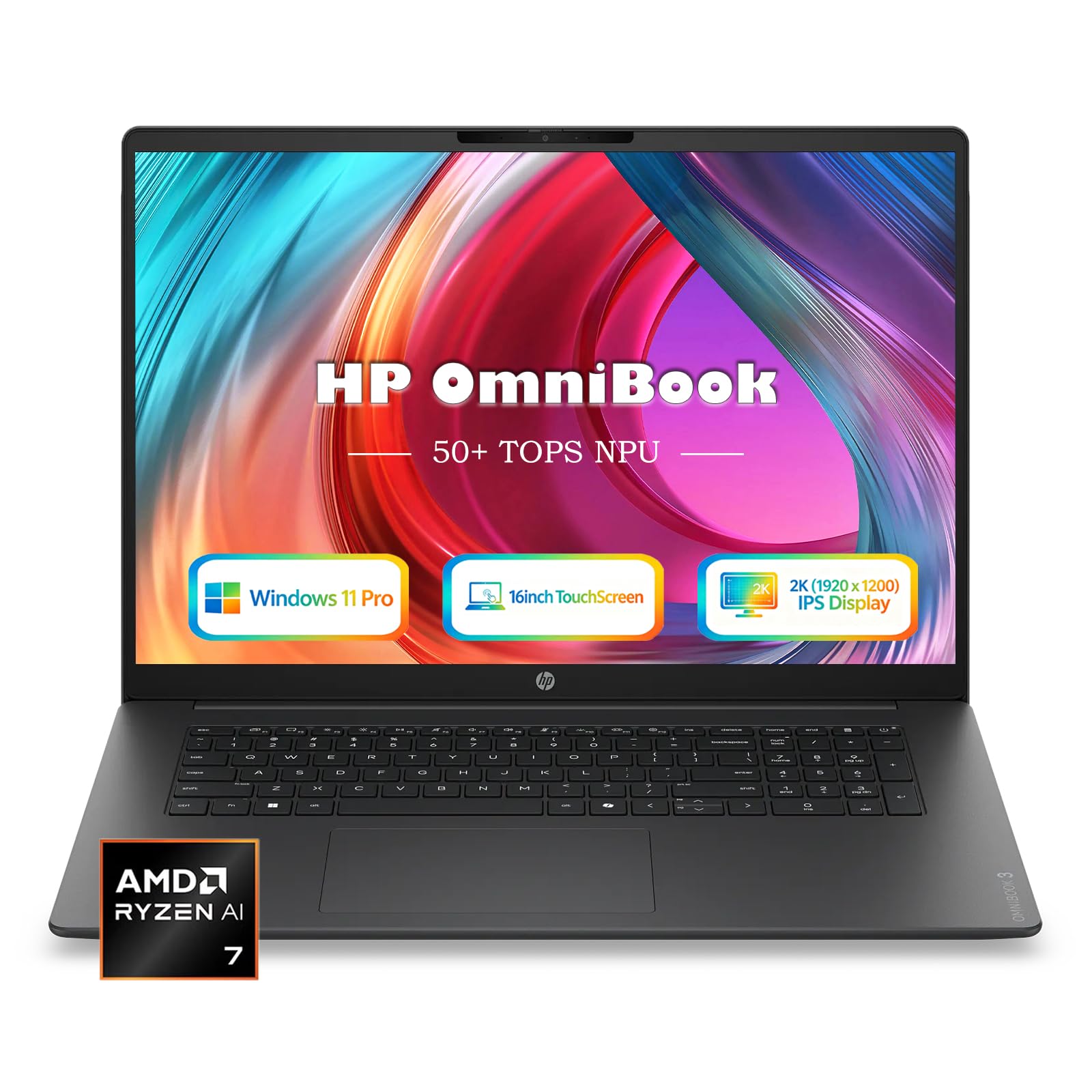
What we like most is how little the Air asks of you. It is light, it opens ready to work, and it stays out of the way. If you need a larger canvas or Windows-only software, the HP OmniBook 16 is the better fit. For everyone else, this is the photo-editing laptop we recommend first.
Pros
- One-billion-color Liquid Retina display
- M5 chip and 16GB unified memory
- 1TB SSD and up to 18 hours battery
- Light 2.71-pound body
Cons
- Premium price for 16GB and 1TB
The MacBook Air M5 is the best default here for photo editing: its 13.6-inch Liquid Retina display covers a billion colors, and the M5 chip, 16GB memory, and 1TB SSD keep large RAW files moving.