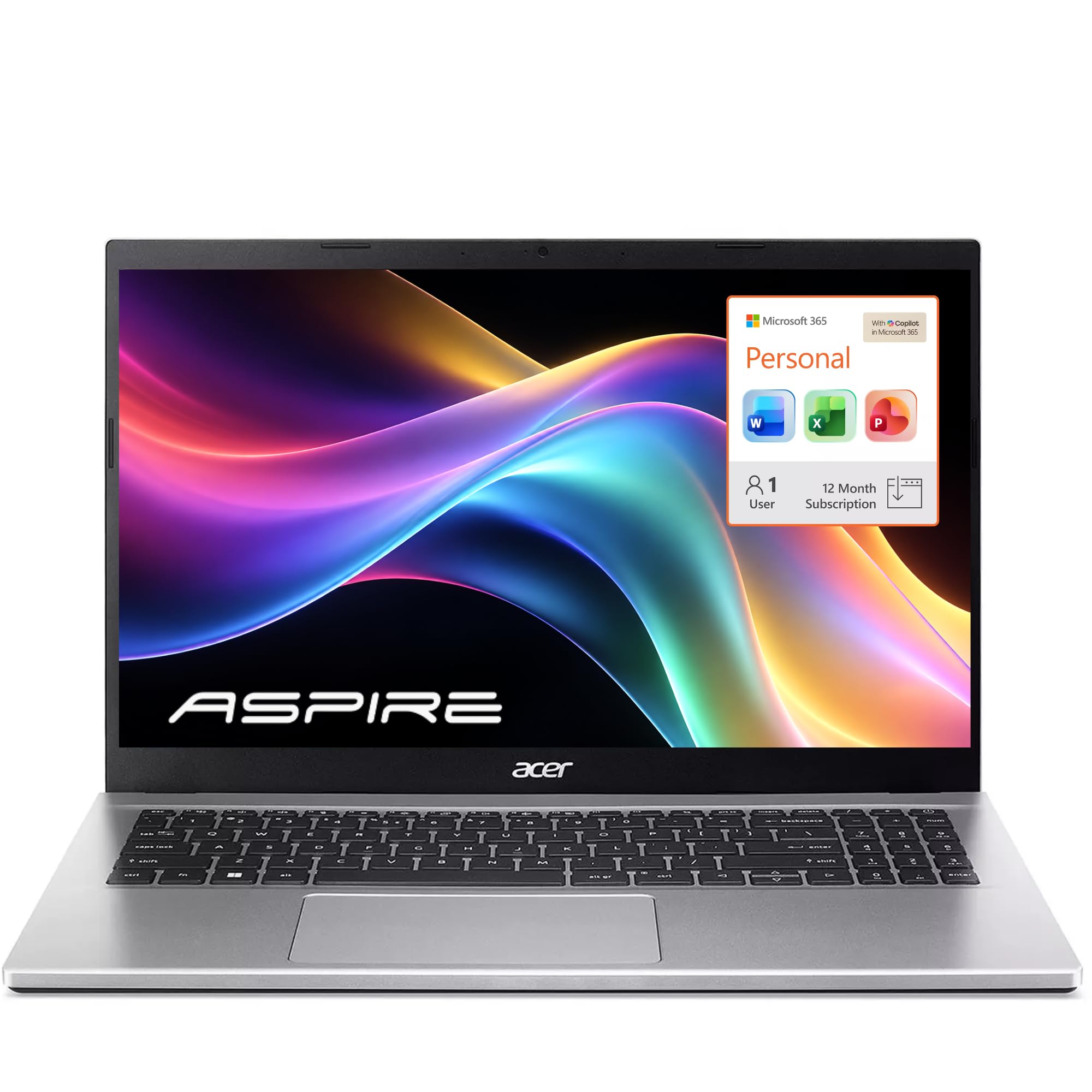
Best Overall
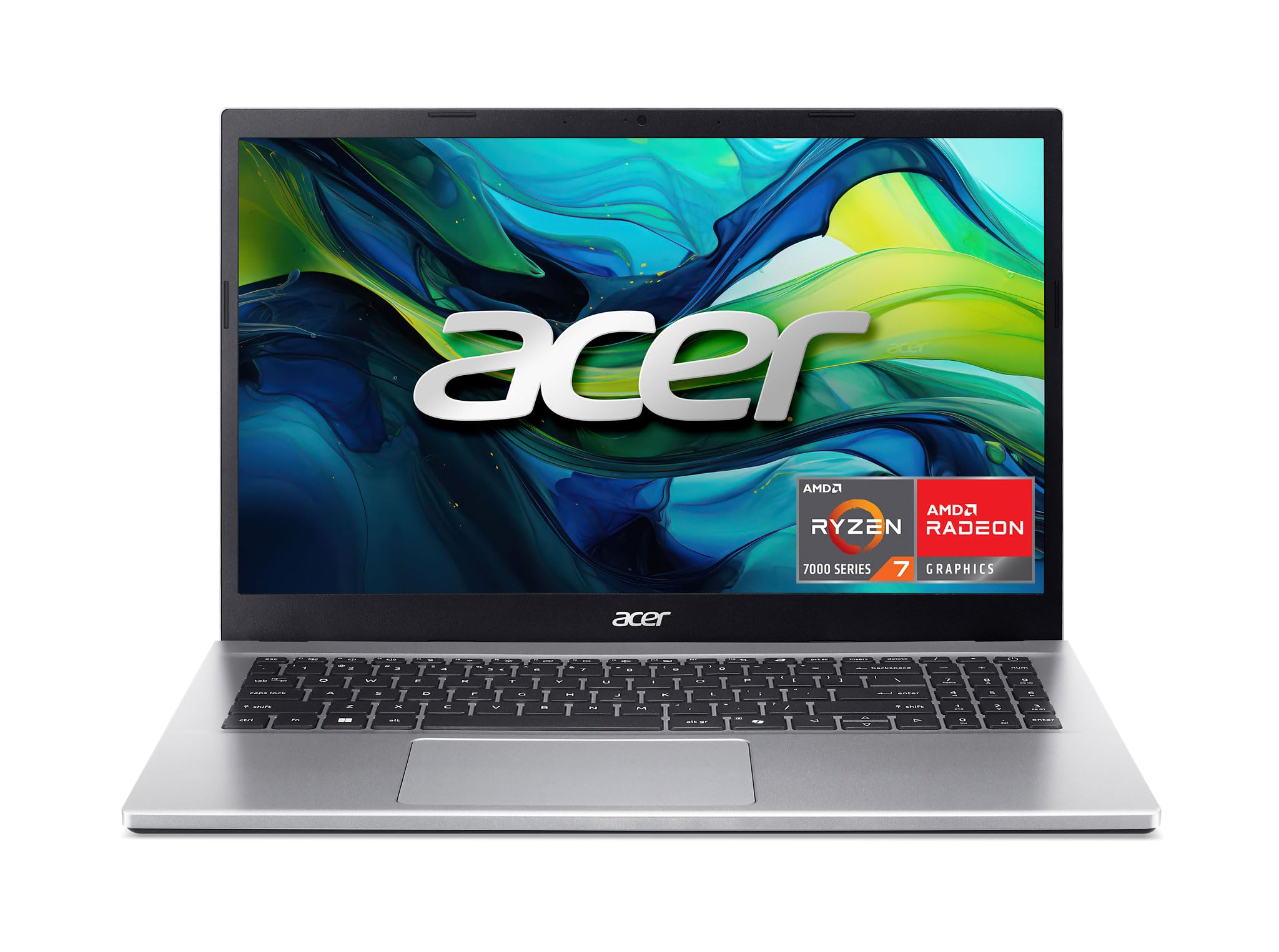
Acer Aspire Go 15
Key details
- Memory
- 16GB DDR4 (32GB max)
- Display
- 15.6-inch FHD IPS, 300 nits
- Storage
- 512GB PCIe Gen4 SSD
- Processor
- AMD Ryzen 7 7730U (8 cores)
The Aspire Go 15 is the one we keep coming back to because it puts the money where programming actually feels it: an eight-core Ryzen 7 7730U, 16GB of RAM, and a 512GB PCIe Gen4 SSD at a budget price. The 15.6-inch FHD IPS panel is rated at 300 nits, which is bright enough for a home office and easy on the eyes for long sessions. We also like that the memory can grow to 32GB later, so the 16GB starting point is not a dead end.
We found the eight-core chip has enough headroom for an IDE, a browser with too many tabs, and a local server running at the same time. The 512GB drive is the first thing to watch: it is fine for a clean install, but container images and SDKs eat space quickly. The full-function USB-C port makes a single-cable dock realistic, and HDMI 2.1 gives you an external monitor without an adapter.
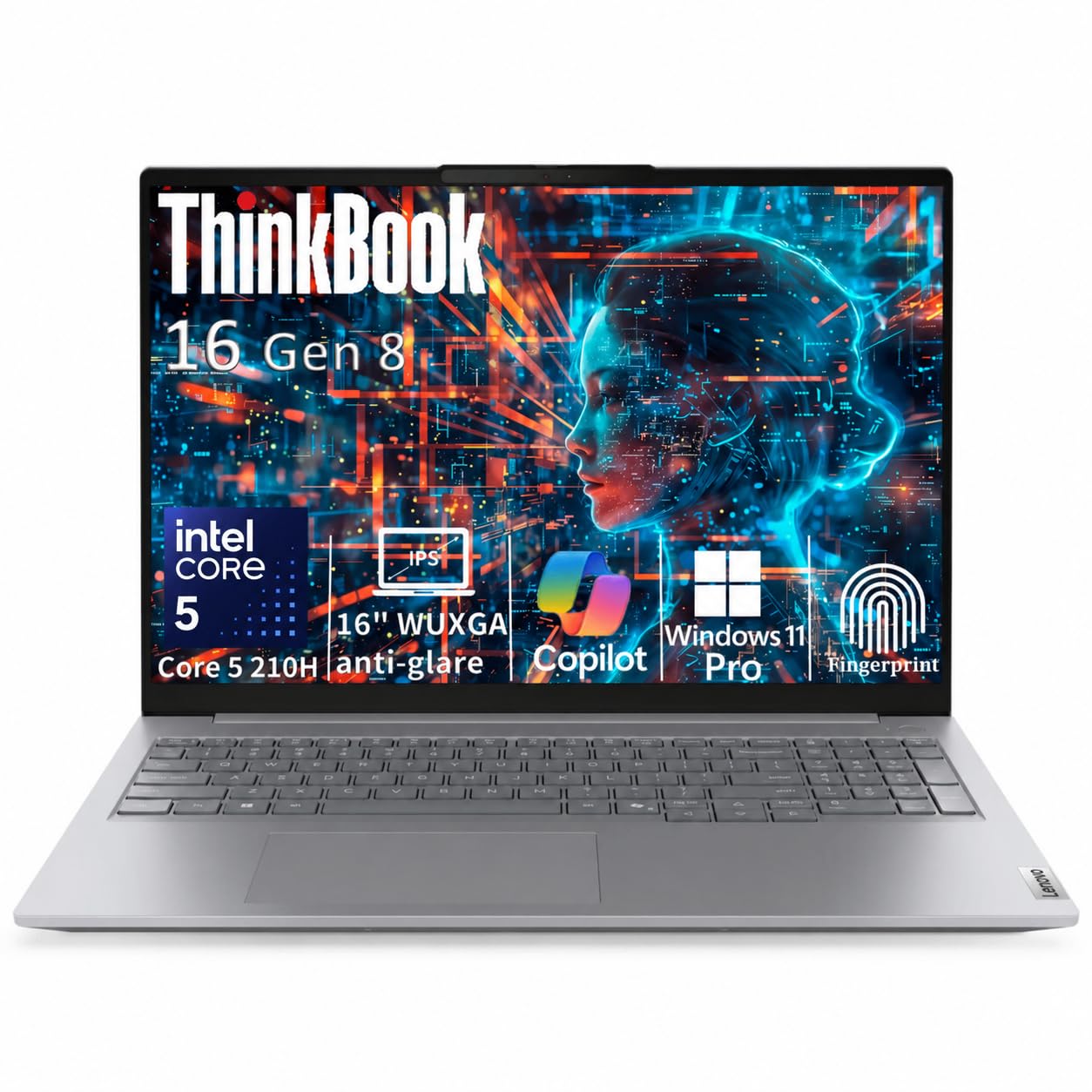
The trade-offs are the speakers and the fans. Audio is thin, and the fans become audible when you push a sustained build, which is the kind of thing that matters in a quiet room. Neither changes the recommendation for most people. If you want a taller 16:10 screen and 32GB out of the box, the ThinkBook 16 is the step up; otherwise this is the value benchmark in this group.
Pros
- Eight-core Ryzen 7 at a budget price
- 16GB RAM with a 32GB ceiling
- 512GB PCIe Gen4 SSD
- Bright 300-nit IPS display
Cons
- Weak speakers and audible fans
The Aspire Go 15 is our default programming laptop because it delivers eight cores, 16GB of RAM, and a bright IPS screen for budget money.