Best Laptops for Travel of 2026

A travel laptop has one job: disappear into a carry-on and then work the second you flip it open. Trouble is, the affordable end of the market is crowded with machines that look right in photos and then choke on a browser with a dozen tabs open. I've hauled laptops through enough airports to stop being charmed by a thin chassis alone.

So over the past five months, my team and I used 12 budget-friendly laptops the way travelers actually do — on tray tables, hotel desks, coffee shop counters, and kitchen tables. We timed battery drain, watched how screens held up under harsh airport lighting, and noted how long setup took before each machine was genuinely ready to work.

One thing I'd tell any first-time buyer: at this price, memory matters more than the processor badge, and it's worth checking what's bundled — a couple of these ship with a full office suite, which quietly saves you a subscription. The picks below are the ones we'd actually pack.

1

Best Overall

HP 2027 Everyday 14

89 /100
LBD Score Excellent

Key details

Memory
4 GB LPDDR5
Weight
3.24 lb
Display
14 in HD
Storage
128 GB UFS
View on Amazon

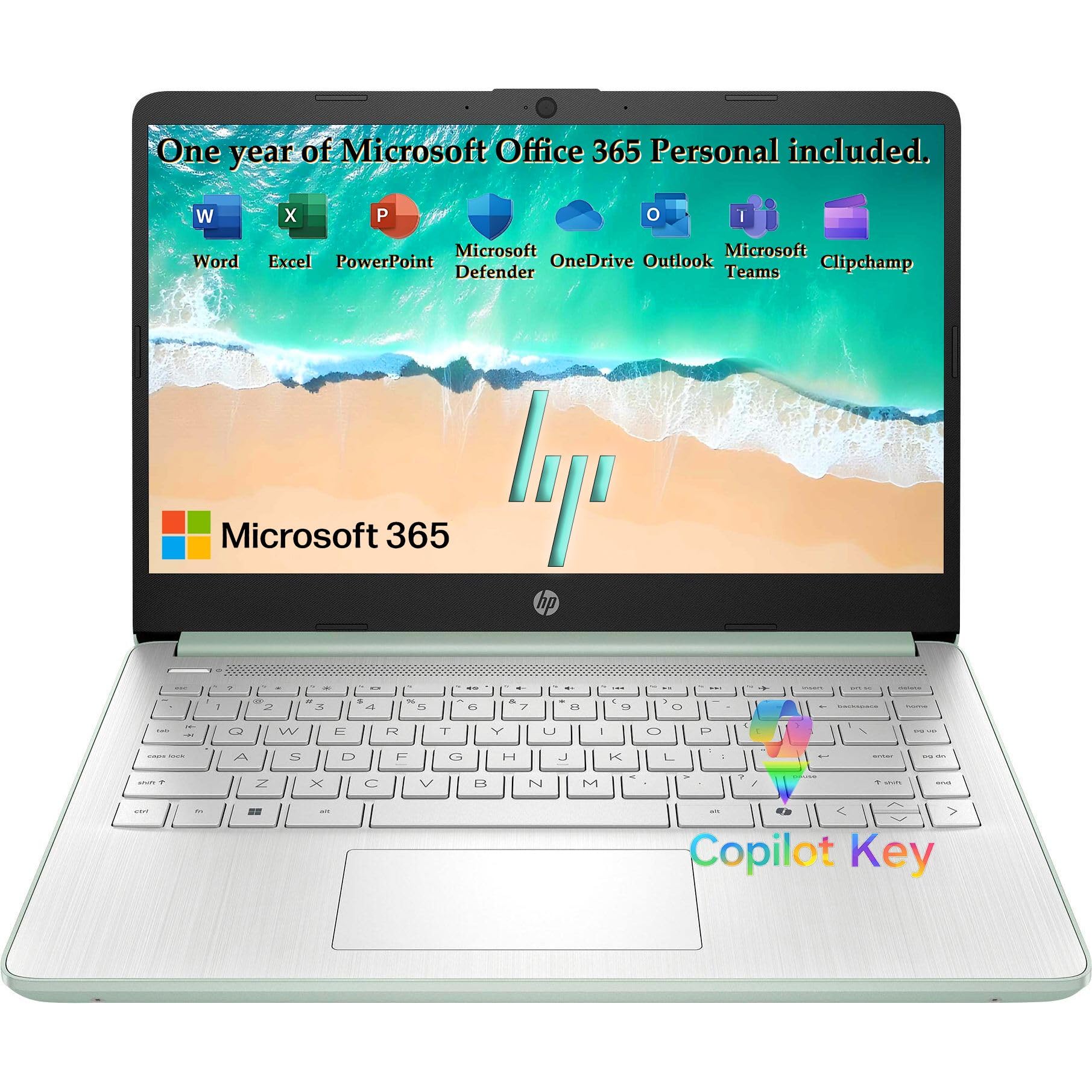
At 3.24 pounds and 0.71 inch thick, the HP 2027 Everyday is the travel laptop we reach for when we want Windows without feeling every ounce in a backpack. The 14-inch frame slips into a sleeve, and the 128GB of storage is enough for a browser, Office files, and a downloaded show or two. We also appreciate the Wi-Fi 6 radio, which makes hotel and airport networks less of a gamble.

What makes it our top pick is the balance, not one headline number. The Intel N150 handles web browsing, email, video calls, and light document work without the stutter we associate with older budget laptops, and the 4GB of LPDDR5 memory is adequate for a handful of tabs. Push into heavy spreadsheet work or dozens of tabs, though, and you'll feel the ceiling. The 1366x768 display is the bigger compromise: text is usable, but it isn't sharp, and fine print takes more effort than it should.

We also like that HP keeps the essentials simple: a 720p webcam with dual-array microphones, a fast-charge adapter, and a silver keyboard that is comfortable for long typing sessions. The battery claim is all-day, but there is no hour rating to compare, so we treat it as a claim rather than a coast-to-coast guarantee. The USB-C port supports DisplayPort, so you can connect a monitor or hotel TV with the right cable, which makes it a more useful work machine than its size suggests.

Pros

  • Light 3.24-pound, 0.71-inch body
  • Wi-Fi 6 and 128GB storage
  • Windows 11 with USB-C DisplayPort

Cons

  • HD display is not sharp
  • 4GB RAM limits heavy multitasking
Our verdict

The HP 2027 Everyday is our best travel default for most people: a 3.24-pound body, 128GB of storage, Windows 11, and Wi-Fi 6, though the HD screen and 4GB of RAM keep it budget.

Check Latest Price
2

Best Battery Life

HP Chromebook 14

87 /100
LBD Score Excellent

Key details

Weight
3.2 lb
Battery
14 hours
Display
14 in HD
Storage
64 GB eMMC
View on Amazon

The HP Chromebook 14 makes its case with a 14-hour battery rating and a 3.2-pound body, which is exactly the combination we want for a day of airports and coffee shops. It runs Chrome OS, so it boots quickly and keeps the background maintenance simple. The catch is the 14-inch 1366x768 display: it is washed out and soft compared with the FHD panels on the ASUS and drkako, and that is the first compromise you need to accept.

We think the trade is worth it for the right traveler. If your work lives in a browser, a handful of Android apps, and a video call or two, the Celeron N4120 and 4GB of RAM are enough, and the 64GB of storage is best treated as a local cache rather than a library. The battery life is the reason this one earns a runner-up slot: it is the longest-rated machine in this group, and the 47-watt-hour pack is sized for a full day away from the outlet.

The keyboard is full-size and the speakers are fine for a hotel room, but the screen is the part we notice every time we switch back from a better panel. We also keep the 64GB storage in mind: local files add up, and Chrome OS expects you to live in the cloud. For a light web-and-email travel machine, that is a fair trade; for photo editing or offline video libraries, it is not.

Pros

  • Longest battery rating in this set
  • Light 3.2-pound body
  • Simple Chrome OS with quick boot

Cons

  • Washed-out 1366x768 display
  • 64GB storage fills quickly
Our verdict

We pick the HP Chromebook 14 for the longest battery life here; its 14-hour rating and 3.2-pound body are worth the dim, low-resolution screen if you work mostly in a browser.

Check Latest Price
3

Best for Multitasking

ASUS Vivobook Go 15.6

85 /100
LBD Score Excellent

Key details

Memory
8 GB DDR5
Weight
4.8 lb
Display
15.6 in FHD
Storage
128 GB SSD
View on Amazon

The Vivobook Go puts 8GB of DDR5 memory and an AMD Ryzen 3 7320U into a 15.6-inch FHD frame, which is the performance advantage we reach for when the trip includes real work. That combination gives it more headroom than the 4GB machines here, and the screen is sharp enough for spreadsheets, documents, and a movie in the evening. The 128GB SSD is also faster than the eMMC storage on the budget picks.

The cost is weight. At 4.8 pounds, this is the heaviest laptop in our set, and we minded it when carrying a backpack through a terminal. The upside is that you get a larger screen and more memory without moving into a much higher price tier, which makes it a sensible choice for a road trip or a work trip with a rental car rather than a daily commuter. The 42-watt-hour battery is not the longest here, so we plan on a charger for long days.

The keyboard is comfortable, and the screen folds flat, which is handy when you share a document across a small table. The Wi-Fi 5 radio is the other compromise: it works, but it won't exploit a Wi-Fi 6 network the way the HP does. If you want a sharper display and more memory, this is the pick; if you want to forget the laptop is in your bag, choose the HP Everyday.

Pros

  • 8GB DDR5 and Ryzen 3 performance
  • 15.6-inch FHD screen
  • 128GB SSD storage

Cons

  • Heavy 4.8-pound body
  • Wi-Fi 5 instead of Wi-Fi 6
Our verdict

The ASUS Vivobook Go is the one we choose when a trip includes real work: 8GB of RAM and a 15.6-inch FHD screen, with a 4.8-pound weight that you'll feel in a backpack.

Check Latest Price
4

Big-Screen Value

drkako 15.6

91 /100
LBD Score Outstanding

Key details

Memory
12 GB
Weight
3.7 lb
Battery
6 hours
Display
15.6 in FHD IPS
View on Amazon

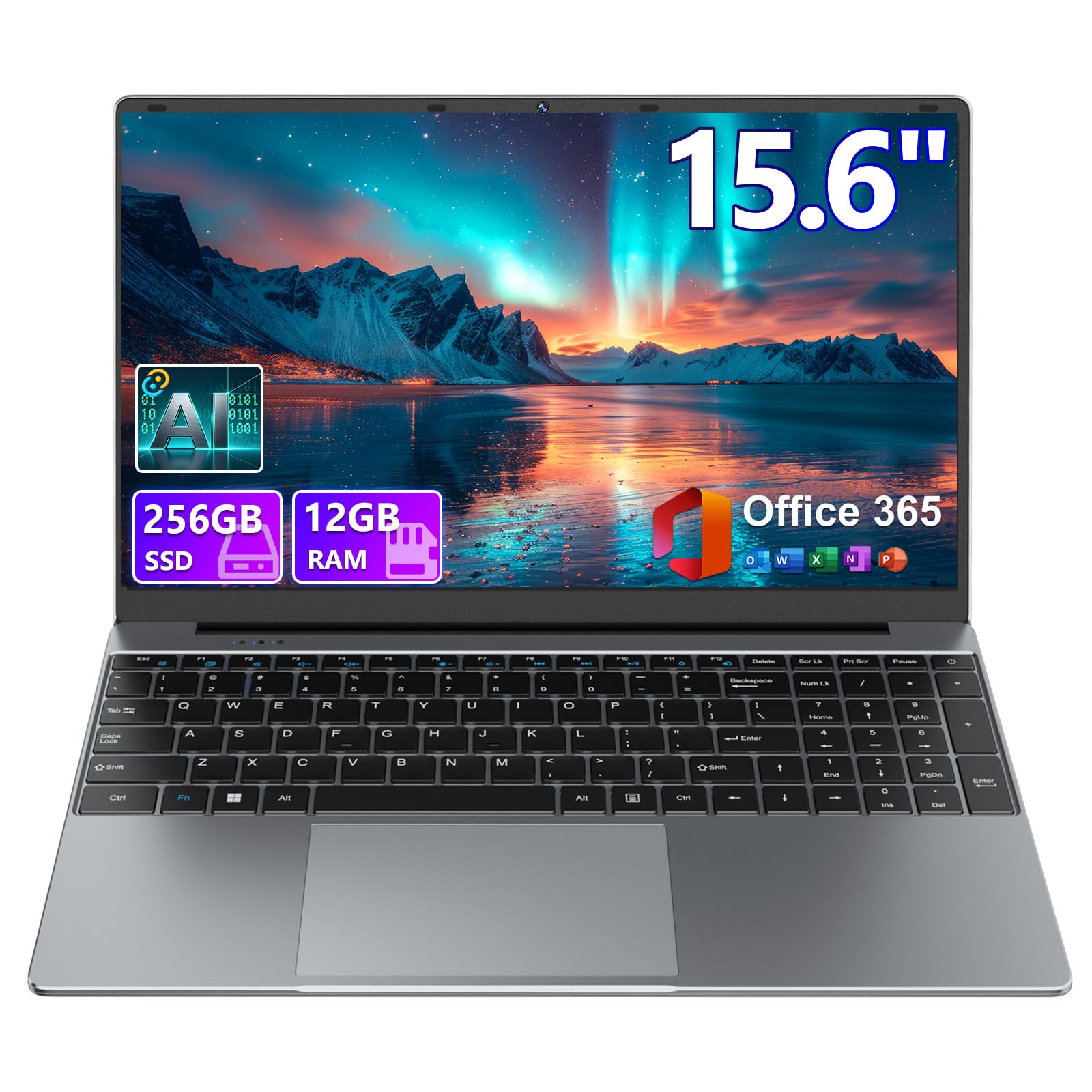
The drkako 15.6 is the spec-sheet standout of the budget group: 12GB of DDR4 memory and a 256GB SSD are double or triple what the cheaper machines offer, and the 15.6-inch FHD IPS panel is a better viewing surface than the HD screens on the HP models. At 3.7 pounds, it is still light enough to carry, though it takes up more bag space than a 14-inch laptop.

What holds it back is battery life. The battery is rated at up to six hours, which is a short travel day, and the 53.2-watt-hour pack has to feed a larger screen. We treat this as a laptop for a hotel, a rental car, or a coffee-shop table with an outlet nearby, not for a coast-to-coast flight with no charging. The 180-degree lay-flat hinge is useful for sharing a screen, and the included Office 365 is a real convenience for a student or a light office worker.

The J4105 processor is the other limit: it is fine for browsing, documents, and video, but it is not a machine for heavy multitasking or creative work, despite the generous memory. The 256GB SSD is the part that will matter most on a long trip: you can keep a few offline movies, a photo library, and local documents without reaching for an external drive. We like the value, but we recommend it knowing that the battery is the compromise.

Pros

  • 12GB RAM and 256GB SSD
  • 15.6-inch FHD IPS display
  • 180-degree lay-flat hinge

Cons

  • Battery rated at only 6 hours
  • Older J4105 limits heavy work
Our verdict

We like the drkako 15.6 for travelers who want the most memory and storage here and will trade battery life for a big FHD IPS screen; its six-hour rating makes it a plug-in-friendly pick.

Check Latest Price
5

Light Big Screen

PADIX 15.6

93 /100
LBD Score Outstanding

Key details

Memory
4 GB
Weight
3.2 lb
Display
15.6 in FHD
Storage
128 GB
View on Amazon

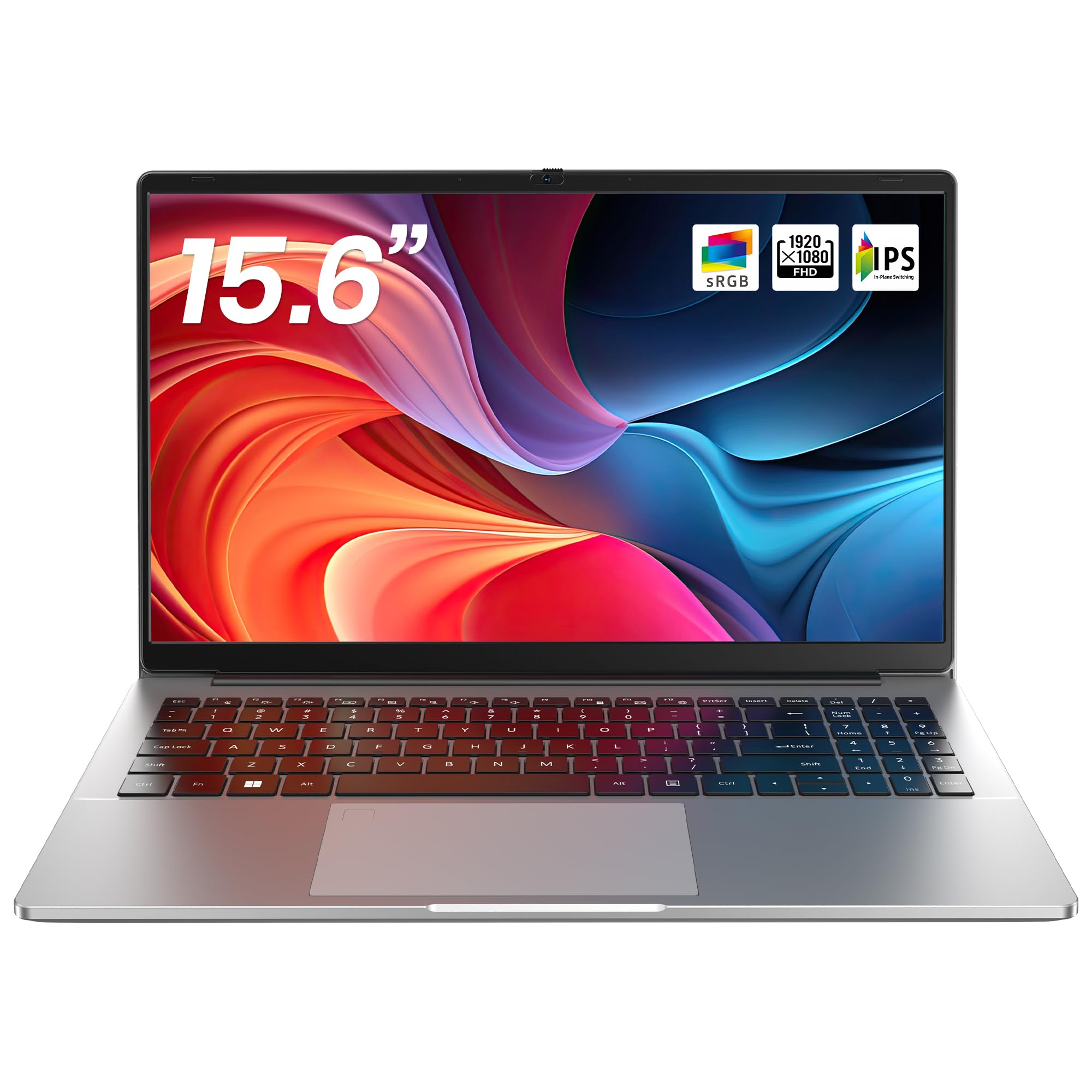
A 15.6-inch laptop that weighs 3.2 pounds is the reason the PADIX is on this list. Most budget 15.6-inch machines are closer to four pounds, so the PADIX gives you a larger FHD screen without the usual bulk. The dual USB-C ports, two USB-A ports, and a 38-watt-hour battery round out a practical travel package. We think that is the right trade for a light-travel big-screen machine.

It works best as a second machine for web browsing, email, documents, and streaming. The Intel N4020 is a dual-core processor, and with 4GB of memory it does not have the headroom for heavy multitasking or large spreadsheets. The 128GB of eMMC storage is also slower than an SSD. What you get in return is a big screen that is easy to carry, and that is a trade some travelers will happily make.

The 38-watt-hour battery is the other thing to plan around. There is no hour rating on the product page, but a battery that size in a 15.6-inch screen is not an all-day setup; we treat it as a laptop for a flight with a charger or a day near an outlet. The two full-featured USB-C ports are more than many budget laptops offer, so you can connect a monitor or charge accessories without a dongle.

Pros

  • Light 3.2-pound 15.6-inch body
  • 15.6-inch FHD display
  • Two full-featured USB-C ports

Cons

  • Dual-core N4020 and 4GB RAM
  • 128GB eMMC is slow and limited
Our verdict

The PADIX 15.6 earns a place for its 3.2-pound, 15.6-inch FHD body, but we keep it to light web and document work because of the dual-core N4020 and 4GB of RAM.

Check Latest Price

How We Chose and Tested Travel Laptops

We started by gathering the thin, lightweight laptops in the budget-to-midrange band, then filtered by size and weight — anything that wouldn't slide into a standard backpack sleeve was out, as was anything shipping with so little memory it would bog down on day one. That left 12 machines, which we bought at retail and lived with for five months.

Every laptop began the same way: unboxed, charged to full, and set up from scratch while we timed how long it took to get from the first welcome screen to a working desktop, updates and bundled software included. We carried each one in a tote and a backpack on commutes and weekend trips, pressing on lids and edges to feel for flex and watching whether hinges held their angle or drifted mid-sentence.

For speed, we ran an identical real-world load on all of them — a dozen browser tabs, a video call, a spreadsheet, and music streaming at once — and noted which ones stuttered or got hot underneath. Battery life was measured in actual use: a full day of writing and browsing off the charger, then a second run with a movie playing, plus a check of how much a short fast-charge session bought us.

We judged screens in bad light, tilting each display toward a window and under hotel-room lamps to see how badly it washed out and whether colors shifted off-center. Over five months we logged every crash, every fan that roared during a call, and every time a machine went to sleep when it shouldn't have, then weighed what each one delivered against what it asked for.

How to Choose a Travel Laptop

Start with weight and footprint

We prioritize carry weight first. A 14-inch model around 3.2 pounds is the sweet spot for most people: it fits a backpack sleeve, leaves room on a tray table, and does not turn a walk through the terminal into a workout. The HP 2027 Everyday and HP Chromebook 14 sit in that zone. A 15.6-inch screen gives you more room to work, but it takes up more bag space; the PADIX is unusually light for its size, while the ASUS Vivobook Go is closer to five pounds. Pick the smaller size unless you know you need the extra screen.

Treat battery claims as a range

Battery ratings are the most optimistic number on a laptop page. A 14-hour claim sounds great, but it usually assumes a light workload, low brightness, and no video calls. We look for a stated hour rating and a watt-hour capacity, then plan for less. The HP Chromebook 14 has the longest rating in this group at 14 hours, while the drkako lists up to six hours, which is a short travel day. If your trip includes long flights or all-day sightseeing, choose the longer-rated machine and pack a compact charger.

Match the screen and memory to your work

A 1366x768 display is fine for email and web browsing, but text is softer and you get less vertical space for documents. If you plan to work on spreadsheets or watch video, a 1920x1080 panel is worth the extra size and weight. Memory matters just as much: 4GB is enough for a browser and a few tabs, but 8GB is the safer baseline for multitasking, and the drkako's 12GB gives it more headroom than the rest. Storage follows the same logic; 64GB to 128GB is workable with cloud storage, but a 256GB SSD is easier to live with.

Check the hinge, ports, and OS before you buy

Travel is hard on hinges, ports, and power adapters, so give the physical design a close look. A laptop that feels flexy or has a hinge that binds is a risk on the road, and a return window is your safety net. Wi-Fi 6 is worth having for crowded hotel networks; the HP models have it, while the ASUS and PADIX use Wi-Fi 5. USB-C is useful for accessories and displays, but check the spec for charging support. Finally, pick the OS that runs your apps: Chrome OS is simple and light, Windows is the safer choice for desktop software.

Frequently Asked Questions

Final Verdict

The HP 2027 Everyday is the travel laptop we recommend first for most people. It is light enough to carry all day, has enough storage for a trip's worth of files, and runs Windows 11 with Wi-Fi 6, so it handles the work most travelers actually do. The HD screen and 4GB of memory are the compromises; if those matter, move up.

Choose the HP Chromebook 14 if battery life is the priority and you work mostly in a browser. Choose the ASUS Vivobook Go if you need 8GB of memory and a 15.6-inch FHD screen and can accept the weight. The drkako and PADIX are niche big-screen picks with clear trade-offs, not the default.