Best Laptops for Writers of 2026

A laptop's spec sheet can look flawless and still be miserable to write on. Core counts and clock speeds say almost nothing about how a keyboard feels at hour five, whether the screen stays readable with a window behind you, or if the battery holds through one more draft. What writers need is duller and harder to market: a deck that doesn't fight back, a display that's easy on the eyes, and enough battery to finish the piece somewhere other than a wall outlet.

I've written through a handful of laptops in recent years, and my team just spent six months with nine more, ranging from stripped-down budget models to loaded 2-in-1s with cloud storage and built-in AI assistants. Speed and setup separated the field faster than any spec sheet did — the good ones were typing-ready minutes after unboxing, and the slow ones announced themselves on the first paragraph.

The picks below are the ones that earned a permanent spot on my desk, and each is the right call for a slightly different kind of writing life.

1

Best Overall

Apple MacBook Neo 13

91 /100
LBD Score Outstanding

Key details

Memory
8GB unified
Screen
13-inch Liquid Retina
Weight
2.71 lb
Battery
Up to 16 hours
View on Amazon

At 2.71 pounds the MacBook Neo weighs about as much as a hardcover, and that number is why it's our top pick. It slides into a tote beside a notebook, and the rated 16 hours of battery mean you can leave the charger at home. For a writer, those two facts together are worth more than anything printed on the processor line.

The 13-inch Liquid Retina display carries the other half of the argument. An editing pass is a reading task as much as a writing one, and crisp text with even lighting is easier on the eyes over three hours than a larger, harsher panel that happens to have more pixels. The A18 Pro chip handles a browser full of research tabs beside an open document and a video call without the machine bogging down.

The limit is memory and storage. 8GB of unified memory and a 256GB drive are the floor rather than a comfortable middle, and a manuscript plus forty tabs plus a photo library is exactly the load that finds the ceiling. If that's how you work, the Yoga 7i and its 16GB are the better answer.

Everything else about living with it is quiet in the best sense: a keyboard that doesn't announce you to the room, a trackpad big enough for editing on a couch, and a footprint that fits a cafe table. We kept reaching for it to draft, which is the simplest test we have.

Pros

  • 2.71-pound body travels without a second thought
  • Rated up to 16 hours away from an outlet
  • Crisp 13-inch Liquid Retina text for long edits

Cons

  • 8GB of memory limits heavy tab loads
  • 256GB of storage fills quickly with media
Our verdict

The laptop we hand most writers: light enough to carry every day, quiet under the hands, and still running after a full day away from an outlet.

Check Latest Price
2

Best Big-Screen 2-In-1

Lenovo Yoga 7i 16

89 /100
LBD Score Excellent

Key details

Memory
16GB DDR5
Screen
16-inch 1920 x 1200 touch
Weight
4.6 lb
Storage
1TB SSD
View on Amazon

Sixteen inches buys something specific here, and it isn't just more pixels: the 1920 x 1200 panel is taller than the widescreen norm, so an outline, a draft, and a reference PDF can share the screen without everything shrinking to a crawl. The 16:10 shape is what we noticed first. You see more lines of your own text, which is the thing a writer actually runs out of.

Under that screen, a Core Ultra 7 with 16GB of DDR5 and a 1TB SSD makes light work of a manuscript, a browser, and a call at once, and the backlit keyboard is the one we were happiest typing on after dark. The 360-degree hinge earns more than it costs — folded into stand mode it makes a decent reading stand, though as a tablet it's a stretch.

Then the trade: 4.6 pounds, and the highest price in this group. On a desk neither matters, and if the laptop lives on a kitchen table or in a hotel room for a week, the weight buys you the screen and you come out ahead. If it rides in a shoulder bag on a train every morning, this is the wrong machine and the MacBook Neo is the obvious one.

Pros

  • Tall 16-inch 1920 x 1200 touchscreen
  • Backlit keyboard and fingerprint reader
  • 16GB of memory and a 1TB SSD
  • Four modes from one hinge

Cons

  • Heavy at 4.6 pounds for daily carrying
Our verdict

If you outline and draft side by side, this is the most useful canvas here, and its backlit keyboard is the one we were happiest typing on.

Check Latest Price
3

Best Value Full HD

Lenovo IdeaPad Slim 3 15.6

87 /100
LBD Score Excellent

Key details

Memory
8GB LPDDR5
Screen
15.6-inch anti-glare
Weight
3.42 lb
Storage
128GB
View on Amazon

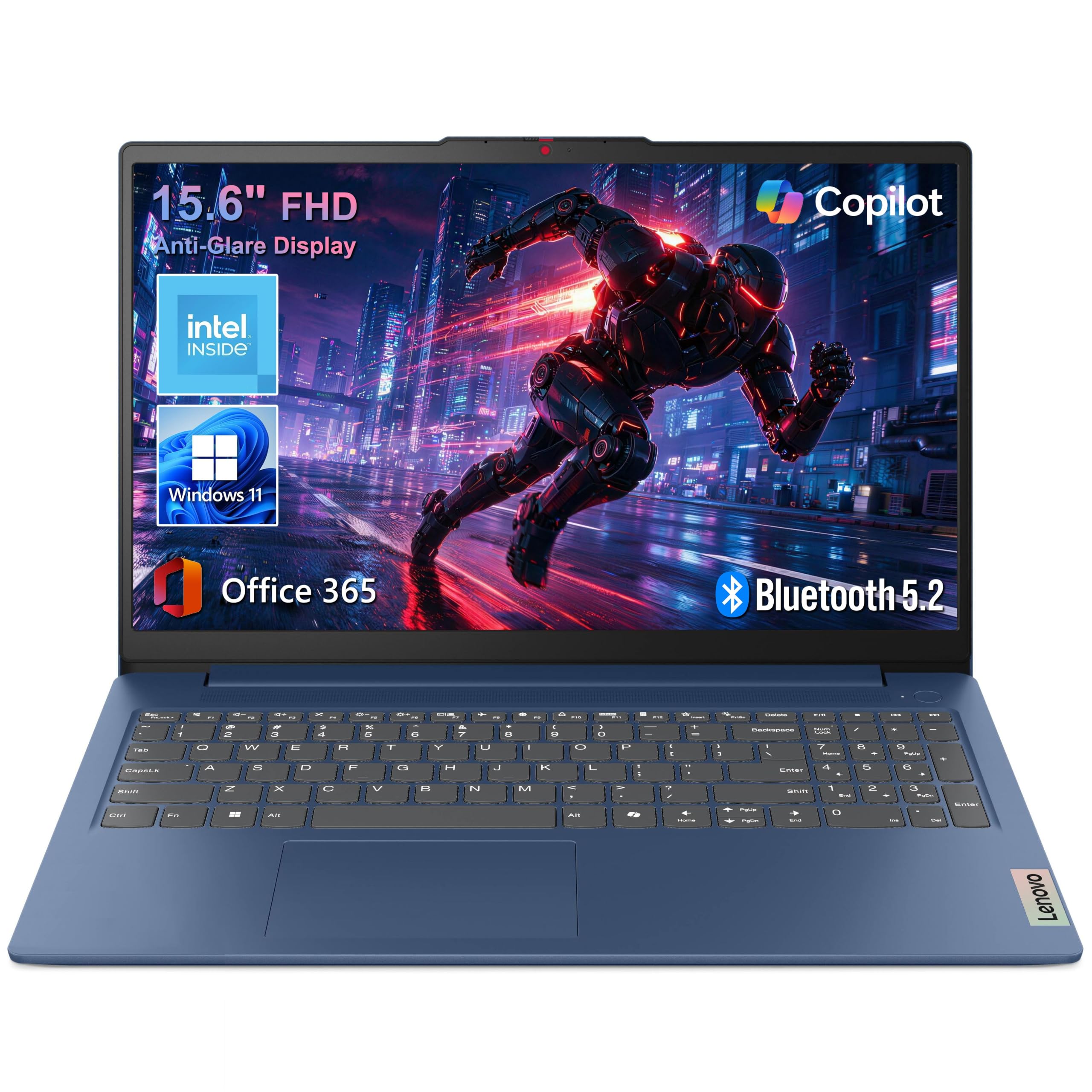
Most budget laptops make you choose between a screen you can read on and a machine you can carry, and this Lenovo refuses the trade. A 15.6-inch full HD anti-glare panel, 8GB of LPDDR5 memory, and a 3.42-pound body is the combination we look for first in a first writing laptop.

The matte finish is the detail we appreciated most. An anti-glare panel stops the window behind you from turning your draft into a mirror, and at 15.6 inches two documents fit side by side without shrinking. The Intel N150 is a modest chip, but for Word, a browser, and a PDF it does honest work — this is not a machine for video editing.

Two compromises to weigh. Storage is 128GB, generous for text and thin for photos, so plan on cloud storage or an external drive. And the keyboard isn't backlit, which is the one thing we missed drafting after dark — worth knowing if you write in the evening, less so if you write at a desk by a window.

Pros

  • Full HD anti-glare screen at a budget price
  • 8GB of memory handles a real research load
  • Light 3.42-pound body for a 15.6-inch laptop

Cons

  • Battery life can fall short of a full day
Our verdict

The least expensive route here to a full HD anti-glare screen and 8GB of memory, in a body light enough to carry between classes.

Check Latest Price
4

Best for Multitasking

Acer Aspire Lite 15

86 /100
LBD Score Excellent

Key details

Memory
16GB DDR4
Screen
15.6-inch 1920 x 1080 IPS
Storage
256GB SSD
Keyboard
Full-size with numeric keypad
View on Amazon

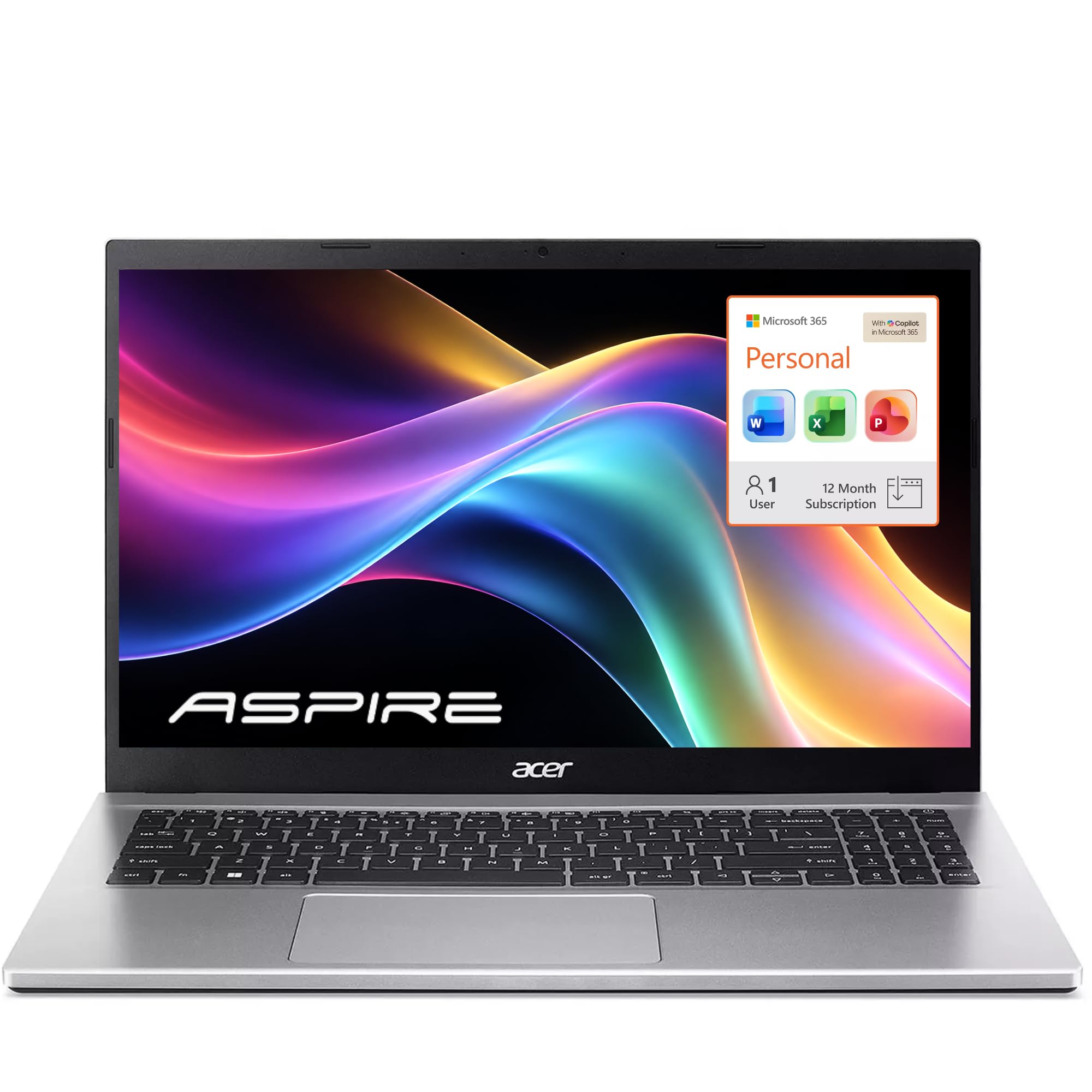
Sixteen gigabytes of memory in a laptop at this price is unusual, and it's the reason this Acer earns a spot. Writers don't stress a processor the way they stress memory: a dozen tabs, two documents, a PDF, and a chat window at once is where a 4GB machine starts swapping and a 16GB one carries on.

There's more here than memory. The 256GB NVMe SSD is double the local storage of the comparably priced Lenovo, the 15.6-inch panel is both full HD and IPS so two windows keep their color as you tilt the screen, and the full-size keyboard adds a number pad on the right. We like it best for someone who works in spreadsheets as much as sentences.

The trade is the processor. Intel's N150 keeps up with documents and browsing and stops being invisible on big photo exports or video files. Keep autosave on and your drafts in a cloud folder — that advice matters more on this machine than on any other pick here. Writers who stay inside Word and a browser are the ones who end up happy.

Pros

  • 16GB of memory keeps dozens of tabs open
  • Full HD IPS panel holds its color off-axis
  • Full-size keyboard with a numeric keypad

Cons

  • Restarts and crashes on some units
  • Downward-firing speakers sound thin
Our verdict

For research-heavy writing, 16GB of memory and a 256GB SSD do more for your day than a faster chip would.

Check Latest Price
5

Best Budget

HP 2027 Everyday 14

89 /100
LBD Score Excellent

Key details

Memory
4GB LPDDR5
Screen
14-inch 1366 x 768 anti-glare
Weight
3.24 lb
Storage
128GB UFS
View on Amazon

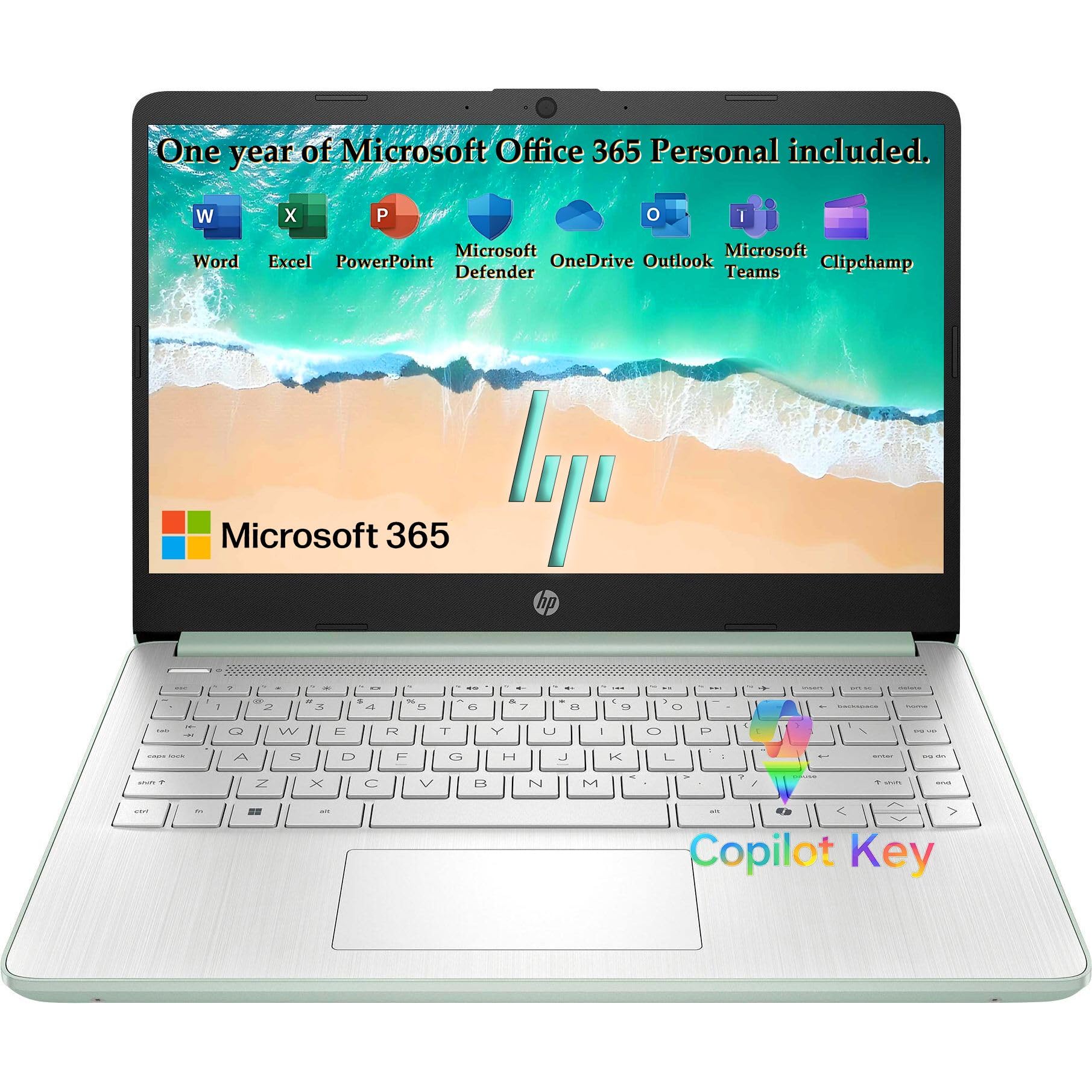
This is the least expensive laptop in the group, and the savings land in two specifications. Four gigabytes of memory covers a document, a browser with a handful of tabs, and music; it runs out of road somewhere around twenty tabs and a spreadsheet. The 14-inch screen is 1366 x 768, which fits fewer lines of a manuscript than any full HD panel here.

What we like is everything around those two numbers. At 3.24 pounds and 0.71 inch thick it's the easiest laptop here to carry, the willow green finish looks better than the price suggests, and Wi-Fi 6 plus a 720p camera cover classes, calls, and hotel Wi-Fi. For a student writing papers, or a second machine for the kitchen table, that adds up to a coherent package.

So the question is whether your writing fits inside it. Drafting in Google Docs with three tabs open and a podcast going: yes, comfortably, and the battery is rated for all-day use. Research with a dozen sources spread across browser windows: no, and the Acer's 16GB is the fix.

Pros

  • Lightest laptop in this group at 3.24 pounds
  • Lowest price of any pick here
  • Wi-Fi 6 and fast charge built in

Cons

  • 4GB of memory caps browser tabs
  • 1366 x 768 screen shows fewer lines of text
Our verdict

The cheapest way into a light Windows laptop here — right for one document and a few tabs, wrong the moment your research spreads out.

Check Latest Price
6

Desk Work

HP 17.3 Business Laptop

87 /100
LBD Score Excellent

Key details

Memory
16GB DDR4
Screen
17.3-inch anti-glare
Storage
512GB SSD
Keyboard
Full-size with numeric keypad
View on Amazon

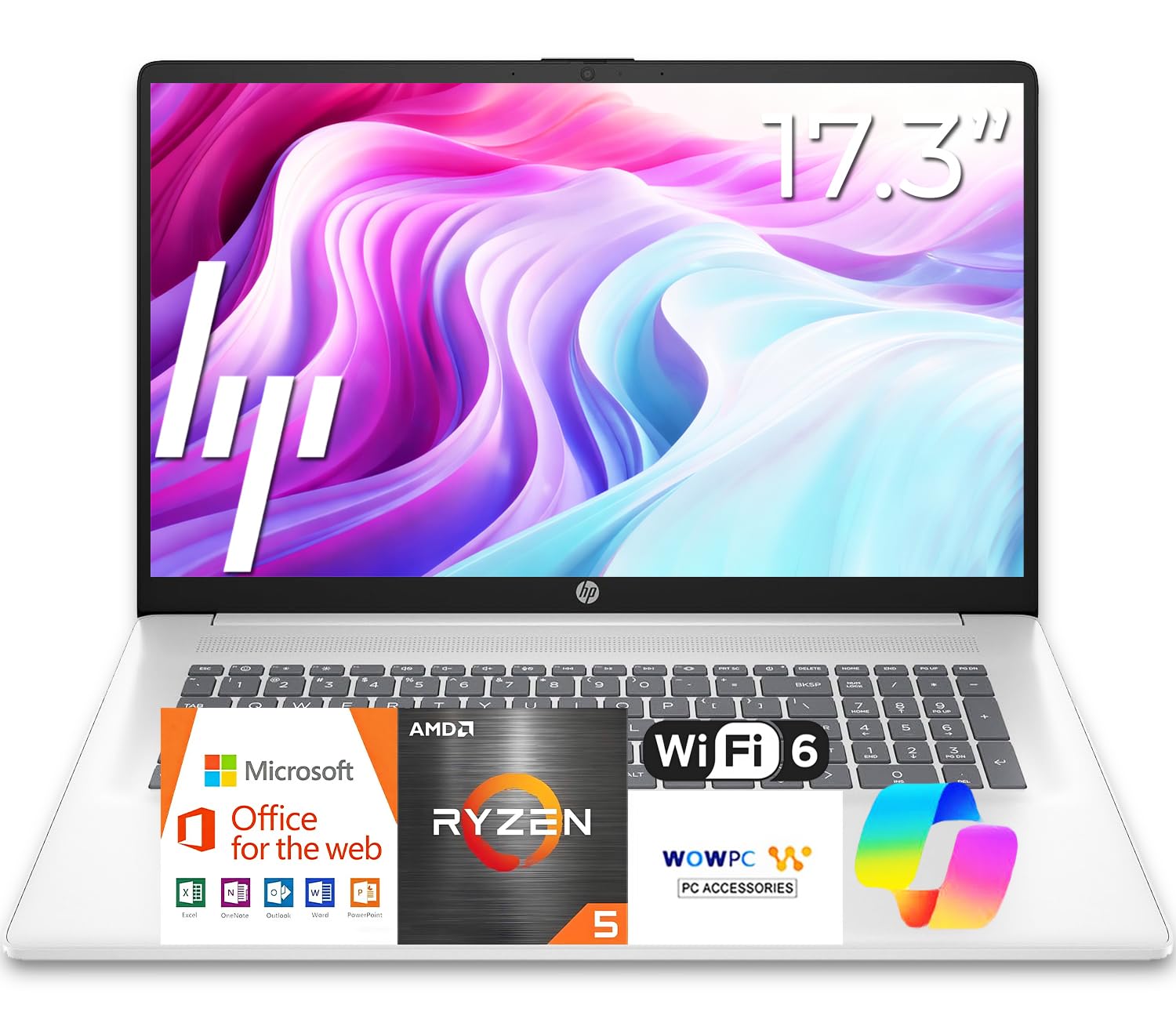
Seventeen inches is its own category. This HP is 15.78 inches wide, so it wants a permanent desk, and in exchange you get the largest screen here, a brushed full-size keyboard with a 10-key number pad, and a spill-resistant deck that matters more than it sounds if you write next to a coffee cup.

The internals are the sensible part: a Ryzen 5, 16GB of DDR4, and a 512GB SSD, which is more memory and storage than any Windows machine here except the Yoga 7i. For a writer who keeps a manuscript, a research browser, and a folder of PDFs open at once, that's the right place to spend.

Two things to settle before ordering. The specification fields for this model list a 1600 x 900 native panel while the description promises full HD, so confirm the resolution on the exact configuration you buy. And this is not a travel laptop: the footprint means a dedicated bag and a dedicated desk, which is the whole point of it.

Pros

  • 17.3-inch screen, the largest in this group
  • Full-size keyboard with a 10-key pad
  • 16GB of memory and a 512GB SSD

Cons

  • Rarely leaves a desk at 15.78 inches wide
Our verdict

A desk machine with a number pad and the biggest screen here — it rewards a permanent spot and punishes a commute.

Check Latest Price

How We Tested the Best Laptops for Writers

I started with a shortlist of about 40 machines sold as everyday or study laptops, then cut anything without a full-size keyboard, a display outside the 13- to 17-inch range, or a weight that made a tote bag sag. Nine survived, spanning budget models and loaded 2-in-1s, and each one became a primary writing machine for six months.

Every laptop got the same rotation: a 2,000-word draft in one sitting, a week of email and shared documents, a video call, and a commute carried loose in a backpack. We timed cold boots, and we sat through each setup out of the box, including the productivity and cloud-storage subscription prompts several of these ship with, to see how many minutes passed before we could actually type.

Battery life got two reads: a looping typing test at 50 percent brightness until the machine shut down, and an ordinary unplugged morning on the couch to see whether it lasted. We judged screens by eye beside a sunny window and again after dark, and played recorded interviews through the speakers to hear whether voices turned thin or muddy.

Durability came down to unkind handling — bending lid corners, flexing the deck, and a week rattling around in a bag. We flagged keyboards that bounced, hinges that wandered, and any machine that stuttered or whined over six months of use. Appearance got a fair hearing too, since a laptop lives on a kitchen table as often as a desk, and we weighed each storage and software bundle against what it would cost to add later before calling anything a good value.

How to Choose a Laptop for Writing

Start With the Keys

For anyone who types for a living, the keyboard outranks every line of the spec sheet. A 13-inch deck compresses the keys slightly and shrinks the palm rest; a 15.6-inch chassis gives your hands room and, on some models, adds a number pad that shifts the whole keyboard left of center. Neither is wrong — but a number pad you never touch is width you carry.

Backlighting is the feature writers notice at nine at night and shoppers forget in the store. If you write after dark, confirm it on the exact model: the IdeaPad Slim 3 here is not backlit, and the Yoga 7i is. Type a paragraph on the machine before you commit whenever you can.

Read the Resolution Number, Not the Word Full HD

1366 x 768 is still on sale, and it fits noticeably fewer lines of your own text than a full HD panel — more scrolling on a long draft and softer letterforms at the edges. Look for 1920 x 1080 or 1920 x 1200, and prefer the taller 16:10 shape if you keep an outline and a draft side by side. The trap is copy that says HD or FHD in the headline while the specification fields list a lower native resolution; compare the number, not the adjective.

Finish matters as much as pixels. A matte, anti-glare panel keeps a window or a lamp from reflecting into your draft, which is why the Lenovo IdeaPad Slim 3 is easier to live with on a bright desk than its price suggests.

Memory and Storage: What Runs Out First

Documents are tiny; browsers are not. 4GB covers a manuscript and a handful of tabs, 8GB carries a normal research load, and 16GB is what you want if two writing projects, a chat app, and thirty tabs stay open all day. That last figure is the real dividing line in this group, and it is why the Acer and the Yoga cost more than the budget HPs.

Storage is the calmer decision. 128GB holds years of text, though photos, video, and downloads eat it quickly. UFS storage in budget models is slower than an SSD for large files and indistinguishable for words — so if your writing arrives with a media library, pay for the SSD.

Battery and Weight Come as a Pair

Rated battery figures come from video loops at partial brightness, so treat them as a ceiling rather than a promise; a browser full of tabs with the screen turned up costs more. The practical question is whether the machine leaves the house. A 4.6-pound 16-inch stays on the desk and repays you with screen space, while a 2.71-pound 13-inch trades canvas for a bag you stop thinking about.

USB-C charging is worth checking for on any laptop you plan to carry: one adapter for the machine and the phone is a small convenience you notice every trip.

Frequently Asked Questions

Final Verdict

Start with the MacBook Neo. For most writers it's the machine that gets out of the way: 2.71 pounds in the bag, a rated 16 hours away from an outlet, and text that stays easy to read through a long revision. Weigh the 8GB of memory honestly, though — if your drafts come with forty tabs and a media library, it is the wrong buy.

Then the Lenovo Yoga 7i 16: the same instinct with twice the memory, a taller 16-inch screen, and backlit keys, at the cost of 4.6 pounds and the highest price here. And if a full HD anti-glare screen matters more than either and the budget is tight, the IdeaPad Slim 3 15.6 is the one we point to.