Best Lightweight Laptops of 2026

Every laptop feels light in the store. It's the third block of the walk to the coffee shop, charger in the same bag, that tells you the truth — and the models that shed the most ounces usually take them out of the battery or the keyboard. A good lightweight laptop is one whose compromises you stop noticing by Thursday.

Over the past five months, my team and I have lived with 12 of them, from a 2.2-pound 14-incher to budget machines with plastic lids. Two things surprised me. First, 14 inches is the size almost nobody regrets carrying or working on. Second, the display is where cheaper laptops quietly cut corners — a dim, washed-out panel will bother you long after you've forgotten the processor's name.

Weight matters, but it's the smallest part of the story. Speed, battery life, a touchpad that doesn't fight you, and whether the thing wakes up reliably after a night in a bag are what decide whether you actually enjoy using it. Here's what held up, and who each one suits.

1

Best Overall

GeekBook X14 Pro

82 /100
LBD Score Excellent

Key details

Weight
2.2 lb
Display
14-inch 2.8K OLED
Thickness
0.23 in
Memory And Storage
16GB LPDDR5, 512GB SSD
View on Amazon

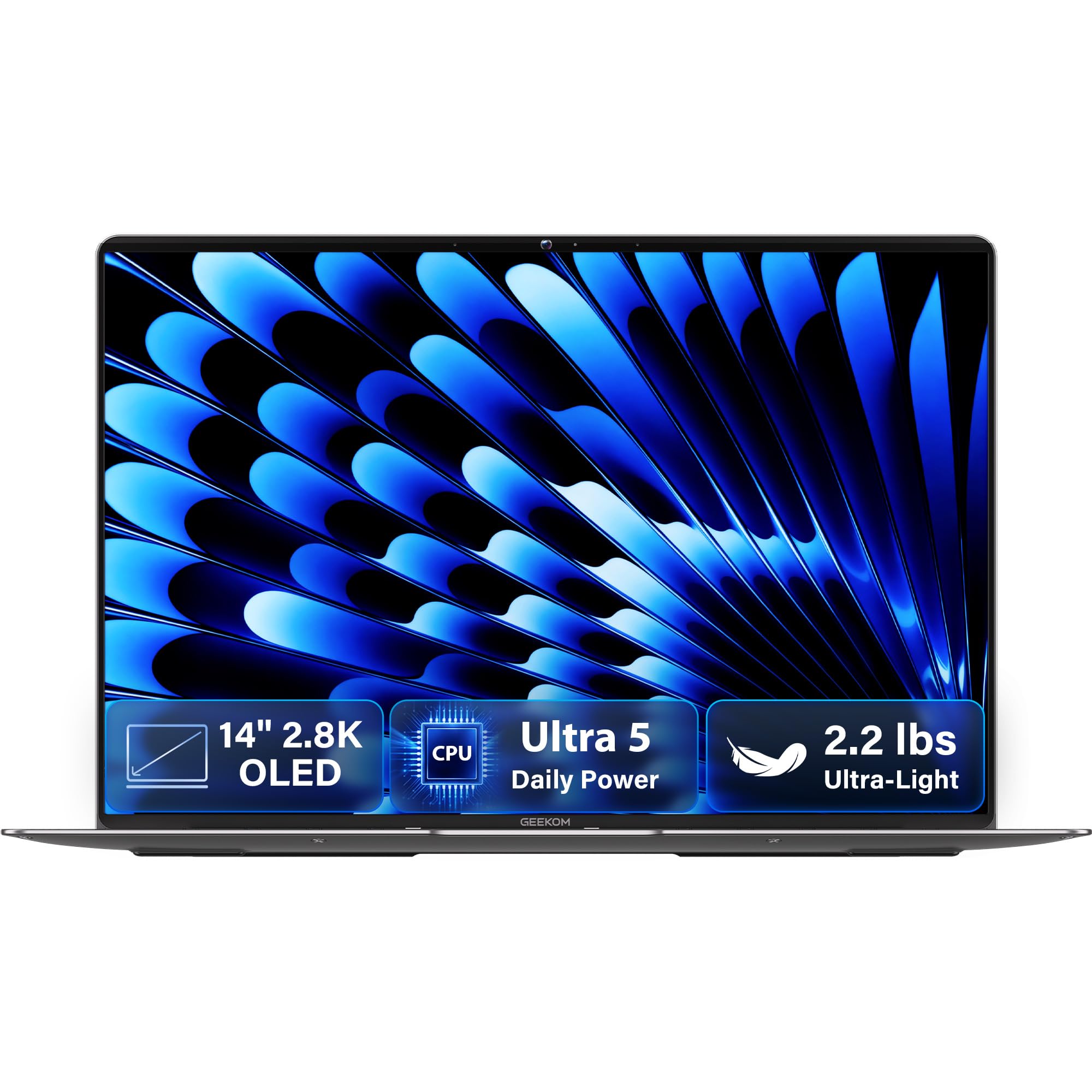
A 2.2-pound laptop changes how you pack. In our testing the GeekBook X14 Pro was the machine that went into a tote without a second thought, and at 0.23 inches thick it fit a sleeve alongside a notebook and a charger that were both thicker than it was. If you walk to a campus or a train every day, that's the entire argument, and it's a good one.

What we didn't expect at that weight is the screen. The 14-inch 2.8K OLED runs at 120Hz, hits 450 nits, and covers the full DCI-P3 range, and it makes body text look crisp and video look expensive. Our reservation is that a 2.8K OLED at 120Hz asks a lot of the 72Wh battery, so the endurance story and the display story pull against each other.

The internals hold up their end. A 12-core Intel Core Ultra 5 125U, 16GB of LPDDR5, and a 512GB SSD is the configuration we tell people to aim for and rarely see at this weight; 16GB is the number that decides whether a laptop keeps twenty tabs alive or makes you choose. Intel's integrated Arc graphics won't run current games, but they handle photo editing and 4K playback without complaint.

Two things to know. The trackpad is the least settled part of the machine: taps register, but it lacks the precision of the rest of the hardware, and a small mouse fixes it for good. And GEEKOM made its name on mini PCs, so there's no long service record behind this laptop; the one-year warranty is what you're relying on, and it's still the longest coverage in this group. Treat the advertised 16 hours as a best case.

Pros

  • Lightest laptop here at 2.2 pounds
  • 2.8K 120Hz OLED at 450 nits
  • 16GB LPDDR5 paired with a 512GB SSD
  • Full year of warranty coverage

Cons

  • Trackpad is the least refined part
  • No long track record in laptops
Our verdict

The one we reach for when the bag has to stay light: at 2.2 pounds it's the easiest carry here, and the 2.8K OLED is a genuine bonus rather than the reason to buy.
Check Latest Price
2

Best Budget

Lenovo Chromebook 14

86 /100
LBD Score Excellent

Key details

Weight
2.86 lb
Display
14-inch FHD touchscreen
Processor
MediaTek Kompanio 520
Memory And Storage
4GB RAM, 64GB eMMC
View on Amazon

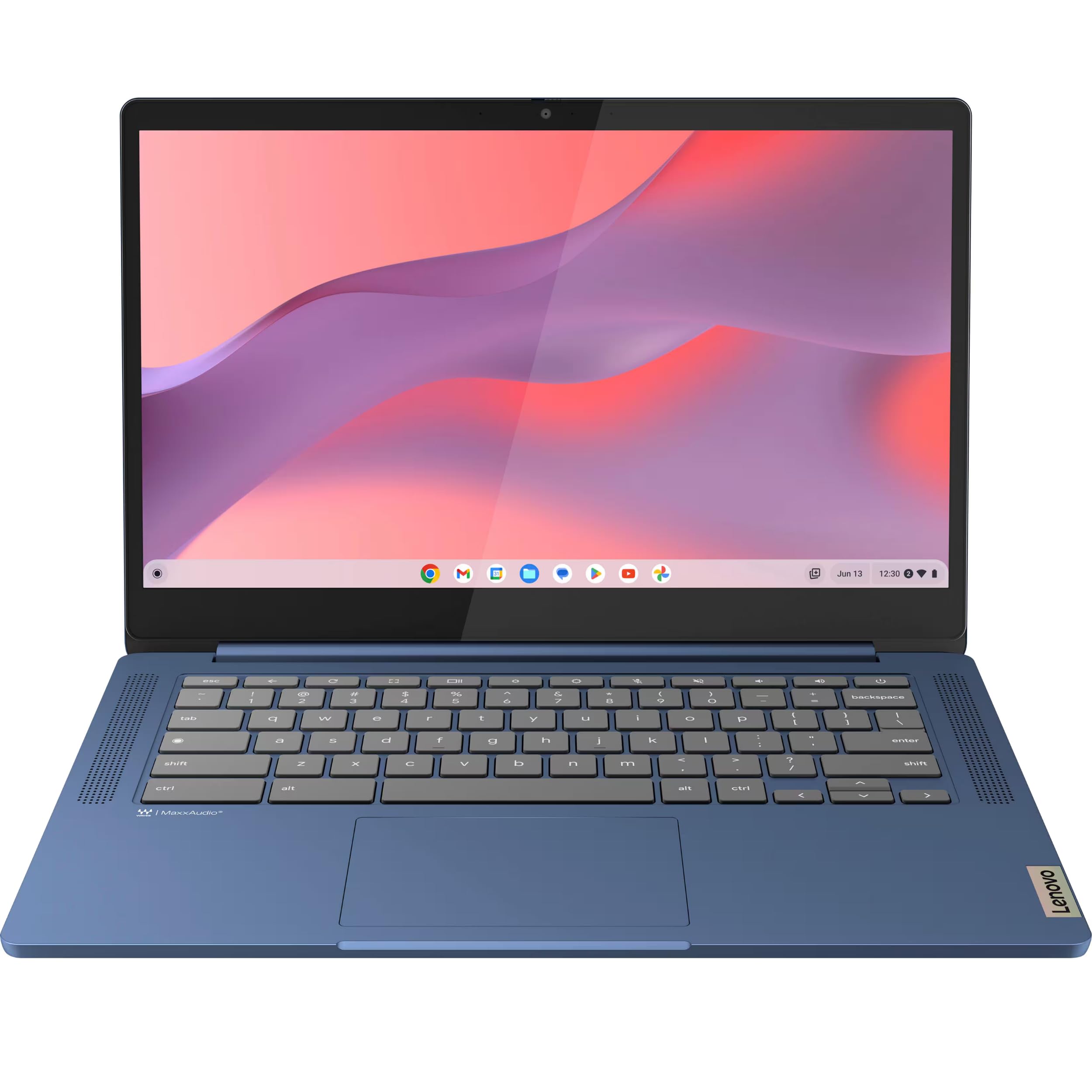
On paper the Lenovo shouldn't be as good as it is. A 14-inch 1920x1080 IPS touchscreen, an eight-core MediaTek Kompanio 520, and a 2.86-pound chassis is a combination that reads like a much more expensive laptop, and we stopped noticing the weight inside a week of carrying it with the charger in the same bag pocket.

Chrome OS is doing a lot of that work. Four gigabytes of RAM is thin for Windows and reasonable for a browser-first machine, where a dozen tabs, a video call, and a doc open at once is within reach. Where it bites is storage: 64GB of eMMC fills quickly once offline video and Android apps arrive, and eMMC reads and writes more slowly than an SSD. The microSD reader on the side is the cheap fix and the first thing to add. The 13.5-hour battery claim sits on a 47Wh pack, which is small for a full day away from an outlet.

Then there's the caveat that comes with the price. Some units arrive with a trackpad that drifts or a touchscreen that ignores taps, and the touch panel is the least predictable part of the machine. Those failures show up in the first hour rather than the first month, which is the good news: this is a return-window purchase, not a warranty claim.

Pros

  • Full-HD touchscreen on a budget machine
  • 2.86 pounds with a 14-inch screen
  • Wi-Fi 6 and a microSD reader

Cons

  • 4GB RAM and 64GB eMMC cap headroom
  • Some units arrive with touchpad or touch faults
Our verdict

The best value here: a 2.86-pound 14-inch Chromebook with a full-HD touchscreen, provided you buy it somewhere with a return policy you trust.

Check Latest Price
3

Budget Storage

HP 14 Chromebook

87 /100
LBD Score Excellent

Key details

Display
14-inch 1366x768 IPS
Warranty
30 days
Dimensions
11.8 x 8.08 x 0.95 in
Memory And Storage
4GB DDR5, 128GB SSD
View on Amazon

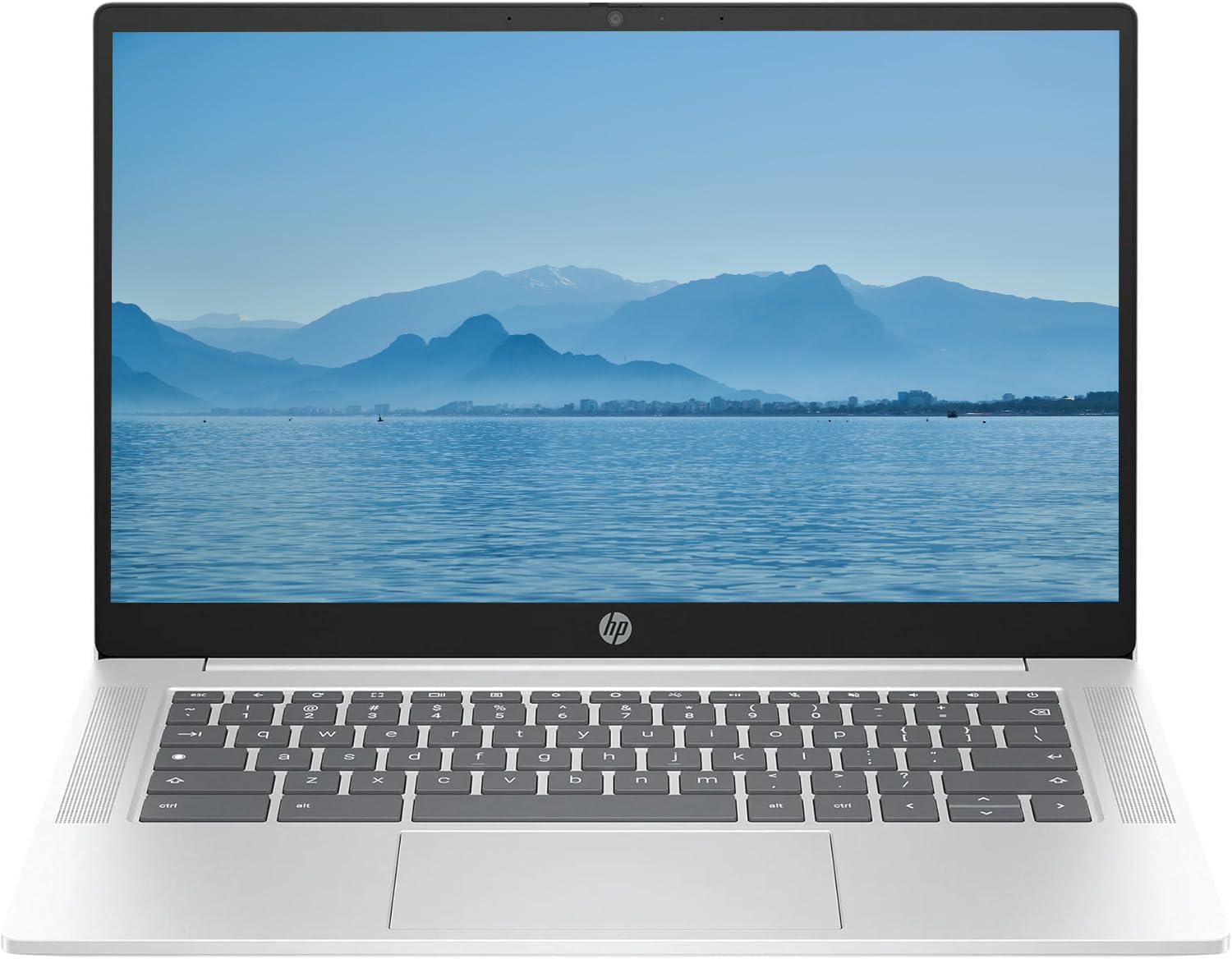
The HP answers the Lenovo's biggest weakness with 128GB of SSD instead of 64GB of eMMC, on a 14-inch Chromebook for about the same money. What you give up is the screen, at 1366x768 instead of 1920x1080, and any illusion that the box is factory-fresh. For a buyer whose Chromebook fills up with offline video and Android apps, that's a fair trade; for most people it isn't, which is why this one sits behind the Lenovo.

The panel is the part we minded. At 1366x768 on a 14-inch screen, text has visible edges, and a spreadsheet that fits comfortably at full HD needs zooming to read. For Docs, email, and a browser it's genuinely fine, and the micro-edge bezel keeps the footprint down to 11.8 by 8.08 inches. The BrightView finish is glossy, so a window behind you ends up in the picture.

Storage is where it wins, and it wins clearly: 128GB covers offline shows, a pile of Android apps, and local files without the microSD workaround the Lenovo needs. It's still 4GB of memory, so the ceiling is browser work, the same ceiling every budget Chromebook has.

Two things to check before you commit. There's no published weight for this configuration, which is an odd omission in a category where weight is the whole point; the 0.95-inch profile and 11.8-inch width put it near the Lenovo, but you're buying this one for storage, not grams. And it's renewed with a 30-day warranty, so the return window, not the coverage, is your safety net.

Pros

  • 128GB SSD, twice the Lenovo's storage
  • Compact 11.8-inch footprint

Cons

  • 1366x768 panel looks soft next to full HD
  • Renewed unit with only 30-day warranty
Our verdict

A renewed 14-inch Chromebook that trades screen sharpness for 128GB of storage, and the right buy only if capacity, not pixels, is what you're short on.

Check Latest Price

How We Tested Lightweight Laptops

We started with roughly 40 machines marketed as lightweight or ultraportable and filtered them by price, screen size, and whether the listed weight included the charger. Twelve made the cut, from a 2.2-pound 14-incher to budget models just under four pounds. Each was unpacked, set up, and used as a daily computer by me or a colleague for at least three weeks, and the full round ran five months.

I weighed every laptop on a kitchen scale with and without its charger, then carried it in the same backpack on a two-mile walk to a coffee shop for a week. At the end of each week I noted whether the strap dug in, whether the lid flexed when I grabbed it by a corner, and whether it slid into a tote beside a water bottle.

For speed, I opened the same 20 browser tabs, a large spreadsheet, and a video call at once, timed cold starts and wake-from-sleep, and watched how quickly pages and apps loaded. Battery life was measured by looping video at 50 percent brightness from full down to 5 percent, then confirmed with an actual untethered workday of email, tabs, and a two-hour call.

For the display, I watched the same dimly lit episode and read a PDF near a window to check brightness and glare. I spent a week using the group's lone touchscreen on the couch, tracking how often I reached for it instead of the trackpad, and on every machine I dragged small icons, scrolled long pages, and checked whether my palm shifted the cursor mid-sentence. Reliability came down to mornings: did it wake, rejoin Wi-Fi, and hold a charge overnight. For ease of use, I handed each one to someone who doesn't read spec sheets and timed how long it took her to reach her email.

How to Choose a Lightweight Laptop

Start With Weight, Then Check What It Costs You

The lightest laptop here is 2.2 pounds and the heaviest of the three is 2.86, and that gap matters more on a commute than any benchmark difference between them. What you buy with the extra ounces is usually screen quality, battery capacity, or a lower price, so decide which of those you actually need before you decide how many grams you'll tolerate.

Watch for the word lightweight on 15.6-inch notebooks near four pounds; it describes the class, not the object. Then count the charger. A 65W USB-C brick that powers the laptop over the same cable is worth more on a travel day than another two ounces saved.

Match the Chip and the Memory to the Work

Ultralight laptops split into two families: ARM-based Chromebooks built for browser work, and Intel machines that run full desktop software. Neither is better in the abstract. A MediaTek Kompanio 520 with 4GB of RAM is entirely reasonable on Chrome OS, where tabs and apps are light, and it's a poor foundation for Windows. On the Windows side of this group, 16GB of memory and a 256GB SSD is the configuration to aim for.

Here's the trap: memory is soldered on almost every ultralight, so the RAM you buy is the RAM you keep for the life of the machine. Storage is the half you can add to later with a card or a drive.

Read the Battery in Watt-Hours, Not Hours

Advertised hours are measured under conditions nobody reproduces, so compare watt-hours instead. The 72Wh pack in the GeekBook is roughly half again the 47Wh in the Lenovo, and that ratio holds whether you're typing or streaming. A 45-to-50Wh machine is a light day of work; 70Wh and up gets you through a full one with room to spare.

If a listing gives you hours but not watt-hours, treat the number as marketing and go looking for capacity in the spec table. It's almost always there, and it's the figure that travels.

Refuse 1366 by 768 on a 14-Inch Screen

Two of the three laptops here run 1920x1080 or better and one runs 1366x768, and you'll see the difference the first time two documents sit side by side. Resolution matters more at 14 inches than on a phone because you sit further away and read more text per glance.

Brightness matters too: 300 nits is workable indoors and washes out on a patio, while a 450-nit OLED holds up. When a low-resolution panel is how a budget model reaches its price, that's the trade to name out loud before you order.

Buying Budget and Renewed Units

The renewed pick here carries a 30-day warranty, the new budget Chromebook covers 90 days, and the premium one covers a full year. That spread is the real price of buying cheap, and it's worth weighing against the savings rather than ignoring.

A refurbished laptop is a condition, not a model: two units of the same model can arrive in very different shape, so the seller's grading and return terms tell you more than the spec sheet does. If the savings are modest, buy new and take the longer coverage.

Frequently Asked Questions

Final Verdict

The GeekBook X14 Pro is the pick when portability is the actual reason you're shopping. Nothing else here gets near 2.2 pounds, the 2.8K OLED is the best screen in the group, and the one-year warranty is the longest coverage on offer.

If the budget decides instead, the Lenovo delivers a full-HD touchscreen at 2.86 pounds for the least money here, provided you buy it from a seller with an easy return and check it inside that window. Choose the HP only if 128GB of storage is the requirement you can't work around.