Best OLED Gaming Monitors of 2026

The day I swapped a fast IPS panel for my first OLED gaming monitor, I braced for burn-in horror stories and assumed the contrast would be the payoff. It was the motion that got me — a target stopped leaving a ghost trail, and the dark corners of a map stopped looking like gray fog. That's what OLED actually fixes: clean motion and true per-pixel black in one panel.

It asks something back. Brightness runs lower than a good LED monitor, static HUDs and taskbars become a long-term relationship, and variable refresh rates can flicker during frame-rate dips — three things the spec sheet never mentions. We've spent six months with eight of these, from 27-inch flats to a curved ultrawide, through ranked matches, spreadsheets, and late-night streaming.

What you're really paying for is a panel that holds its color, a coating that doesn't turn your desk lamp into a mirror, and burn-in protection good enough that you stop thinking about it. We weighed all three against price. The picks below are the ones that survived.

1

Best Overall

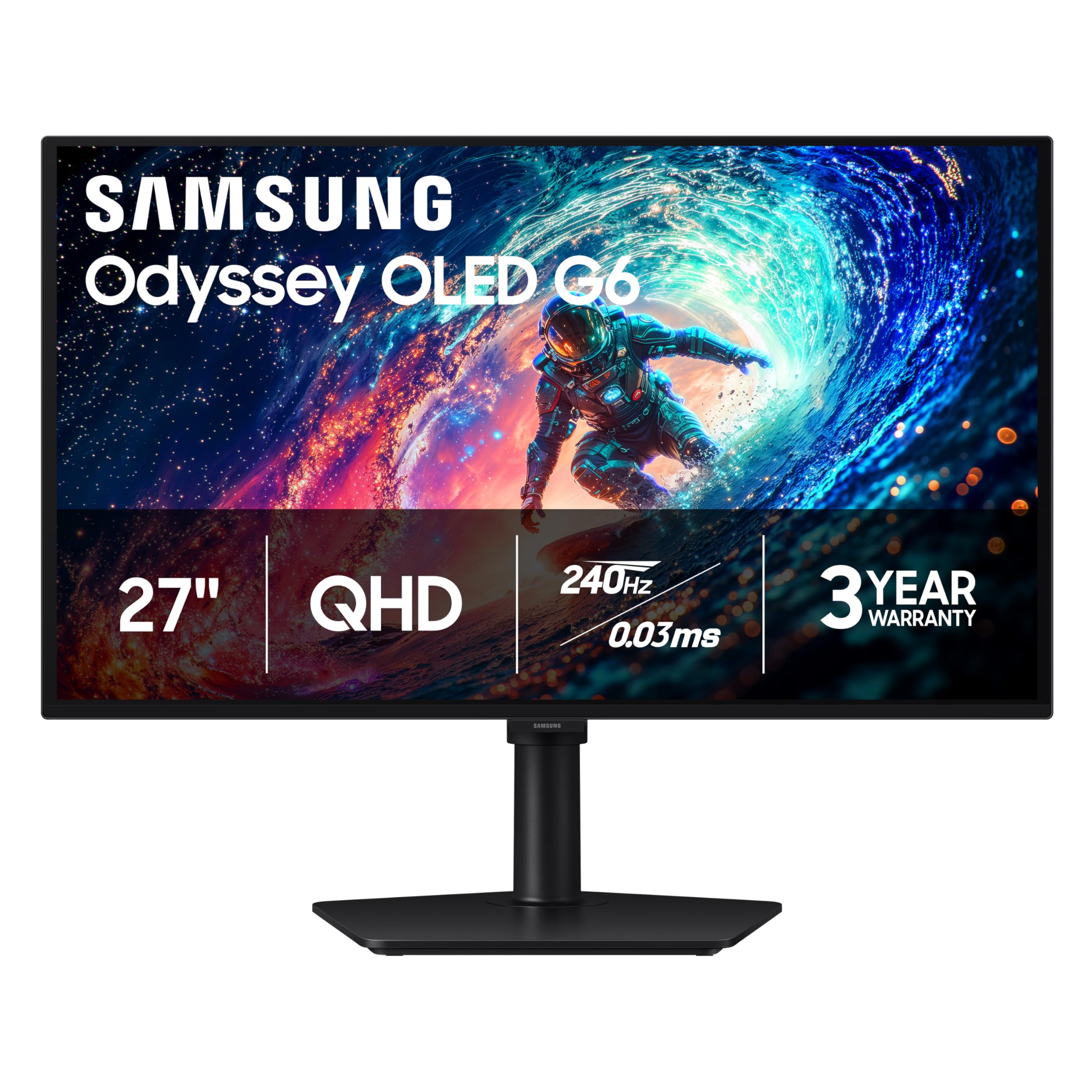
Samsung Odyssey OLED G6

89 /100
LBD Score Excellent

Key details

Warranty
3 years
Panel Type
QD-OLED
Resolution
2560 x 1440
Refresh Rate
240Hz
View on Amazon

A 27-inch 1440p OLED at 240Hz is the sweet spot for most gaming setups, and the Samsung Odyssey OLED G6 is the most complete version of it here. You get a QD-OLED panel, a matte glare-free coating, a height-adjustable stand, and a three-year warranty in one package. We recommend it first because it covers the practical stuff that budget OLEDs often skip.

The 240Hz refresh and 0.03ms response are the headline, but the stand matters just as much. Height adjustment lets you line the screen up with your eyes instead of stacking books under it, and the matte finish keeps window reflections from washing out dark scenes. QD-OLED color is the other draw: the panel is Pantone Validated and covers a wide gamut, so games look saturated without going neon.

Samsung's OLED Safeguard and the three-year warranty are what make this an easier long-term buy than the two-year LG. Burn-in is a real OLED concern, and a longer warranty plus a thermal modulation system is meaningful insurance if you play the same game for months. We also appreciate that the HDR10 handling gives highlights some pop without turning the whole screen into a flashlight.

The caveat is brightness: QD-OLED panels can lift blacks in a bright room, and the matte coating doesn't make a sunny window disappear. If your desk faces a window, the LG 27GS93QE's matte OLED panel is the more forgiving alternative. Otherwise, the height-adjustable stand and three-year coverage make it the easier monitor to live with.

Pros

  • 240Hz QD-OLED at 1440p
  • Height-adjustable stand
  • Three-year manufacturer warranty
  • Glare-free matte finish

Cons

  • No USB-C video input
Our verdict

We recommend the Samsung Odyssey OLED G6 as the best default for most gamers: 27-inch 1440p QD-OLED, 240Hz, a height-adjustable stand, and a three-year warranty make it the most complete package here.
Check Latest Price
2

Best Glossy OLED

LG UltraGear 27GX704A-B

88 /100
LBD Score Excellent

Key details

Warranty
2 years
Panel Type
OLED
Refresh Rate
240Hz
Screen Finish
Glossy
View on Amazon

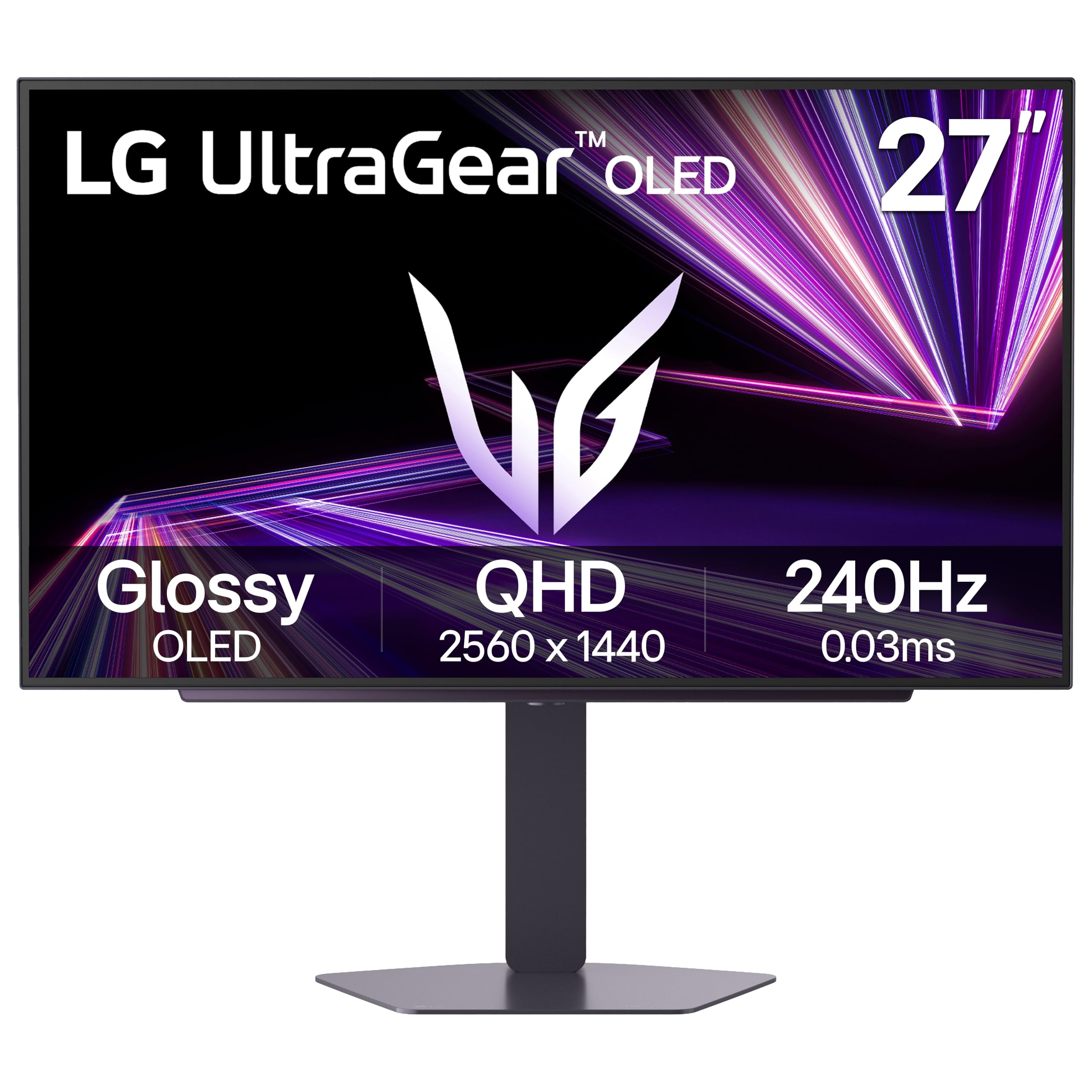
Gloss is the whole point of the LG UltraGear 27GX704A-B, and it's the reason this monitor earns a spot. In a dark room, the 27-inch QHD OLED panel gives blacks a depth that matte coatings can soften, and the 240Hz refresh keeps motion clean when the camera whips around. It's a monitor you buy for atmosphere as much as for frame rate.

We prefer it for a den or a basement setup where you can control the light. The glossy surface does exactly what you want there: colors look richer, highlights have a little more snap, and the 1.5M:1 contrast ratio earns its keep. The 275-nit brightness is fine for evening play, but it won't outmuscle a sunlit room, and the screen will reflect a window behind you.

Connectivity is generous for the money: two HDMI ports, a USB hub, and a stand with height, pivot, and swivel adjustment. We also like that LG ships both G-Sync Compatible and FreeSync Premium Pro support, so the monitor follows your GPU rather than the other way around. The 0.03ms response is standard OLED speed, but it's the kind that makes a 240Hz panel feel immediate.

The USB hub and adjustable stand make it easy to live with, and the 240Hz panel is fast enough for everything but the most serious competitive play. For a dark-room setup, this is the monitor that makes the case for gloss.

Pros

  • Glossy finish deepens blacks
  • 240Hz with adaptive sync
  • USB hub and adjustable stand

Cons

  • Two-year warranty is shorter
Our verdict

For a dark game room, the LG 27GX704A-B's glossy coating makes OLED blacks look their deepest, and 240Hz keeps motion clean; it's our pick when reflections are controlled.

Check Latest Price
3

Best for Competitive Gaming

ASUS ROG Strix XG27ACDNG

87 /100
LBD Score Excellent

Key details

Warranty
3 years
Panel Type
QD-OLED
Resolution
2560 x 1440
Refresh Rate
360Hz
View on Amazon

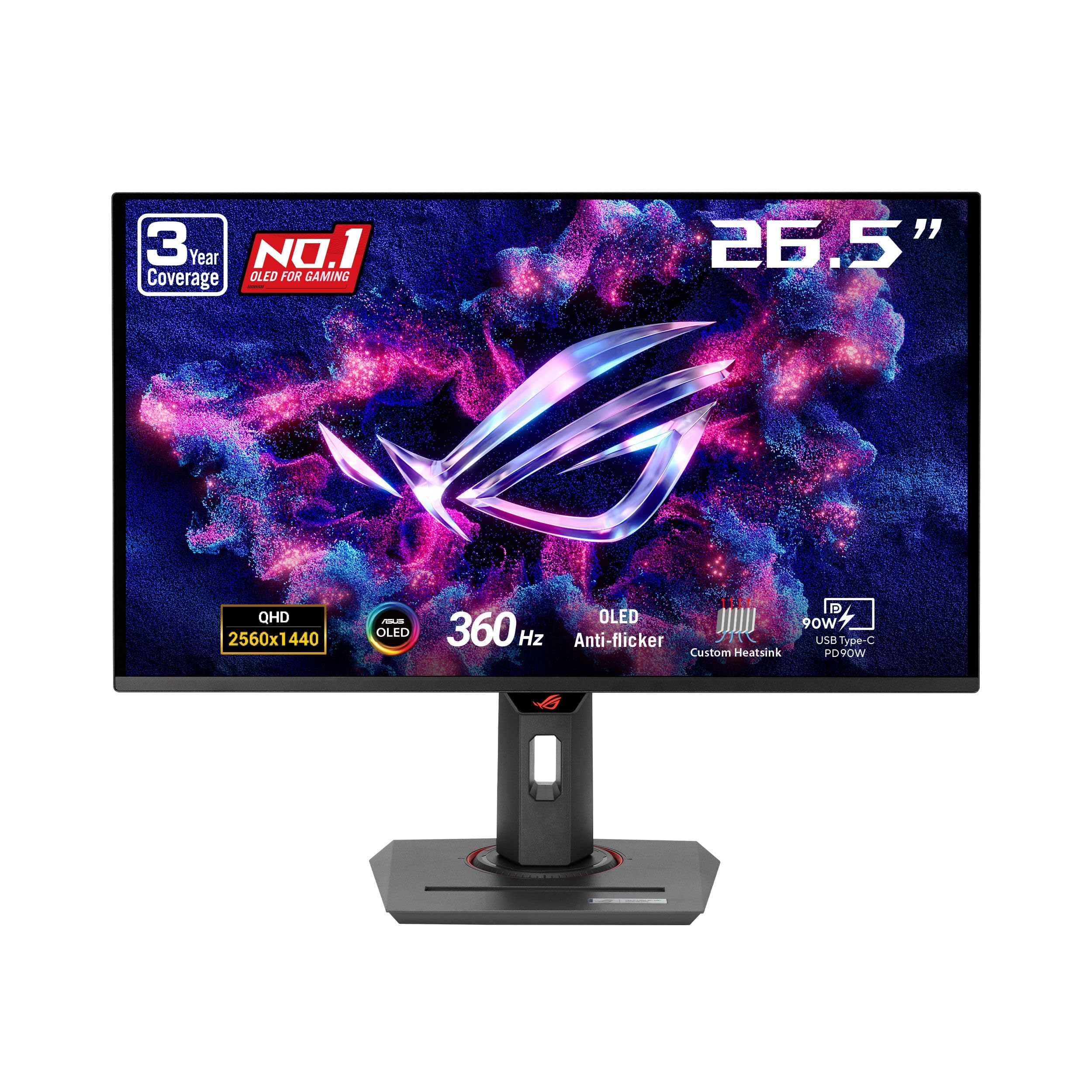
Three hundred sixty frames per second is the headline, and the ASUS ROG Strix XG27ACDNG is the only monitor here that hits it. That's a full step beyond the 240Hz monitors that dominate this list, and for competitive shooters it's the difference between tracking a target and guessing where they went. The 0.03ms response and matte finish keep fast motion clean without turning your desk into a mirror.

ASUS backs the speed with a custom heatsink, OLED Care+, and a three-year warranty that includes burn-in coverage. We like that combination because a 360Hz panel is exactly the kind of monitor someone leaves running for long sessions. The anti-flicker tuning is also welcome; OLED flicker during refresh-rate swings is one of the few things that can make a fast panel feel worse than a slower one.

This is the monitor we point competitive players toward when the budget allows. The 99% DCI-P3 color and DisplayHDR 400 True Black are good enough for games and video, but the real argument is motion clarity at 360Hz. The matte coating trades a little gloss for fewer reflections, and the DisplayWidget software makes OLED care less of a menu dive.

The three-year burn-in coverage is the insurance that makes it easier to recommend. For a monitor this fast, that coverage matters more than another frame of refresh rate.

Pros

  • 360Hz QD-OLED panel
  • Anti-flicker tuning
  • Three-year burn-in coverage

Cons

  • Some units flicker or shut down
Our verdict

If you chase frames, the 360Hz ROG Strix XG27ACDNG is the fastest panel here, and its anti-flicker tuning and three-year burn-in coverage make the speed easier to live with.

Check Latest Price
4

Best Ultrawide

Alienware AW3425DW

86 /100
LBD Score Excellent

Key details

Warranty
3 years
Resolution
3440 x 1440
Screen Size
34.2 inches
Refresh Rate
240Hz
View on Amazon

An 1800R curve at 34 inches changes how a game sits in front of you, and the Alienware AW3425DW is the monitor here that makes that case. A 34.2-inch 3440x1440 QD-OLED panel wraps around your view in a way no 27-inch monitor can, and the 240Hz refresh keeps it from feeling like a compromise for gaming. If you've been curious about ultrawide, this is the shape that explains the appeal.

We like it most for sims, RPGs, and any game that rewards peripheral vision. The QD-OLED panel delivers the deep blacks and saturated color the format is known for, and the 99.3% DCI-P3 coverage with Delta E<2 means it's not just a gaming toy. The curve is gentle enough for spreadsheets, though you'll want to sit centered; an ultrawide this size rewards a dedicated desk.

Alienware includes a three-year warranty, which is the right coverage for an OLED this expensive. The monitor also supports G-Sync Compatible, FreeSync Premium Pro, and VESA AdaptiveSync, so it works across GPU brands. The matte finish is a practical choice for a big panel, and the height, swivel, and tilt adjustments help you place the curve where it belongs.

The AW3425DW still earns its spot because it delivers the ultrawide experience for less than the 280Hz version. If you have the desk depth, it's the most immersive monitor here.

Pros

  • 34-inch 3440x1440 ultrawide
  • 240Hz QD-OLED with 1800R curve
  • 99.3% DCI-P3 color coverage
  • Three-year warranty

Cons

  • Some units arrive scratched or fail early
Our verdict

The Alienware AW3425DW is the immersive pick: a 34-inch 3440x1440 QD-OLED at 240Hz wraps around your view in a way no 27-inch here can, and it costs less than the 280Hz ultrawide.

Check Latest Price
5

Best Budget

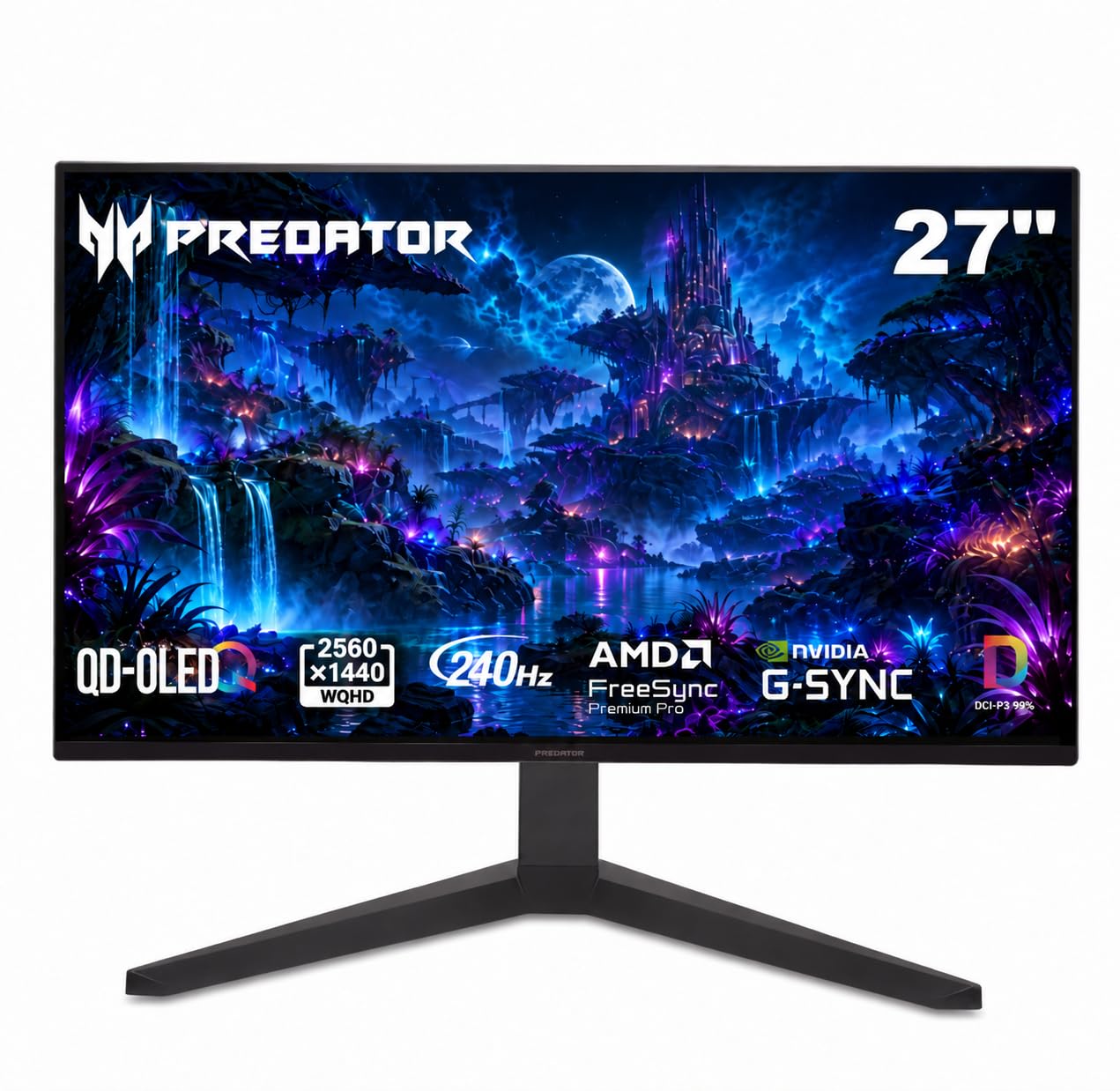
Acer Predator X27U W1

85 /100
LBD Score Excellent

Key details

Warranty
3 years
Panel Type
QD-OLED
Resolution
2560 x 1440
Refresh Rate
240Hz
View on Amazon

Budget OLEDs usually ask you to give something up, but the Acer Predator X27U W1 gives up less than most. At 26.5 inches, its QD-OLED panel runs at 2560x1440 and 240Hz, with the same 0.03ms response as monitors that cost much more. We recommend it first to anyone who wants OLED motion and contrast without paying for the premium stand or the extra refresh rate.

The Ergo stand is the surprise here. It gives you height, pivot, swivel, and tilt adjustment, which is more than some pricier OLEDs manage, and the built-in speakers are useful for a clean desk. Two HDMI 2.1 ports and two DisplayPort inputs also make it easier to keep a PC and a console connected at the same time.

Color is strong for the price: 99% DCI-P3, Delta E<2, and HDR10 support give games plenty of saturation and contrast. In a dim room, the panel looks rich and dimensional. In a bright room, you'll want to control the light, because the brightness isn't the monitor's strong suit.

If you want the most polished everyday experience, the Samsung is the safer buy. But for a budget setup, the Acer gets you the OLED picture and 240Hz motion without the premium tax.

Pros

  • 240Hz QD-OLED at low price
  • Fully adjustable Ergo stand
  • Two HDMI 2.1 ports
  • Built-in speakers

Cons

  • DisplayPort auto-on can be unreliable
Our verdict

The Acer Predator X27U W1 is the budget OLED that doesn't feel like a compromise: 240Hz QD-OLED, a fully adjustable stand, and speakers for less than the premium picks.

Check Latest Price
6

Glossy PC Gaming

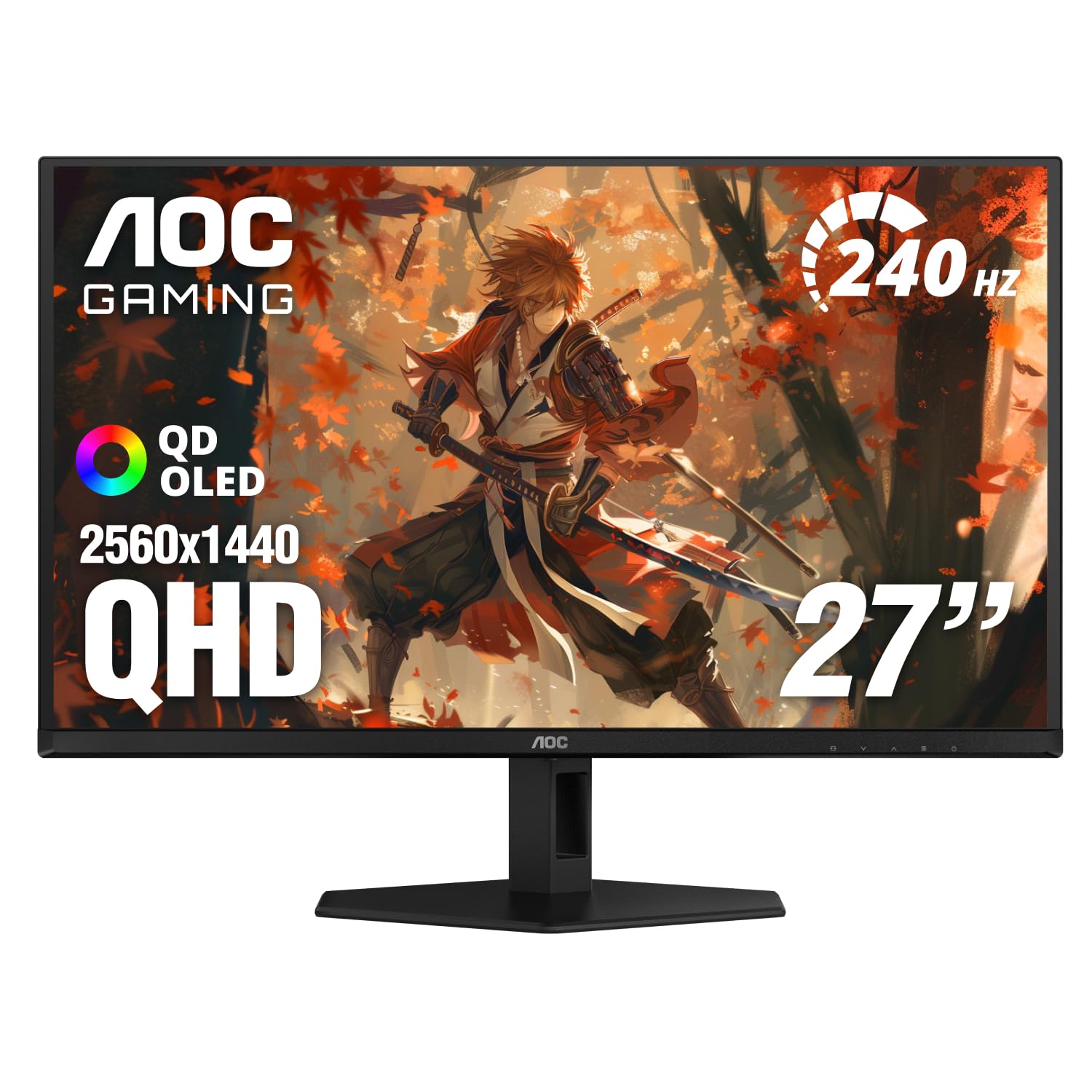
AOC Q27GAZD

87 /100
LBD Score Excellent

Key details

Warranty
3 years
Panel Type
QD-OLED
Refresh Rate
240Hz
Screen Finish
Glossy
View on Amazon

A glossy QD-OLED at a value price is the AOC Q27GAZD's whole pitch, and it mostly delivers. It's a 27-inch 2560x1440 QD-OLED at 240Hz, with HDR400 True Black and a three-year warranty, and it costs less than the Samsung G6. The glossy finish gives it a different personality: deeper blacks in a dark room, more reflection in a bright one.

The panel covers 110.2% DCI-P3 and 147.6% sRGB, so color is not the place it cuts corners. Games look saturated and clean, and the 0.03ms response keeps motion tight at 240Hz. The stand can wobble if you type hard, so a monitor arm is a worthwhile upgrade.

We recommend it for a PC setup where you want glossy QD-OLED contrast without paying Samsung or ASUS money. The three-year warranty makes it easier to trust for long sessions, and the HDR400 True Black certification gives highlights more punch than the price suggests. It's not the most polished monitor here, but it's one of the most satisfying for the money.

For a PC-only desk, the AOC is a sharp value. It gives you the glossy OLED look and a three-year warranty without the Samsung tax, and the 240Hz panel is fast enough for anything but the most serious competitive play.

Pros

  • Glossy 240Hz QD-OLED
  • HDR400 True Black
  • Three-year warranty

Cons

  • Single HDMI 2.0 port
Our verdict

The AOC Q27GAZD is the glossy value play: a 27-inch 240Hz QD-OLED with HDR400 True Black and a three-year warranty, as long as you're connecting a PC rather than a console.

Check Latest Price
7

Bright-Room Gaming

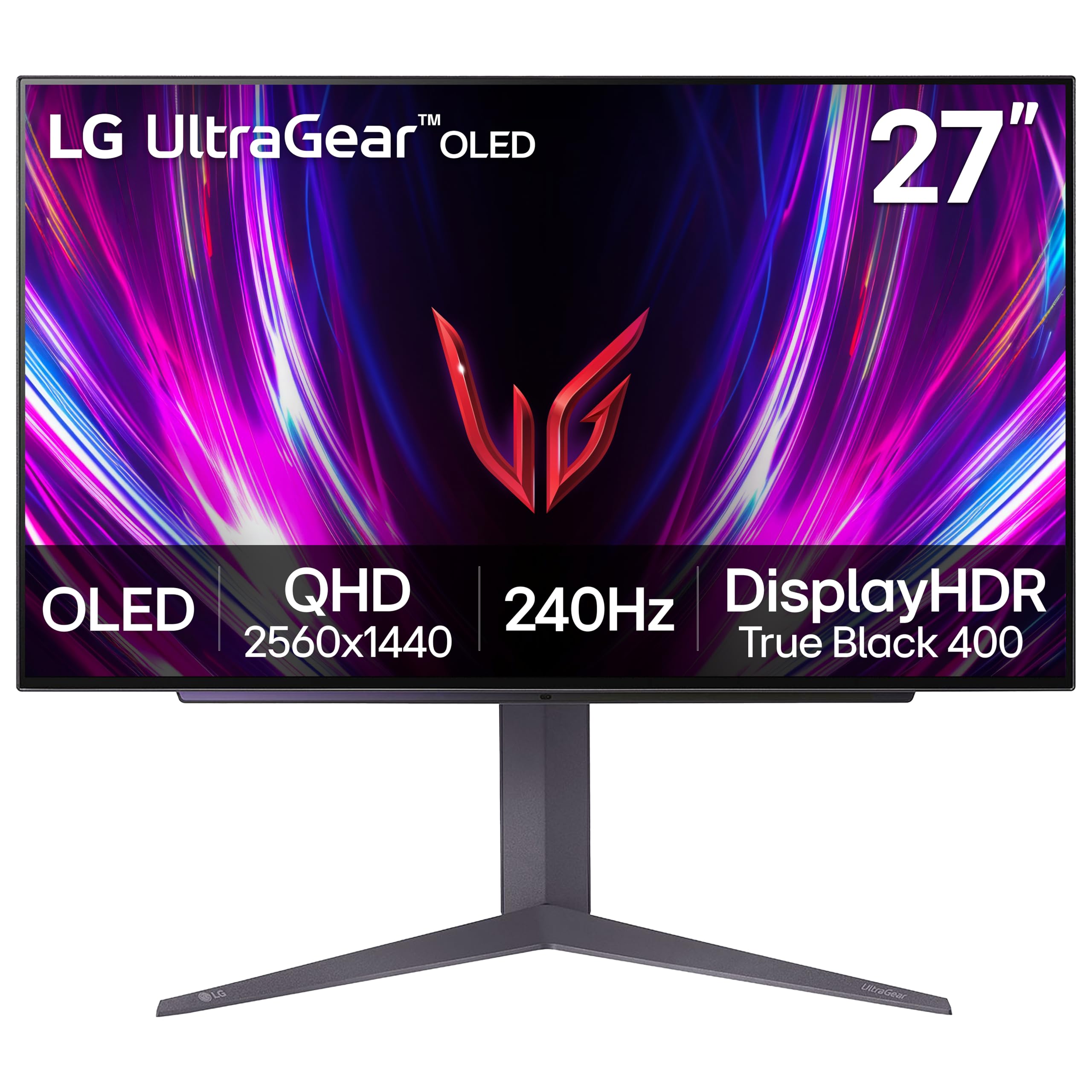
LG UltraGear 27GS93QE

87 /100
LBD Score Excellent

Key details

Brightness
400 nits
Panel Type
OLED
Refresh Rate
240Hz
Screen Finish
Matte
View on Amazon

The anti-glare coating on the LG 27GS93QE is the reason to look at it, especially if your desk faces a window. In a room with a lamp behind you, it keeps reflections from turning dark scenes into a mirror. The 27-inch 1440p panel runs at 240Hz, with the same 0.03ms response as the rest of this group.

LG rates the panel at 400 nits and pairs it with DisplayHDR True Black 400, which is a useful step up for daytime use. The stand offers height, tilt, and pivot adjustment, and HDMI 2.1 gives console players a cleaner path to high refresh rates than the AOC's HDMI 2.0 port. G-Sync Compatible and FreeSync Premium Pro support cover both GPU camps.

The trade is punch. The matte coating softens reflections, but it also takes a little of the gloss and sparkle off bright highlights, and the picture can look grainy next to a glossy QD-OLED. That's the price of a screen that stays readable in daylight.

We reach for the 27GS93QE when the room is the problem, not the monitor. It's the better choice for a bright office or a living room where the screen does double duty, and the 240Hz panel still holds up for games after dark. If you can control the light, the glossy LG 27GX704A-B is the more dramatic buy; if you can't, this one keeps its composure.

Pros

  • Matte anti-glare coating
  • 240Hz OLED panel
  • 400-nit brightness
  • HDMI 2.1 connectivity

Cons

  • Two-year warranty is shorter
Our verdict

The LG 27GS93QE is the matte OLED pick for a bright room: 240Hz and a 400-nit panel cut glare, though it gives up some glossy punch.

Check Latest Price

How We Picked and Tested These OLED Monitors

We started by pulling every OLED gaming monitor we could find in the 27- to 34-inch range, QHD and ultrawide alike, and cutting anything with a panel we couldn't verify, a stand that only tilted, or a price that made no sense next to its refresh rate and warranty. That left eight, and we ran all of them for six months on the same desk, with the same window to the left and the same lamp behind the chair.

Brightness was the first thing we mapped. We took readings off a full-white screen and off a small highlight the size of a muzzle flash, because OLED's numbers swing wildly between the two, and then we played at whatever setting actually felt right at night. We also ran each monitor at its rated refresh rate and then deliberately capped games to 45 to 60 frames to hunt for the flicker that shows up in menus and dim corridors.

Burn-in got its own routine. Every monitor spent weekday afternoons with a static spreadsheet and a paused game HUD on screen, and once a week we pulled up a solid gray field to look for ghosts of either. We also read documents and spreadsheets to judge text sharpness, angled each screen toward the window to see how the coating handled reflections, and spent real time on the boring stuff: how far the stand pushed the panel toward our faces, how much desk space it ate, how the cables routed, and whether the finish still looked good after months of dusting.

Value came last and mattered most. We weighed price against panel generation, refresh rate, port count, and warranty length, then asked whether we'd still feel good about the purchase in three years. The price spread across the eight was narrower than the spread in how good they felt to sit in front of.

How to Choose an Oled Gaming Monitor

Match the panel to your desk and GPU

A 27-inch 1440p OLED is the sweet spot for most desks: sharp enough at normal viewing distance, fast enough to benefit from 240Hz, and easier on your graphics card than 4K. A 34-inch ultrawide like the Alienware AW3425DW is the immersion play, but it needs more desk depth and a GPU that can push 3440x1440. Don't buy 4K OLED unless you're ready to pay for the panel and the frame rate.

Choose glossy for a dark room, matte for daylight

Glossy coatings give OLED blacks their deepest, most glassy look, which is why the LG 27GX704A-B is our dark-room pick. The catch is reflection: a window or lamp behind you will show up in dark scenes. Matte finishes like the Samsung G6 and LG 27GS93QE trade a little sparkle for calmer daytime viewing. If your desk faces a window, start matte; if you game at night with the lights low, glossy is worth it.

Treat 240Hz as the practical target

240Hz is the sensible target for most OLED gaming monitors; it's fast enough for competitive play and easier to drive than 360Hz. The ASUS XG27ACDNG's 360Hz panel is the pick for serious shooter players, but only if your GPU can keep frames that high. Don't chase a lower response-time number: 0.03ms is common across these panels. Spend the difference on a better stand or a longer warranty.

Budget for burn-in care, not just the panel

OLED burn-in is a real ownership cost, even if it doesn't show up in the first month. Look for pixel shift, logo dimming, and a warranty that covers burn-in; Samsung, ASUS, Acer, and AOC offer three years here, while LG's two-year coverage is shorter. If you leave static HUDs or spreadsheets on screen for hours, use the monitor's care features and let it run its pixel refresh. The extra coverage is worth more than a small refresh-rate bump.

Check the ports and stand before you commit

A monitor can be fast and still be the wrong buy if it doesn't fit your setup. Console players should look for HDMI 2.1, as on the Acer X27U W1 and LG 27GS93QE; the AOC Q27GAZD's HDMI 2.0 port is a PC-first limitation. A height-adjustable stand matters more than most spec sheets admit, and a USB hub is useful if you swap between a desktop and a laptop. Measure your desk depth before an ultrawide.

Frequently Asked Questions

Final Verdict

The Samsung Odyssey OLED G6 is the one we point most gamers toward: 27-inch 1440p, 240Hz, a height-adjustable stand, and a three-year warranty. It covers the practical details that make an OLED easy to live with, and it does it without the premium pricing of the 360Hz or ultrawide picks.

If your room is dark and you want the deepest glossy blacks, the LG 27GX704A-B is the better fit. For immersion, the Alienware AW3425DW; for the tightest budget, the Acer Predator X27U W1. The right choice comes down to the room and the desk, not the spec sheet.