Best Monitors with Built-In Speakers of 2026

Monitor speakers have a bad reputation for a plain reason: the drivers are wedged into a shell a few millimeters thick, so they never get to move much air. That's the trade you're weighing — slightly thinner sound in exchange for a desk with no soundbar, no satellite speakers, and one cable running to your laptop. For meetings, podcasts, and the occasional episode, it's a trade worth making.

Over the past nine months, my team and I set up 12 monitors with built-in speakers across home offices, shared desks, and one very cramped spare room, and the range was wider than I expected. The wattage printed on the box tells you almost nothing about how dialogue actually sounds, and a panel with gorgeous color can still sour the deal if it ships without the right cable or leaves you hunting for a USB port.

We judged each one as a whole package — panel, speakers, stand, ports, and what's in the box — because a monitor that needs a new stand and a fifteen-dollar cable isn't the bargain it looked like online. The picks below are the ones that held up.

1

Best Overall

Dell 27 Plus QHD S2725DSM

89 /100
LBD Score Excellent

Key details

Speakers
Dual 3W
Resolution
QHD 2560 x 1440
Screen Size
27 inches
Refresh Rate
144 Hz
View on Amazon

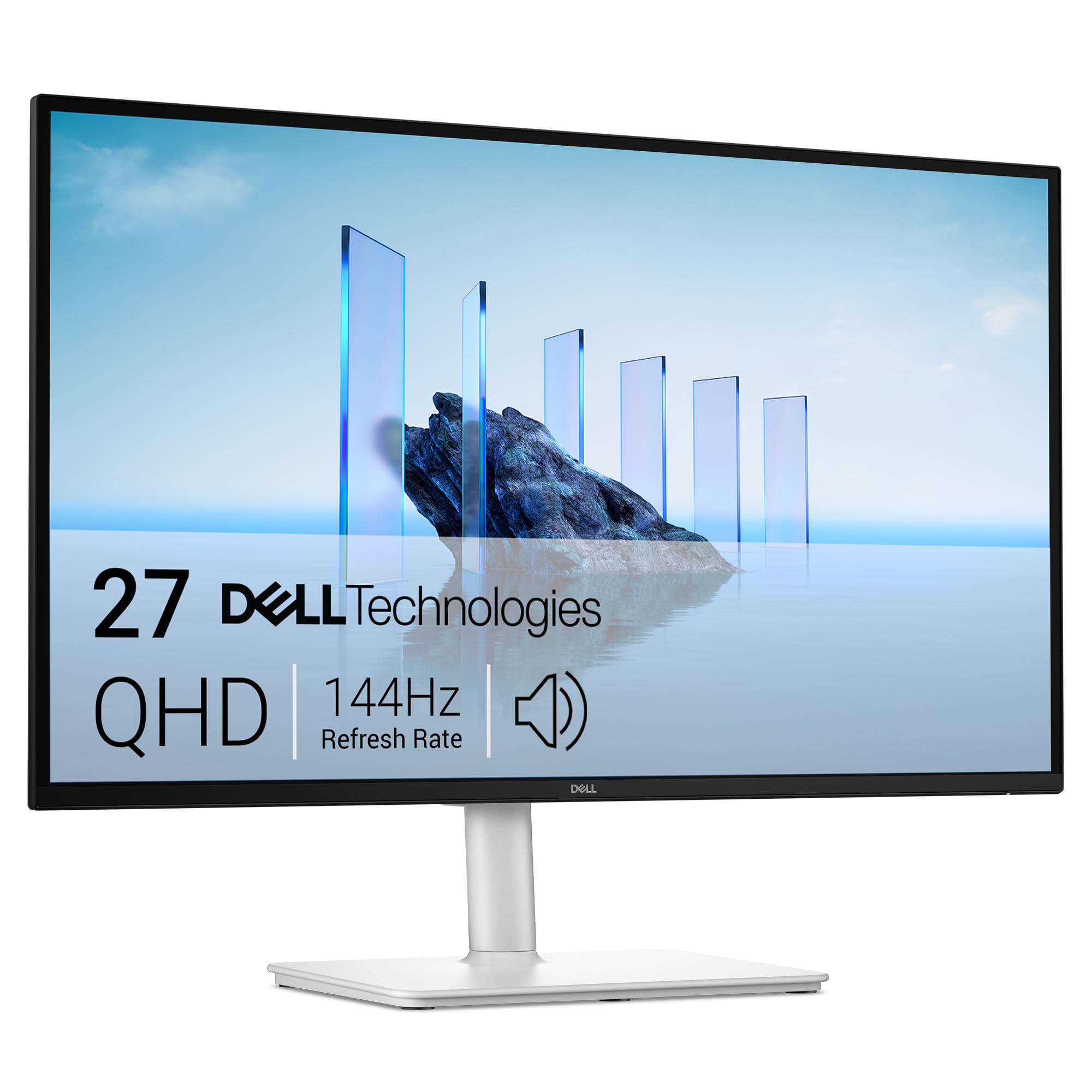
The Dell 27 Plus QHD gets the balance right: a 27-inch QHD panel, 144Hz refresh, and a pair of 3W speakers that do not feel like an afterthought. That combination is why it is our top pick. The 2560 x 1440 resolution keeps text and spreadsheet cells crisp at this size, and 144Hz makes scrolling and casual games feel smoother than the 75Hz alternative here.

The speakers are the reason it earns this spot over a cheaper display. Dual 3W drivers give voices more body than the basic speakers on the budget picks here, and the sound is clean enough for video calls, podcasts, and casual YouTube. We do not expect room-filling bass, but we also do not feel the immediate urge to add a soundbar.

Dell's stand is another practical win: height, tilt, swivel, and pivot adjustments let you set the screen at eye level or turn it for documents. The white finish looks clean on a home desk, and the anti-glare matte coating keeps a window behind you from washing out the picture. Setup is simple, with HDMI and DisplayPort inputs and a 144Hz panel that pairs well with FreeSync.

The only connection we miss is USB-C, which matters if you want one cable to a laptop. The speakers also will not satisfy anyone chasing deep bass, but they are voiced for speech and casual listening, which is what most desk setups need. For a single-screen desk where the display and audio both need to be good enough to live with, this is the one we point to first.

Pros

  • Crisp 27-inch QHD panel
  • 144Hz with FreeSync
  • Dual 3W speakers clear for calls
  • Full height, tilt, swivel, and pivot

Cons

  • No USB-C input
  • Speakers lack deep bass
Our verdict

We recommend the Dell 27 Plus QHD first for a one-screen desk because it pairs a crisp QHD panel with clear 3W speakers and a fully adjustable stand.
Check Latest Price
2

Best 24-Inch

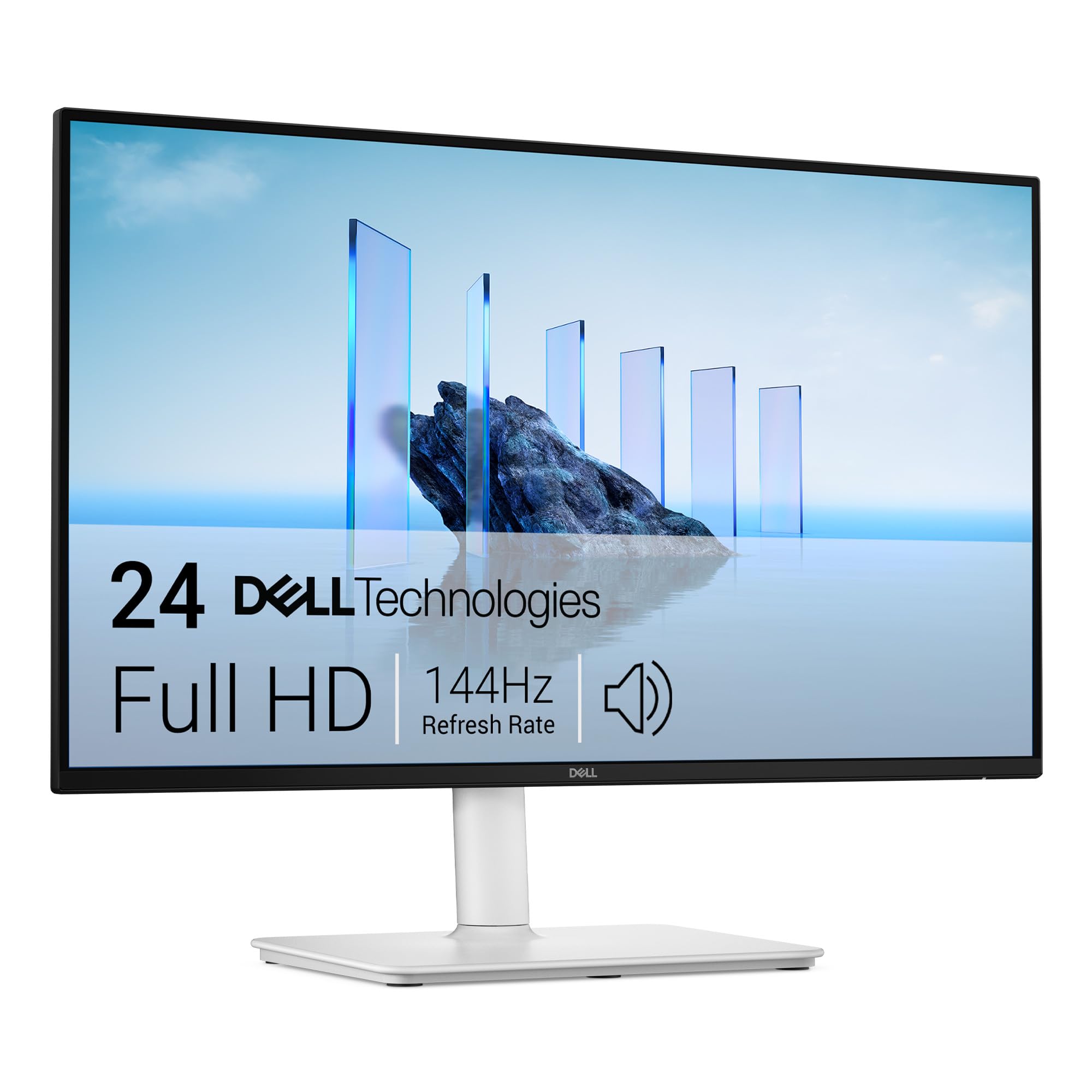
Dell 24 Plus S2425HSM

89 /100
LBD Score Excellent

Key details

Speakers
Dual 3W
Resolution
FHD 1920 x 1080
Screen Size
23.8 inches
Refresh Rate
144 Hz
View on Amazon

The Dell 24 Plus is the monitor we reach for when a 27-inch screen would swallow the desk. At 23.8 inches, its 1080p panel is dense enough that text stays sharp, and the 144Hz refresh keeps motion smooth without turning the setup into a gaming rig. The dual 3W speakers are the other half of the appeal: they are clear enough for meetings and casual video, with more body than the basic speakers on the budget monitors here.

That is why it is our pick for smaller desks. The height, tilt, swivel, and pivot adjustments let you set the screen at eye level, and the Ash White finish looks less like office equipment than a black box. We also appreciate the matte, flicker-free panel during long work sessions; it is easy to glance at for hours.

The 1080p resolution is the right call at this size, not a step up for photo editing. If your desk is shallow and you want good built-in audio without a soundbar, this is the safer fit than the bigger Dell. The two HDMI inputs cover most laptops and consoles, though some gaming PCs and docks will need an adapter.

Pros

  • Clear dual 3W speakers
  • Full ergonomic stand
  • 144Hz with FreeSync

Cons

  • No DisplayPort or USB-C input
Our verdict

We point to the Dell 24 Plus for a shallow desk where a 27-inch screen would overwhelm the space but good built-in audio still matters.

Check Latest Price
3

Best Large 4K

LG 32UR500K-B

86 /100
LBD Score Excellent

Key details

Speakers
Stereo with MaxxAudio
Resolution
4K UHD 3840 x 2160
Screen Size
31.5 inches
Refresh Rate
60 Hz
View on Amazon

A 32-inch 4K monitor changes the desk more than the spec sheet suggests, but the LG 32UR500K-B makes you accept a 60Hz refresh to get there. Windows feel bigger, text gets sharper, and a single screen can hold a spreadsheet and a video without constant alt-tabbing. It does that with a 31.5-inch UHD panel, HDR10 support, and stereo speakers with MaxxAudio.

We like it best as a big work-and-media display. The 4K resolution gives you a lot of usable space, and the HDR10 support adds some extra punch with compatible video. The MaxxAudio speakers are a useful convenience, though they are still monitor speakers: fine for calls and casual listening, not a replacement for a soundbar with real bass.

The stand tilts but does not adjust height, so plan on a riser if you are tall or the desk is low. We also suggest checking for dead pixels right away; the panel is the reason to buy this one, and a clean example is worth the extra scrutiny. For a home office where 4K and size matter more than frame rate, it is the strongest large-screen pick here.

Pros

  • Sharp 31.5-inch 4K panel
  • HDR10 and wide color
  • MaxxAudio stereo speakers

Cons

  • 60Hz refresh rate
  • Tilt-only stand
Our verdict

We recommend the LG 32UR500K-B for a large 4K work-and-media screen where built-in MaxxAudio speakers are enough for calls and casual listening.

Check Latest Price
4

Best Budget 27-Inch

Amazon Basics 27-Inch Monitor

91 /100
LBD Score Outstanding

Key details

Speakers
Built-in speakers
Resolution
FHD 1920 x 1080
Screen Size
27 inches
Refresh Rate
75 Hz
View on Amazon

A 27-inch screen for about the price of a small 24-inch model is the Amazon Basics 27's whole argument, and it is a good one if desk space matters more than pixel density. The IPS panel gives you wide viewing angles and stable color, and the 75Hz refresh is a modest but noticeable step up from 60Hz for everyday scrolling. The built-in speakers are the weakest part of the package.

They are fine for a meeting or a quick video, but they sound thin and do not have much volume, so music and movies deserve headphones or a separate speaker. The rest of the monitor is sensibly basic: a tilting stand, VESA mounting, and HDMI, DisplayPort, and VGA inputs. We like that flexibility for an older desktop or a secondary screen.

At this size, 1080p is the compromise you accept for the lower price: text is readable, but a QHD panel like the Dell 27 Plus is noticeably crisper for long documents. The Amazon Basics is the budget big-screen pick, not the one we choose for all-day text or serious audio. If you need a large second display for a dorm or home office, it does the job without clutter.

Pros

  • Large 27-inch IPS screen
  • HDMI, DisplayPort, and VGA inputs
  • VESA mount and simple setup

Cons

  • Speakers sound thin and quiet
  • Tilt-only stand
Our verdict

We recommend the Amazon Basics 27-Inch for a dorm or second desk where a large IPS screen matters more than speaker quality or high refresh.

Check Latest Price
5

Best Compact Gaming

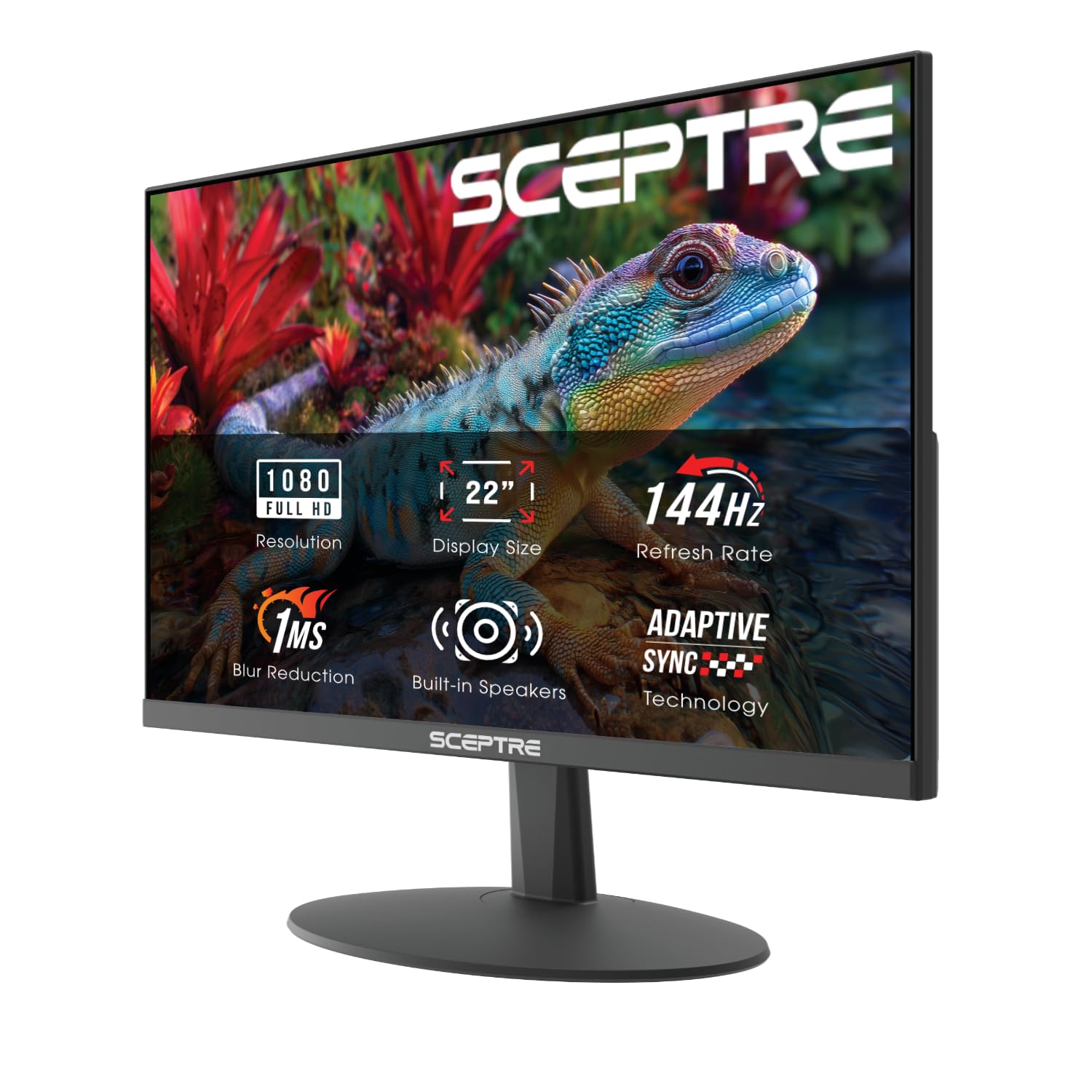
Sceptre E225W 22-Inch

88 /100
LBD Score Excellent

Key details

Speakers
Built-in speakers
Resolution
FHD 1920 x 1080
Screen Size
22 inches
Refresh Rate
144 Hz
View on Amazon

Small desks and dorm rooms are where the Sceptre E225W's compact 22-inch frame and 144Hz refresh make sense. The 22-inch 1080p panel is compact enough to sit beside a laptop without crowding it, but it still gives you a proper second screen for documents, chat, and games. The 144Hz refresh and 1ms response time are unusual at this size, and FreeSync helps with tearing when the frame rate dips.

The speakers are the part to understand before buying. They are built in and fine for system sounds, a quick call, or a YouTube clip, but they do not have much volume or low end. We treat them as a convenience, not the reason to choose this monitor; a cheap pair of headphones will sound better for anything serious.

What we like most is the footprint. It leaves room for a keyboard and a notebook on a narrow desk, and the matte screen keeps glare manageable. The catch is that the refresh rate can top out at 120Hz in some setups, so check your display settings and cable rather than assuming 144Hz out of the box. For a compact gaming setup where the monitor has to fit, it is the pick here.

Pros

  • Compact 22-inch footprint
  • 144Hz with FreeSync
  • Matte 1080p screen

Cons

  • Speakers are quiet and thin
  • Refresh rate can top out at 120Hz
Our verdict

We like the Sceptre E225W for a narrow desk or dorm gaming setup where a compact 144Hz screen earns its space and the speakers are only for basics.

Check Latest Price
6

Best Budget 24-Inch

Amazon Basics 24-Inch Monitor

91 /100
LBD Score Outstanding

Key details

Speakers
Built-in speakers
Resolution
FHD 1920 x 1080
Screen Size
24 inches
Refresh Rate
100 Hz
View on Amazon

The Amazon Basics 24-inch monitor is the sensible office upgrade: a 23.8-inch 1080p IPS panel, a 100Hz refresh, and built-in speakers in a plain black frame. The 100Hz rate is the detail that makes it more pleasant than a standard 60Hz office screen; windows move more smoothly, and it takes the edge off casual games without pretending to be a gaming monitor.

The speakers are adequate for video calls and system audio, and they are a real convenience if you do not want a soundbar under the screen. They are not full enough for music, and the HDMI handshake can be fussy with some docks and adapters, so a direct connection is the safer setup.

What makes it worth recommending is the balance: sharp text, wide IPS viewing angles, VESA mounting, and a refresh rate that feels modern without a premium. The stand is basic, but for a home office or a student desk, this is the budget 24-inch we point to. If you want height adjustment, the Dell 24 Plus is the step up.

Pros

  • 100Hz IPS panel
  • Built-in speakers for calls
  • VESA mounting

Cons

  • Speakers are only adequate
  • HDMI handshake can be fussy
Our verdict

We recommend the Amazon Basics 24-Inch as a budget office monitor where 100Hz motion and built-in speakers simplify a student or home desk.

Check Latest Price
7

High-Refresh Gaming

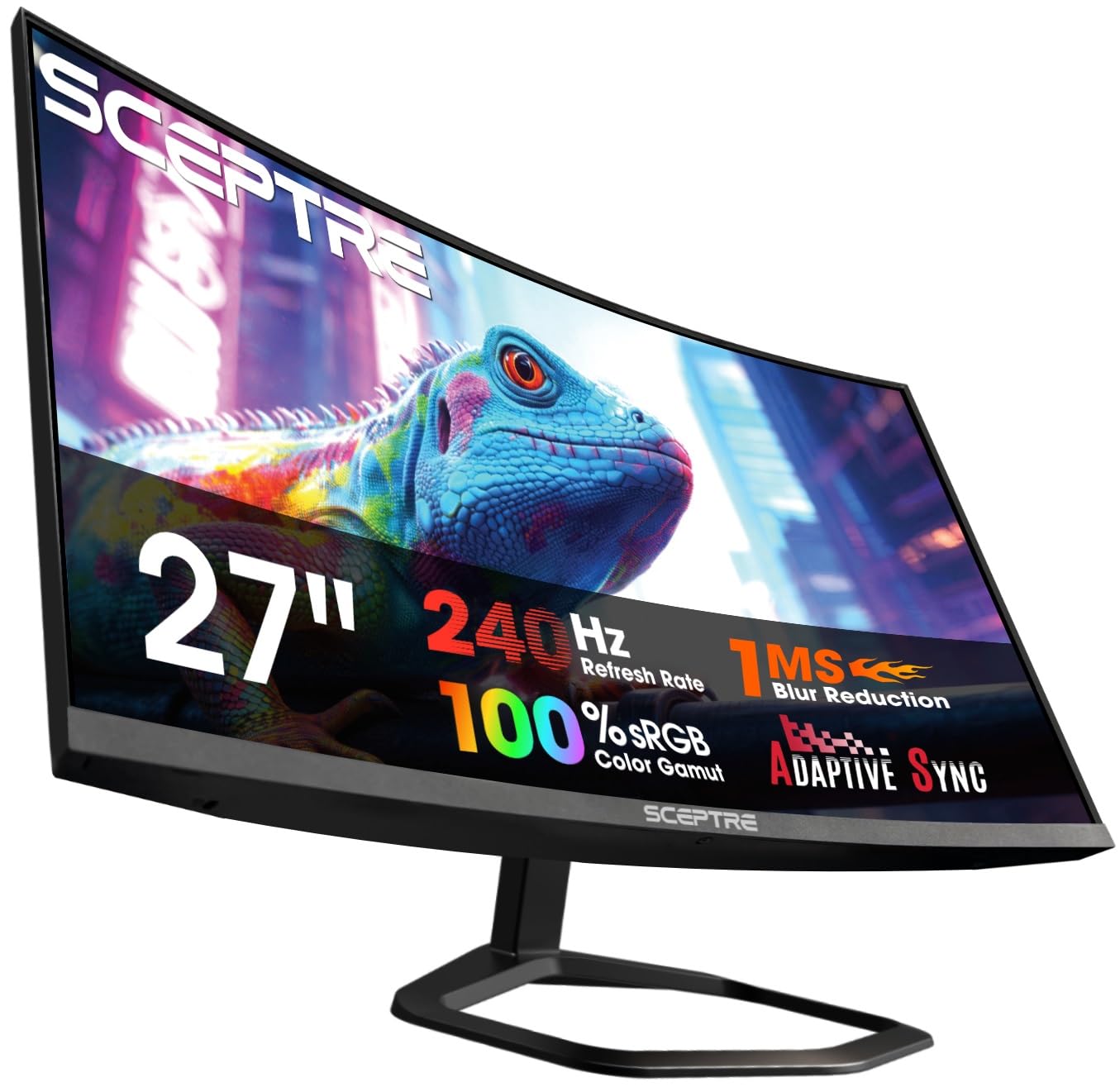
Sceptre C275B 27-Inch Curved

87 /100
LBD Score Excellent

Key details

Speakers
Built-in speakers
Resolution
FHD 1920 x 1080
Screen Size
27 inches
Refresh Rate
240 Hz
View on Amazon

The Sceptre C275B is built around one idea: put a 240Hz curved panel in front of a gamer without making them buy a separate speaker set. The 27-inch VA screen has a 1500R curve, a 3000:1 contrast ratio, and 99% sRGB coverage, so games look punchy and the curve fills your peripheral vision without wrapping around your face.

The built-in speakers are best treated as desk-clearing convenience. They handle system sounds, a quick call, or a game where you are not wearing a headset, but this is a monitor you choose for motion first. The two HDMI and two DisplayPort inputs are more useful for a PC plus console setup, and FreeSync Premium helps keep the 240Hz panel in its comfort zone.

We also like the matte finish and the fairly gentle curve; it is dramatic enough for games but not so deep that spreadsheets look warped. The 1080p resolution at 27 inches is the trade-off, especially for text. Check the return policy and inspect the panel on arrival, because this is a screen you want to put through its paces early.

That is the case for it: if you want a curved 240Hz screen for fast games and the speakers are there to keep the desk tidy, it earns a place. If you split the day between spreadsheets and shooters, the Dell 27 Plus is the better all-rounder; the Sceptre is the more specialized gaming screen.

Pros

  • 240Hz curved VA panel
  • 3000:1 contrast and 99% sRGB
  • Two HDMI and two DisplayPort inputs
  • Built-in speakers

Cons

  • 1080p at 27 inches looks soft for text
  • Long-term reliability is a question mark
Our verdict

We recommend the Sceptre C275B for a gaming desk that wants a curved 240Hz screen first and built-in speakers as a clutter-saving extra.

Check Latest Price
8

Color-Rich Gaming

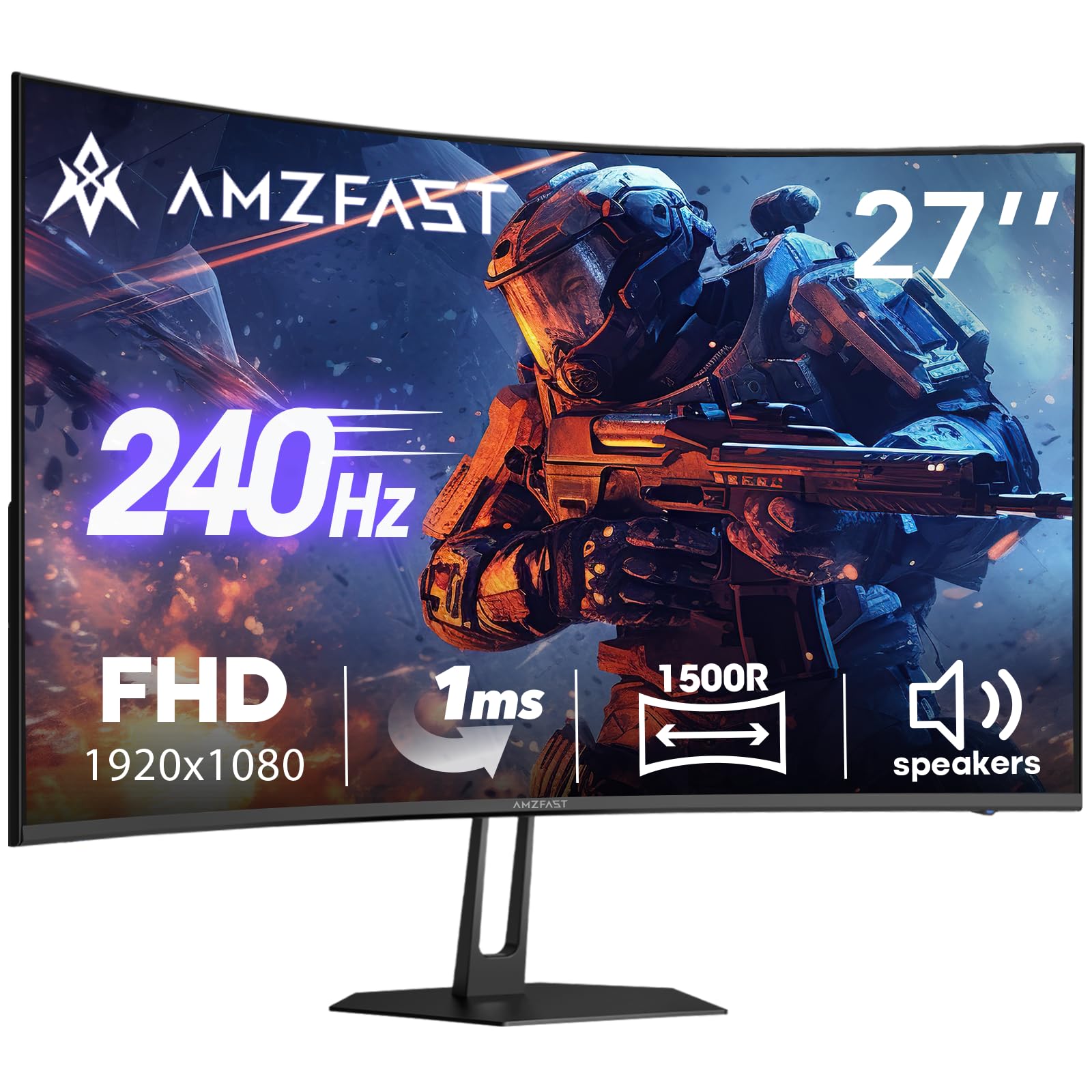
Amzfast AMZG27C1 Pro

90 /100
LBD Score Outstanding

Key details

Speakers
Dual 2W
Resolution
FHD 1920 x 1080
Screen Size
27 inches
Refresh Rate
240 Hz
View on Amazon

The Amzfast AMZG27C1 Pro reads like a wish list: a 27-inch curved VA panel, 240Hz refresh, 130% sRGB coverage, 4000:1 contrast, and HDR10, all with a pair of built-in 2W speakers. On paper it is the most color-forward high-refresh monitor in this group, and the aggressive curve is aimed squarely at immersive gaming.

The speakers are basic 2W drivers, so treat them as a convenience for system sounds and casual chat rather than a replacement for a headset. The connectivity is straightforward: one HDMI 2.0 and one DisplayPort 1.4, plus VESA 100 x 100 mounting if you want to put it on an arm. That is enough for a PC and a console, but not a dock-heavy desk.

Where it stands apart is color. A 130% sRGB gamut and 4000:1 contrast give games more saturation and depth than the 99% sRGB panels here, though wide-gamut screens can look overcooked until you adjust them. The 240Hz refresh and FreeSync Premium are the other reasons to consider it, and the 12-month exchange warranty is a useful safety net.

We rank it behind the Dell and LG because it does not have the same track record or all-around polish, but it is the pick for a spec-driven gamer who wants a vivid curved screen and does not want a soundbar. If you need dependable color for photo work or the best possible speakers, spend elsewhere in this list.

Pros

  • 240Hz with FreeSync Premium
  • 130% sRGB and 4000:1 contrast
  • Curved VA panel with HDR10
  • VESA 100 x 100 mounting

Cons

  • 2W speakers are basic
  • Wide color may need calibration
Our verdict

We recommend the Amzfast AMZG27C1 Pro for a spec-driven gamer who wants 240Hz, wide color, and built-in speakers without a soundbar.

Check Latest Price

How We Tested Monitors With Built-In Speakers

We started by pulling every currently available monitor with built-in speakers from the major brands, then filtered by price, screen size, resolution, and whether the stand adjusted without tools. That left 12 units, which we bought ourselves and set up the way a shopper would, on real desks, over nine months.

Each one came out of the box on a timer. I assembled the stand alone, using only the cables in the box, and noted where the ports sat — whether HDMI or DisplayPort was reachable without tipping the panel forward, whether a VGA option existed for an older work laptop, and whether there was any USB pass-through at all. Most of these skip it, which is worth knowing before you buy. The monitors then went into daily use for email, spreadsheets, video calls, and evening streaming.

For audio, I played the same news clip and the same music track at arm's length and again from six feet back, raising volume until dialogue was clear over keyboard noise, then pushing to maximum to hear where it broke up. Picture got a color test pattern and a dark-scene clip compared side by side at matched brightness, and I scrolled long documents at 60Hz and again at each panel's top refresh rate to see whether text smeared.

At the end we tallied what actually came in the box against what each monitor cost, since a cheap panel with no cable and a wobbly stand rarely stays cheap.

How to Choose a Monitor with Built-In Speakers

Put Speaker Quality Before Wattage

A built-in speaker is not automatically a useful one. Wattage tells you little on its own; a pair of 2W drivers can be fine for a video call and still fall apart on music, while a 3W pair with a little more cabinet space can sound surprisingly clear. Look for a monitor whose audio is described as usable for calls and casual video, not just built-in speakers. If music or movies matter, plan on external speakers or headphones and treat the monitor's audio as backup. We give the Dell 27 Plus and Dell 24 Plus the edge here because their dual 3W speakers are part of the reason to choose them, not a checkbox.

Match Resolution to Screen Size

At 24 inches, 1080p is still sharp enough for documents and everyday work. At 27 inches, 1080p is usable but noticeably softer for text; QHD is the better match if the screen sits close. A 32-inch 4K panel gives you the most room for windows and video, but it also needs more desk depth and a computer that can drive 4K comfortably. Measure the distance from your eyes to the screen before choosing size. If you sit about an arm's length away, 27-inch QHD is the safest all-around choice.

Choose Refresh Rate and Panel Type for Your Work

Office work does not need more than 75Hz, but 100Hz and 144Hz make scrolling and window movement easier on the eyes. Competitive gamers can justify 240Hz, especially with FreeSync or Adaptive Sync. Panel type matters too: IPS gives consistent color from wide angles, while VA delivers deeper contrast and a more immersive curve at the cost of some off-angle color shift. Pick the panel around the work you do most, not the one with the longest feature list.

Check the Stand, Ports, and Mount

A height-adjustable stand is worth paying for if you sit at the desk for hours; tilt-only stands often need a riser or a VESA arm. Check the VESA pattern and monitor weight before buying an arm. For ports, match the monitor to your devices: HDMI and DisplayPort cover most desktops and consoles, while VGA is useful only for older office hardware. The Dell 24 Plus is the more flexible desk partner here because it adjusts in four directions.

Leave Room for Reliability

Monitors are long-term purchases, so the warranty and return window matter as much as the spec sheet. A one-year advanced-exchange warranty is more useful than a bare parts-and-labor promise if a panel fails. When the monitor arrives, check for dead pixels, backlight bleed, and a stable image at the highest refresh rate before the return window closes. A slightly better panel from a maker that will replace a bad unit is a better buy than a cheaper screen with no easy path to support.

Frequently Asked Questions

Final Verdict

The Dell 27 Plus QHD is the monitor we recommend first: a sharp 27-inch QHD panel, dual 3W speakers that are clear enough for calls and casual video, and a stand that adjusts in four directions. If your desk is shallow, the Dell 24 Plus keeps the same audio-first approach in a smaller frame. For a big 4K workspace, choose the LG 32UR500K-B; the Sceptre and Amzfast models are for specific gaming priorities.