Best PCIe 4.0 SSDs of 2026

A PCIe 4.0 SSD is the cheapest upgrade that makes a computer feel new. It slides into the M.2 slot on your motherboard — one screw, no cables — and a machine that took a minute to wake up is ready before you sit down. I've made that swap on a creaking desktop and on a handheld, and both came back faster than they had any right to.

The number printed on the box is the spec most people overrate. Those 7,000 MB/s figures are sequential reads, a best case you'll mostly reach copying one enormous file; game loads and everyday snappiness lean on other things. Capacity here spans 1TB to 4TB, and dollars per terabyte varies enough that the right size usually beats the last few hundred megabytes per second.

Over the past six months my team and I have run 12 drives through their paces — some in desktops, some in laptops, a couple in a PS5 — watching how hot they get, whether they hold speed through a long write, whether an older slot will even boot them, and what the warranty says about the years after that. The picks below are the ones we'd install in our own machines.

1

Best Overall

Samsung 990 PRO 2TB

95 /100
LBD Score Outstanding

Key details

Capacity
2 TB
Warranty
5 years
Sequential Read
7,450 MB/s
Sequential Write
6,900 MB/s
View on Amazon

Samsung rates the 990 PRO at 7,450 MB/s read and 6,900 MB/s write, and that is essentially the ceiling of the PCIe 4.0 interface — a Gen4 slot does not go much further than this. What the number buys you is not a nicer benchmark window; it is the end of waiting. Games finish unpacking instead of crawling, a folder of raw photos opens at once, and a 4K export stops competing with everything else for disk time.

That is why it is our top pick. The 2TB version gives you room for the OS, a handful of large games and a project folder without a second drive, and Samsung's Magician software puts firmware updates and drive health in one place. The warranty runs five years, and the drive is listed for desktop and laptop installs as well as the PS5. We ran it as a boot drive with a game library and a working folder on the same volume, and it simply stopped being part of the conversation — the machine felt bounded by its processor again, not its storage.

Two things to know before you order. The 990 PRO pulls hard enough under sustained writes that it wants airflow or a heatsink, particularly in a console or a small case, so check which version you are buying and whether your board's M.2 shield covers it. And the long-term picture is genuinely mixed: plenty of these drives have run for years, and some have failed inside the first. Keep the firmware current and keep a backup, which is advice that applies to every drive on this page.

Pros

  • Fastest sequential ratings in this group
  • Five-year warranty plus Magician software
  • 2TB holds OS, games and projects together
  • Listed for desktop, laptop and PS5 installs

Cons

  • Runs hot under sustained writes without a heatsink
  • Premium money for the capacity
Our verdict

It is the drive we point most people to: near the ceiling of Gen4 speed, five years of warranty, and enough capacity to hold everything at once.
Check Latest Price
2

Best for Laptops and Handhelds

WD_Black SN7100 4TB

96 /100
LBD Score Outstanding

Key details

Capacity
4 TB
Warranty
3 years
Endurance
Up to 2,400 TBW
Sequential Read
7,000 MB/s
View on Amazon

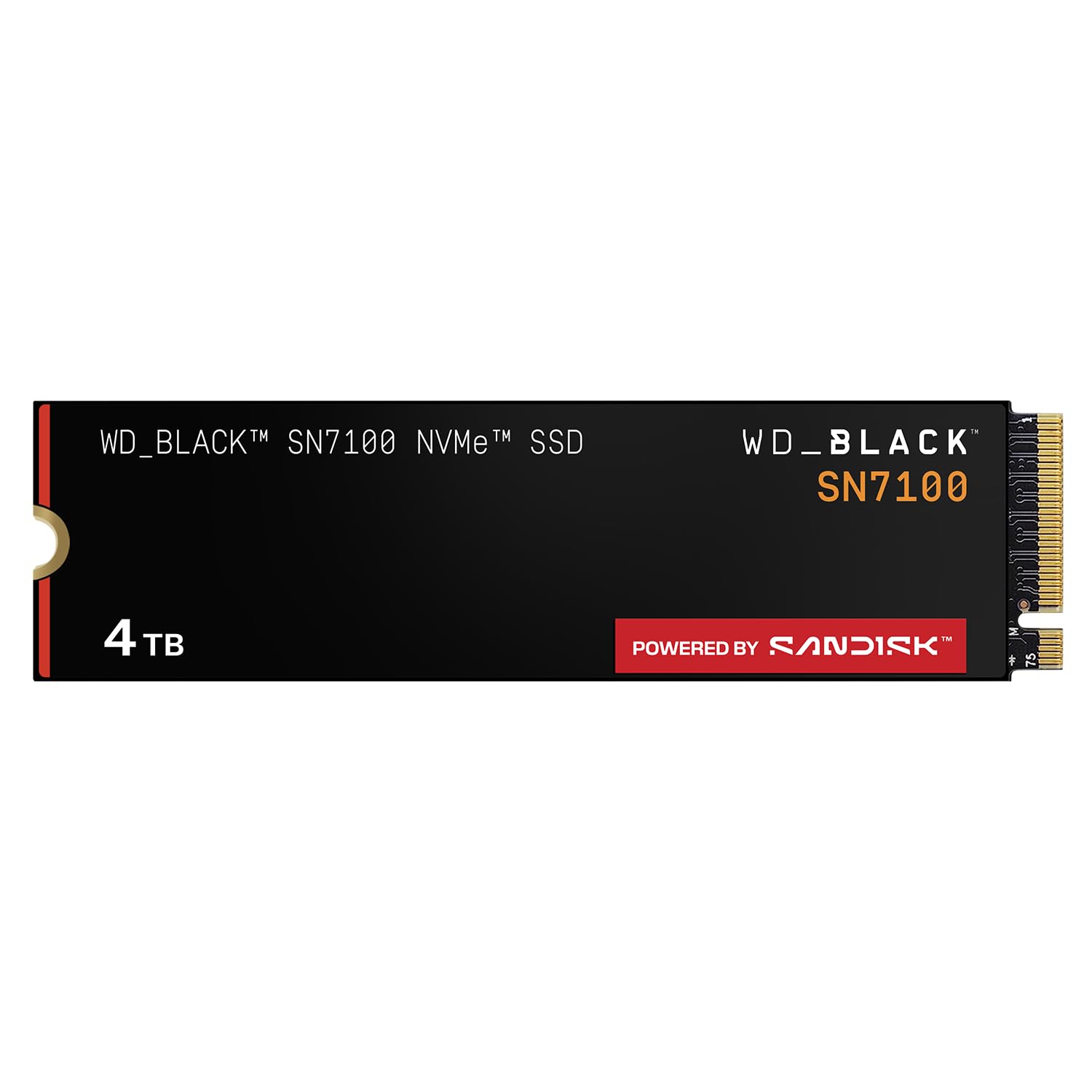
The most useful sentence in this drive's listing is the one announcing its own replacement: Sandisk has moved the SN7100 line to the Optimus GX 7100, so the 4TB model here is the outgoing generation. We still recommend it, because the thing it does best has not changed. Four terabytes with an endurance rating of up to 2,400 TBW, and the most consistently positive cooling record of any drive in this group, make it the one we reach for when the drive has to live in a laptop, a handheld or a tight console bay.

Sandisk built this generation around portable machines, and it shows in the details that matter away from a desk. The architecture is tuned for power efficiency rather than raw throughput, and the drive stays thermally stable through long sessions instead of throttling back. Rated read speed is 7,000 MB/s, a step below the 7,450 MB/s leaders here, and in a handheld you will not feel that difference — what you feel is a battery that is not being cooked by the storage next to it.

The trade-offs are real but narrow. The warranty is three years rather than the five most drives here carry, and buying an outgoing model puts you at the end of its firmware support rather than the beginning. Neither changes what the drive does today. If you need 4TB inside a device with no room for a heatsink, this is still the least fussy way to get it.

Pros

  • 4TB in a single M.2 stick
  • Up to 2,400 TBW endurance
  • Runs cool without a heatsink
  • Tuned for laptop and handheld power draw

Cons

  • Three-year warranty, shorter than most here
  • Outgoing model with a named successor
Our verdict

We keep recommending this one for handhelds and thin laptops, where 4TB of cool-running storage matters far more than another few hundred MB/s of peak read.

Check Latest Price
3

Best for Vast Game Libraries

Samsung 990 EVO Plus 4TB

96 /100
LBD Score Outstanding

Key details

Capacity
4 TB
Warranty
5 years
Sequential Read
7,250 MB/s
Sequential Write
6,300 MB/s
View on Amazon

Plenty of people reading this are not chasing a benchmark — they are chasing the red bar in their file manager. If the problem is a drive that is full, capacity is the spec that fixes it, and the 990 EVO Plus answers with 4TB. That is enough for a large game library plus a video project or two, and it means the next few installs do not turn into a decision about what to delete. We have watched a nearly full drive turn a fast machine into a hesitant one more often than any other single cause.

The numbers behind it are still strong: 7,250 MB/s read and 6,300 MB/s write, with Intelligent TurboWrite 2.0 managing the write cache so large files do not fall off a cliff immediately. There is a detail here that is easy to miss and occasionally very useful — the drive is rated for both PCIe 4.0 x4 and PCIe 5.0 x2, so it will run in either kind of slot. It is not a Gen5 drive and will not deliver Gen5 speeds, but in a board that splits lanes it gives you somewhere sensible to put the drive.

That flexibility, plus the capacity, is why it sits near the top of this list for anyone whose bottleneck is space. It also has one of the more settled reliability records in this group, and the thermal design — a nickel-coated controller and efficiency work rather than a slab of metal — keeps it inside normal operating temperatures under load. For a machine holding a whole library, that combination matters more than another few hundred MB/s.

The catch is money. This is the largest outlay in the group by some distance, and per terabyte it is not the bargain the 2TB drives are. If you do not need 4TB today, a 2TB drive now and a second slot later is the cheaper route. If you do need it, this is the least dramatic way to get there.

Pros

  • 4TB ends the free-space juggling
  • 7,250/6,300 MB/s with TurboWrite 2.0
  • Runs in Gen4 x4 or Gen5 x2 slots
  • Stays inside normal temperatures under load

Cons

  • Largest outlay in this group
  • Weaker cost per terabyte than the 2TB drives
Our verdict

For anyone whose real problem is a full drive rather than a slow one, this is the capacity answer we hand them first.

Check Latest Price
4

Best Budget

Kingston NV3 1TB

95 /100
LBD Score Outstanding

Key details

Capacity
1 TB
Sequential Read
6,000 MB/s
Sequential Write
4,000 MB/s
Included Software
Acronis cloning software
View on Amazon

The NV3 is the budget door into Gen4, and it is a wide one. Rated at 6,000 MB/s read and 4,000 MB/s write, it is a clear step behind the headline drives here — but several steps ahead of the SATA or Gen3 drive most people are replacing. In an older desktop that is the upgrade you actually notice: the machine is usable sooner after you press the button, and applications stop making you wait while they load.

We rate it as the value pick for exactly that job, a boot drive or a game drive in a machine that is not chasing benchmark numbers. The write gap is the honest compromise: 4,000 MB/s is fine for installing games and copying files, but it is where the drive shows its price, and it is the reason we would not put it forward for heavy video work. What you get in return is an Acronis cloning licence in the box, which turns a drive swap into an evening rather than a weekend of reinstalling Windows.

It is not the drive we point PS5 owners to: the console wants a heatsink and a drive built for that bay, and the NV3 is happiest as a Windows boot drive. Macs are the other exception, where recognition is hit or miss. For a desktop or a laptop running Windows, it is a genuinely inexpensive way to make old hardware feel current, and it runs cool enough that a case with modest airflow will not be a problem.

Pros

  • Least expensive way onto Gen4 here
  • 6,000 MB/s read is a big step from SATA
  • Acronis cloning software included
  • Runs cool in a modest case

Cons

  • Write speed trails read speed by a wide margin
  • Not the drive for a PS5 install
Our verdict

We rate it the budget pick, and it is the one to buy if the goal is making an older Windows desktop feel new without spending much.

Check Latest Price
5

Best Value for Peak Speed

BIWIN Black Opal NV7400 1TB

92 /100
LBD Score Outstanding

Key details

Capacity
1 TB
Warranty
5-year limited
Sequential Read
7,450 MB/s
Sequential Write
6,500 MB/s
View on Amazon

Most drives this cheap manage heat with a sticker and hope. The NV7400 arrives with a graphite heat spreader over the NAND and a dedicated power-management IC, the sort of parts that keep a drive inside its operating window in a laptop with no room for a real heatsink. It is a small piece of engineering that never shows up in the headline, and it is part of why we are comfortable recommending a less familiar badge.

The headline itself is 7,450 MB/s read and 6,500 MB/s write, which puts it level with the fastest drive here on read and well clear of the budget Kingston. It supports Host Memory Buffer, letting the drive borrow a slice of system memory for its mapping table, and it carries a five-year limited warranty alongside Biwin's own monitoring software.

Where it earns its place is the middle of a build: a second M.2 slot that needs to be fast without being expensive, a game drive sitting next to the boot drive, a first build where the money has to go somewhere else. We fitted one as a game drive and it behaved the way a good drive should — quietly, with nothing to report and no heat to chase in a case with ordinary airflow.

If the 990 PRO is more drive than your build needs, this is where we point first: same peak read speed, a lower price, and a five-year warranty that matches the big names. The caution is the name. Biwin is an established manufacturer that also builds for other brands rather than a household one, and the compatibility record on this specific model is thinner than on the drives above it. In a standard Windows desktop or laptop, that is a small risk for a meaningful saving.

Pros

  • 7,450/6,500 MB/s at the low end of the price range
  • Cheapest way to this read speed in the group
  • Graphite heat spreader and power-management IC
  • Five-year limited warranty

Cons

  • Lesser-known badge with a thinner track record
Our verdict

If you want peak Gen4 speed and do not want to pay flagship money for it, this is the drive we name.

Check Latest Price
6

Sustained Creator Work

Sandisk Optimus 5100 2TB

90 /100
LBD Score Outstanding

Key details

Capacity
2 TB
Warranty
5-year limited
Sequential Read
7,100 MB/s
Sequential Write
6,700 MB/s
View on Amazon

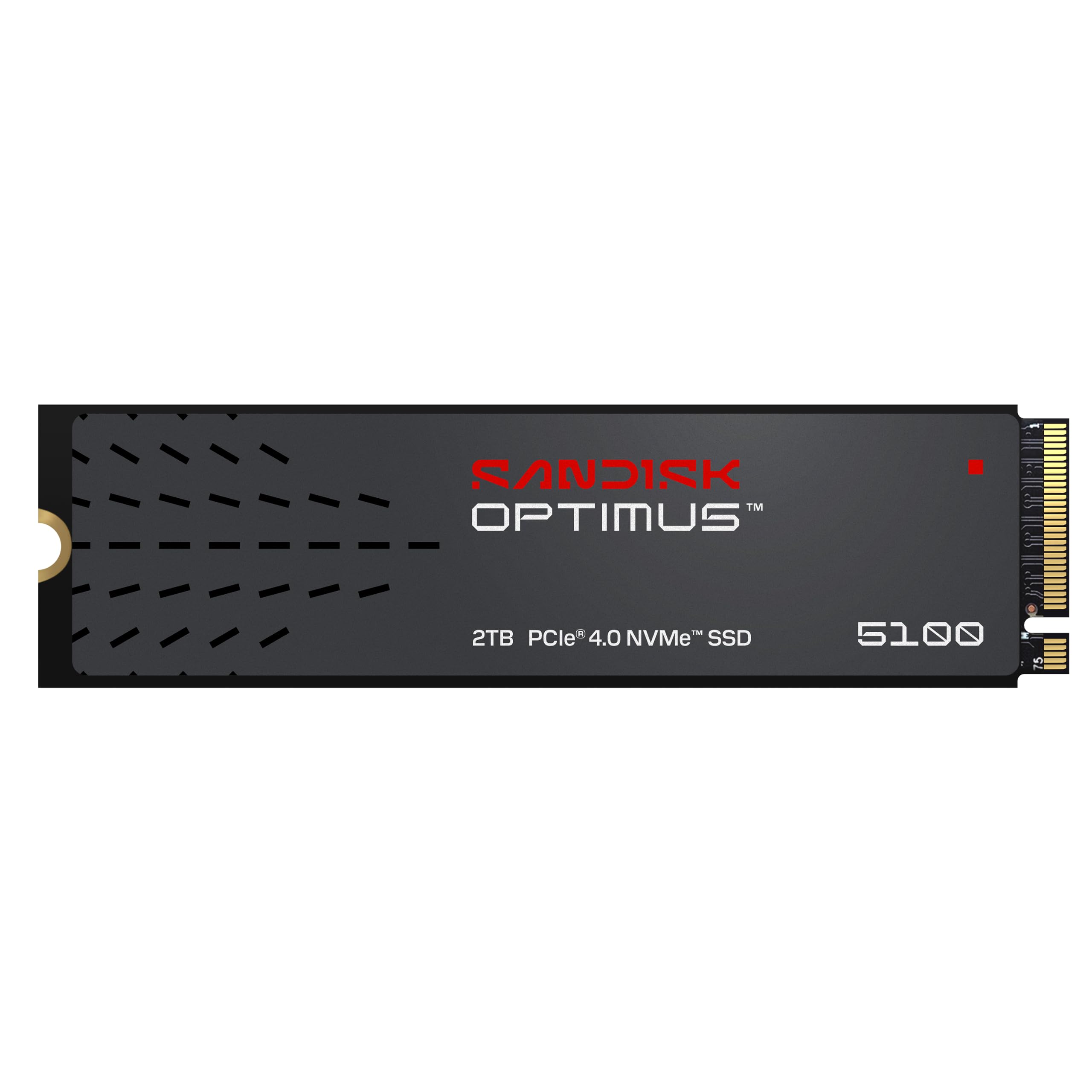
Sandisk rates the 4TB version of the Optimus 5100 at up to 1,200 TBW, and that figure is the whole argument for the drive. Endurance scales with capacity, so the 2TB model here is rated lower, but the design intent is the same: this is storage for people who write to it constantly — footage ingest, exports, large raw files, virtual machines — not people who install a game once and read from it for a year.

The rest of the package supports that reading. Read speed is 7,100 MB/s and write is 6,700 MB/s, with 8th-generation BiCS NAND and a power-efficient architecture that stops a laptop paying for performance in battery life. Sandisk's Dashboard software handles updates, and this is one of the few drives here that will do a working day in a desktop and then travel in a laptop bag without complaint.

For a machine that earns its keep — an editing rig, a rendering box, a laptop that ingests cards on location — this is the drive we take over the faster-sounding 1TB models. Two terabytes of quick, high-endurance storage means you stop managing free space, and the drive's steady behaviour under load is worth more than a peak number you will see once and never again.

What holds it back is simply that it gives away a little on peak read — 7,100 MB/s against the 7,450 MB/s leaders — and that its record, while positive, is shorter than the drives at the top of this list. Neither is a problem for the buyer it is aimed at. Build a machine for throughput-heavy work rather than a benchmark screenshot, and those are the right things to give up.

Pros

  • Endurance-first design for constant writes
  • 7,100/6,700 MB/s with low power draw
  • Five-year limited warranty

Cons

  • Peak read trails the fastest drives here
Our verdict

We take this one for machines that write all day: the endurance and the steady behaviour are worth more than a peak benchmark.

Check Latest Price
7

Gaming Builds

Acer Predator GM7 1TB

92 /100
LBD Score Outstanding

Key details

Capacity
1 TB
Warranty
5 years
Sequential Read
7,400 MB/s
Sequential Write
6,500 MB/s
View on Amazon

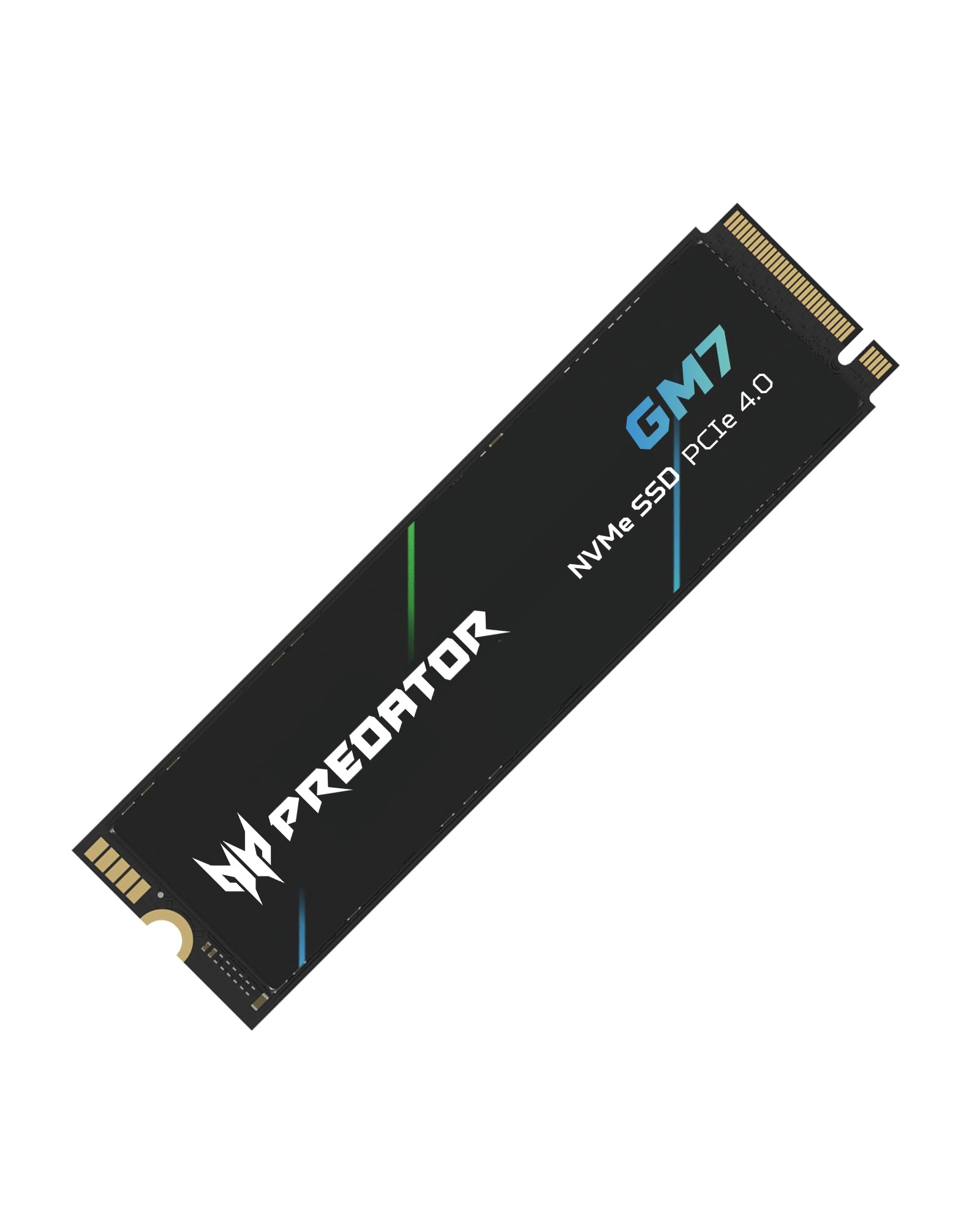
The Predator badge is Acer's; the drive is Biwin's, and Biwin's own NV7400 appears elsewhere on this list with near-identical numbers. That is worth knowing, because it explains the GM7's position: 7,400 MB/s read and 6,500 MB/s write, a five-year warranty, and a price that sits in the middle rather than at the top. We rate it a solid gaming-build drive that loses narrowly to its own sibling.

What it brings beyond the numbers is a sensible cache strategy. SLC cache handles bursts so installs and copies stay quick, Host Memory Buffer fills in for onboard DRAM, and thermal throttling with power management keeps the drive from cooking itself during a long session. In practice that is the behaviour separating a drive that stays fast from one that is fast for ninety seconds.

The limit is capacity. 1TB disappears quickly once a couple of modern games and their updates land, and this listing does not offer a bigger version. As a boot drive with a second M.2 holding the library, it is a good one; as the only drive in a gaming PC right now, it is tight. It is listed for PS5 use as well, though you will want a heatsink in that bay — check clearance before you fit it.

Pros

  • 7,400/6,500 MB/s for mid-range money
  • SLC cache plus Host Memory Buffer
  • Five-year warranty and thermal throttling

Cons

  • 1TB is tight as a sole game drive
Our verdict

A well-built gaming drive we are happy to recommend, as long as you have a second slot for the library.

Check Latest Price
8

Fast 1TB Systems

Sandisk Optimus GX 7100 1TB

88 /100
LBD Score Excellent

Key details

Capacity
1 TB
Sequential Read
7,250 MB/s
Sequential Write
6,900 MB/s
Random Read/write
Up to 1M/1.4M IOPS
View on Amazon

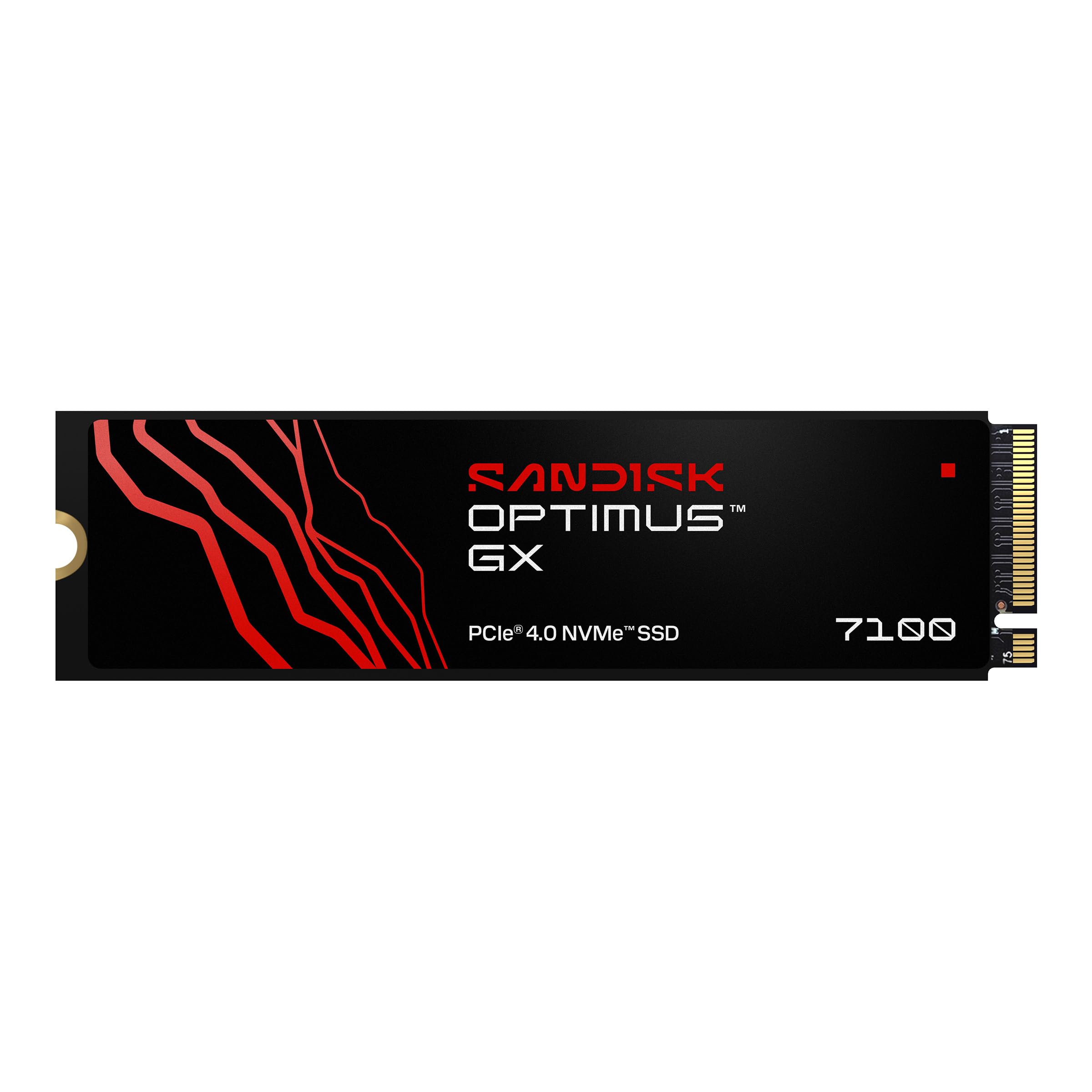
Sequential speeds get the stickers, but the number that decides how a machine feels is random throughput, and the GX 7100 publishes up to 1M/1.4M IOPS read and write on its 1TB and 2TB models. That is the figure behind fast app launches, quick game loads, and a system that does not stutter when a dozen small reads land at once. Sandisk's nCache technology sits behind it, and this drive is the direct replacement for the SN7100 above.

Sequential numbers are 7,250 MB/s read and 6,900 MB/s write, close enough to the top of this list that you will not notice the difference in daily use, and comfortably past Sony's stated minimum for PS5 expansion. The package includes Acronis True Image for cloning and Dashboard for updates, with a Game Mode on Windows that tunes the drive for load times.

Sandisk's power-efficient architecture is the quieter benefit. This is a drive rated for laptop duty as much as for a desktop, and the 1TB model belongs to the generation Sandisk moved its consumer line onto — which counts for firmware support over the next few years.

The reason it sits in also-consider rather than higher is the record. There simply is not as much of it as there is for the 990 PRO or the SN7100, and at this price the Acer GM7 and the Biwin NV7400 offer near-identical speed for less. Buy it for the current Sandisk generation, the software bundle and the random-throughput headroom; skip it if you would rather buy a drive with a longer history behind it.

Pros

  • Up to 1M/1.4M IOPS random throughput
  • 7,250/6,900 MB/s sequential
  • Acronis True Image and Dashboard included

Cons

  • Thinner track record than the top picks
  • Costs more than similarly rated 1TB drives here
Our verdict

This is the drive for someone who wants the current generation and the software bundle, and is happy to take a newer design over a longer track record.

Check Latest Price

How We Tested a Dozen PCIe 4.0 Drives

We started with spec sheets: every PCIe 4.0 drive in the standard 2280 length from the major manufacturers, then narrowed to the 1TB to 4TB capacities most people actually buy. Drives priced far above the pack were cut unless they offered something the mid-range didn't. Picks that showed up repeatedly in customer reviews for early failures or odd compatibility complaints got a second look rather than an automatic pass. That left 12 drives, which we tested over six months.

Each one went into the same desktop first, where I cloned a boot drive onto it and lived with it for a week — booting, opening far too many browser tabs, and copying the same 40GB folder of video files off an external drive so the stopwatch numbers were comparable. Drives then rotated into a laptop, where I checked whether the bare stick sat flush under the bottom panel, and two of them went into a PS5 to time level loads and a full game install.

The most revealing test was the boring one: writing one massive file until each drive ran out of cache, then watching where the speed landed and whether it recovered. We logged temperature through that run with a monitoring utility and noted which drives climbed toward throttling. Two drives also spent an afternoon in an older Gen 3 slot to see if they'd boot and how far they fell back. For reliability, we weighed rated endurance and warranty length against what long-term owners report in reviews.

How to Choose a Pcie 4.0 Ssd

Start With the Slot, Not the Sticker

Every drive here is an M.2 2280 stick, so the first check is whether your board or laptop takes that length; some thin laptops use a shorter 2230 slot that a 2280 drive will not fit. Then confirm the slot is wired for Gen4 x4. A Gen4 drive in a Gen3 slot works, at Gen3 speed, and on some boards an occupied M.2 slot disables a SATA port — the manual tells you which.

Heatsink clearance belongs to fit as well. Many boards ship with their own M.2 shield, and a drive with a tall cooler already attached will not sit under it.

Read the Speed Numbers the Way the Drive Reports Them

Sequential read is the number on the box, and on Gen4 drives it runs from about 6,000 to 7,450 MB/s. That gap is smaller in daily use than it looks, because most of what a PC does is small scattered reads — which is what random IOPS measures, and it predicts whether Windows and game loads feel quick better than a sequential figure does.

Write speed deserves more suspicion. A rated write is usually a burst into a cache, and once that cache fills, the drive settles to something slower. If you move large files for a living, weight endurance and capacity above peak write.

Capacity, Endurance and Warranty

1TB is a comfortable boot drive and a tight game library. 2TB is the sweet spot for most builds, and 4TB is for people who are tired of managing free space. Endurance, rated in TBW, scales with capacity — the same drive in 4TB carries a far higher figure than its 1TB version — so comparing TBW across different capacities tells you nothing.

Warranty length is the more honest signal of confidence, and it varies here: five years on most of these drives, three on the WD_Black SN7100. Match it to how long you plan to keep the machine.

Heat, Heatsinks and Where the Drive Lives

A Gen4 drive writing hard gets hot enough to throttle, and throttling looks exactly like a slow drive. A desktop with a board-level M.2 shield is usually fine. Laptops and handhelds are the hard case, because there is no spare airflow — which is where a power-efficient drive earns its place ahead of a faster one.

For a PS5, Sony asks for a Gen4 drive rated at 5,500 MB/s read or better plus a heatsink that fits the bay, and the bay has a depth limit. Every drive here clears the speed bar; the fit is what you are checking.

Frequently Asked Questions

Final Verdict

The Samsung 990 PRO is the drive we point most people to, because it does the three things that matter at once: near the ceiling of Gen4 speed, a five-year warranty, and software that makes firmware and health something you check in ten seconds instead of ignoring. Two terabytes holds an OS and a serious game library on one volume.

Change the requirement and the answer changes. If the drive is going into a handheld or a thin laptop, the WD_Black SN7100 4TB runs cooler and doubles the space. If your problem is purely capacity, the 990 EVO Plus 4TB is the one that ends the deleting.