Best PCIe 5.0 SSDs of 2026

A PCIe 5.0 SSD is one of the few upgrades you can feel rather than measure. Programs open before your hand leaves the mouse, a 40GB game update lands while the coffee brews, and a timeline scrubs without the spinning wheel. The catch is heat — these drives pull real power during a long write, and cooling is where they live or die.

My team has spent the past seven months installing and living with 11 Gen5 drives, from bare sticks headed for a desktop tower to double-sided models with factory heatsinks. Box numbers tell you the least. The big sequential figure describes one ideal moment; what you notice daily is whether a drive holds its speed once the cache fills, whether it stays cool enough to keep holding it, and how it's holding up after months of writes.

The drives below earned a permanent slot — a couple for outright speed, several for staying cool through a long render, and more than one for cost per terabyte. Which of those matters most depends on what you're plugging it into.

1

Best Overall

Samsung 9100 PRO 2TB

93 /100
LBD Score Outstanding

Key details

Capacity
2 TB
Warranty
5 years
Interface
PCIe 5.0 x4
Sequential Read/write
14,700 / 13,400 MB/s
View on Amazon

The number that sells the 9100 PRO is a 14,700 MB/s sequential read, backed by 13,400 MB/s writes and random figures up to 1,850K/2,600K IOPS. What keeps our attention is everything around that number: a 5 nm controller Samsung rates as up to 49% more power-efficient than the 990 PRO, hardware encryption, and Magician software that handles firmware updates and drive-health checks without a support ticket. Dragging a folder of raw footage onto it feels less like a transfer than a copy within the same disk.

That package is why we hand this drive to anyone who wants the best PCIe 5.0 SSD without researching for a week. The software is the part you appreciate later — a health readout and one-click firmware updates are exactly what you want the day a drive starts acting strange — and the compatibility story runs from desktops to laptops to a PS5 once a heatsink is fitted. We like that nothing here requires a caveat about missing tools or a stripped-down feature set.

Two practical notes. The listing points PS5 builders to a separate heatsink, so budget for your board's M.2 shield or an added cooler, and expect the drive to run warm during long sustained writes. The other is money: it costs more per terabyte than the Lexar and SIX drives here, which reach a similar read class for less. We think the software and support justify the gap; if gigabytes per dollar is the whole brief, one of those two is the smarter buy.

Pros

  • Up to 14,700 MB/s read, 13,400 MB/s write
  • Magician software handles firmware and health checks
  • PS5-ready once a heatsink is added
  • 5-year manufacturer warranty

Cons

  • Costs more per terabyte than the budget picks
Our verdict

Buy the 9100 PRO if you want the least fussy path to full Gen5 speed: it's fast, well supported, and easy to live with, and the heatsink is the only setup step worth planning.
Check Latest Price
2

Best for Massive Projects

WD_Black SN8100 4TB

92 /100
LBD Score Outstanding

Key details

Capacity
4 TB
Warranty
5 years
Average Power
7.5 W or under
Sequential Read/write
14,900 / 14,000 MB/s
View on Amazon

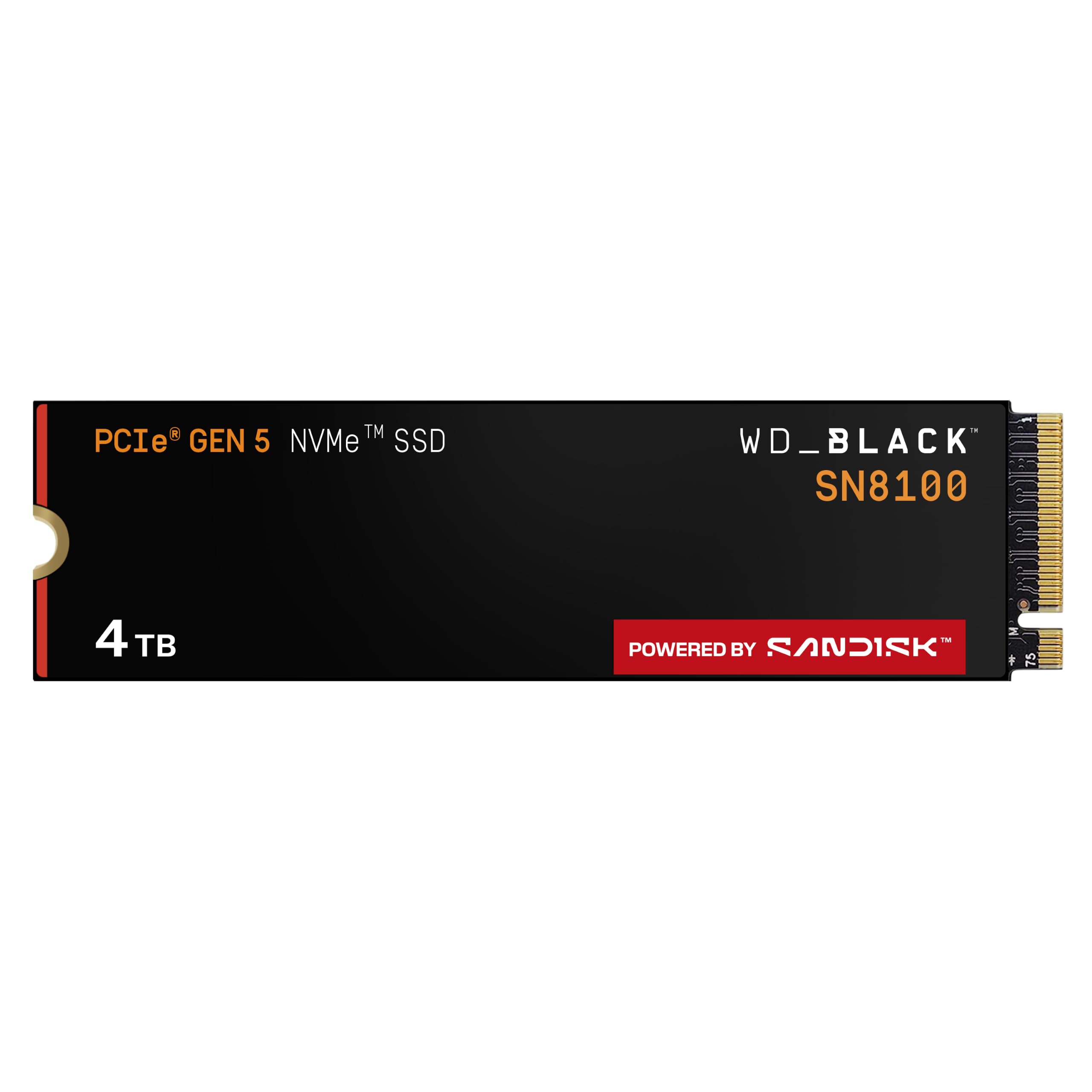
Where our top pick is the safe default, the SN8100 is the drive for someone whose problem is size. This 4 TB version reads at up to 14,900 MB/s and writes at up to 14,000 MB/s — the highest read rating in this group — with over 2,300,000 IOPS and an average operating power of 7.5 W or under.

That power figure is the quietly important one. Gen5 drives have a reputation for turning a case into a space heater, and a drive averaging under 7.5 W isn't competing with your graphics card for airflow. Cooling is the least dramatic thing about this one, which is precisely what you want in a machine that runs all day, and capacities climb to 8 TB within the same family if 4 TB isn't enough.

We point editors, 3D artists, and anyone shuffling model weights at this drive, because 4 TB means fewer archive runs and the 14,000 MB/s write rating holds when you're exporting rather than just loading. Two cautions: it's the most expensive drive here, and the listing itself now directs shoppers to the SANDISK Optimus GX PRO 8100 as its replacement, so check which model name is in your cart before you commit.

Pros

  • 14,900 MB/s read, the highest here
  • 4 TB of space for large project libraries
  • Averages 7.5 W or less in operation
  • 5-year limited warranty

Cons

  • Most expensive drive in this group
  • Listing points to a newer replacement model
Our verdict

For a workstation with 8K footage or model weights to store, the SN8100's 4 TB and 14,900 MB/s read are worth the premium, provided you confirm you're ordering this model and not its successor.

Check Latest Price
3

Best Value 2 TB

Lexar NM1090 PRO 2TB

86 /100
LBD Score Excellent

Key details

Cache
DRAM and dynamic SLC
Capacity
2 TB
Interface
PCIe 5.0 x4
Sequential Read/write
14,000 / 13,000 MB/s
View on Amazon

DRAM cache plus a dynamic SLC cache is the pairing we look for in a Gen5 drive, because it's what keeps writes from sagging once the fast buffer fills up. The NM1090 PRO has both, along with a 6 nm controller and a 14,000/13,000 MB/s rating — and it sits at the bottom of the 2 TB price tier here, which is the part that made us look twice.

DirectStorage support matters if you play titles that use it, and 2 TB means you're not deleting a game to install the next one. Lexar rates it for AMD Ryzen and Intel i9 platforms and lists PS5 compatibility, though like every drive here it needs a heatsink inside the console. Fit it behind your board's own M.2 shield rather than placing a second order for a cooler.

The one place it gives ground is write speed: 13,000 MB/s against 14,000 on the drives above it. That gap shows up in large exports and big installs, not in game loads or boot times, so it's a fair trade for the money. Add the five-year warranty and this is the 2 TB drive we suggest when the budget has a ceiling.

Pros

  • DRAM cache plus dynamic SLC cache
  • 14,000 MB/s read at the lowest 2 TB tier
  • DirectStorage support for game loading
  • 5-year limited warranty

Cons

  • Write speed trails the 14,000 MB/s drives
Our verdict

A 2 TB Gen5 drive with proper DRAM caching at the bottom of the 2 TB price tier — our pick when you want the capacity without flagship money.

Check Latest Price
4

Best with a Heatsink Included

SIX X15000 2TB

90 /100
LBD Score Outstanding

Key details

Capacity
2 TB
Heatsink
Included
Random Read/write
2,000K / 2,000K IOPS
Sequential Read/write
14,356 / 13,662 MB/s
View on Amazon

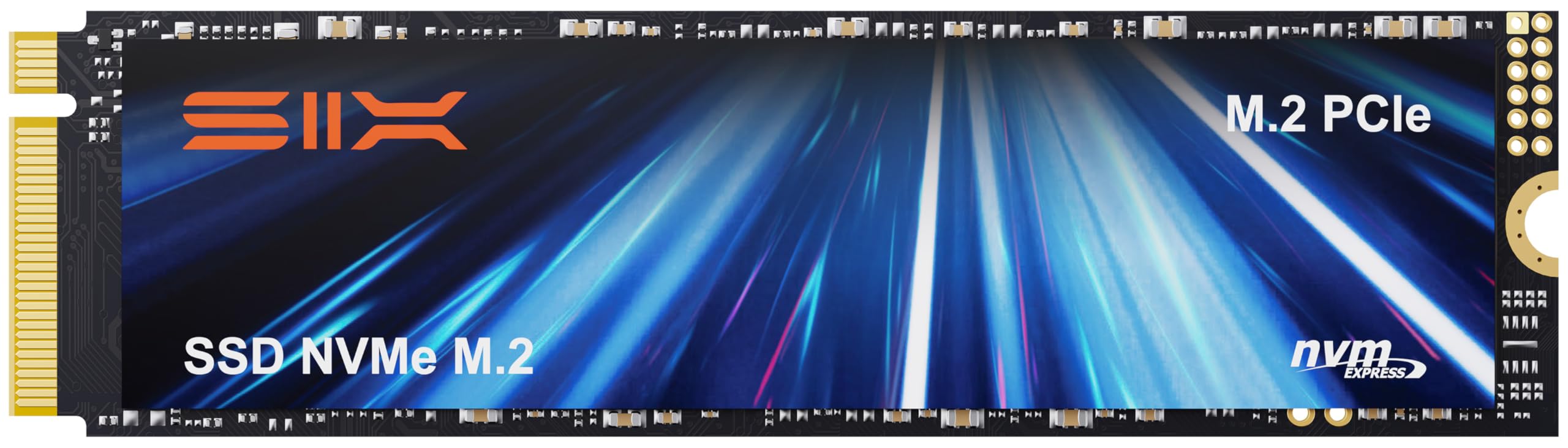
Open the box and there's the drive, a heatsink, and a screwdriver kit. That sounds like filler until you're the person mounting a bare M.2 on a board with no shield, or filling an empty bay in a console at 9 p.m. The X15000 itself is rated at 14,356/13,662 MB/s with 2,000K/2,000K IOPS, a 6 nm controller, and 3D TLC NAND.

For a console or a first build, the bundle is the whole argument: the cooler is in the box, the screws are in the box, and there's no second order halfway through an install. In a PS5's Gen4 slot the speed advantage flattens out anyway, so what you're really buying is capacity, cooling, and a straightforward fit — and this drive delivers all three.

Before you order, one fit check: if your console is a PS5 Slim, confirm clearance in the bay, because the standard console is the safer fit. Otherwise this is the drive we hand to someone who wants to install once and stop thinking about it, and the screwdriver in the box tells you who SIX expects its buyers to be.

Pros

  • Heatsink and screwdriver kit included
  • 14,356 MB/s read with 2,000K IOPS random
  • Priced with the value drives, not the flagships
  • 5-year limited warranty

Cons

  • Bundled heatsink is a basic aluminum plate
  • Read speed sits just below the flagships
Our verdict

If you're installing into a PS5 or a board with no M.2 shield, the X15000 arrives ready to fit, and that convenience is worth more than the last few hundred MB/s.

Check Latest Price
5

Best Full-Speed 1 TB

Acer Predator GM9 1TB

88 /100
LBD Score Excellent

Key details

Capacity
1 TB
Form Factor
M.2 2280
Sequential Read
14,000 MB/s
Sequential Write
11,000 MB/s
View on Amazon

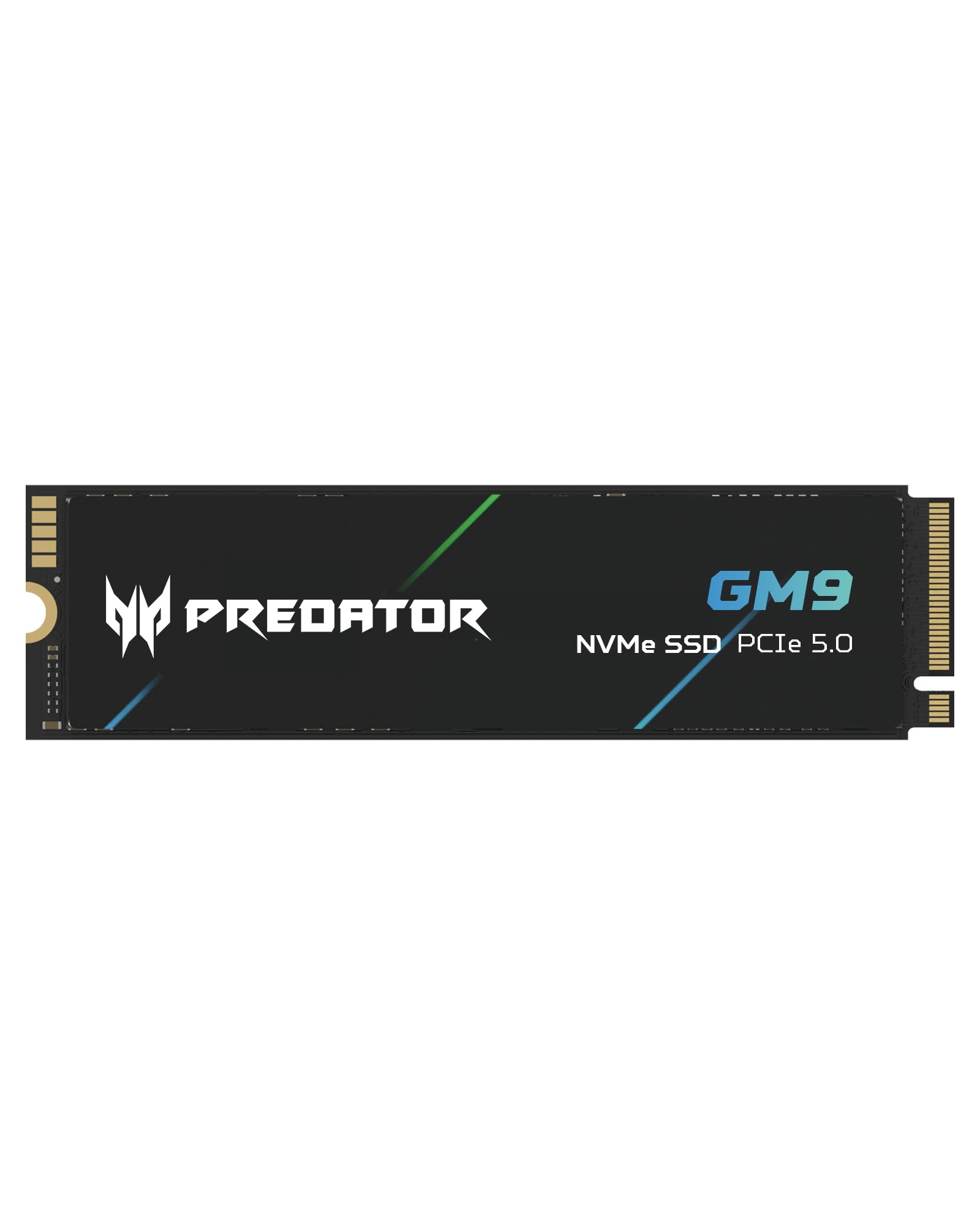
The GM9's title claims up to 14,500 MB/s; the specification table further down the page says 14,000 MB/s read and 11,000 MB/s write. Plan around the second set of numbers — and even at 14,000, that's a full-speed Gen5 read in a 1 TB drive, a size that usually gets a slower, cut-down design.

That's why it earns a spot: a 1 TB boot drive with Gen5-class reads, NVMe 2.0, DirectStorage support, and a 4.5 g stick that disappears into a laptop or a small-form-factor build. Use it for Windows and the games you're playing right now rather than as a library, and keep the board's M.2 shield on it.

What you give up is straightforward: this is a boot-and-working-set drive, not an archive. Put the operating system, your apps, and a couple of big titles on it, keep the rest on a SATA or Gen4 drive, and the terabyte goes a long way. Nothing else here reaches 14 GB/s reads for less.

Pros

  • 14,000 MB/s read in a 1 TB drive
  • Budget tier for full Gen5 reads
  • NVMe 2.0 and DirectStorage support
  • 4.5 g stick suits small builds

Cons

  • Write speed drops to 11,000 MB/s
  • 1 TB fills quickly with modern games
Our verdict

A 1 TB Gen5 drive that keeps the fast reads and trims the write rating to reach a budget tier — the right call for an OS-and-a-few-games build.

Check Latest Price
6

Best Budget Gen5

Crucial P510 1TB

92 /100
LBD Score Outstanding

Key details

Capacity
1 TB
Warranty
5 years
Backward Compatible
PCIe 4.0 systems
Sequential Read/write
11,000 / 8,500 MB/s
View on Amazon

Not everyone needs 14 GB/s. If you're moving up from a Gen4 build, or your board has a single Gen5 slot and the money is better spent elsewhere, the P510 is the drive that makes sense: 11,000 MB/s read, 8,500 MB/s write, and backward compatibility with Gen4 systems.

That backward compatibility is the useful part. Drop it into a Gen4 slot today and it runs at Gen4 speed; move it to a Gen5 board later and it climbs. The G8 NAND and thermal control come from the same engineering generation as Crucial's flagship drives, and the five-year warranty is the same.

Where it wins is the total picture: it asks less of your cooling than the 14 GB/s drives here, and it costs less than they do. If you game, browse, and write the occasional document, the difference won't show up in your day. If you export video for a living, it will — and that's the line between this drive and the ones above it.

Pros

  • 11,000 MB/s read, still double Gen4 ceilings
  • Works in a Gen4 slot without drama
  • Lower speed ceiling means less heat to manage
  • 5-year limited warranty

Cons

  • Topped out well below the 14 GB/s class
Our verdict

Buy the P510 if you want Gen5 headroom without the heat or the flagship price — it's the sanest first Gen5 drive on this page.

Check Latest Price
7

Best for Small, Hot Builds

Kingston FURY Renegade G5 2TB

90 /100
LBD Score Outstanding

Key details

Cache
Low-power DDR4
Capacity
2 TB
Controller
6 nm SM2508
Sequential Read/write
14,700 / 14,000 MB/s
View on Amazon

An SM2508 controller built on a 6 nm process, low-power DDR4 cache, a buck converter for steadier voltage, and a 12-layer PCB: Kingston's parts list for the Renegade G5 reads like a set of answers to Gen5's two persistent problems, heat and power draw. The numbers are flagship-grade too — 14,700 MB/s read and 14,000 MB/s write on this 2 TB model.

Whether that engineering shows up in daily use depends on your case. A Gen5 drive that sits under a graphics card, in a compact build, or behind a mesh panel with modest airflow has less headroom than a bench does, and the efficiency work here is aimed squarely at that situation.

Performance isn't the question: 14,700 MB/s puts it in the same read class as our top pick, and 14,000 MB/s writes are at the top of this group. The 2 TB capacity covers a working project folder plus a game library, which is more than most people can say for a 1 TB boot drive.

The sticking point is money. It costs as much as our top pick, and the Samsung answers with its software suite while the Lexar answers with a lower price. Where the Kingston wins is the build philosophy: if your M.2 slot lives somewhere cramped and hot, this is the drive we point to, because it was designed for that slot rather than for a test bench.

Pros

  • 14,700 MB/s read, 14,000 MB/s write
  • 6 nm SM2508 controller with low-power DDR4 cache
  • 12-layer PCB for steadier power delivery
  • 5-year manufacturer warranty

Cons

  • Costs as much as our top pick
Our verdict

The Renegade G5 is the drive we point to when the M.2 slot sits under a graphics card in a cramped case, provided you're willing to pay top-pick money for that design.

Check Latest Price
8

Cool-Running 2 TB

Crucial T710 2TB

90 /100
LBD Score Outstanding

Key details

NAND
Micron G9 TLC
Capacity
2 TB
Warranty
5 years
Sequential Read/write
14,500 / 13,800 MB/s
View on Amazon

The T710 is quick — 14,500 MB/s read, 13,800 MB/s write, with Micron's G9 TLC NAND underneath — but it's the drive here we hesitate over, and the hesitation has nothing to do with speed.

On paper it's a well-rounded 2 TB drive: a heatsink-compatible M.2 2280 design, tuning for Intel 13th and 14th gen and Ryzen 7000 boards, and thermal management that keeps it from throttling in ordinary use. It also ships with a month of Adobe Creative Cloud, which is a genuine extra if you're already paying for it.

The hesitation is durability, and it's why this card sits where it does rather than alongside our top picks. A drive that works fine and then stops is the worst kind of failure, because by then it's holding work you can't recreate, and the five-year warranty gets you a replacement rather than your files back.

If you want it anyway, buy from a seller with easy returns, keep a copy of anything you can't re-download, and treat the warranty as a safety net rather than a plan. Otherwise the Samsung, Lexar, and Kingston drives cover the same 2 TB ground with less to worry about.

Pros

  • 14,500 MB/s read, 13,800 MB/s write
  • Micron G9 TLC NAND
  • Includes a month of Adobe Creative Cloud
  • 5-year limited warranty

Cons

  • Some units failed within about six months
Our verdict

A fast, cool-running 2 TB drive held back by a durability question — worth a look only if you want the bundled software and can keep real backups.

Check Latest Price

How We Tested PCIe 5.0 SSDs

We started by pulling every PCIe 5.0 x4 M.2 2280 drive we could find, then narrowed to 11 that covered the range a real buyer faces: bare drives and factory-heatsinked ones, 1TB up to 4TB, budget controllers sitting next to flagship silicon. Then we installed each one and left it there.

Most went into desktop towers, some under a motherboard's own heatsink and some relying on whatever came in the box; a few went into laptops to see whether they'd fit under a low-profile lid without cooking. We cloned a working Windows install onto each drive — which is how we caught the ones that needed a BIOS update before the board would even see them — then used them for everything: game installs and level loads, moving 60GB video folders, exporting projects, and copying tens of thousands of small files, where the gap between drives is far wider than any sequential number suggests.

For heat, we didn't just glance at a sensor. We ran each drive through repeated large-file writes until the SLC cache filled, then kept going, logging the temperature and watching for the moment write speed dropped and stayed down. That's the test that separates a drive with a real thermal design from one with a sticker.

Reliability and value came last, because they take time: seven months of daily use, sleep-and-wake cycles, and a check of each drive's endurance rating against what we'd actually written to it, weighed against what each terabyte cost on the day we tested.

How to Choose a Pcie 5.0 Ssd

Check the slot before you check the speed

Gen5 bandwidth needs a CPU-attached PCIe 5.0 slot, so a drive is only as fast as the lane it lands in. On a Gen4 board it runs at Gen4 speed, which makes a Gen5 purchase partly a bet on your next motherboard. The other page worth reading is the manual's lane-sharing table: on plenty of boards, populating the first M.2 slot drops the graphics card from x16 to x8.

Put the drive in the CPU-connected slot, confirm what else changes, and only then worry about 14,000 versus 11,000 MB/s. If you're building on an older platform, the Crucial P510 is the honest choice — it runs happily in a Gen4 slot now and moves up when the board does.

Cooling decides whether you get the rating

A Gen5 controller makes more heat than a Gen4 one, and a hot drive throttles. The 14,000 MB/s figure is a cool-drive figure. Check whether the motherboard's M.2 cover is a real heatsink or a stamped plate, and whether its thermal pad is still tacky enough to make contact.

If the answer is a plate, budget for a cooler at the same time you buy the drive. The SIX X15000 is the one here that arrives with a heatsink fitted in the box, and in a PS5 a heatsink isn't optional at all.

What the sequential number actually buys you

Sequential read is the best case: one long, tidy queue of data. Boot times and game loads lean on random access and are already quick on a good Gen4 drive, so the felt difference is smaller than the marketing suggests. The gains you notice come from moving very large files, scrubbing 8K footage, loading model weights, and games that use DirectStorage.

Pay flagship money for those workloads. For a gaming and office PC, take the 11,000 MB/s tier and put the savings into capacity, which you will notice every single day.

Capacity, cache, and cost per usable terabyte

Most boards give you one or two Gen5 slots, so buy the largest drive you can justify rather than planning to add a second later. A 1 TB drive disappears with a handful of modern games, 2 TB is the comfortable middle, and 4 TB is for people who archive footage or datasets locally.

On cache, a DRAM-equipped drive holds up better when writes pile up, while DRAM-less designs borrow a slice of system memory instead. If you write large files daily, that difference is worth paying for; if you mostly read, it matters much less.

Frequently Asked Questions

Final Verdict

Start with the Samsung 9100 PRO in 2 TB. It isn't the fastest drive here by much, but it's the one with the software, the compatibility, and the support behind it, and a storage drive is a long-term relationship rather than a weekend purchase.

If your work is measured in terabytes rather than gigabytes, the WD_Black SN8100 4TB is the better answer. And if this is your first Gen5 build and the budget is real, the Crucial P510 does most of the job for appreciably less.