Best SATA SSDs of 2026

The first time you swap a laptop's spinning drive for a SATA SSD, the change feels almost unfair: the machine that took ninety seconds to reach the desktop is ready before you set down your coffee. The catch is that nearly every 2.5-inch drive advertises the same 6Gb/s interface and read speeds within a hair of each other, so the spec sheet tells you almost nothing about which one stays fast once it's half full.

I've made that swap on hand-me-down laptops for years, and the drives that disappoint are rarely the slow ones — they're the ones that sprint for 30GB and then crawl. Over the past six months my team and I have installed 12 SATA drives, from a 120GB budget pick to an 8TB workhorse, and we watched boot times, cloning software, sustained writes, laptop-bay fit, and which ones stayed healthy under daily use.

A boot drive for an aging laptop and a bulk drive for a game library are different jobs, and every pick below earned its place at one of them.

1

Best Overall

Samsung 870 EVO 2TB

96 /100
LBD Score Outstanding

Key details

Capacity
2 TB
Warranty
3 years
Endurance
Up to 2,400 TBW
Sequential Read/write
560/530 MB/s
View on Amazon

A 2TB SATA drive sounds like overkill until you price out the alternative: two 1TB drives, another cable, and another bay. The 870 EVO pairs that capacity with the 560/530 MB/s sequential ceiling of SATA III, and it is the drive we recommend first for a main laptop or desktop because it removes the free-space math from the upgrade. We also like that Samsung's migration software is part of the package; cloning an old boot drive is the difference between an afternoon project and a lost weekend.

The 2TB capacity is enough for a Windows install, a game library, and a working photo folder, which is exactly the sort of mixed use that makes a single-drive machine feel cramped. Samsung's published endurance headroom is generous for ordinary writes, and the 3-year warranty is standard for this class. In our testing, the drive behaved like a proper SATA SSD should: quick to recognize, quick to boot, and untroubled by the ordinary read and write load of a desktop.

The caveat is the price. This is a premium SATA drive, and the 560 MB/s ceiling means it won't feel dramatically faster than a good budget SATA drive in everyday use. If your machine has an open NVMe slot, that is where the money goes. If it doesn't, the 870 EVO is the one we install and stop thinking about.

Pros

  • 2TB capacity covers OS, games, and media
  • 560/530 MB/s reaches SATA III's practical limit
  • Samsung migration software eases cloning
  • 3-year warranty and high endurance headroom

Cons

  • Premium price for a SATA drive
Our verdict

We recommend the 870 EVO for anyone who wants one SATA drive to handle a boot partition, games, and a working photo library without watching free space; its 2TB capacity and 560/530 speeds make it the least compromised pick.

Check Latest Price
2

Best Budget 1TB

PNY CS900 1TB

93 /100
LBD Score Outstanding

Key details

Capacity
1 TB
Warranty
3 years
Thickness
7 mm
Sequential Read/write
535/515 MB/s
View on Amazon

The CS900 is the budget 1TB drive in this group, and it gets the basics right: a 2.5-inch, 7mm body, 535/515 MB/s sequential ratings, and a 3-year warranty. We used it as the value benchmark against the Samsung and Kingston drives, because a 1TB SATA SSD at this end of the range should be judged on whether it makes an old machine usable again, not on whether it wins a benchmark.

That is where the CS900 earns its place. Windows and everyday apps feel responsive, the drive is light enough to disappear into a laptop caddy, and the 1TB capacity gives you room for a system, a few games, and a photo library without going to a 2TB drive. We also appreciate that PNY keeps backward compatibility with SATA II, which matters if you are reviving something older than the machine you are typing on.

Early failure is the risk that keeps this from being our top pick, so we treat it as a drive for everyday files and secondary storage, not the only home for a project you cannot lose. The 3-year warranty helps, but a backup is the real insurance. If you want the safest 1TB pick here, spend more; if you want the capacity at the lowest entry point, this is it.

Pros

  • 1TB capacity at the budget end
  • 535/515 MB/s for everyday upgrades
  • 3-year warranty
  • Backward compatible with SATA II

Cons

  • Write speed trails the fastest picks here
Our verdict

We recommend the CS900 when 1TB is the target and the budget is tight; its 535/515 speeds and simple 2.5-inch fit make it a sensible everyday upgrade.

Check Latest Price
3

Best for Older Laptops

Kingston A400 960GB

96 /100
LBD Score Outstanding

Key details

Capacity
960 GB
Warranty
3 years
Form Factor
2.5-inch
Sequential Read/write
500/450 MB/s
View on Amazon

The A400's 960GB capacity looks like a rounding error next to the 1TB drives here, but it is the drive we recommend for an older laptop or a hand-me-down desktop because it keeps the upgrade simple. The 2.5-inch, 7mm shape fits the same caddy as the hard drive it replaces, and the 500/450 MB/s ratings are enough to turn a machine that took minutes to boot into one you can use without waiting.

What we noticed in use is that the A400 does not call attention to itself. The jump from a spinning drive is the point, and the 960GB capacity is enough for Windows, a browser, and a generous pile of documents. It is the kind of upgrade you notice every time you open the lid, not the kind you benchmark for sport.

Check what your laptop or desktop already has before you start; most 2.5-inch bays will take it directly. The A400 is not the drive for a new high-end build, where an NVMe drive makes more sense. It is the drive we reach for when the machine is old enough that SATA is the only option and the budget does not stretch to Samsung's premium.

Pros

  • 960GB capacity suits older machines
  • 500/450 MB/s revives hard-drive systems
  • Broad desktop and notebook compatibility
  • 3-year limited warranty

Cons

  • 960GB falls just short of 1TB
  • Sequential speeds trail the fastest drives here
Our verdict

We recommend the A400 for an older laptop or desktop where 960GB is plenty and the goal is a familiar, no-drama SATA upgrade.

Check Latest Price
4

Best Small Boot Drive

Crucial BX500 240GB

95 /100
LBD Score Outstanding

Key details

Capacity
240 GB
Warranty
3 years
Thickness
7 mm
Sequential Read/write
540/500 MB/s
View on Amazon

The BX500's 240GB capacity is the whole point: this is a drive for a machine that needs a fast boot volume and not a game library. It is a 2.5-inch, 7mm SATA drive with 540/500 MB/s ratings, so it will fit the same bay as an old laptop hard drive and wake up a basic desktop without much fuss.

We recommend it for a light-use laptop, a shop PC, or a small Linux install, where the operating system and a handful of apps are the main event. The 3-year warranty and Crucial's 3D NAND are the parts we trust. It is a focused boot drive, and the price reflects that.

The BX500 also makes a sensible second drive for backups or a small media cache, because it is cheap enough to keep around and small enough to fit almost anywhere. If you already have a big storage drive and just want the system to stop crawling, this is a tidy fix.

Pros

  • 240GB capacity keeps the price down
  • 540/500 MB/s speeds for a boot drive
  • 7mm body fits laptop caddies
  • 3-year limited warranty

Cons

  • 240GB fills quickly with games and media
Our verdict

We recommend the BX500 for a small Windows or Linux boot drive where 240GB is enough and low cost matters more than storage headroom.

Check Latest Price
5

Best High-Capacity Drive

Samsung 870 QVO 8TB

96 /100
LBD Score Outstanding

Key details

Capacity
8 TB
Warranty
3 years
Endurance
Up to 2,880 TBW
Sequential Read/write
560/530 MB/s
View on Amazon

Eight terabytes in a 2.5-inch SATA drive is a different kind of purchase from the rest of this list. The 870 QVO is for the person with a photo archive, a video library, or a desktop that has run out of drive bays and does not want a NAS.

The drive still uses the SATA III ceiling, with 560/530 MB/s sequential ratings, so it feels like a good SATA SSD in ordinary use. The QLC NAND is the trade-off: it is built for capacity, and sustained write bursts can slow once the cache is spent. That matters if you copy huge projects onto it every day; it matters much less if you are mostly reading a library.

We recommend it for exactly that library role. The 8TB capacity is the reason to buy it, and Samsung's 2,880 TBW endurance rating gives it more write headroom than its QLC label might suggest. The 3-year warranty is standard, but the real value is not having to split a large archive across several smaller drives.

It is not the one to choose for a boot disk or a small laptop, where the capacity goes unused. If you need 8TB in one 2.5-inch bay, the QVO is the only pick here that does the job; if you don't, a 2TB drive is the more sensible shape for the workload.

Pros

  • 8TB capacity in one 2.5-inch bay
  • 560/530 MB/s SATA speeds
  • 2,880 TBW endurance rating
  • 3-year limited warranty

Cons

  • Premium price for the capacity
Our verdict

We recommend the 870 QVO 8TB for a media library or archive that needs one huge SATA drive, not for a fast primary boot disk.

Check Latest Price
6

Best Midrange Pick

Patriot P210 512GB

93 /100
LBD Score Outstanding

Key details

Capacity
512 GB
Warranty
3 years
Random Write
Up to 50K IOPS
Sequential Read/write
520/430 MB/s
View on Amazon

The P210 sits in the middle of this group at 512GB, which is enough for a lean Windows install, a few games, and a working document folder. It pairs 520/430 MB/s sequential ratings with end-to-end data path protection, SmartECC, and thermal throttling, features we do not expect to see spelled out on every budget SATA drive.

The 50K IOPS random write rating is the number that matters for everyday responsiveness, and it is respectable for a drive in this class. We found the P210 easy to live with as a secondary drive: it is quiet, it fits a standard 2.5-inch bay, and it does not ask much of the rest of the system.

Where it lands for us is the sensible middle. The 512GB capacity is big enough to be useful and small enough to keep the price down, and the protection features give it an edge over the plainest budget drives. The write rating is lower than the fastest drives here, so it is not the pick for someone moving huge files all day; for a general-purpose upgrade, it is a balanced choice.

Pros

  • 512GB capacity for a midrange build
  • End-to-end protection and SmartECC
  • Up to 50K IOPS random write
  • 3-year warranty

Cons

  • 512GB fills quickly with modern games
Our verdict

We recommend the P210 when you want a 512GB drive with sensible protection features and don't need the cheapest or the largest option here.

Check Latest Price
7

Best Value 2TB

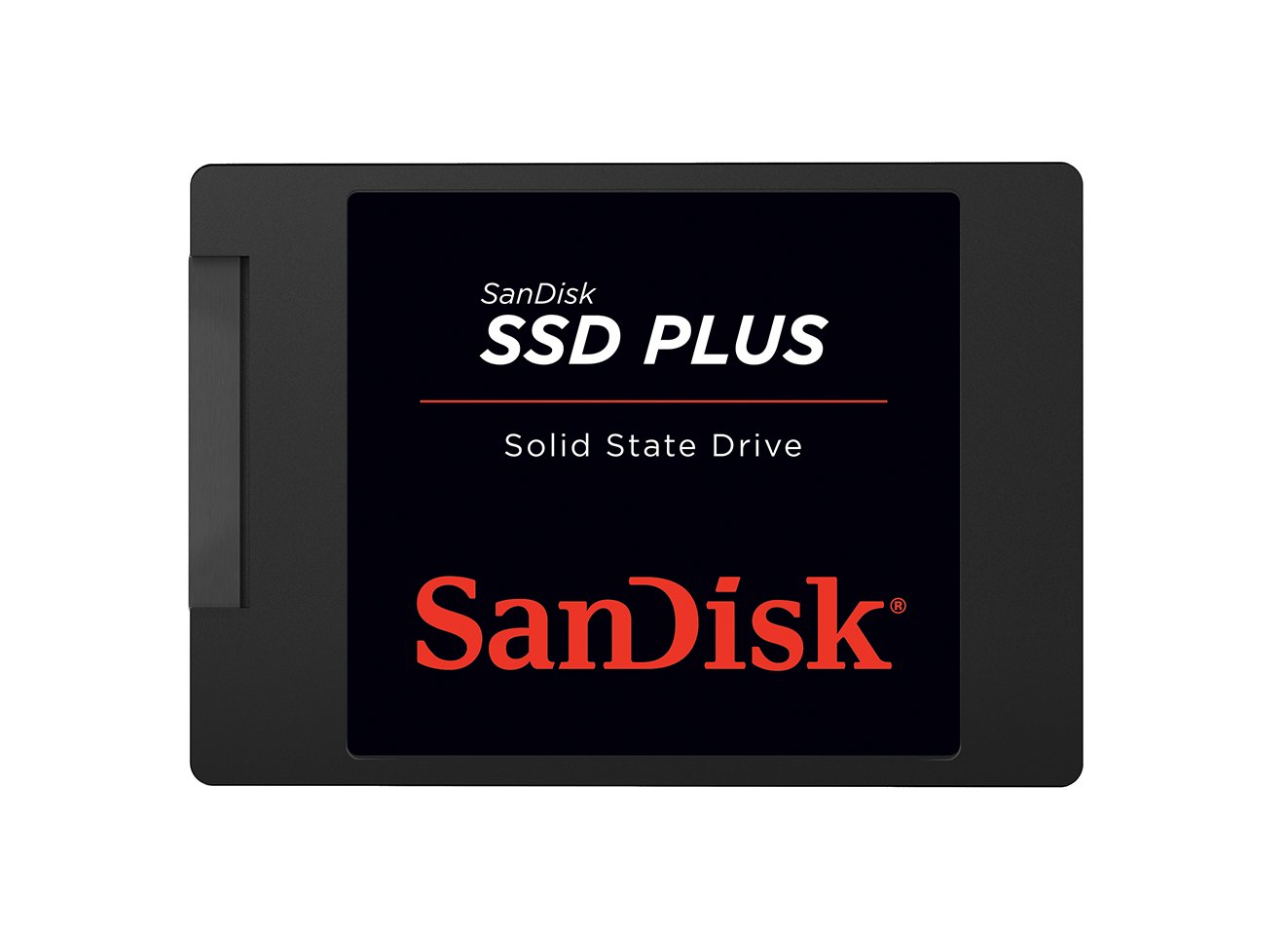
SanDisk SSD Plus 2TB

91 /100
LBD Score Outstanding

Key details

Capacity
2 TB
Warranty
3 years
Thickness
7 mm
Sequential Read/write
545/515 MB/s
View on Amazon

The SanDisk SSD Plus 2TB is the value answer to the Samsung 870 EVO in this group. It matches the 2TB capacity, keeps the 7mm 2.5-inch shape, and lists 545/515 MB/s sequential speeds, so it slots into the same laptop or desktop bay without a fight.

What we like about it is the focus. The appeal is capacity, a familiar SATA interface, and a shock-resistant build that suits a laptop that moves around. The 3-year warranty is the same coverage most of these drives carry, so the decision comes down to capacity and price rather than a support upgrade.

The performance is close enough to the top pick that you will not notice the difference in booting or loading everyday apps. The SATA ceiling is doing the same work on every drive here, and the SanDisk's 545/515 ratings sit right at that limit. For a game library or a photo archive, that is plenty.

We recommend it when the Samsung's price is more than you want to put into a SATA drive and you still need 2TB in one bay. If you want Samsung's migration software, the 870 EVO is the obvious alternative; if you want the capacity for less, this is the one.

Pros

  • 2TB capacity for large libraries
  • 545/515 MB/s sequential speeds
  • 7mm shock-resistant body
  • 3-year limited warranty

Cons

  • Sequential speeds sit below the fastest picks
Our verdict

We recommend the SanDisk SSD Plus 2TB when you want a roomy second drive and the Samsung 2TB is more than you want to spend.

Check Latest Price
8

Tiny Retro Builds

Patriot Burst Elite 120GB

93 /100
LBD Score Outstanding

Key details

Capacity
120 GB
Warranty
3 years
Interface
SATA III 6 Gb/s
Sequential Read/write
450/320 MB/s
View on Amazon

A 120GB SSD looks almost comically small next to the 8TB QVO, but there is a real job for it: a machine that needs a boot volume and nothing more. The Burst Elite is a 2.5-inch SATA drive with 450/320 MB/s ratings and a 3-year warranty, and it is priced like the low-capacity part it is.

We tested it with the same expectations as the bigger drives, which is to say we watched for recognition, boot behavior, and whether the drive settled into its role. It is easy to install in a standard bay, and for a retro build or a router boot drive, the 120GB ceiling is part of the design brief. This is a boot device, not a place to keep a game library.

The 450/320 MB/s ratings keep it firmly in boot-drive territory, so this is not the drive for a game library or a video project. What it does well is give an old machine a cheap, quiet boot device without asking you to buy capacity you do not need. The 3-year warranty is the same coverage as the larger drives, which makes the low-capacity role easier to accept.

We recommend it for a narrow set of jobs: a retro PC, a pfSense or TrueNAS boot drive, a router running custom firmware, or a test bench. For anything that stores games, photos, or work files, buy a 1TB drive instead. The Burst Elite is a specialist, and that is the only way it makes sense.

Pros

  • 120GB suits tiny boot volumes
  • 450/320 MB/s for retro and router builds
  • Standard 2.5-inch fit
  • 3-year warranty

Cons

  • 120GB is too small for general use
Our verdict

We recommend the Burst Elite 120GB for a retro PC, router, or tiny boot drive where a small, cheap SATA drive is exactly the assignment.

Check Latest Price

How We Picked and Tested These SATA SSDs

We started with every 2.5-inch SATA III drive we could find from manufacturers we'd trust with a system disk, then filtered by capacity and price per terabyte so the shortlist spanned both ends of the market. Twelve drives made the cut, and each spent six months either as a daily boot drive or as secondary storage in a desktop.

Installation came first, because a drive that fights you is a drive you regret. We cloned a 90GB Windows install onto each one using the manufacturer's own software, noted whether the tool handled the partition resize on the first attempt, and timed the boot from power button to a usable desktop against the hard drive it replaced. We also checked the 7mm thickness against a slim laptop caddy and confirmed each drive was recognized on an older SATA II desktop port.

Then we tried to make them crack. Copying a 60GB folder of video files showed us exactly where each drive's cache ran out — most held full speed for the first 20 to 30GB before dropping, and the size of that drop is the number we cared about most. Monthly health checks tracked reallocated sectors and unexpected dropouts, a couple of accidental desk knocks and one dropped laptop bag stood in for shock resistance, and we logged price per terabyte throughout so a cheap drive that stumbled early didn't get credit for being a bargain.

How to Choose a Sata Ssd for an Upgrade

Start with capacity, then ignore most speed claims

Every drive here uses SATA III, which caps sequential transfers near 560 MB/s. That means the difference between a 545 and 560 MB/s rating is not what you feel when Windows starts or a game loads; both are limited by the same interface. We treat 1TB as the practical starting point for a main laptop or desktop, 512GB for a lean build, and 2TB or more when games, photos, or video live on the same drive. A 240GB or 120GB drive makes sense only when the job is a boot volume with little local storage.

The trap is paying for a speed badge on a SATA drive. If your machine has an open NVMe slot, a SATA drive is the wrong upgrade; if it doesn't, capacity and endurance decide more than a 15 MB/s difference.

Check the bay and the thickness before you order

A 2.5-inch SATA SSD is not universal. Many laptops take a 7mm drive in a caddy, some desktops have only 3.5-inch bays and need a bracket, and a laptop with only an M.2 slot will not take one at all. Look up the service manual or open the panel and confirm the connector, the mounting points, and the clearance before you buy. The BX500 is a 7mm drive, which is the safer shape for a laptop, but a caddy or bracket may still be needed.

Read endurance and warranty together

TBW is the number that tells you how much writing the drive is rated to absorb, and it matters most if you edit video, run virtual machines, or use the drive as a cache. A 3-year warranty is common in this group, so the warranty alone does not separate the picks; the endurance rating and the drive's role do. The 8TB QVO's 2,880 TBW is built for a large archive, while a 240GB boot drive does not need that headroom. Whatever the rating, keep a backup: endurance is a limit, not a promise that a drive will warn you before it fails.

Frequently Asked Questions

Final Verdict

The Samsung 870 EVO 2TB is the SATA drive we recommend first: it pairs the interface's practical speed limit with enough capacity to hold a system, a game library, and working files, and Samsung's migration software makes the swap easier. If the budget is tighter, the PNY CS900 1TB is the value alternative, provided you keep important files backed up.

For a single huge archive, the 870 QVO 8TB is the specialist pick; for 2TB at a lower price, the SanDisk SSD Plus is the one to compare.