Best Overall

Anker PowerConf C200
Key details
- Privacy
- Integrated slide cover
- Microphone
- Dual mics with AI noise cancellation
- Resolution
- 2K
- Field Of View
- 65°, 78°, or 95°
The switchable field of view is what makes the PowerConf C200 our default. The lens can be set to 65, 78, or 95 degrees in Anker's software, and in our testing the widest setting was the easiest way to keep a second person in frame without moving the camera. The tightest setting is better for a solo call in a small room, where a wide lens would show the whole kitchen.
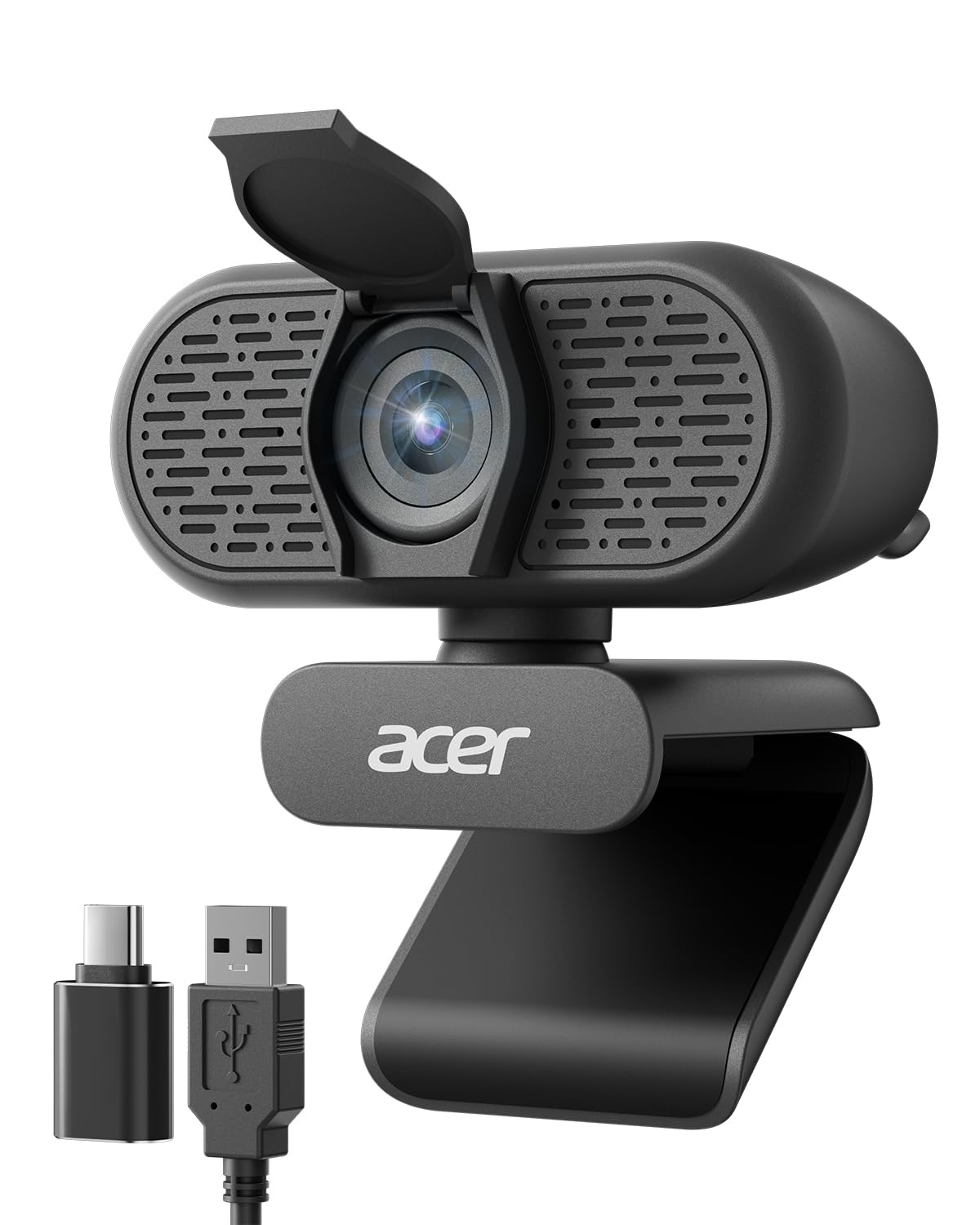
The 2K sensor and low-light correction produce a clean image without a ring light, and the dual mics with AI noise cancellation kept our voices ahead of a nearby fan. The integrated privacy cover is a simple slide, and the camera clips onto a monitor without drama. We did notice the color leaning warm under mixed indoor light, which is easy enough to correct in the app if you care.
The software is where you fix framing and exposure, so budget a few minutes for setup; the reward is a frame that fits your room rather than the other way around. Even with that, this is the camera we point most people to first, because it covers the common meeting without asking for a premium budget.
Pros
- Switchable 65, 78, or 95 degree framing
- 2K image with low-light correction
- Dual mics with AI noise cancellation
- Integrated privacy slide cover
Cons
- Autofocus can hunt in low-contrast light
We recommend the PowerConf C200 as the default desk webcam because its switchable framing, 2K image, and dual mics cover most meetings without fuss.