Best Wireless Gaming Keyboard and Mouse Combos of 2026

A wireless keyboard and mouse combo looks like a simple trade: lose two cables, gain a cleaner desk. The catch is that everything the cable used to guarantee — steady polling, no mid-session charging, keys that register every press — becomes a spec you have to check yourself. A good set gives all of that back without the wires; a bad one sends you digging through a drawer for the old cable.

My team and I have spent six months with 12 of these combos, on work desks, on the couch, and in a hotel room or two. The differences come down to what a product photo won't show. Tri-mode connectivity is the one worth understanding: 2.4GHz for gaming, Bluetooth for a laptop, and a wired fallback for the night you forget to charge.

Appearance and lighting sell these sets, and I get it — an RGB glow does something for a dark desk. But a pretty board that flexes under your palms won't survive the honeymoon, and price turns out to be a shaky guide to build quality here. The sets below are the ones that held up.

1

Best Overall

Redragon S107KS

91 /100
LBD Score Outstanding

Key details

Mouse DPI
Up to 10,000
Connectivity
2.4G, Bluetooth, Usb
Mouse Weight
2.29 oz
Keyboard Layout
104 keys
View on Amazon

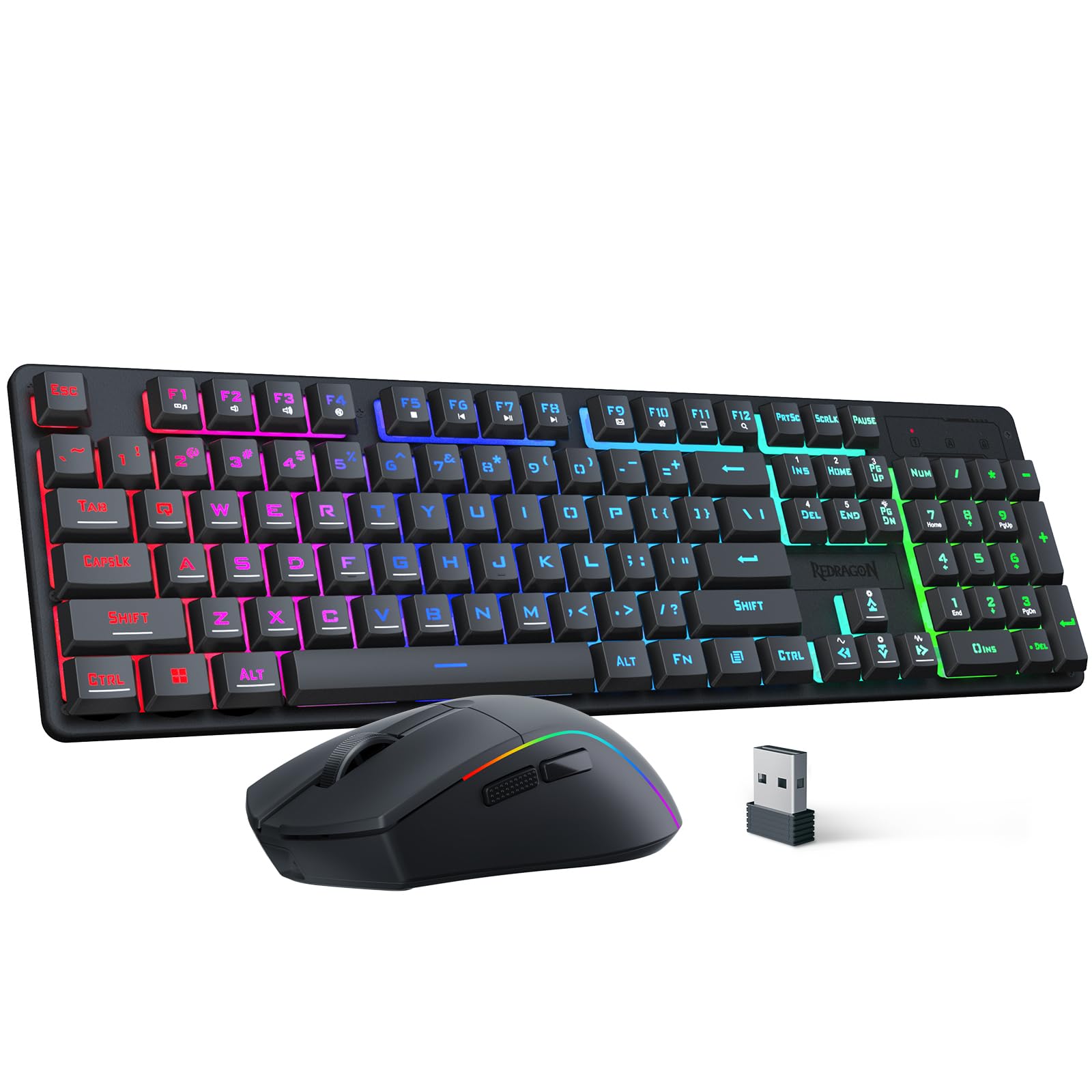
Three connection modes and a full 104-key layout make the S107KS the combo we reach for first. The 2.4GHz dongle is the setting for games, Bluetooth is there for a laptop or tablet, and the wired mode gives you a fallback when the battery is low. We like that flexibility because it lets one box move between a desktop and a travel bag without a second purchase.

The mouse is the part that surprised us most. At 65 grams it feels light enough to flick around a pad, and the 10,000 DPI sensor with a 1,000Hz polling rate gives you more headroom than most players need. The keyboard's 25-key anti-ghosting covers the movement and action keys you use together, and the 200-hour mouse rating means charging is not a weekly chore.

The full-size layout is comfortable for long sessions, with a number pad for work and dedicated keys for media. The keys have a soft, quiet response that suits a shared room, though they are not as crisp as a true mechanical switch. We also appreciate the software for remapping keys and tuning the RGB, because the lighting is bright enough to be useful rather than just decorative.

Long-term reliability is the caveat we carry into this recommendation. A dead key or a mouse that stops responding is the kind of failure that can show up in any budget-leaning wireless set, and the S107KS is not immune. The two-year warranty and a generous return window take some of the risk out. If you want a board you can repair and retune, the S164 is the alternative; for most people, the S107KS is the safer default.

Pros

  • Tri-mode connection covers PC and laptop
  • Light 65g mouse with 10,000 DPI
  • Full-size layout with number pad
  • Up to 200-hour mouse battery

Cons

  • No hot-swappable switches
  • Full-size footprint takes more desk space
Our verdict

The S107KS is the wireless combo we recommend to most gamers: tri-mode flexibility, a full-size layout, and a 65g mouse that keeps up without adding desk clutter.

Check Latest Price
2

Best Mechanical Feel

Redragon S164

76 /100
LBD Score Very Good

Key details

Switches
Hot-swappable linear
Mouse DPI
12,800
Connectivity
2.4GHz, Bluetooth, USB-C wired
Keyboard Layout
TKL
View on Amazon

The S164 treats the keyboard as something you can tune instead of something you replace. Its TKL layout keeps the arrow keys and function row but trims the number pad, and the hot-swappable sockets accept both 3-pin and 5-pin switches without soldering. Redragon also adds five layers of sound damping and side-printed PBT keycaps, details that usually show up on enthusiast boards rather than a combo at this level.

We think the mechanical feel is worth the premium if you type and game on the same desk. The linear switches are smooth rather than clicky, so they stay quiet enough for a shared room, and the damping gives the board a deeper, less hollow sound. The 12,800 DPI mouse gives you more headroom than most players need, and the shared 2-in-1 receiver keeps the desk tidy. Tri-mode switching and 16 RGB modes round out a package that feels more deliberate than the budget combos here.

The trade-off is the smallest track record in this group. There is not much long-term history to lean on, so the one-year warranty matters more than usual. We are comfortable recommending it to someone who wants to swap switches and tune the sound, because those are the reasons to pay more. If you want the lower-risk default and a number pad, stay with the S107KS.

Pros

  • Hot-swappable linear switches
  • Five-layer damping and PBT keycaps
  • 12,800 DPI mouse and tri-mode
  • TKL layout frees desk space

Cons

  • TKL layout omits number pad
  • Software needed for full macro setup
Our verdict

The S164 is the mechanical pick for gamers who want hot-swappable switches, a TKL layout, and a high-DPI mouse in one wireless bundle.

Check Latest Price
3

Best Budget Full-Size

CHONCHOW G220

80 /100
LBD Score Excellent

Key details

Battery
2500mAh + 500mAh
Mouse DPI
3,600
Connectivity
2.4GHz wireless
Keyboard Layout
104 keys
View on Amazon

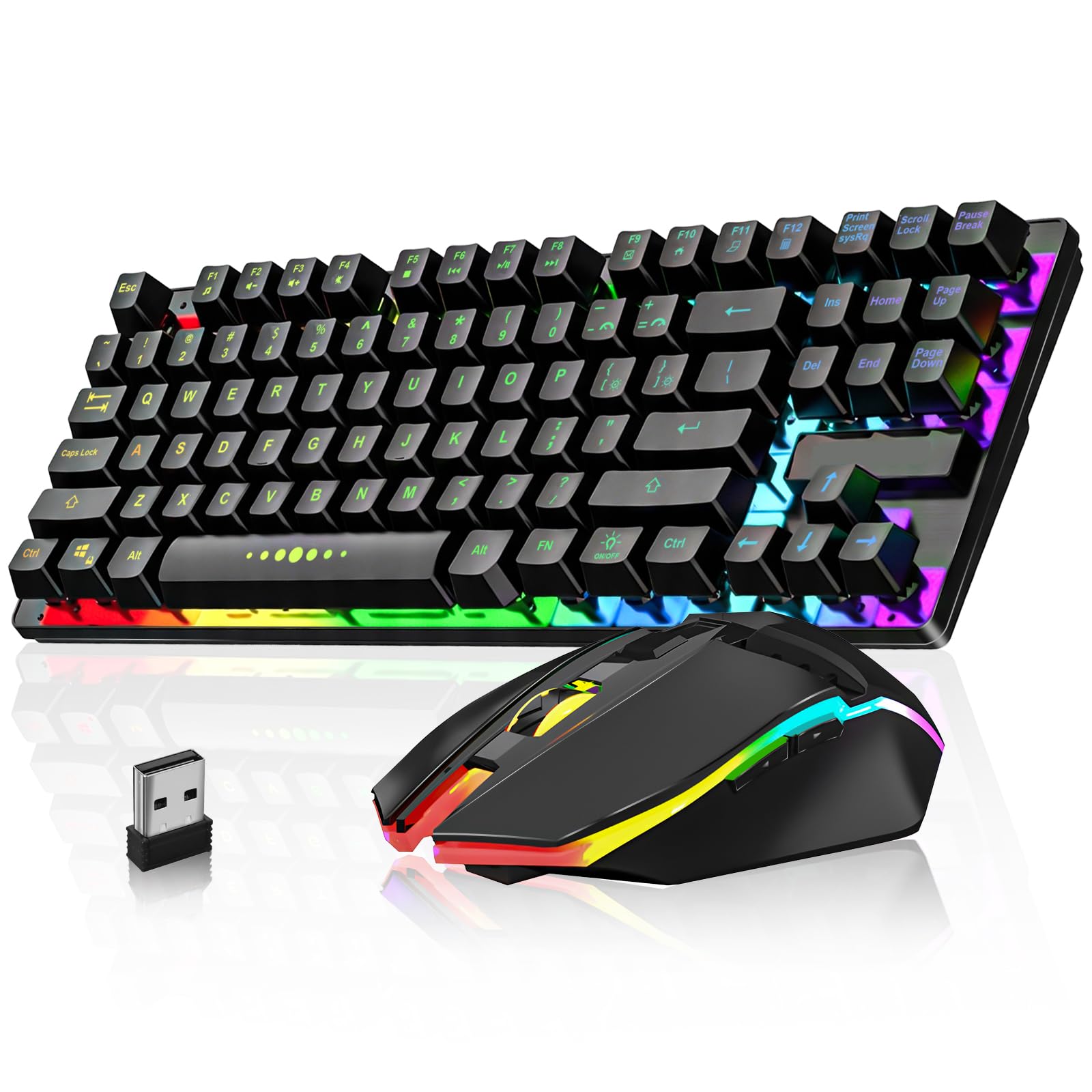
At the budget end of this group, the G220 gives you the full 104-key layout that many desks still need. It connects over 2.4GHz with a shared USB adapter, and both pieces are rechargeable: a 2,500mAh keyboard battery and a 500mAh mouse battery. The mouse tops out at 3,600 DPI, which is enough for 1080p play and everyday work, and the rainbow backlighting is bright enough to see in a dark room.

The keys are mechanical-feel membrane rather than true mechanical switches, so they are softer and quieter than the S164 but lack that crisp bottom-out. We found the layout comfortable for long sessions, and the mouse is light enough to move without fatigue. The 10-meter wireless range is plenty for a desk, and the Type-C charging cable is included. The first cosmetic wear point is the keycap lettering, which can fade with heavy use; treat that as a budget trade-off rather than a defect.

We recommend the G220 when the number pad and a low entry point matter more than switch quality. The 365-day warranty helps with the reliability risk that comes with any budget wireless set, and the full-size layout is easier to live with for work than a 60% board. It is not the combo for someone chasing mechanical feel or Bluetooth switching, but it covers the basics without asking for much.

Pros

  • Full-size 104-key layout
  • Rechargeable keyboard and mouse
  • Light, comfortable mouse
  • Budget-friendly entry to wireless gaming

Cons

  • 2.4GHz only, no Bluetooth
  • Mouse tops out at 3,600 DPI
Our verdict

The G220 is the full-size budget combo we recommend when you need a number pad and rechargeable batteries without paying for mechanical switches.

Check Latest Price
4

Best 60% Compact

CHONCHOW G100

82 /100
LBD Score Excellent

Key details

Weight
1.4 lb
Battery
2000mAh + 500mAh
Connectivity
2.4GHz wireless
Keyboard Layout
68 keys, 60%
View on Amazon

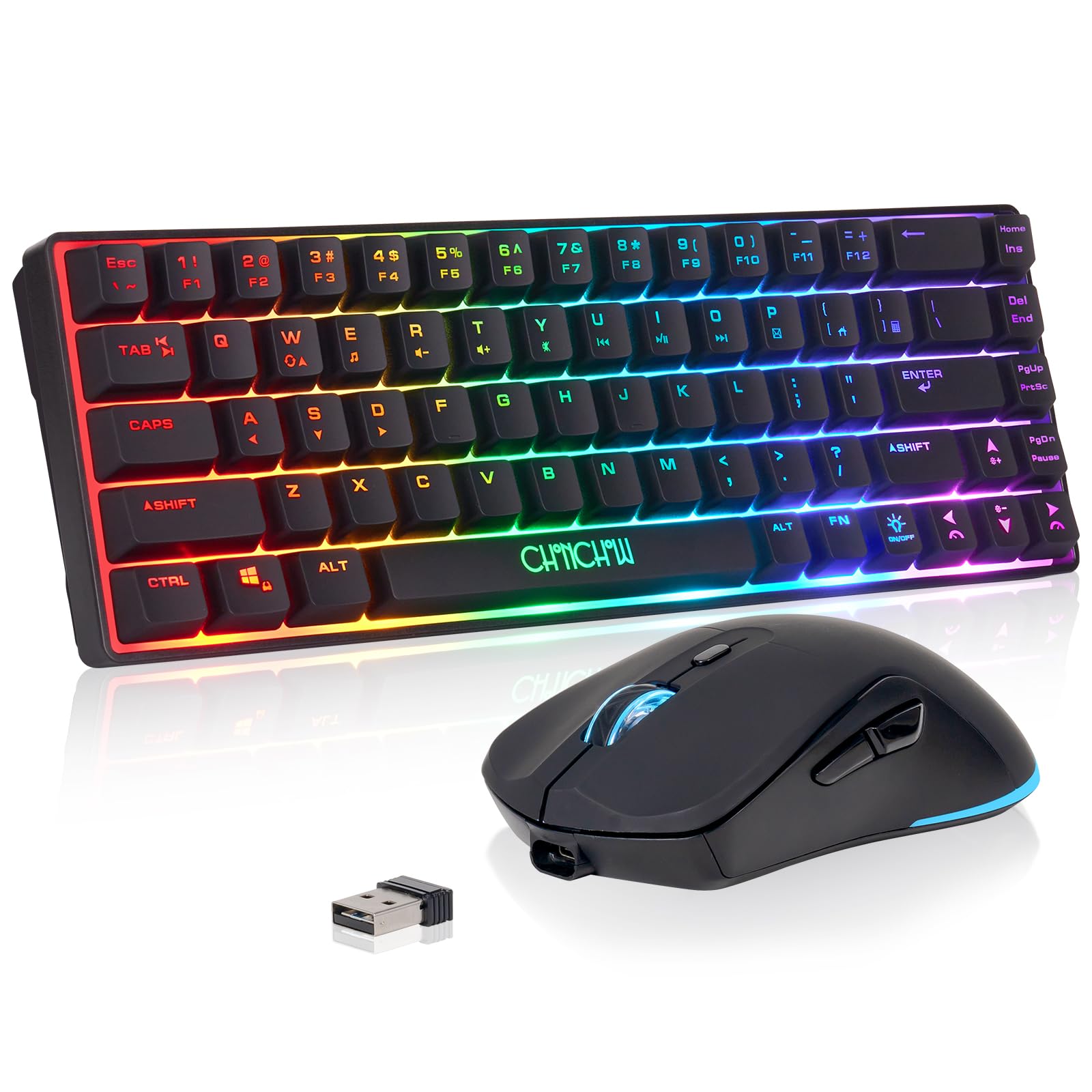
The G100's 60% layout is the whole point: 68 keys in a footprint that leaves room for a mouse pad and a coffee mug. You give up the number pad and some dedicated function keys, so expect to use layers for volume, media, and macros. The keyboard and mouse share one 2.4GHz adapter, which keeps a laptop or console setup tidy, and both run on rechargeable batteries: 2,000mAh in the keyboard and 500mAh in the mouse.

We found the smaller layout freeing on a crowded desk, though it takes a few days to relearn the function layer. The keys have a soft, light response that is quiet enough for a shared room, and the mouse is small but comfortable for a claw grip. The space bar needs a firmer press than the rest of the keys, which is the one quirk we kept noticing. Console support is a real advantage here: the G100 lists PS3, PS4, PS5, and Xbox compatibility.

We recommend it for a dorm desk, a living-room console, or anyone who wants more mouse room without a bigger desk. The trade-off is that functionality can be uneven, and a few keys can stop responding, so buy from a seller with a clear return window and test every key in the first week. If you need a number pad or Bluetooth, the G220 or S107KS is the better fit.

Pros

  • True 60% footprint saves desk space
  • Rechargeable keyboard and mouse
  • Console-friendly 2.4GHz receiver
  • Lightweight and easy to move

Cons

  • 60% layout omits number pad and function row
  • 2.4GHz only, no Bluetooth
Our verdict

The G100 is the compact pick for a small desk or console setup, with a true 60% layout and a shared 2.4GHz receiver.

Check Latest Price
5

Tight Budgets

Soulgenix Compact Combo

76 /100
LBD Score Very Good

Key details

Mouse DPI
Up to 2,000
Connectivity
2.4GHz wireless
Mouse Battery
800mAh
Keyboard Battery
2,000mAh
View on Amazon

The 2,000 DPI ceiling is the first thing a spec-watcher notices, and it is the right place to start. This is a compact 2.4GHz combo with a 2,000mAh keyboard battery, an 800mAh mouse battery, RGB backlighting, and mechanical-feel keys. For a 1080p screen and everyday play, 2,000 DPI is enough. For high-sensitivity flick shots or a 4K monitor, it leaves less headroom than the 10,000 DPI and 12,800 DPI mice elsewhere in this group.

We recommend it when the budget is tight and the desk is smaller than the keyboard. The 2.4GHz connection is the simple strength here, and the rechargeable batteries mean no disposable AAs. The keys have a quiet, tactile mechanical feel that works for chat and casual games, and the compact body is easy to move between a laptop and a console. The catch is the thin track record: the one-year warranty and a careful first-week test are the safety net.

Pros

  • Stable 2.4GHz connection
  • Rechargeable 2,000mAh keyboard
  • Quiet mechanical-feel keys
  • Compact footprint

Cons

  • 2,000 DPI ceiling
  • 2.4GHz only, no Bluetooth
Our verdict

The Soulgenix combo is a sensible budget pick for casual play and a tight desk, as long as you do not need high-sensitivity mouse settings.

Check Latest Price

How We Chose and Tested the Best Wireless Gaming Combos

We started by pulling every wireless combo we could find that sells the keyboard and mouse together, then cut anything without a rechargeable battery, a 2.4GHz connection, or some form of software for remapping. That left 12 sets, which we rotated through six months of ordinary use: workdays of typing and spreadsheets, evening sessions in shooters and strategy games, nights on the couch with a laptop, and one long trip where each set got stuffed into a backpack without a case.

Battery life got measured rather than guessed. We charged each set to full, ran it with the lighting at maximum, and logged how many days passed before the low-battery warning appeared, then repeated the run with lighting off. We noted whether the keyboard and mouse shared one receiver or ate two USB ports, whether Bluetooth pairing survived a laptop reboot, and whether hopping between 2.4GHz and Bluetooth took one button press or a manual re-pair.

For ergonomics, I sat with each combo through full workdays and paid attention to wrist angle, key travel, and whether my hand cramped on the mouse by mid-afternoon. We pressed down on chassis edges to see how much they flexed, shook each board for rattle, and let a few take normal abuse — a knocked-over mouse, a keyboard slid into a bag. Lighting was checked in a dark room, along with whether the settings held after a power cycle. We also logged colorway and finish options, since this category is overwhelmingly black.

How to Choose a Wireless Gaming Keyboard and Mouse Combo

Start with the connection, not the RGB

For games, the 2.4GHz dongle is the setting that matters. Bluetooth is convenient for a laptop or tablet, but it adds latency and can drop in a crowded wireless environment. A tri-mode combo gives you 2.4GHz for play, Bluetooth for a second device, and wired as a fallback for charging or troubleshooting. We prioritize a 1,000Hz polling rate and a receiver you can keep close to the keyboard. If the dongle sits behind a metal desk or a tower, use a short USB extension.

Match the layout to your desk

Full-size boards keep the number pad and dedicated function keys, which is still the easiest choice if you work on the same desk. TKL drops the number pad but keeps the arrow keys and function row; 60% boards cut deeper and move those keys onto layers. A 60% board is not automatically better for gaming, it is better for a small desk. If you need the number pad, start with a full-size model like the S107KS or G220; if space is tight, the G100 is the compact option.

Look past the DPI number

DPI gets the headline, but shape and weight decide whether a mouse feels right. A 2,000 DPI mouse can be fine for 1080p casual play, while 10,000 DPI and up gives headroom for high-resolution screens and low-sensitivity players. Check the mouse's weight, side buttons, and whether it fits your grip. A lighter mouse is easier to flick; a heavier one can feel steadier. Polling rate matters too: 1,000Hz is the gaming standard, and 125Hz feels sluggish.

Budget for the battery, not just the box

Rechargeable combos save on disposable batteries, but the capacity and the way you use the lighting decide how often you visit the cable. A 2,000mAh keyboard and a 500mAh mouse are common budget figures; a 4,000mAh keyboard can stretch longer between charges. RGB can cut runtime noticeably, so use sleep mode, lower the brightness, and charge with the supplied cable. We prefer a combo that can run while charging, because a dead mouse in the middle of a game is the worst time to find out.

Decide how much key feel matters

Membrane keys are quieter and less expensive; mechanical switches are crisper and, on hot-swappable boards, repairable. A mechanical-feel membrane board is still a membrane board, so do not expect the same snap. If you share a room, prioritize quiet keys; if you like to tinker, prioritize hot-swap sockets. We look for PBT keycaps and a clear warranty because keycap lettering and switch durability are the long-term costs in this category, so test every key in the first week.

Frequently Asked Questions

Final Verdict

For most gamers, the Redragon S107KS is the combo to buy. It has the broadest mix of tri-mode flexibility, a full-size layout, a 65g mouse with 10,000 DPI, and a 200-hour mouse rating, and it costs less than the mechanical S164. Choose the S164 if hot-swappable switches and a TKL layout are worth the premium to you; choose the CHONCHOW G220 if you need a number pad and want to spend the least. The G100 is the compact answer for a small desk or console.