Best M.2 SSDs of 2026

The day I cloned a decade-old spinning drive onto a strip of flash the size of a stick of gum, the machine booted before I sat down and I haven't tolerated a load screen since. An M.2 SSD is exactly what it looks like: a bare board that lies flat in a motherboard slot. What it buys you is the end of waiting.

The sticker doesn't tell you whether it will fit your machine or how it behaves once it's hot and half full. A Gen 5 drive in a Gen 4 slot runs at Gen 4 speed, a tall heatsink can foul a laptop's bottom panel, and a drive that flies through the first 20GB can crawl through the next 100. Speed is easy to print and harder to sustain, so my team spent six months with a dozen drives in real machines rather than on a bench.

Worth knowing before you shop: price per terabyte and capacity matter more than raw speed to most people. The picks below are the ones still installed in our machines.

1

Best Overall

Samsung 990 EVO Plus 2TB

96 /100
LBD Score Outstanding

Key details

Capacity
2 TB
Warranty
5 years
Interface
PCIe 4.0 x4 / 5.0 x2
Read / Write Speed
Up to 7,250/6,300 MB/s
View on Amazon

The 990 EVO Plus is built for either a PCIe 4.0 x4 slot or a PCIe 5.0 x2 slot, rather than one or the other. That matters when you are upgrading a laptop with a Gen5-capable M.2 bay, because you get current-generation compatibility without paying for full Gen5 hardware. In a desktop, it is simply a quick 2TB Gen4 drive with more installation flexibility than most.

We recommend it because the balance is right: rated reads up to 7,250 MB/s and writes up to 6,300 MB/s put it near the top of this set's Gen4 drives, and 2TB leaves room for a serious game library or a working video project. Samsung's nickel-coated controller and efficient design also make it easier to live with in a laptop than a hot-running premium drive. The five-year warranty is the other detail that matters; it puts the 990 EVO Plus on the same footing as the better-supported drives here.

The limitation is the Gen5 x2 interface. If you have a true PCIe 5.0 desktop and move enormous files all day, the 9100 PRO is the faster choice. For a PS5, plan on adding a heatsink, because the drive itself does not solve that installation requirement. Everyone else gets a drive that is fast enough to feel instant and flexible enough to move to the next machine.

Pros

  • Fits PCIe 4.0 x4 and 5.0 x2 slots
  • Up to 7,250/6,300 MB/s
  • Five-year warranty
  • Efficient enough for laptop use

Cons

No notable drawbacks to flag.

Our verdict

For most PC and laptop upgrades, the 990 EVO Plus is the drive we point to: fast, efficient, and backed by a five-year warranty.

Check Latest Price
2

Best PCIe 5.0

Samsung 9100 PRO 2TB

93 /100
LBD Score Outstanding

Key details

Capacity
2 TB
Warranty
5 years
Interface
PCIe 5.0 x4
Read / Write Speed
Up to 14,700/13,400 MB/s
View on Amazon

The 9100 PRO is the speed halo of this group: Samsung rates it at up to 14,700 MB/s read and 13,400 MB/s write, which is a different order of magnitude from the Gen4 drives here. We recommend it only when the rest of the machine can keep up. A Gen4 laptop cannot feed it, and most game loads will not show the difference; this is a drive for a Gen5 desktop, a workstation, or a PS5 with a proper heatsink.

The 5nm controller is the part we care about most. It is rated up to 49% more power-efficient than the 990 PRO, and that matters because a Gen5 drive that throttles is just a fast drive with a heat problem. This one still wants airflow and a motherboard heatsink, but the efficiency gives it a better chance of holding speed in a real case. The 2TB capacity and five-year warranty make it a serious long-term part rather than a benchmark toy.

For most gaming and everyday work, a Gen4 drive will feel just as quick and leave more budget for capacity. The 9100 PRO earns its place for large project files, AI work, and video editing, where the sequential speed has somewhere to go.

Pros

  • Fastest sequential speed in this set
  • Power-efficient 5nm controller
  • 2TB capacity and five-year warranty
  • Built for large-file and AI workloads

Cons

  • Premium price for bandwidth many systems cannot use
Our verdict

We reserve the 9100 PRO for a PCIe 5.0 desktop that moves huge files; on a Gen4 board, spend the difference on capacity.

Check Latest Price
3

Best Budget 2TB

Kingston NV3 2TB

95 /100
LBD Score Outstanding

Key details

Capacity
2 TB
Warranty
3 years
Interface
PCIe 4.0 x4
Read / Write Speed
Up to 6,000/5,000 MB/s
View on Amazon

Two terabytes is the reason to look at the Kingston NV3. It sits at the budget end of the 2TB drives here, and for a secondary game library that is often the right trade: you get room for a pile of titles without paying for the fastest Gen4 numbers. The rated 6,000/5,000 MB/s is quick enough that game loads and Windows startup feel instant, and the included Acronis cloning software saves you from a clean install.

We recommend it for a second drive in a desktop or a budget build where capacity matters more than bragging rights. The NV3 runs cool in normal airflow, and installation is the usual M.2 routine. We keep it out of the top spot because this is a drive you buy for storage, not for the fastest sustained transfers; if you regularly move huge project files, the 990 EVO Plus or Optimus 5100 is the better fit.

Pros

  • 2TB capacity at the budget end
  • 6,000/5,000 MB/s Gen4 speed
  • Includes Acronis cloning software
  • Runs cool in normal airflow

Cons

  • Three-year warranty is shorter than most rivals
Our verdict

We like the NV3 for a roomy Gen4 game drive, as long as you can accept a shorter warranty to get it.

Check Latest Price
4

Best for Laptops

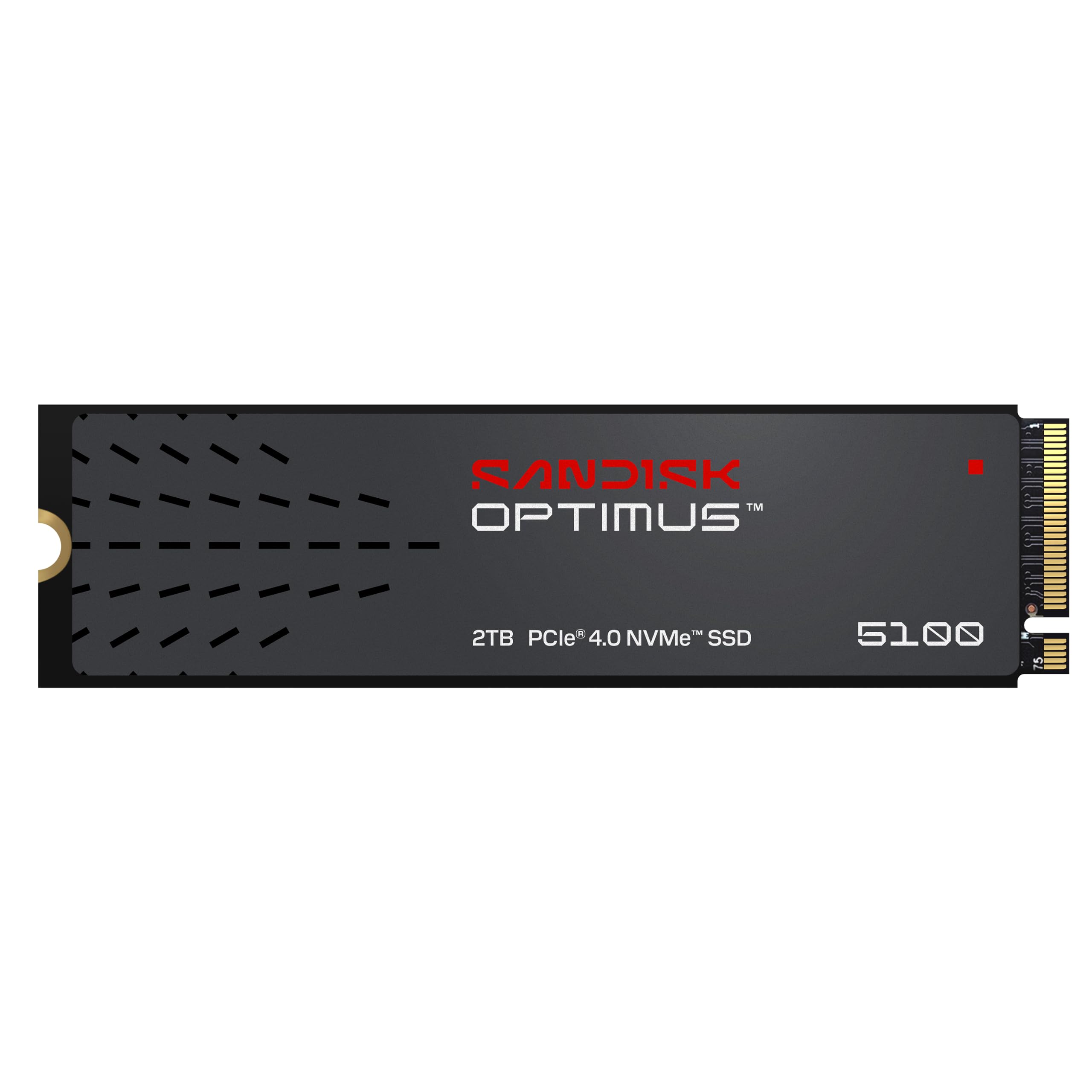
Sandisk Optimus 5100 2TB

90 /100
LBD Score Outstanding

Key details

Capacity
2 TB
Warranty
5 years
Interface
PCIe 4.0 x4
Read / Write Speed
Up to 7,100/6,700 MB/s
View on Amazon

The Optimus 5100 is the current replacement for the WD Blue SN5100, and the family resemblance is the point: a straightforward 2TB Gen4 drive built for low power rather than headline bragging rights. It uses the same M.2 2280 shape as the rest of these picks, so it fits the usual desktop, laptop, and PS5 slots, but it is aimed at machines that run all day.

Sandisk rates it at up to 7,100/6,700 MB/s, which is close enough to the Gen4 leaders that the difference is hard to feel in games and everyday work. The power-efficient architecture matters in a laptop: less heat and less battery drain than a drive that treats every transfer as a sprint. The five-year warranty and 2TB capacity round out a sensible creator package.

We recommend it for a creator laptop or a desktop that spends the day exporting, compiling, or moving large files. It gives up a little peak speed to the very fastest Gen4 options, but it makes up for that with efficiency and a warranty that matches the premium picks. For a PS5, check heatsink clearance before you commit.

Pros

  • Low-power 2TB Gen4 drive
  • Up to 7,100/6,700 MB/s
  • Five-year warranty
  • Suits creator laptops and all-day desktops

Cons

  • Costs more than budget 2TB drives for similar everyday speed
Our verdict

We recommend the Optimus 5100 for laptops and creator machines that need speed without a hot, power-hungry drive.

Check Latest Price
5

Best PS5 Drive

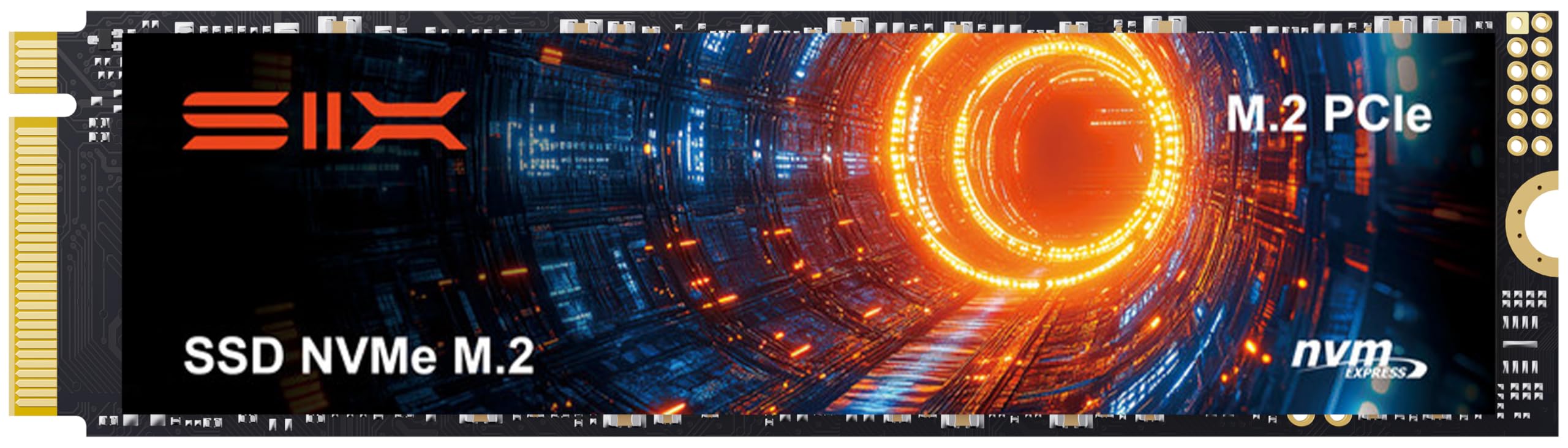
SIX X7400 1TB

90 /100
LBD Score Outstanding

Key details

Capacity
1 TB
Heatsink
Included
Interface
PCIe 4.0 x4
Read Speed
Up to 7,350 MB/s
View on Amazon

The X7400 arrives with the bits a PS5 install actually needs: a heatsink, a screwdriver kit, and a 1TB M.2 2280 drive rated up to 7,350 MB/s read. That bundle is the reason it earns a place here. It is a Gen4 drive, not a Gen5 headline part, and 1TB is best treated as a working game library rather than an archive.

In a standard PS5, installation is the usual lift-the-cover job, and the drive is recognized readily; the included screwdriver saves a hunt for tools. The bundled heatsink saves you from buying a separate plate. In a desktop, the 1TB capacity is best for a boot drive plus a handful of games, not a whole library.

We recommend it for a standard PS5 or a compact gaming PC where the included hardware removes friction. The five-year limited warranty helps the value case, especially for a console drive that will stay put. For a standard PS5, it is the least fussy 1TB option here.

Pros

  • Includes heatsink and screwdriver kit
  • Up to 7,350 MB/s read
  • Easy standard PS5 install
  • Five-year limited warranty

Cons

  • PS5 Slim compatibility is not guaranteed
  • Bundled heatsink feels basic
Our verdict

The X7400 is our pick for a 1TB PS5 expansion, provided you check the console model and treat the bundled heatsink as basic.

Check Latest Price
6

Cheap Boot Drives

Patriot P300 256GB

93 /100
LBD Score Outstanding

Key details

Capacity
256 GB
Warranty
5 years
Interface
PCIe 3.0 x4
Read / Write Speed
Up to 1,700/1,100 MB/s
View on Amazon

We keep the P300 around for a narrow job: a secondary PC, a Linux box, or a cheap boot drive. It is a 256GB Gen3 drive, but it is the least expensive way here to get a name-brand M.2 drive with a five-year warranty. If you need one drive for everything, this is not the starting point.

Rated reads up to 1,700 MB/s and writes up to 1,100 MB/s will not win a benchmark, but they make an old hard drive feel ancient, and the low-power design does not need a heatsink in normal desktop use. For a small Windows or Linux install, that is enough to make the upgrade worthwhile. Its low-power design also means no heatsink to source, which keeps a tiny build simple.

Pros

  • Five-year warranty at budget price
  • Easy boot-drive upgrade
  • Runs cool without a heatsink
  • Quick enough for everyday tasks

Cons

  • 256GB fills fast with modern games and apps
  • Gen3 speed trails every Gen4 pick here
Our verdict

We keep the P300 for cheap, warranty-backed boot drives in secondary PCs and Linux boxes, not for a main game library.

Check Latest Price

How We Tested a Dozen M.2 Drives

We started with every M.2 2280 NVMe drive we could find from established brands, then cut anything with a thin endurance rating or a price per terabyte far above the field. That left 12 drives spanning PCIe Gen 3, Gen 4, and Gen 5 and capacities from 256GB to 2TB, including one with a factory heatsink.

Each drive spent at least a month as the boot drive in one of our own machines — a desktop, two laptops of different vintages, and a game console's expansion slot — and most were moved to a second system so no drive was judged on one motherboard alone.

We cloned an existing drive onto each one and timed the boot, copied a 120GB folder of video while watching for the moment the transfer rate dropped, then filled the drive to 90% and ran the same copy again to see what happened when there was no empty flash left to write into. Throughout, we logged temperature during long sustained writes and noted which drives slowed and at what point; we also checked whether a heatsink-cleated drive cleared the bottom panel of a thin laptop. Beyond speed, we recorded endurance ratings, warranty length, and formatted capacity, and kept a running tally of any drive that dropped off the bus or threw a warning.

Six months isn't long enough to prove a drive will last a decade, so we leaned on endurance figures and warranty terms as a proxy and noted anything that felt flimsy — a heat spreader that flexed, a label that peeled at the corner. Value we judged on price per usable terabyte against the field, not sticker price alone.

How to Choose an M.2 Ssd

Match the drive to the slot and the device

An M.2 drive is defined by its slot, not just its name. The common 2280 size fits an 80mm socket, but you also need the right key, an NVMe-capable slot, and enough PCIe lanes. A Gen4 drive in a Gen5 slot runs at Gen4 speed; a Gen5 drive in a Gen4 slot does the same. Check the motherboard manual or your console model before ordering.

PS5 owners need an M.2 2280 drive with a heatsink, and the console's slot has its own clearance limits. The 990 EVO Plus is a useful example of flexible slot design: it runs at PCIe 4.0 x4 or PCIe 5.0 x2, so it fits either kind of bay without pretending to be a full Gen5 drive.

Buy capacity before the next speed tier

Capacity is the upgrade you notice every day. A 1TB drive is a comfortable boot drive plus a few large games; 2TB is the sweet spot for a game library or a working video project; 4TB is for archives and heavy media. Paying for Gen5 speed often means dropping a capacity tier, and that is usually the wrong trade for a general-purpose PC.

The Kingston NV3 makes the case plainly: its 2TB capacity is the reason to consider it, and the lower price comes with a shorter warranty. If you can only afford one big thing, buy the space.

Plan for heat and clearance

Fast drives make heat, and heat is where rated speed goes to die. Desktop motherboards often include an M.2 heatsink; use it if it fits. Laptops may have no room for a tall plate, so a low-power drive is the safer choice. A PS5 needs a heatsink, and a bundled one can save you a purchase.

Check clearance before adding anything tall. A heatsink that fouls the laptop bottom panel or sits under a graphics card is worse than no heatsink. The SIX X7400 includes one for console installs; the Sandisk Optimus 5100 takes the low-power route for thin machines.

Treat warranty and endurance as part of the price

Warranty length and endurance are part of the price. Five years is the better standard for a drive that holds work you cannot lose; three years can be acceptable for a secondary game drive. TBW, the endurance rating, matters more if you write large files constantly. A high TBW number with a short warranty is less reassuring than a moderate rating with five years of coverage.

The 9100 PRO and Optimus 5100 carry five-year coverage; the Kingston NV3 is the budget exception at three years. Match the coverage to what the drive holds.

Buy the speed your work can use

Sequential read speed is the number on the box, but it is not the speed you feel most often. Game loads, application launches, and small-file work lean on random performance and sustained writes. Gen4 is enough for most desktops and laptops; Gen5 earns its keep with huge video files, AI datasets, and other sequential work.

If your board is Gen4, a Gen5 drive will run below its rating. The 9100 PRO is the clear Gen5 pick here, but only for a machine that can feed it. For everyone else, a fast Gen4 drive leaves more room for capacity.

Frequently Asked Questions

Final Verdict

For most people, the Samsung 990 EVO Plus 2TB is the drive we point to: it has the speed to feel instant, the efficiency to live in a laptop, and the five-year warranty we expect at this level. If you have a true PCIe 5.0 desktop and move huge files, the 9100 PRO is the upgrade. If budget rules, the Kingston NV3 gives you 2TB for less, and the shorter warranty is the trade.