Best Mini PCs of 2026

A mini PC is a laptop with the screen, battery, and keyboard taken away — same processors, same memory, in a box you can hold in one hand. What separates one you'll keep from one you'll resent by spring is duller stuff: whether the ports you need are on the back, whether the fan stays quiet with thirty tabs open, and whether the Wi-Fi holds up two rooms from the router.

I've had a small machine bolted under my desk for two years now: no tower underfoot, no cable nest, still quick enough for photo editing. Cheap ones cut corners in ways the listing won't admit — fewer display outputs than promised, Wi-Fi that stumbles, a fan that whines. Over the past six months we've set up and lived with 12 of them.

The picks below earned a permanent spot on the desk: setup that took minutes rather than an evening, prices that felt honest, and nothing that needed rebooting mid-week. Some suit spreadsheets and a second monitor, others three 4K screens — all of them give you your desk back.

1

Best Overall

Beelink SER5

86 /100
LBD Score Excellent

Key details

Memory
16GB DDR4, up to 64GB
Storage
480GB NVMe SSD
Displays
2 (HDMI, DisplayPort)
Processor
AMD Ryzen 5 5500U, 6C/12T
View on Amazon

Six cores and 12 threads is the figure that settled this one. The Ryzen 5 5500U gives you half again the threads of the four-core machines priced beside it, and that shows up in an ordinary workday: a dozen browser tabs, a spreadsheet, a video call, and music all running at once, with nothing asking you to close a window first.

Beelink didn't cut storage either. The 480GB NVMe drive is nearly double the 256GB most of this group ships with, which is the difference between installing your programs and still having room for photos. It's also built to be opened up later, with two SO-DIMM slots that take up to 64GB of memory and room to add a drive — something we appreciate in a category where so much is soldered to the board.

The compromise is video output. HDMI and DisplayPort mean two screens and nothing more, so if your desk runs three monitors, that's the one reason to look elsewhere in this guide. For everyone else, what we noticed was how little there is to manage: it sits quietly under a monitor on the included VESA plate, starts quickly, and carries a three-year warranty that is longer than anything else here.

Pros

  • Six-core Ryzen 5 with 12 threads
  • 480GB drive beats the usual 256GB
  • Memory expands to 64GB in two slots
  • Quiet, compact, VESA-mountable

Cons

  • Only two display outputs
Our verdict

We recommend the SER5 to most buyers: six cores, 16GB of memory, and a 480GB drive cover office work, streaming, and light editing at midrange money.
Check Latest Price
2

Best for Multi-Monitor Desks

KAMRUI Pinova P2

88 /100
LBD Score Excellent

Key details

Memory
16GB LPDDR4
Storage
256GB M.2 SSD
Displays
3x 4K@60Hz (HDMI, DP, USB-C)
Processor
AMD Ryzen 5 5425U, 4C/8T
View on Amazon

Same money as our top pick, and a different trade. The Pinova P2 runs a four-core Ryzen 5 5425U where the Beelink runs six, so heavy multitasking has less headroom. What it gives back is the most flexible video output in this guide: HDMI 2.0, DisplayPort 1.4, and USB-C, each rated for 4K at 60Hz and all three running at once.

For the right desk that is the whole argument. Three monitors usually means a dock or a tangle of adapters; here it's three cables and a silver case 1.63 inches tall that weighs about a pound and a quarter. We think plenty of people will trade two cores for that, especially anyone keeping a spreadsheet, a browser, and a call on separate screens all day.

Wi-Fi is the weak spot. The wireless module is the least reliable part of an otherwise solid machine, and the fix is boring: use the gigabit Ethernet port and keep Wi-Fi as a backup. If there's no cable run to the desk, that limitation matters more than the third screen does. Otherwise it's easy to live with — quick to set up, quiet in use, and small enough to mount out of sight.

Pros

  • Three 4K@60Hz display outputs
  • Ryzen 5 5425U handles everyday work
  • Quiet, compact, VESA-mountable
  • Quick setup out of the box

Cons

  • 16GB LPDDR4 is fixed at purchase
  • 256GB drive fills quickly
Our verdict

The Pinova P2 is the machine for a three-screen desk: three 4K outputs and enough Ryzen 5 speed for everyday work, from a box that hides behind a monitor.

Check Latest Price
3

Best for Mac and Creative Work

Apple Mac mini M6

87 /100
LBD Score Excellent

Key details

Chip
Apple M6, 12-core CPU/GPU
Ports
3x Thunderbolt 4, HDMI, 2.5GbE
Memory
16GB unified
Storage
256GB SSD
View on Amazon

The Mac mini isn't competing with the rest of this list on price, and it doesn't have to. It's the pick for someone whose work already lives in Final Cut, Logic, or a stack of Apple-only apps, and for anyone who wants a desktop that behaves like a big tablet: instant wake, no driver fights, nothing to set up before you start.

The M6 chip is what you're paying for. Twelve CPU cores, twelve GPU cores, 16GB of unified memory, and 170GB/s of memory bandwidth add up to a machine that scrubs 4K timelines and works through a music library without the fans announcing themselves. Apple leans hard on on-device AI here too, and memory bandwidth is the specification that actually matters when you run a local model.

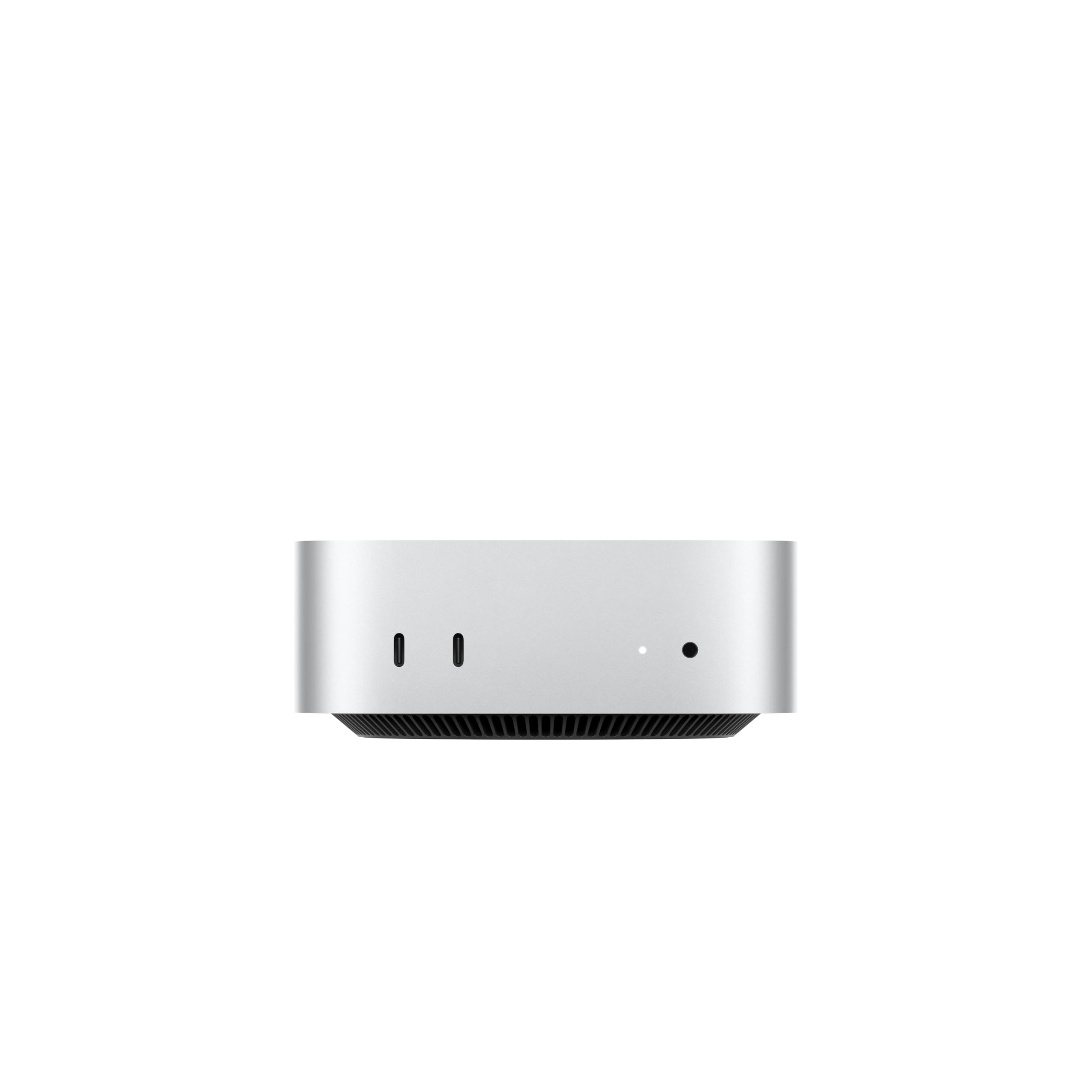
The hardware is genuinely small for what it does: a five-by-five-inch square under a pound and a half, with three Thunderbolt 4 ports, HDMI, 2.5-gigabit Ethernet, two front USB-C ports, and a headphone jack. The catch is base storage. 256GB is a couple of large game installs or one serious video project, so if editing is the reason you're buying, price the next tier before you commit.

Pros

  • 12-core M6 CPU and GPU
  • Three Thunderbolt 4 plus 2.5GbE
  • Under 1.5 pounds, five inches square
  • Runs quietly at the desk

Cons

  • 256GB base storage is tight
  • The most expensive pick here
Our verdict

If your work already lives in Apple's ecosystem, this is the desk machine to buy: M6 speed, three Thunderbolt 4 ports, and near-silent running.

Check Latest Price
4

Best for Gaming and Heavy Workloads

GMKtec M6 Ultra

84 /100
LBD Score Excellent

Key details

Memory
32GB DDR5 (2x16GB)
Storage
1TB PCIe 4.0 SSD
Processor
AMD Ryzen 5 7640HS
Networking
Dual 2.5GbE, USB4
View on Amazon

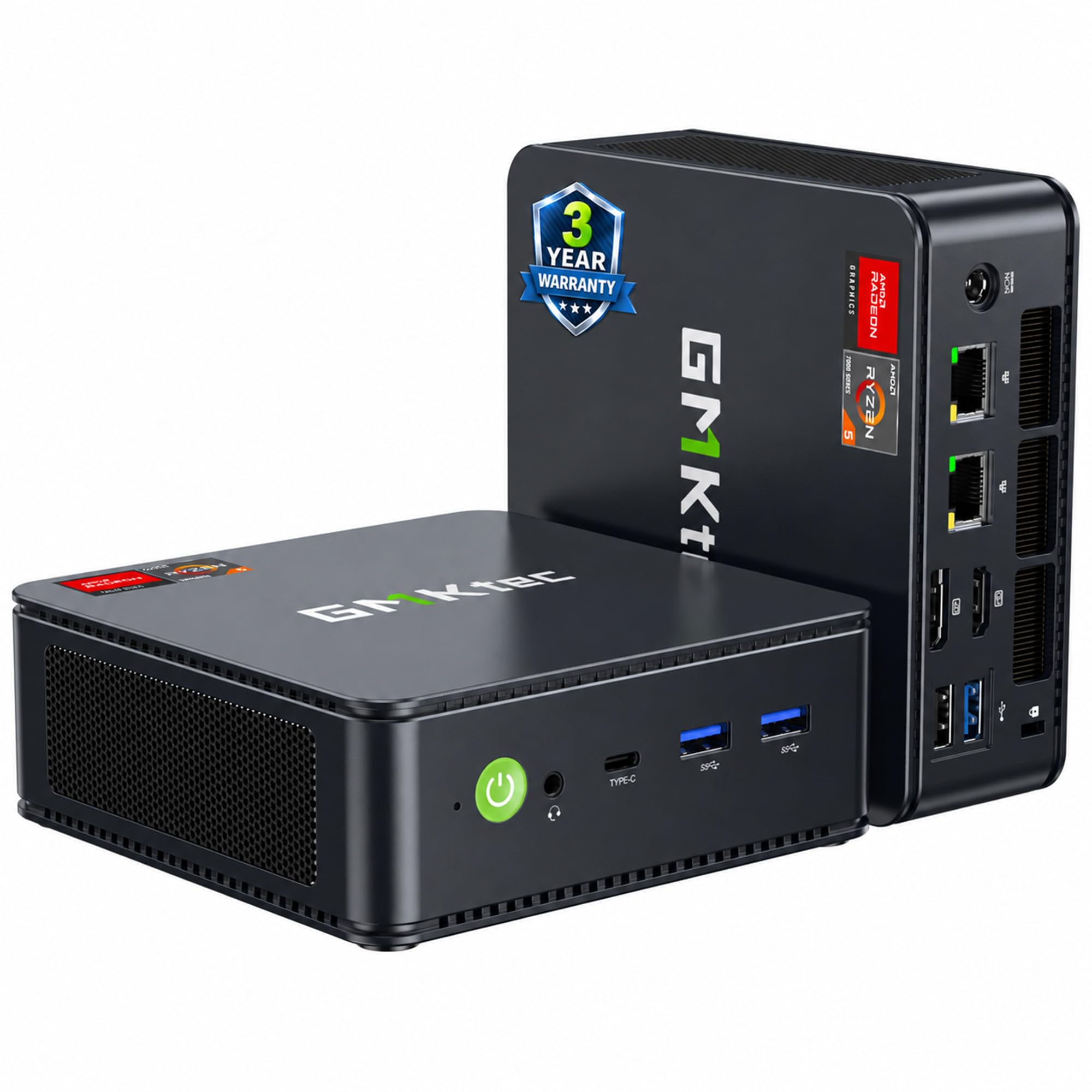
'Gaming mini PC' is a label worth translating. Inside is a Ryzen 5 7640HS and a Radeon 760M with eight compute units running up to 2,600MHz, which means moderate games at steady frame rates and hardware encoding for streaming — not the settings a discrete graphics card would let you pick. Knowing that, the machine makes sense: it's the one here built to be pushed.

The rest of the specification backs the claim up. 32GB of DDR5 across two SO-DIMM slots, a 1TB PCIe 4.0 drive, dual 2.5-gigabit Ethernet, USB4, and three display outputs with 8K available over USB4. Very little here is soldered or skimped, and the two network ports alone put it in a different class from the budget machines.

We rate it as the pick for someone whose mini PC is a workstation rather than a web browser: gaming, virtual machines, video work, a home lab. If your day is Office and streaming, you're buying headroom you'll never feel, and the SER5 covers that ground for meaningfully less money.

Pros

  • Ryzen 7-class chip with 32GB DDR5
  • 1TB PCIe 4.0 storage
  • Dual 2.5GbE and USB4
  • Triple display with 8K over USB4

Cons

  • Premium price for the category
Our verdict

Buy the M6 Ultra if the mini PC is your workstation: 32GB of DDR5, a 1TB drive, and Radeon graphics handle gaming, VMs, and editing.

Check Latest Price
5

Best Budget

BOSGAME E5

86 /100
LBD Score Excellent

Key details

Memory
8GB DDR4
Storage
256GB M.2 SSD
Processor
AMD Ryzen 3 5300U
Networking
Dual 2.5GbE
View on Amazon

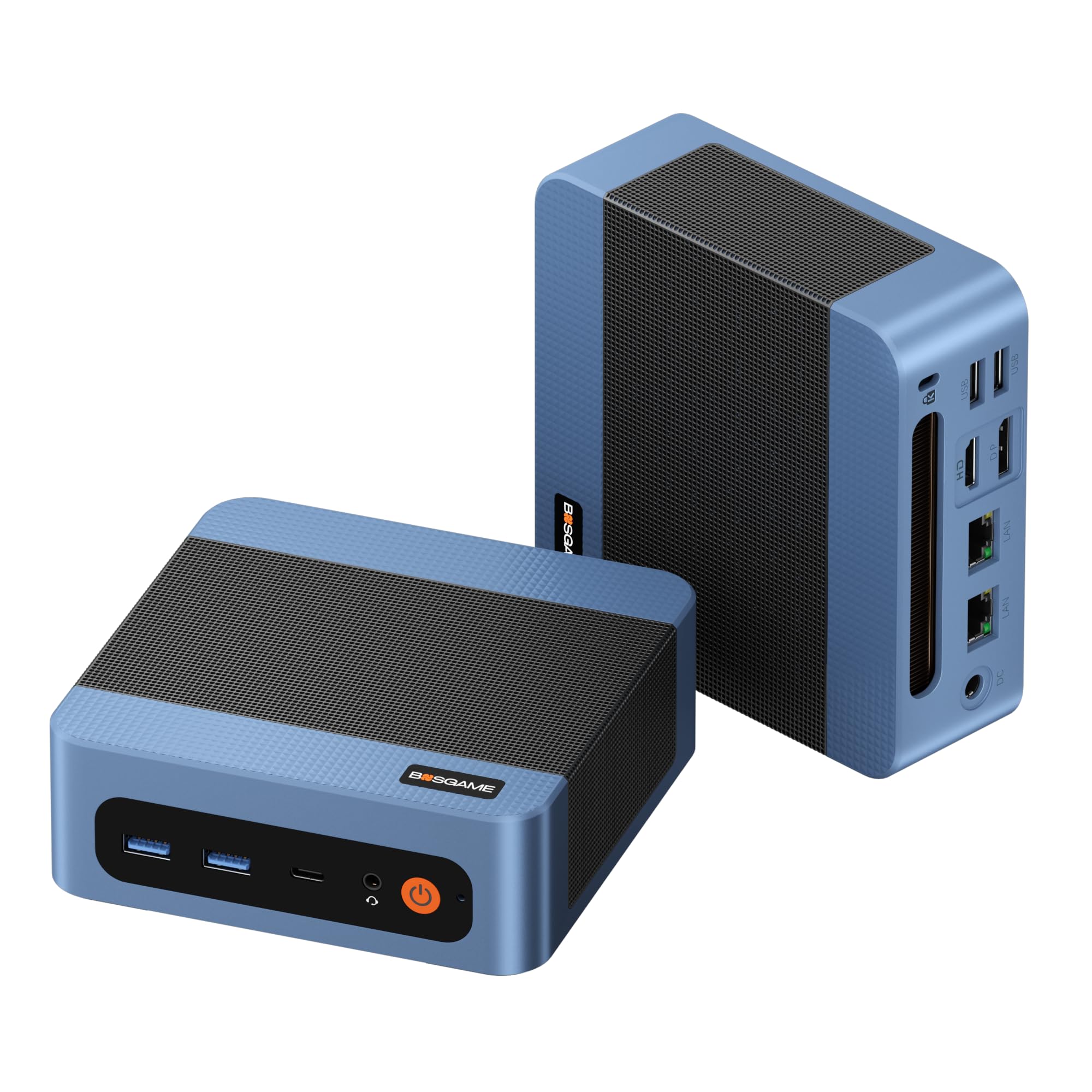
There is a price floor for a mini PC worth keeping, and the E5 sits close to it. Four cores and eight threads from a Ryzen 3 5300U, 8GB of DDR4, a 256GB drive, three 4K display outputs, and two 2.5-gigabit Ethernet ports — it's the cheapest complete machine in this guide, and nothing else here bundles as much for the money.

Where we like it most is as a second computer: a kitchen or dorm desk, a machine for a parent, or a headless box running a NAS, a firewall, or network-wide ad blocking, which is exactly what two 2.5GbE ports are for. Browsing, email, streaming, and documents are all perfectly pleasant. The 8GB of memory is what keeps it out of serious multitasking, and it's why we don't hand it to anyone who lives with twenty tabs open.

The caution is longevity. Reliability is the one place the E5 gives ground, with units that stopped working a few months in and a few that arrived dead. The one-year machine warranty with three years of parts coverage is better than most here, but buy from somewhere with a simple return window and keep the box for the first month.

Pros

  • Cheapest complete mini PC here
  • Dual 2.5GbE ports for server duty
  • Three 4K display outputs
  • Quiet in daily use

Cons

  • 8GB of memory limits multitasking
  • Wi-Fi 5, not Wi-Fi 6
Our verdict

On a tight budget, the E5 is the one to get: it runs Windows comfortably, adds dual 2.5GbE for server duty, and asks the least of any pick here.

Check Latest Price
6

Dual-HDMI Desks

GMKtec M2 Pro S

82 /100
LBD Score Excellent

Key details

Memory
16GB DDR4, up to 64GB
Storage
1TB NVMe SSD
Displays
3 (2x HDMI, USB-C)
Processor
Intel Core i7-1185G7
View on Amazon

Two HDMI ports is an odd thing to lead with, but it's the detail that makes the M2 Pro S the right machine in a specific room: two HDMI monitors, no adapters, no hunting for a DisplayPort cable. The third output is USB-C, so a three-screen setup works as long as one of your displays takes USB-C.

The rest is a sensible Intel build — a Core i7-1185G7, Iris Xe graphics with 96 execution units, 16GB of DDR4 that expands to 64GB, a 1TB NVMe drive, 2.5-gigabit Ethernet, Wi-Fi 6, and USB4. The drive is the standout. It's the only machine here that arrives with a terabyte at a midrange price, and it saves you shopping for an SSD on day one.

We place it behind the SER5 because the Beelink gives you six cores and 12 threads for less money, and behind the M6 Ultra on raw capability. What it answers with is storage, dual HDMI, and USB4 on a platform that is now a couple of generations old. Buy it for the ports and the drive; buy the others for the chip.

Pros

  • 1TB NVMe drive out of the box
  • Two HDMI ports plus USB-C output
  • 16GB expandable to 64GB
  • 2.5GbE, Wi-Fi 6, and USB4

Cons

  • Four-core 11th-gen Intel platform
Our verdict

Choose the M2 Pro S for its ports and its drive: two HDMI outputs and a full terabyte, on a four-core platform that trails the newer chips.

Check Latest Price
7

Home Server Nodes

ORIGIMAGIC C4 SE

84 /100
LBD Score Excellent

Key details

Memory
8GB DDR4, up to 32GB
Storage
256GB NVMe SSD
Processor
AMD Ryzen 5 3500U
Networking
Dual gigabit Ethernet
View on Amazon

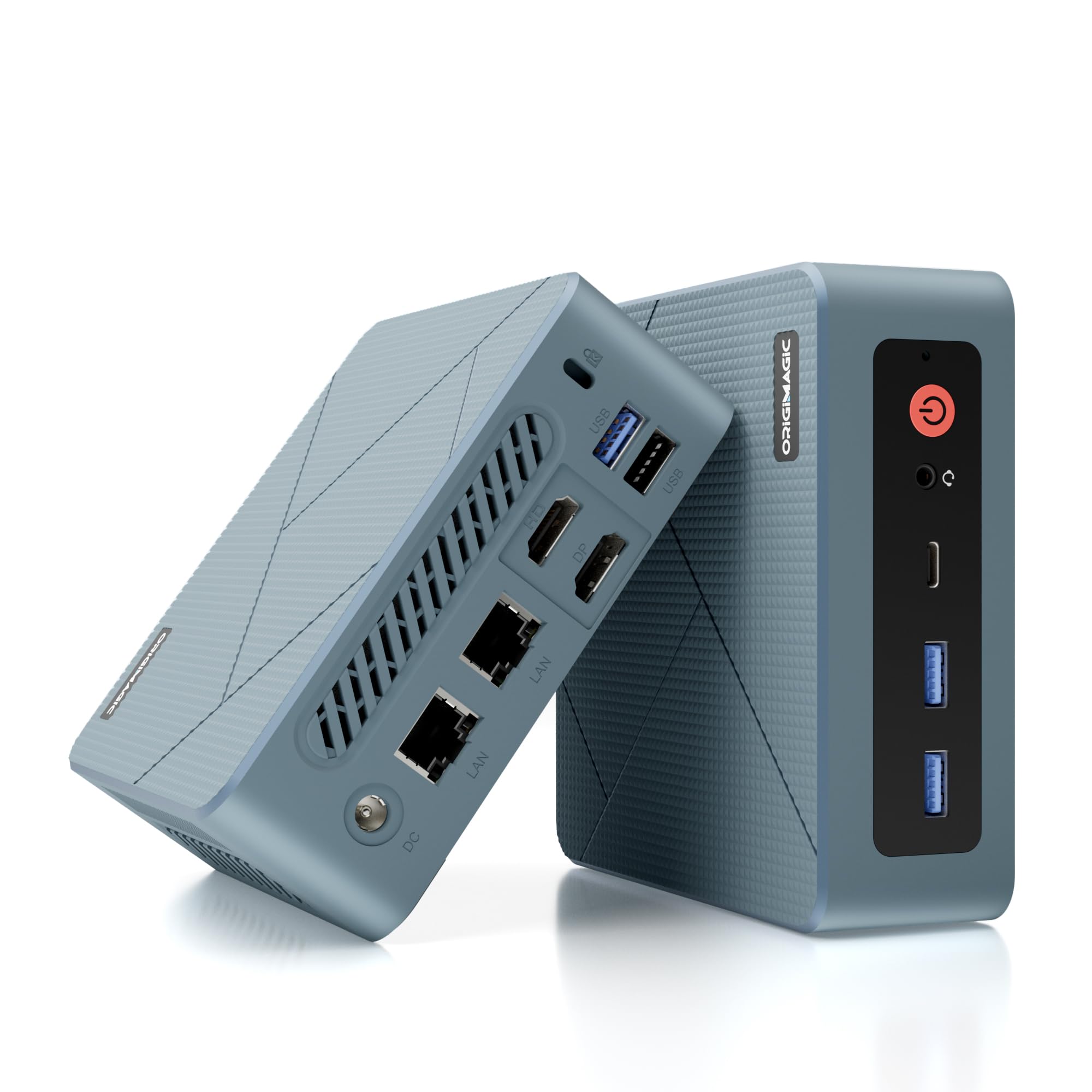
At 368 grams, the C4 SE is the lightest machine in this guide, and that is most of its appeal. It disappears on a VESA plate behind a monitor, which is the point of a mini PC in the first place.

The interesting part is the networking. Two gigabit Ethernet ports on a box this small mean it can drop in as a firewall, a router, or a small NAS, and the HDMI, DisplayPort, and USB-C outputs let it drive three screens when it's a desk PC instead. The Ryzen 5 3500U and 8GB of DDR4 are enough for office work, streaming, and a few background services, and two SO-DIMM slots let you add memory later.

Where it gives ground is speed and ports. The older Ryzen trails the six-core chips here, and the three video outputs aren't equal — check which one your third monitor needs before you count on three 4K screens. It's not the machine to buy if you keep a lot open at once.

Our read: it's the right purchase for a specific job — a cheap dual-LAN node, a light second desk, a machine that hides behind a TV — and the wrong one as a household's only computer. For that, the extra money on a SER5 buys cores, memory headroom, and storage you'll use every day.

Pros

  • Lightest here at 368 grams
  • Dual gigabit Ethernet ports
  • HDMI, DisplayPort, and USB-C outputs
  • Two SO-DIMM slots for upgrades

Cons

  • 8GB standard is tight for heavy use
  • Wi-Fi 5 only
Our verdict

The C4 SE suits a narrow job — a cheap dual-LAN node or a light second desk — rather than a household's only computer.

Check Latest Price

How We Picked and Tested the Best Mini PCs

To build the shortlist, I started with roughly three dozen machines and cut the ones that looked like dead ends on paper: a single video output, older wireless at a new-machine price, a previous-generation chip dressed up as current. That left 12 units, and each spent at least two weeks as somebody's main computer.

Setup came first. I timed each one from opening the box to the first browser tab, including the account screens and the update cycle that follows — some were ready in under ten minutes, others ate an evening. Then each machine went to work: spreadsheets and email, video calls, photo edits, a couple hooked to a living-room TV as a media box, one taxed with games.

Ports got the most scrutiny, because that's where listings stretch the truth. I plugged two and then three monitors into every machine that claimed triple display, copied a large folder across the 2.5GbE ports on the dual-LAN models, and moved files to an external SSD over USB4 where it was offered. For wireless, I joined the same network from the same desk, then again two rooms away through a wall and a closed door, streaming 4K while on a call.

Finally, reliability and value: every unit stayed awake overnight at least twice a week, had to wake from sleep on command, and got rebooted more than it deserved. I logged dropped connections, crashes, and anything that ran hot enough to notice, then weighed all of it against what each machine asks for its memory, storage, and speed.

How to Choose a Mini Pc

Start With the Processor

The processor separates these machines far more than their cases suggest. A four-core Ryzen 3 like the one in the Bosgame E5 handles browsing, documents, and streaming comfortably; a six-core Ryzen 5 like the SER5's keeps its footing when you add a video call and a spreadsheet; a Ryzen 7 with 32GB of memory is what gaming, virtual machines, and editing want.

Compare core and thread counts, not just model numbers. Six cores and 12 threads against four cores and eight is the difference between a machine that stays smooth when the day gets busy and one that stutters — and the gap never shows up in a product photo.

Memory and Storage You Can't Add Later

Soldered memory is the most common trap in this category. The Pinova P2's 16GB of LPDDR4 is fixed at purchase, which is fine if 16GB covers the next few years and hopeless if it doesn't. Two SO-DIMM slots, as on the SER5 and the M2 Pro S, let you start at 16GB and go to 64GB later.

Storage behaves the same way. 256GB is the norm here and disappears with photos, games, or video, while 480GB or a full terabyte buys years of breathing room. Check that an M.2 slot is actually free before assuming you can add a drive.

Count the Outputs, Then Check Their Ratings

Two screens is the minimum for most desks now and three is common, but display outputs are not interchangeable. HDMI and DisplayPort usually carry 4K at 60Hz, while a USB-C port on a budget mini PC can be data-only or capped well below 4K. Decide how many monitors you'll really connect, then check the rating on each port.

If the third screen is the whole point, the Pinova P2 makes it a non-issue with three 4K-capable outputs. If the two monitors already on your desk are both HDMI, the M2 Pro S saves you two adapters.

Plan Placement, Noise, and the Network

Most of these machines hang on the back of a monitor with a VESA plate, and that's the best trick in the category: the computer disappears and the desk stays clear. Plan the cables before you buy, because power, display, and Ethernet all have to reach the spot.

Noise is the other variable. A small fan working hard is audible in a quiet room, so if the machine sits beside you, favor one described as quiet over the fastest one. And if there's no network cable run to the desk, treat Wi-Fi as a real specification rather than an afterthought.

Weigh the Warranty and Where You Buy

This is a category of small brands, and support varies. One year is the standard warranty; the SER5 lists three, and the Bosgame E5 pairs a one-year machine warranty with three years of parts coverage. Where you buy matters as much as the paperwork, because the failures that show up early show up in the first month.

A straightforward return window covers that month better than any extended plan does. Spend the difference on an easy return rather than on extra coverage.

Frequently Asked Questions

Final Verdict

The Beelink SER5 is the mini PC we recommend to most people. Six cores, 16GB of memory, and a 480GB drive are the combination that keeps an ordinary desk quick for years, and the two memory slots mean today's purchase isn't tomorrow's ceiling. Two display outputs is its one real limit.

Change one requirement and the answer changes. Three monitors points to the KAMRUI Pinova P2, gaming and virtual machines to the GMKtec M6 Ultra, and an all-Apple workflow to the Mac mini. If the budget is fixed and small, the Bosgame E5 proves you don't need to spend much for a usable Windows desktop — just plan on Ethernet and keep the return window open for a month.